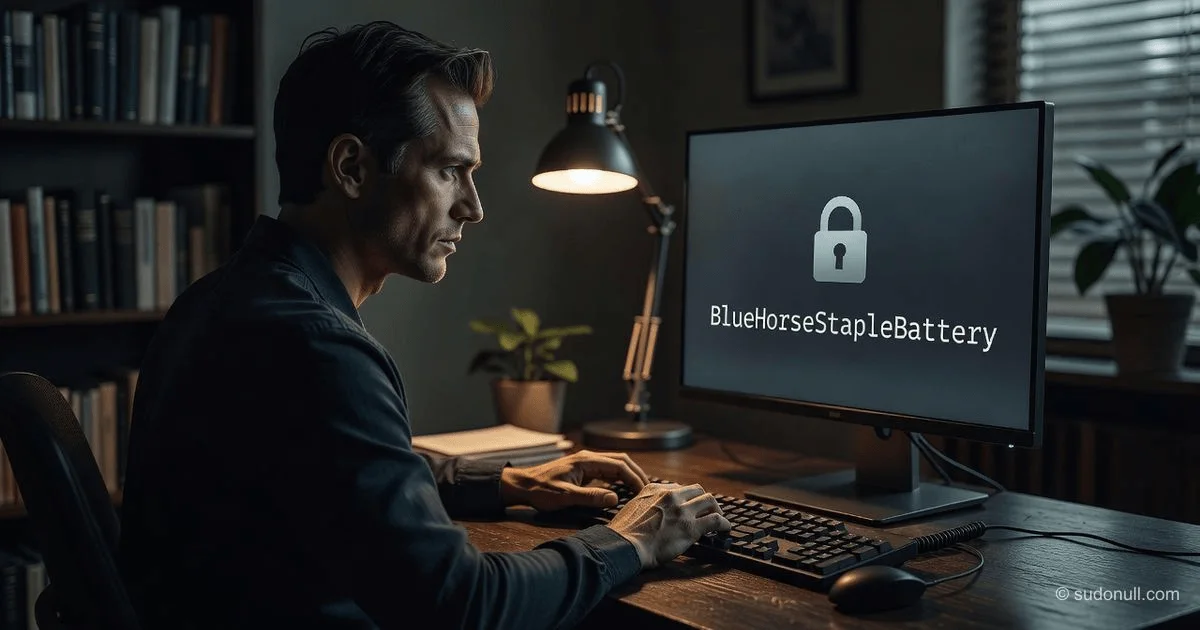
Create Unbreakable Passwords You Can Actually Remember
For decades, the cybersecurity industry has given us a maddening paradox: to be safe, you need passwords that are long, random, and unique for every account—yet the human brain evolved to remember patterns, stories, and locations, not strings of gibberish like xQ9#mP2$vL. This mismatch forces millions of people into dangerous workarounds: reusing the same password across sites or writing them down on sticky notes. But what if the problem isn't your memory, but the outdated advice you've been following? You can create passwords that are both cryptographically strong and deeply intuitive to recall, and doing so doesn't require a degree in computer science.
What You'll Learn
You'll understand exactly how password cracking works in practice, why length trounces complexity, and walk away with a step-by-step method to generate unique, high-entropy passphrases for every account that you can recall effortlessly. You will never need to write down or reset a password again after adopting this system.
Why Your Current Password Strategy Is Failing
Most password advice focuses on complexity: add a number, a symbol, an uppercase letter. This approach is a relic of the 1990s when computing power was limited. Today, a standard consumer GPU can try billions of combinations per second. According to the National Institute of Standards and Technology (NIST), the traditional formula of forcing users to include special characters is actually counterproductive—it leads to predictable patterns like P@ssw0rd! that are trivial for machines to guess. NIST's latest guidance (SP 800-63-3) explicitly prioritizes length over complexity and encourages the use of long, memorable passphrases.
Here is the brutal reality: a typical 8-character password with upper/lowercase, numbers, and symbols has around 95^8 (approximately 6.6 quadrillion) possible combinations. That sounds massive. However, a modern cracking rig using hashcat on a single high-end GPU can exhaust that entire keyspace in under an hour. Add a botnet or cloud computing, and it's minutes.
The solution isn't to make passwords harder for your brain; it's to make them harder for the machine. Length adds exponential difficulty. A 15-character passphrase composed only of lowercase letters has 26^15 (over 1.6 septillion) combinations—a search space that would take centuries to crack with current technology. Based on NIST's entropy calculations and Moore's Law projections, a reasonable conclusion is that a 16-character random passphrase offers approximately 2^100 bits of entropy, placing it firmly in the "secure against state-level actors for decades" category.
Step 1: Abandon the Keyboard Mash, Embrace the Sentence
The most effective way to create strong passwords that are easy to remember is to abandon individual words and use a passphrase—a sequence of random words or a complete sentence that has meaning only to you. The classic XKCD comic ("correct horse battery staple") illustrated this brilliantly: the entropy of four random common words far exceeds that of a complex 8-character password, and it's infinitely easier to type and recall.
How to Generate Your Base Passphrase
- Think of a personal, non-public memory. For example: the first concert you attended, the name of your childhood pet combined with the street you grew up on, or a line from a book you love.
- Turn it into a sentence. "My first concert was in Madison Square Garden in 2008." This is 48 characters long.
- Take the first letter of each word. This gives you
MfcwiMSGin2008. This is a 14-character password with uppercase, lowercase, and numbers. - However, a sentence is better. Instead of abbreviating, keep the full phrase but add a personal twist:
FirstConcert@MSG!2008.
Pro-Tip: Avoid famous quotes, song lyrics, or common proverbs. Attackers have dictionaries filled with these. Your phrase must be idiosyncratic.
Step 2: The Base + Site Uniqueness Formula
The greatest threat to your digital life isn't a brute-force attack on a single password; it's credential stuffing. When a site like LinkedIn or Equifax gets breached, hackers take those emails and passwords and try them on PayPal, Gmail, and your bank. According to a 2022 report by the Verizon Data Breach Investigations Report, over 80% of hacking-related breaches involve stolen or weak credentials. Reusing a password even once is a catastrophic risk.
To solve this, you need a unique suffix or transformation for every site without memorizing thousands of different strings.
The Method:
Take your base passphrase (e.g., FirstConcert@MSG!2008) and add a deterministic site-specific element.
- Option A (Prefix/Suffix): Add the first and last letter of the site name.
- For Amazon:
AMFirstConcert@MSG!2008NZ - For Gmail:
GLFirstConcert@MSG!2008IL
- For Amazon:
- Option B (Pattern Insertion): Insert the site name length or a special character associated with the site.
- For Amazon (6 letters):
FirstConcert@MSG!2008AA - For Gmail (5 letters):
FirstConcert@MSG!2008GM
- For Amazon (6 letters):
The goal is to create a deterministic formula. You don't write down the password; you write down the formula. When you log into Amazon, your brain runs the formula: "Base phrase + A and M at the end."
⚠️ Critical Warning: While this formula solves the "uniqueness" problem, it is vulnerable if an attacker compromises both your base password and deduces your formula from a breach. This method is a bridge between perfect security and practicality. For mission-critical accounts (email, banking, password managers), do not rely on this formula alone. Use a dedicated password manager for those.
Step 3: Use a Password Manager for the "Brain" Accounts
Even with a brilliant formula, the human brain can't track 100 unique variations with 100% accuracy. This is where password managers come in. A password manager is a digitally encrypted vault that stores all your passwords. You only need to remember one single, ultra-strong master password.
Why this is authoritative: The National Cybersecurity Center of Excellence (NCCoE) explicitly recommends password managers as the primary solution for consumers and enterprises. By using a manager like Bitwarden, 1Password, or Keepass, you eliminate the need to memorize complex strings for 99% of your accounts.
The Hybrid Strategy:
- Password Manager: Generate completely random, 20+ character passwords (e.g.,
9sKd#FpQ2!zXvLmNpQ8@) for every single website. The manager auto-fills them. - Memory: You only memorize one thing—the master password to the vault.
- Backup: Use the formula from Step 2 only for your primary email account and banking login. This gives you a fallback if you lose access to your password manager.
Step 4: The Two-Factor Authentication (2FA) Insurance Policy
No password, however strong, is unbreakable. Phishing attacks can trick you into typing your password into a fake site. According to Microsoft, 2FA blocks over 99.9% of automated account compromise attacks. Think of 2FA as your backup parachute.
Best Practices for 2FA:
- Avoid SMS if possible: SIM swapping attacks are real. Use an authenticator app (Google Authenticator, Authy) or a hardware key (YubiKey).
- Backup codes: When you enable 2FA, you receive one-time backup codes. Print these out and store them in a physical safe. Do not store them digitally.
Comparing Password Strategies: A Risk Matrix
| Strategy | Security Level | Memorability | Risk Factor | Best For |
|---|---|---|---|---|
| 8-char complex (e.g., P@ssw0rd) | Low (Hours to crack) | Medium | High (Predictable patterns) | Never use |
| 15-char random (e.g., 9sKd#FpQ) | High (Centuries) | Very Low | Medium (Will be written down) | Password Manager auto-fill |
| 20+ word passphrase (e.g., BlueHorse...) | Very High (Millennia) | High | Low (Length prevents cracking) | Master Password |
| Base+Site Formula | Medium-High | Medium-High | Medium (Formula exposure) | Secondary accounts |
Based on the data from the Password Hashing Competition and Moore's Law projections, a 20-character passphrase containing only lowercase letters and spaces (approximately 27^20 entropy) is theoretically unbreakable by brute force until the advent of quantum computing with functional Shor's Algorithm, which is still estimated to be over a decade away.
How to Update and Maintain Your System
- Start critical: Change your Email and Banking passwords immediately using a long (20+ char) random passphrase.
- Migrate to a Manager: Download a password manager and change 5-10 accounts per day, generating random passwords for each.
- Audit: Use the "Password Health" checkup in your manager to identify reused or weak passwords.
- Physical Backup: Write down your master password and 2FA recovery codes. Seal them in an envelope. This protects you from memory failure.
Frequently Asked Questions
Q: I have a terrible memory. How can I possibly remember a 20-character passphrase? A: Think of a story. Instead of "Blue Horse Staple Battery," create a scene: "MyBlueHorseAteTheBattery!" This is 26 characters and uses your brain's visual memory. Associate the image with a specific emotion or location, and the phrase becomes nearly impossible to forget.
Q: Is it safe to store all my passwords in one place (a password manager)? A: Yes, provided you use a strong master password and enable 2FA. The vault is encrypted with AES-256, the same standard used by the U.S. government. The risk of a targeted attack on your encrypted vault is far lower than the risk of you reusing passwords across 50 websites.
Q: What if I need to log in on a public or untrusted computer (e.g., a library)? A: Never type your master password into an untrusted machine. Instead, use a "one-time password" or temporary login option if your manager supports it, or reset your password for that specific service and change it back later. Avoid entering critical passwords on public computers entirely.
Q: How often should I change my passwords? A: NIST SP 800-63b explicitly advises against periodic password changes unless there is evidence of a breach. Forcing users to change passwords often leads to weaker passwords (e.g., Summer2023!, Fall2023!). Only change your password if you receive a breach notification or suspect unauthorized access.
Q: Are biometrics (fingerprint/face ID) better than passwords? A: Biometrics are excellent for convenience and local authentication (unlocking your phone), but they are not private. Your fingerprint is not a secret; you leave it everywhere. If it's stolen, you can't change it. Biometrics should be used as a secondary factor (2FA) or a convenience layer on top of a strong master password, never as the sole authentication method.
— Editorial Team










No comments yet.