Phishing Protection: 7 Proven Ways to Avoid Scams
Phishing attacks have become the most reported type of cyber-enabled fraud, with the Canadian Anti-Fraud Centre receiving nearly 24,000 reports in recent years . These deceptive attempts to steal sensitive information—passwords, credit card details, and even corporate data—now arrive through email, text messages, social media, and even QR codes . Understanding how to protect yourself from phishing attacks is no longer optional; it is an essential digital survival skill. This guide provides actionable strategies to defend against these scams, leveraging the latest insights from cybersecurity authorities.
What You'll Learn
By the end of this guide, you will understand the anatomy of modern phishing attacks, from urgent-sounding emails to convincing AI-generated deepfakes. You'll walk away with a clear, step-by-step plan for implementing defenses like Multi-Factor Authentication (MFA) and verification protocols. The single most important takeaway is that effective phishing protection requires a combination of vigilance, skepticism, and proactive security measures.
Step-by-Step Guide: 7 Proven Ways to Defend Yourself
1. Master the Art of Spotting a Phishing Attempt
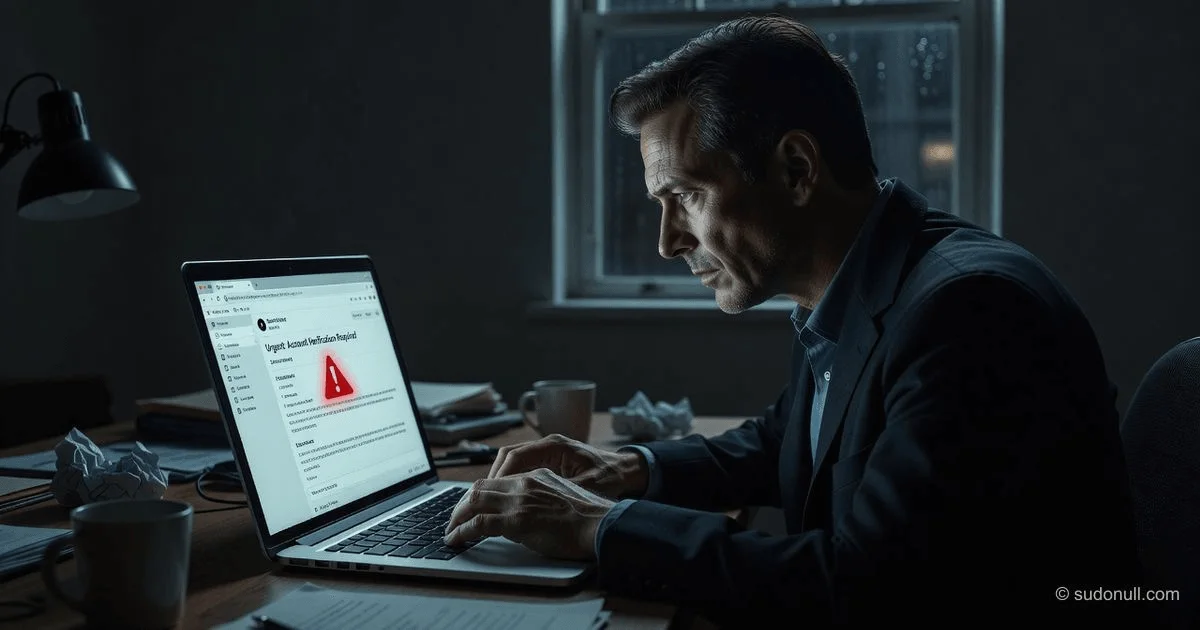
The first line of defense is knowing how to recognize a scam. Phishing emails and messages often share common red flags. Always scrutinize the sender's email address; a slight misspelling (e.g., arnazon.com instead of amazon.com) is a dead giveaway . Beware of generic greetings like "Dear Customer" instead of using your name, and be highly suspicious of messages that create a false sense of urgency, threatening account closure or legal action if you don't act immediately .
⚠️ Critical Warning: Never click on links or download attachments from unexpected or unsolicited emails. Hover your mouse over a link to preview the actual URL before clicking. If it looks unfamiliar or doesn't match the supposed sender's official website, do not interact with it .
2. Implement Multi-Factor Authentication (MFA)
Even if a phisher successfully steals your password, MFA can stop them in their tracks. Multi-Factor Authentication adds a second layer of security, requiring a one-time code from an authenticator app, a biometric scan (like a fingerprint), or a physical security key in addition to your password . This simple yet powerful measure makes it significantly harder for attackers to access your accounts, even with compromised credentials . Whenever possible, use app-based authenticators (like Google Authenticator or Authy) instead of SMS-based codes, as SMS can be vulnerable to interception .
3. Verify, Then Trust
In the digital world, trust must be earned through verification. If you receive a request for sensitive information—whether it's from your "bank," a "colleague," or a "service provider"—do not respond directly to the email or text. Instead, independently verify the request using a trusted channel . Contact the organization using a phone number from their official website (not the one in the suspicious message) to confirm if the request is legitimate . This simple step can thwart Business Email Compromise (BEC) and spear-phishing attacks, which have caused over $170 million in losses .
4. Keep Your Software and Systems Updated
Cybercriminals frequently exploit known vulnerabilities in outdated software, operating systems, and browsers to deploy malware or gain access to your system . Phishing attacks often serve as the entry point for ransomware and other malware . By enabling automatic updates and regularly patching your software, you close these security gaps, making it harder for attackers to compromise your devices .
5. Fortify Your Email Defenses
For organizations and individuals, a robust email security solution acts as a crucial filter. Advanced email security systems use AI and machine learning to detect and block suspicious emails before they even reach your inbox . They analyze content, sender reputation, and attachments for malicious patterns. For businesses, implementing email authentication protocols like SPF, DKIM, and DMARC is essential to prevent domain spoofing and forgery .
6. Use Strong, Unique Passwords and a Password Manager
Weak or reused passwords are a major vulnerability. If you use the same password across multiple sites and one gets breached, attackers will try those credentials on other accounts . Use a password manager to generate and store complex, unique passwords for every account . This allows you to maintain strong, practically unbreakable passwords without having to memorize them all.
7. Stay Educated on Emerging Threats
Phishing tactics are constantly evolving. Cybercriminals are now leveraging generative AI to craft more convincing, personalized messages with perfect grammar, making traditional red flags harder to spot . Attackers are also using smishing (SMS phishing), vishing (voice phishing), and quishing (QR code phishing) . Regular security awareness training—through online courses, simulations, or webinars—is critical for you and your organization to stay informed about the latest tactics and adapt your defenses accordingly .
Frequently Asked Questions
1. What is the difference between phishing, smishing, and vishing? Phishing typically occurs via deceptive emails, while smishing uses fraudulent SMS text messages, and vishing is carried out through voice calls or voicemails. All are social engineering tactics designed to steal sensitive information . Smishing in particular is a fast-growing tactic due to the personal and urgent nature of text messages .
2. What should I do immediately if I click on a phishing link? Do not enter any information on the website. Disconnect your device from the internet to prevent malware from spreading, and run a full antivirus scan to check for infections . Then, change your passwords and report the incident to your IT department or the organization that was impersonated .
3. How can I tell if a message is a spear-phishing attack? Spear phishing is highly targeted. The message will likely address you by name, reference personal details, or mimic a known contact (like a colleague or executive) to appear credible . Be extremely cautious if the request is for money, sensitive data, or involves an urgent action. Always verify the request through a separate communication channel .
4. How does Multi-Factor Authentication (MFA) protect me from phishing? MFA protects you even if your password is stolen. While a phisher might trick you into giving up your password, they would also need a second factor—like a time-sensitive code from your authenticator app or your biometric data—which they typically cannot access .
5. Can I report phishing messages? Yes. You can forward suspicious emails to the Anti-Phishing Working Group at [email protected] and report SMS phishing to your carrier by forwarding the text to 7726 (SPAM) . For work-related emails, always report them to your company's IT department .
Sources
- Get Cyber Safe, Government of Canada
- Optiv
- Barnet Council, UK
- Check Point Software
- Cybersecurity Insiders
- Intermedia
- European Parliament
- CSA (Cybersecurity & Infrastructure Security Agency)
- Bundesamt für Sicherheit in der Informationstechnik (BSI)
- TechTarget
— Editorial Team









No comments yet.