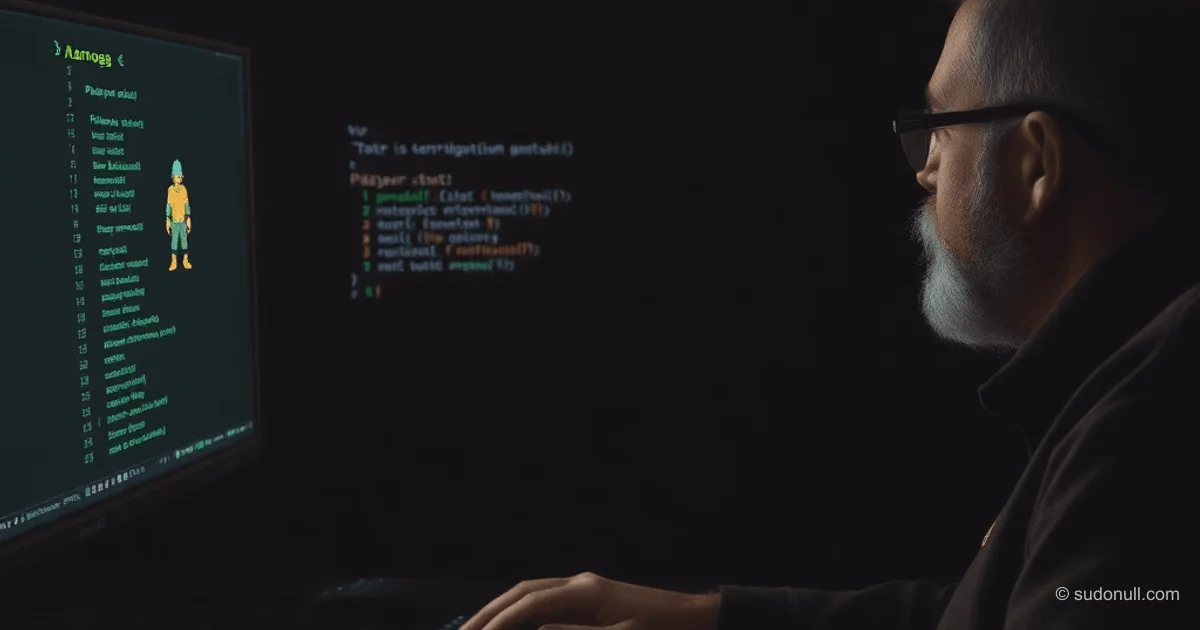
Building an ASCII RPG in C: From Structs to the Game Loop
Many developers learn C by diving into hands-on projects. Building a simple ASCII-based RPG is an excellent way to get comfortable with data structures, pointers, functions, and I/O handling. In this guide, we’ll walk through the code for a terminal-based combat game featuring random monster encounters, while highlighting common beginner traps along the way.
Core Data Structures
The project relies on typedef to define the game's core entities:
typedef struct {
    char Name[15];
    int Hp;
    int Attack;
} Player;

typedef struct {
    char Name[15];
    int Hp;
    int min_attack;
    int max_attack;
    int type;
} Monster;

typedef struct {
    int min_heal;
    int max_heal;
} Heal;- Player: Name (capped at 14 characters), HP, and attack power.
- Monster: Name, HP, damage range, and a type identifier for ASCII art.
- Heal: HP restoration range.
Limiting the name input with %14s in scanf prevents buffer overflows. The player’s maximum HP is hardcoded to 20.
Initializing Entities
Initialization functions populate the structs with starting values:
void init_player(Player* player) {
    printf("Send Nickname: ");
    scanf("%14s", player->Name);
    player->Hp = 20;
}
Monsters are selected from a template array using rand():
void init_monster(Monster* monster) {
    Monster monster_list[3] = {
        {"Amogus",30,3,6,0},
        {"Slime",20,1,3,1},
        {"Spider",25,2,4,2}
    };
    int id = rand() % 3;
    *monster = monster_list[id];
}
Calling srand(time(NULL)) in main() ensures a fresh seed every time the program runs.
Rendering Battle State
The print_status function draws the monster’s ASCII art based on its type and displays current HP:
void print_status(Player player, Monster monster){
    printf("\n--- MerRPG ---\n");
    if (monster.type == 0) {
        printf(" 0             (AMOGUS)\n");
        printf("/|\\             (00)\n");
        printf("/ \\             /___\\\n");
    } // ... other types
    printf("%s HP: %d\n", player.Name, player.Hp);
    printf("%s HP: %d\n", monster.Name, monster.Hp);
}
Values are passed by value here since the function only reads the data.
Combat Mechanics
The player’s attack deals 1–5 damage and uses pointers to modify the monster’s HP:
void player_attack(Player* player, Monster* monster){
    int damage_player = rand() % 5 + 1;
    monster->Hp -= damage_player;
    printf("You caused %d damage\n", damage_player);
    if (monster->Hp < 0) {
        monster->Hp = 0;
    }
}
The monster’s attack pulls from its defined damage range:
void monster_attack(Player* player, Monster* monster){
    int damage_monster = rand() % (monster->max_attack - monster->min_attack + 1) + monster->min_attack;
    player->Hp -= damage_monster;
    printf("Enemy caused %d damage\n", damage_monster);
    if (player->Hp < 0) {
        player->Hp = 0;
    }
}
Healing caps the player’s HP at the maximum of 20:
void player_heal(Player* player, Heal* heal) {
    int heal_player = rand() % (heal->max_heal - heal->min_heal + 1) + heal->min_heal;
    player->Hp += heal_player;
    printf("You have restored %d Hp\n", heal_player);
    if (player->Hp > 20) {
        player->Hp = 20;
    }
}
The Main Game Loop
The start_game() function drives the combat sequence inside a while loop:
void start_game() {
    Player player;
    Monster monster;
    Heal heal = {1,6};
    init_player(&player);
    init_monster(&monster);

    while(player.Hp > 0 && monster.Hp > 0 ) {
        print_status(player, monster);
        printf("[0] - Exit\n");
        printf("[1] - Attack\n");
        printf("[2] - Healing\n");
        scanf("%d", &choice);
        if (choice == 1) {
            player_attack(&player, &monster);
            if (monster.Hp > 0) {
                monster_attack(&player, &monster);
            }
        } else if (choice == 2) {
            player_heal(&player, &heal);
            monster_attack(&player, &monster);
        } else if (choice == 0) {
            printf("You are out of the game\n");
            break;
        } else {
            break;
        }
    }
    if (player.Hp == 0) {
        printf("You Lose...\n");
    } else if (monster.Hp == 0) {
        printf("You Win!\n");
    }
    printf("Press any button to return to menu\n");
    char tmp;
    getchar();
    scanf("%s", &tmp);
}
The loop continuously checks both entities' HP. After the player acts, the monster counterattacks if it’s still alive.
Menu and Modularity
The main menu lives in a separate file alongside menu.h:
void menu_game(void) {
    while (1) {
        // ASCII banner art
        printf("1 - Start game\n");
        printf("2 - Exit\n");
        scanf("%d", &choice);
        if (choice == 1) {
            start_game();
        } else if (choice == 2) {
            break;
        }
    }
}
Similarly, start_game() is declared in game.h. The main() function seeds the RNG and launches the menu.
Common Pitfalls and Workarounds
- Input Buffer Clearing: After
scanf("%d"), a newline character (\n) lingers in the buffer.getchar()consumes it before the nextscanf("%s", &tmp). - Cyrillic/Multibyte Input:
%conly reads a single byte, which breaks with multibyte characters like Cyrillic. Switching to%ssidesteps the issue. - Hardcoded HP Limits: The
Healstruct is initialized locally as{1,6}without being passed through the loop.
Future iterations should introduce dynamic monster arrays, a save system, and expanded gameplay mechanics.
Key Takeaways
- Use pointers to modify structs inside functions.
- Always pair
rand()withsrand(time(NULL))for proper randomization. - Flush the input buffer after reading integers with
scanf. - Enforce string length limits in
scanf(e.g.,%14s) to prevent buffer overflows. - Split your code into
.hand.cfiles for better modularity.
— Editorial Team










No comments yet.