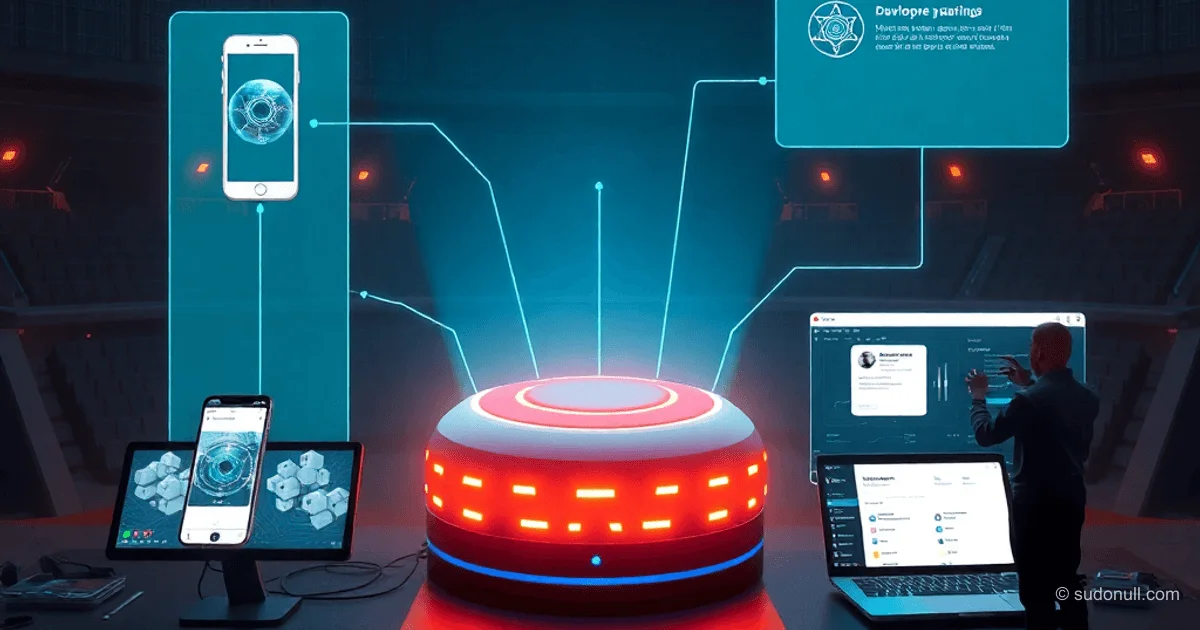
OpenClaw Architecture: Key Components and Interactions
OpenClaw uses a hub-and-spoke architecture with a central Gateway as the control plane. This setup lets the agent interact with peripheral devices and I/O channels. Understanding the roles of node, session, channel, and operator makes it easier for mid-to-senior developers to set up and use the system.
A Node acts as a companion device, connecting to the Gateway via WebSocket with role: "node". It exposes a command surface through node.invoke, including canvas., camera., device., notifications., system.*, and system.run.
Roles and Actor Interactions
The Gateway manages connections from nodes and operators, coordinates channels and sessions, and handles device pairing. Channels integrate with messengers like WhatsApp, Telegram, Discord, Slack, and Signal, routing messages to session → agent and back.
| Actor | Responsibility | Interactions |
|-------------|---------------------------------|---------------------------------------|
| Gateway | Control plane | Node/operator connections, session/channel management |
| Channels| Messenger integration | Messages to Gateway → Session → Agent |
| Nodes | Peripherals | Connect with role: node, node.invoke |
| Operators| Management | Pairing, approvals, configuration |
| Sessions| Agent context | History and state storage |
| Agent | AI runtime | Tool/node calls in session |
| User | End user | Via channels/operators |
| Devices | Connected devices | Pairing via Gateway |
Flow: User → Channel → Gateway → Session → Agent → Node/Channel. Operator approves pairing and actions.
Node types:
- macOS menubar app
- iOS/Android for camera, GPS, screen
- Headless (
openclaw node run) for servers - VS Code extension
Canvas and A2UI in the Ecosystem
Canvas is an agent-controlled visual workspace. A2UI is a protocol for dynamically generating interfaces. The agent calls canvas.present or canvas.a2ui.push to create JSON UI descriptions, rendered on nodes (macOS, iOS, Android, web).
Use cases:
- Dynamic dashboards
- Interactive forms
- Data visualization
- AI-native apps (CRM, monitoring)
- Games, galleries
User actions flow back to the agent via WebSocket for real-time updates.
Real-World Case: Personal CRM
Problem: Data scattered across Gmail, WhatsApp, Calendar, Notion.
User flow: Telegram message: "Ivan Ivanov's profile." Agent opens Canvas with tabs, fields, and history.
Result: Unified AI-powered CRM with real-time updates.
Architecture: Channel → Gateway → Session → Agent (canvas skill + A2UI) → Node (UI). Operator handles approvals; data stored in session.
Real-World Case: Morning Briefing
Problem: Manual data gathering from calendar, email, weather (10–15 mins).
User flow: "Briefing" → follow-ups like "Weather in Moscow."
Result: Digest with charts in Canvas.
Architecture: Gateway scheduled job → Session → Agent (skills: calendar/email/weather) → Channel/Canvas. Headless node optional.
Real-World Case: Family Shopping List
Problem: Chaos in group chats.
User flow: Telegram group messages → "Show cart" → Canvas with list and buttons.
Result: Up-to-date list on mobile node.
Architecture: Channel (group) → Gateway → Session → Agent (parsing, canvas) → Mobile Node. WebSocket for actions.
Real-World Case: Multi-Agent Orchestration
Problem: Single agent loses focus.
User flow: "Roll call" → task delegation.
Result: Final report from agent team.
Architecture: Gateway (multiple sessions) → Lead Agent (delegation) → Nodes per agent → Channel.
Real-World Case: 3D Printer Farm
Problem: Manual monitoring of Bambu Lab printers.
User flow: "X1C status," "Print Benchy," "Show camera."
Result: Remote control with camera feed.
Architecture: Channel → Gateway → Session → Agent → Physical Node (Bambu integration) → Printers.
Key Takeaways
- Gateway is the central hub—nothing works without it.
- Nodes extend the agent to devices: headless for servers, mobile for sensors.
- Canvas/A2UI turn chats into full UIs.
- Sessions isolate contexts and store memory.
- Operators ensure secure pairing and approvals.
— Editorial Team










No comments yet.