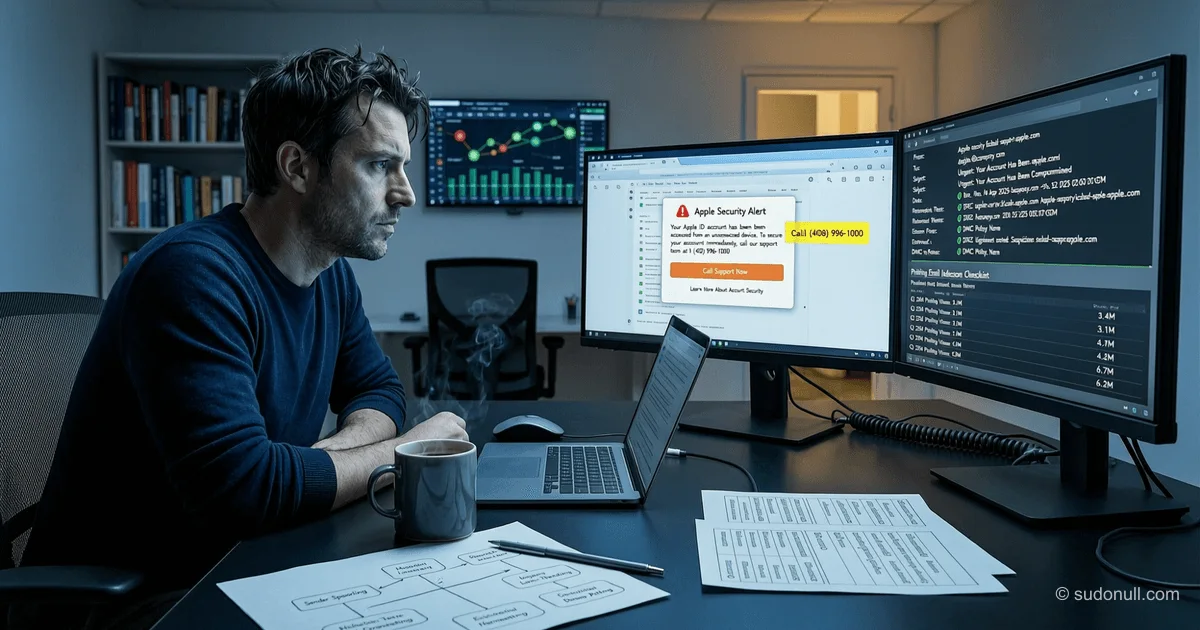
Phishing via Apple Notifications: How Hackers Bypass Spam Filters
Hackers have learned to embed phishing messages in official Apple notifications using the company's legitimate infrastructure. These emails pass all authenticity checks—SPF, DKIM, and DMARC—and look like genuine alerts about account data changes. This allows attackers to bypass spam filters and gain victims' trust.
Attack Mechanism
The attacker creates an Apple ID account and modifies the first and last name fields, inserting phishing text there. For example, in one case, the first name field read: “You purchased an iPhone for $899 via PayPal,” and the last name contained a “support service” phone number. The hacker then changes the delivery details in the profile, which automatically triggers an Apple notification about account changes.
Since Apple includes the user-specified first and last name field values in the email body, the phishing message becomes part of the official notification. The email is sent from [email protected] with IP address 17.111.110.47, owned by Apple, and passes all standard email authentication checks:
dkim=pass header.d=id.apple.com [email protected] header.b=o3ICBLWN
spf=pass (spf.icloud.com: domain of [email protected] designates 17.111.110.47 as permitted sender) [email protected]
Header analysis confirms the email indeed originates from Apple's infrastructure:
- Originating server: rn2-txn-msbadger01107.apple.com
- Outbound relay: outbound.mr.icloud.com
- Sender IP address: 17.111.110.47 (owned by Apple Inc.)
Distribution via Mailing Lists
Initially, the notification is sent to the iCloud address linked to the attacker's account. However, the ultimate victims receive the same email at external mailboxes. This suggests the use of forwarding or a mailing list mechanism. Possibly, the hacker adds target addresses to the contacts list and uses a mass notification feature when changing the profile.
This approach makes the attack particularly dangerous: the recipient sees an email that has passed all technical authenticity checks, with correct headers and sender domain. Even experienced users might not suspect a trick.
Goals and Consequences
If the victim calls the specified number, scammers pose as Apple support staff and claim the account has been compromised. They can then:
- Convince the user to install remote access software (e.g., AnyDesk or TeamViewer).
- Request credit card or bank account details to “cancel the transaction”.
- Try to obtain the two-factor code or Apple ID password.
- Use remote access to deploy malware or steal data.
Similar tactics were previously used in iCloud calendar invitation attacks, where phishing messages masqueraded as purchase notifications. The new vector—via profile change notifications—is even more convincing, as it relates to account security.
Key Points
- Authenticity doesn't guarantee safety: even emails passing SPF/DKIM/DMARC can contain malicious content if attackers use legitimate services.
- Apple isn't directly at fault: the vulnerability stems from the system including user data in notifications without sanitization.
- Users should ignore contact details in notifications: official Apple support never includes phone numbers in automated emails.
- Profile changes require verification: any account data change must be confirmed via two-factor authentication—but the notification can be faked before this stage.
- Monitor unusual names in accounts: if your Apple ID shows a strange first or last name, it's a sign of compromise.
Developers and security admins should consider that trusted delivery channels (including notifications from major platforms) can be exploited for social engineering. Content filtering based solely on technical authentication is insufficient—semantic analysis and behavioral patterns are required.
— Editorial Team









No comments yet.