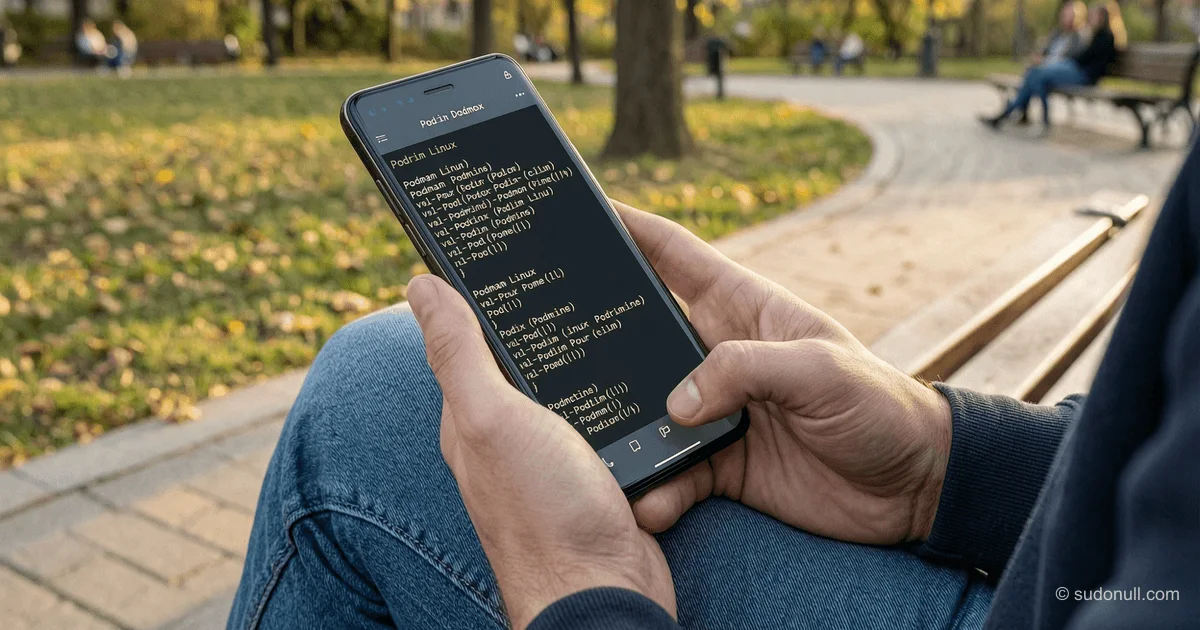
Podroid: Running Linux Containers on Android Without Root Using QEMU and Podman
The Podroid project lets developers run full-fledged Linux containers directly on Android 9 and later devices (arm64 architecture) — without needing root access. The solution combines Termux, the Limbo emulator (based on QEMU), and the Podman container engine, providing an isolated runtime environment based on Alpine Linux. This opens up possibilities for mobile development, testing infrastructure scenarios, and experimenting with DevOps tools away from a traditional workstation.
Podroid Architecture: How It Works Without Root
Podroid doesn't rely on modifying the Android kernel or system partitions. Instead, it uses user space and components already available in the Android ecosystem:
- Termux serves as the terminal interface and environment for running user scripts;
- Limbo Emulator, a QEMU fork for Android, emulates x86_64 or arm64 architecture within an Android app;
- Alpine Linux is loaded as a minimal image inside the emulator;
- Podman is installed inside the guest OS and provides a Docker-compatible API for managing containers.
This approach bypasses SELinux restrictions and Android's sandbox isolation without compromising system integrity. Emulation happens entirely in user space, which reduces performance compared to native execution but maintains the safety and stability of the host device.
Installation and Initial Setup
To get started, just install the Podroid APK. Upon launch, the app automatically:
- Downloads the necessary components (including the Alpine Linux image);
- Sets up a network bridge between Android and the guest OS via a local SSH tunnel;
- Starts Podman and provides a terminal for interaction.
The whole process takes less than a minute on modern devices with 4+ GB RAM. The authors note that it's been tested on smartphones with Qualcomm Snapdragon 7xx/8xx and MediaTek Dimensity 800+ chipsets.
Networking Features and Port Forwarding
One of Podroid's key features is port forwarding from the container to the Android host system. This is implemented via SSH tunneling:
ssh -L 8080:localhost:80 user@localhost -p 2222This way, a web server running inside the container on port 80 becomes accessible in the Android browser at http://localhost:8080. This is especially useful for:
- local testing of web apps;
- debugging microservices;
- running local databases accessible from other Android apps via loopback.
Keep in mind that the network stack is fully isolated: the container has no direct access to Android's Wi-Fi or mobile network without additional NAT or proxy setup.
Technical Limitations and Performance
Despite its convenience, Podroid has several limitations:
- Performance: Emulation via QEMU on ARM devices leads to significant overhead, especially with I/O-intensive tasks;
- Memory: At least 4 GB RAM recommended; with insufficient memory, the system may force-kill processes;
- Architecture Support: Officially supports only arm64; running x86_64 images is possible but unstable;
- Storage: All data is stored in the app's internal storage and deleted upon uninstallation.
That said, it's more than sufficient for tasks like running CLI tools (e.g., jq, curl, kubectl), testing Ansible configs, or local Go app builds.
Practical Use Cases
Developers can use Podroid in the following scenarios:
- Mobile Development on the Go: Writing and testing scripts without a laptop;
- Containerization Training: Safe environment for experimenting with Podman and systemd-nspawn;
- Tool Isolation: Running potentially risky utilities (e.g., packet analyzers) in an isolated environment;
- CI/CD Debugging: Reproducing issues in containerized pipelines.
Key Points
- Podroid requires no root and works on standard Android 9+ devices (arm64).
- Uses Termux + Limbo (QEMU) + Podman + Alpine Linux.
- Port forwarding via SSH tunneling.
- Suitable for lightweight DevOps and CLI tasks, but not for resource-intensive workloads.
- Source code open under GPLv2 license.
— Editorial Team










No comments yet.