# Playwright 1.59: Agentic Testing Becomes the Standard — Key API Breakdown
The Playwright 1.59 release marks the shift from manual test setup to agentic workflows. New visualization tools, shared session access, and CLI integrations bridge the gap between AI-generated tests and their practical application. Let's break down how tech leads can roll out these features into their existing pipelines.
Screencast API: From Screenshots to Visual Proofs
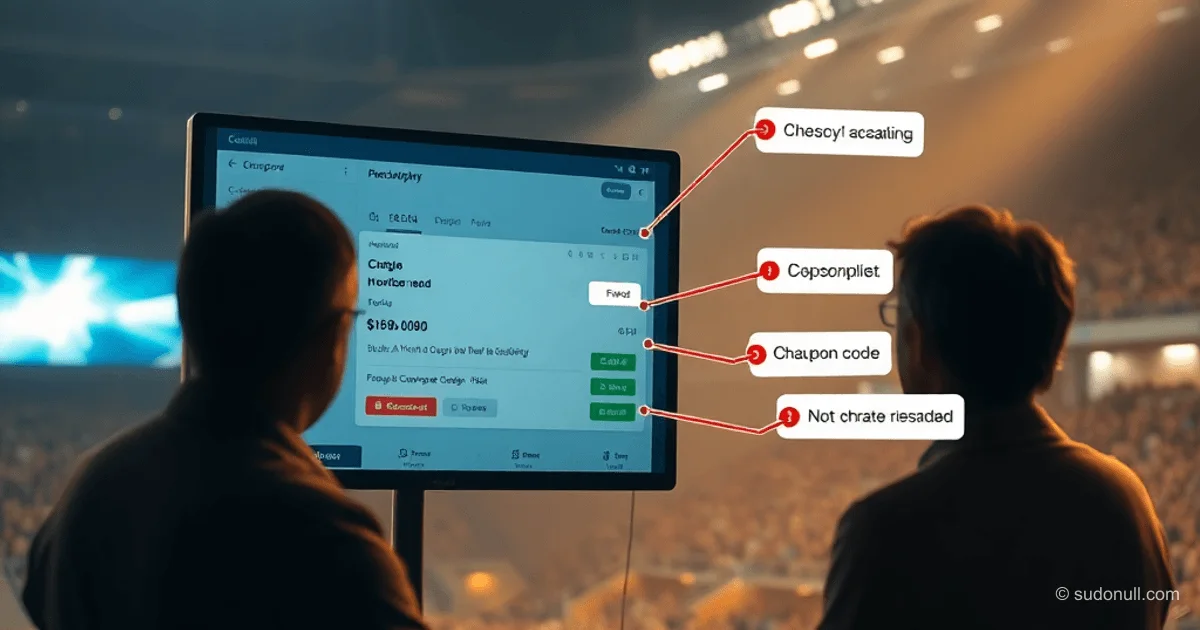
The new page.screencast API replaces fragmented screenshots on test failures with full video receipts. The key difference is built-in action annotations and chapters for organizing long scenarios. This isn't just screen recording—it's a contextualized execution report.
Example usage for a critical E2E flow:
await page.screencast.start({ path: 'checkout.webm' });
await page.screencast.showActions({ position: 'top-right' });
await page.locator('#add-to-cart').click();
await page.locator('#checkout').click();
await expect(page.locator('.order-confirmation')).toBeVisible();
await page.screencast.stop();
When integrating with AI vision, the onFrame callback lets you feed frames into vision models:
await page.screencast.start({
  onFrame: ({ data }) => sendToVisionModel(data),
  size: { width: 800, height: 600 },
});
This solves visual validation without pixel-by-pixel comparisons. For CI, it's recommended to add chapters describing stages:
await page.screencast.showChapter('Authentication', {
  description: 'Test login process',
  duration: 1000,
});
// login steps
await page.screencast.showChapter('Payment', {
  description: 'Credit card validation',
});
Videos with chapters speed up failure analysis by 3-4x compared to text logs.
Browser Bind API: Syncing Across Tools
The browser.bind() feature creates a WebSocket connection for shared access to a single browser session. This eliminates duplicate authentication when switching between manual testing and automation.
Basic scenario:
const { endpoint } = await browser.bind('auth-session', {
  workspaceDir: '/project',
});
CLI connection:
playwright-cli attach auth-session
playwright-cli -s auth-session snapshot
Practical use cases:
- Real-time debugging of AI agents without halting the process
- Sharing authenticated sessions between QA and developers
- Integration with MCP servers for hybrid workflows (e.g., agent generates a test, team makes tweaks)
Critical for teams using self-healing tests: the agent can fix the scenario by checking changes via the bound session.
Dashboard and CLI Tools: Debugging Without a GUI
The playwright-cli show command launches a dashboard with live monitoring of all bound sessions. For agentic workflows, two key modes have been added:
- CLI Debugger (
--debug=cli): step-by-step debugging via terminal
```
npx playwright test --debug=cli
playwright-cli --session tw-87b59e step-over
```
Allows agents to analyze failures without a GUI, inspecting the DOM at each step.
- Trace Analysis (
npx playwright trace): programmatic trace parsing
- Extracting network requests and timings
- Auto-generating bug reports pinpointing the failure moment
- Integration with analytics systems (e.g., Grafana)
These tools are essential for headless CI environments where traditional debugging methods aren't available.
Key Takeaways for Tech Leads
- Visual receipts replace logs: A 30-second video with action annotations boosts diagnostics speed by 4x
- Shared sessions save time: Eliminating re-authentication cuts overhead by 15-20% in test pipelines
- CLI-first approach: Terminal integration makes agentic workflows viable in production environments
- Direct AI integration: Feeding frames to vision models and auto-generating fixes via healer agents
- Transparency for stakeholders: Video reports turn technical details into clear proof
How to Roll It Out in Existing Processes
Starter strategy for teams:
- Start with Screencast API for critical scenarios (order checkout, payments). Add chapters for key stages—this delivers instant diagnostics wins.
- Set up Browser Bind for shared sessions:
```
# In setup script
await browser.bind('auth-state', { storageState: 'state.json' });
```
Connect from the terminal for manual checks without re-logging in.
- Enable the dashboard via
PLAYWRIGHT_DASHBOARD=1in CI. This provides visual oversight of parallel runs.
- Integrate CLI Debugger into self-healing pipelines:
```
# In healer agent script
if (testFailed) {
await runCLI(playwright-cli attach ${session} fix);
}
```
Upgrading to 1.59 requires minimal code changes but shifts the testing paradigm: QA engineers stop being "test writers" and become verifiers of agentic solutions. First results will show up within a week of rolling out Screencast API—your team will notice the drop in failure analysis time.
— Editorial Team









No comments yet.