 July 22, 2014 at 12:11
Pandor - end-to-end email encryption
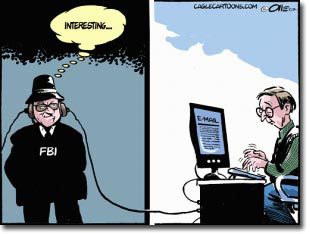
To the anger of the day when everyone is talking about intercepted correspondence or hacked mailboxes ( Arkady Dvorkovich became a victim of hackers ), I want to introduce Pandor, a solution for protecting the contents of email correspondence.
Pandor - currently exists as an extension to the Google Chrome browser and works with the Gmail web interface. The extension adds elements to the interface for creating an encrypted message based on OpenPGP. The main objective is to make secure correspondence as simple as possible for use by end users. With this idea, my colleague Khalil Bouzidi and I came to Startup Weekend Monaco- decided to try their hand at creating an approximate business plan and, of course, a prototype. In fact, during the weekend we were only able to clearly define how we want this to work. Everything should be in just one click and users would not have to “agree” on the principle of encrypted exchange of information. At the startup, we presented a presentation and a video on how we see the service from the user's point of view. By decision of the jury, our project won first place.
High praise at the competition inspired us to bring the project to life. Within 2 months, in our free time from the main work, we were engaged in the project and now launched a beta version, which I suggest you evaluate. In parallel with the development, a business plan was developed and a package of documents was submitted to another competition in Monaco. and already passed the first round in it (11 out of 30 projects were selected).

The technical side of Pandor
The service is built from an extension for the browser and server for exchanging public keys. When installing the extension, a profile is created on pandor.me, this profile is necessary primarily for exchanging public keys. At the moment, we do not provide much functionality on the site itself. So let's move on to the most important thing - the extension for the browser.
The extension is built of 2 elements:
- Gmail Web UI Additions
- Options Page
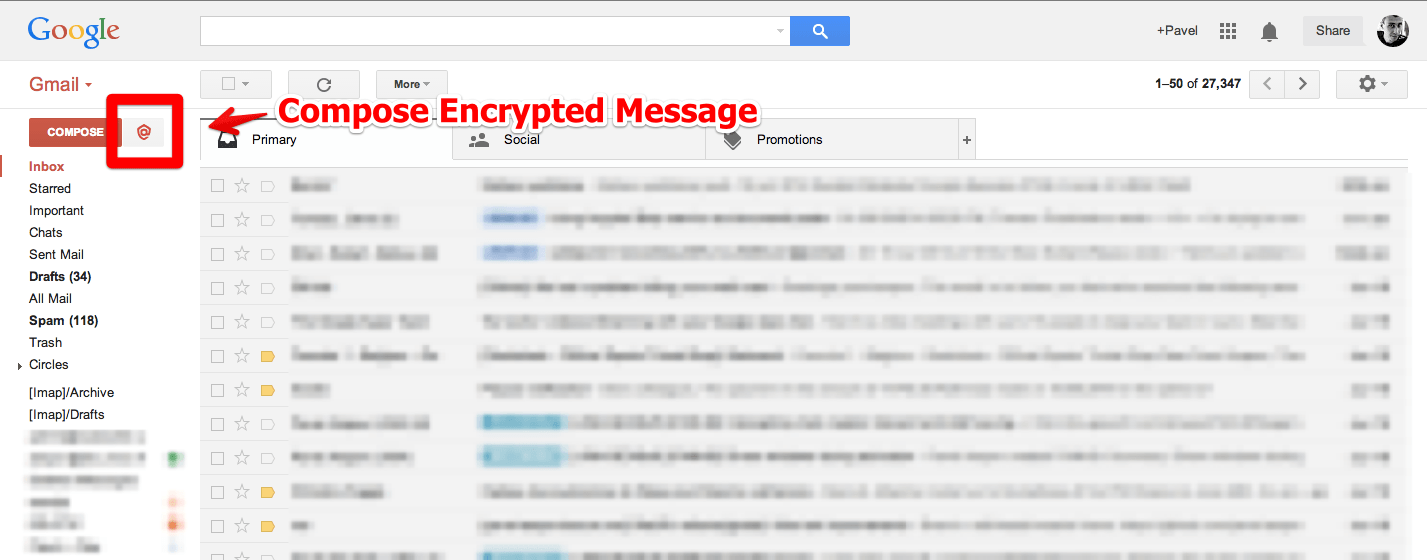
The Gmail interface is supplemented with only 1 button - [@], when you click on it, a window is created for creating an email.
This is practically a classic Gmail window, supplemented with information that correspondence will be protected.
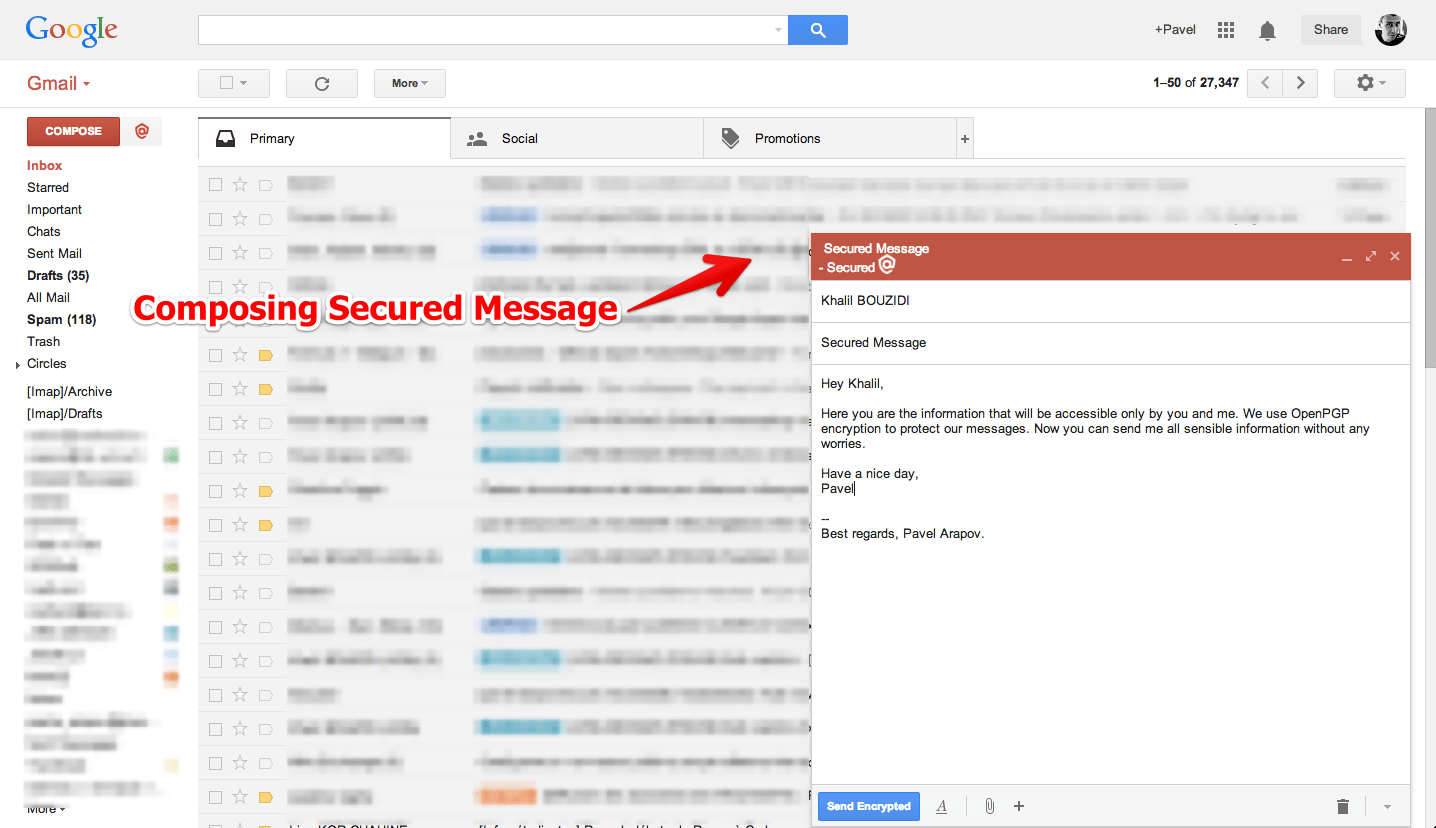
Encryption is based on OpenPGP and the OpenPGPjs library was taken as the basis . The extension in the browser during registration generates keys for the user and the browser encrypts the message before sending it. When encrypting, the pandor.me service is used to obtain public keys of recipients, but if the recipient does not yet have a profile and keys, the service automatically generates keys and creates a profile and sends an email with access to receive them.
What extension can do now:
- creation of encrypted correspondence (compose)
- draft encryption (draft folder)
- automatic opening of encrypted content in correspondence (thread)
- when responding to an encrypted message - an encrypted response is also created (reply)
- receiving public keys from the server
Development prospects
Of course, from the development prospects, we are now looking in the direction of supporting other browsers, primarily Firefox, Safari, since this is only connected with the configuration configuration of the assembly. We are also working on various approaches for key synchronization, the paranoia mode for deleting a key from the server and storing it only on the user's machine. In the future, we are considering the possibility of encryption of attachments as well.
Perhaps habrayuzery can tell where we better move?









