July 24, 2014 at 11:02
ONYX BOOX i63ML Newton - the first reader with the latest E-Ink Carta screen
Hello dear friends!
I want to talk about the new e-book from Onyx International, this company was founded in 2008 in Guangzhou, China by engineers who worked in well-known IT companies such as Google, Microsoft, Nortel. The company's products are represented in many countries of the world, and Russia is no exception.
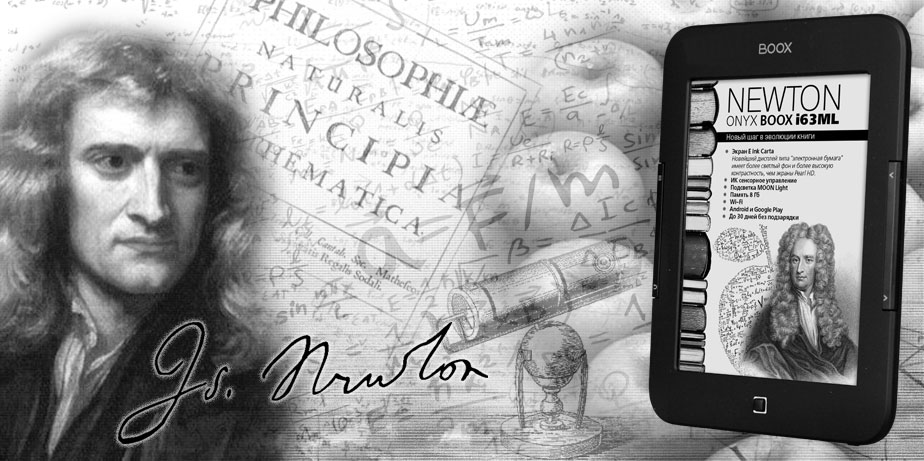
MakTsentr company, the exclusive distributor of ONYX International products in Russia, in May 2014 introduced the first device in Russia equipped with the latest E-Ink Carta screen with multi-touch and MOON Light backlighting. By good tradition, the new e-book of the “scientific” series was named in honor of the great scientist, in this case the English physicist, mathematician and astronomer Isaac Newton.
 Processor: Rockchip 2906, 1 GHz
 Operating system: Android 2.3.1
 Random access memory (RAM): 512 Mb;
 Available memory: 8 GB + microSD slot up to 32 GB;
 Display size, type and resolution: Display 6 ", E Ink Carta, 16 shades of gray, contrast ratio 14: 1, 758 x 1024 pixels, infrared touch screen, with Multi-touch, MOON Light;
 Network: Wi-Fi 802.11 b / g / n;
 Battery capacity: 1600 mAh (Li-ion);
 Optional: USB 2.0; Text formats: TXT, HTML, RTF, FB2, FB2.ZIP, DOC, MOBIPOCKET, CHM, PDB, EPUB (DRM), EPUB (non-DRM); Graphic formats: JPG, PNG, GIF, BMP; Other: PDF (DRM), PDF (non-DRM), DjVu
 Dimensions:171 x 128.4 x 10.9 mm
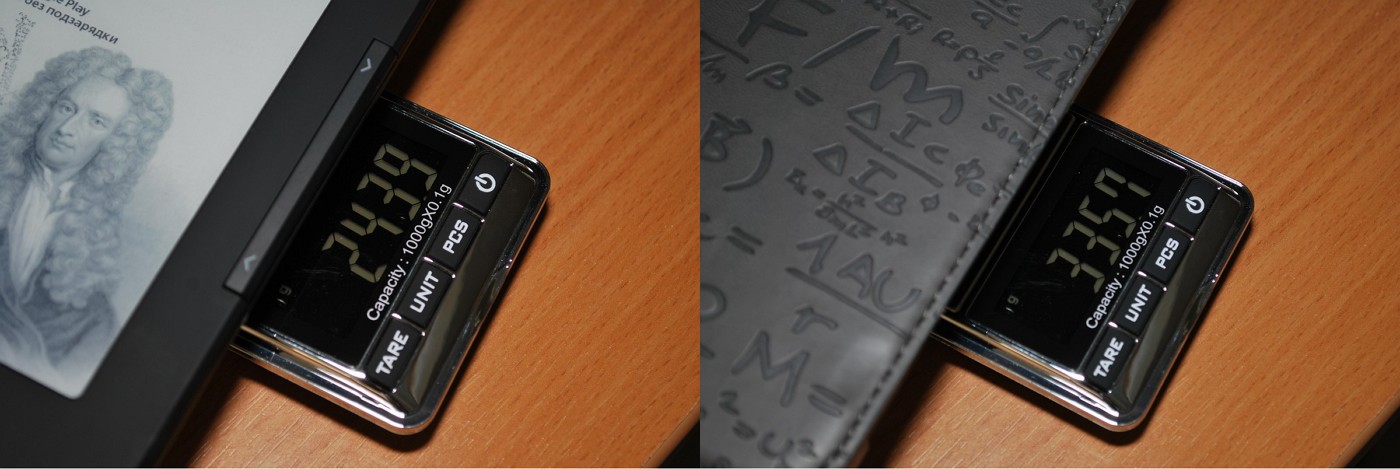
 Weight without cover: 243 g.
The box made of thick cardboard is decorated in black and green tones, on the front side colorful apples flaunt. In general, I have a positive impression of this box design.
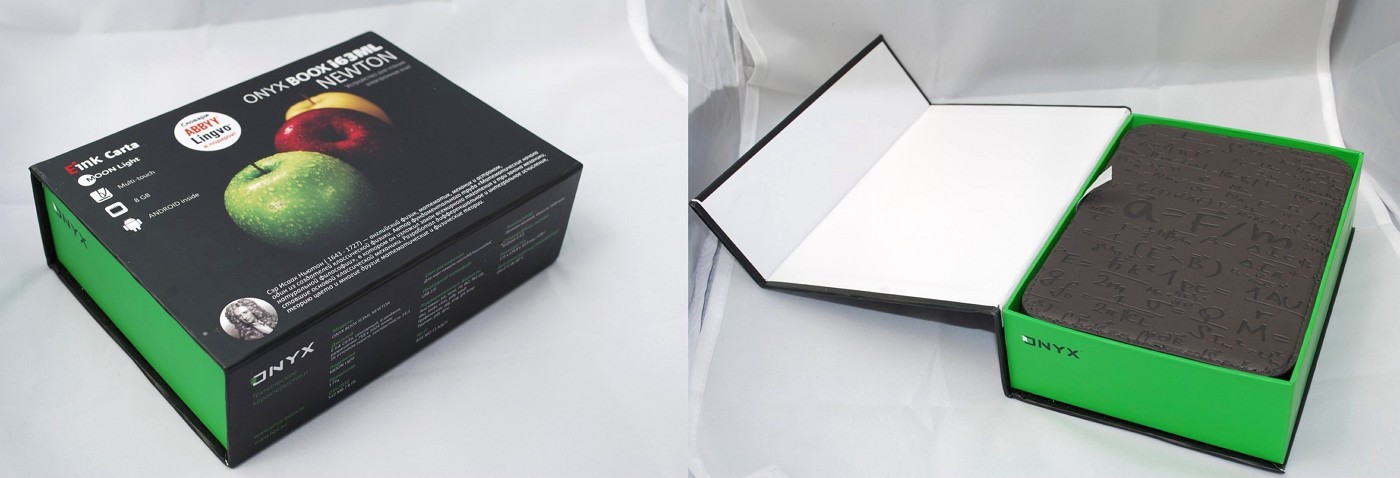
Options: e-book, cover, charger, USB data cable, manual and warranty card.
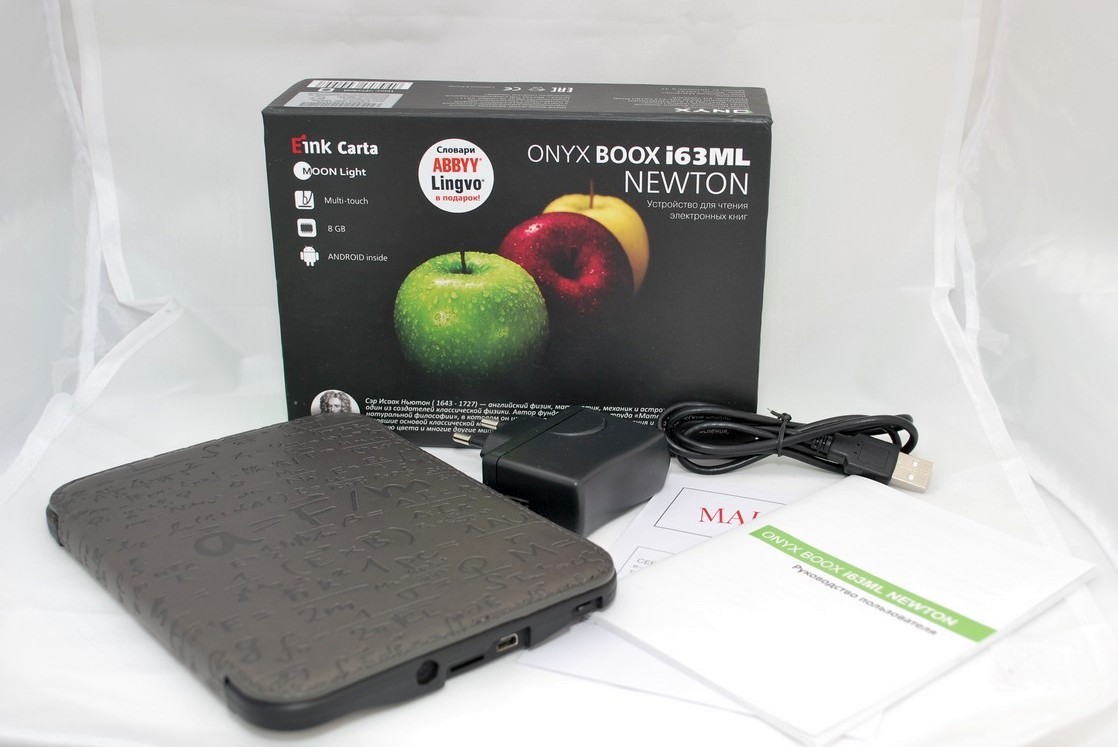
A proprietary charger from a 220V network with an output charge current of 1000 mA, fully charges the battery in 3 hours. Neither the case of the book nor the charger itself overheats during charging.
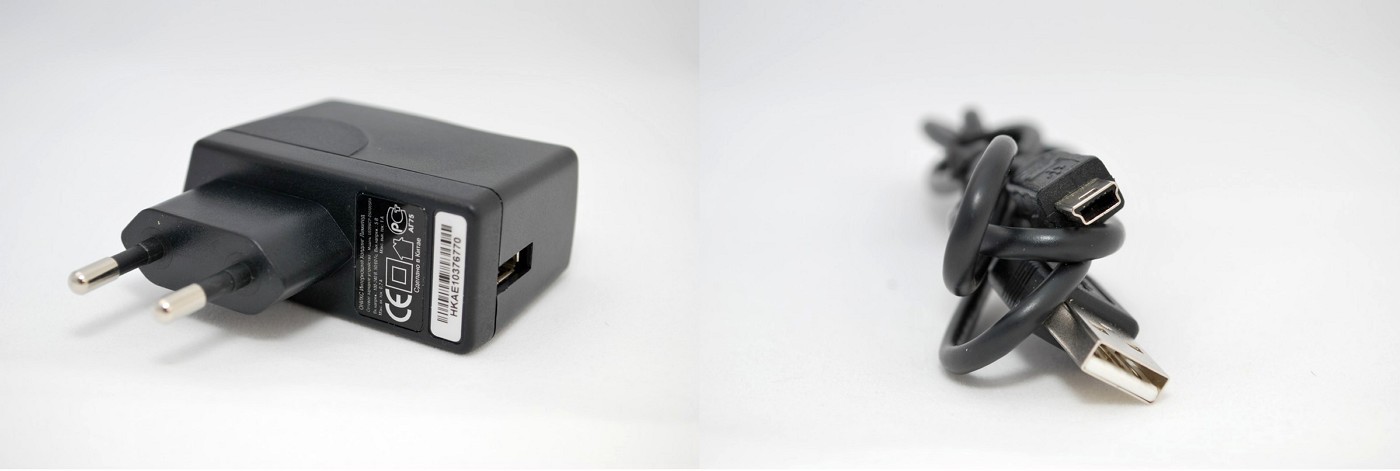
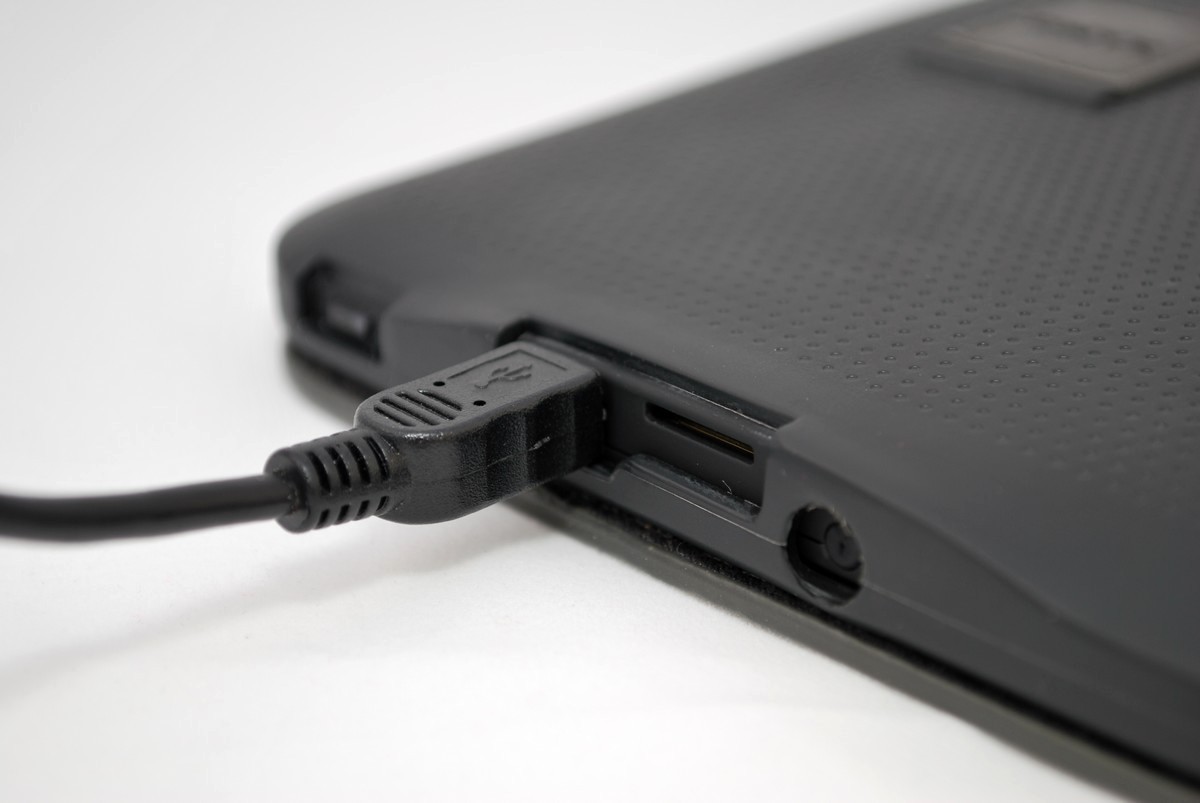
The USB data cable is also of good quality, not hard, length 80 cm, the miniUSB connector fits tightly to the end, without gaps.
The electronic book is issued in one color scheme: black. The case is made of soft-touch plastic. The dimensions of the device are 171 x 128.4 x 10.9 mm and weighs 243 grams, together with the cover the book weighs 336 grams.
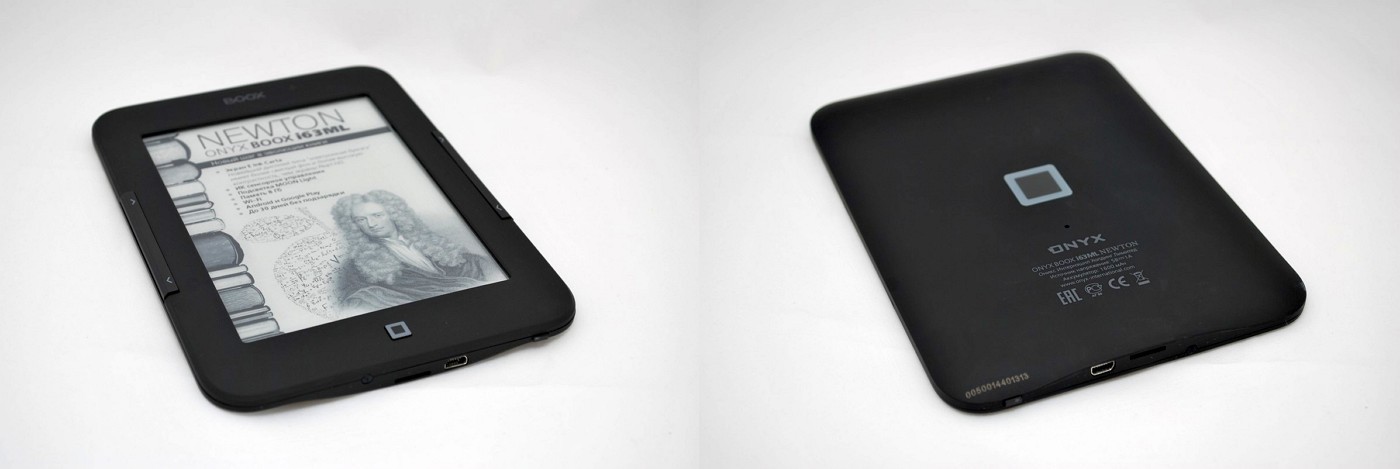
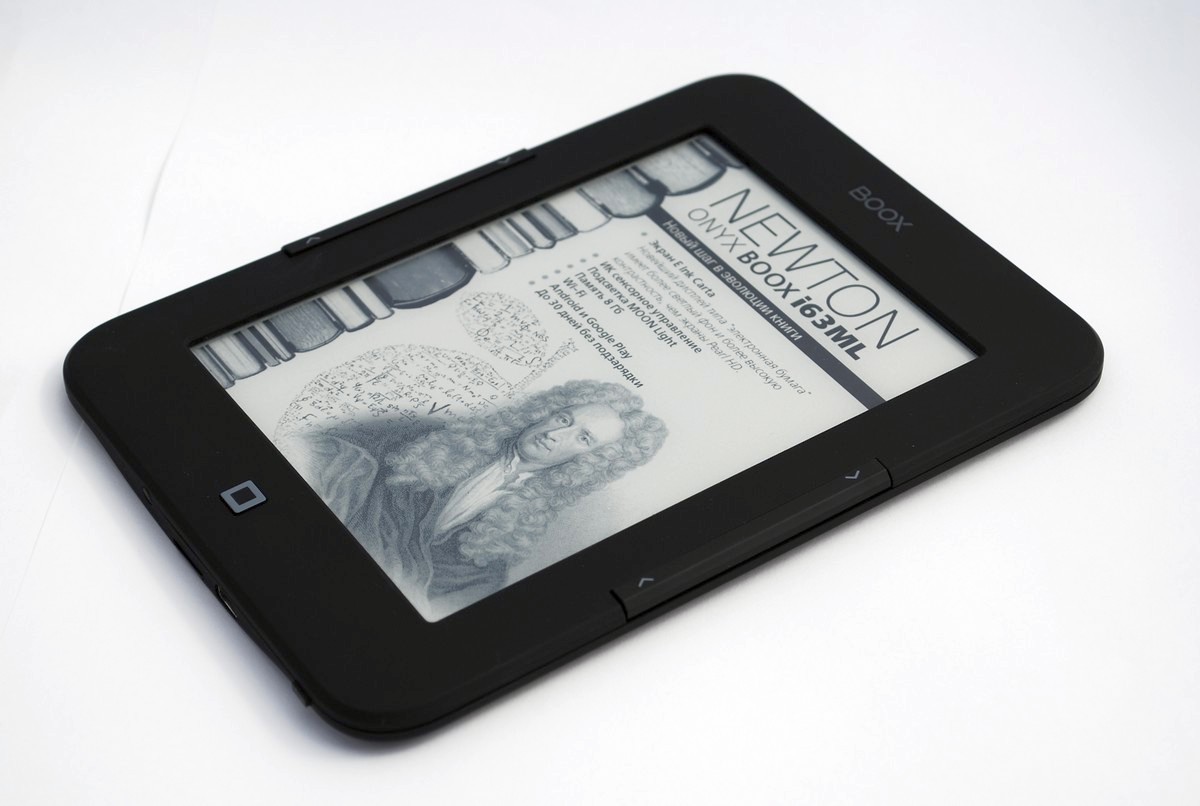
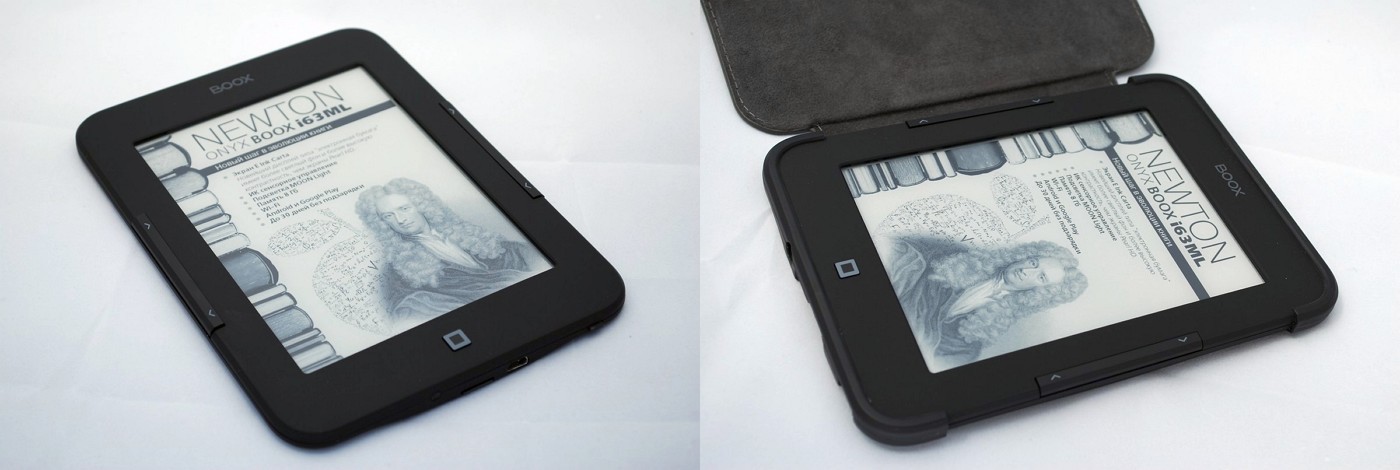
On the front panel are a 6-inch touchscreen display, a “home” button and a double page turning button. Along the entire body along the edges of the screen, you can see a beveled edge at an obtuse angle.
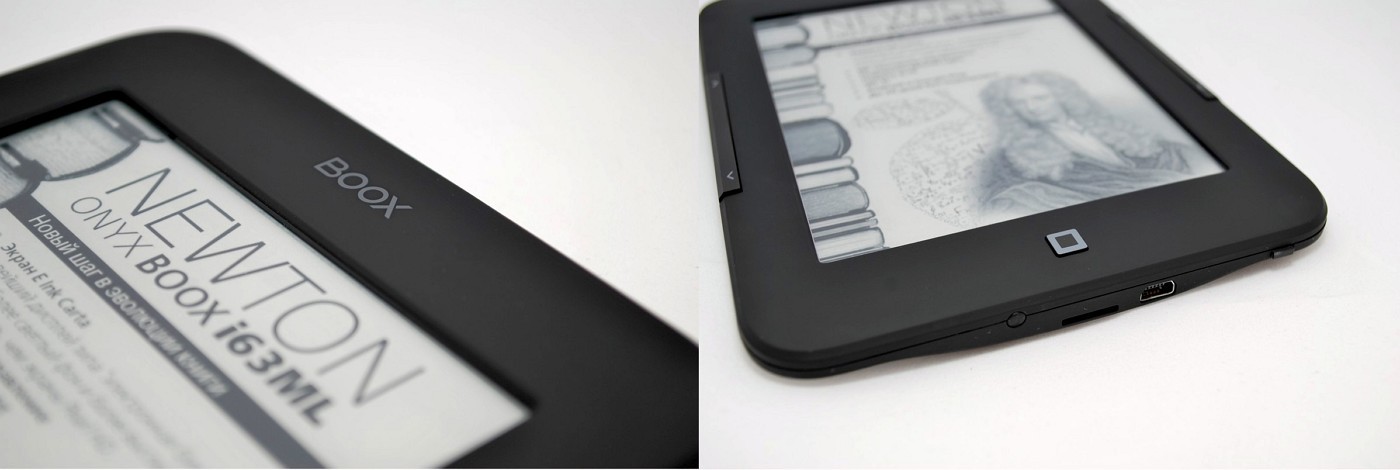
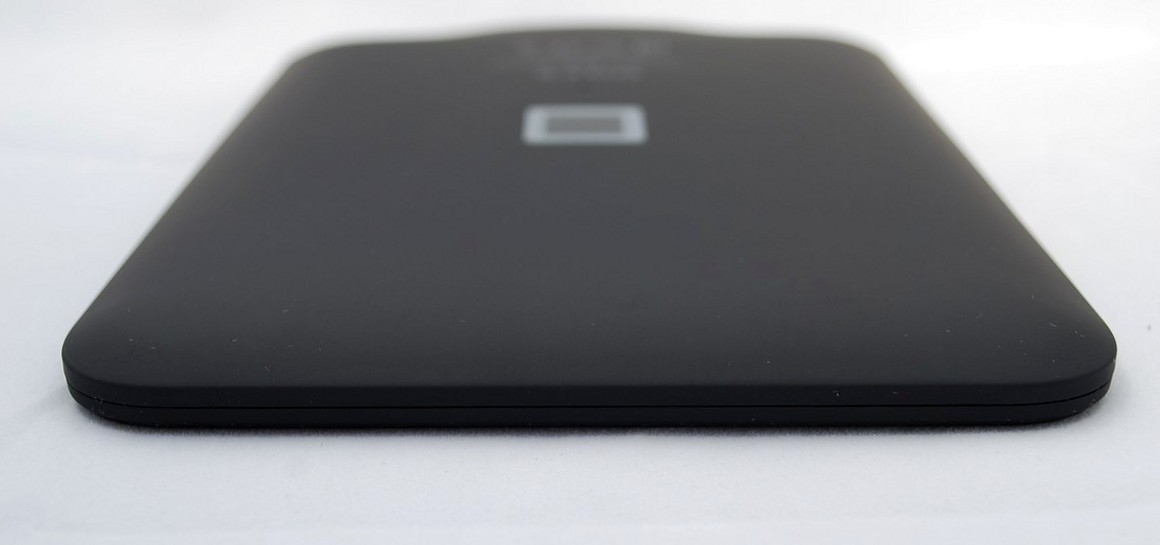
The manufacturer’s logo, model name, some technical information, as well as a serial number that matches the barcode on the box are printed on the rear panel. You should also pay attention to the unusual location of the hole for rebooting the device.

On the right and left ends there are duplicate mechanical buttons for turning pages.
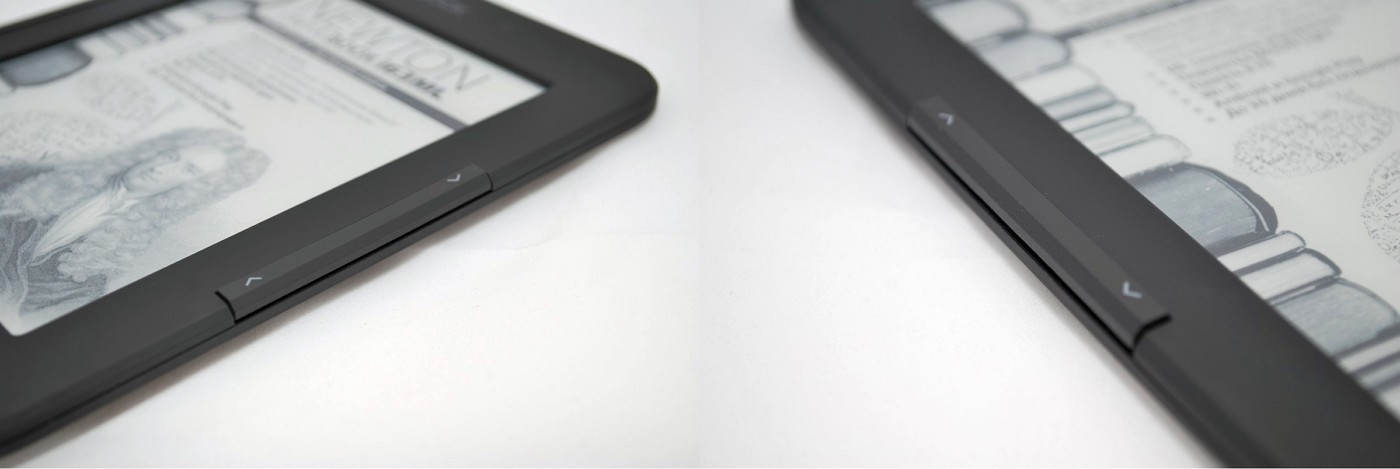
The top end is completely empty.
At the bottom there is a miniUSB connector, a slot for microSD memory cards and an on / off button.
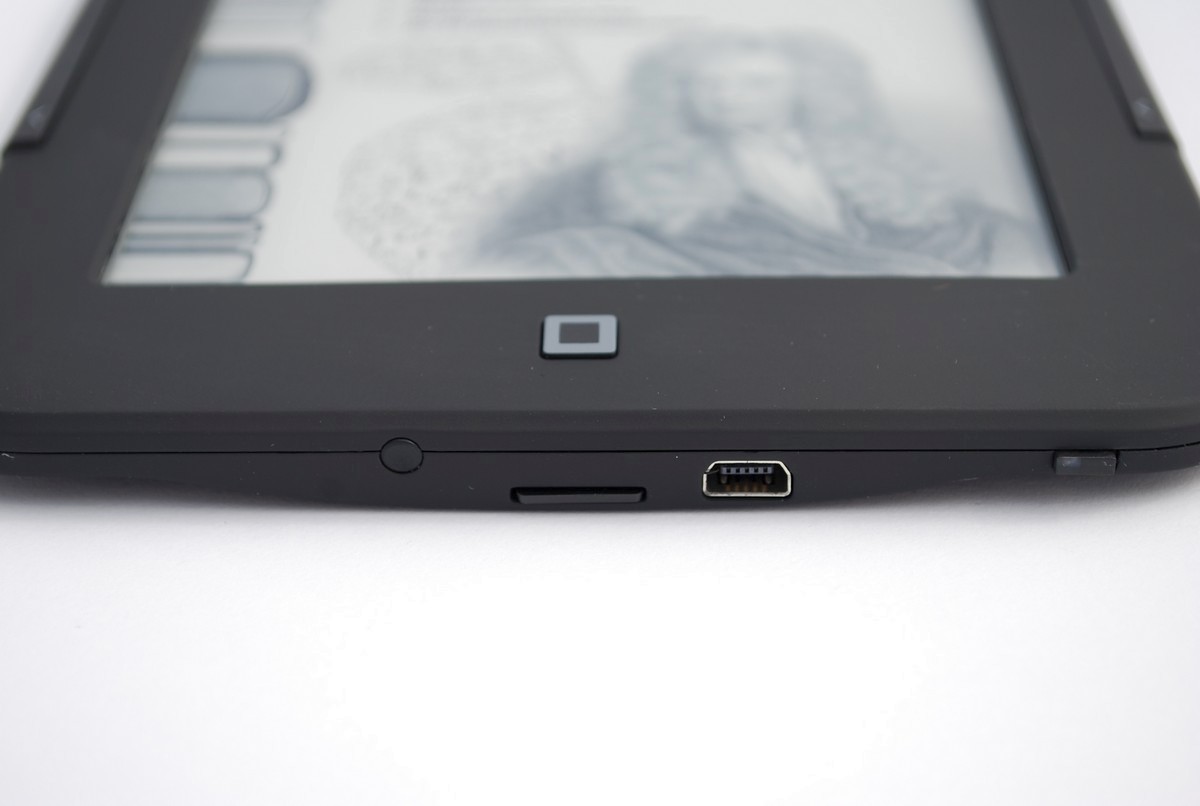
The on / off button also performs the function of an event indicator: during charging, the orange LED is lit continuously and the blue blinks; upon completion of charging, the blue LED is lit continuously.
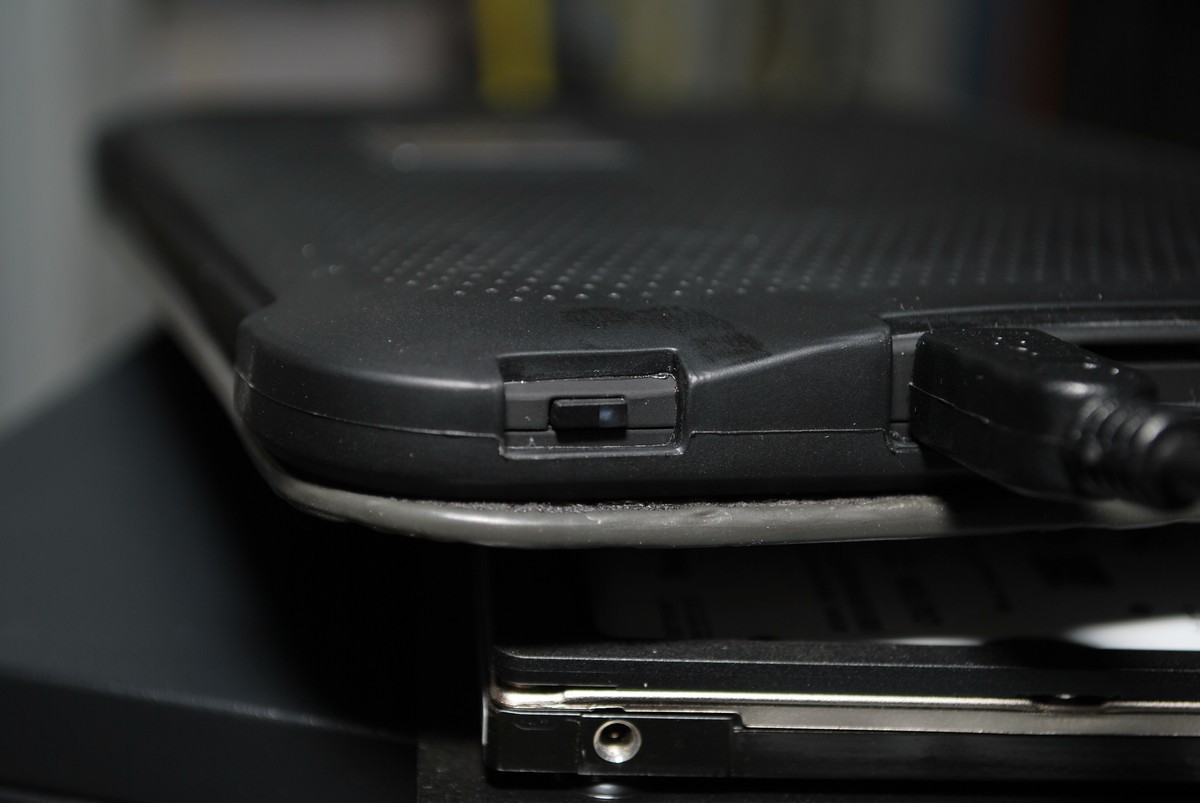
Despite its size, the book is comfortable to hold in your hand, you quickly get used to it. All control keys are located ergonomically, are made with high quality and have a pleasant, tough ride. Pressing is accompanied by pleasant clicks, the keys do not creak and do not sink.
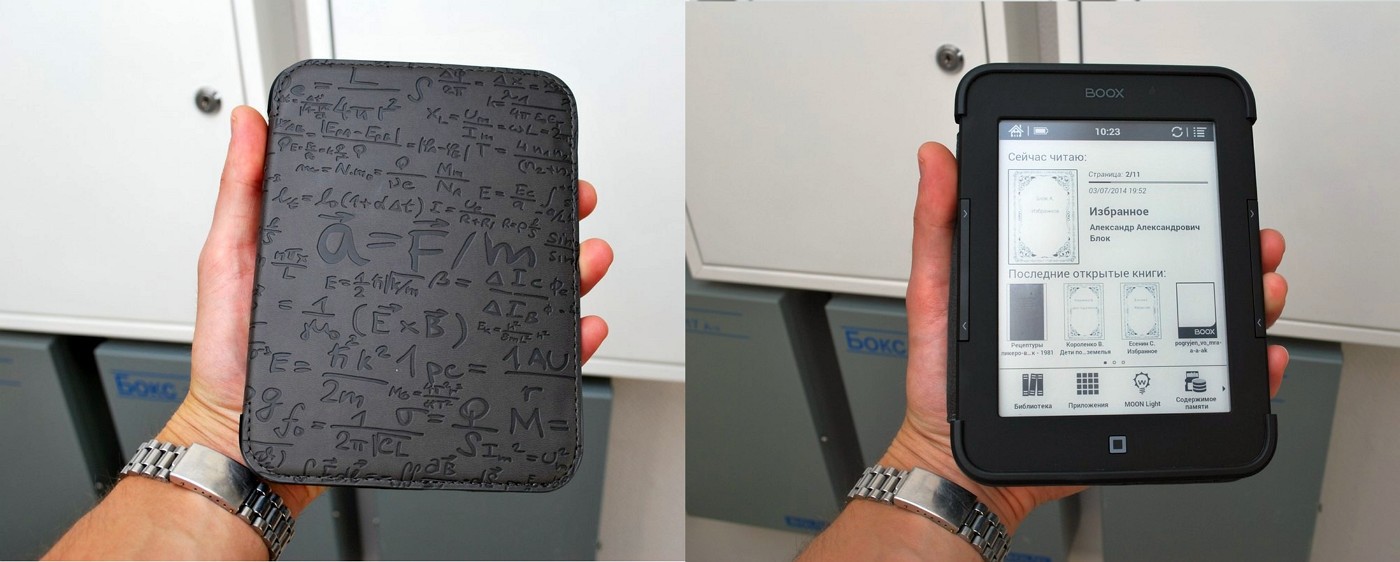
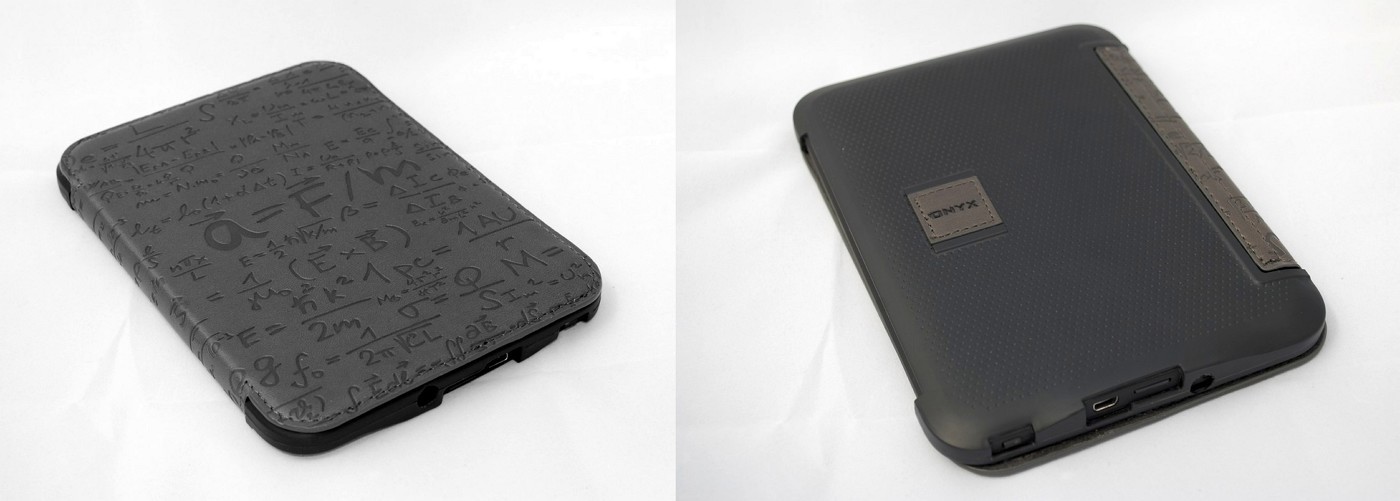
The cover-cover protects the book very well from all sides. Its lower part is made of dense rubber, which reliably fits the reader from all sides, the cover is made of artificial leather with beautiful patterns (formulas). The case has a convenient ergonomics, sewn-in magnetic strips fix the right and left parts when closing the book. After closing, there is an automatic transition to hibernation; upon opening, the book wakes up.
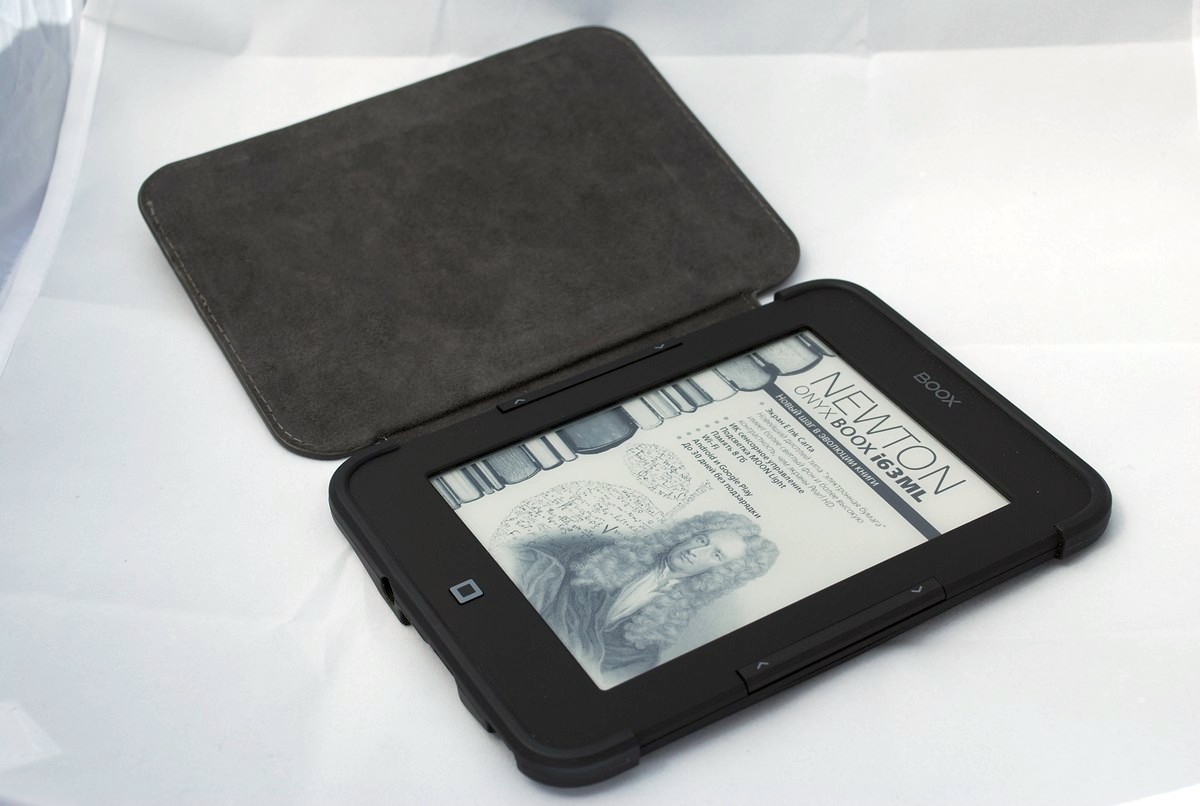
ONYX BOOX i63ML Newton is equipped with the latest 6-inch E-Ink Carta screen with MOON Light backlight and IR touch control (screen manufacturer: PVI, model: ED060XG3).
E-Ink Carta technology provides several advantages:
1) An increase in contrast by 50% and an increase in reflectivity by 20% compared to its predecessors. This feature reduces eye strain and makes even long reading comfortable.
2) The E Ink Carta display may not be fully updated, but only partially, i.e. when it is necessary to change the image only on some part of the screen, the corresponding pixels change, without redrawing the entire image. This provides additional energy savings.
I would like to note some features of infrared control technology:
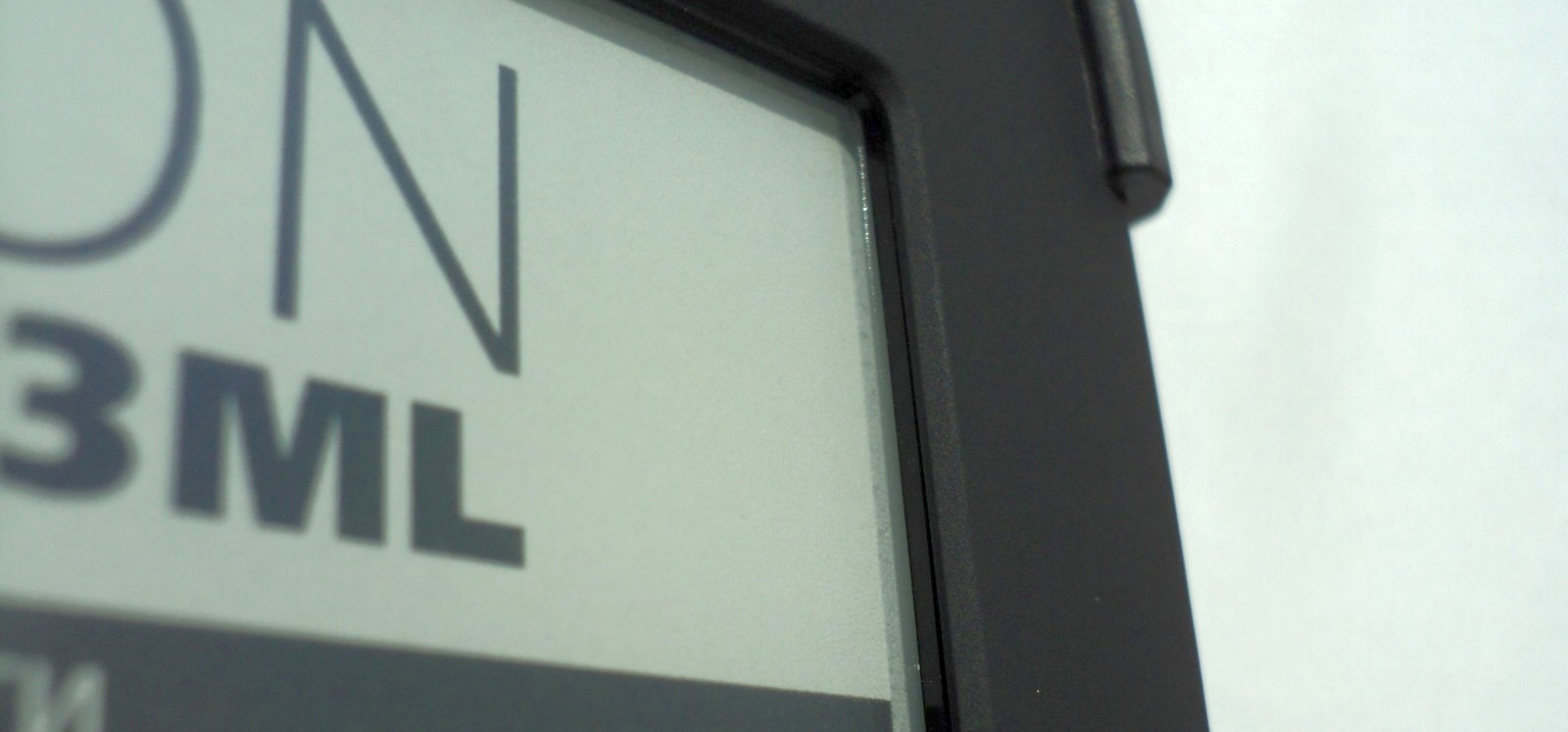
1. All components (line of light and photo diodes) are located in the display frame. Unlike resistive and capacitive technologies used in most modern devices, IR touch displays do not use fragile translucent touch-ups. As a result, scratches, dirt and even cracks do not affect the performance of the touch panel.
2. Calibration stability is based on a 100% digital way of determining coordinates.
3. The absence of conductive sputtering on the glass. As a result, the image brightness increases, glare decreases.
The screen has a resolution of 1024x758 pixels with a pixel density of 200 ppi. The number of gradations of gray is 16, the contrast is 14: 1. 2-touch multi-touch, responsive.
Screen backlight
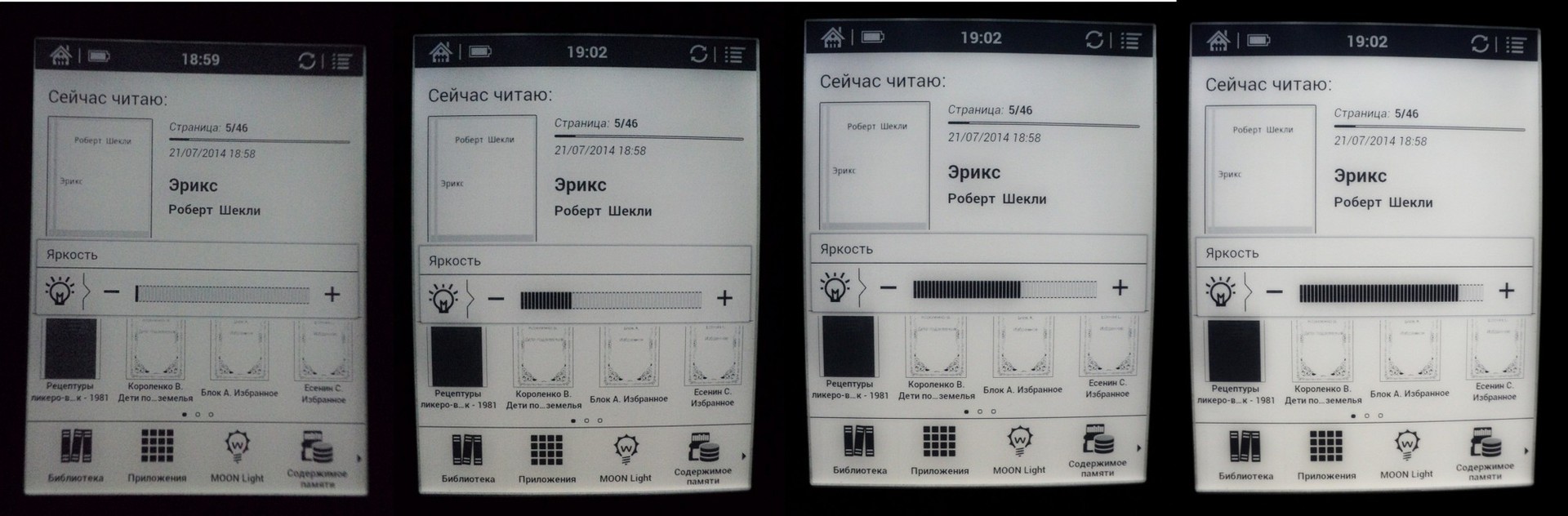
MOON Light technology allows you to use the device in the dark or in poor lighting conditions, without harming your eyesight. When using this function, a soft screen glow is created that is optimal for dark rooms. By pressing the mechanical home button two seconds, you can turn the backlight on or off. The backlight level is conveniently adjusted in the control menu, which is available at the bottom of the screen.
The backlight gradation scale is flexible, has 50 divisions (5 divisions - 10% brightness):
The e-book is built on a Rockchip 2906 processor with a clock frequency of 1 GHz. In addition to this, the device has 512 MB of RAM and 8 GB of internal memory, which can be expanded to 32 GB using microSD memory cards.
The Rockchip 2906 processor is energy efficient, i.e. It works at the frequency that is required at one time or another, depending on the tasks. And also perfectly goes into a deep sleep.
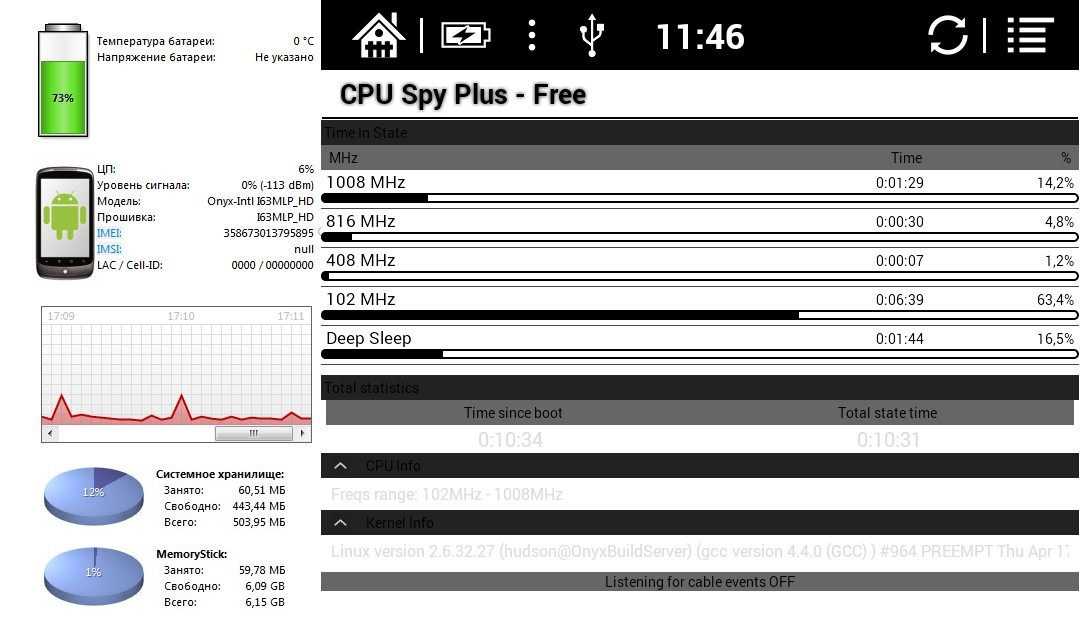
Iron ONYX BOOX i63ML Newton copes with its tasks, voluminous books in PDF, DjVu overloaded with pictures and photographs open if not in seconds, then very quickly. Books in the popular fb2 format open instantly.
The developers have provided at least 3 ways to add new books:
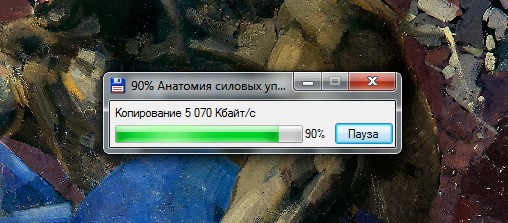
1. From a large computer via a miniUSB cable (the reader supports USB 2.0 standard):
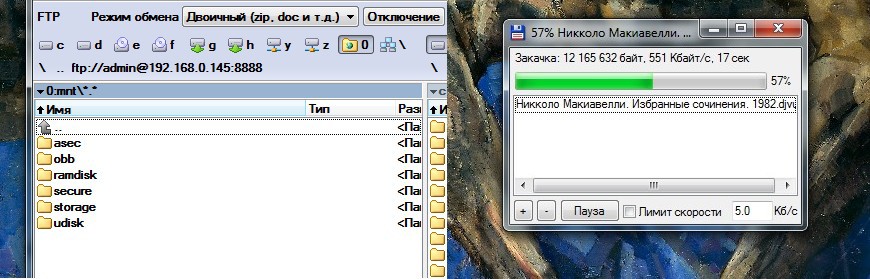
2. Wi-Fi standard 802.11 b / g / n without using the Internet. Communication between various devices can be carried out through third-party programs on the Android OS platform, for example, creating an FTP server on an e-book:
3. Internet connection via Wi-Fi.
Several books of classics of literature have already been downloaded to the electronic book for free; additional books can be downloaded or purchased for free through LiteRes.
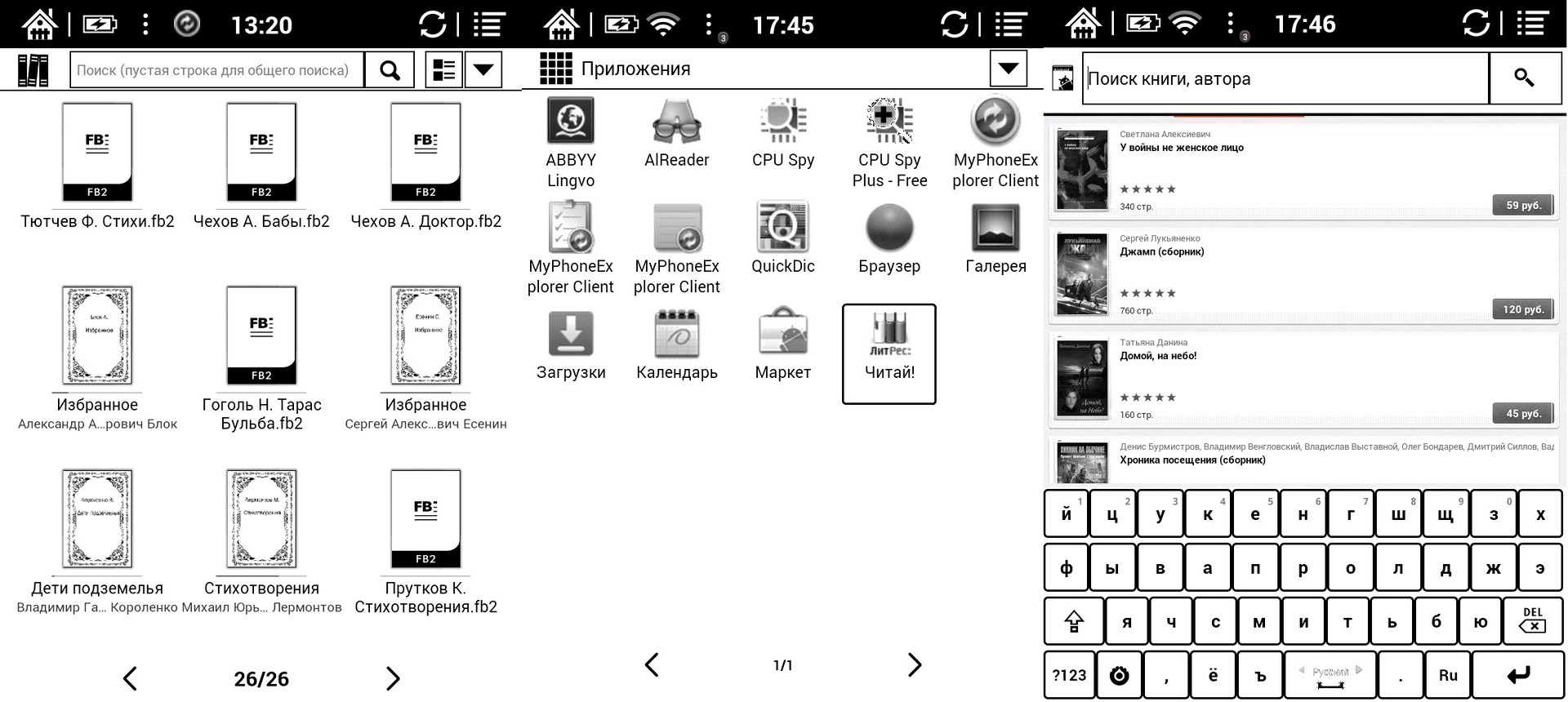
The book has an interface similar to other models of the "scientific" ONYX series. If we talk about stylization, then in this case it is screensavers in the off and sleeping state on the screen with a portrait of the great scientist, formulas and original covers of his works.
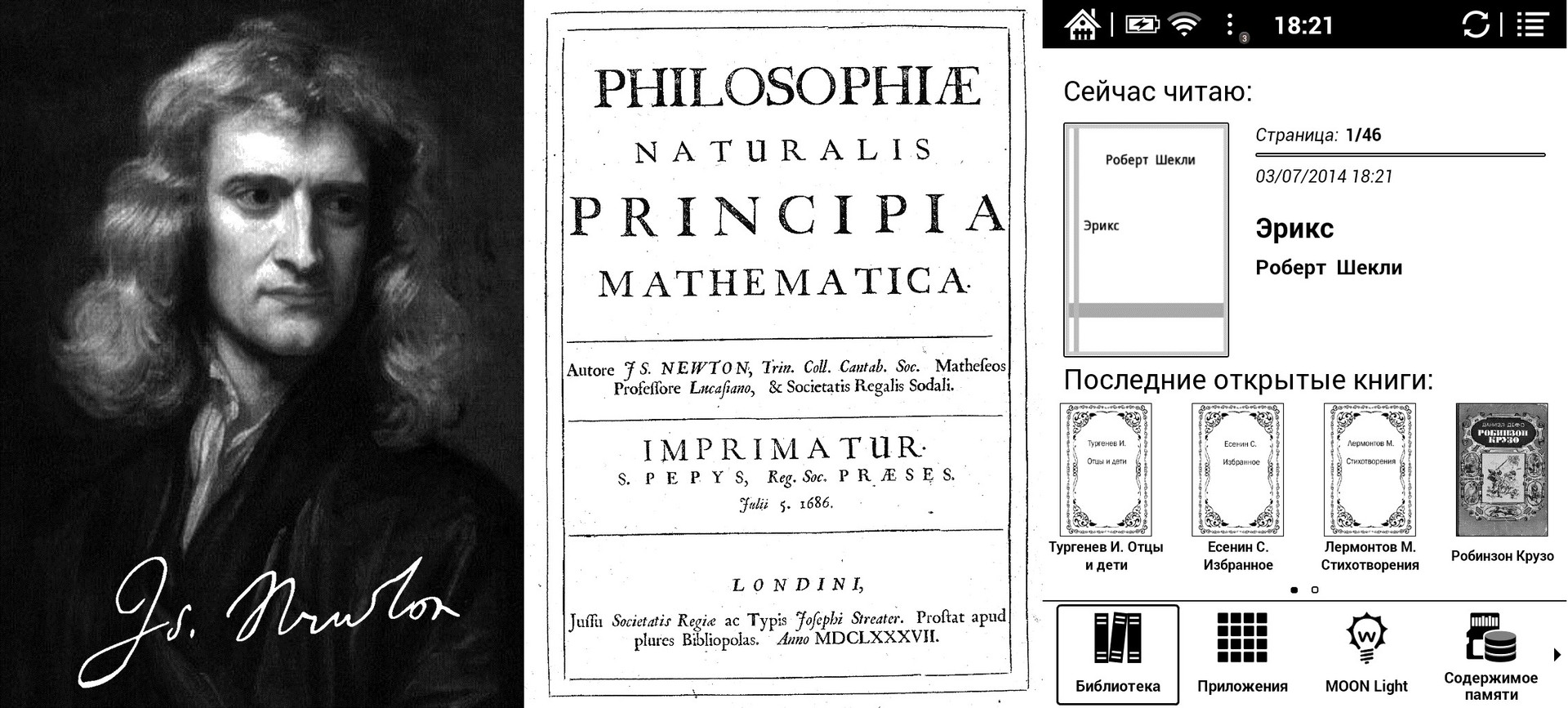
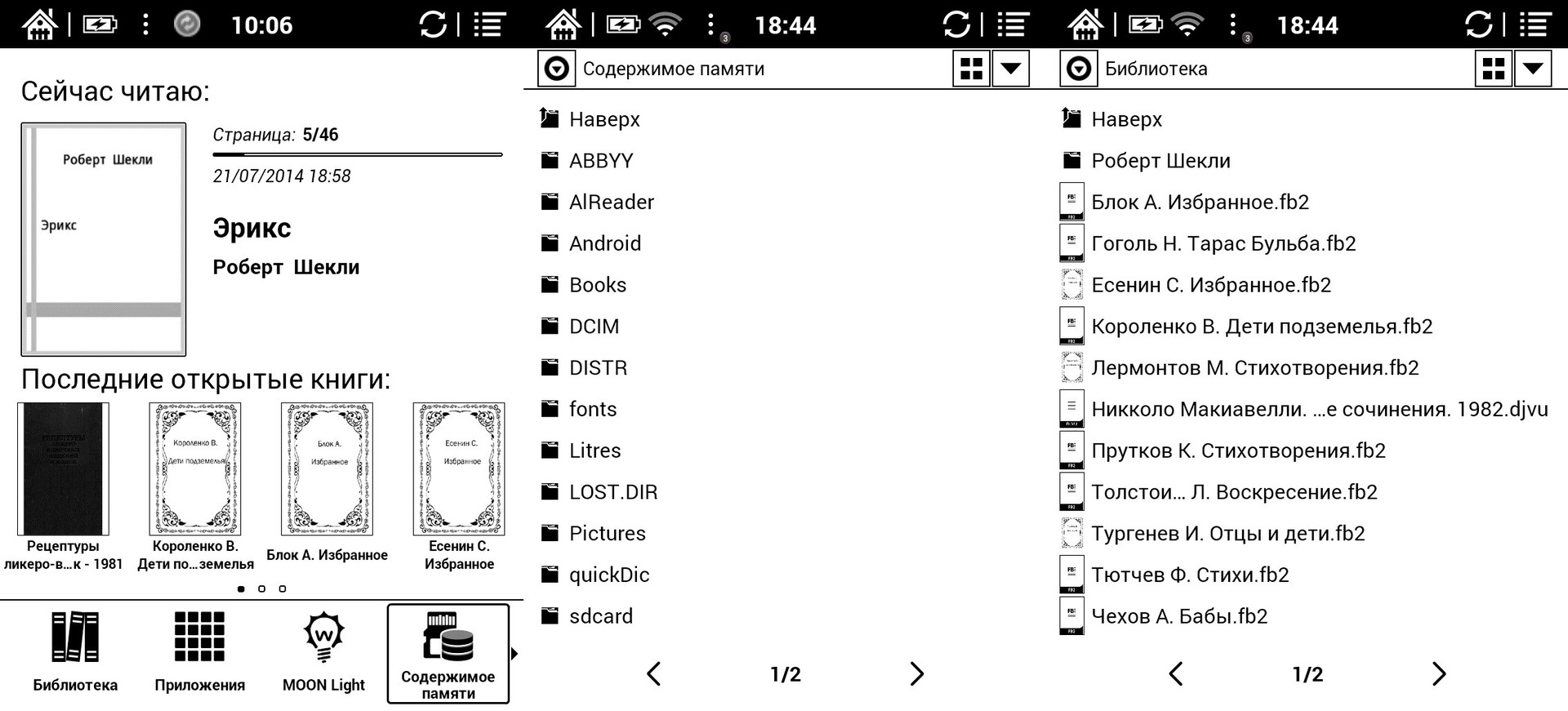
From the start window, you can immediately go to your “Library”:

The software already installed in the book allows you to open most of the popular text and graphic formats. If you need to open some exotic formats, the user can install the necessary application himself.

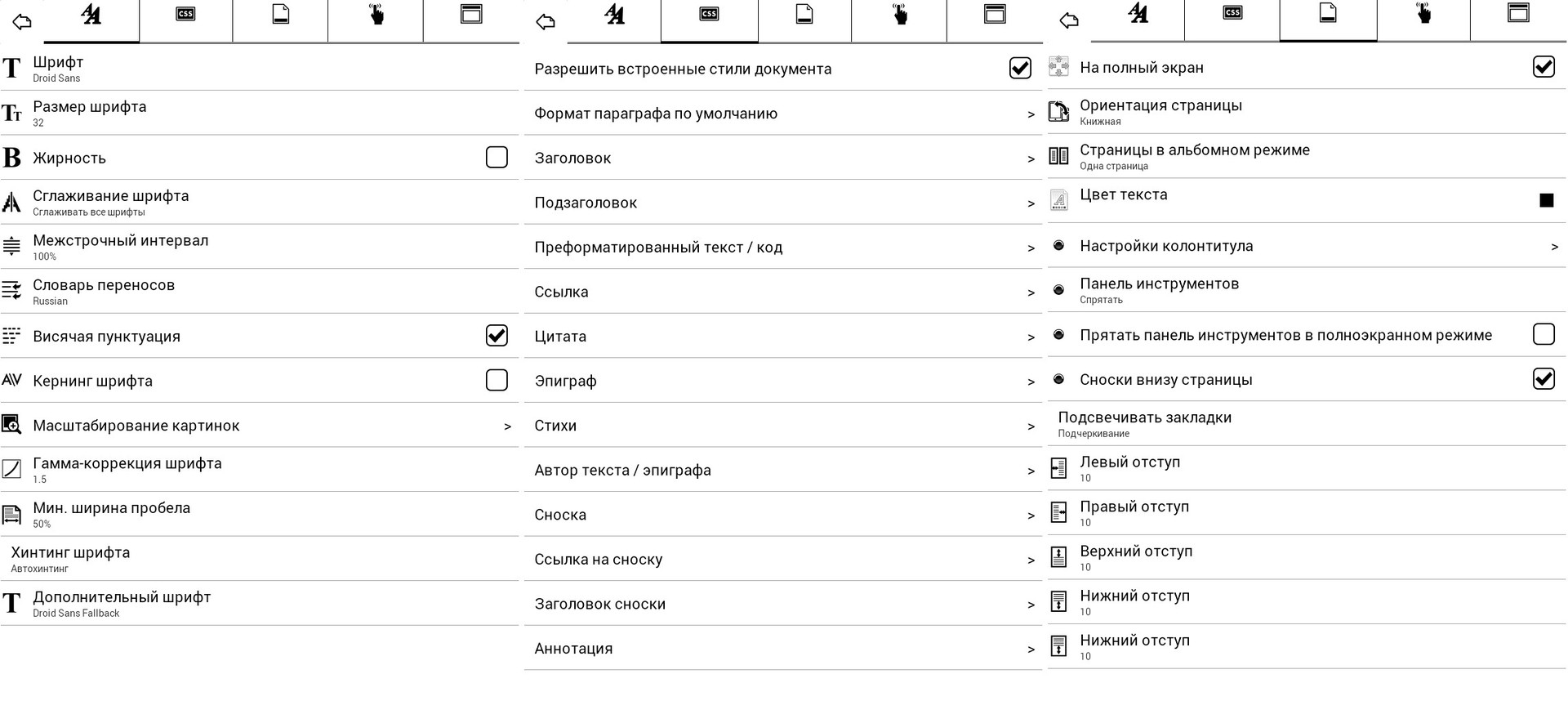
During reading, you can flexibly change additional settings that are saved for each book individually. For example: page orientation, padding, spacing, font sizes, etc.
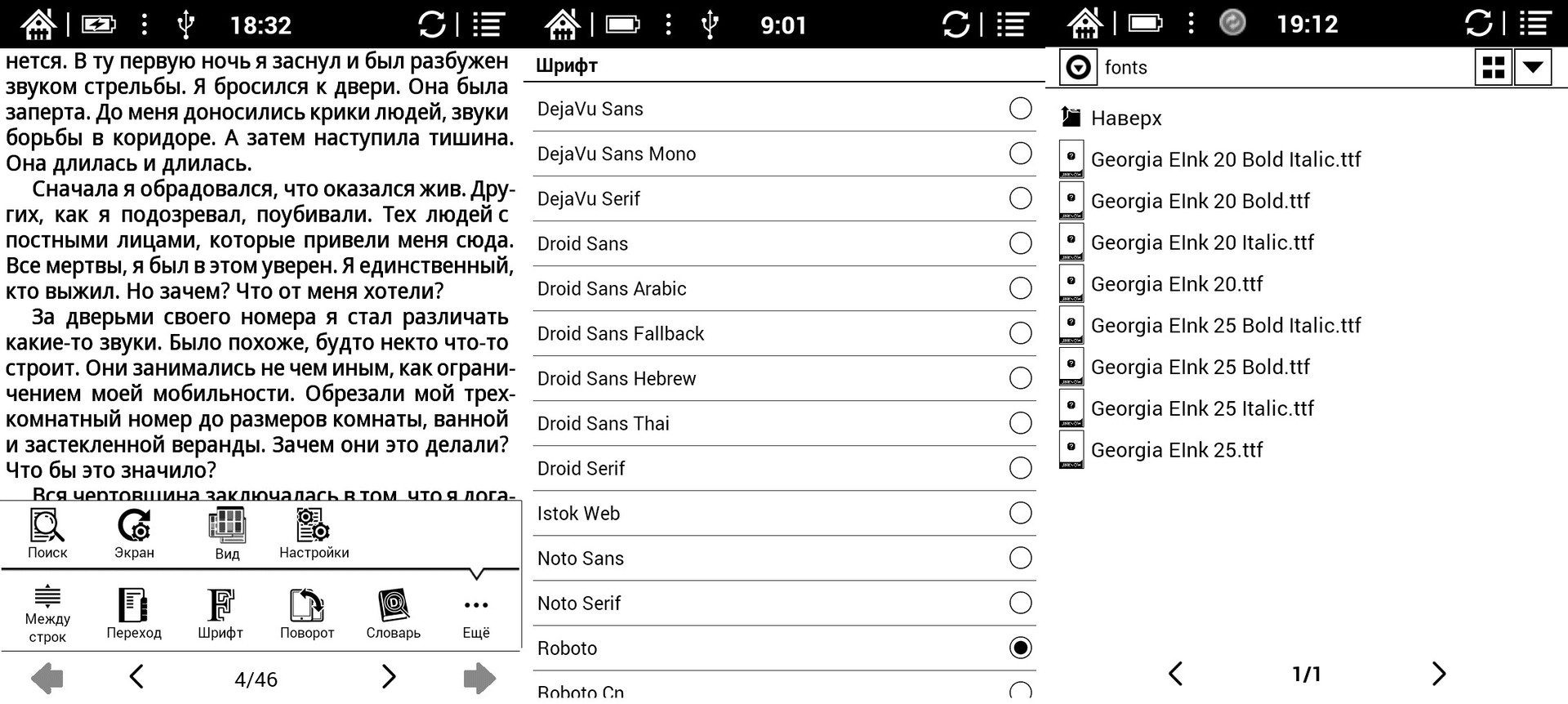
The book has preinstalled popular fonts, and you can also install any custom ones. If you like to read books with a specific font that is not preinstalled in the reader, you can install your font by copying it to the created “fonts” folder (with a small letter) in the internal memory of the reader (fonts must be in TTF format).
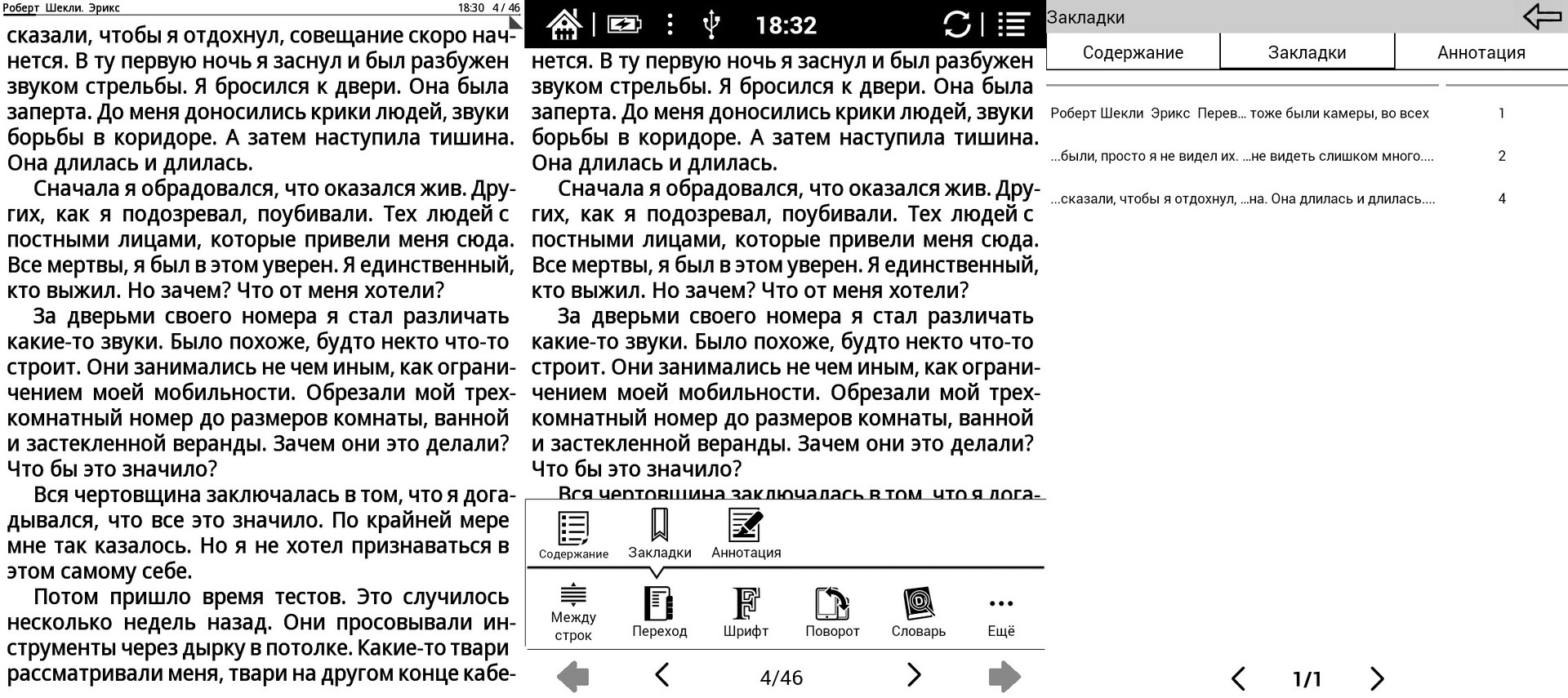
The book remembers the history of the opening and reading of recent books, as well as bookmarks set in the text of these books. To set bookmarks while reading a book on the desired page, just go to the desired page and briefly click on the small triangle in the upper right corner of the screen, while the triangle turns black and changes its direction. Pressing the area in the upper right corner again will remove the bookmark from the page and the triangle in the corner will turn white again. You can view bookmarks by touching the screen in the middle until the menu appears - select the "Transition" item - select the "Bookmarks" item.
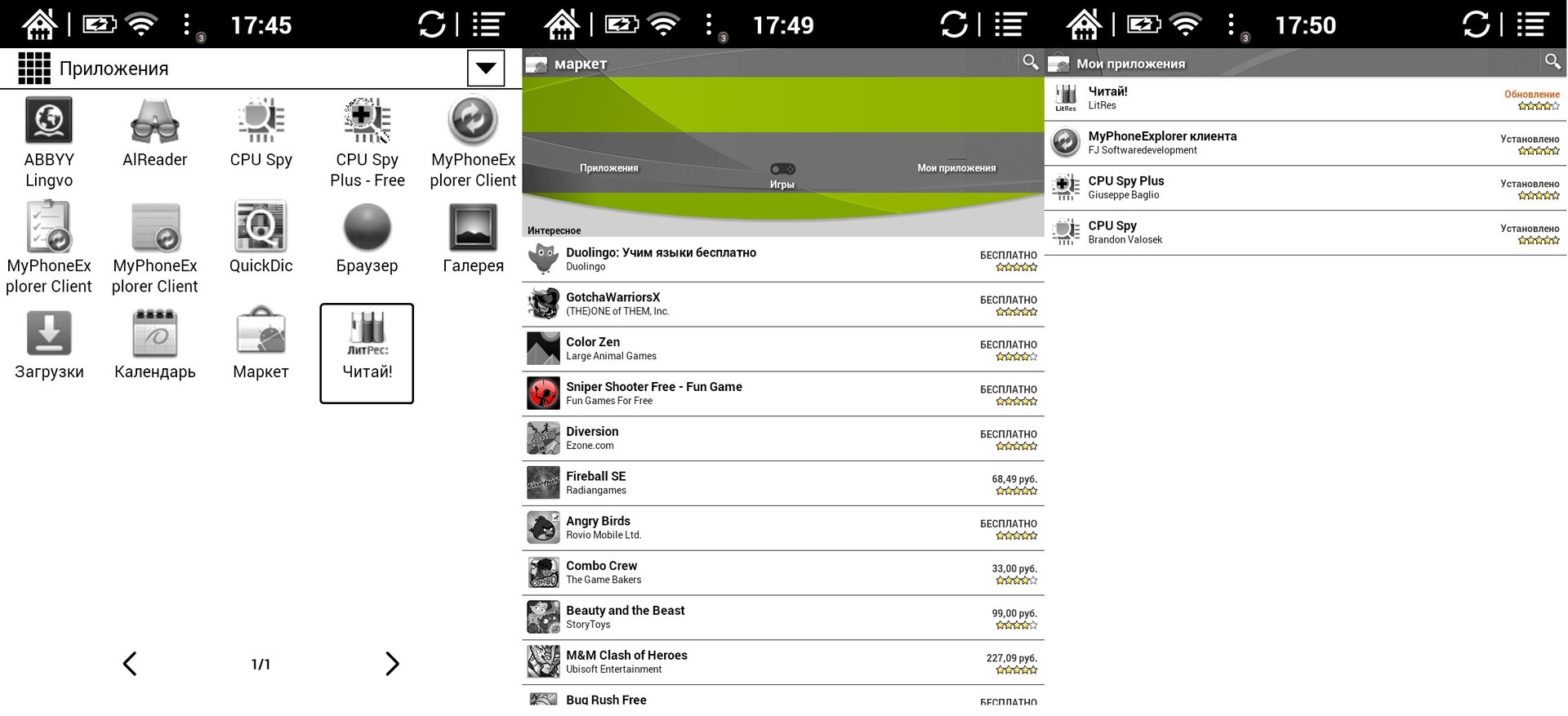
You can expand the functionality of the book by installing any applications from the Google store, for example, system applications, games, programs for learning a language.
From the start page you can go to the already pre-installed file manager, it is called “Memory Content”:
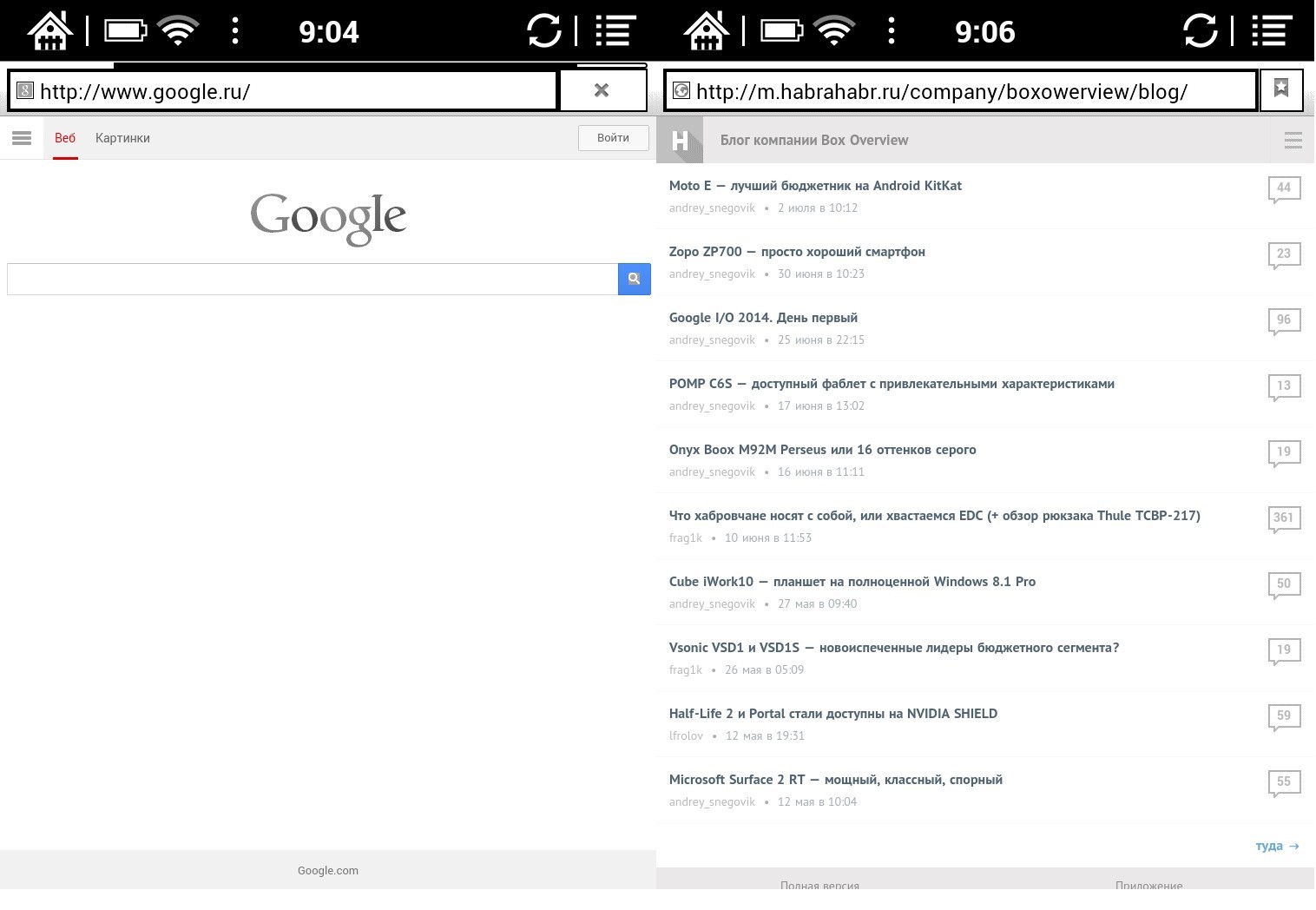
ONYX BOOX Newton allows you to access the Internet through the built-in browser. For example, to read news, blogs and forums, see mail, etc. If desired, you can install any other browser or application for mail, social. networks.
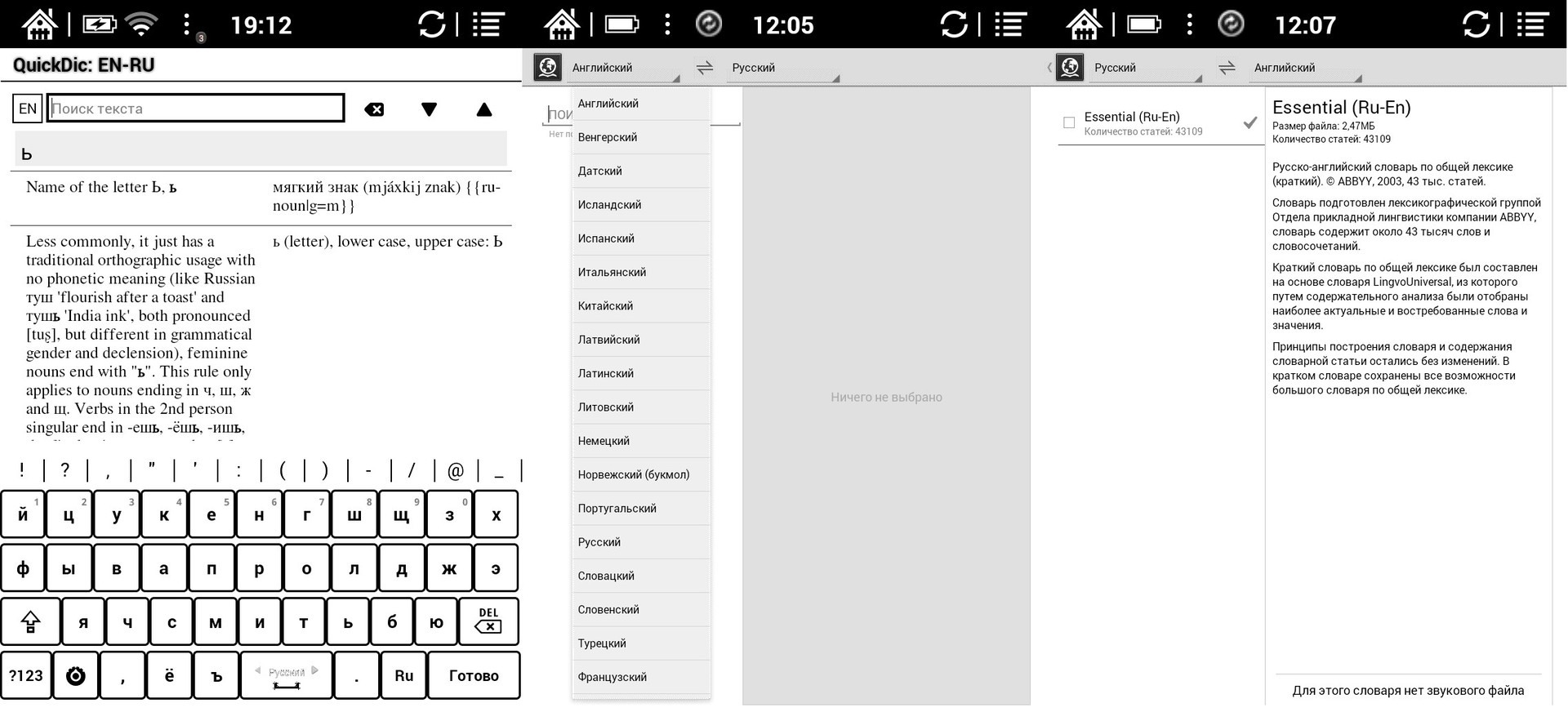
Built-in dictionaries The
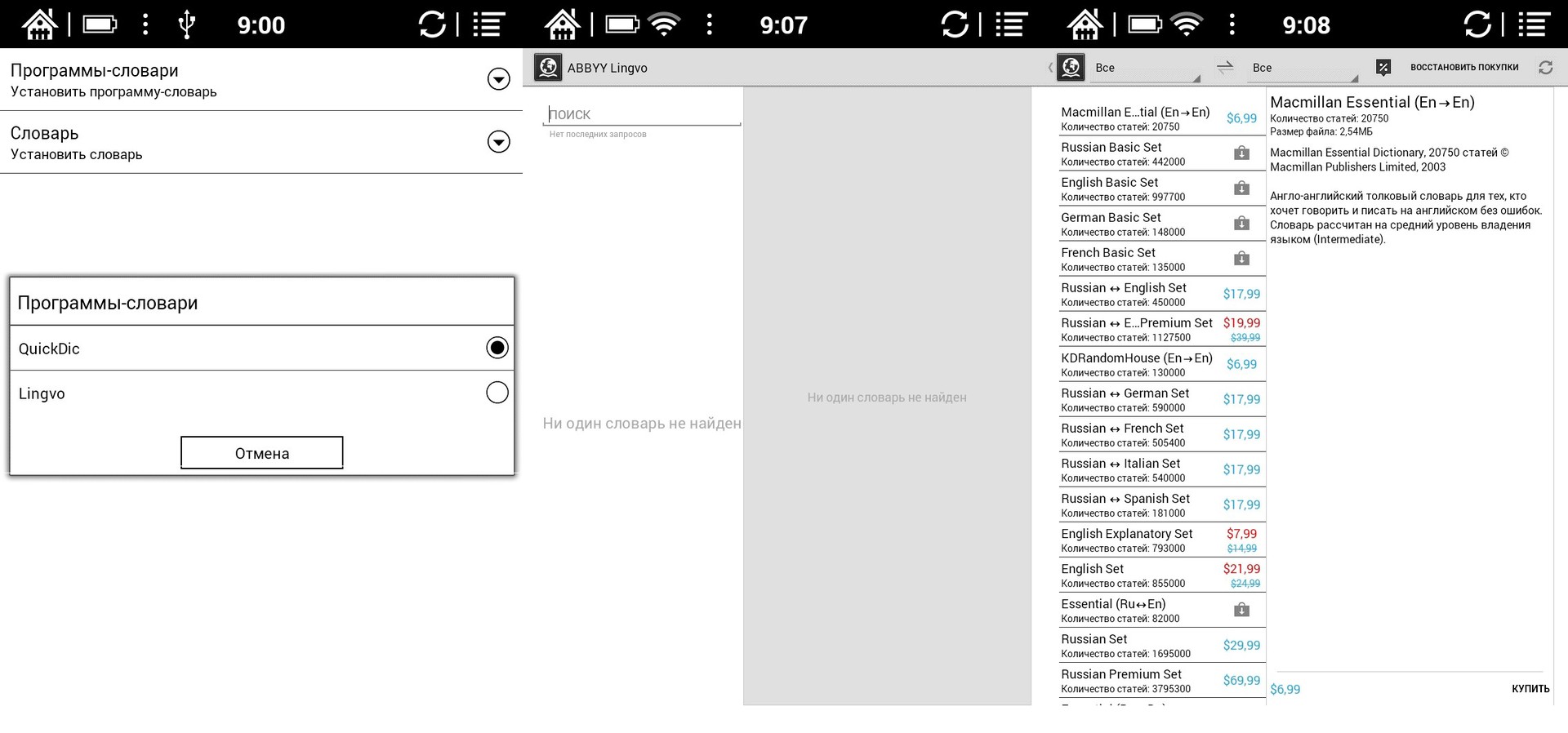
reader already has pre-installed English-Russian and Russian-English dictionaries ABBYY Lingvo and QuickDic. To translate an unfamiliar word, just touch it with your finger, and the dictionary entry will appear in a special window. The user has the opportunity to select and install a large number of different dictionaries for free (some dictionaries are paid).
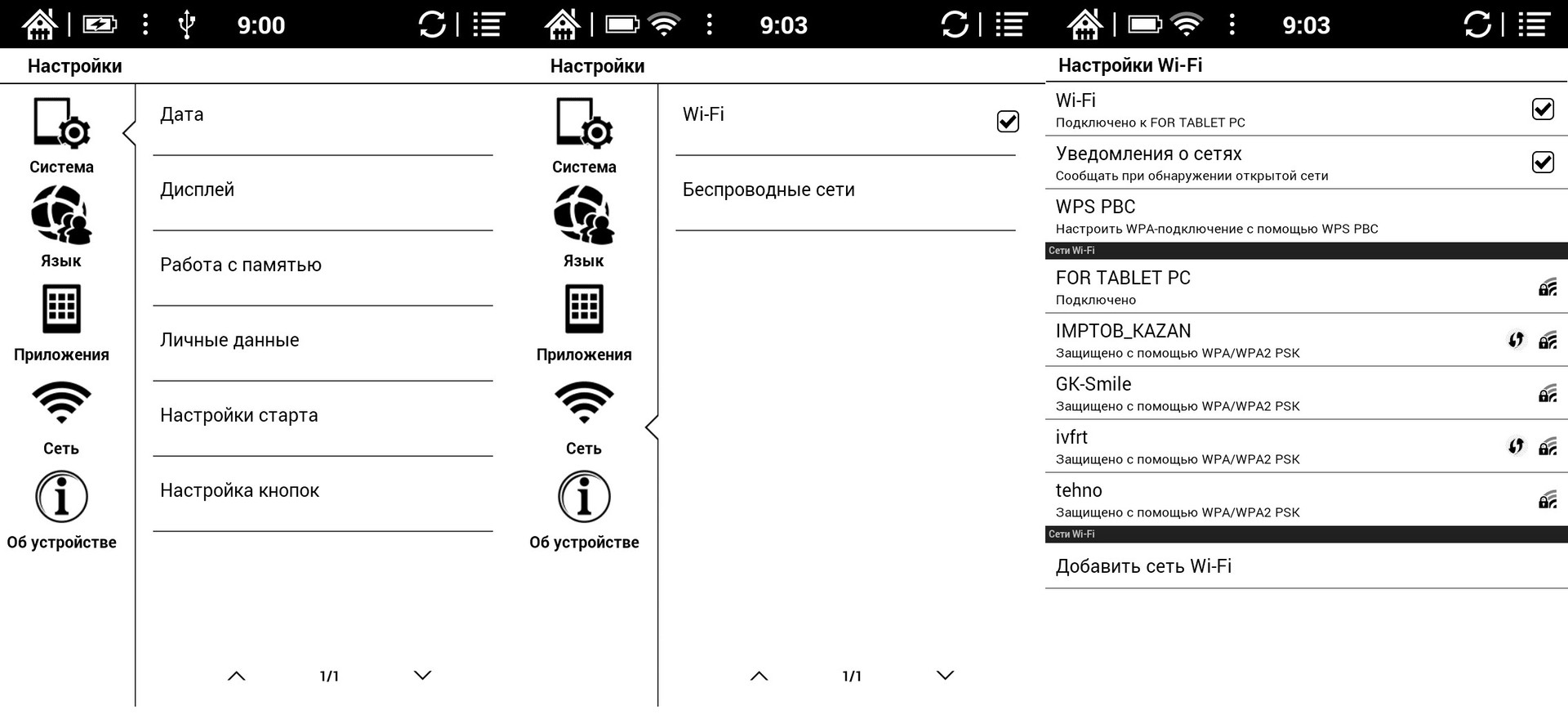
You can enter the main settings of the book from the start screen. The settings are very extensive and detailed, include all conceivable options for flexible operation of the book’s functionality.
The book is equipped with one built-in battery capacity of 1600 mAh. With 1-2 hours of daily reading, the device works for 1 month on a single charge (backlight level 10-40%).
The ONYX BOOX Newton e-book made a positive impression on me, it meets all the requirements of modern e-books. The most functional budget model, but on a productive platform with a good supply of battery capacity. I was very pleased with the latest development of the E-Ink company - the E-Ink Carta display, made according to the "electronic paper" technology. Reading from such a screen is as comfortable as reading from a regular paper page.
Pros:
1. The latest 6-inch E-Ink Carta display with MOON Light backlight and high contrast
2. Capacitive 1600 mAh battery
3. Slim body and light weight (243 g)
4. Excellent cover-case with a “scientific” design
5. The ability to install additional applications and good optimization of the firmware
6. Support for most popular text and graphic formats
7. Wireless interface for data exchange and Internet access
8. LED charge indicator
Cons:
1. Lack of audio support.
Do not forget to follow us on Vkontakte , Twitter and Google+ ! And of course, subscribe to our blog on Habré in your profile .
I want to talk about the new e-book from Onyx International, this company was founded in 2008 in Guangzhou, China by engineers who worked in well-known IT companies such as Google, Microsoft, Nortel. The company's products are represented in many countries of the world, and Russia is no exception.
> Introduction
MakTsentr company, the exclusive distributor of ONYX International products in Russia, in May 2014 introduced the first device in Russia equipped with the latest E-Ink Carta screen with multi-touch and MOON Light backlighting. By good tradition, the new e-book of the “scientific” series was named in honor of the great scientist, in this case the English physicist, mathematician and astronomer Isaac Newton.
> Specifications
Processor: Rockchip 2906, 1 GHz Operating system: Android 2.3.1 Random access memory (RAM): 512 Mb; Available memory: 8 GB + microSD slot up to 32 GB; Display size, type and resolution: Display 6 ", E Ink Carta, 16 shades of gray, contrast ratio 14: 1, 758 x 1024 pixels, infrared touch screen, with Multi-touch, MOON Light; Network: Wi-Fi 802.11 b / g / n; Battery capacity: 1600 mAh (Li-ion); Optional: USB 2.0; Text formats: TXT, HTML, RTF, FB2, FB2.ZIP, DOC, MOBIPOCKET, CHM, PDB, EPUB (DRM), EPUB (non-DRM); Graphic formats: JPG, PNG, GIF, BMP; Other: PDF (DRM), PDF (non-DRM), DjVu Dimensions:171 x 128.4 x 10.9 mm Weight without cover: 243 g.> Options
The box made of thick cardboard is decorated in black and green tones, on the front side colorful apples flaunt. In general, I have a positive impression of this box design.
Options: e-book, cover, charger, USB data cable, manual and warranty card.
A proprietary charger from a 220V network with an output charge current of 1000 mA, fully charges the battery in 3 hours. Neither the case of the book nor the charger itself overheats during charging.
The USB data cable is also of good quality, not hard, length 80 cm, the miniUSB connector fits tightly to the end, without gaps.
> Design and ergonomics
The electronic book is issued in one color scheme: black. The case is made of soft-touch plastic. The dimensions of the device are 171 x 128.4 x 10.9 mm and weighs 243 grams, together with the cover the book weighs 336 grams.
On the front panel are a 6-inch touchscreen display, a “home” button and a double page turning button. Along the entire body along the edges of the screen, you can see a beveled edge at an obtuse angle.
The manufacturer’s logo, model name, some technical information, as well as a serial number that matches the barcode on the box are printed on the rear panel. You should also pay attention to the unusual location of the hole for rebooting the device.
On the right and left ends there are duplicate mechanical buttons for turning pages.
The top end is completely empty.
At the bottom there is a miniUSB connector, a slot for microSD memory cards and an on / off button.
The on / off button also performs the function of an event indicator: during charging, the orange LED is lit continuously and the blue blinks; upon completion of charging, the blue LED is lit continuously.
Despite its size, the book is comfortable to hold in your hand, you quickly get used to it. All control keys are located ergonomically, are made with high quality and have a pleasant, tough ride. Pressing is accompanied by pleasant clicks, the keys do not creak and do not sink.
> Cover
The cover-cover protects the book very well from all sides. Its lower part is made of dense rubber, which reliably fits the reader from all sides, the cover is made of artificial leather with beautiful patterns (formulas). The case has a convenient ergonomics, sewn-in magnetic strips fix the right and left parts when closing the book. After closing, there is an automatic transition to hibernation; upon opening, the book wakes up.
> Screen
ONYX BOOX i63ML Newton is equipped with the latest 6-inch E-Ink Carta screen with MOON Light backlight and IR touch control (screen manufacturer: PVI, model: ED060XG3).
E-Ink Carta technology provides several advantages:
1) An increase in contrast by 50% and an increase in reflectivity by 20% compared to its predecessors. This feature reduces eye strain and makes even long reading comfortable.
2) The E Ink Carta display may not be fully updated, but only partially, i.e. when it is necessary to change the image only on some part of the screen, the corresponding pixels change, without redrawing the entire image. This provides additional energy savings.
I would like to note some features of infrared control technology:
1. All components (line of light and photo diodes) are located in the display frame. Unlike resistive and capacitive technologies used in most modern devices, IR touch displays do not use fragile translucent touch-ups. As a result, scratches, dirt and even cracks do not affect the performance of the touch panel.
2. Calibration stability is based on a 100% digital way of determining coordinates.
3. The absence of conductive sputtering on the glass. As a result, the image brightness increases, glare decreases.
The screen has a resolution of 1024x758 pixels with a pixel density of 200 ppi. The number of gradations of gray is 16, the contrast is 14: 1. 2-touch multi-touch, responsive.
Screen backlight
MOON Light technology allows you to use the device in the dark or in poor lighting conditions, without harming your eyesight. When using this function, a soft screen glow is created that is optimal for dark rooms. By pressing the mechanical home button two seconds, you can turn the backlight on or off. The backlight level is conveniently adjusted in the control menu, which is available at the bottom of the screen.
The backlight gradation scale is flexible, has 50 divisions (5 divisions - 10% brightness):
> Iron
The e-book is built on a Rockchip 2906 processor with a clock frequency of 1 GHz. In addition to this, the device has 512 MB of RAM and 8 GB of internal memory, which can be expanded to 32 GB using microSD memory cards.
The Rockchip 2906 processor is energy efficient, i.e. It works at the frequency that is required at one time or another, depending on the tasks. And also perfectly goes into a deep sleep.
Iron ONYX BOOX i63ML Newton copes with its tasks, voluminous books in PDF, DjVu overloaded with pictures and photographs open if not in seconds, then very quickly. Books in the popular fb2 format open instantly.
> Communications
The developers have provided at least 3 ways to add new books:
1. From a large computer via a miniUSB cable (the reader supports USB 2.0 standard):
2. Wi-Fi standard 802.11 b / g / n without using the Internet. Communication between various devices can be carried out through third-party programs on the Android OS platform, for example, creating an FTP server on an e-book:
3. Internet connection via Wi-Fi.
Several books of classics of literature have already been downloaded to the electronic book for free; additional books can be downloaded or purchased for free through LiteRes.
> Interface and software
The book has an interface similar to other models of the "scientific" ONYX series. If we talk about stylization, then in this case it is screensavers in the off and sleeping state on the screen with a portrait of the great scientist, formulas and original covers of his works.
From the start window, you can immediately go to your “Library”:
The software already installed in the book allows you to open most of the popular text and graphic formats. If you need to open some exotic formats, the user can install the necessary application himself.
During reading, you can flexibly change additional settings that are saved for each book individually. For example: page orientation, padding, spacing, font sizes, etc.
The book has preinstalled popular fonts, and you can also install any custom ones. If you like to read books with a specific font that is not preinstalled in the reader, you can install your font by copying it to the created “fonts” folder (with a small letter) in the internal memory of the reader (fonts must be in TTF format).
The book remembers the history of the opening and reading of recent books, as well as bookmarks set in the text of these books. To set bookmarks while reading a book on the desired page, just go to the desired page and briefly click on the small triangle in the upper right corner of the screen, while the triangle turns black and changes its direction. Pressing the area in the upper right corner again will remove the bookmark from the page and the triangle in the corner will turn white again. You can view bookmarks by touching the screen in the middle until the menu appears - select the "Transition" item - select the "Bookmarks" item.
You can expand the functionality of the book by installing any applications from the Google store, for example, system applications, games, programs for learning a language.
From the start page you can go to the already pre-installed file manager, it is called “Memory Content”:
ONYX BOOX Newton allows you to access the Internet through the built-in browser. For example, to read news, blogs and forums, see mail, etc. If desired, you can install any other browser or application for mail, social. networks.
Built-in dictionaries The
reader already has pre-installed English-Russian and Russian-English dictionaries ABBYY Lingvo and QuickDic. To translate an unfamiliar word, just touch it with your finger, and the dictionary entry will appear in a special window. The user has the opportunity to select and install a large number of different dictionaries for free (some dictionaries are paid).
You can enter the main settings of the book from the start screen. The settings are very extensive and detailed, include all conceivable options for flexible operation of the book’s functionality.
> Battery
The book is equipped with one built-in battery capacity of 1600 mAh. With 1-2 hours of daily reading, the device works for 1 month on a single charge (backlight level 10-40%).
> Conclusion
The ONYX BOOX Newton e-book made a positive impression on me, it meets all the requirements of modern e-books. The most functional budget model, but on a productive platform with a good supply of battery capacity. I was very pleased with the latest development of the E-Ink company - the E-Ink Carta display, made according to the "electronic paper" technology. Reading from such a screen is as comfortable as reading from a regular paper page.
Pros:
1. The latest 6-inch E-Ink Carta display with MOON Light backlight and high contrast
2. Capacitive 1600 mAh battery
3. Slim body and light weight (243 g)
4. Excellent cover-case with a “scientific” design
5. The ability to install additional applications and good optimization of the firmware
6. Support for most popular text and graphic formats
7. Wireless interface for data exchange and Internet access
8. LED charge indicator
Cons:
1. Lack of audio support.
Do not forget to follow us on Vkontakte , Twitter and Google+ ! And of course, subscribe to our blog on Habré in your profile .