December 10, 2013 at 10:00
Kindle Fire HDX - an affordable tablet from Amazon
In 2011, Amazon shook the tablet market with the launch of the $ 200 7-inch Kindle Fire, while competitors offered similar-spec models for much more. A year later, Amazon again surprised everyone by releasing two new tablets at once: the Kindle Fire HD and the Kindle Fire HD 8.9. At a cost of $ 200 and $ 300, they had a fairly powerful filling by those standards. Now the story is repeated again, but with the Kindle Fire HDX in the title role. This is not to say that a revolution has occurred, but the company offered devices with top-end features at the price of budget tablets.
Where does such a relatively small price come from? The fact is that the Amazon online store sells devices "at cost", only the costs of their manufacture are covered. Aggressive pricing helps achieve the company's main goal: to get as many tablets as possible to users who are potential buyers of Amazon online content - from games and books to videos.
“We want to make money when people use our devices, not when they buy them ,” says Jeffrey Beesos (head and founder of the Internet company).
The tablet is built on the latest Qualcomm MSM8974 platform (Snapdragon 800) with a 2.26 GHz quad-core processor, the Adreno 330 graphic subsystem (GPU). Fire HDX has 2 GB of RAM and 16 GB of internal memory for storing user data. Models are sold with a version of 32 GB, as well as with support for LTE networks. Thanks to the use of magnesium alloy for the case, the new tablet has a relatively low weight.
 Screen: 7 ", 1920x1200 px, FullHD, IPS
 Processor: Snapdragon 800 (2.2 GHz and 4 cores)
 Video accelerator: Adreno 330
 Operating system: Android 4.2.2 (Jelly Bean) with a shell Fire OS 3.1
 RAM: 2 GB
 User memory: 16 GB
 Camera: front - 1.2 MP
 Optional: Wi-Fi, Bluetooth, accelerometer, gyroscope, brightness sensor
 Battery: 4550 mAh
 Dimensions: 186 x 128 x 9.0 mm
 Weight: 303 gram
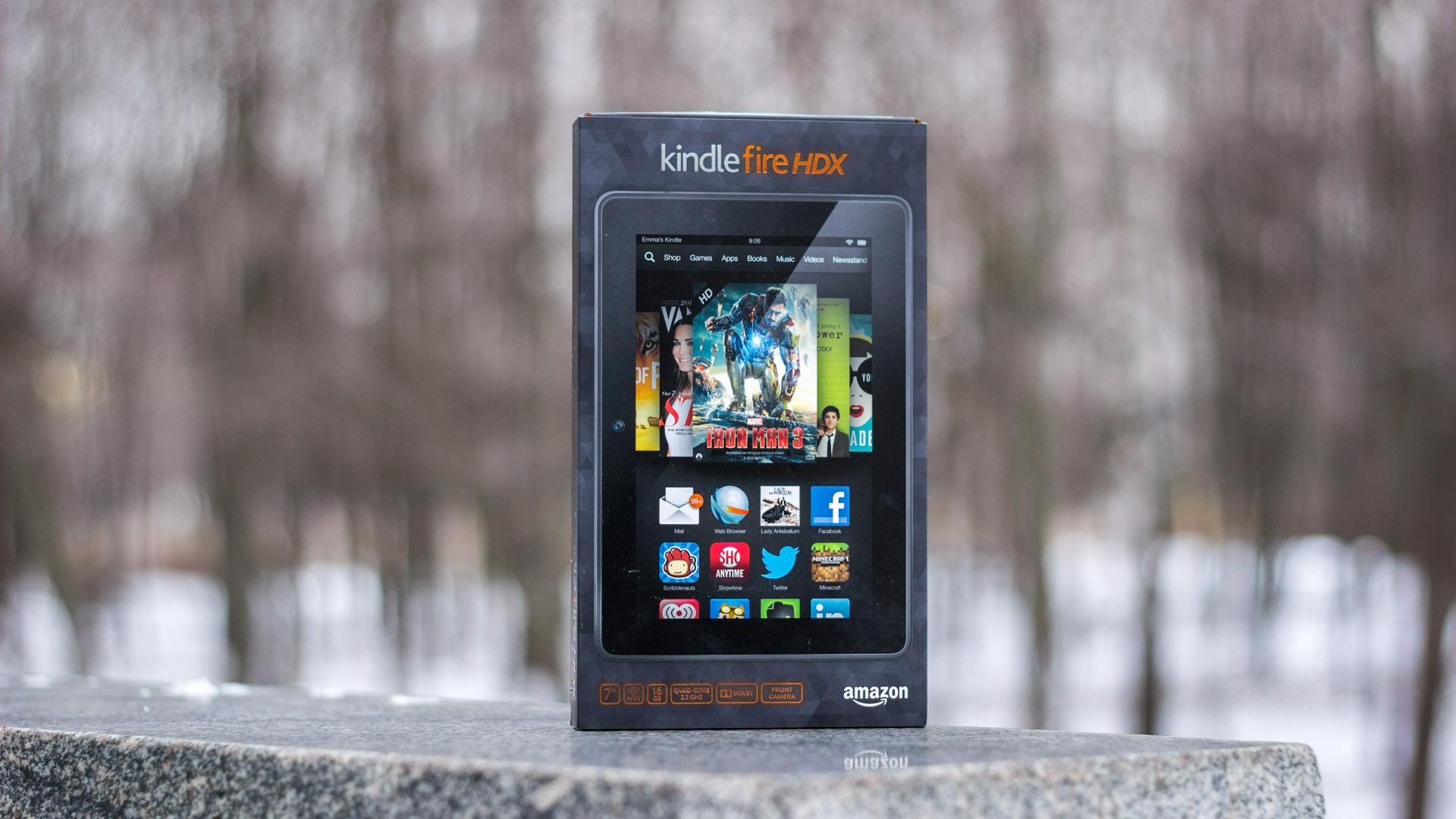
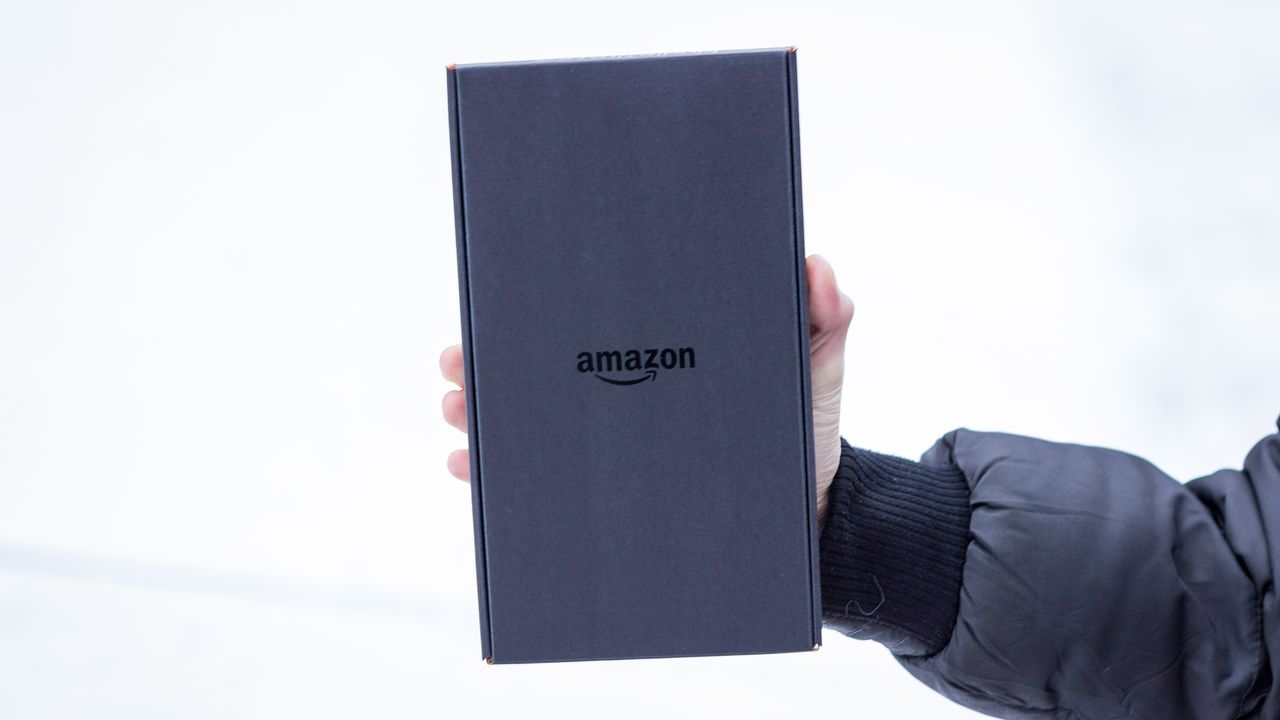
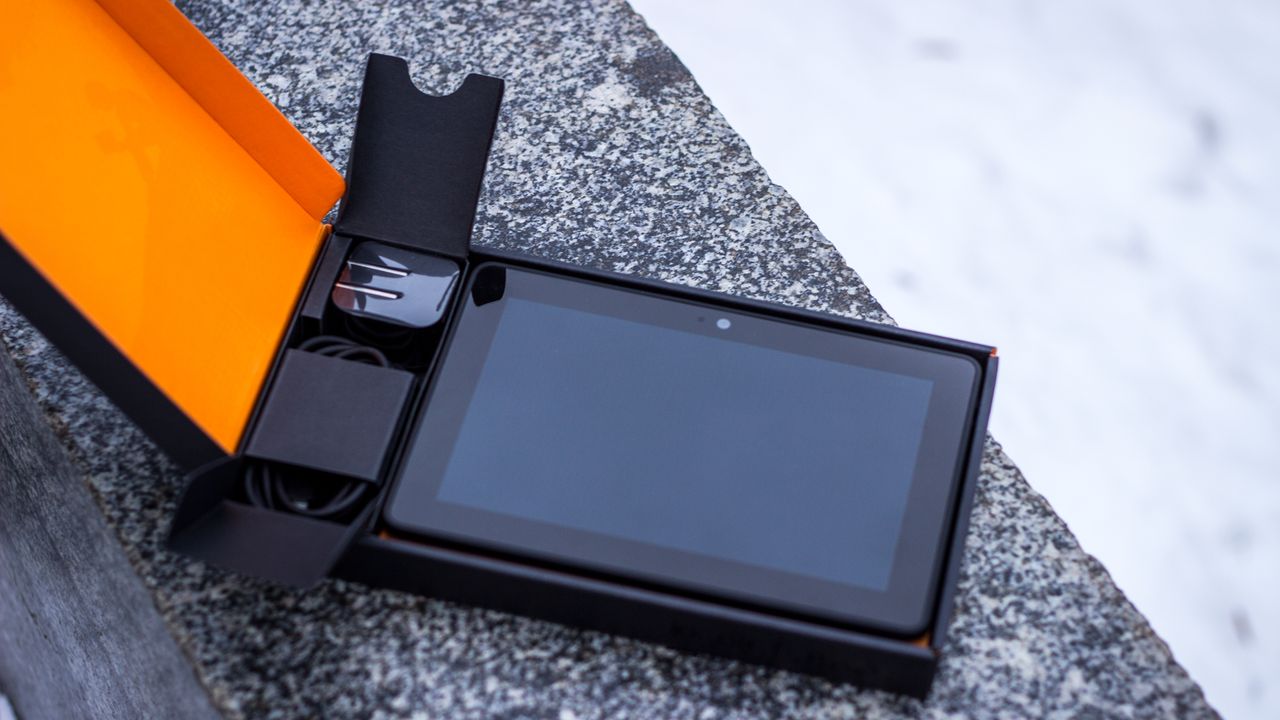
The tablet comes in a small glossy cardboard box decorated in Kindle signature colors. Below the front side of the package are various icons that describe the main advantages of the tablet. On the back, we see a detailed description of all the advantages of the device - a high resolution display, a powerful processor and access to various content. The packaging of the device looks outwardly standard for the Kindle product series. This is a black painted cardboard with a characteristic shape, by which you can easily find a place to open a sealed box. Inside the package you will find a 7-inch tablet, a leaflet with instructions, a charger (1 A), and a USB-Micro-USB connection cable. No headphones in the kit were found, as were not found and any other accessories - everything is very concise.


In addition to the tablet, you can purchase original Origami cases in leather ($ 65) or polyurethane ($ 50) versions. These durable covers in the form of a cover with a cover protect from scratches and bumps, and can also serve as a stand with different angles of inclination. Using the built-in magnets, the device can automatically unlock when opened.
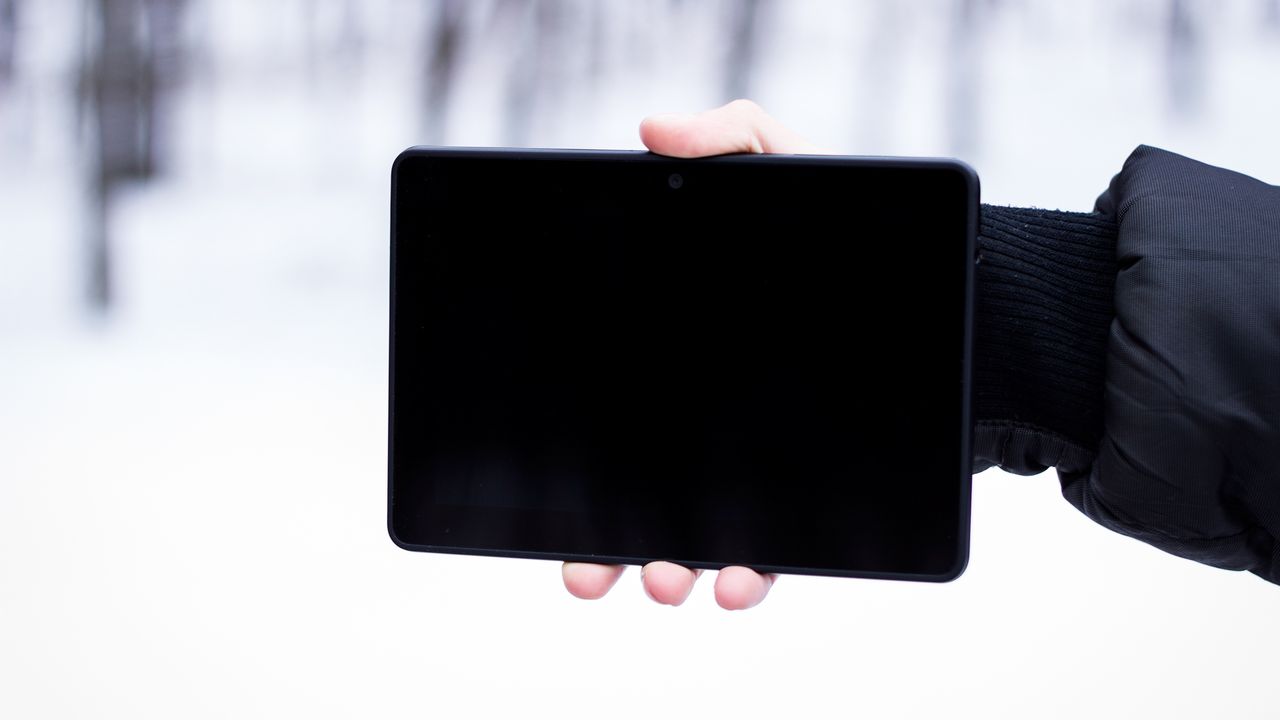
On the front panel you will not find a single label or button. The entire front of the tablet is covered with glass. The front camera, suitable only for Skype, is located in the center. The light sensor took its place on the left. An integrated dual microphone is located above the camera at the top of the device. The front surface is black, in standby mode, the frame merges with the display, and a monophonic plane is obtained. The entire rear panel, as well as the sides of the device, are made of rubberized plastic. With it, the device lies well in the hand. A brilliant manufacturer's logo of immodest size is located in the middle. A decorative glossy dice, which is usually patchy in the very first hours of working with a tablet, covers the top of the tablet.
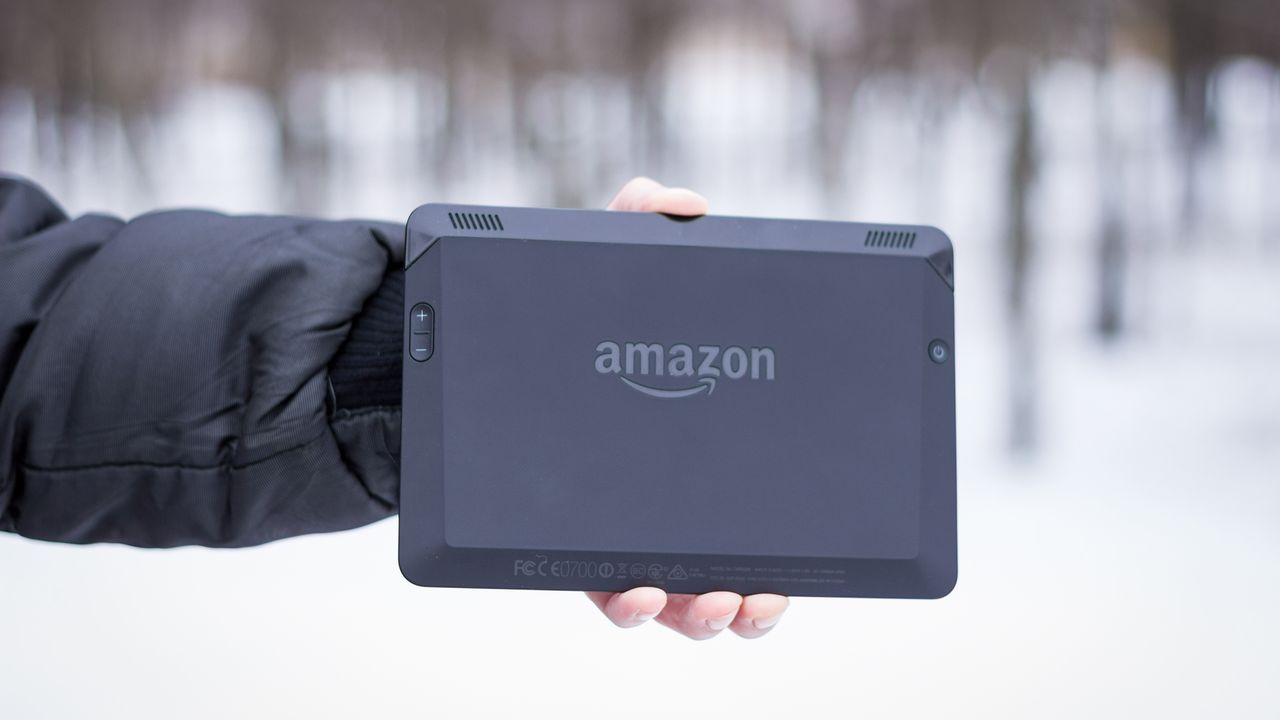
On the right side are the volume rocker. In order to change the volume on the tablet, you do not need to frantically search with your fingers for the corresponding key on the narrow of the gadget, in this case it is located under the fingers of the right hand (if you hold the tablet horizontally). Power button, placed under the fingers of the left hand. The “Volume” and “On” buttons are practically recessed in the device’s body and almost do not differ in touch with the surface. The microUSB connector is located on a very narrow sidewall. On the opposite side there is a 3.5 mm jack. If the headphones used have a plug with a “G” shape, then they will not overlap the “Volume” buttons.

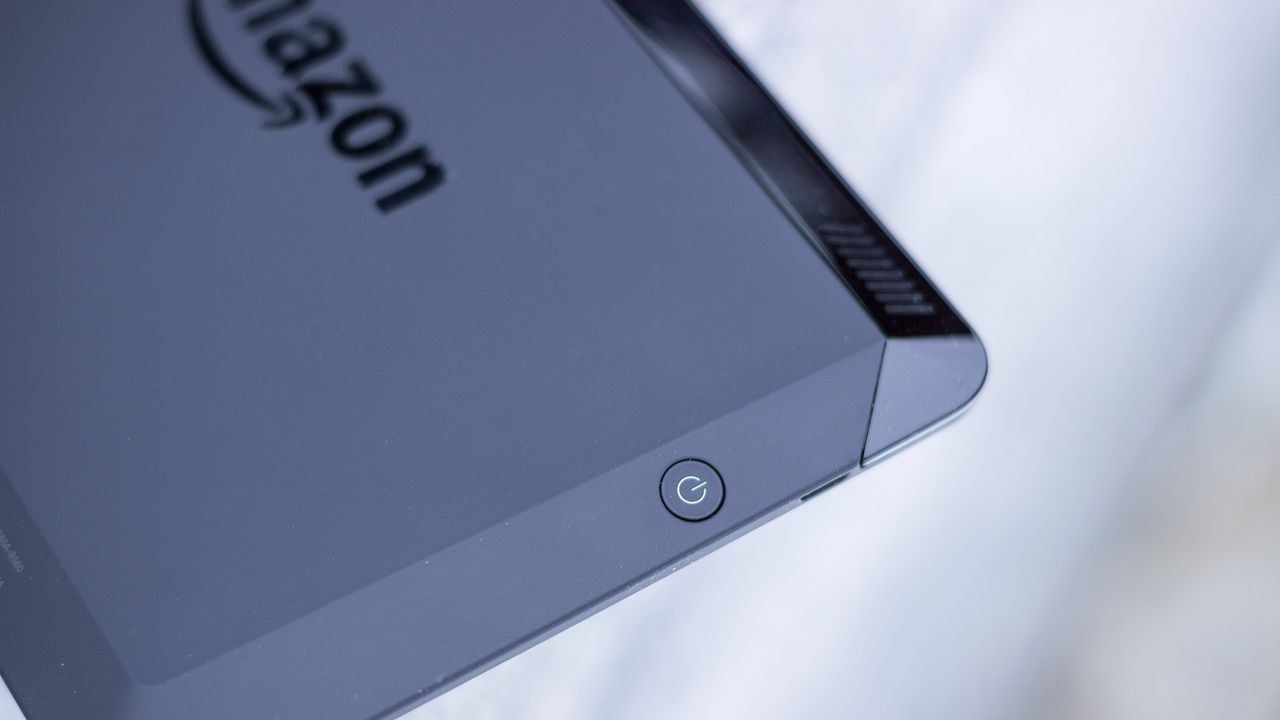

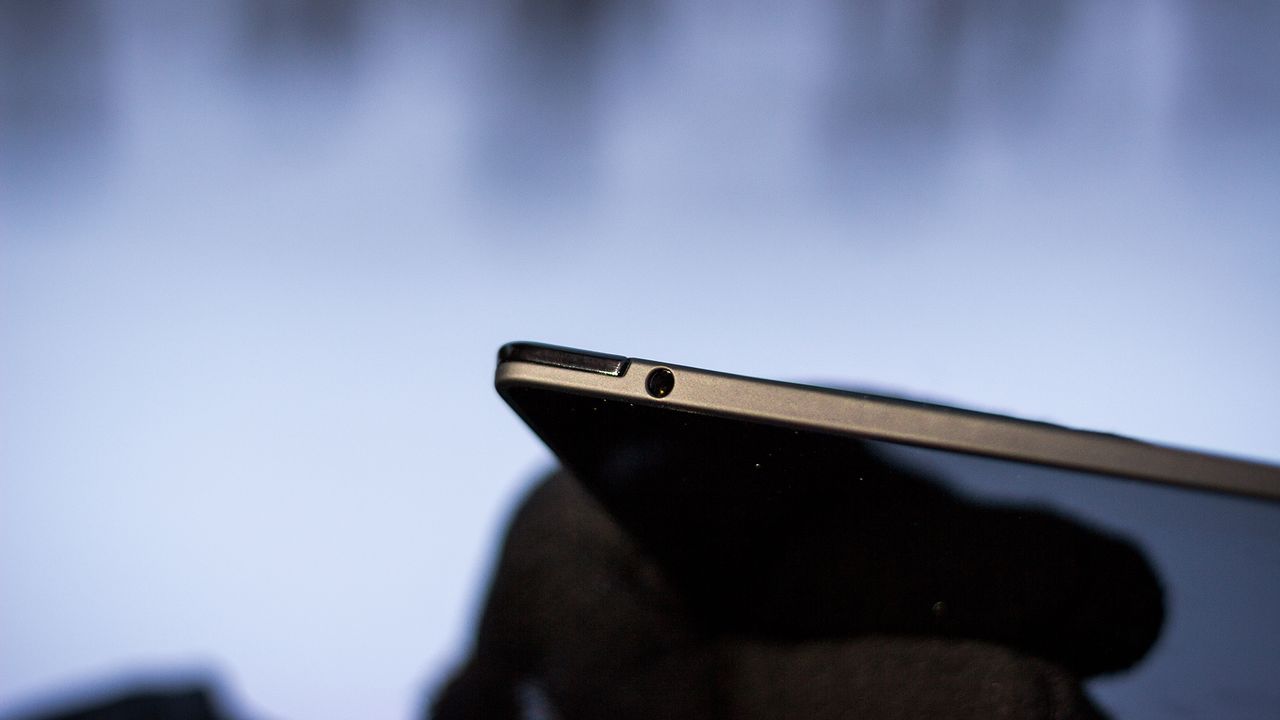
The Kindle Fire HDX has an excellent speaker system, as well as a software system for automatically detecting distortions and urgently correcting recording errors before playback, resulting in a clear, clear and balanced sound. The speakers here are spaced on different edges of the device and have stereo sound. Even at maximum volume, the tablet does not distort the sound. Kindle Fire uses Dolby Digital Plus, a world-class headphone-free system. Although the sound in the headphones will not disappoint either.
The front camera has a resolution of 1.2 megapixels and does its job at a decent level and is quite suitable for communication in Skype. In addition, she knows how to shoot video in HD resolution.


В планшете установлен дисплей с разрешением 1920x1200 при диагонали в 7" (323PPI) с 100% sRGB цветопередачей.
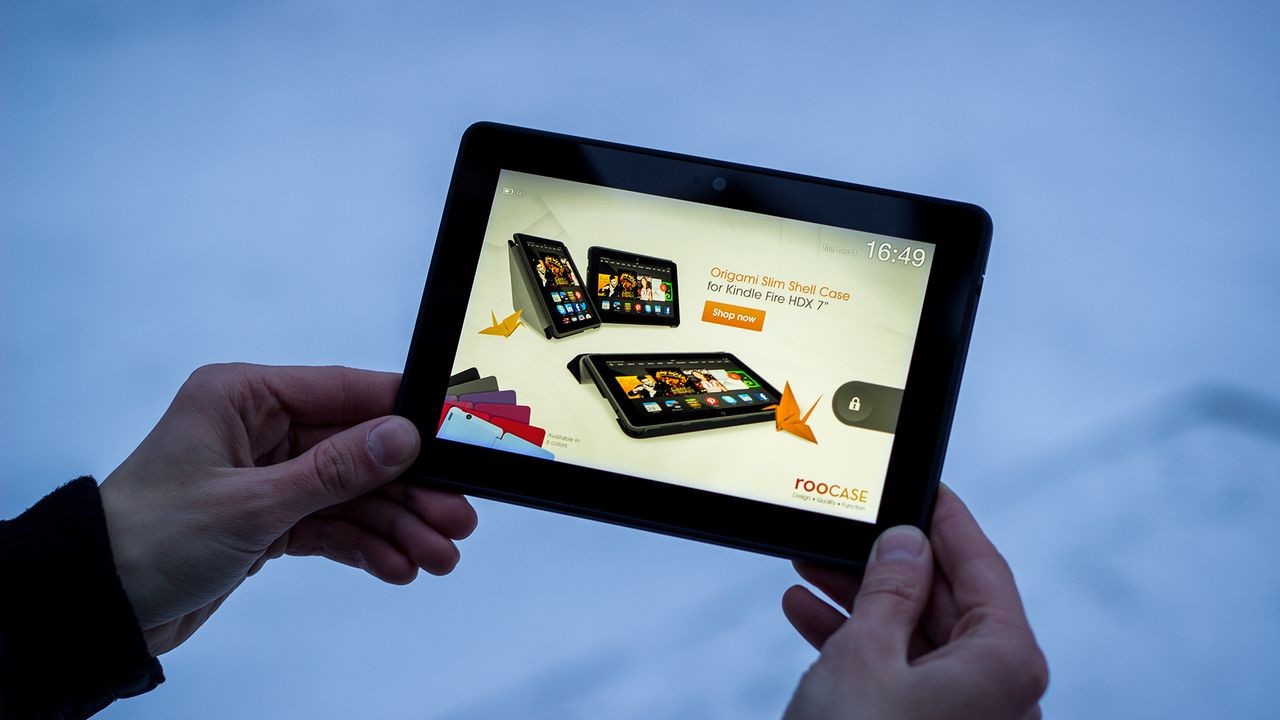
У дисплея очень качественное олеофобное покрытие, благодаря которому он заляпывается пальцами несколько меньше ожидаемого.
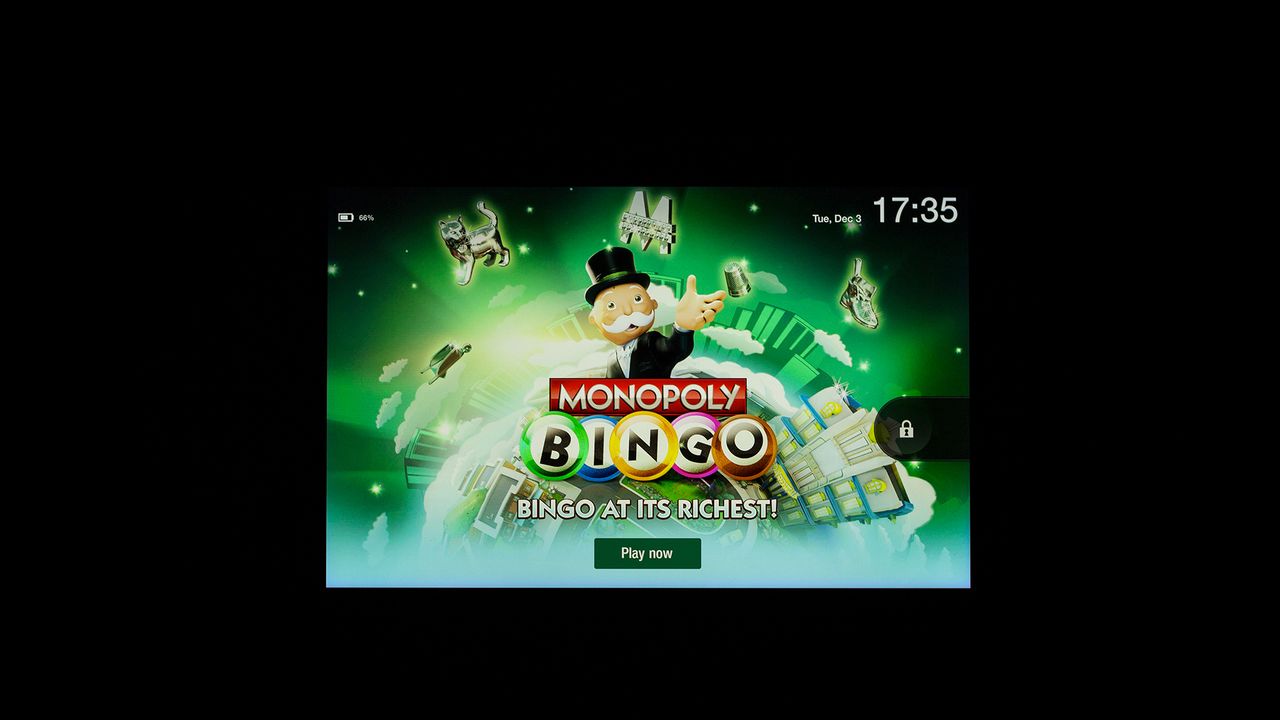
Углы просмотра ожидаемо отличные (IPS это свойственно), цвета сочные, но естественные.
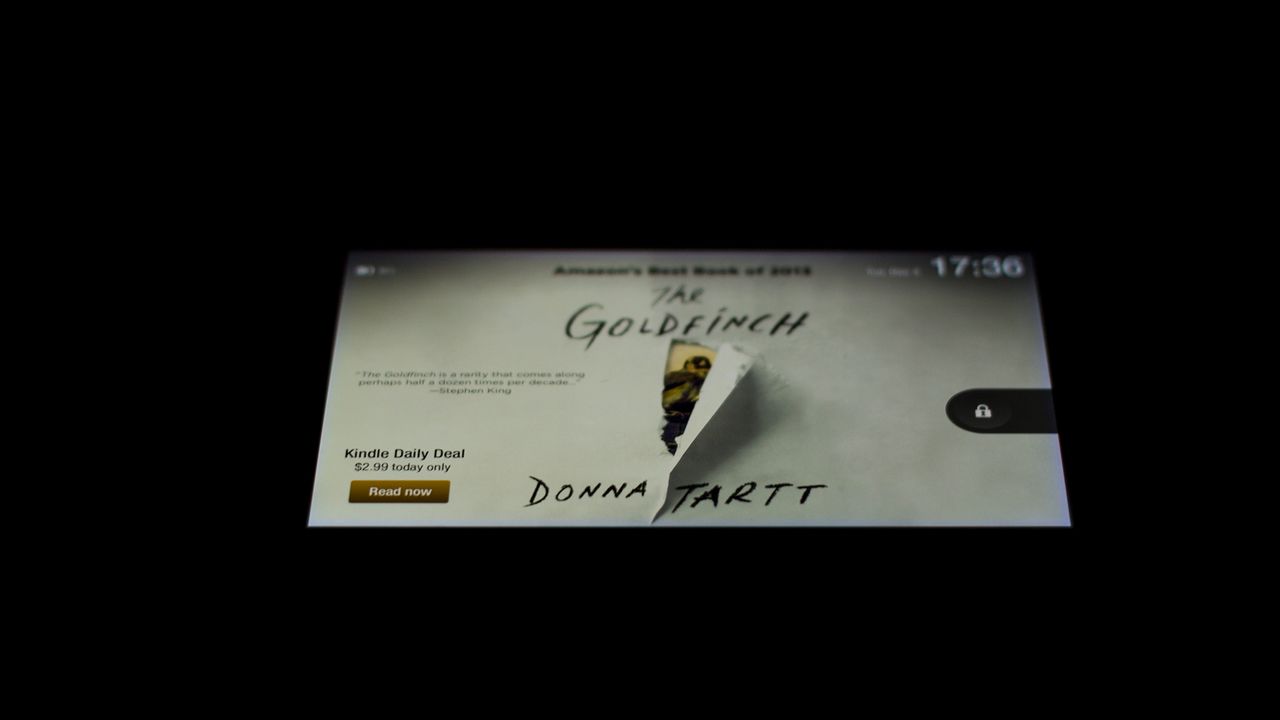
Запас по яркости очень хороший: в обычном режиме можно пользоваться устройством с 50% яркости.

Специалисты DisplayMate считают экран Kindle Fire HDX 7 чуть лучше, по сравнению с Nexus 7 и iPad Mini Retina. При его производстве используется технология так называемых «квантовых точек» Quantum Dots.
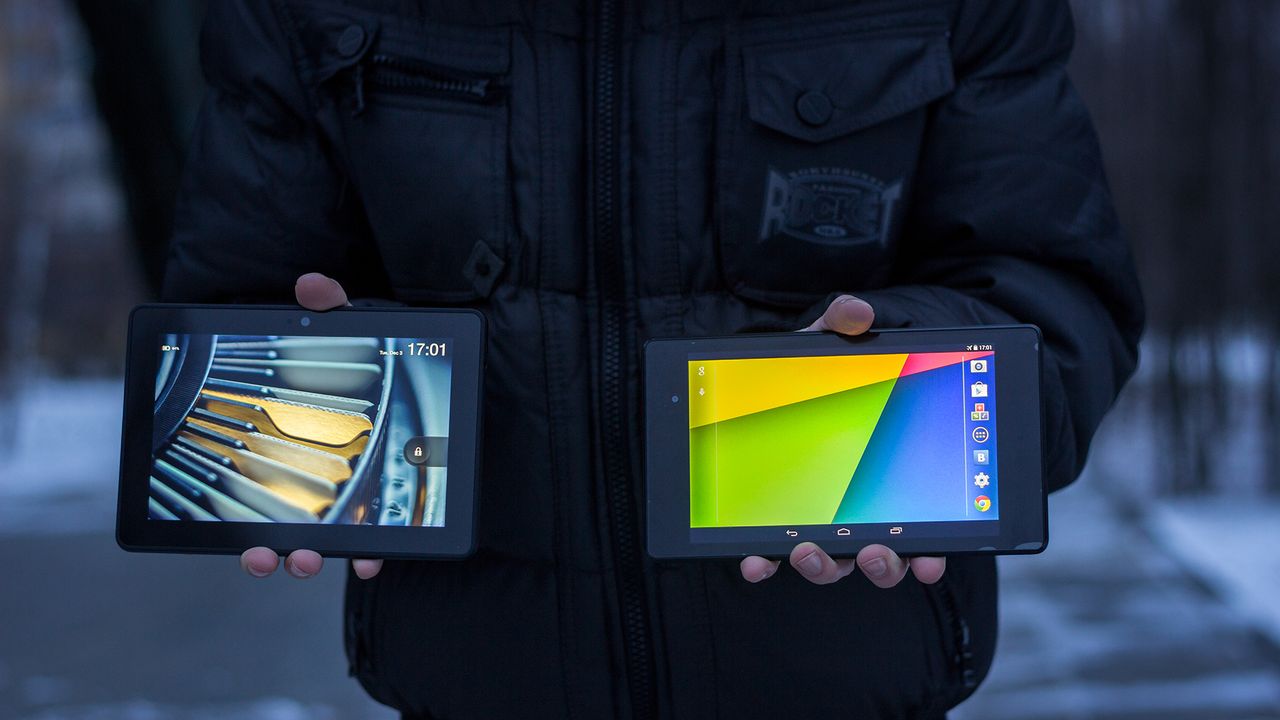
Цветовая гамма почти одинакова: 97% у Kindle Fire HDX и 103% у Nexus 7 2013.
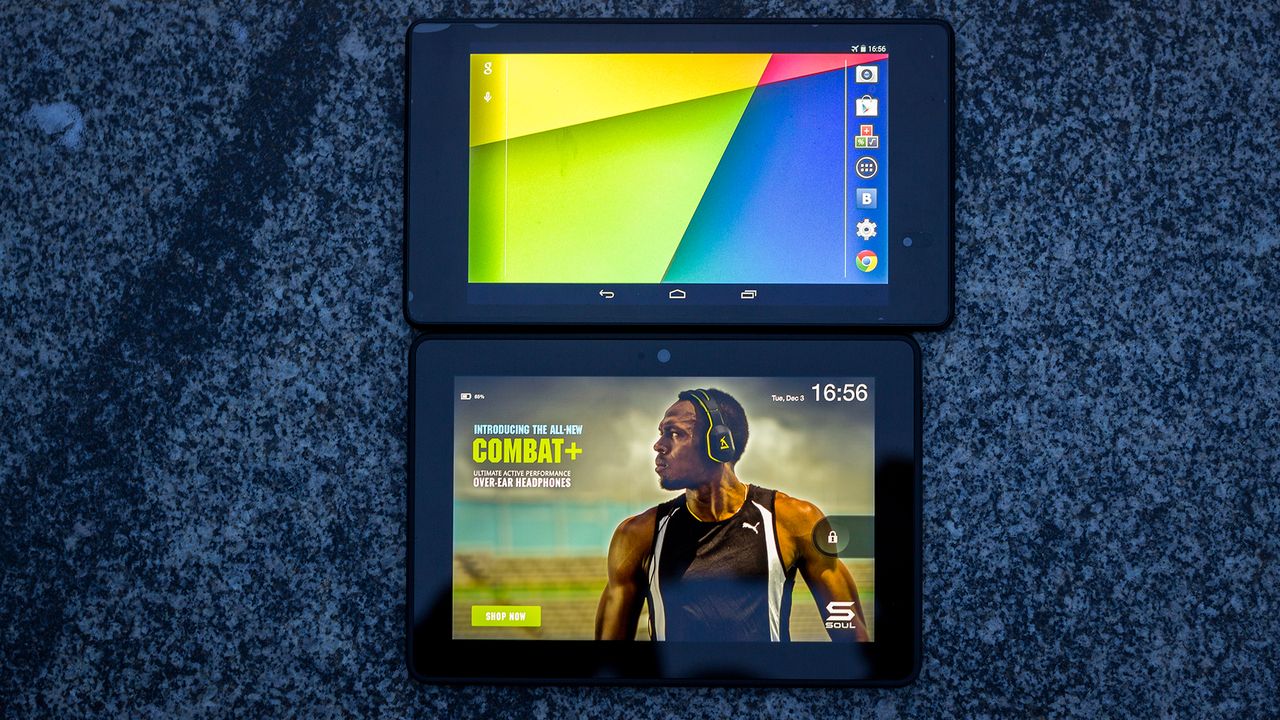
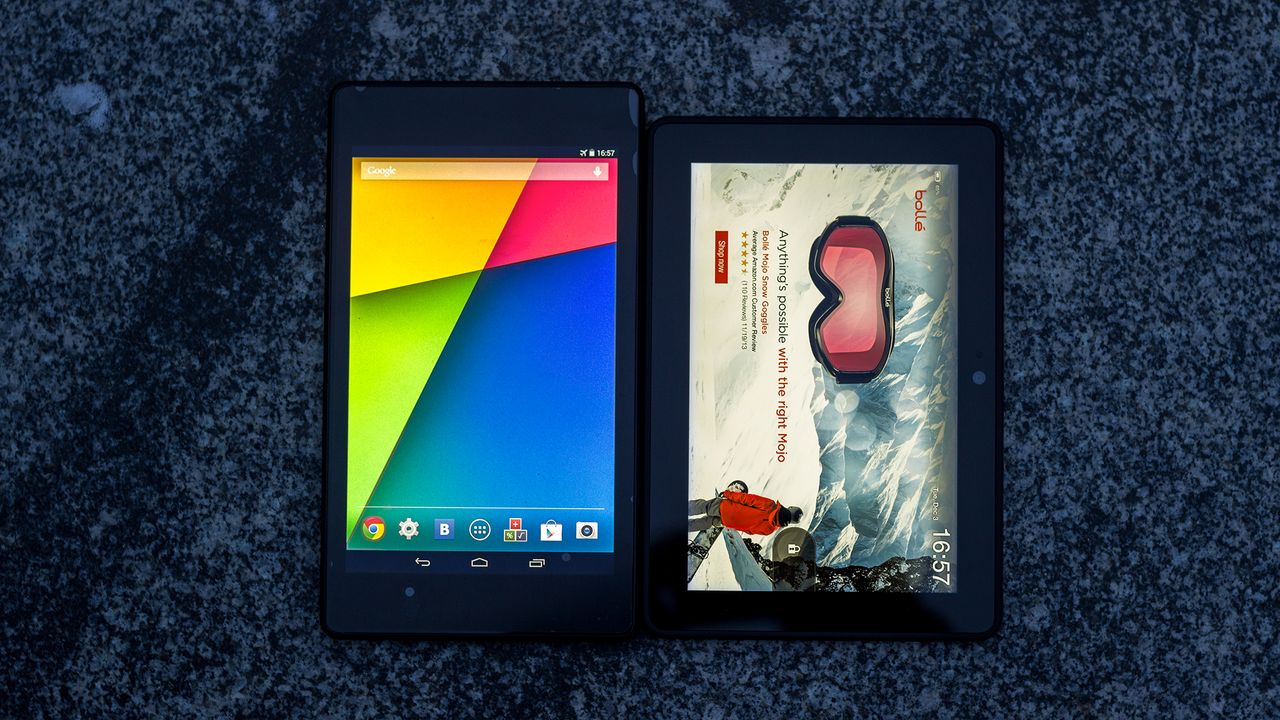
In general, the difference between the displays of the Nexus 7 and the Kindle Fire HDX in everyday use is difficult to notice. To achieve perfect color accuracy on the Kindle Fire HDX 7 "with the lowest possible battery consumption and device weight, engineers used blue LEDs instead of white. Blue backlighting provides much more accurate images and rich colors, while improving energy efficiency by up to 20%. As a result of using blue LEDs, you may notice a very weak blue tint on the edges of the device with a white screen background, such as books and web pages, all displays have some level of illumination at the edges, and the backlight on Ki ndle Fire HDX 7 "is due to the technology used to ensure perfect color accuracy.
The tablet uses the Fire OS 3.0 "Mojito" operating system, based on the Android 4.2.2 code base. In Fire OS, the interface has been changed and contains a number of low-level transformations. But at the same time, compatibility with Android applications is fully preserved.
The desktop is made in a carousel style, which offers the user the most used applications. Above the carousel is a menu that allows you to launch various services from Amazon, such as Books, Apps, Music, Video and of course the application for viewing the giant Amazon catalog. A gesture up the carousel will bring up the screen of all installed applications in the system.
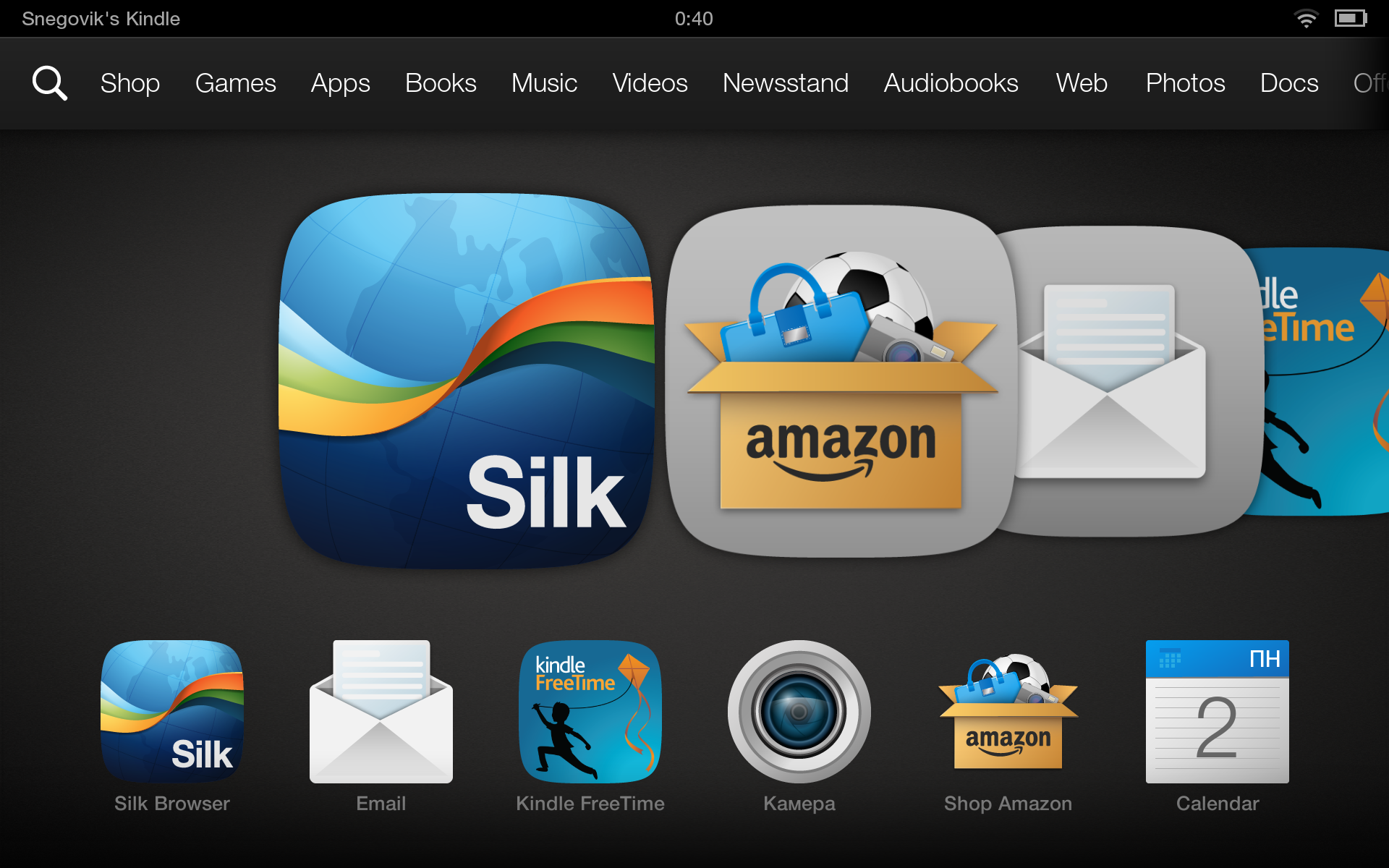
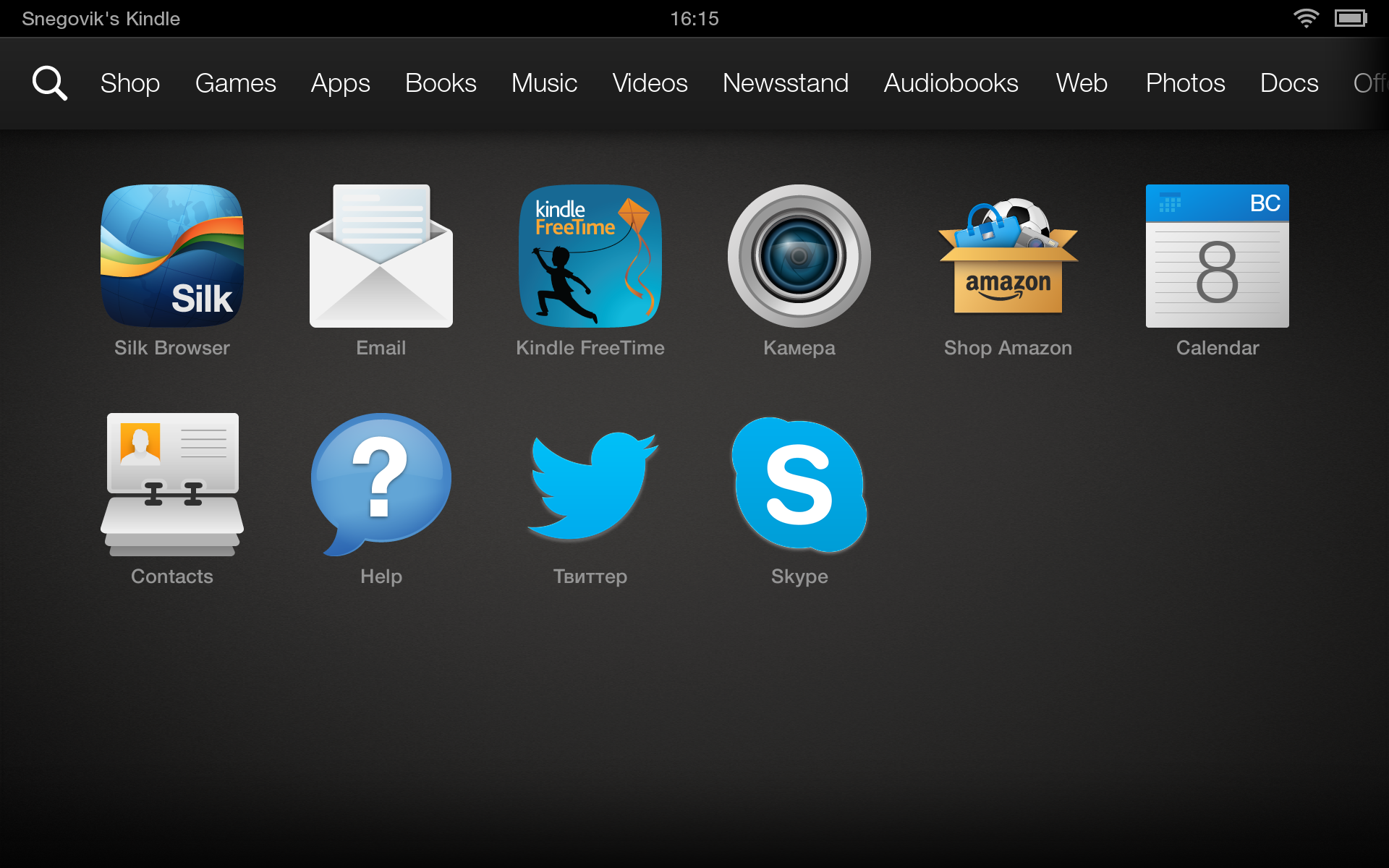
Since the Kindle Fire HDX does not have hardware buttons, they are emulated on the screen and are located on the right side of the screen. Unlike stock Android, there is a Search button, which in an open application opens a search bar. If you drag your fingers to the left of the edge of the screen, the icons of recent applications will open. So you can switch quickly between applications, a kind of multitasking ...
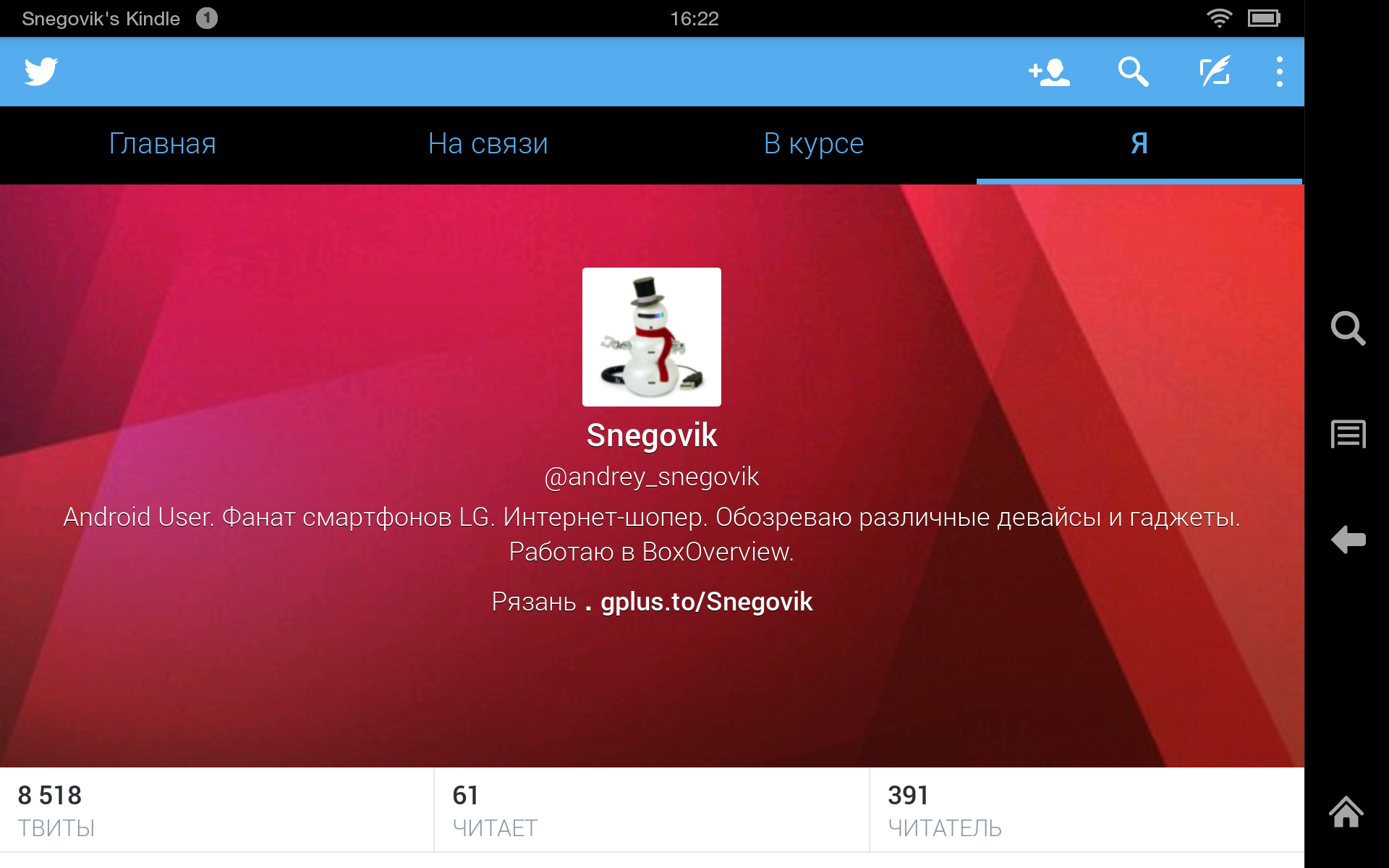
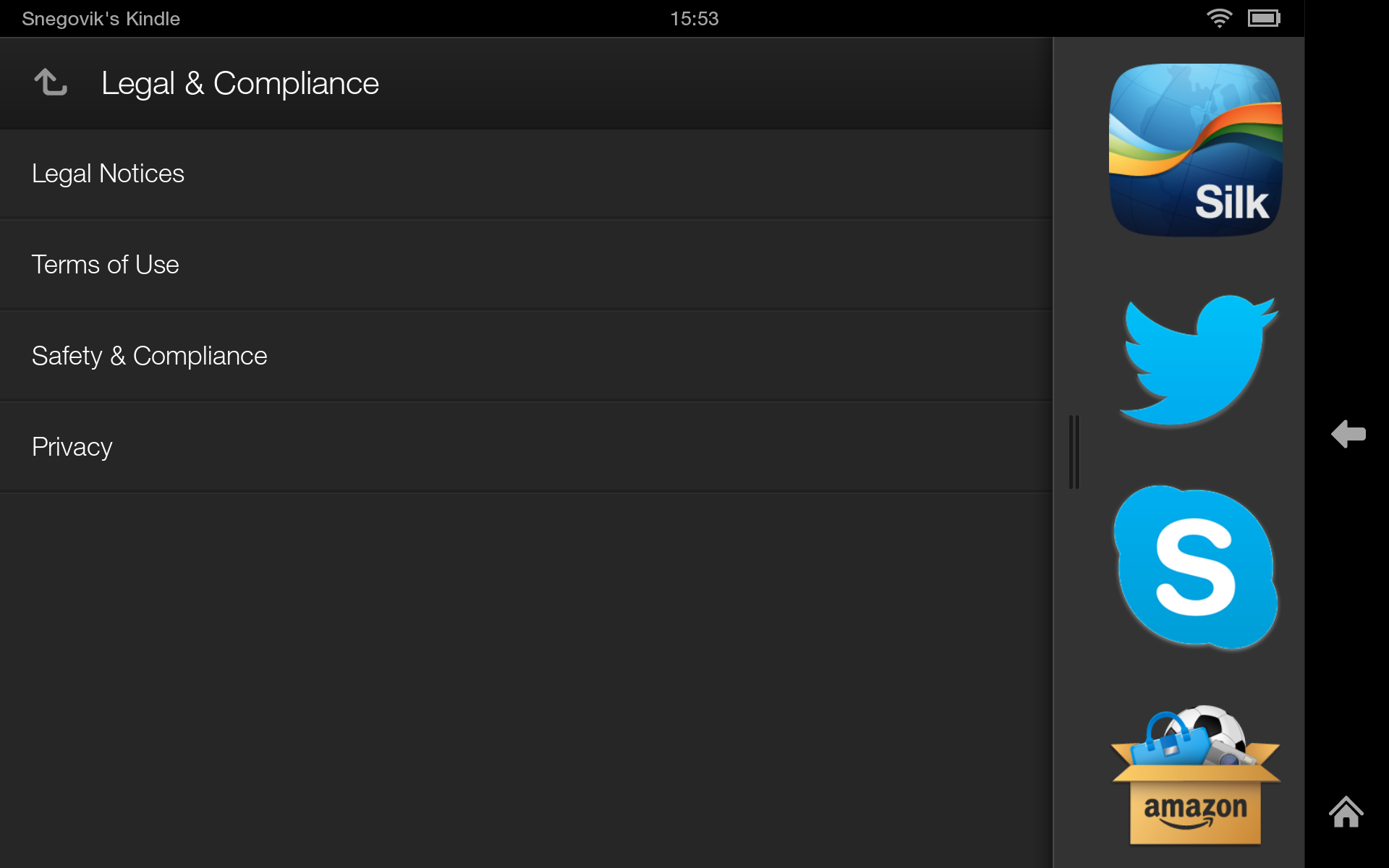
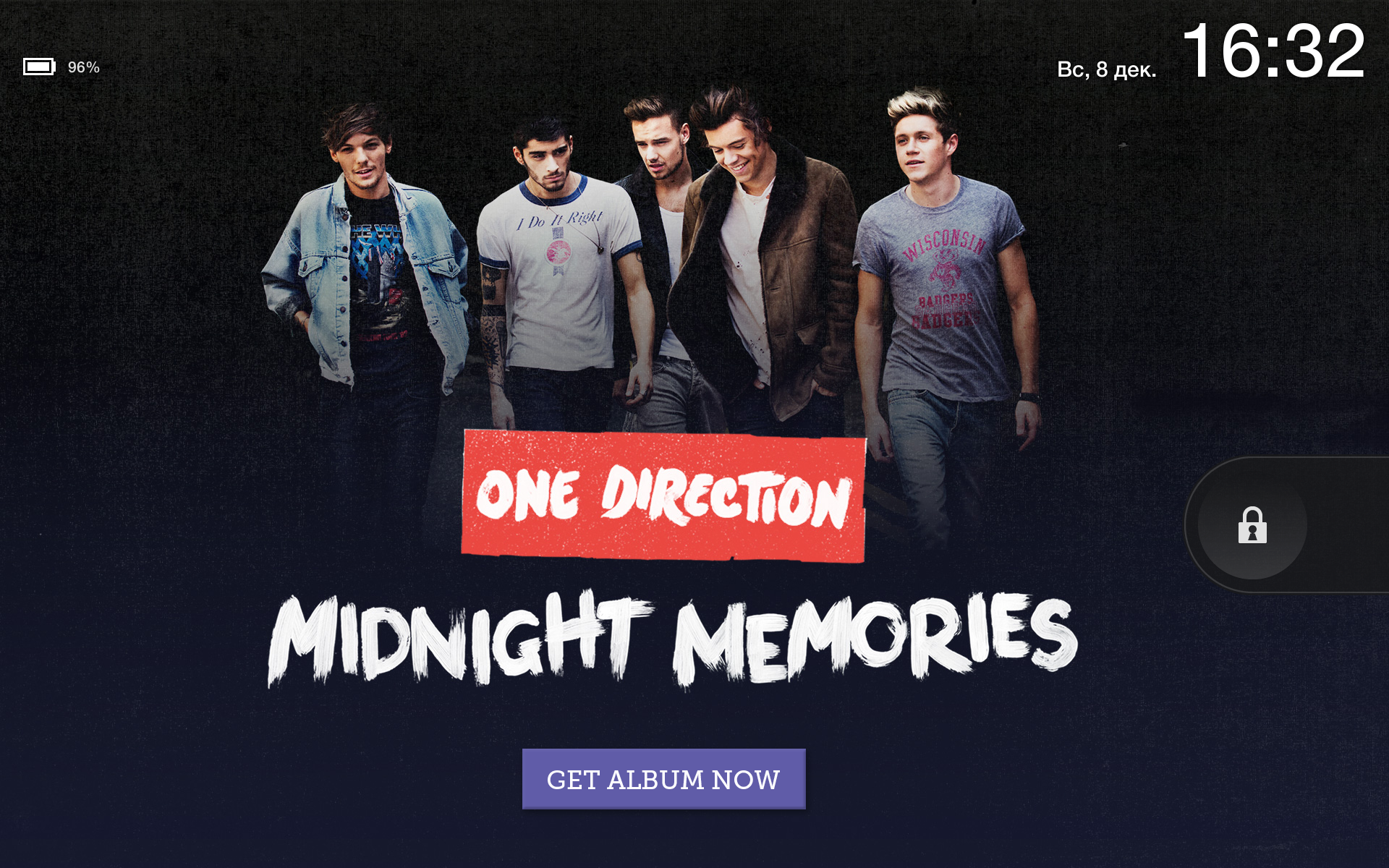
The status bar displays the device name, time, as well as icons of various modules, and of the battery charge, which can be displayed as a percentage. Pulling the line from the edge of the screen you will get access to the control panel, where you can block the automatic change of position of the interface, adjust the brightness or Wi-Fi, as well as switch to a full-fledged settings mode. In addition, you can call the operator from support or disable all notifications. And of course, the status bar displays all notifications received from installed programs. Amazon Kindle Fire HDX is sold in two versions: with advertising (With Special Offers) and without advertising (Without Special Offers). The price is different and the difference is in showing ads on the lock screen.

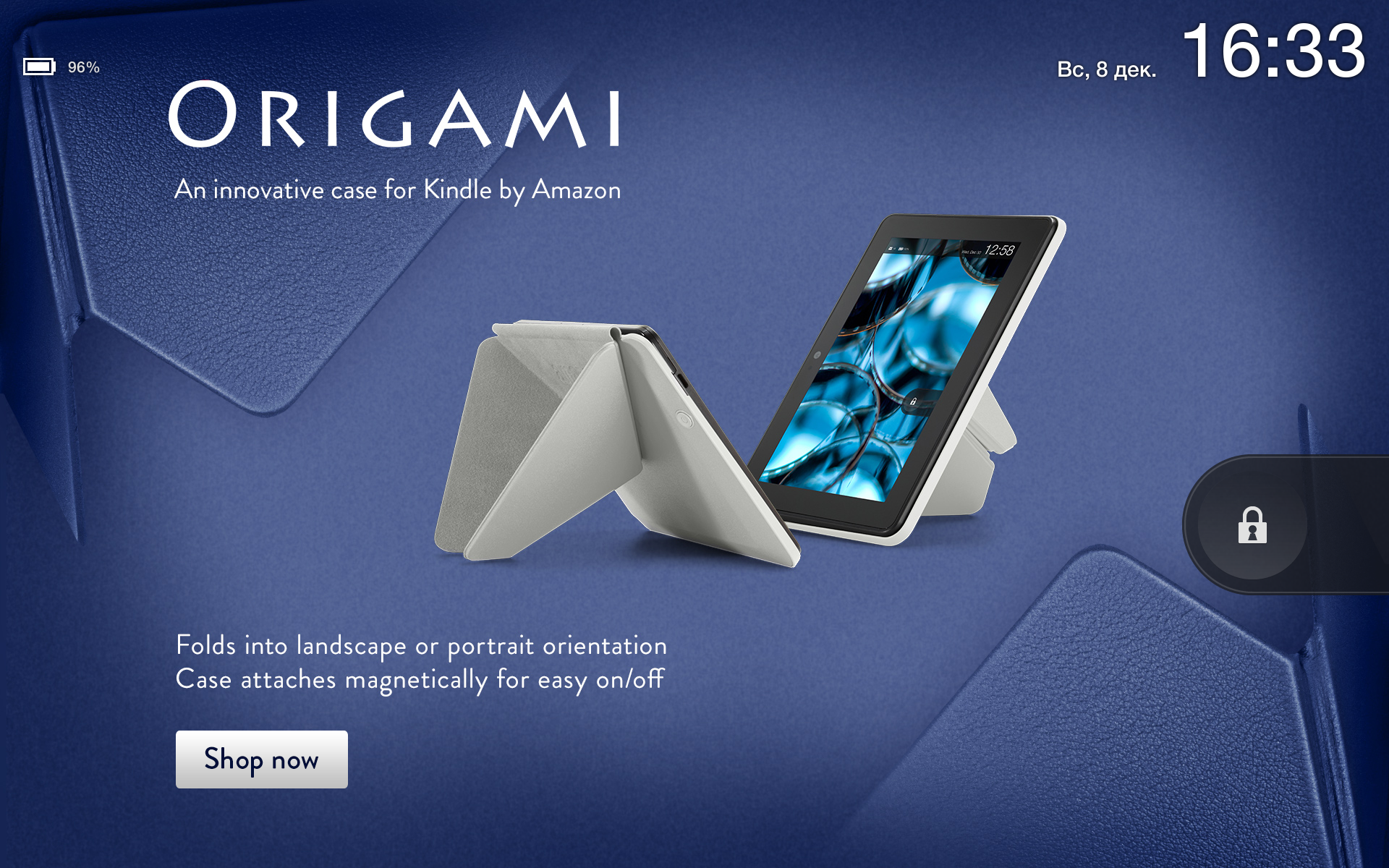
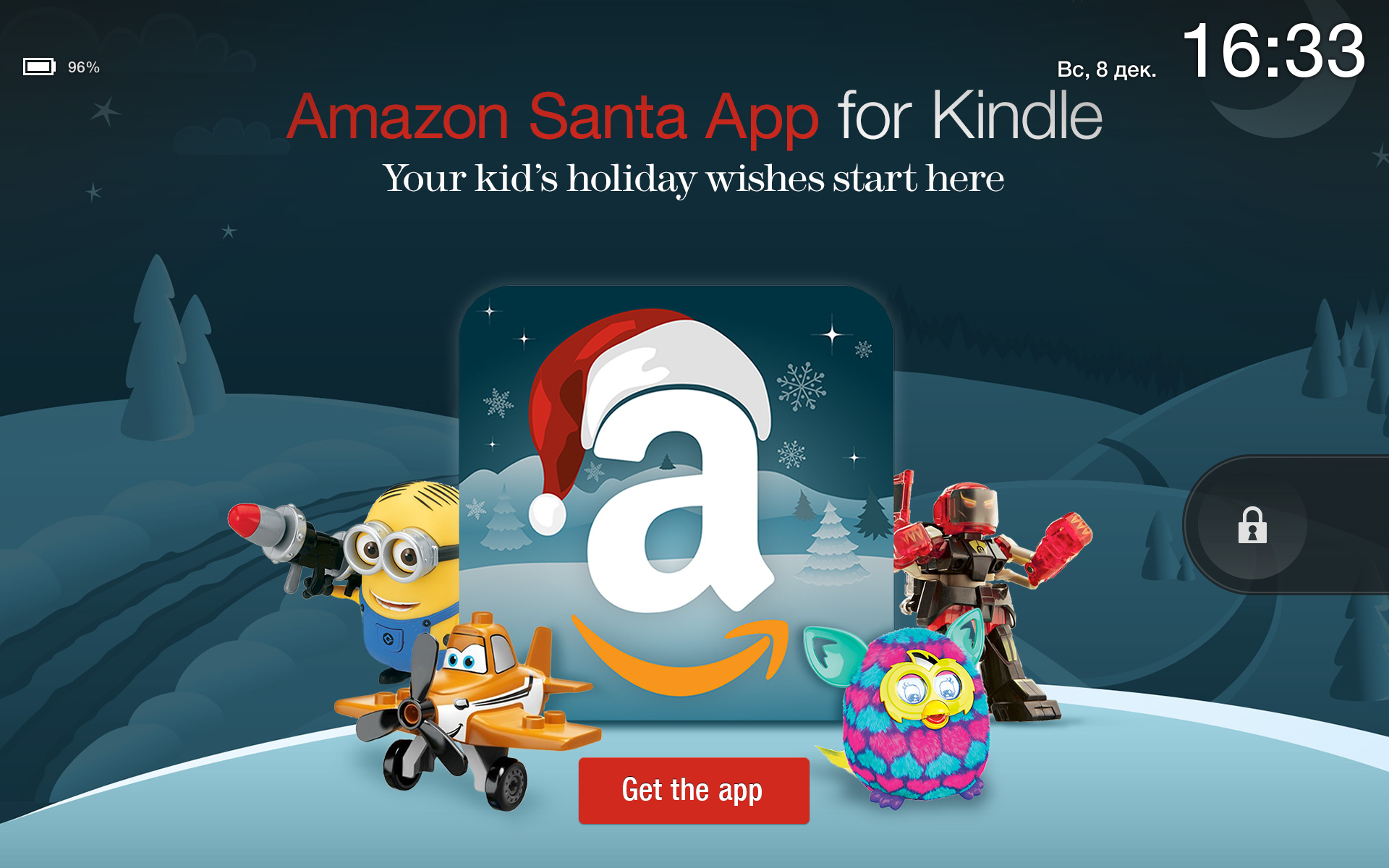
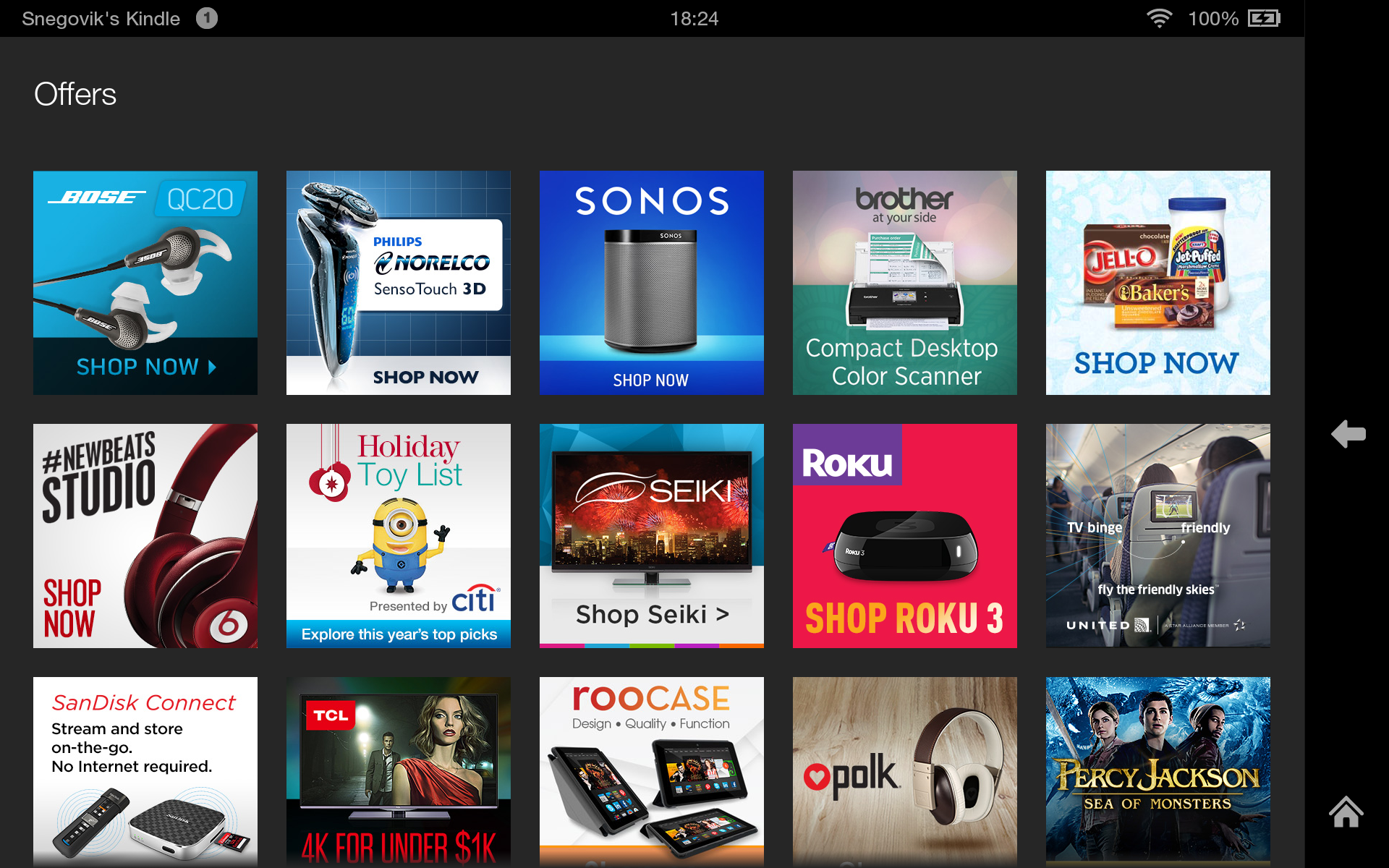
Advertising changes all the time with every waking device. To be honest, it does not interfere at all. Sometimes they advertise quite interesting gadgets, promotions and movies with music. Banners are displayed in high quality and look like simple wallpapers. It's even a little cool that your device always meets you with a new interesting picture. If you liked any offer, but you have already blocked the device and the advertisement has disappeared, then do not worry. The list of all shares is in the special Offers section on the main screen. But many still do not like advertising ... It doesn’t matter! Can be deleted using Superuser privileges. As you probably already noticed, the interface on the tablet is in English. In principle, it is intuitive, there should not be any problems using the device.
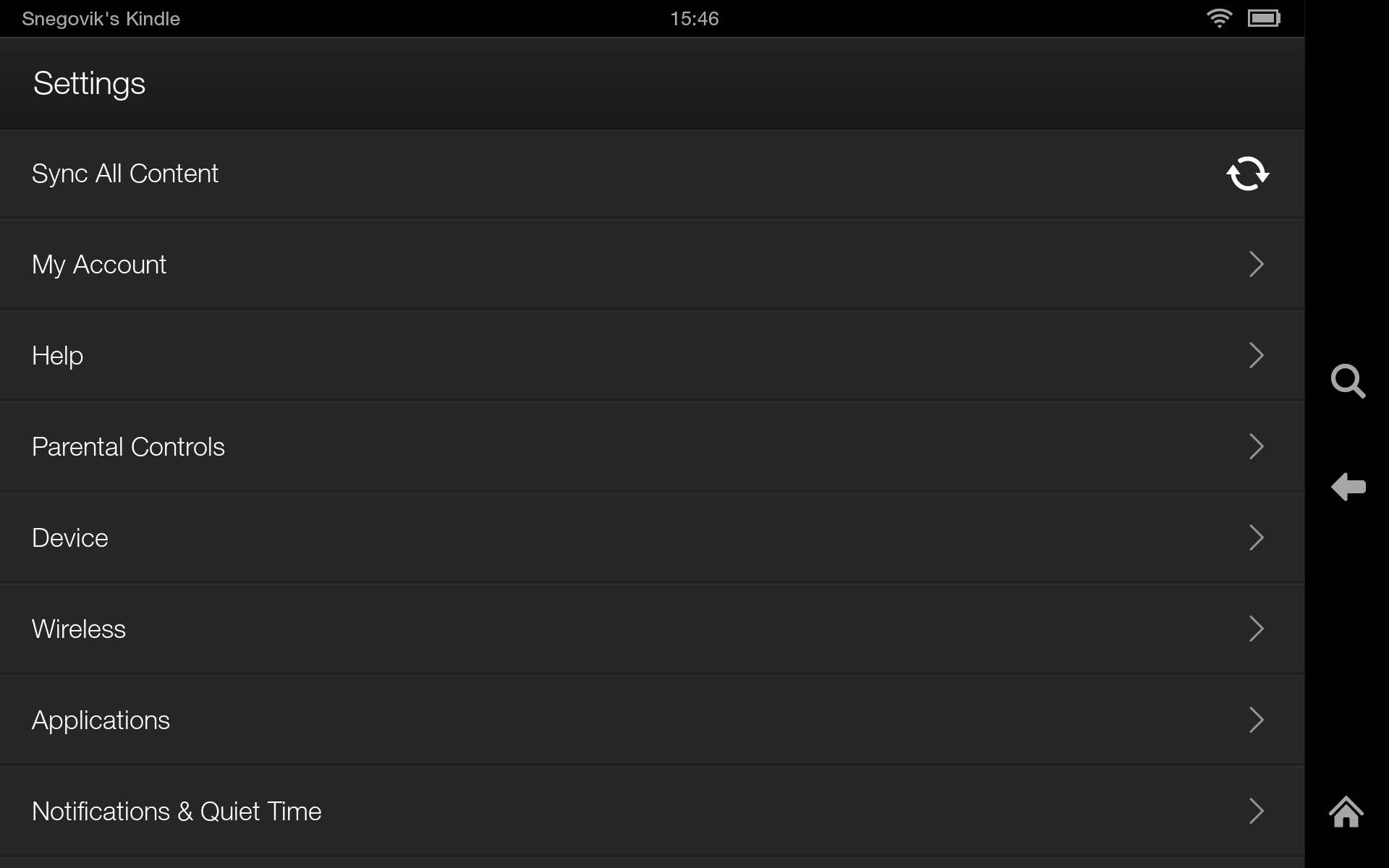
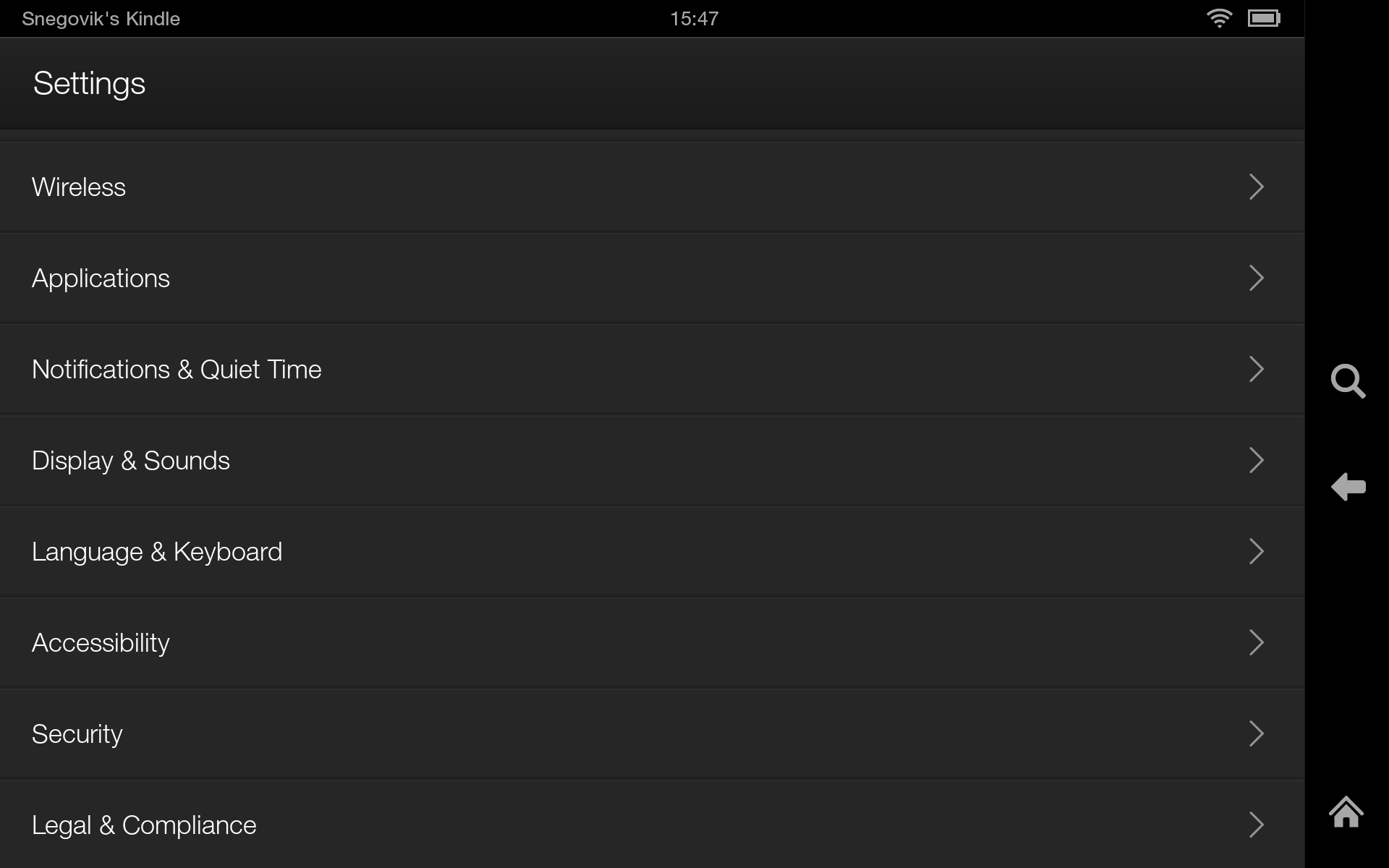
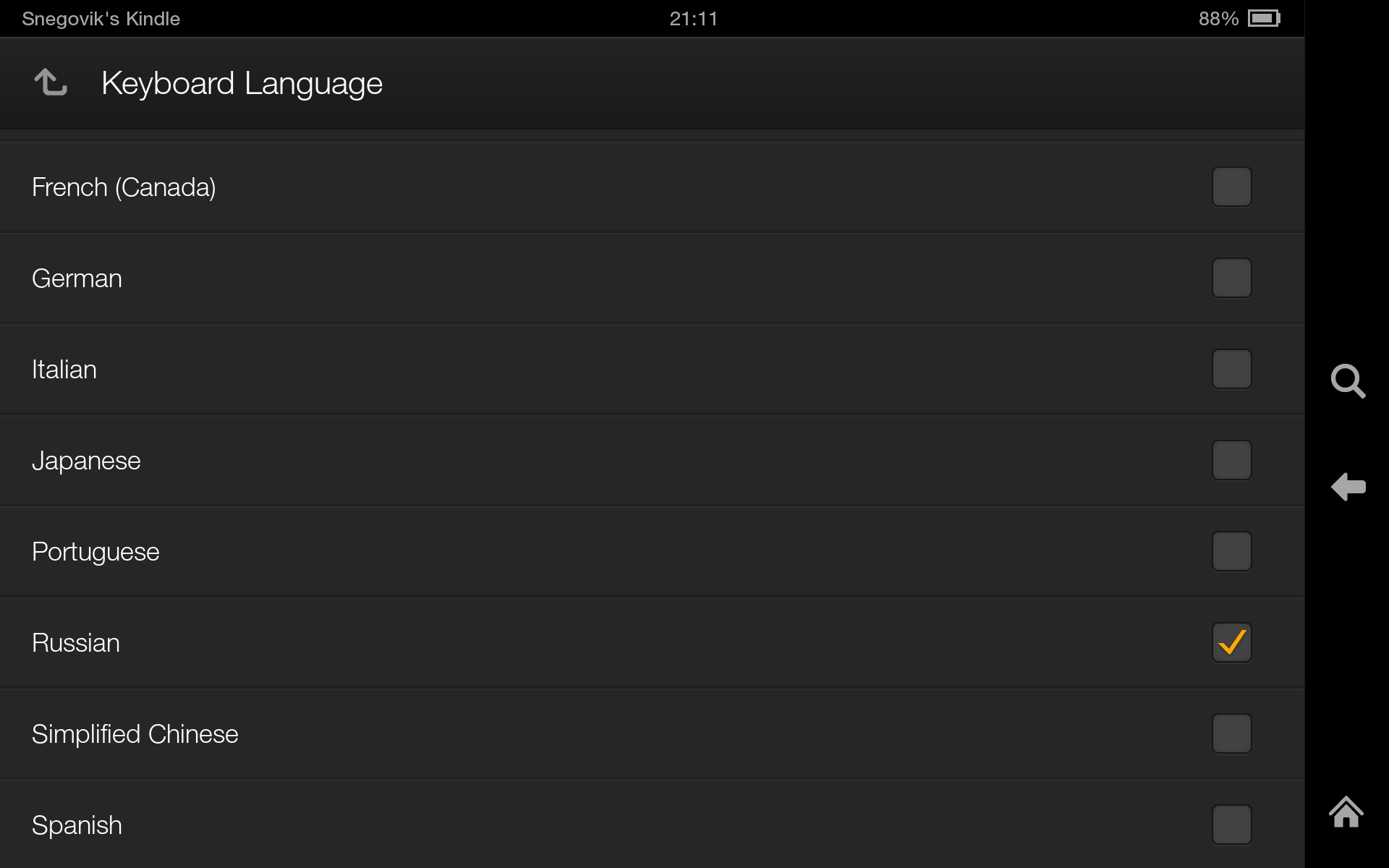
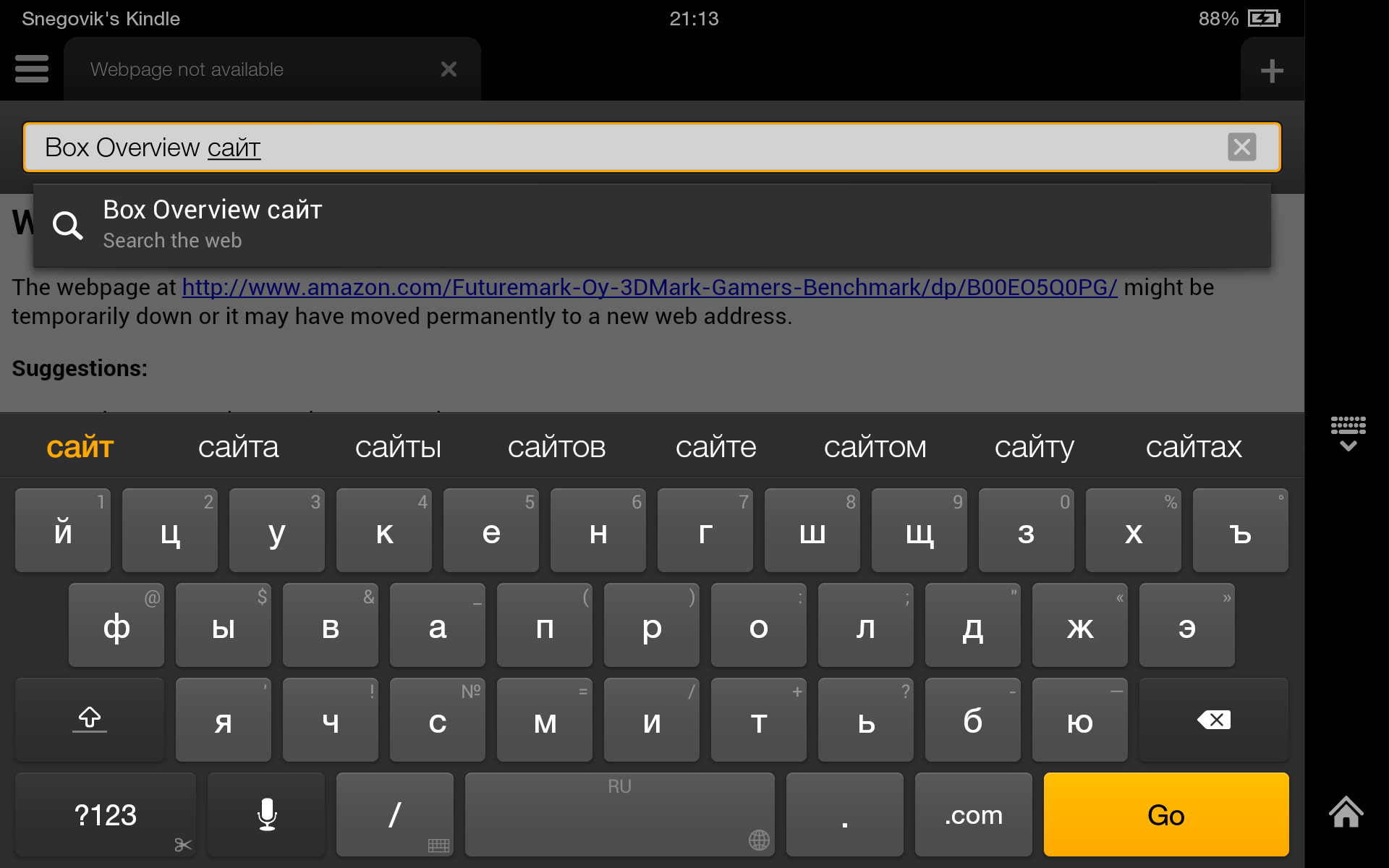
For everything else, you can put MoreLocale 2 . Then all new applications will think that the Russian language is installed in the system and will be turned on in its interface. But by default, you can turn on the Russian keyboard. The keyboard supports Swype - a text input method without taking your finger / stylus off the “keyboard buttons” on the touch screen. There is also a built-in dictionary of Russian words. A huge minus in Fire OS is the lack of Google applications. Accordingly, you will not find the usual Gmail client or Google+ service. And new applications are not available on the Play Store, but on the Amazon Appstore. The list of applications is certainly not richer than in the Market, but the main popular applications are present.
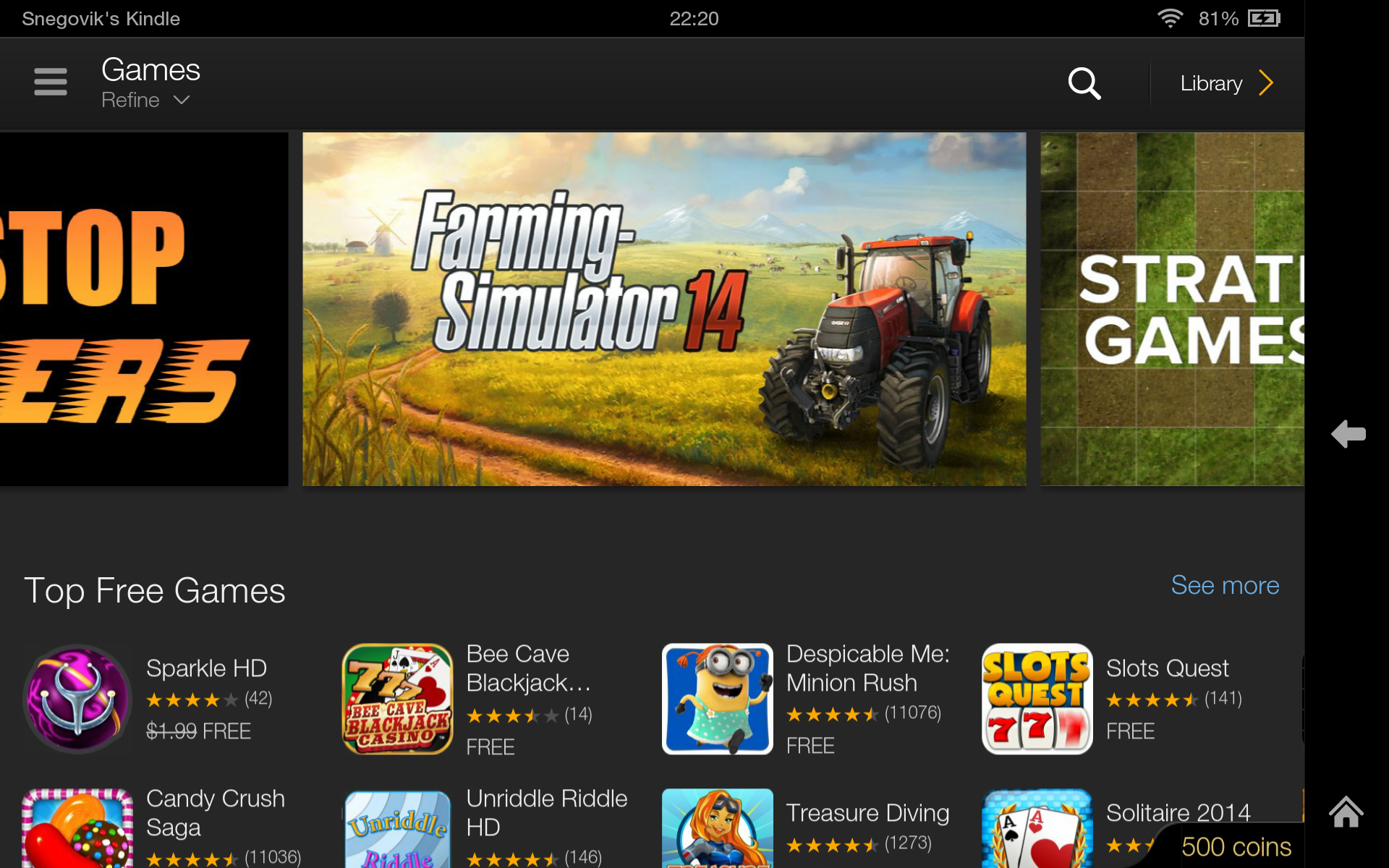
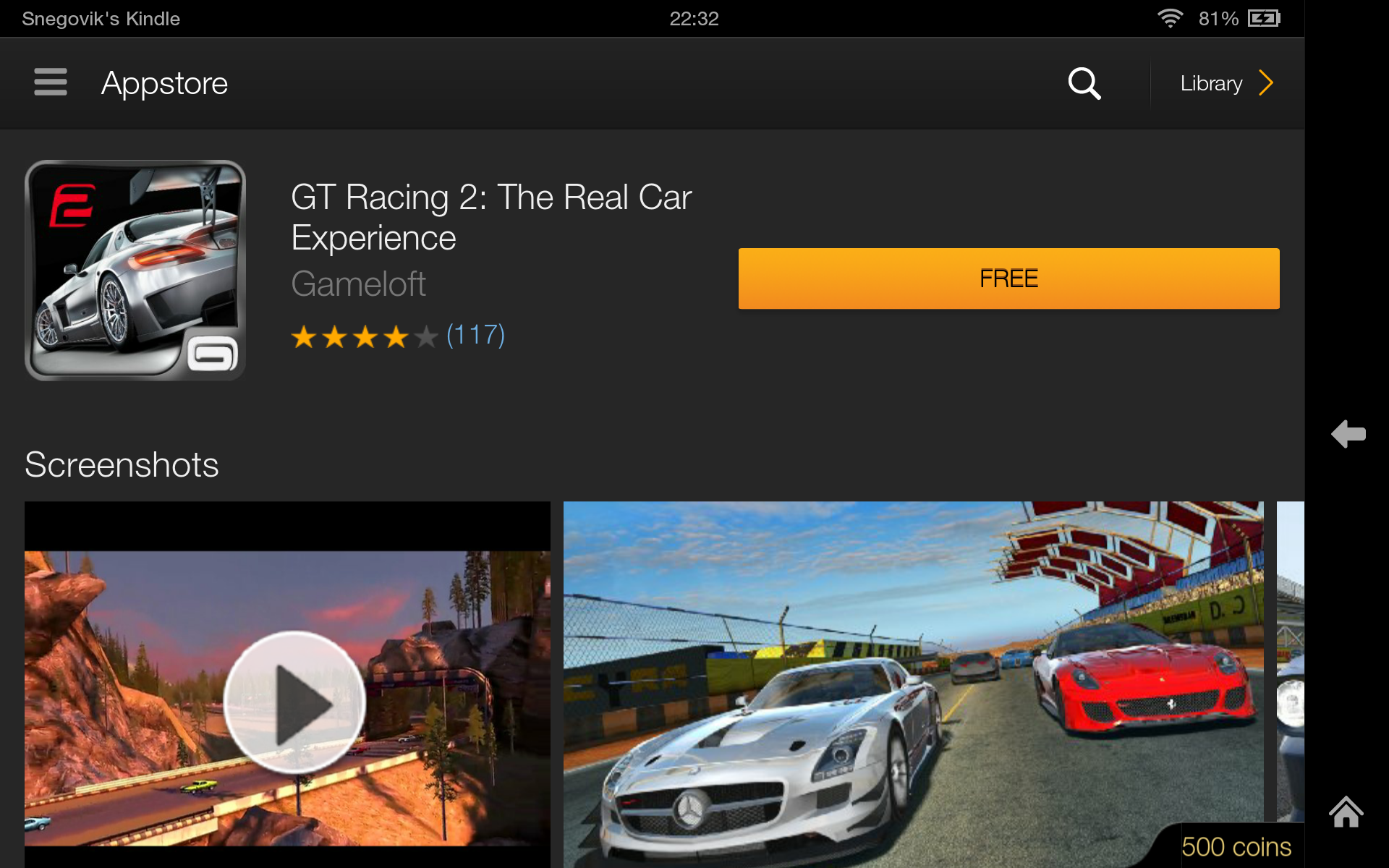
Amazon Appstore has almost the same functionality. There are reviews and ratings, automatic updates, recommendations and other features. The chip of the Amazon store is the Test Drive function, which allows you to run the application without installing it! The launch is due to the powerful cloud service from Amazon. By clicking Test Drive, you launch the emulator window where you can try out all the features of the application you want to buy! If the necessary applications in your own store are few, then you can easily run any Android application. In addition, you can install alternative markets, such as App & Game w3bsit3-dns.com or Blackmart .


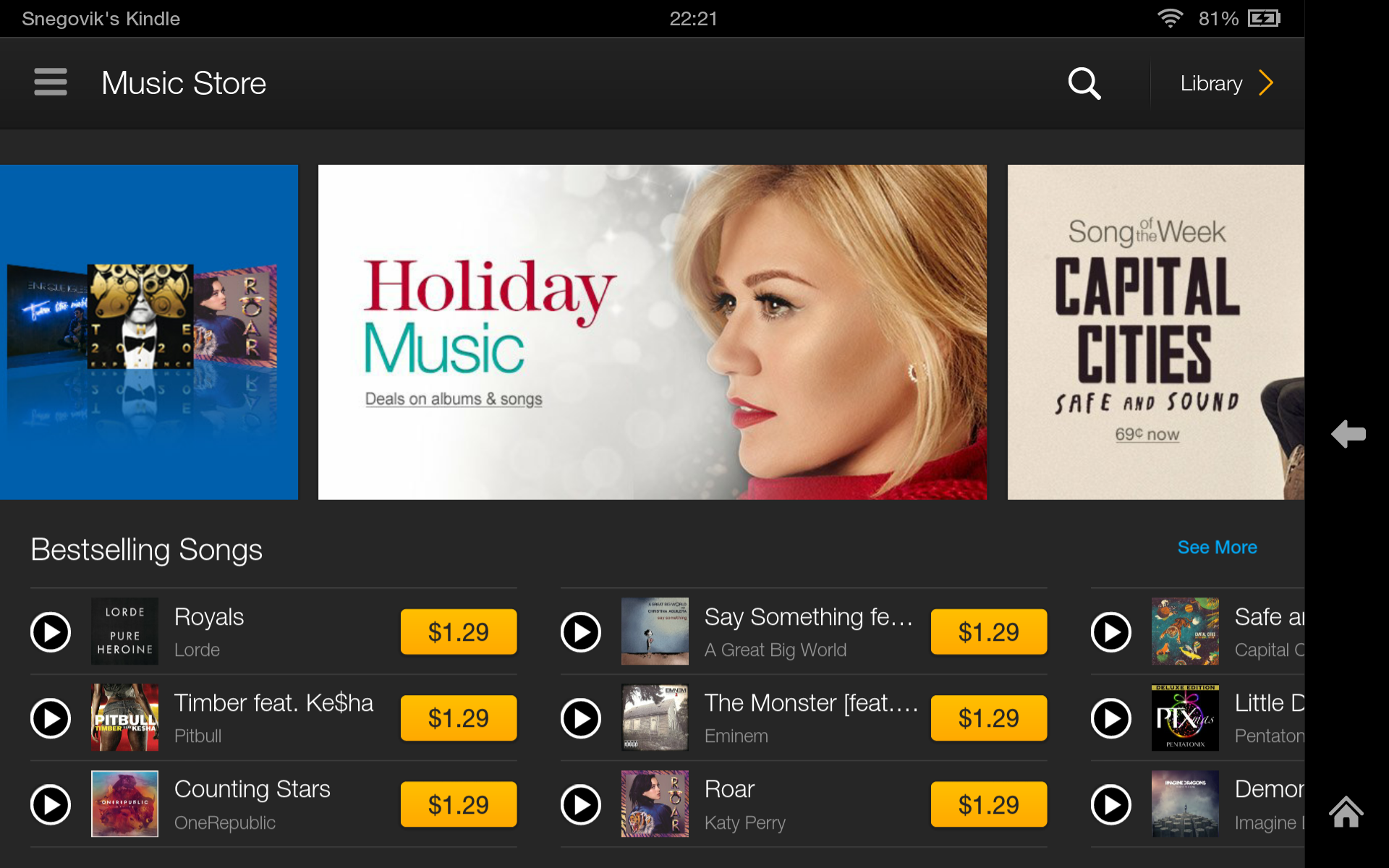
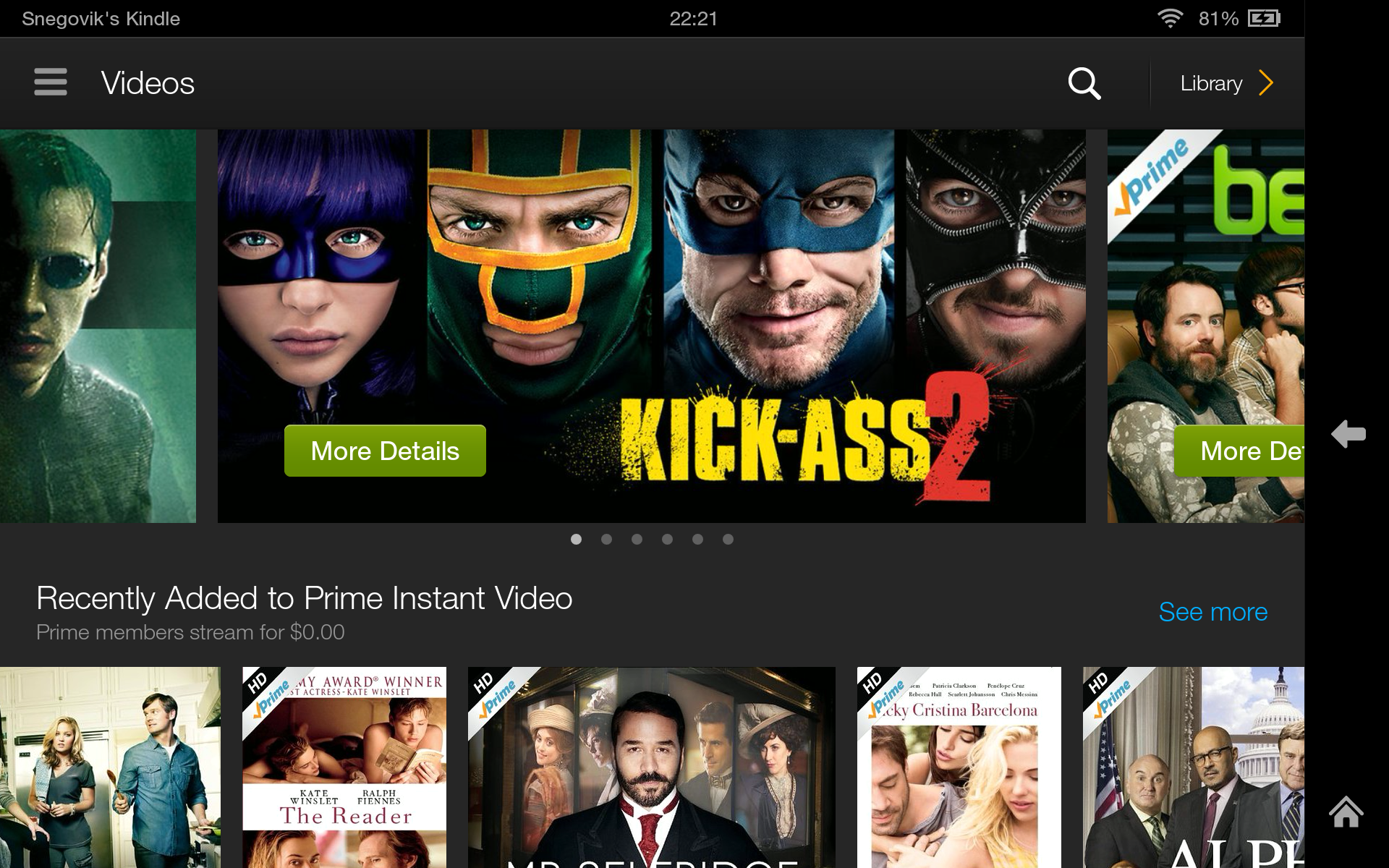
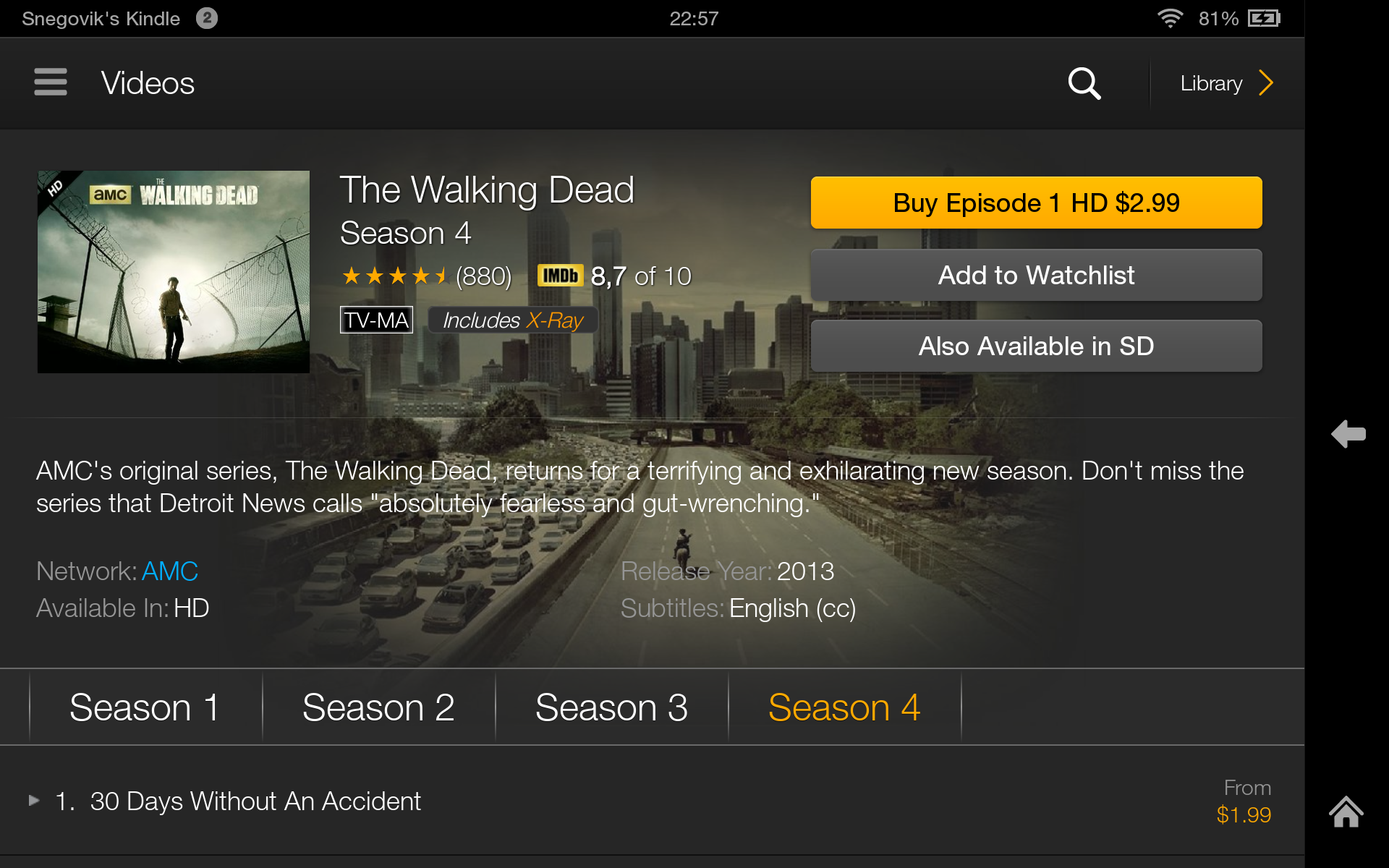
Amazon also has its own music service. You can listen to a piece of the song or buy the full version, leave a review or purchase the artist’s entire album. The store presents almost all the leading recording studios, television companies, performers and other copyright holders. Therefore, there is a wide selection of content that can satisfy the needs of any user. You also have access to the Amazon Instant Video online streaming service. It allows users to purchase movies, TV shows and videos, and then watch them on computers, laptops, tablets, smartphones and other mobile devices. You can buy each movie or TV show individually, or purchase Amazon Prime unlimited access for $ 79 / year. Inexpensive, right?
And of course you can look through the magazines, where are they ;-). Amazon has integrated Goodreads, which they themselves recently purchased earlier this year, in the Kindle Fire HDX. Using the app, you can rate books you read, see what your friends are reading, and share quotes and thoughts directly with your buddies at Goodreads. Here's how to use Goodreads on your Fire HDX, besides the standard reader features. One of the useful features of the tablet is the Kindle FreeTime parental control, which allows you to limit the time children spend with the tablet for specific applications, such as surfing, watching videos, using applications or reading.
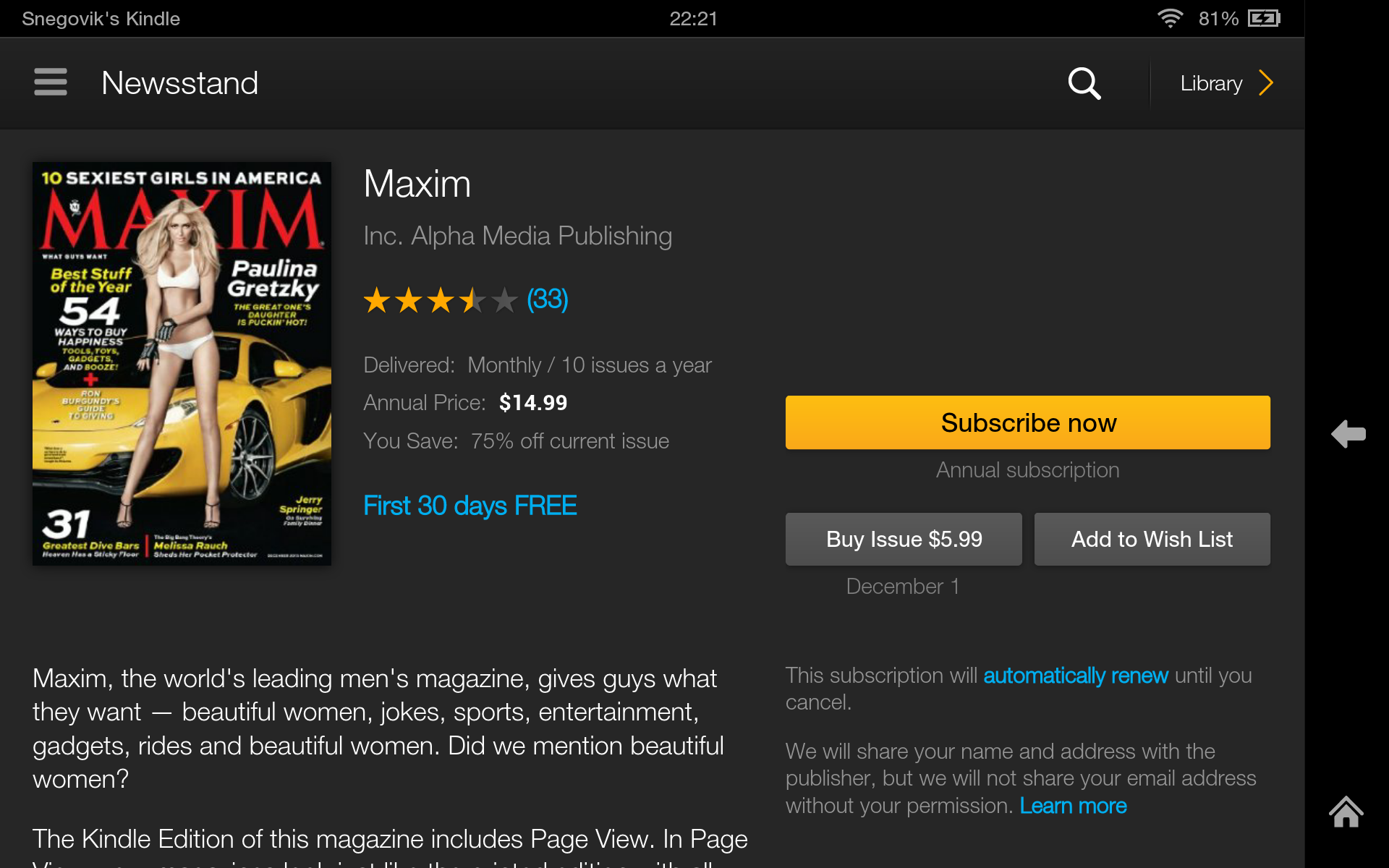
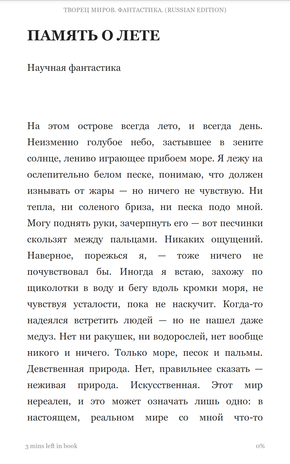
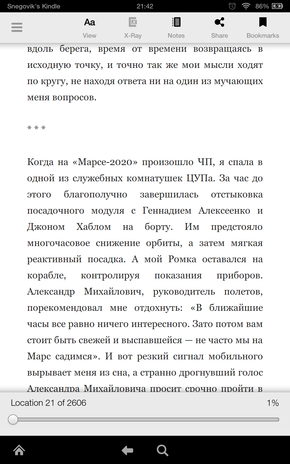
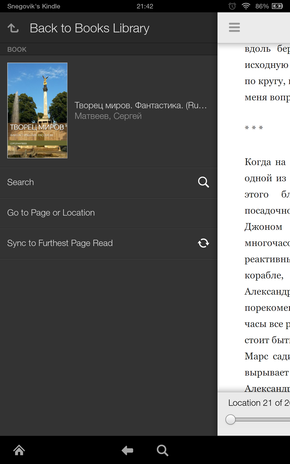

Another advantage of the tablet is the Mayday function, which allows you to get free technical support at any time. Amazon guarantees that as soon as you click on the Mayday button, within 15 seconds you will receive live support from a technical specialist who will help you with any problem associated with the tablet or services. The assistant can draw tips right on your screen, where you need to click or go to solve a particular problem. Amazon is also assured that this feature will be available 24/7 and 365 days a year, which takes service and support to a whole new level.
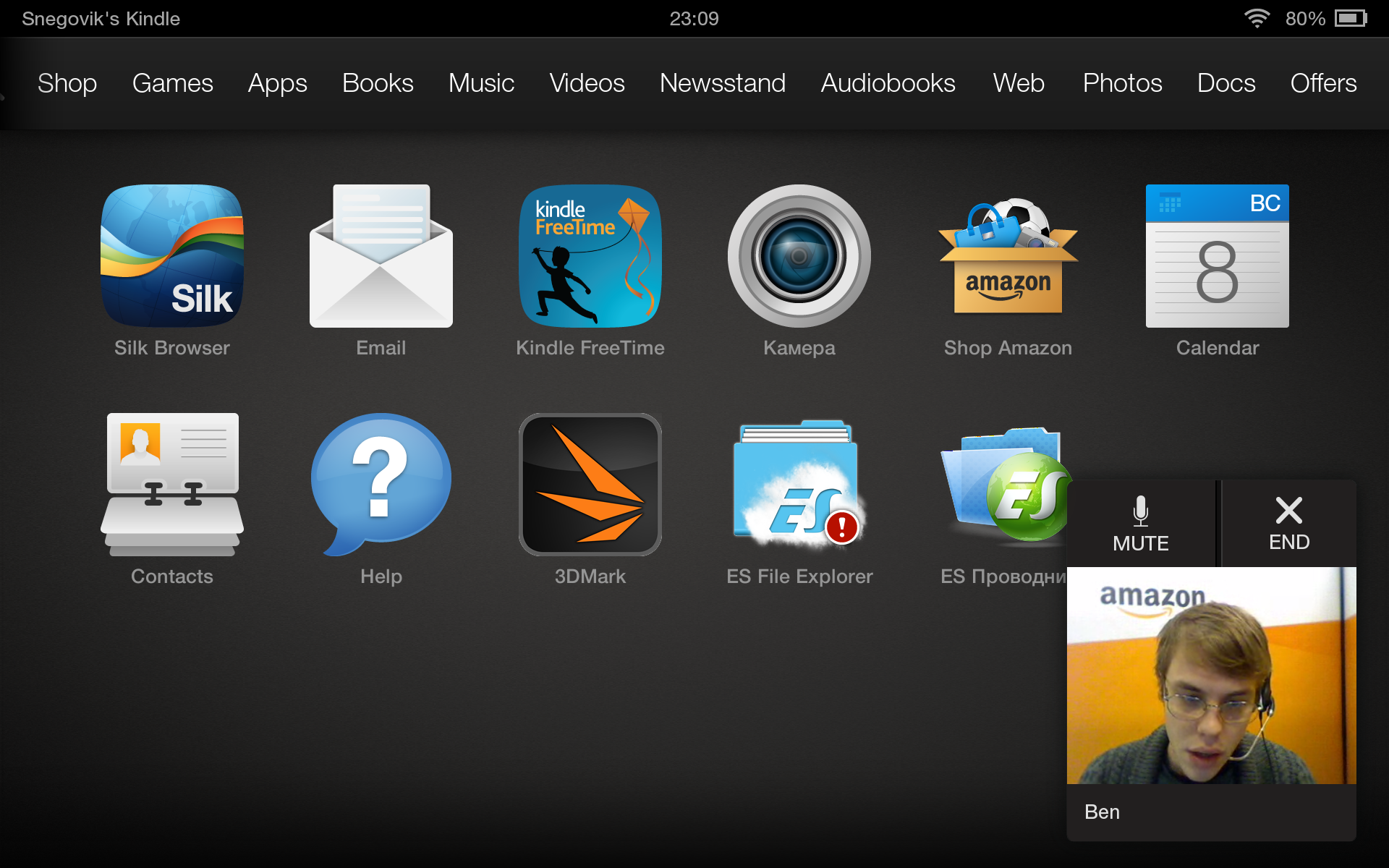
Indeed, support responds quickly, welcomes you and is interested in the problem. By the way, the operator does not see you, but you see him and it is much more pleasant to talk with the person you see. Personally, they helped me with the problem, although my English does not shine with eloquence, but the operator understood and helped me. Moreover, when I stopped understanding some of his words, he took out a tablet and started just to show visually what I needed to do with the device. After that the problem was solved! Of course, Mayday is unlikely to be useful for an experienced user, but for less tech savvy users this is definitely a godsend.

There are no comments on the speed of the interface itself; everything works not just quickly, but reactively. This is facilitated by a powerful filling and optimized Fire 3.1 OS. A key feature is the depth of integration of the device with all its services. Amazon's bookstore is always one click away from the reader. For reading electronic books there is a Goodread application. Music Player - Amazon MP3. Movie Player - Amazon Instant Player. App Store - Amazon Appstore.
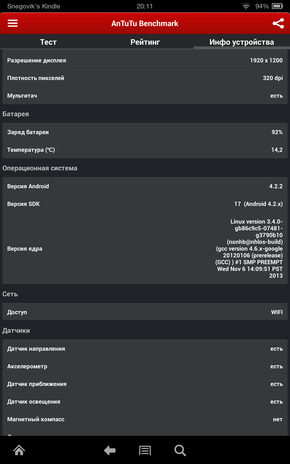
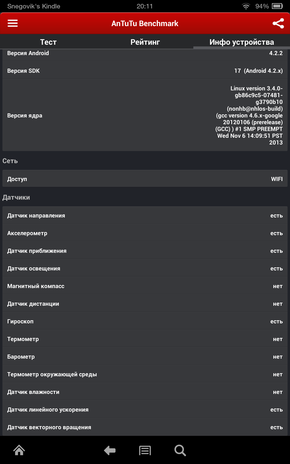
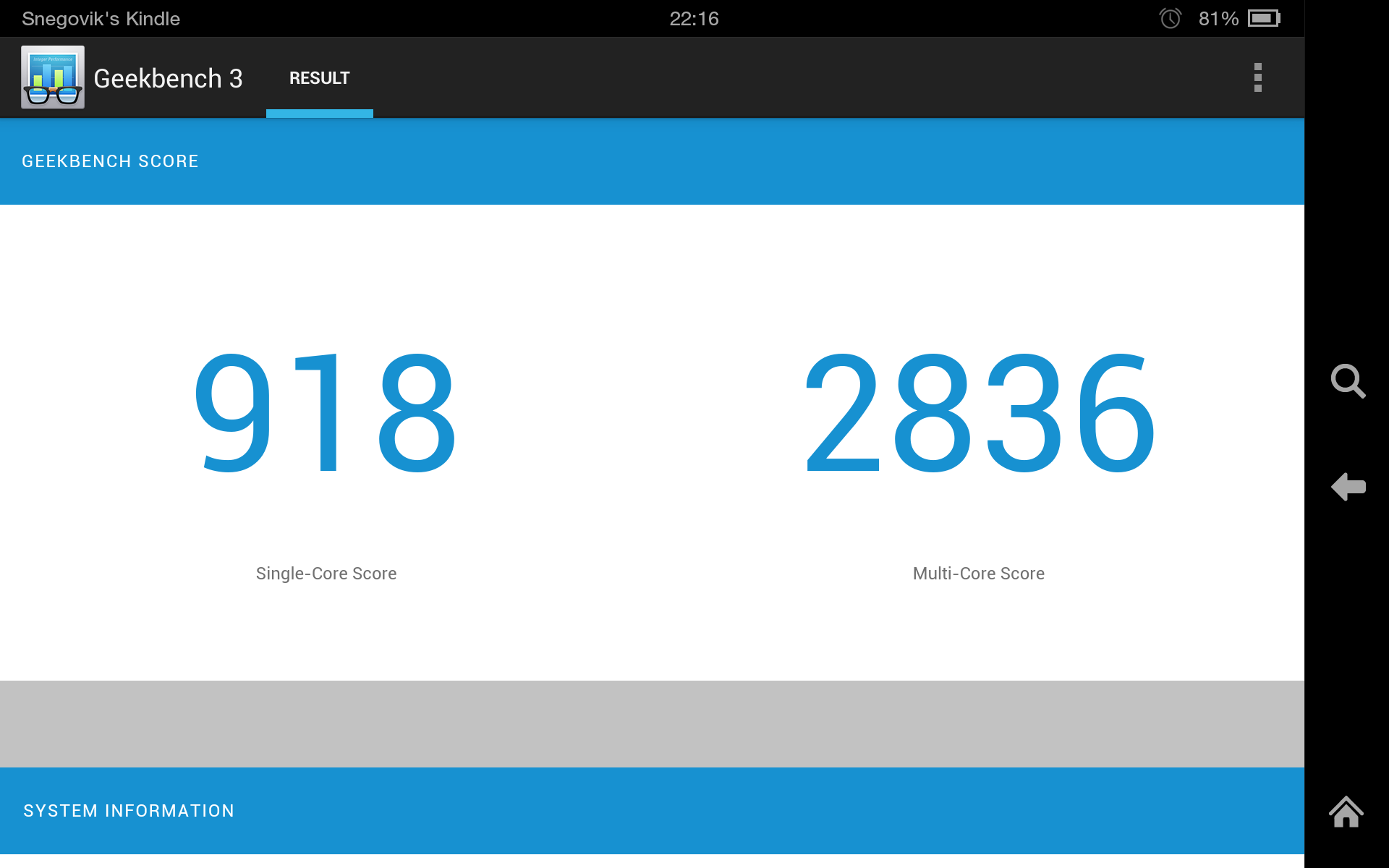
Compared with the previous generation model, the new product has become three times more productive. Thanks to its powerful filling, the Kindle Fire HDX is easy to use. This is one of the few Android tablets that boasts smooth animation of the interface even with several open applications. During the use of the device there was not even a hint of brakes. In AnTuTu Benchmark, the tablet scored 35011 points. The diagram shows that the Kindle Fire HDX bypassed all the top devices to date. Results in Geekbench 3 are 918 (single core) and 2836 (multi-core mode). An idea of graphic performance is given by the test results in the 3DMark package. Ice Storm Unlimited test results look like this:



The tablet turns on in less than thirty seconds and wakes up from sleep mode instantly when you press the power button. The heaviest applications load quickly and work flawlessly.
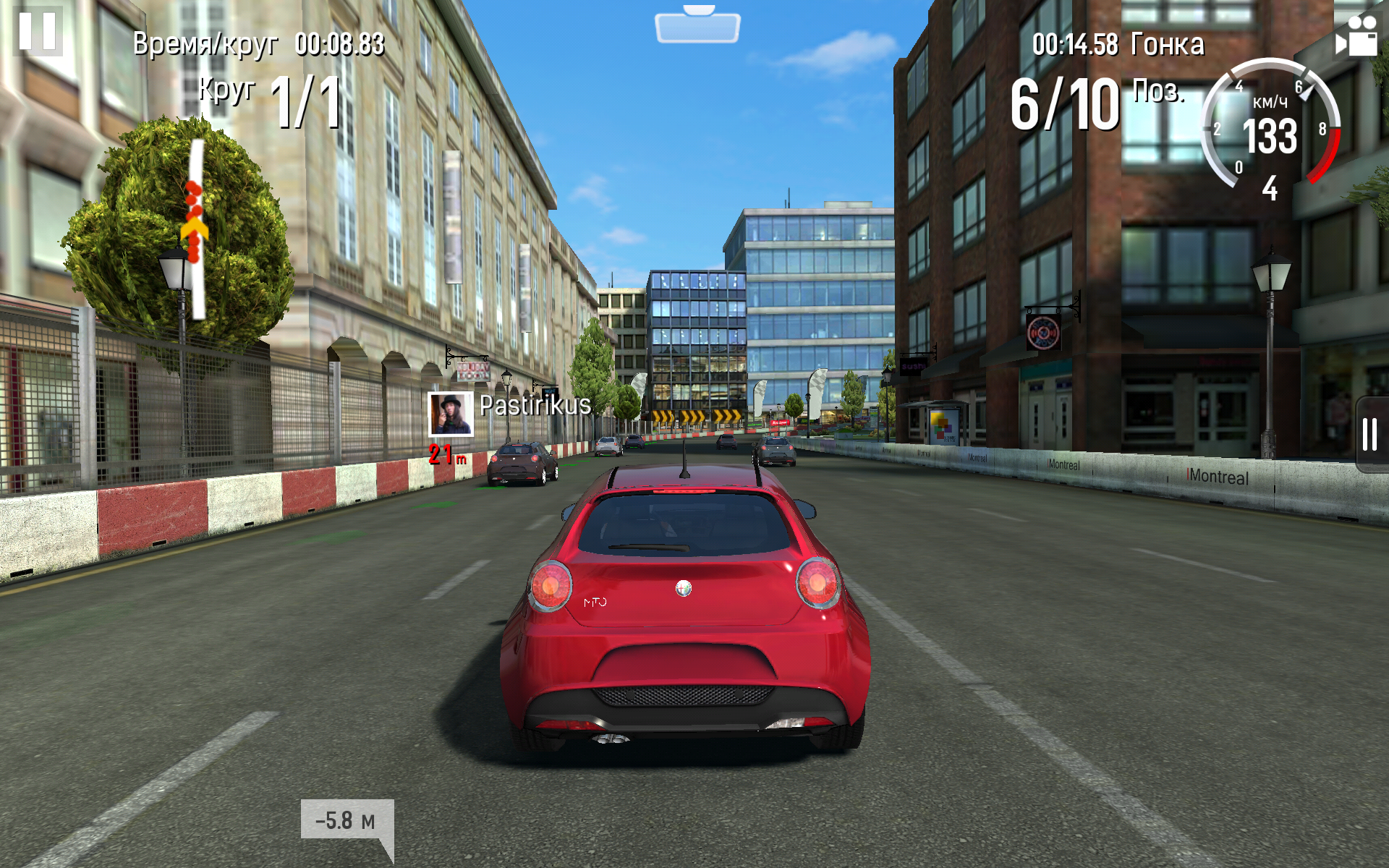
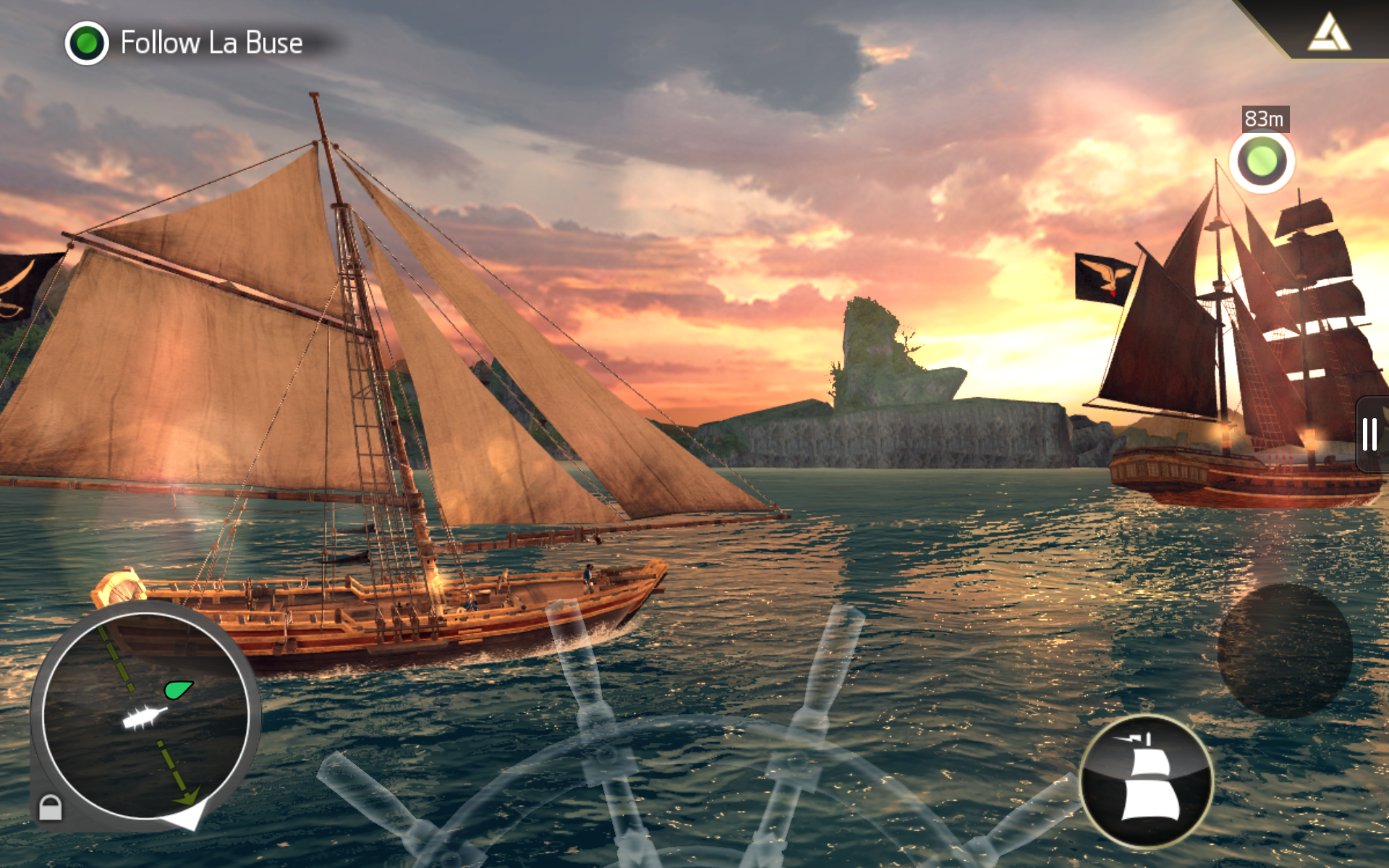
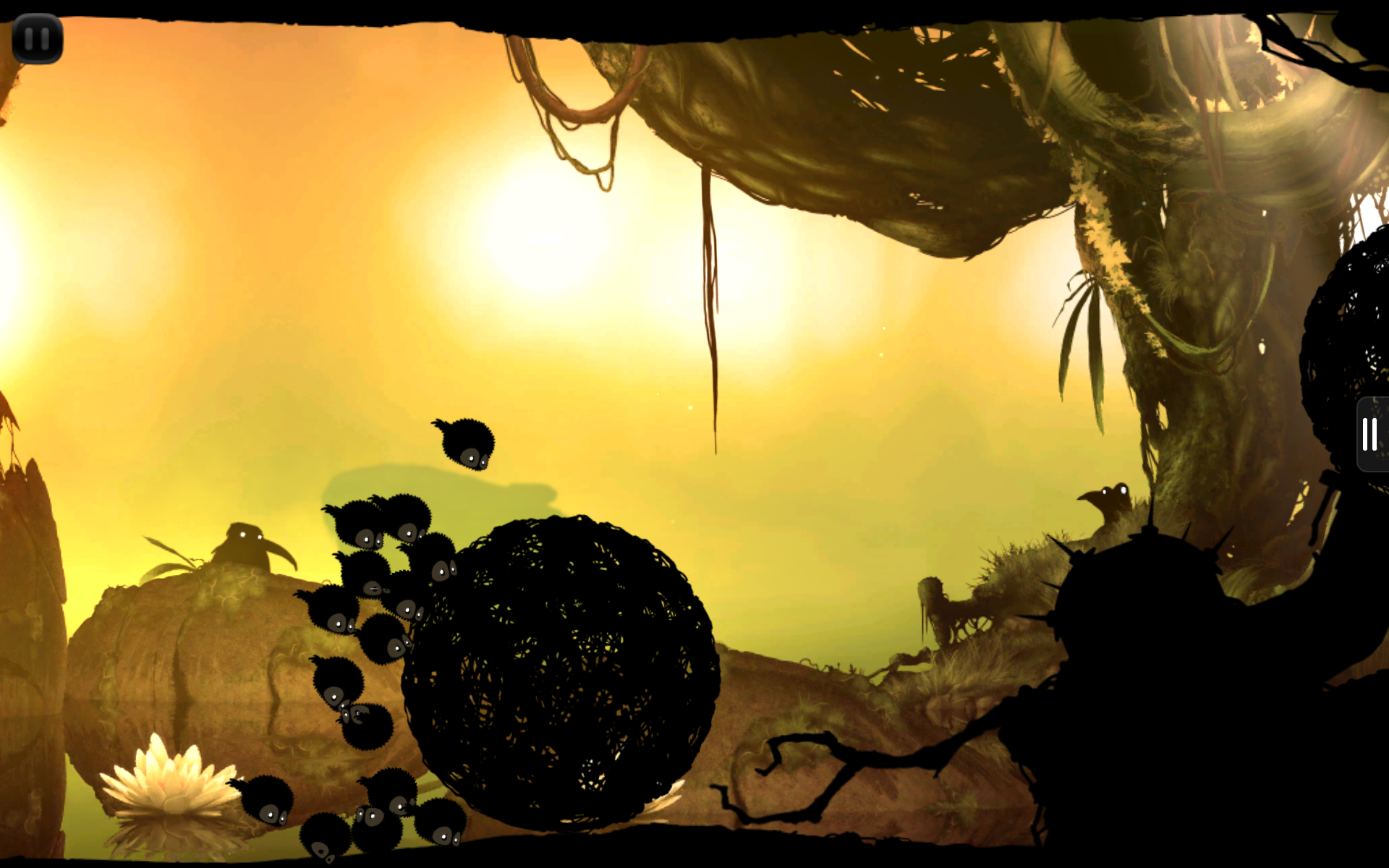
The tablet of course copes with any games today with maximum graphics settings. And even the high resolution of the display does not allow the device to slow down. Simple toys also work flawlessly. There are no compatibility issues. You can install any games that are developed for Android and run them on the Kindle Fire HDX.
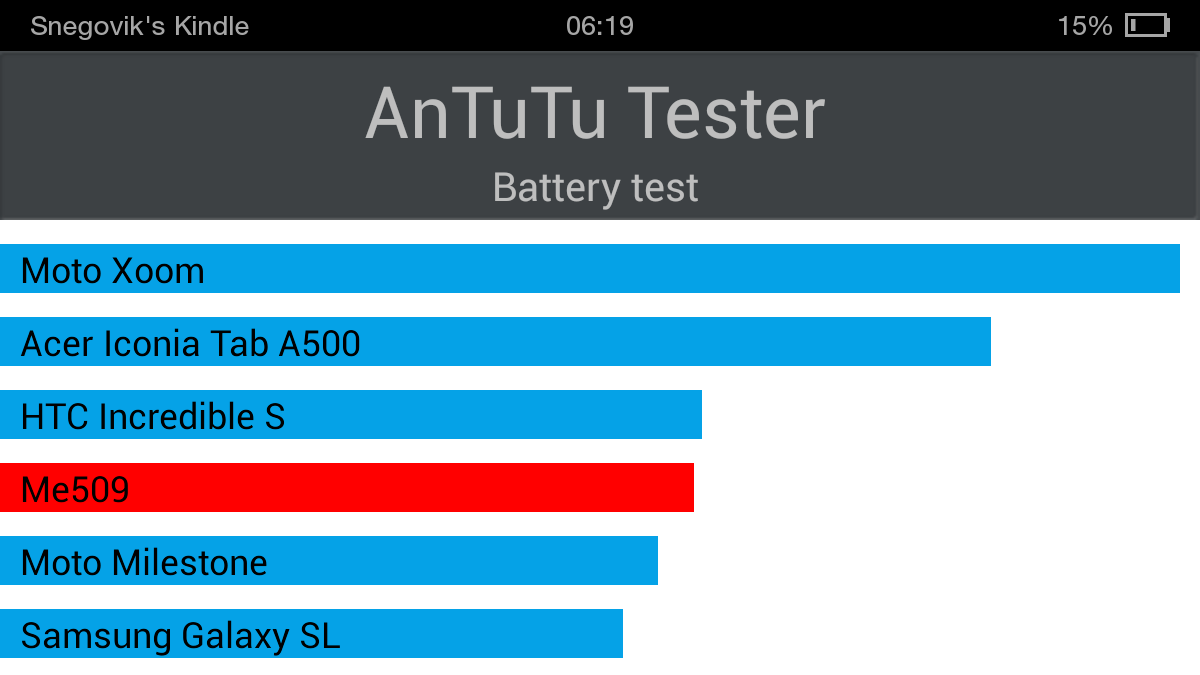
Battery life is one of the important factors for a tablet. Users want to use the device all day without recharging. The manufacturer claims about 11 hours of work in the "mixed use" mode (surfing, watching videos or listening to music) and 17 hours in reading mode. The capacity of the battery installed on the tablet is 4550 mAh. The tablet’s battery was tested by AnTuTu Tester, and I must say that the tablet showed good results. The AnTuTu Tester test burns up to 19% of the battery at a very high load, which is almost never achieved in everyday use. When I tested the tablet, it lasted 9 hours in the video viewing mode at full brightness and volume.

Frankly, the Kindle Fire HDX 7 ”tablet turned out to be a cool device! A high-quality screen, pleasant sound and high performance combined with excellent battery life just can not but rejoice. Of course, the lack of a native language and familiar applications from Google upsets, but will this stop the avid Android user? No, of course, he will install alternative firmware and will use the tablet comfortably. And if you are not, then standard applications will be enough for you to view and use the content, and no one forbids installing additional programs.
And do not forget about the small price! During this use, I have already seen three promotions for this model at a discount. Who knows, maybe the company will please us again with a low cost.
 High quality materials and build quality, as well as a nice design
Powerful filling
Stunning acoustics with a solid volume margin
Bright and high-quality display
Tech. Mayday support
Wi-Fi module with support for MIMO technology and 2.4 GHz and 5 GHz dual bands
Excellent battery life
Amazon ecosystem
 No Google services
No HDMI video output
Blue halo around the screen on a white background
The device is not for sale in Russia, but the Kindle Fire HDX can be bought without any problems in the Amazon store, using the services of an intermediary Parcel .
It’s not difficult to buy a device, just follow a few steps:
1. Add the Kindle Fire HDX to the basket
2. Go to the payment process
3. Register or log in using your Amazon store
4. Choose a delivery method FREE Shipping (5-8 business days )
5. Enter the delivery address (warehouse address of the intermediary) and card details for payment
6. Check all the data and pay for the goods
7. Wait for the parcel to arrive at the warehouse
8. Collect the package and send it to your address

You can save $ 7 if you register using the referral link Parcel post . After that, you will receive $ 7 in your account.
Mail services: $
45.45 Packing materials: $ 3
Referral link: -7 $
Total: $ 270.45
in rubles (average rate 33.50 rubles): 9,060 rubles Parcel
weight was 1.90 lb (0.86 kg).
If you have an account on Habrahabr, you can read and comment on our articles Online BoxOverview.com .
also, do not forget to follow us on FaceBook , Twitter and Google+ !
Where does such a relatively small price come from? The fact is that the Amazon online store sells devices "at cost", only the costs of their manufacture are covered. Aggressive pricing helps achieve the company's main goal: to get as many tablets as possible to users who are potential buyers of Amazon online content - from games and books to videos.
“We want to make money when people use our devices, not when they buy them ,” says Jeffrey Beesos (head and founder of the Internet company).
▌ TECHNICAL CHARACTERISTICS
The tablet is built on the latest Qualcomm MSM8974 platform (Snapdragon 800) with a 2.26 GHz quad-core processor, the Adreno 330 graphic subsystem (GPU). Fire HDX has 2 GB of RAM and 16 GB of internal memory for storing user data. Models are sold with a version of 32 GB, as well as with support for LTE networks. Thanks to the use of magnesium alloy for the case, the new tablet has a relatively low weight.
Screen: 7 ", 1920x1200 px, FullHD, IPS Processor: Snapdragon 800 (2.2 GHz and 4 cores) Video accelerator: Adreno 330 Operating system: Android 4.2.2 (Jelly Bean) with a shell Fire OS 3.1 RAM: 2 GB User memory: 16 GBCamera: front - 1.2 MP Optional: Wi-Fi, Bluetooth, accelerometer, gyroscope, brightness sensor Battery: 4550 mAh Dimensions: 186 x 128 x 9.0 mm Weight: 303 gram▌PACKING AND PACKAGING
The tablet comes in a small glossy cardboard box decorated in Kindle signature colors. Below the front side of the package are various icons that describe the main advantages of the tablet. On the back, we see a detailed description of all the advantages of the device - a high resolution display, a powerful processor and access to various content. The packaging of the device looks outwardly standard for the Kindle product series. This is a black painted cardboard with a characteristic shape, by which you can easily find a place to open a sealed box. Inside the package you will find a 7-inch tablet, a leaflet with instructions, a charger (1 A), and a USB-Micro-USB connection cable. No headphones in the kit were found, as were not found and any other accessories - everything is very concise.


In addition to the tablet, you can purchase original Origami cases in leather ($ 65) or polyurethane ($ 50) versions. These durable covers in the form of a cover with a cover protect from scratches and bumps, and can also serve as a stand with different angles of inclination. Using the built-in magnets, the device can automatically unlock when opened.
▌ DESIGN, DIMENSIONS, CONTROL ELEMENTS
On the front panel you will not find a single label or button. The entire front of the tablet is covered with glass. The front camera, suitable only for Skype, is located in the center. The light sensor took its place on the left. An integrated dual microphone is located above the camera at the top of the device. The front surface is black, in standby mode, the frame merges with the display, and a monophonic plane is obtained. The entire rear panel, as well as the sides of the device, are made of rubberized plastic. With it, the device lies well in the hand. A brilliant manufacturer's logo of immodest size is located in the middle. A decorative glossy dice, which is usually patchy in the very first hours of working with a tablet, covers the top of the tablet.


On the right side are the volume rocker. In order to change the volume on the tablet, you do not need to frantically search with your fingers for the corresponding key on the narrow of the gadget, in this case it is located under the fingers of the right hand (if you hold the tablet horizontally). Power button, placed under the fingers of the left hand. The “Volume” and “On” buttons are practically recessed in the device’s body and almost do not differ in touch with the surface. The microUSB connector is located on a very narrow sidewall. On the opposite side there is a 3.5 mm jack. If the headphones used have a plug with a “G” shape, then they will not overlap the “Volume” buttons.


The Kindle Fire HDX has an excellent speaker system, as well as a software system for automatically detecting distortions and urgently correcting recording errors before playback, resulting in a clear, clear and balanced sound. The speakers here are spaced on different edges of the device and have stereo sound. Even at maximum volume, the tablet does not distort the sound. Kindle Fire uses Dolby Digital Plus, a world-class headphone-free system. Although the sound in the headphones will not disappoint either.
▌CAMERAS
The front camera has a resolution of 1.2 megapixels and does its job at a decent level and is quite suitable for communication in Skype. In addition, she knows how to shoot video in HD resolution.
▌ DISPLAY
В планшете установлен дисплей с разрешением 1920x1200 при диагонали в 7" (323PPI) с 100% sRGB цветопередачей.

У дисплея очень качественное олеофобное покрытие, благодаря которому он заляпывается пальцами несколько меньше ожидаемого.

Углы просмотра ожидаемо отличные (IPS это свойственно), цвета сочные, но естественные.

Запас по яркости очень хороший: в обычном режиме можно пользоваться устройством с 50% яркости.

Специалисты DisplayMate считают экран Kindle Fire HDX 7 чуть лучше, по сравнению с Nexus 7 и iPad Mini Retina. При его производстве используется технология так называемых «квантовых точек» Quantum Dots.

Цветовая гамма почти одинакова: 97% у Kindle Fire HDX и 103% у Nexus 7 2013.

In general, the difference between the displays of the Nexus 7 and the Kindle Fire HDX in everyday use is difficult to notice. To achieve perfect color accuracy on the Kindle Fire HDX 7 "with the lowest possible battery consumption and device weight, engineers used blue LEDs instead of white. Blue backlighting provides much more accurate images and rich colors, while improving energy efficiency by up to 20%. As a result of using blue LEDs, you may notice a very weak blue tint on the edges of the device with a white screen background, such as books and web pages, all displays have some level of illumination at the edges, and the backlight on Ki ndle Fire HDX 7 "is due to the technology used to ensure perfect color accuracy.

▌ SOFTWARE PLATFORM
The tablet uses the Fire OS 3.0 "Mojito" operating system, based on the Android 4.2.2 code base. In Fire OS, the interface has been changed and contains a number of low-level transformations. But at the same time, compatibility with Android applications is fully preserved.
The desktop is made in a carousel style, which offers the user the most used applications. Above the carousel is a menu that allows you to launch various services from Amazon, such as Books, Apps, Music, Video and of course the application for viewing the giant Amazon catalog. A gesture up the carousel will bring up the screen of all installed applications in the system.
Since the Kindle Fire HDX does not have hardware buttons, they are emulated on the screen and are located on the right side of the screen. Unlike stock Android, there is a Search button, which in an open application opens a search bar. If you drag your fingers to the left of the edge of the screen, the icons of recent applications will open. So you can switch quickly between applications, a kind of multitasking ...
The status bar displays the device name, time, as well as icons of various modules, and of the battery charge, which can be displayed as a percentage. Pulling the line from the edge of the screen you will get access to the control panel, where you can block the automatic change of position of the interface, adjust the brightness or Wi-Fi, as well as switch to a full-fledged settings mode. In addition, you can call the operator from support or disable all notifications. And of course, the status bar displays all notifications received from installed programs. Amazon Kindle Fire HDX is sold in two versions: with advertising (With Special Offers) and without advertising (Without Special Offers). The price is different and the difference is in showing ads on the lock screen.
Advertising changes all the time with every waking device. To be honest, it does not interfere at all. Sometimes they advertise quite interesting gadgets, promotions and movies with music. Banners are displayed in high quality and look like simple wallpapers. It's even a little cool that your device always meets you with a new interesting picture. If you liked any offer, but you have already blocked the device and the advertisement has disappeared, then do not worry. The list of all shares is in the special Offers section on the main screen. But many still do not like advertising ... It doesn’t matter! Can be deleted using Superuser privileges. As you probably already noticed, the interface on the tablet is in English. In principle, it is intuitive, there should not be any problems using the device.
For everything else, you can put MoreLocale 2 . Then all new applications will think that the Russian language is installed in the system and will be turned on in its interface. But by default, you can turn on the Russian keyboard. The keyboard supports Swype - a text input method without taking your finger / stylus off the “keyboard buttons” on the touch screen. There is also a built-in dictionary of Russian words. A huge minus in Fire OS is the lack of Google applications. Accordingly, you will not find the usual Gmail client or Google+ service. And new applications are not available on the Play Store, but on the Amazon Appstore. The list of applications is certainly not richer than in the Market, but the main popular applications are present.
Amazon Appstore has almost the same functionality. There are reviews and ratings, automatic updates, recommendations and other features. The chip of the Amazon store is the Test Drive function, which allows you to run the application without installing it! The launch is due to the powerful cloud service from Amazon. By clicking Test Drive, you launch the emulator window where you can try out all the features of the application you want to buy! If the necessary applications in your own store are few, then you can easily run any Android application. In addition, you can install alternative markets, such as App & Game w3bsit3-dns.com or Blackmart .
Amazon also has its own music service. You can listen to a piece of the song or buy the full version, leave a review or purchase the artist’s entire album. The store presents almost all the leading recording studios, television companies, performers and other copyright holders. Therefore, there is a wide selection of content that can satisfy the needs of any user. You also have access to the Amazon Instant Video online streaming service. It allows users to purchase movies, TV shows and videos, and then watch them on computers, laptops, tablets, smartphones and other mobile devices. You can buy each movie or TV show individually, or purchase Amazon Prime unlimited access for $ 79 / year. Inexpensive, right?
And of course you can look through the magazines, where are they ;-). Amazon has integrated Goodreads, which they themselves recently purchased earlier this year, in the Kindle Fire HDX. Using the app, you can rate books you read, see what your friends are reading, and share quotes and thoughts directly with your buddies at Goodreads. Here's how to use Goodreads on your Fire HDX, besides the standard reader features. One of the useful features of the tablet is the Kindle FreeTime parental control, which allows you to limit the time children spend with the tablet for specific applications, such as surfing, watching videos, using applications or reading.


Another advantage of the tablet is the Mayday function, which allows you to get free technical support at any time. Amazon guarantees that as soon as you click on the Mayday button, within 15 seconds you will receive live support from a technical specialist who will help you with any problem associated with the tablet or services. The assistant can draw tips right on your screen, where you need to click or go to solve a particular problem. Amazon is also assured that this feature will be available 24/7 and 365 days a year, which takes service and support to a whole new level.
Indeed, support responds quickly, welcomes you and is interested in the problem. By the way, the operator does not see you, but you see him and it is much more pleasant to talk with the person you see. Personally, they helped me with the problem, although my English does not shine with eloquence, but the operator understood and helped me. Moreover, when I stopped understanding some of his words, he took out a tablet and started just to show visually what I needed to do with the device. After that the problem was solved! Of course, Mayday is unlikely to be useful for an experienced user, but for less tech savvy users this is definitely a godsend.
There are no comments on the speed of the interface itself; everything works not just quickly, but reactively. This is facilitated by a powerful filling and optimized Fire 3.1 OS. A key feature is the depth of integration of the device with all its services. Amazon's bookstore is always one click away from the reader. For reading electronic books there is a Goodread application. Music Player - Amazon MP3. Movie Player - Amazon Instant Player. App Store - Amazon Appstore.
▌ TESTING IN BENCHMARKS
Compared with the previous generation model, the new product has become three times more productive. Thanks to its powerful filling, the Kindle Fire HDX is easy to use. This is one of the few Android tablets that boasts smooth animation of the interface even with several open applications. During the use of the device there was not even a hint of brakes. In AnTuTu Benchmark, the tablet scored 35011 points. The diagram shows that the Kindle Fire HDX bypassed all the top devices to date. Results in Geekbench 3 are 918 (single core) and 2836 (multi-core mode). An idea of graphic performance is given by the test results in the 3DMark package. Ice Storm Unlimited test results look like this:


The tablet turns on in less than thirty seconds and wakes up from sleep mode instantly when you press the power button. The heaviest applications load quickly and work flawlessly.
▌ GAMES
The tablet of course copes with any games today with maximum graphics settings. And even the high resolution of the display does not allow the device to slow down. Simple toys also work flawlessly. There are no compatibility issues. You can install any games that are developed for Android and run them on the Kindle Fire HDX.
▌BATTERY, CHARGING, OPERATION TIME
Battery life is one of the important factors for a tablet. Users want to use the device all day without recharging. The manufacturer claims about 11 hours of work in the "mixed use" mode (surfing, watching videos or listening to music) and 17 hours in reading mode. The capacity of the battery installed on the tablet is 4550 mAh. The tablet’s battery was tested by AnTuTu Tester, and I must say that the tablet showed good results. The AnTuTu Tester test burns up to 19% of the battery at a very high load, which is almost never achieved in everyday use. When I tested the tablet, it lasted 9 hours in the video viewing mode at full brightness and volume.

▌ CONCLUSION
Frankly, the Kindle Fire HDX 7 ”tablet turned out to be a cool device! A high-quality screen, pleasant sound and high performance combined with excellent battery life just can not but rejoice. Of course, the lack of a native language and familiar applications from Google upsets, but will this stop the avid Android user? No, of course, he will install alternative firmware and will use the tablet comfortably. And if you are not, then standard applications will be enough for you to view and use the content, and no one forbids installing additional programs.
And do not forget about the small price! During this use, I have already seen three promotions for this model at a discount. Who knows, maybe the company will please us again with a low cost.
▌ ADVANTAGES AND DISADVANTAGES
High quality materials and build quality, as well as a nice design Powerful filling Stunning acoustics with a solid volume margin Bright and high-quality display Tech. Mayday support Wi-Fi module with support for MIMO technology and 2.4 GHz and 5 GHz dual bands Excellent battery life Amazon ecosystem No Google services No HDMI video output Blue halo around the screen on a white background▌ PRICE AND PURCHASE
The device is not for sale in Russia, but the Kindle Fire HDX can be bought without any problems in the Amazon store, using the services of an intermediary Parcel .
It’s not difficult to buy a device, just follow a few steps:
1. Add the Kindle Fire HDX to the basket
2. Go to the payment process
3. Register or log in using your Amazon store
4. Choose a delivery method FREE Shipping (5-8 business days )
5. Enter the delivery address (warehouse address of the intermediary) and card details for payment
6. Check all the data and pay for the goods
7. Wait for the parcel to arrive at the warehouse
8. Collect the package and send it to your address
You can save $ 7 if you register using the referral link Parcel post . After that, you will receive $ 7 in your account.
The final cost of the console with delivery without insurance via USPS Priority mail :
Kindle Fire HDX 7 tablet ": $ 229.00Mail services: $
45.45 Packing materials: $ 3
Referral link: -7 $
Total: $ 270.45
in rubles (average rate 33.50 rubles): 9,060 rubles Parcel
weight was 1.90 lb (0.86 kg).
If you have an account on Habrahabr, you can read and comment on our articles Online BoxOverview.com .
also, do not forget to follow us on FaceBook , Twitter and Google+ !