Compaq LTE Lite. Part 2
I continue to torment an old laptop with a docking station. I remind you that this is a Compaq LTE Lite 4 / 25C. The first part is here: Compaq LTE Lite .
In this part:
- Linux as an opportunity to work with a hard drive that does not see the BIOS;
- a mouse from Microsoft itself;
- ISA expansion card
- Windows 95 and Windows 3.1
- old games
But first, a little about the name: 4/25 means that it is based on a microprocessor from Intel 486 series with a frequency of 25 MHz.
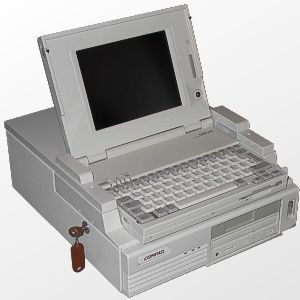
Like the last time my brother helped me, for which a special thank you to him!
A couple of photos from the Internet.
This is what the laptop with the dock should have looked like.

So, the first part ended up with Linux seeing a screw attached to the dock, but it needed a drive to read CDs with an IDE interface. Such a drive was found. There was also a compact with Slackware 8.0. To start the installation, you need to write two floppy disks: boot and kernel. But if, during past experiments, a computer with a drive was at hand, now only our experimental one has a drive with a drive. So you need to load DOS with CD-ROM support on it.
We connect the DVD-drive as a slave to the secondary controller, boot from bootable Linux, which remained from the last time, and make sure that the DVD-drive is detected by the system. We boot from the DOS boot - it does not see the drive for CDs and that's it. And so played and so - it does not work.
My brother suggested inserting an expansion card (I remind you that the bus is ISA) with an IDE controller, and hang the drive on it. Inserted. Booted from a DOS boot - the drive is visible. We wrote down the floppy disks, again put the screw back in place and started the installation.

Here he is - the hero of the IDE controller. If you look closely, there are still a lot of goodies: floppy, COM, LPT, game - ports.
In order not to play with the choice of packages - complete, since there is a screw of 20, GB. Installation lasted more than 3 hours, was successful. We boot from the floppy disk, mount the root partition and voila! It works, of course, slowly. This is clearly seen when generating keys for SSH and when working with MC. The Xs did not start off - they did not play with them.
But Linux is good, but I would like to nastalgize - to start Windows of a terrible and different :) For this it was necessary to find the ancient HDD. Lucky. Found a place.
At first I took it at 540 MB, but the BIOS did not have a disk type with the required number of cylinders, heads, sectors. They put up a similar one - nothing. Then I dragged a 40-ku (!) From IBM (!). Again there is no such type. Then I pulled three already: Segate 40 (MB, MB, not what you thought), then Conner 240 MB and some other 120. Segate got all the parameters with the BIOS, and ... DOS it again does not see. Although Linux shows that everything is OK with the disk, and there is a partition with FAT 16 that is mounted there.
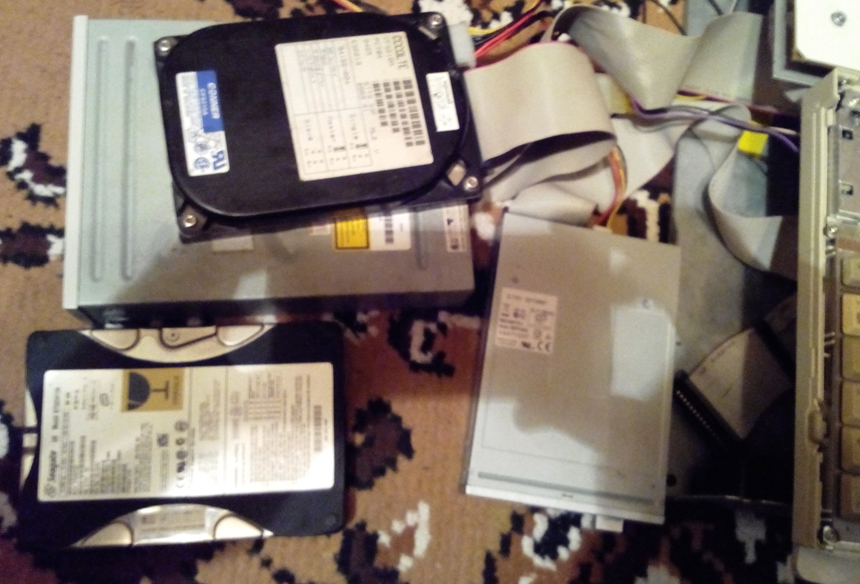
It all looked like this
Again, the brother suggests connecting an expansion board with an IDE interface. We connect a 40-ku, set the necessary parameters in the BIOS - URRA! There is! We connect a 240 MB screw, select a similar type in the BIOS, only sectors do not match. We connect - there is a C :! drive Only fdisk determines its size not in fact, but as it is written in the BIOS. But it works. When loading, an error about a conflict with the primary controller (which is in the laptop itself), but even loaded. This is definitely a victory. Celebrated her dinner. No, not by candlelight. Just in the home circle.
Found Windows 95. Remember, in the song: “I broke the window. 95th mastday window "? Well, and we are quite the opposite. We wrote it to a disk, loaded it from a floppy disk, launched setup, and after an hour saw the famous “Start” button, or rather, in our case, “Start” with a tail.

This is not Windows 8.0 for you! The Start button is in place and knows its job!
A little more Windows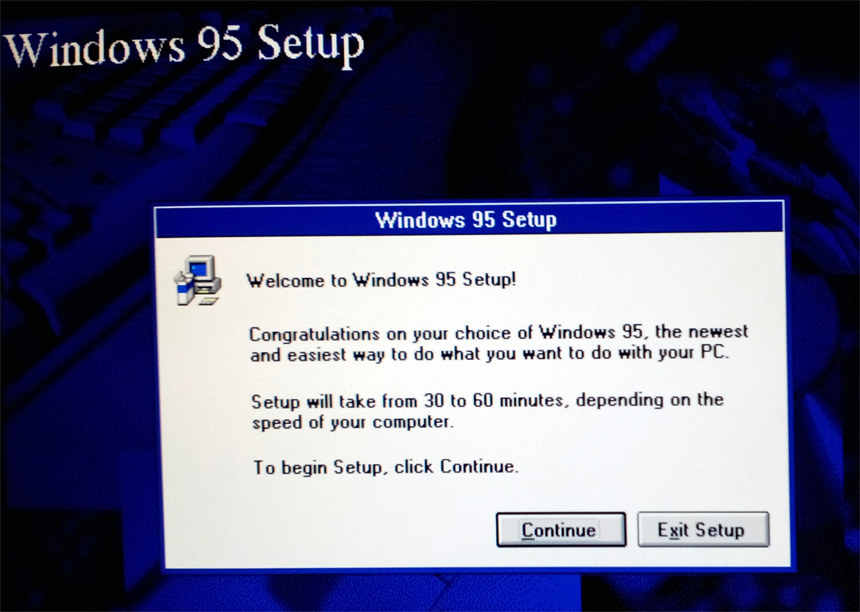
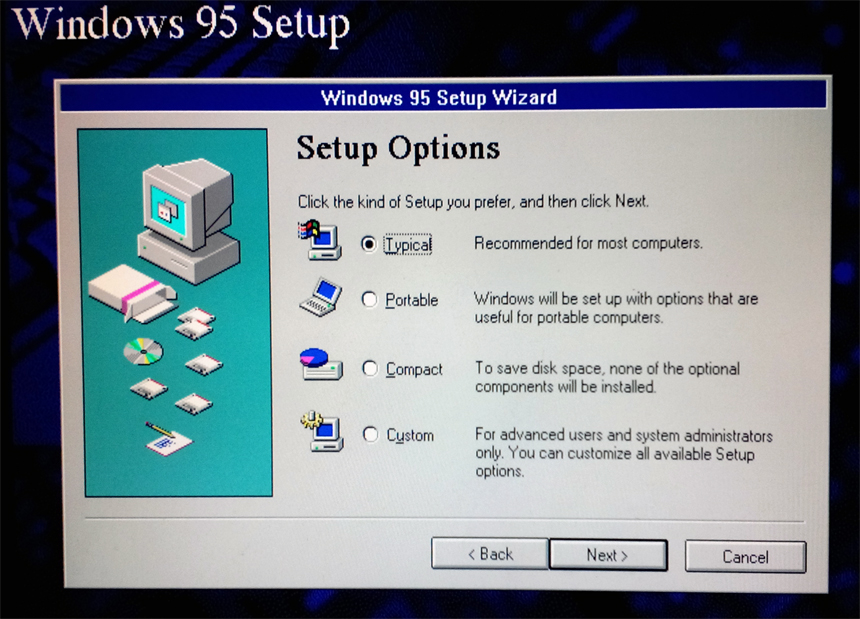

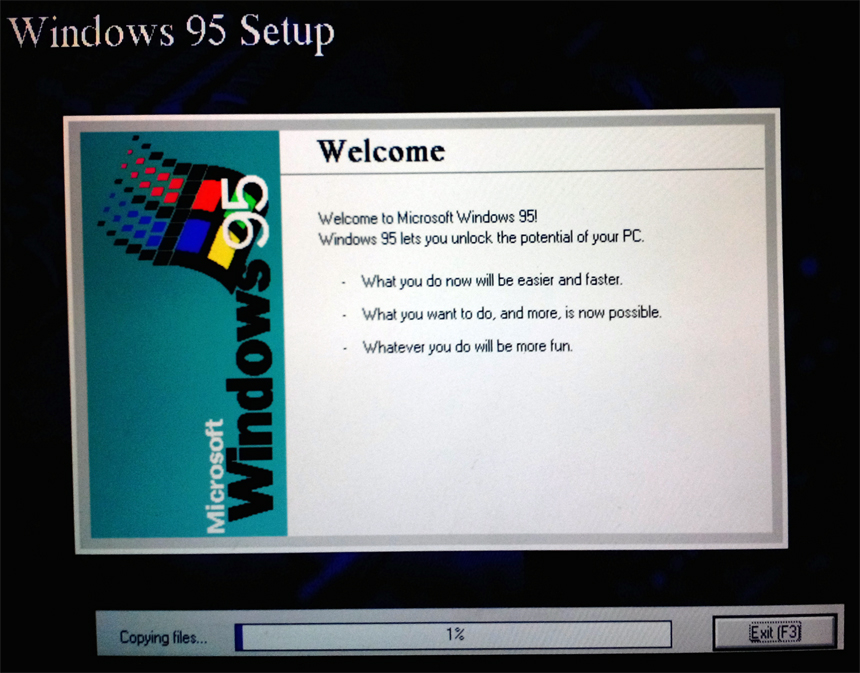
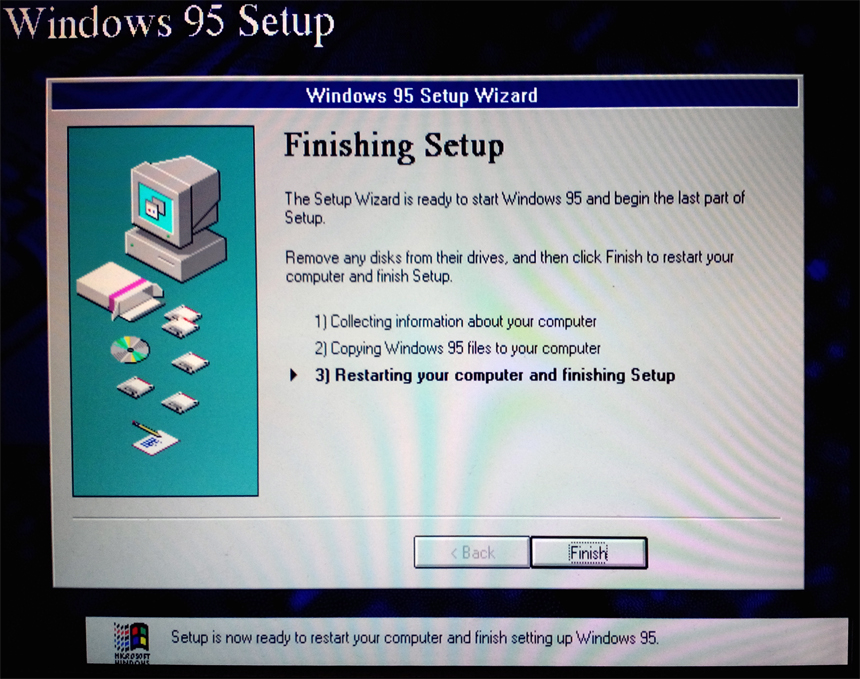
But the mouse does not work. Navigation buttons. On the rear panel, two PS / 2 ports are soldered under the mouse and keyboard, but they do not fry.
By the way, a two-button PS / 2 mouse from Microsoft itself:


A com-mouse was still to be obtained. As well as a 279 MB laptop screw for which an analog was found in the BIOS in the region of 312 MB, but this did not stop boot from it. During the test, the BIOS swears at the screw, but it works. True, for correct operation, I had to repartition it, indicating a slightly smaller partition size than the capacity of the entire disk.
95th works almost without brakes. Only if resource-intensive applications are loaded, like Power Point and Windows are actively swapping, then there are slowdowns.
Now I set out to launch Windows 3.1 and install from floppy disks. It was necessary 6 pieces. Found at work a car with a drive. I wrote it down.
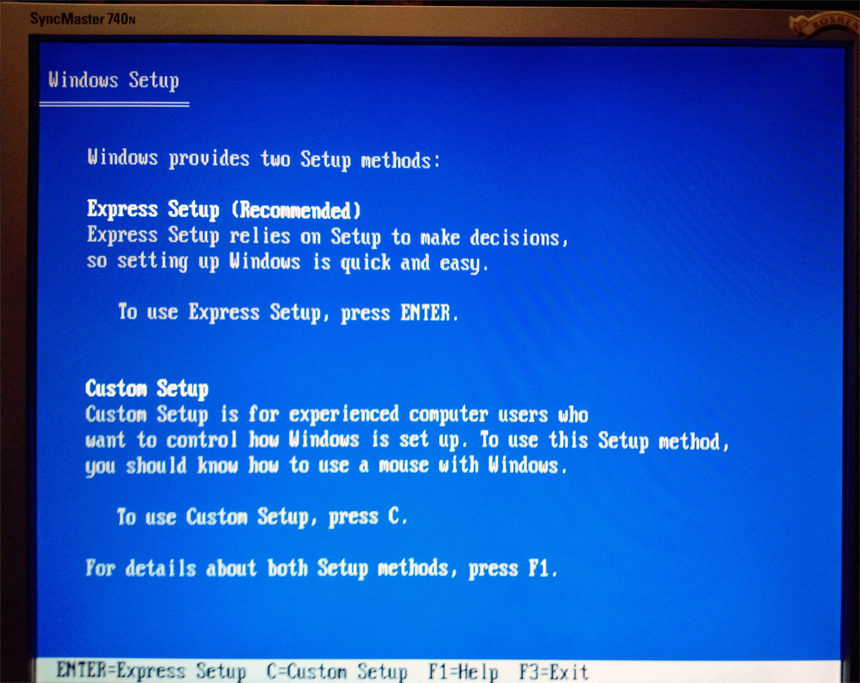
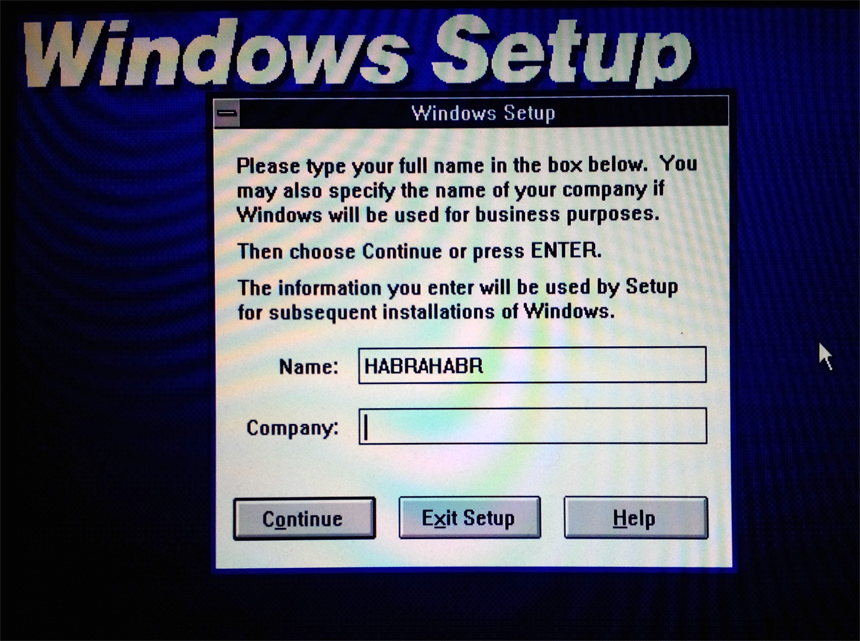
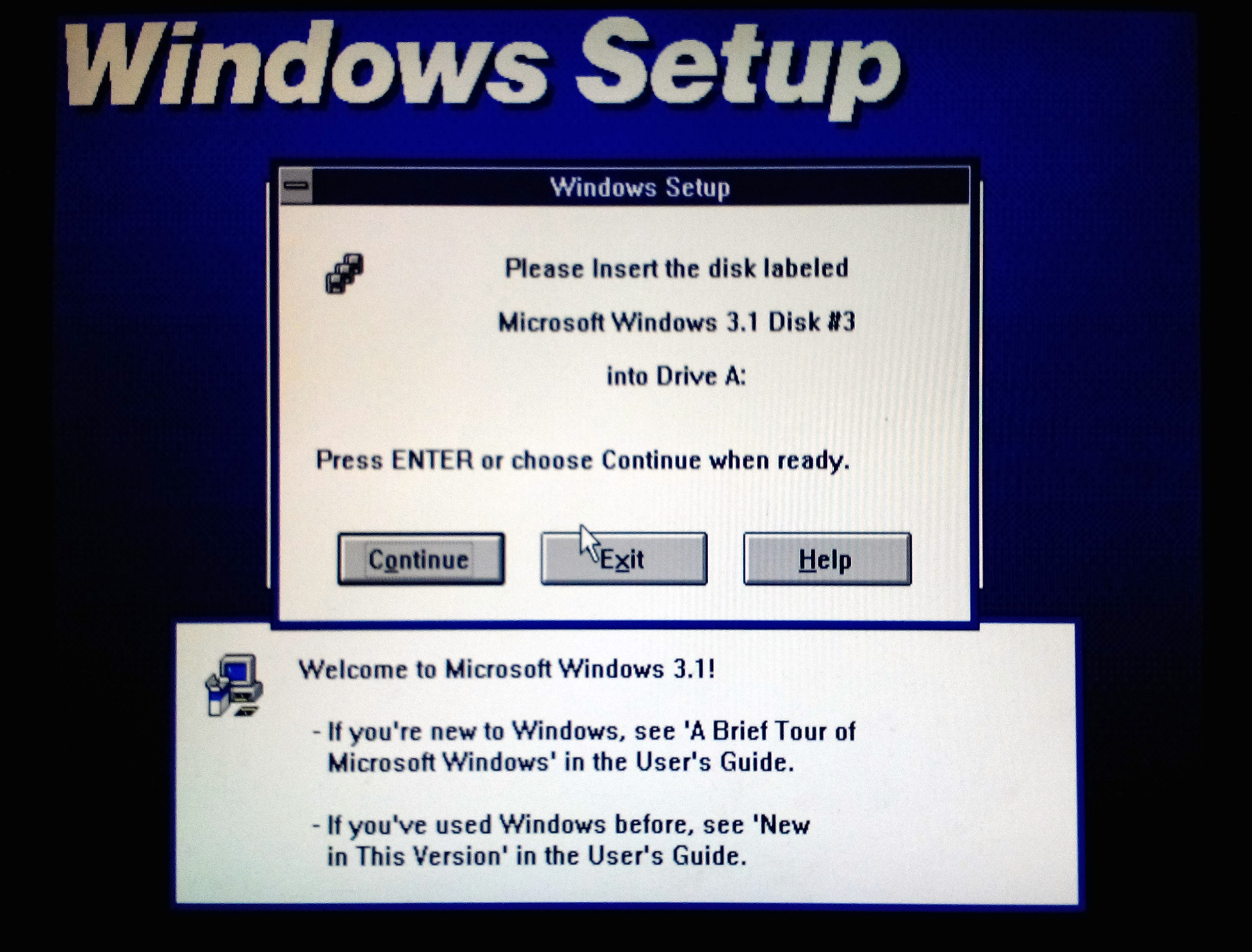
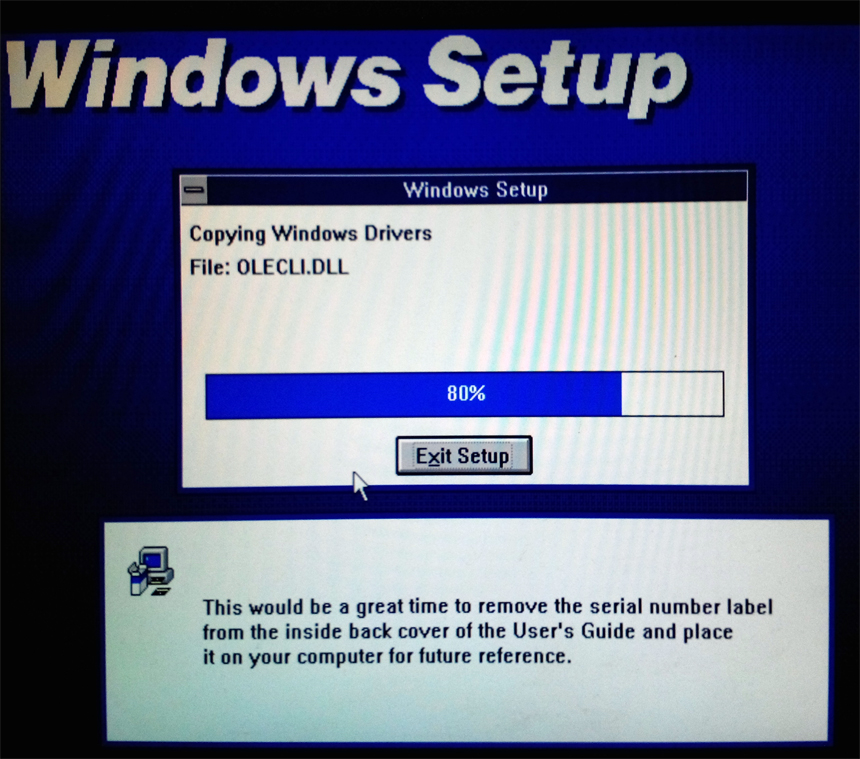
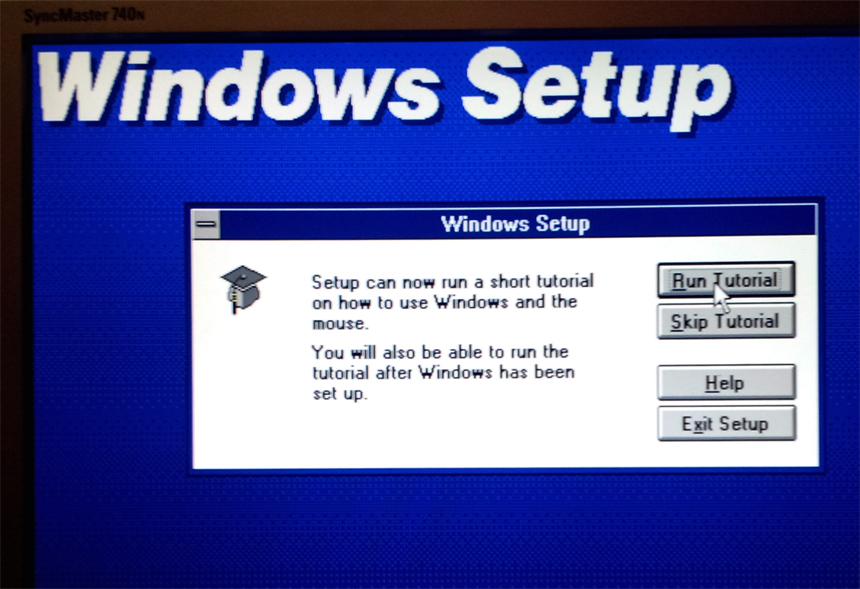
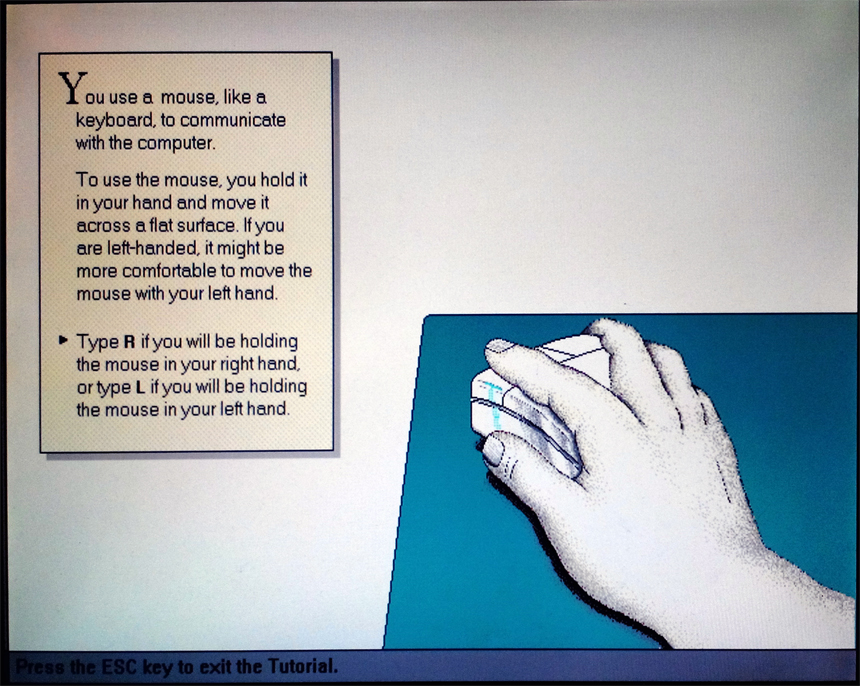
Surprisingly floppy disks (and they are 10 years old or more) have all been read. Installing Windows 3.1 comes from under DOS. You must insert the first diskette and run setup.exe (under DOS, the installation file was usually called install.exe). The Windows 3.1 installer consists of two parts: with the DOS interface, then the Windows interface loads. After the installation itself, the screw is scanned for known DOS applications that are then added to a separate window folder. The last stage - it is proposed to watch and participate in the instructions for working with the interface and mouse. (By that time I got a COM-link) In addition to the text with explanations, there are animated prompts, then it is proposed to perform actions with the windows in the training mode (picture under the spoiler).
But now all the steps have been completed. Reboot. Enter:
c:\win.exeWe see the logo. Then we have the very windows:
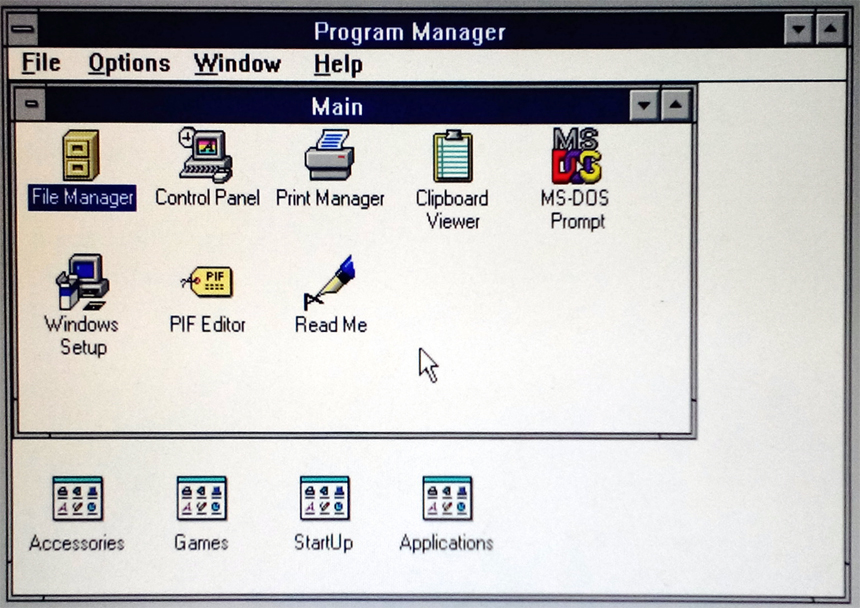
Among the programs: calculator, miner, file manager, drawing, text editor (see below) and much more.
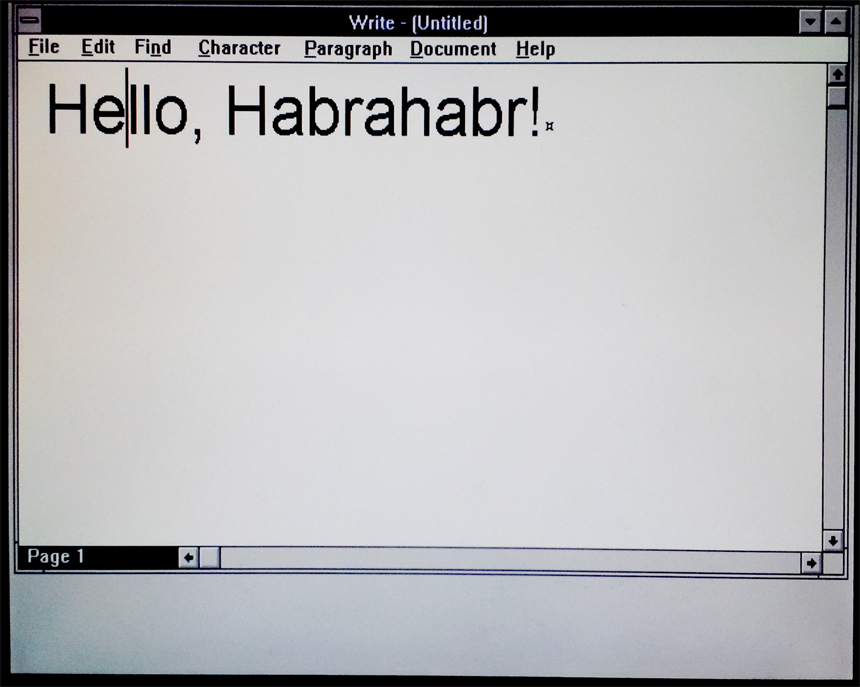
Many more Windows 3.1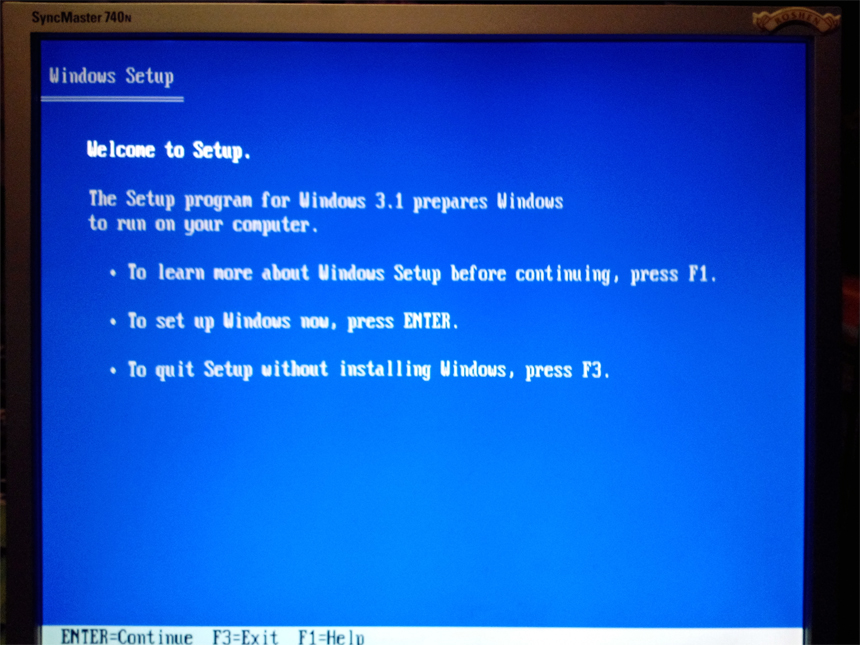

Well, of course, how could it be without Norton Commander!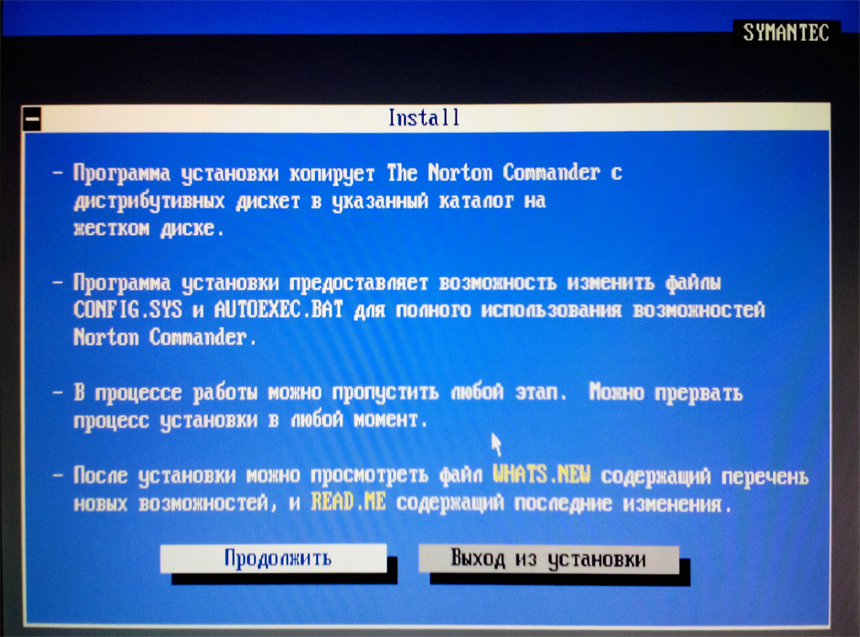
Then I accidentally came across a Russian development - PTS-DOS 2000, according to the promise - a fully MS-DOS compatible clone. It loads and works smartly, supports “out of the box” CD drives. What surprised me was that this DOS saw a CD-ROM on the controller built into the dock. Although before that, only Linux was capable of this. But I didn’t see a hard one on the same controller. Subsequently, slipping the ptsatapi.sys driver from PTS-DOS under MS-DOS, I was able to work with the CD-ROM and under MS-DOS.
Lastly, I want to connect a sound card and play DOOM 2 and X-COM: UFO Defense.
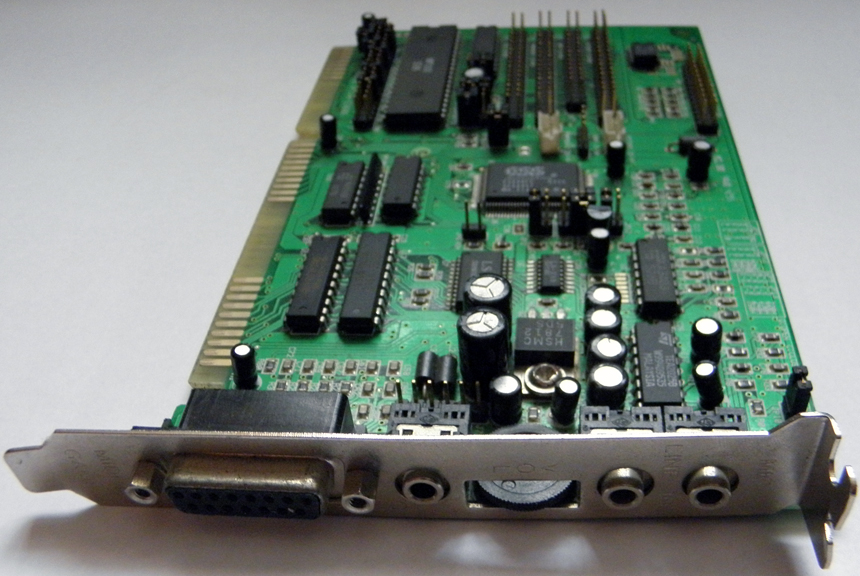
Yamaha YM718 in person.
Sound card Sound Blaster compatible, Yamaha YM-718 with support for the then fashionable Wave Sound technology. I found drivers for DOS on the manufacturer’s website.
Sound card setup in DOS and in-game.
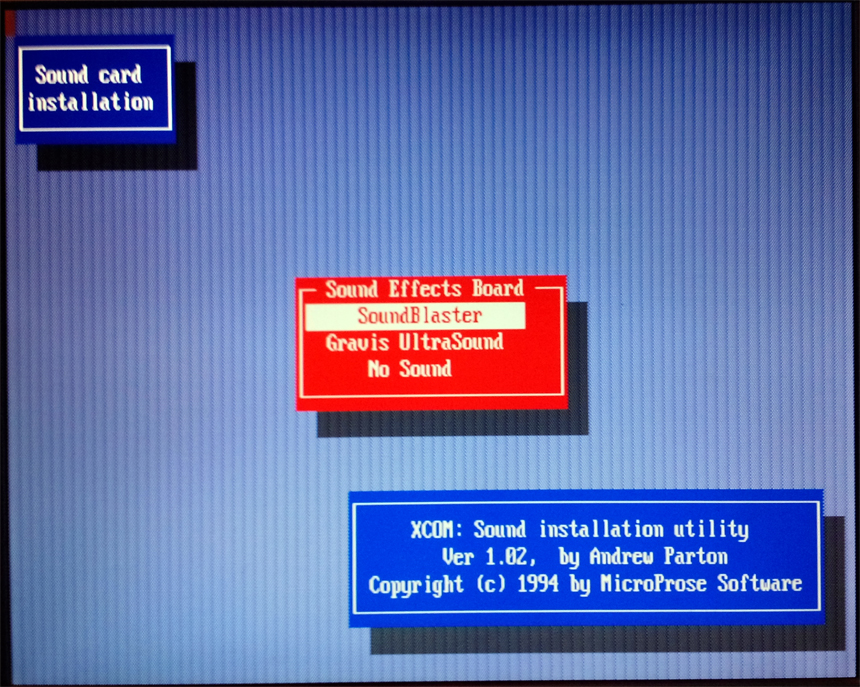
Under Windows 3.1 started up without problems. But in games I had to tune. But Doom 2 did not want to sound, but X-COM started in all its glory.
In the end, a few questions remained unanswered.
The second IDE controller is wired to the dock board. DOS disks and CD-ROM drives connected to it were not seen at point blank range until I experimented with PTS-DOS and ptsatapi.sys. The optical drive has been determined, hard - no. Although Linux normally defines them. At the same time, the same equipment normally works in DOS on an external IDE controller (which, by the way, is defined as primary). We can assume that the firmware on the expansion board is newer and allows you to see the screws, but at the same time, the laptop screw connected to the first controller, even having 45 MB smaller size than the BIOS setting, is perfectly visible, everything loads fine from it. Why such a situation? - I did not understand.