Photo Gallery and Other New Cloud Storage Features

A number of new functions are available for users of the Cloud Storage service:
- photo gallery;
- file listing;
- web panel operations manager;
- File uploads greater than 5 GB;
- IPv6 access.
Original on Selectel's corporate blog .
Photo gallery
Now all users of cloud storage have the opportunity to create photo galleries. In just a couple of clicks, you can create a beautiful photo gallery that will work equally well both on desktop computers and on any modern mobile devices.
You yourself can verify this - look at the test photo gallery with our T-Rex by clicking on the link .
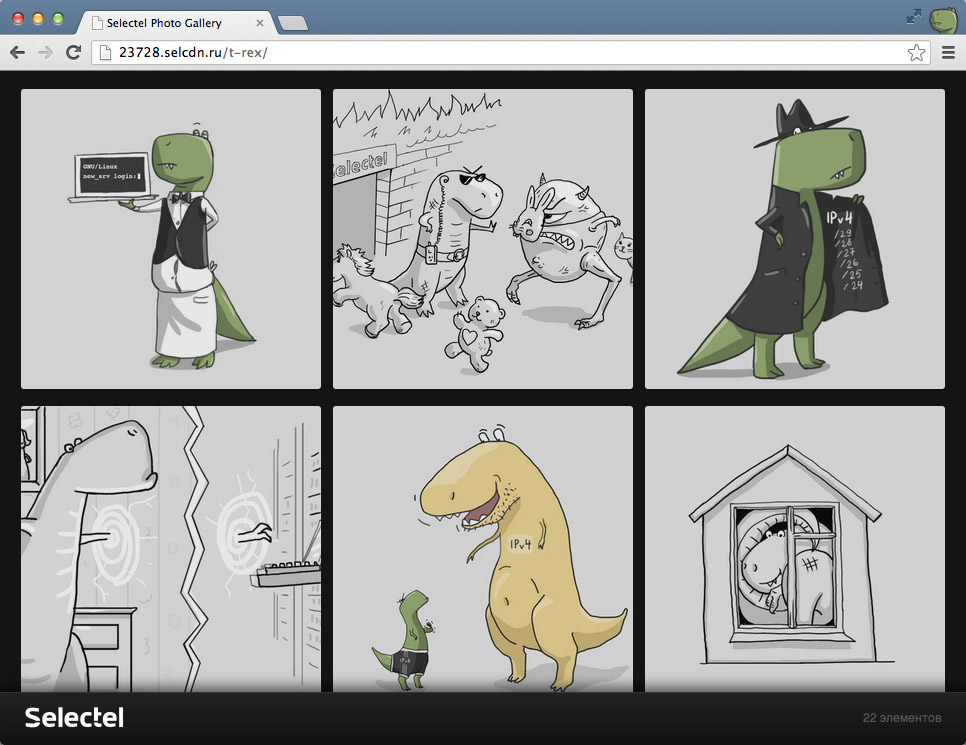
One of the key differences of our photo gallery is the display of photos in their original quality, which is especially true for professional photographers. You can also use photo galleries for personal use, provide graphic materials to customers, or showcase your portfolio.
All the gallery’s functionality is implemented on the basic capabilities of the repository, which allows you to modify the client part to your needs independently. Source code is available on Github .
Photo Gallery function page on the Cloud Storage site.
File listing
Earlier we introduced the “ Special Pages ” functionality , which allows you to specify an index page and a 404 error page. The new File Listing functionality is also available in this section.
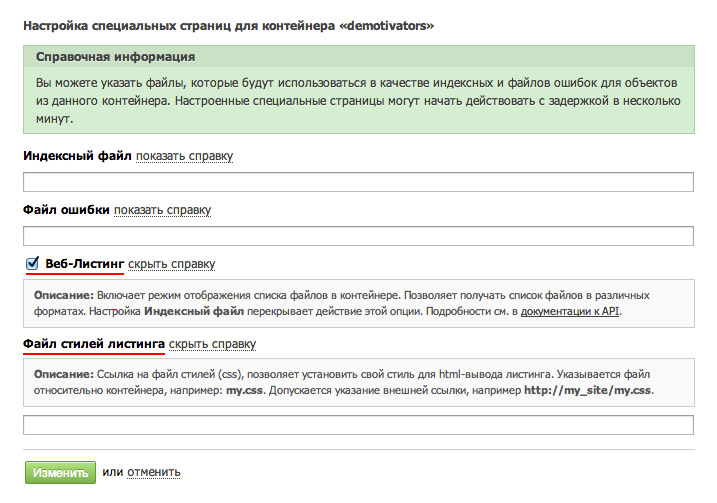
Enabling this option allows you to display a list of your files in a convenient form (for public access).
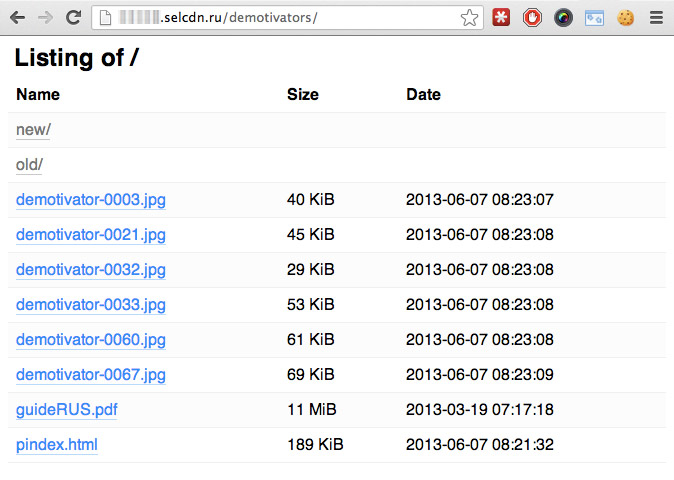
If you wish, you can set your own style using your own css-file.
In addition to the visual display, the "File Listing" function provides interesting opportunities for developers. It is on the basis of this functionality that the image gallery presented above was made.
Those who worked with the OpenStack Swift API may be familiar with the Static Web module, our implementation is fully compatible with it. But we tried to provide more useful features, such as:
- getting a list of files in various formats (html, json, plain);
- additional meta-information about the number of files and folders;
- limiting the output of the number of files and pagination management;
- natural navigation through folders (no need to use special query parameters as in the OpenStack Swift API).
For more information and examples, see the API documentation in the control panel.
Operations manager
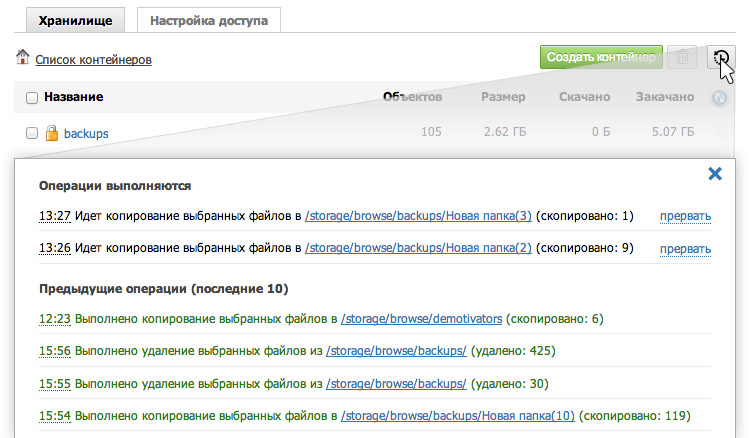
Previously, to perform long tasks it was necessary to keep the browser open, but now, thanks to the appearance of the operations manager, you can not worry about it. The launched operation will be added to the job queue and performed by the manager on the server side, which allows you to continue working with the repository. In the Operations section, the list and status of operations that are currently performed and the history of previously completed transactions will always be available. You can also interrupt the operation if you accidentally make a mistake or change your mind.
Download files larger than 5GB
Now you can upload files of almost any size through the web interface.
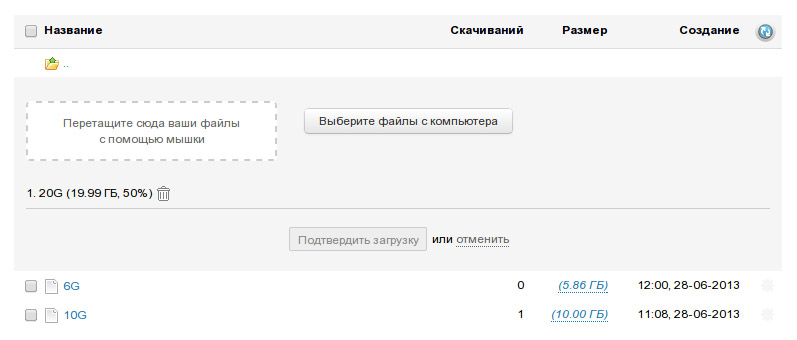
Many cloud storage systems limit their users to the maximum size of a single uploaded file of 5 GB. The reasons lie in the technical features of the internal storage device.
Selectel cloud storage from the very beginning allows you to upload files larger than 5GB, but this requires support from the software that is downloading. We try to make sure that downloading really large files does not require additional actions. And, as the first stage, we made it possible to upload files larger than 5GB through the control panel.
IPv6 Access
We made AAAA records in DNS for the storage addresses, which means that now access to your files and distribution of static content is possible via IPv6 protocol. This will automatically work for bound domains, without additional settings.









