 October 31, 2012 at 09:24
Font Sandbox
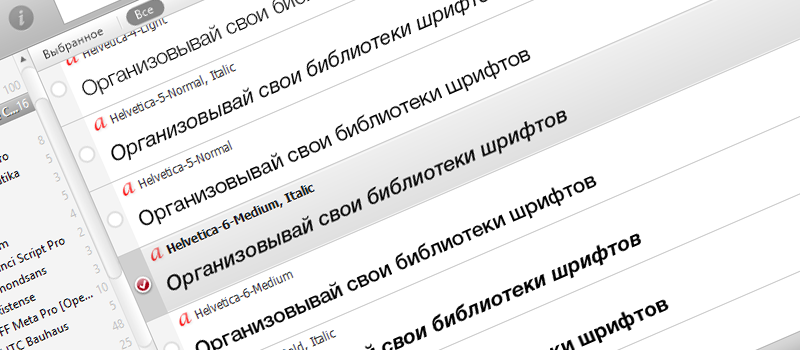
Surely some of you have already found the font manager to your liking, and many still clog the system and drop-down lists with hundreds of fonts, most of which are not used every day. Among other things, with each new version of Windows, the number of standard fonts increases progressively:
- Windows XP: 133
- Windows Vista: 191
- Windows 7: 235
- Windows 8: 400 +
To avoid the headache of turning over all the fonts, in order to optimize the workflow, there are many managers, most of them paid, have specific UIs and are rarely updated. Below I made a selection of the 5 best paid and free applications:
Having tried all the trial versions of paid applications, I came to the conclusion that the paid functionality is not relevant for me, and I opted for Nexus Font . It is free, small, fast, intuitive intuitive, with the most beautiful UI (a la Mac) of all on the market, and performs all the functions assigned to it like sandboxes. Let's start with it:
1. Nexus Font 2.5
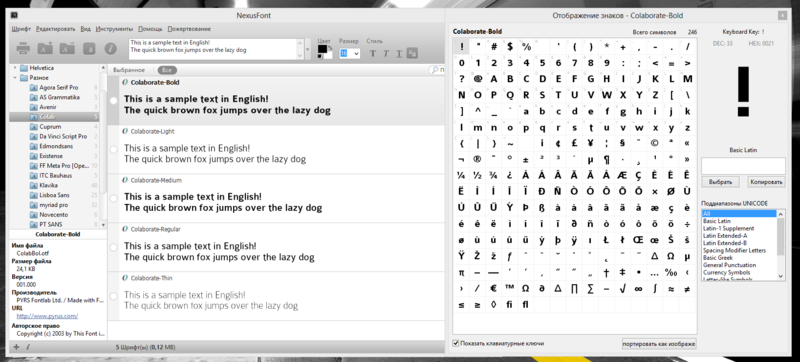
The fastest of the provided programs: Nexus Font does not automatically scan libraries and fonts when the application starts, due to which it starts in a matter of seconds. In the case of Windows 8, this application shows the best performance in speed and ease of use.
License: Free for All (Donate)
Last update: July 2012
Supported OS: Windows XP - Windows 8
Opportunities:
- Simple and intuitive interface
- Font table for viewing all elements
- Auto-Activation Fonts;
- Organization, search, preview fonts;
- Ability to create your own font sets;
- The ability to select the entire family of the font of interest;
- The possibility of battery life (Portable);
- Search for duplicates;
- Font library backup
- Export to print samples in graphic format
Nexus Font Page
2. Suitcase Fusion 4
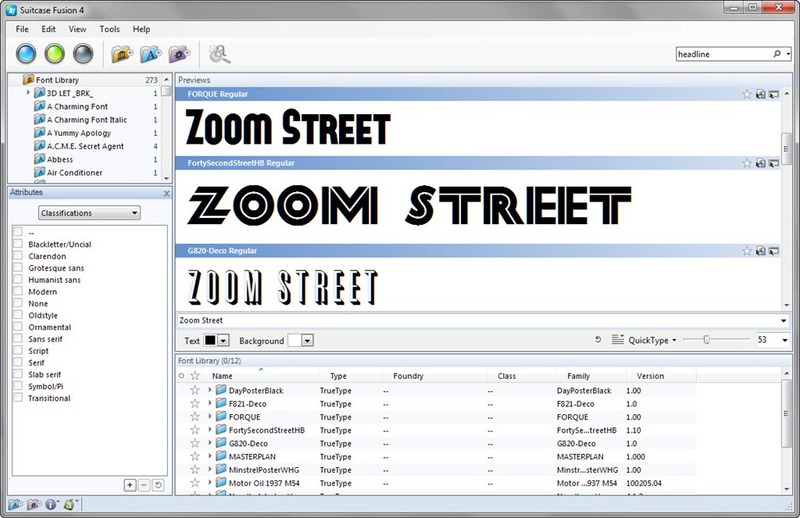
License: $ 99.95 for Windows and $ 99.95 for Mac (separate license for each OS).
The localized version will be more expensive, its price will be $ 131.
Last updated: October 2012
Supported OS: Windows XP - Windows 8
Opportunities:
- Plugins for working in the environment of Adobe Creative Suite 5-6
- Font table for viewing all elements
- Auto-Activation Fonts
- Organization, search, preview fonts
- Ability to create your own font sets
- Web Font Support
- Recovery of broken fonts
- Find similar fonts
- Export to print samples in graphic format
Suitcase Fusion Page .
There is a full Trial version for 30 days.
3. MainType 5

License: $ 39.00 for the Standard version and $ 79.00 for the Professional .
A significant difference between the editions is the limit of 10,000 fonts and the lack of plugins Creative Suite.
Last updated: October 2012
Supported OS: Windows 2000 - Windows 8
Opportunities:
- Plugins for working in the environment of Adobe Creative Suite 5-6 (So far, only InDesign is supported , the rest are in development)
- Install, remove, and activate fonts
- Font table for viewing all elements
- Organization, search, preview fonts
- Ability to create your own font sets
- Restoring broken and resolving font conflicts
- Export for printing samples in HTML
- Backing up and restoring the font library;
MainType page .
There is a full Trial version of 30
4. FontExpert 2011 R3

The most functional application in my opinion, but in my case it crashed very often and spoiled its own databases. Despite frequent updates, no significant progress has been noticed in it since 2009. Not the most convenient interface has become a major drawback.
License: $ 59.00
Last update: October 2012
Supported OS: Windows 2000 - Windows 8
Opportunities:
- External plugins for working in the environment of Adobe Creative Suite 5-6
- Add, Remove, and Activate Fonts
- Font table for viewing all elements
- Organization, search, preview fonts
- Ability to create your own font sets
- Recovery of beaten files and resolving font conflicts and finding duplicates
- Export for printing samples in HTML
- Backing up and restoring the font library;
- Integration into the OS shell;
FontExpert Page .
There is a full Trial version for 30 days.
5. FontExplorer X
License: $ 100.00
Last Updated: October 2012
Supported operating systems: the Windows / Mac
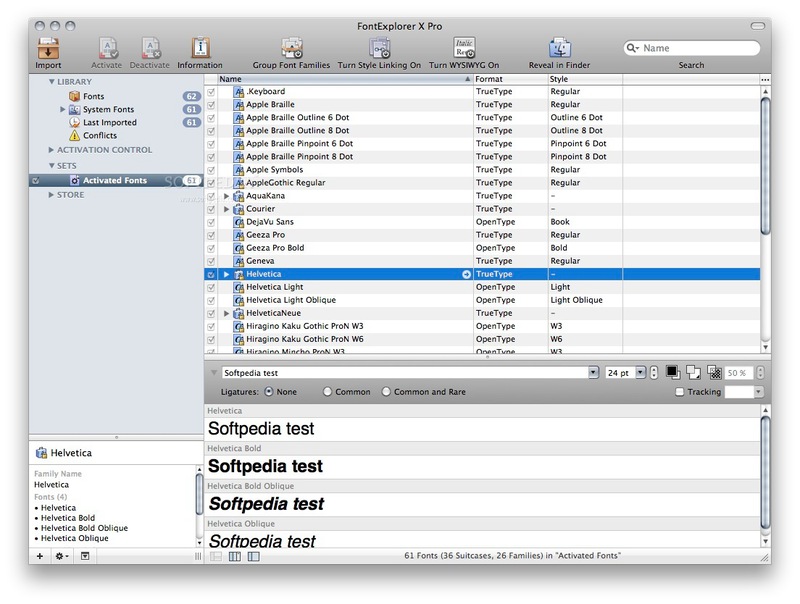
Legislative app comes from Mac from the company of Linotype . In general, the application performs the functions of most of the applications mentioned above, and in the Mac version it surpasses them in many ways. The functionality of FontExplorer for Windows and Mac is very different in favor of the Mac version.
In turn
FontExplorer X for Windows
It looks pretty pathetic using the same Ribbon-like interface as FontExpert . at the same time, it has the common Nexus Font functionality (with the exception of integration with Creative Suite and QuarkXPress )
FontExplorer X Page .
There is a full Trial version for 30 days.
The review was not included, but there are also such ( sometimes dubious and outdated) applications:
For Mac:
MasterJuggler : Price - $ 89.95
FontAgent Pro 5 : Price - $ 99.95
For Windows
FontAgent Pro 5 : Price - $ 149.95
'Typograph : Price - $ 35
Advanced Font viewer: Price - $ 42
UPD: The iAlex user also paid attention to the Fontcase application for Mac , in addition to font management capabilities, you can also buy Fontcase for iOS, and view fonts on the Retina Display of your device.









