
The “galaxy” is growing!
... or a review of the Samsung Galaxy Note
Many were skeptical about the appearance of tablets as a class - they say where to put such a fool and why is it needed at all. But quite a bit of time passed and they found so many applications that, despite all the restrictions, tablets became a trend. For a tiny (by the standards of history) period of time, they managed to change the landscape of the entire IT industry quite strongly, so it is not surprising that many companies took up them.
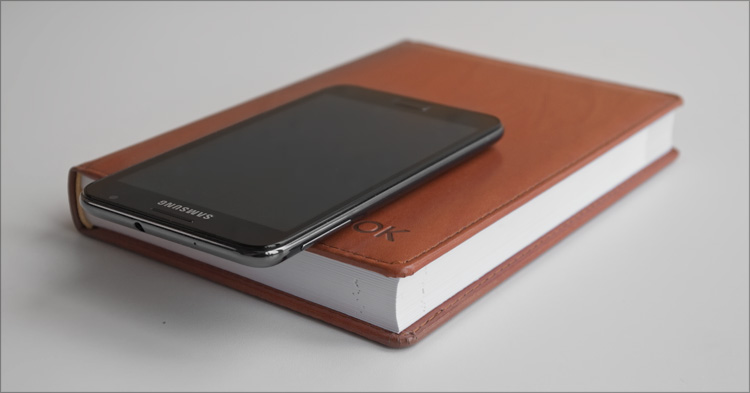
At Samsung, it seems, groped the remaining strings of the needs of the public - no matter what the novelty, it is aimed “at the bull's eye”. And if everything about monsters represented by the “full-fledged” Galaxy Tab tablet and Galaxy S II communicator has been said and written for a long time, then the appearance of the Galaxy Note at the IFA-2011 exhibition was a real surprise.
Re-smartphone? Undershot? Apparently, the company still has not decided exactly how to position the new product. Therefore, we will consider it an intermediate link in the evolution from one class to another - something that was lacking for us users. Adding this proposal, I was sadly pleased - I remembered the times when a handheld personal computer was a sign of human viability. Now you won’t surprise anyone like that ... but given the size of the device, I would like to call it a revival of a class of huge pieces such for which I wanted to put on a jacket to put the device in my inner pocket. Not a notebook and not a smartphone - namely a pocket personal computer!
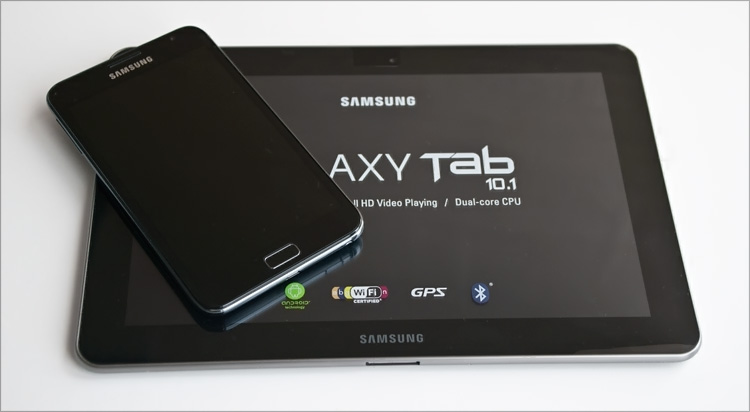
Compared to the Samsung Galaxy Tab 10.1.

So, was everyone nostalgic or was there someone else? ) Let's get to the point.
The box is traditionally in the form of a “brick”, inside it there is everything you need:
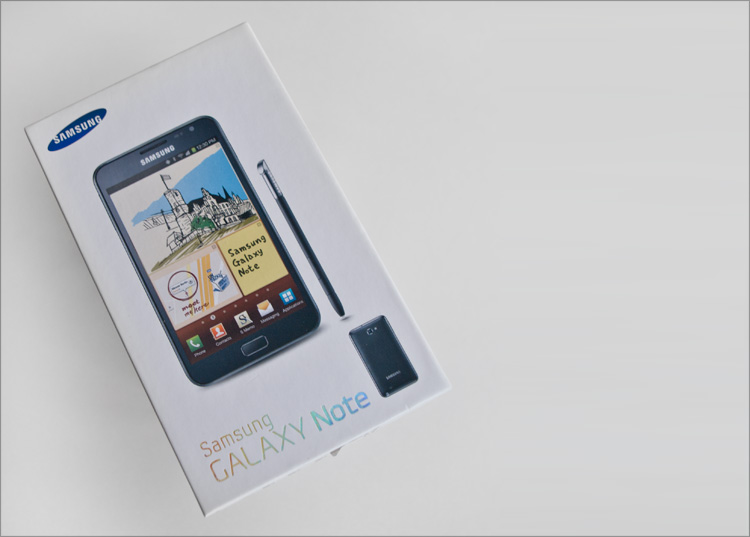
- Samsung Galaxy Note
- Charger
- Stereo headset
- USB cable
- Quick Start Guide
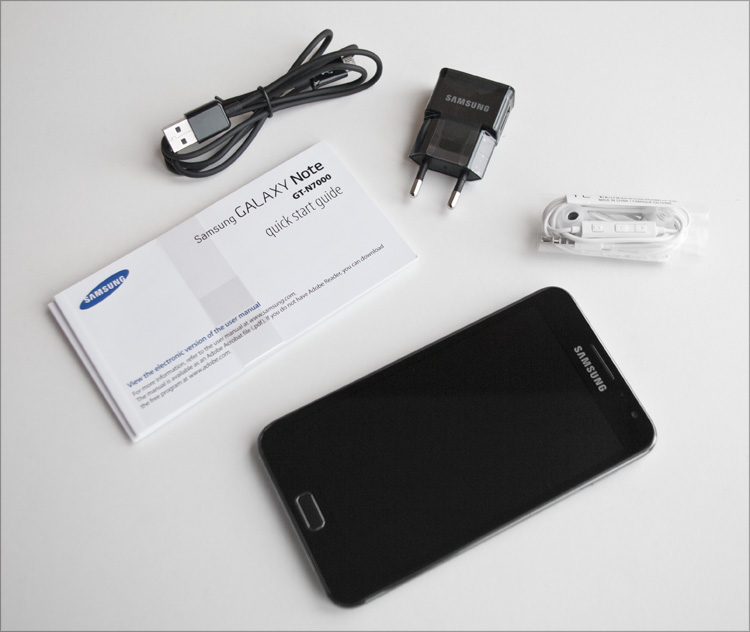
The size of the charger is more like a whistle - a small piece of plastic that fits anywhere . As the interface is used, as you might guess, USB.
The cable for charging (and for synchronization) from the kit is the most common cord, USB-microUSB. It is very cool that Samsung decided to use microUSB in this device, and not the dock interface as in the “adult” Galaxy Tab.
The stereo headset is white, on one of the wires has a remote control for sound (well, or calls) - everything is done very carefully. In general, you will not surprise anyone with this component now, but in this case it is clearly not superfluous - nevertheless (based on the capabilities), you can fully call from the device, so the headset is very useful here.

Speaking of accessories, there are not very many of them for the Samsung Galaxy Note, but I hope this is only a matter of time.
▌Exterior
The joke about the two employees in the Samsung design department is unlikely to cause anyone even a smile - it is obvious that the appearance of the products of the two giants differs sufficiently. And despite the fact that Note is a typical representative of the emerging series of devices “Galaxy”. It is unlikely that you will confuse this thoroughbred Bernese Mountain Dog with a homeless mongrel - the image turned out to be unique, recognizable and at the same time quite strict.
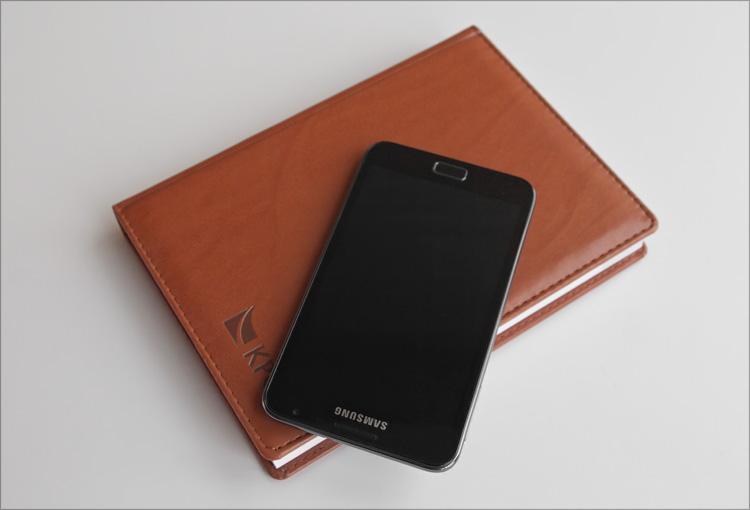
When I first picked up the Samsung Galaxy S II smartphone ... with a grin, I thought, “hmm ... and how do you order this shovel?” - it turns out that these were only flowers, which, as practice has shown, you get used to very quickly. But the Samsung Galaxy Note ... no, friends, this is really something huge, like an indescribable baobab in a joke about a dog. In that regard, if we consider the device as a smartphone ... but if we consider it as a tablet, then it is the other way around, the maximum “tablet” is very small in comparison with the formats that we have become familiar with.
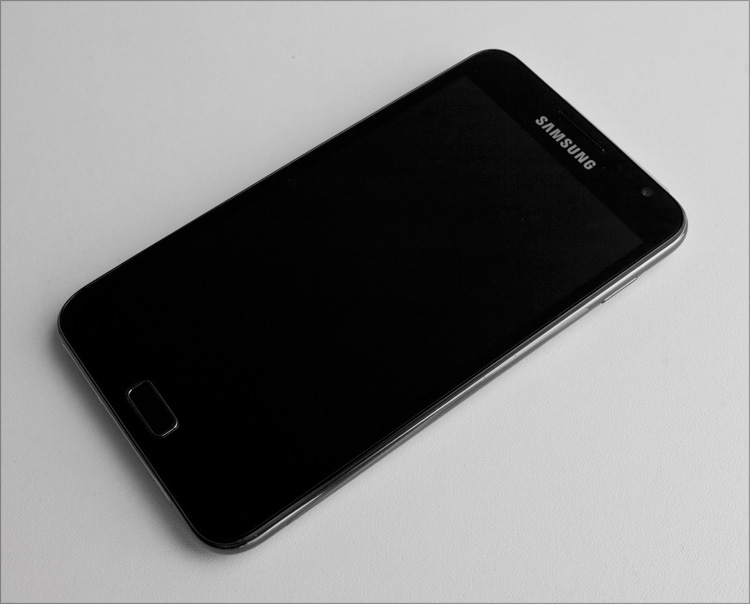
But whatever one may say, a screen with a diagonal of 5.3 inches for a mobile device is a pleasant luxury. One can almost fully work on this - mail there, Internet surfing and all things. Not to mention watching movies and all kinds of toys. Everything will fit on such a screen, it’s a pity that this is not what fits into every female pen.
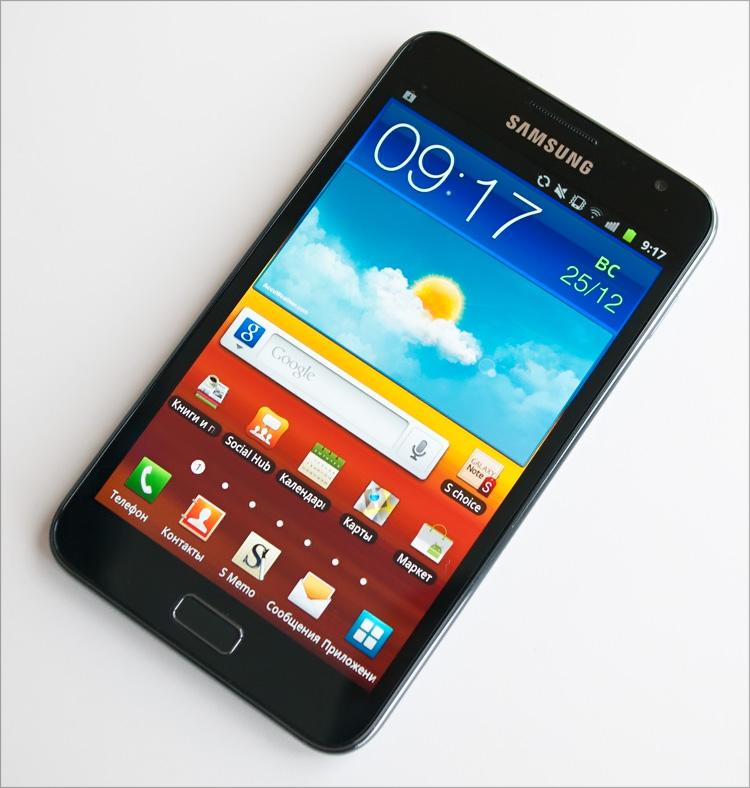
The design is rugged and minimalistic, all in black with a slight blue tint. Although there is a white version of the device - it is more girlish. On the front side under the screen there is only one hardware button (“Home” with a single press and “Voice control” with a double). Two more touch buttons are detected the first time you turn on the device - this is “Back” and “Menu”.
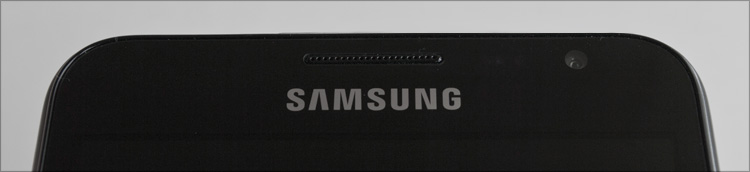
Above the screen (it, by the way, is covered with GorillaGlass glass with an oleophobic coating) - a slot for the speaker grid, proximity and light sensor, as well as a 2-megapixel front camera.
On the back, it’s also unusually deserted - the manufacturer’s label, the main speaker’s mesh and the camera’s eye.
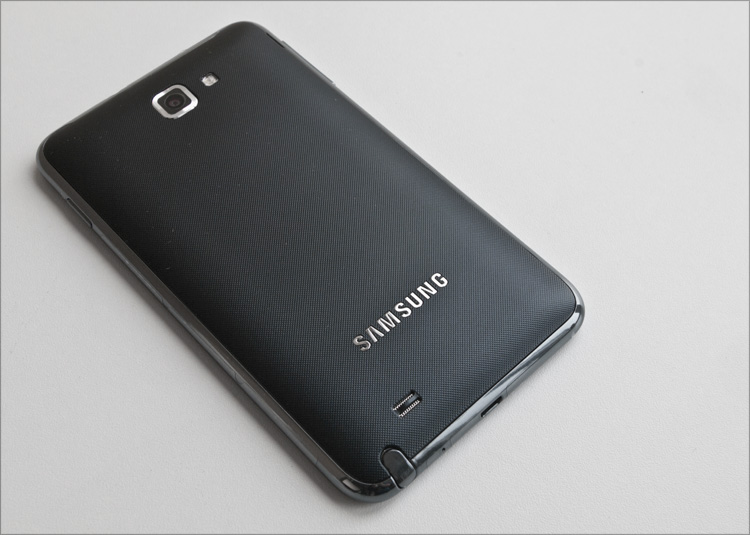
This time the camera is already of a higher resolution (8 megapixels - as in the Samsung Galaxy S II) and is equipped with an LED backlight that can be used as a flashlight.
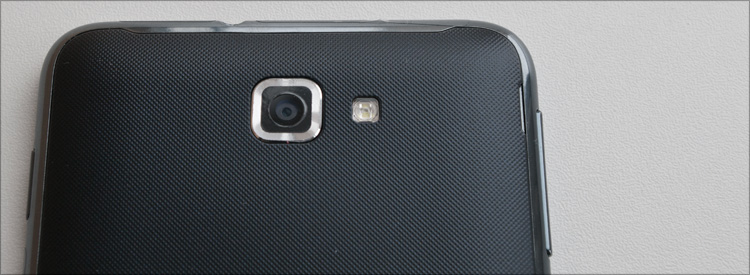
On the left side there are “volume swings”, on the right - the display lock button. Atat for removing the hardware button to turn on the camera and create pictures with it - it is strange that manufacturers so often forget about it. Just a little bit and her appearance will be perceived as “wow!”.
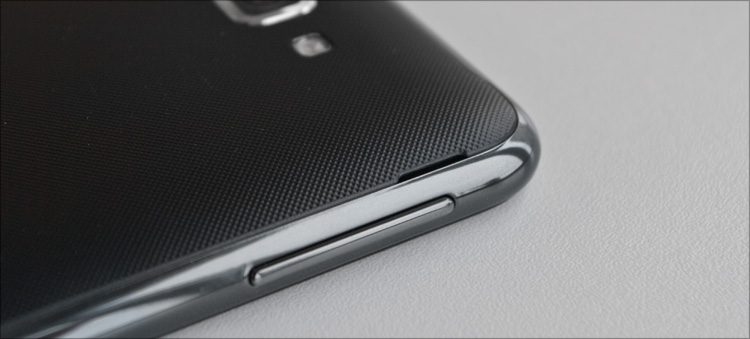
Only the hole (3.5) for the stereo headset is located at the top end:
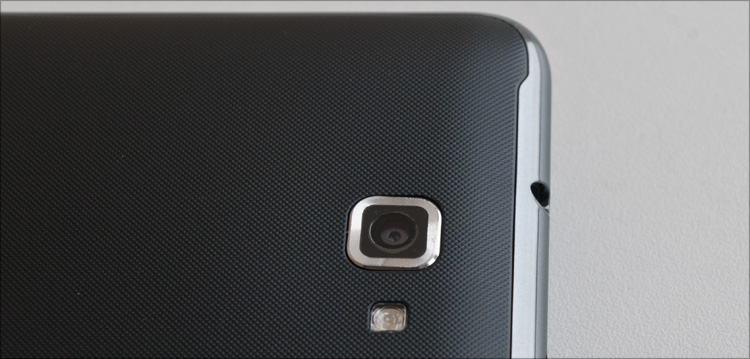
But from the bottom ... from the bottom, Samsung has prepared a small gift, due to which the model, in fact, is called Note.
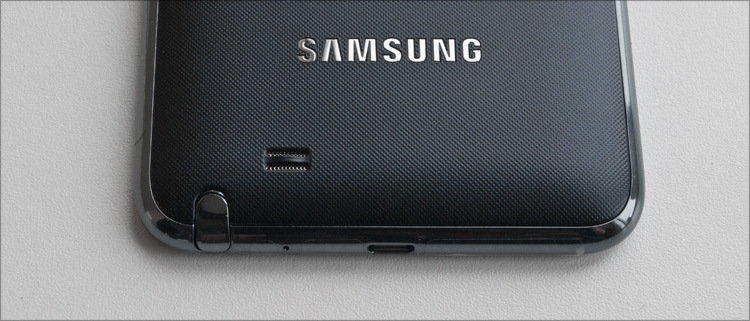
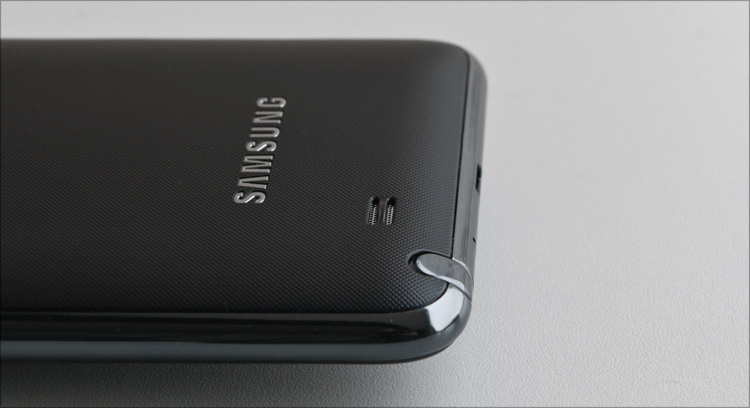
We are talking about a stylus for a capacitive screen - the so-called S-Pen, specially developed by Wacom. We’ll talk about it separately later.

In general, the back side, as in the case with the same Galaxy S II, was definitely a success - it is a nice-to-touch rough surface that does not get dirty and does not get scratched. At the same time, it is a thin cover that looks more like paper than plastic - it can be easily bent and nothing will happen to it. Perhaps the metal cover would have looked no worse, but it would have been definitely heavier, warmed up more and would not have been so durable.
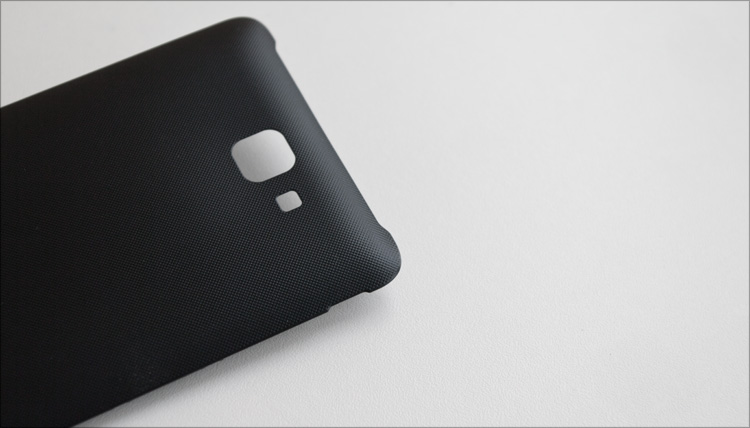

The cover is “peeled off” like Velcro on clothes, behind it there is a “gut” in the form of a battery covering two slots: for a SIM card (full-size) and for a microSD memory card (microSDXC are also supported). There is no hot swap for both cards, as you understand.
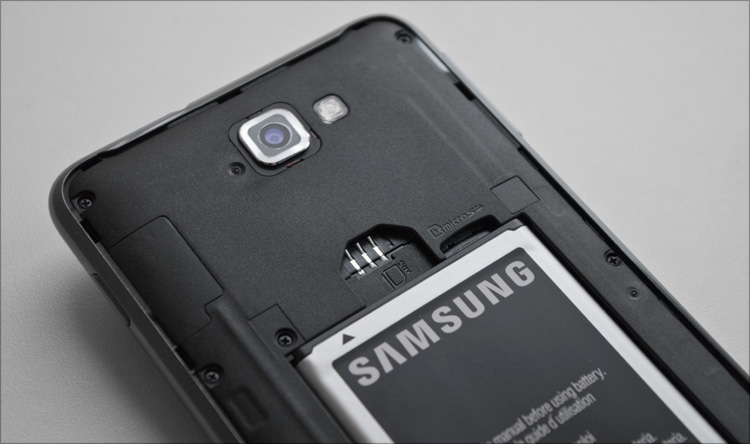
The battery, damn it, almost like in a laptop - at 2500mAh (3.7V, 9.25 Wh).

If you are interested in looking even deeper, then here is a link to the showdown.
▌Inclusion and work
Samsung Galaxy Note is running the Android operating system version 2.3.5 (Gingerbread) - at the moment there is no update to the latest version of this OS. But this is a very controversial question, but whether it is necessary at all - the fact is that even on 2.3 the device works more than successfully. As the processor, a dual-core Samsung Exynos 4210 processor based on ARM Cortex-A9 (1400 MHz) is used, whose performance is more than enough not only for fast operation of the operating system, but also for any task - be it a heavy game (video accelerator is smart ARM Mali -400 MP4), watching a movie or drawing the most detailed three-dimensional map of the navigator. For user data, 16 GB of internal memory are allotted, of which “in total” 12 is actually available.
All the applications that I used to use, perfectly stretched for high resolution.
However, the appearance of the fourth version of Android OS after a while will only breathe a second life into this device - I had to “poke” it with a friend - this is something amazing! At the beginning of the year, an experimental CyanogenMod (4.0.3) appeared on the XDA Developers for Galaxy Note , but I did not dare to try it - judging by the reviews there is still pretty damp (the camera does not work, the unstable broomstick and something incomprehensible with the battery consumption).
As always, I want to start with exactly what you pay attention to without fail, and first of all - from the screen. At one of the major international exhibitions, Samsung promised to use only the best matrices in its devices and you can’t argue with the fact that it keeps its word - the screens in the latest innovations are incomparable. In photographs this is not very visible, but for the sake of interest, go to any hardware store and see the image quality with your own eyes. Well, if you have something to hand for comparison - just recently I happened to observe the reaction of friends for whom the new gadgets from Samsung were a discovery (they used the conservative devices of competitors) - it was visible to the naked eye that the image impressed them :)
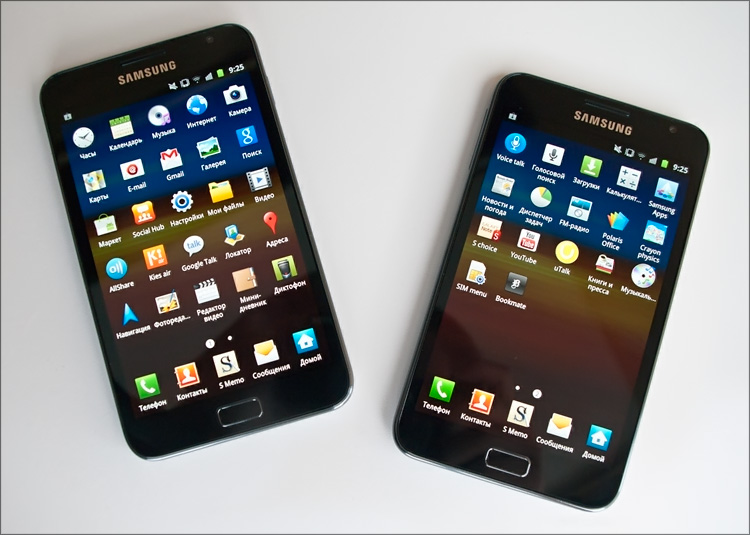
The Samsung Galaxy Note uses an HD Super AMOLED screen: bright and contrast, with rich colors (white means not pink or blue, but WHITE; black means BLACK, not dark gray-blue). And such goodness in the novelty is already over 5 inches! Well, a resolution of 1280x800 pixels - the times when this was the norm for a 15-inch laptop have not been forgotten. These numbers were obtained due to Pentile technology, but there is no visual “blurring” of the picture.
There is a light sensor - its ideas about a comfortable level of lighting are quite adequate and it is better not to turn it off: in the dark, an excessive level of brightness makes the eyes unpleasant. The viewing angles are also good, although some distortions at large angles still appear (they are rather from the glass and reflection itself - viewing angles and color reproduction even exceed the IPS-matrix in the Samsung Galaxy Tab). On the other hand, a smartphone (as well as a tablet) is a personal device - why take care that someone will not be visible from the outside.


The screen wakes up when you press the “Home” button or from the power button on the right side - this happens instantly. The lock screen has acquired some changes - now it is unlocked by smoothly shifting the background image in any direction. In general, a somewhat strange solution, designed to probably remove all unnecessary from the screen, leaving room for a beautiful screen saver. But nothing prevents me from putting something of my own; my choice is the free Go Locker . By the way, there are no problems getting root rights in the system.

The interface uses the proprietary TouchWiz 4.0 shell - it makes no sense to talk about it within the framework of this article - it is better to read / see a separate review. But in general - everything is fine, although it may not be as beautiful as in SenseUI from HTC. But without any noticeable slowdowns :)
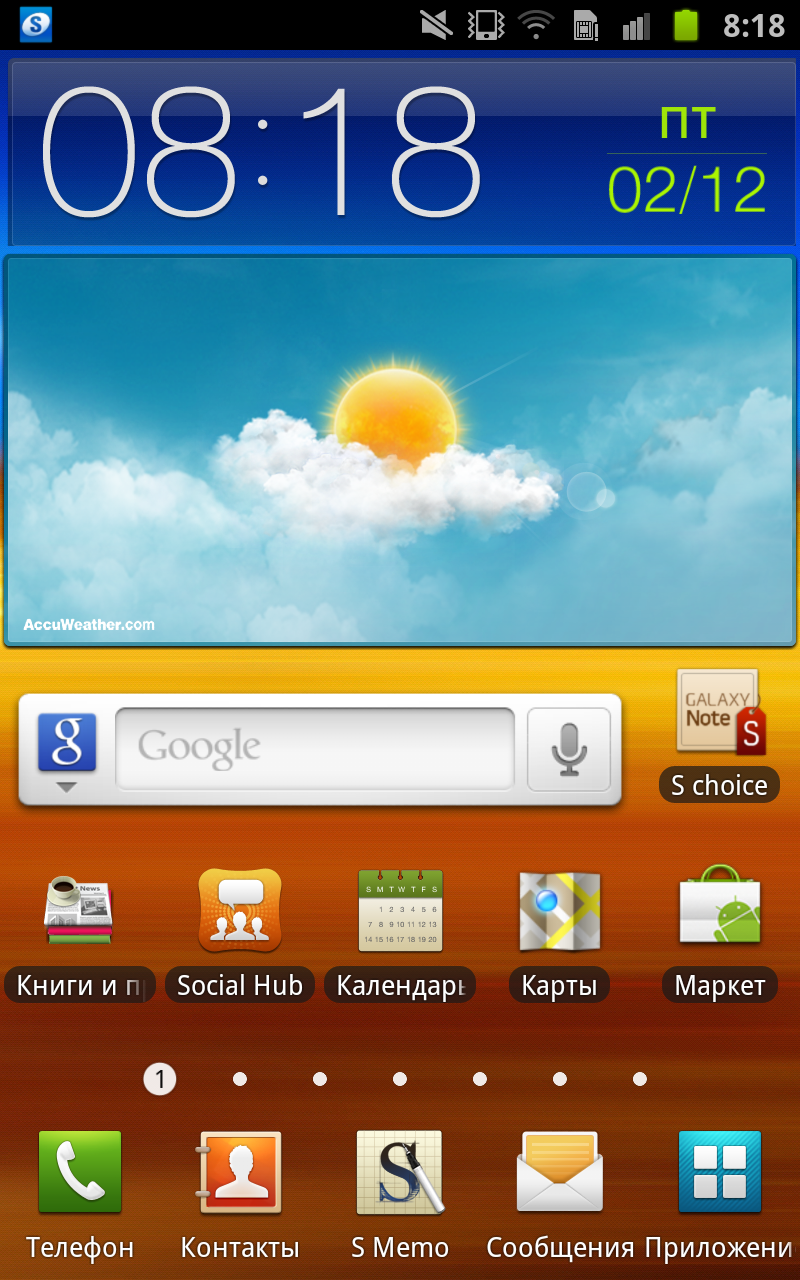
A nice little thing - the size of the matrix of shortcuts on the desktop has increased from 4x4 to 5x5 - each element can be a folder and contain inside a bunch of shortcuts to all kinds of software. I still don’t see a point in writing something - Android provides a lot of tools for customization, and as a result, everyone will do it their own way.
The speaker volume is not very high, the vibration alert also let us down - it’s only good as feedback in games (well, or for tactile feedback in the application menu), but missing a call somewhere in the car is easy. So do not take away the headset from the kit.

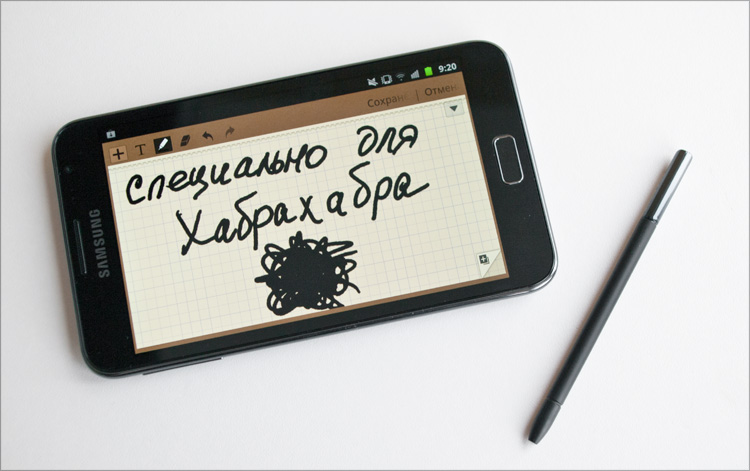
There is an inconspicuous button on the S Pen stylus, pressing it (with a double click on the screen) calls up the S Memo application for creating notes. Honestly, on any other Android device, I wouldn’t even think of installing such a program (since I wouldn’t draw anything anyway - especially since it’s painted on beautiful promo pictures from the description), but here I’ve got carried away directly. The “leaves” of the application have a small cell - it allows you to more evenly position the elements. There are 4 tools available: pen, pencil, brush and marker, and for each you can choose the size of the “trace”, color and transparency. Everything looks pretty realistic - at the beginning and at the end of the marker stroke there are characteristic “paint thickenings”, and the pen and pencil are susceptible to stylus pressure. And do it without too much hassle, with a neat sharp stylus,
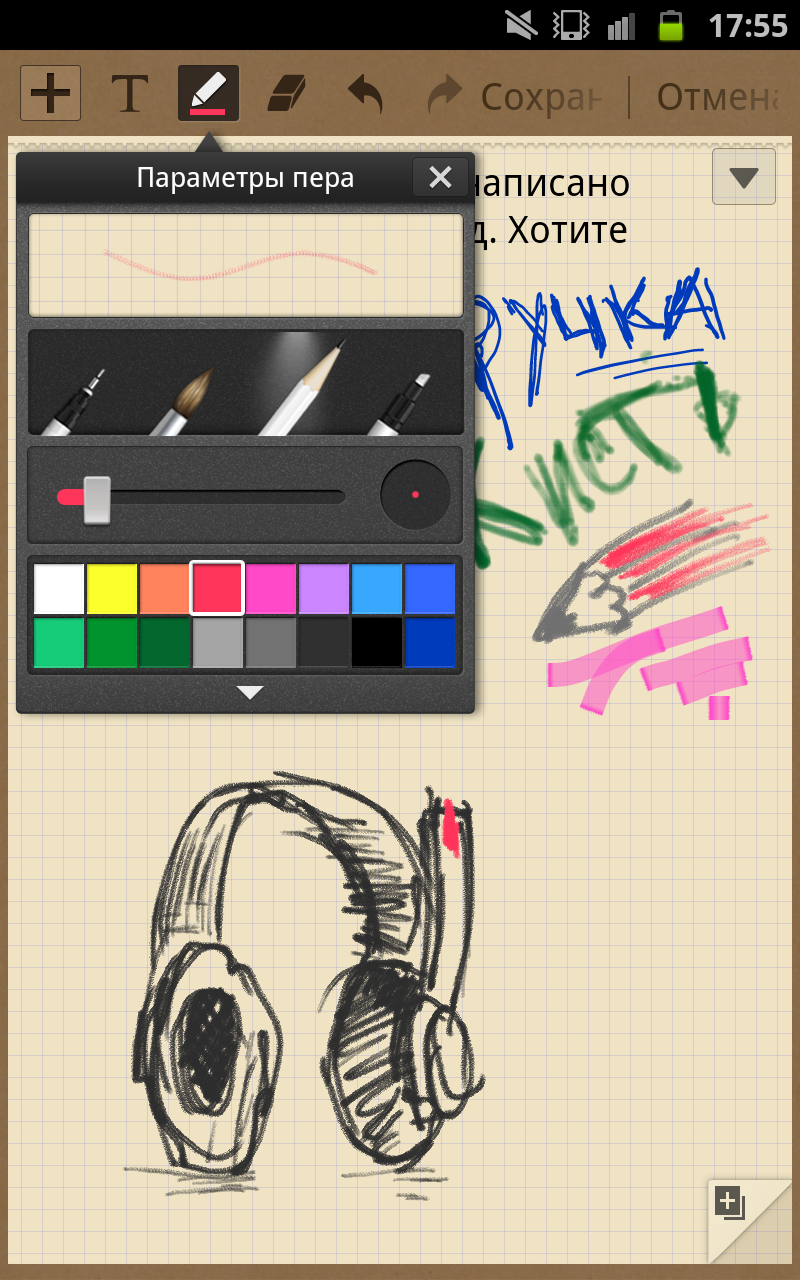
In general, putting even more advanced graphics programs, if you want, you can really draw something worthwhile.
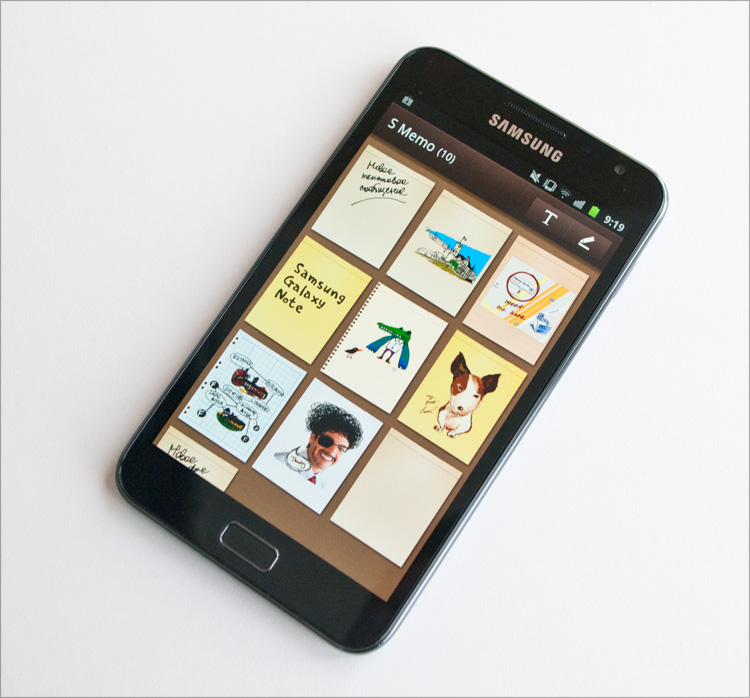
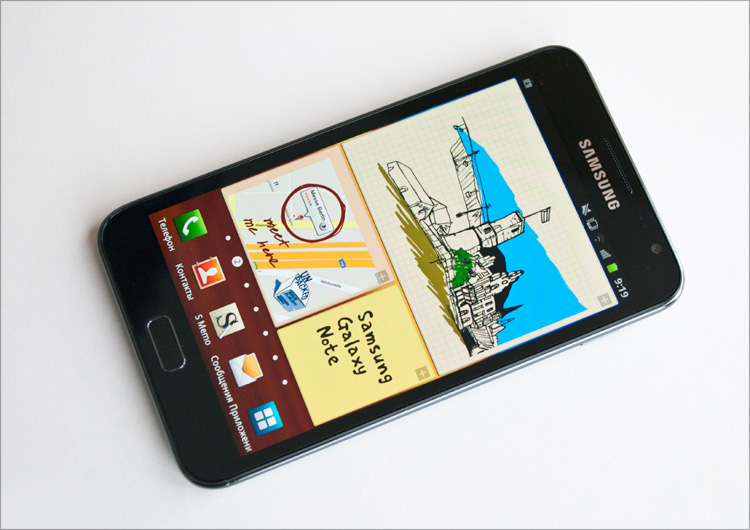

Holding the button with a simultaneous tap on the screen creates a screenshot over which you can immediately “conjure”. If you do not press a button, the pen will work like a regular stylus.
Unfortunately (or fortunately?), The stylus does not work with other devices (and just capacitive screens) - poking them on the same iPhone is pointless. But on the Galaxy Note, it works always and almost everywhere (with the exception of touch buttons - the work area is limited by the screen). In general, as in the good old days, with a stylus you can not only take notes (with very good handwriting recognition), but also manage everything on the screen. It is one thing when there is simply a stylus, another when it is possible to use it effectively and efficiently; I believe that the Galaxy Note is one of the most competitive advantages compared to all other devices.
The front camera is suitable for communication on Skype, although with a lack of lighting in its pictures, noise is felt.
The rear camera has an 8-megapixel sensor - all this allows you to take very bad photos (compared to at least other tablets, in which the camera is still a very weak point). There is also autofocus and LED flash - two more small trump cards.
Galaxy Note with a rear camera can record video in FullHD-resolution (1920x1080 at 30 frames per second) - given the amount of internal memory (and support for memory cards), there are some thoughts about using the device as a DVR - what do you think about this? Indeed, one of the applications of this device, given its screen, is the most convenient navigation in the car (I used the latest versions of Navitel and Progorod - even in the maximum detail of the maps they literally fly). And since it still hangs on the glass - why not perform two tasks at the same time, if the performance is complete?
Simply put, there is everything so that part of the world in all colors is on the device.
Examples of photographs (pay attention to the geometry in buildings, color reproduction and noise level): I still couldn’t measure the battery life of the device quantitatively - it’s very large for my “torn” rhythm of use. But I can say for sure - it works for a very long time. I used to use communicators with a large (4.8 ”) screen - in the rhythm I needed, they barely survived until the end of the working day. Galaxy Note, under such conditions, survives until the middle of the next day, although I still put it on charge for the night (I did not want to be left unconnected for the sake of some numbers that would still be different for everyone). In general, despite the large diagonal and high performance, in terms of autonomy, the device proved to be the best. It can!












▌ Specifications Samsung GT-N7000 Galaxy Note
Operating system: Android 2.3 (Gingerbread)
Screen: 5.3 ”, 1280x800 (285ppi, HD Super AMOLED, capacitive)
Processor: dual-core Cortex-A9 (1.4 GHz) + GPU ARM Mali-400MP
Memory: 1024 MB RAM, storage 16 GB, microSD card slot
Wireless networks: GPRS / EDGE + HSPA (850/900/1900/2100 MHz) up to 21 Mbps
Interfaces: Wi-Fi 802.11n, Bluetooth 3.0, A-GPS and GLONASS, NFC (optional )
Sensors: accelerometer, digital compass, gyroscope, proximity and light sensors, barometer
Camera: rear (8 megapixels, autofocus, LED flash, video recording up to 1080p @ 30 fps) and front (2 megapixels)
Additionally: USB host, stylus S-pen
Battery: 2500 mAh
Dimensions: 147x83x9.5 mm
Weight: 178 g
» The official page of the device
▌ Pros and Cons
Light weight, slim practical case.
Large screen, high resolution and brightness, excellent image quality.
The rear camera takes excellent pictures and writes video in FullHD.
Performance sufficient for most tasks.
Availability of S Pen - stylus for the touch screen.
Capacious battery, slot for microSD-card
✘ No hardware shutter button
✘ High price
The hand does not rise to write in the cons “large sizes” - perhaps this is one of the most successful pieces of this “giant”.
As for the high price, at the time of publication of the article implies an initial price of 22 thousand rubles. And the average market price is even higher - from 25 thousand.
▌ Conclusion
As Ia said in the famous cartoon, “my favorite color, my favorite size” - if not very many, then at least I was waiting for this format :) He is very attractive to me in just such proportions. Moreover, it’s not so much the size that is interesting as the remaining set of options - here you have a tablet, a full-fledged notebook, and a second phone, and a navigator ... yes there are so many application scenarios here! A whole bunch of supported communication ranges, interfaces and everything that should be in a modern device - that it “succeeded” is also indicated by numerous positive reviews from satisfied users - for example, at least on the same Yandex.Market.
I don’t know about you, but I behaved well last year - I directly sent a letter to Santa Claus with a stylus - now the prices will settle down a little and he will definitely bring it to me :)