December 12, 2011 at 16:44
Prostoy.tv - easy training in working in “Simple Business” and getting to know interesting functions in video format
The scope of the company "Simple Business" ( www.prostoy.ru ) is constantly growing and expanding. The services of a system that combines all the advantages of modern "cloud" technologies and a unique set of tools for creating and managing the organization’s integrated information environment are currently used by more than 2500 Russian organizations. To make full use of the capabilities of the system and increase the convenience of its use, a new resource has appeared with a training video http://www.prostoy.tv .
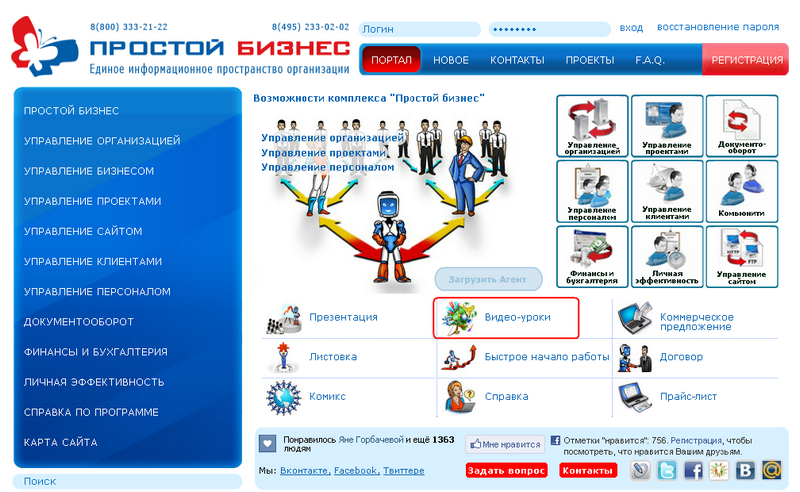
The main purpose of prostoy.tv is to provide video consultations on the implementation and use of the Simple Business system. Any Internet user can enter the site by typing in the address bar of the browser the url address http://www.prostoy.tvor, using the link “Video tutorials” on the main page of the portal “Simple Business” ( http://www.prostoy.ru /). Video tutorials are also available for registered users of the Simple Business system in the Help section -> Video.
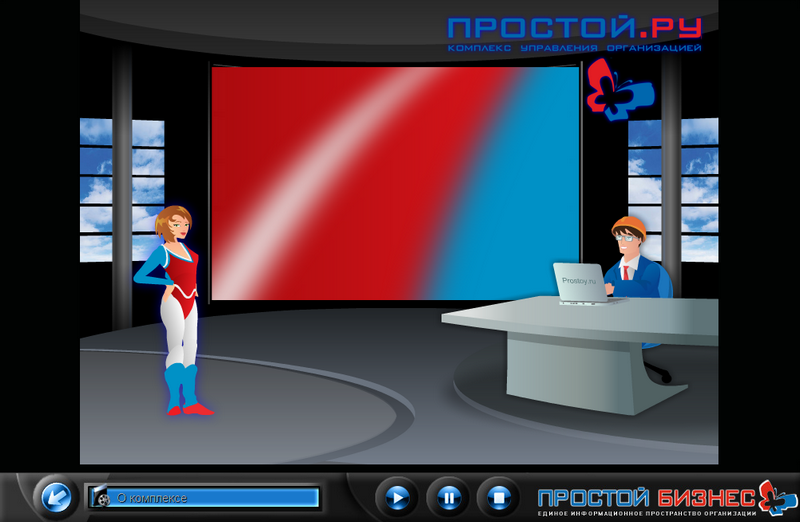
The main page of the resource prostoy.tv combines the window of a media player equipped with a traditional, intuitive interface and a multifunctional menu block designed to manage site elements or quickly switch to other resources of the Simple Business system.
In the left part of the menu block, made in the form of a television remote control, the user is offered basic commands that can be used when working with site elements. The “Video” command opens in the right part of the menu a list consisting of twelve video lessons that are devoted to the various stages of working with the “Simple Business” program - filling out a user profile, joining the organization and the principles of working in it, using tasks and commentary on tasks.
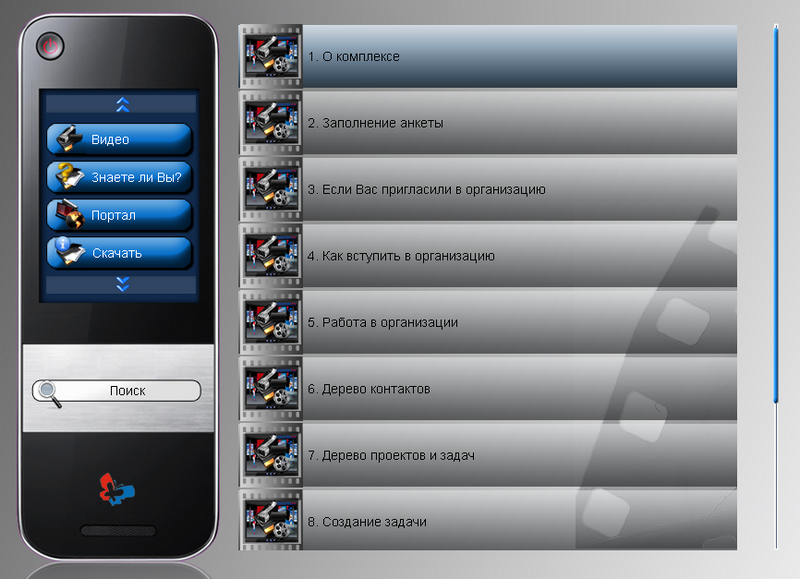
By selecting any of the proposed topics, the user can watch a video in which, using the animated characters of Anna Freska and Ivan Hurricane, will receive a detailed description of the selected topic. A hand-drawn version of the adventures of these characters can be seen in the comic strip on the Simple Business portal ( http://www.prostoy.ru/doc/cartoon.pdf ).
The menu item “Do you know?” Gives the user the opportunity to familiarize themselves with the list of the most popular and interesting tips regarding the practical aspects of working in the system - quick sending files or screenshots, adding audio comments, using the knowledge base, working with primary accounting documents, etc.
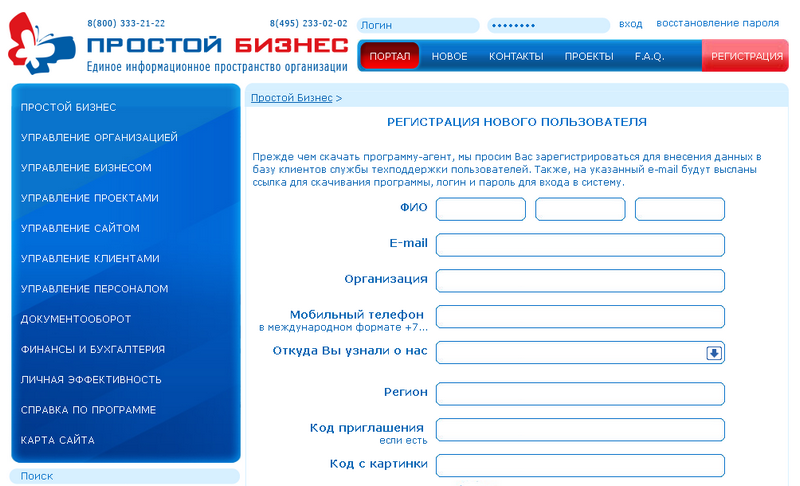
The “Portal” menu item allows you to quickly go to the main page of the “Simple Business” portal. And the “Download” command - opens a window of the user's personal account where you can fill out the registration form and download the current version of the program.
The prostoy.tv main menu also provides commands for accessing the help system (Help) and searching for the desired video clip (Search). When you select the Help command, a quick transition to the Simple Business portal to the User Guide section is performed. The search is performed by the names of video lessons or mini-videos from the “Do You Know” section by entering a keyword in the search bar.
The company "Simple.Ru" seeks to make work in the system "Simple Business" even more convenient and efficient. Educational video lessons and mini-videos “Do You Know” will allow new users of the system to carry out its implementation even faster, and already registered ones - to get acquainted with interesting functions to increase the efficiency of work.
The main purpose of prostoy.tv is to provide video consultations on the implementation and use of the Simple Business system. Any Internet user can enter the site by typing in the address bar of the browser the url address http://www.prostoy.tvor, using the link “Video tutorials” on the main page of the portal “Simple Business” ( http://www.prostoy.ru /). Video tutorials are also available for registered users of the Simple Business system in the Help section -> Video.
The main page of the resource prostoy.tv combines the window of a media player equipped with a traditional, intuitive interface and a multifunctional menu block designed to manage site elements or quickly switch to other resources of the Simple Business system.
In the left part of the menu block, made in the form of a television remote control, the user is offered basic commands that can be used when working with site elements. The “Video” command opens in the right part of the menu a list consisting of twelve video lessons that are devoted to the various stages of working with the “Simple Business” program - filling out a user profile, joining the organization and the principles of working in it, using tasks and commentary on tasks.
By selecting any of the proposed topics, the user can watch a video in which, using the animated characters of Anna Freska and Ivan Hurricane, will receive a detailed description of the selected topic. A hand-drawn version of the adventures of these characters can be seen in the comic strip on the Simple Business portal ( http://www.prostoy.ru/doc/cartoon.pdf ).
The menu item “Do you know?” Gives the user the opportunity to familiarize themselves with the list of the most popular and interesting tips regarding the practical aspects of working in the system - quick sending files or screenshots, adding audio comments, using the knowledge base, working with primary accounting documents, etc.
The “Portal” menu item allows you to quickly go to the main page of the “Simple Business” portal. And the “Download” command - opens a window of the user's personal account where you can fill out the registration form and download the current version of the program.
The prostoy.tv main menu also provides commands for accessing the help system (Help) and searching for the desired video clip (Search). When you select the Help command, a quick transition to the Simple Business portal to the User Guide section is performed. The search is performed by the names of video lessons or mini-videos from the “Do You Know” section by entering a keyword in the search bar.
The company "Simple.Ru" seeks to make work in the system "Simple Business" even more convenient and efficient. Educational video lessons and mini-videos “Do You Know” will allow new users of the system to carry out its implementation even faster, and already registered ones - to get acquainted with interesting functions to increase the efficiency of work.