 November 27, 2011 at 22:29
Modding Acer Aspire One D255 or a long way to passive cooling
It all started a year ago when I bought my first acer aspire one d255 netbook with an Intel Atom N450 processor and a buzzing cooler in the kit. Then I had not thought about the cooling system and thought that without a fan chasing air, there was no way.
Over time, I began to notice some strange ringing-wheezing-buzzing sounds that occur at certain angles of inclination of the netbook. It was they and a fair amount of curiosity that made me open the experimental subject, despite the possibility of losing the guarantee. And what do you think I saw there?
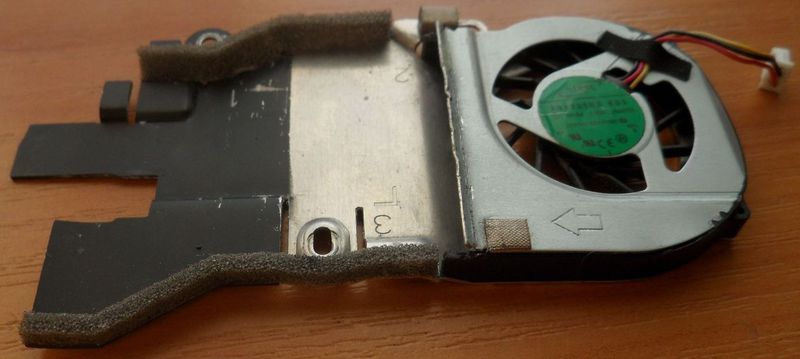
An aluminum plate on top of which stood a motor with an impeller. “And where are the ribs, where is the increase in the surface area of the radiator?” I thought. No, just a plate, on which a stream of air blows. Okay, I’m looking at the engine - 5 V, 0.3 A - this is as much as 1.5 watts.
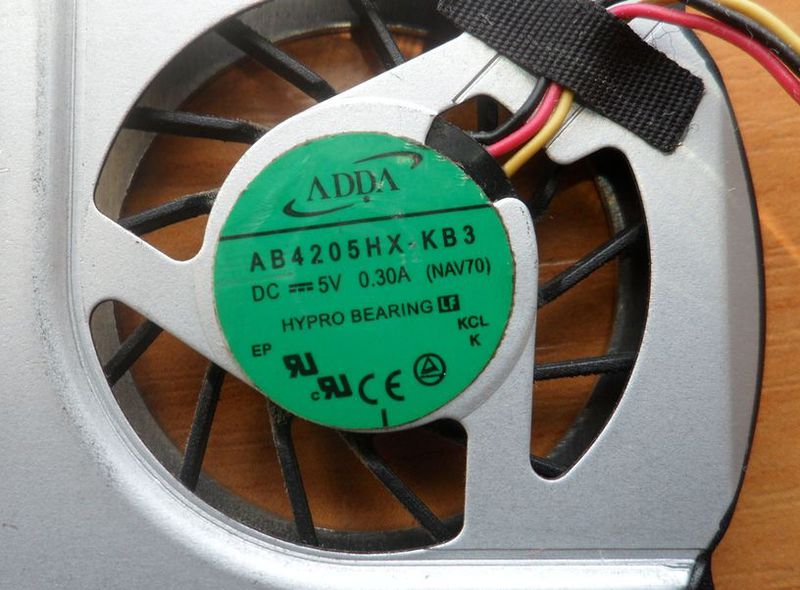
This is consumption. I decided to unscrew the heatsink and take a look at the processor. What I saw next was shocking to me: Thermoform 2 mm thick? What for? Why so fat? Was it not possible to fit the radiator to the minimum clearance? I decided to replace the thermal trap with a thin aluminum plate.

But this effect was insignificant. I did not stop there and decided to increase the area of the radiator by sticking a small radiator on the plate.
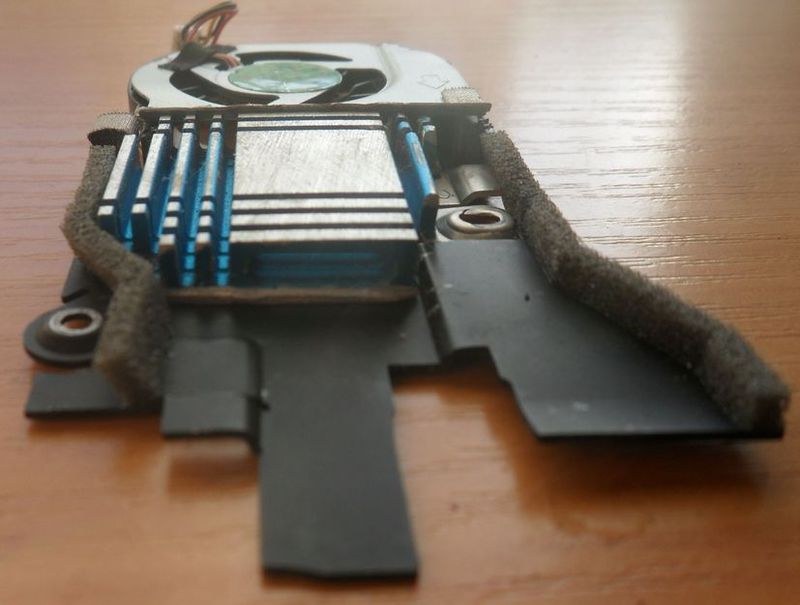
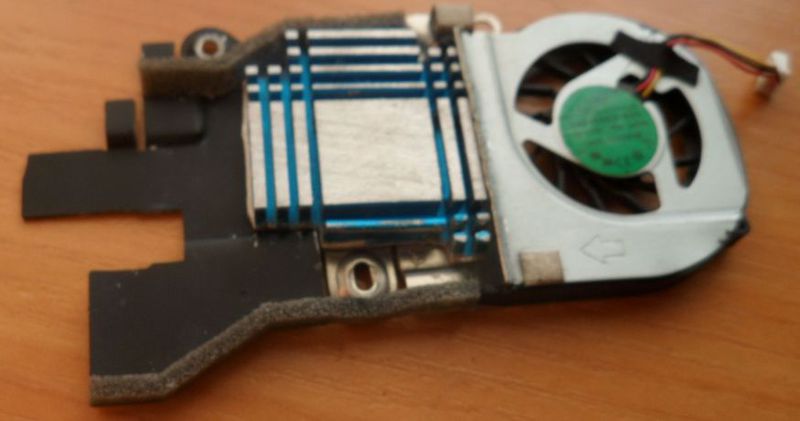
This also gave an insignificant effect and a decrease of 1-2 degrees. This radiator was more likely to interfere with airflow, which dissipated heat. Googling a little, I found out that the permissible temperature for the N450 is 100 C, the power that the radiator (TDP) should dissipate is only 5.5 watts. Quickly calculating the required radiator area, I got about 0.001 square meters, i.e. 10 by 10 cm should have been enough. The next step was a homemade radiator. First, the choice fell on a copper radiator from a laptop. I had to customize and use a copper gasket for a long time, because the radiator did not stand on its native mounts. As a result:
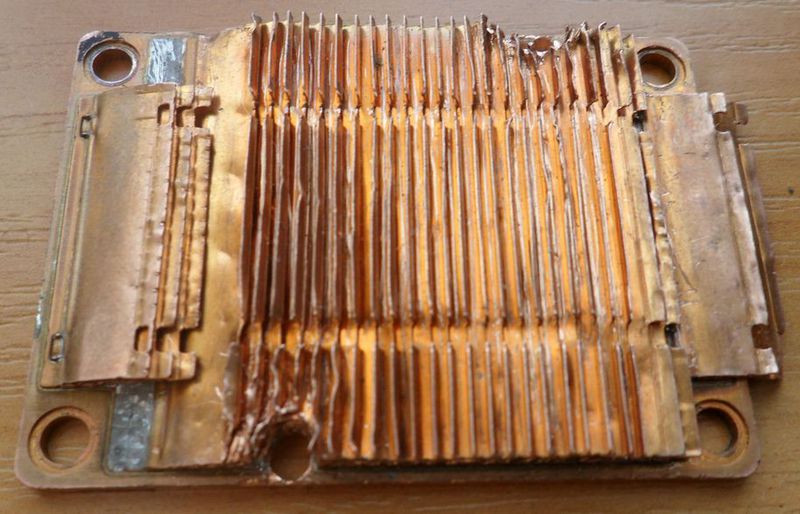
Prots was heated to 60-70 C. And pretty much heated the left side of the netbook, it did not suit me a little.
Googling again I stumbled upon a Dell Inspiron Mini 9 netbook on an Intel Atom N270. TDP has 2.5 watts. This is more than 2 times less than my processor. What did the Americans come up with? Oh yeah! Passive radiator! They designed the radiator as a large plate, located directly below the keyboard.

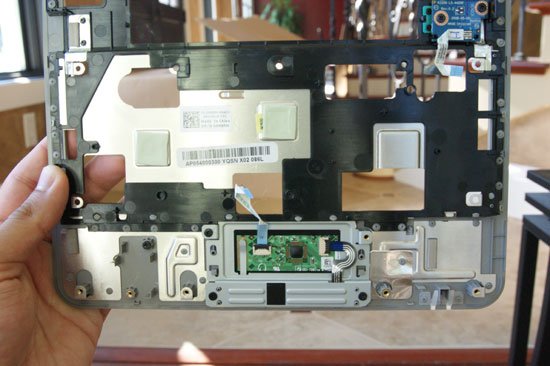
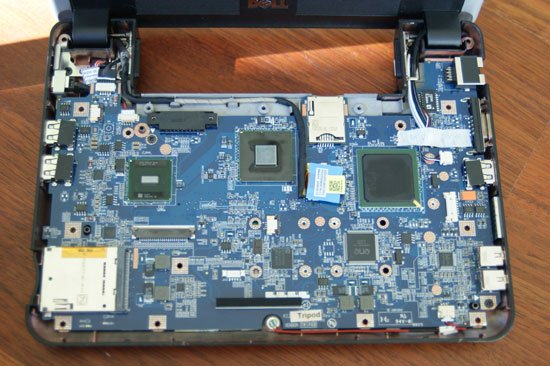
The next step was to increase the surface area. I used an aluminum sheet because no similar copper was found. It was not possible to position it under the keyboard due to the design of my device, so I placed it under the bottom cover. As with the previous version, I had to use a gasket plate.
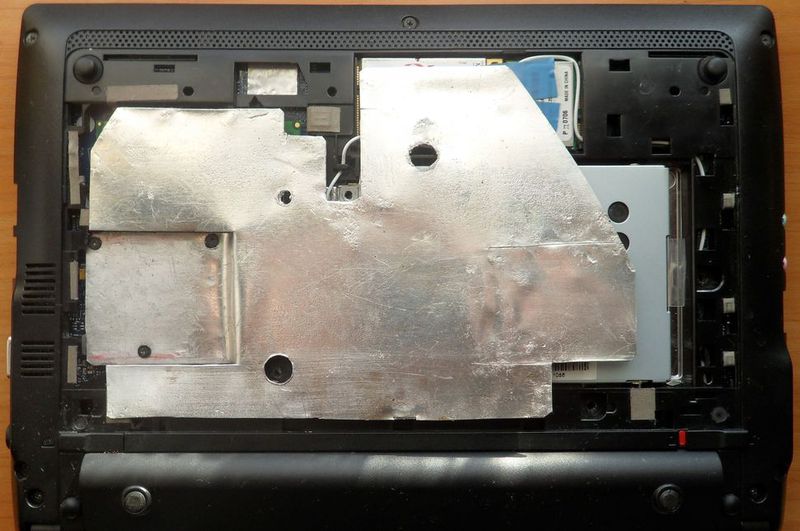
Now the percent is heated to 50-60 degrees. The only drawback is the heating of the bottom of the netbook, and it may be a little uncomfortable to keep it on your lap, but for our northern winters it is even a plus.
All connections of the processor, heatsink, gasket plates were missed with the good old KPT-8 . Of course, it would be a plus to avoid the use of gaskets, but it was not possible to adjust the radiator in other ways and with available materials.
Since now you do not need to drive a fan, we get energy savings. And with a battery, the netbook lasts half an hour longer.
This article was originally written for the acer aspire one netbook site.. Here I publish an article, because I believe that all this information is worthy of the attention of the hawkers, and may be useful to many. Everything that I described above, I did with my own hands and on my
UPD netbook : More than 5 years have passed and the processor feels fine. True, during this time the network card, keyboard and finally the battery died :)









