Helmet companion - Panasonic TOUGHBOOK CF-19 rugged laptop
Preamble
In the previous review, we met with the TOUGHBOOK CF-T8 laptop. The combination of its filling and shell determined the demand among visiting businessmen. Readers reasonably noticed that the security measures used in it are not the ultimate dream. This is an occasion to talk about the TOUGHBOOK CF-19 model, which has a fully protected execution (fully-rugged), confirmed by compliance with military and industrial standards.
History of success
Panasonic occupied the niche of rugged laptops in 1996. The first swallow (model CF-25) multiplies rapidly among corporate and state husbands whose activities take place far from amenities and security. On the wave of success, Japanese engineers continue to improve their brainchild. Soon, "tafbuks" penetrate the units of the US military, police and other urgent city services. Success in North America contributes to global expansion. Today, Panasonic laptops from a fully protected (fully-rugged) series can be found in the hands of utilities, law enforcement agencies, exploration, mining, energy, transportation and engineering companies.
From revolution to evolution
Examining the feedback and wishes of users, in 2003 Panasonic expanded the family of toughbooks with the CF-18 model, the display of which can be rotated 180 degrees, thereby turning the laptop into a compact tablet. We will talk about his modern successor - CF-19 models (CF-19mk2 or CF-19FHGCXN9) below.
Now only helmets are missing
Touch rotary screen 10,4 "XGA antiglare
processor Intel Core 2 Duo U7500
RAM 1 GB (expandable to 4GB)
HDD 80 GB SATA
WiFi 802.11 b / g,
Bluetooth 2.0 + EDR
1xCOM (RS-232)
3xUSB 2.0
1xIEEE1394a
Modem
Ethernet 10/100/1000
GPS
Weight 2.3 kg
Another possible option in the CF-19 series: HSDPA modem
Meets US military standard MIL-STD-810F
Moisture and dust protection level IP54
Operating temperature range: -23 to +60 degrees Celsius
Up to 8 hours of battery life
And full specification from the official website of the manufacturer.
Armor
The laptop case is made of high-strength magnesium alloy and reinforced with stiffeners.
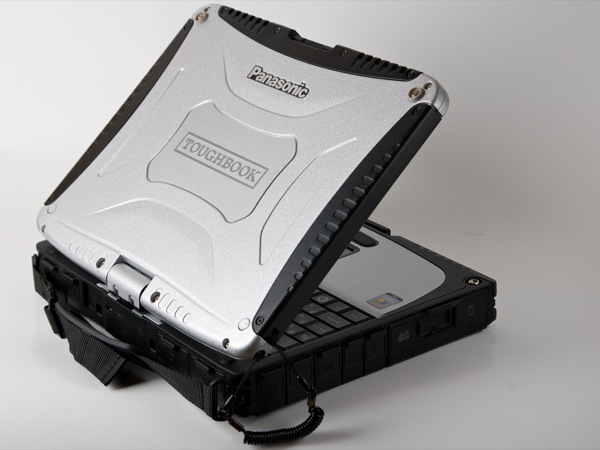
According to the manufacturer’s website, a special installation of the main components is implemented inside the case, allowing the laptop to withstand significant mechanical stresses.
Test report on compliance with the US military standard
Information and videos of factory tests:
http://www.panasonic.com/business/toughbook/why-rugged-and-reliable-computers.asp
http://toughbook.ru/tp_technology/MIL_STD_810F
http : //toughbook.ru/tp_technology/ip_standart
The hard drive is placed in a metal container equipped with shock absorbers (dampers) to reduce the impact on it during shock and vibration.

In order to seal, the laptop does not use fan cooling - heat is removed from the processor through heat pipes to the surface of the case. Thus, the laptop is devoid of vents - dust is not sucked into the case. Overheating of the case during operation was not noticed.
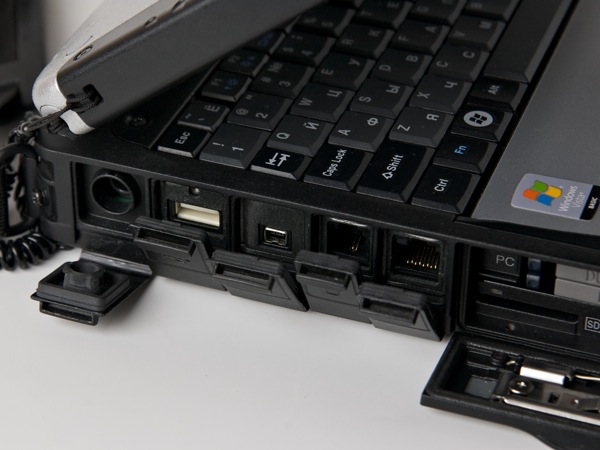
The connectors are closed with tight-fitting rubberized covers.

Larger slots are closed by doors. To protect against accidental opening, the lock opens in two directions: first you need to pull the handle to the right ...
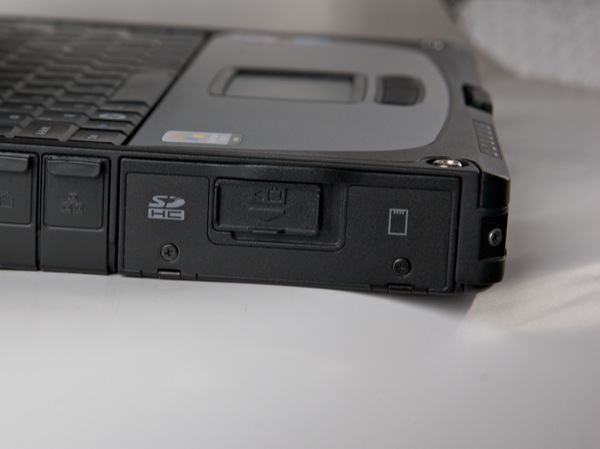

... then down.
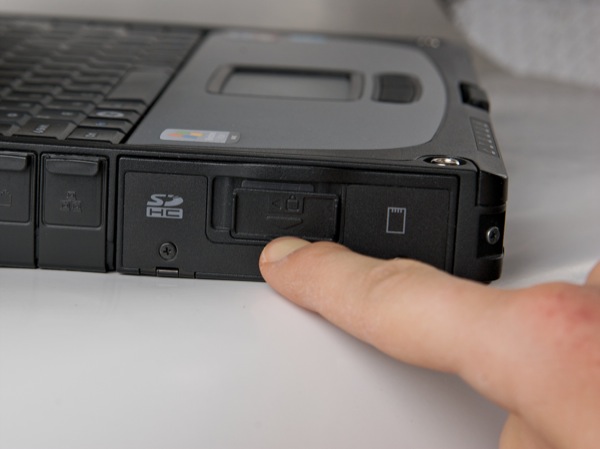
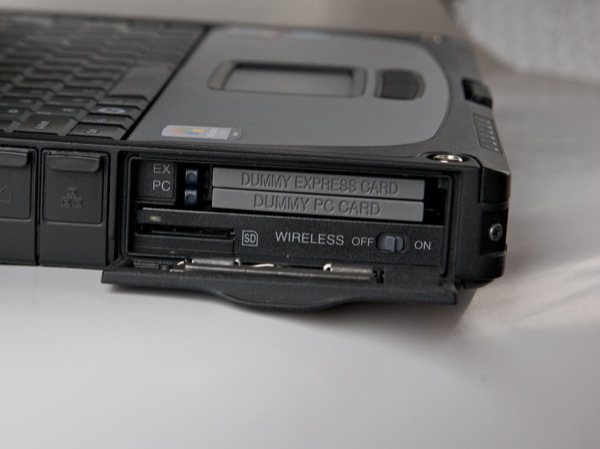
On the inside, the door is equipped with a rubber frame for a snug fit to the body.
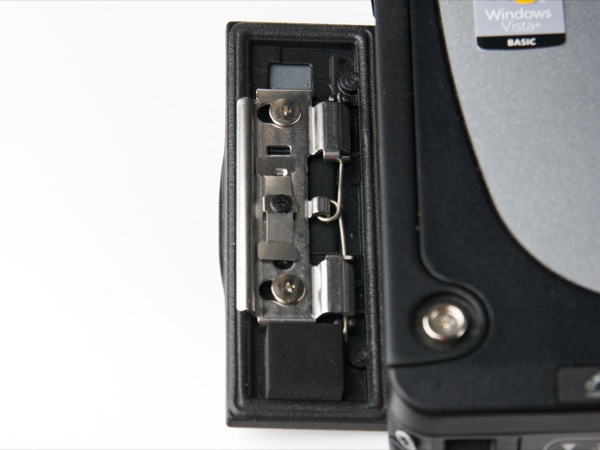
Thus, the laptop case is reliably protected from the penetration of small particles of dust and liquid inside. The laptop is suitable for work in many aggressive environments.
On the left side of the case are two USB ports, LAN and modem connectors.
Under the compartment door there are PCMCIA and Express Card slots, an SD card slot, as well as a switch for wireless modules (allows you to disable unused modules to reduce power consumption).
On the front panel there are function buttons (from left to right):
decrease and increase the screen brightness,
virtual keyboard / input panel call button,
Enter button (with a very unobvious icon in the form of a dot in the center of the circle), a
button to rotate the image on the screen, a
button that acts as a key combination Ctrl + Alt + Del.
As well as a latch, a locking screen and a button on / off the laptop.

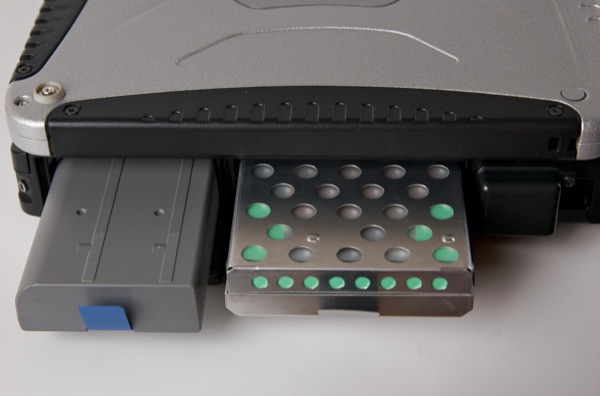
On the right panel are two compartments and a GPS antenna.

In the compartments are the battery and hard drive, respectively. They are quick-detachable - a convenient solution when you need to use several sets of batteries and disks in turn.
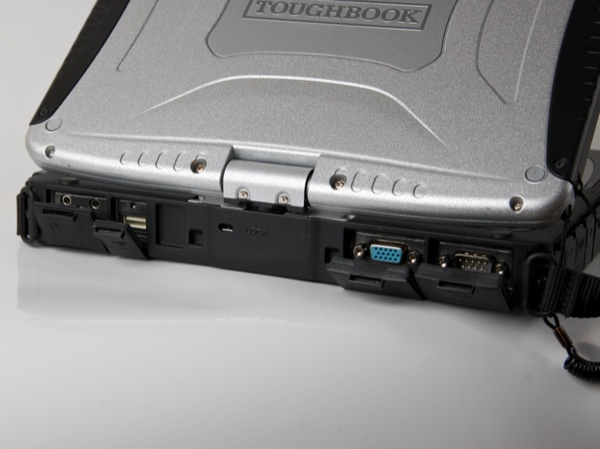
On the rear panel are the audio output, microphone jack, RS-232 serial port, video output - all of them are also covered with covers.
On the bottom of the laptop there is a port for connecting to a docking station with a coaxial connector for external antennas (allowing you to amplify the GPS signal and HSDPA).
Screen
The CF-19 is equipped with a 10.4 ”screen with a standard resolution of 1024 × 768. The picture quality is also standard, akin to ordinary screens for “office tasks”. Nevertheless, the screen has a very bright backlight (500 cd / m2, according to the manufacturer), the effect of which enhances the polarizing coating - the screen practically does not glare, and the image is visible even in direct sunlight. Of course, with the maximum brightness of the backlight, the battery life is reduced, but for the comfortable work in the room, the author also had an average level of brightness.
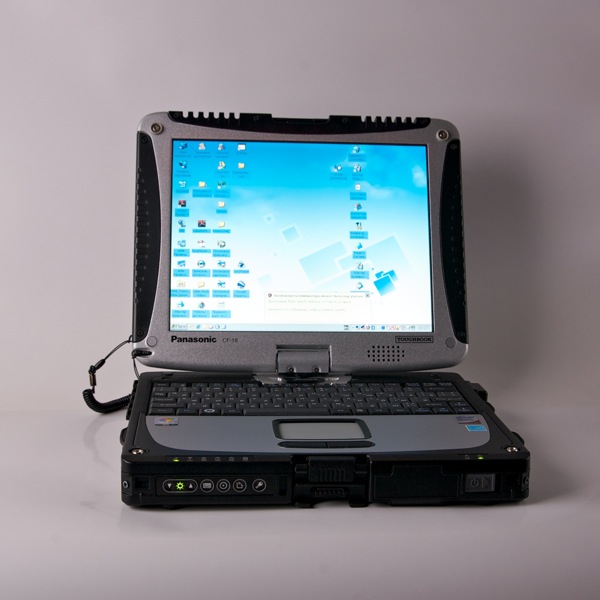
The screen is touch-sensitive, made by resistive technology - this technology does not allow manipulating with multiple fingers at once. But the screen is "omnivorous": you can work with it with both a stylus and a finger, even if you have gloves on your hands.
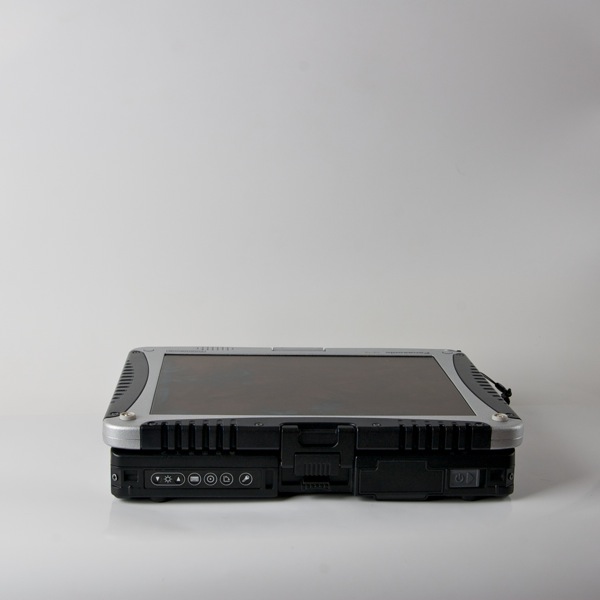
The screen rotates 180 degrees (you need to pull the latch to unlock the screen, and it can be rotated).
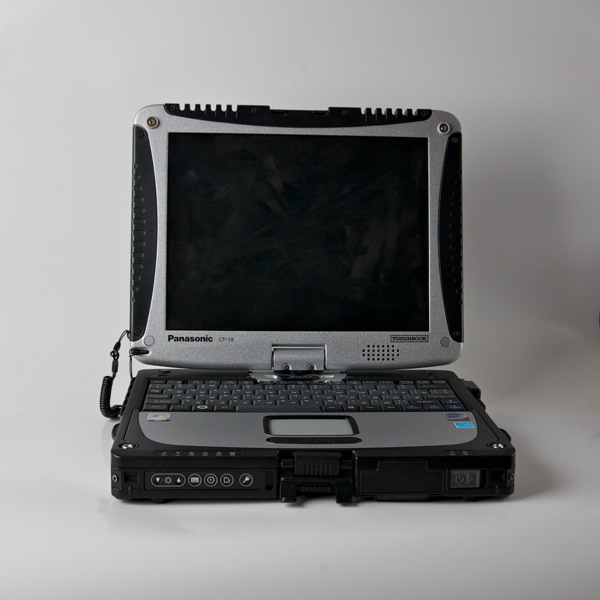

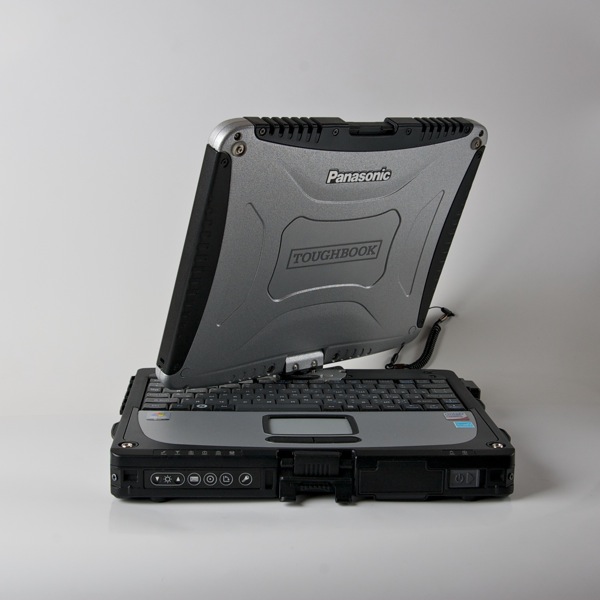
When folded, the laptop turns into a tablet.
Governing bodies
For ease of use, the keyboard of the CF-19 laptop can be compared with the keyboard of a netbook. The keys are pretty much shrunk due to the small size of the laptop. Particularly uncomfortable seemed to group the keys of the cross.
The touchpad is small, quite tight - it requires firm pressure - security costs. It is gratifying that the disadvantages of the touchpad are partially overlapped by a convenient touch screen.
Battery
The laptop uses a 5.7 Ah lithium-ion battery. At room temperature, the laptop worked for a little more than 8.5 hours (in the mode of average screen brightness, listening to music, browsing the web, working with the spreadsheet editor, GPS is disabled).

Moisture protection
The IP54 penetration protection level confirms that the laptop is dustproof and also protected against splashes falling in any direction.
Spray protection is easy to check in a domestic environment.
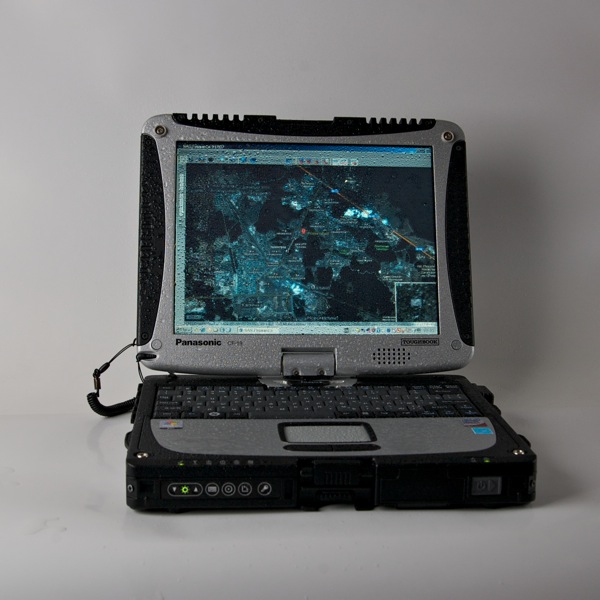
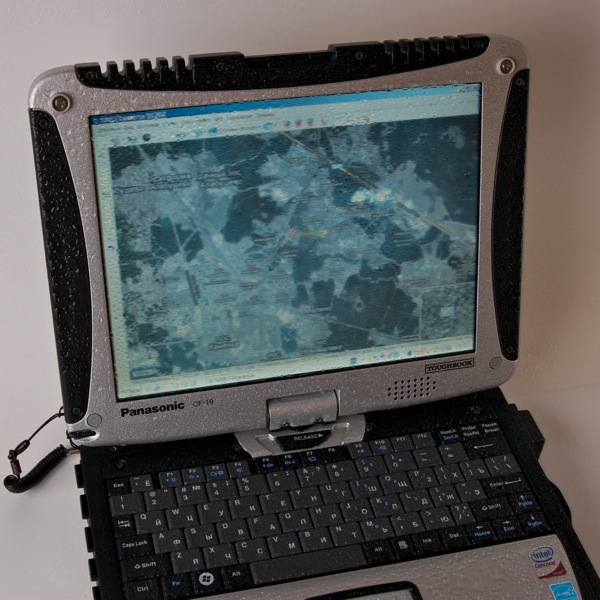


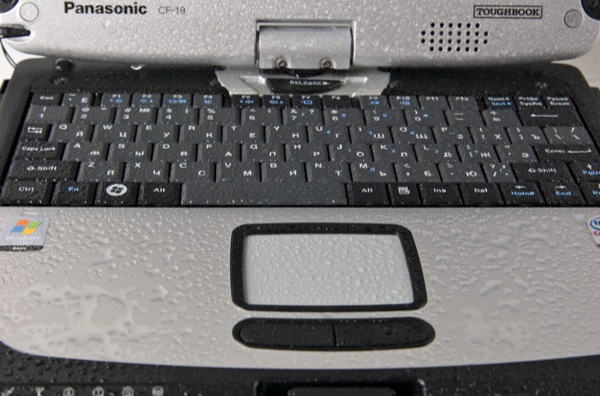
According to the instructions, after finishing work, a wet laptop should be turned off and dried (removing the battery and hard drive from it). So let's do it.
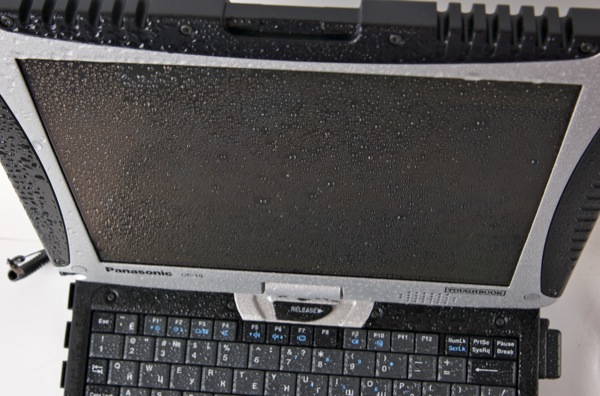
No malfunctions or malfunctions were observed.
Work in the cold
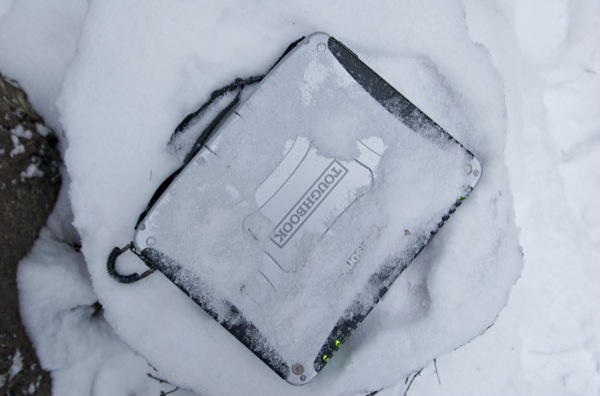
According to the test report MIL-STD-810F, the CF-19 laptop operates at a temperature of -23 degrees Celsius. In this case, -10 in the surrounding forest should withstand with ease.
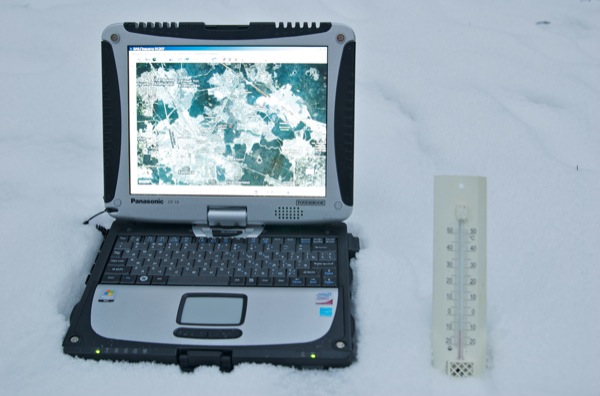
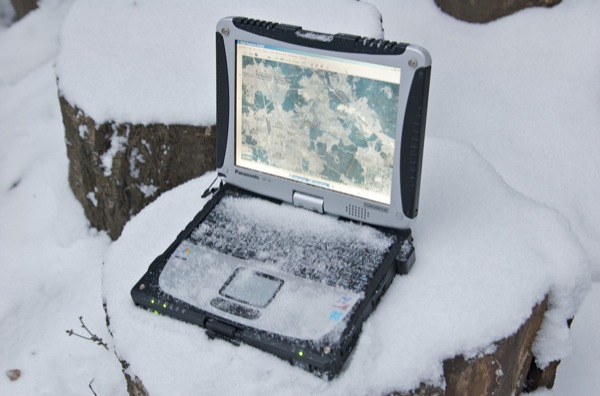
The touch screen works in the cold. Moreover, both from the finger (even with a glove) ...
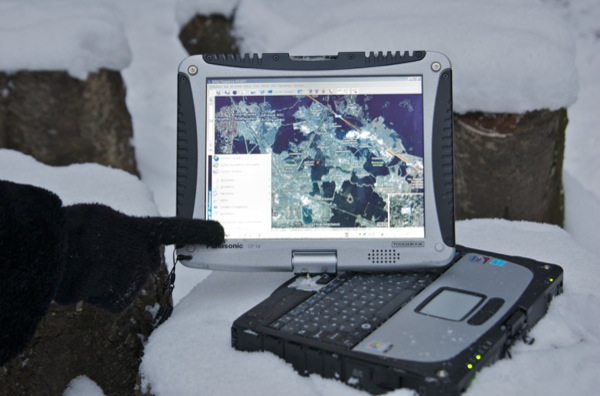
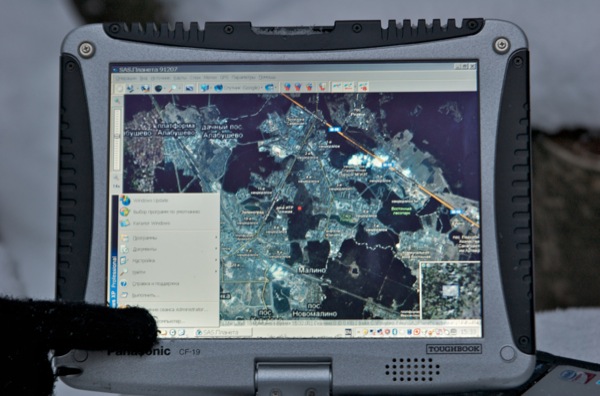
... and from the stylus.
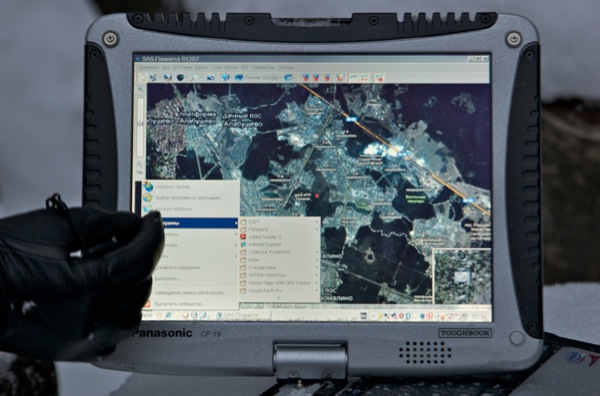
The red dot in the center of the screen is the location on the map, determined by the built-in GPS receiver.
Finally
TOUGHBOOK CF-19 is a niche product comparable in price to a premium laptop. In this case, you do not invest in appearance or performance, but in the security of the data being transferred and the possibility of quietly working with them in the most severe conditions. Imagine the sad face of the chief engineer of a derrick who dropped a laptop with control software, and you will understand.