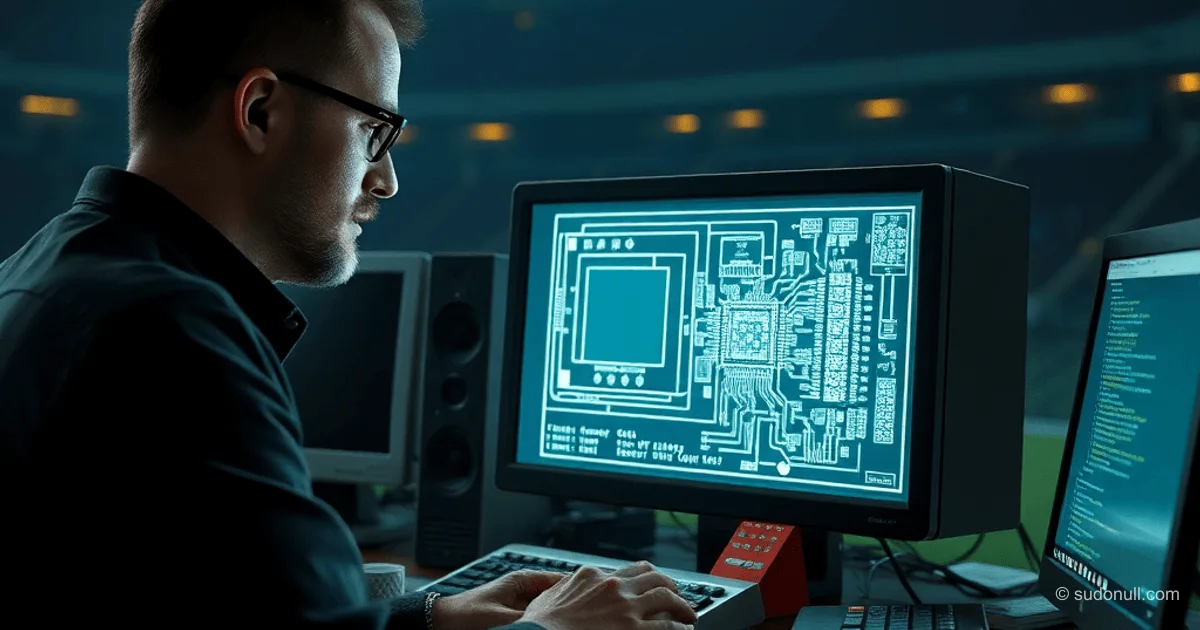
# Building SAP-1 in Turing Complete: A Step-by-Step Guide for Developers
In the game Turing Complete, you assemble the SAP-1 computer (Simple As Possible) — a classic 8-bit architecture with a 4-bit address space (16 bytes of memory). It's an accumulator-based model where all operations use the accumulator as the main register. The game lets you progress from basic logic gates to the full architecture and assembler programs.
SAP-1 replicates Ben Eater's design: two registers (accumulator and auxiliary), 16 bytes of memory. Game limitation — no data saving in program blocks.
Main Components of SAP-1
The architecture includes:
- Instruction Decoder based on a ROM chip to simplify microcode.
- Registers: accumulator (A), instruction (IR), memory (RAM).
- ALU: adder/subtractor with Z (zero) and C (carry) flags.
- Controller: microcode with signals MI, RO, II, AI, AO, and others.
The layout follows Ben Eater's original: memory on the left, ALU in the center, output on the right.
Microcode Implementation
The instruction decoder uses ROM with a microprogram. For loading into the game, a ROM file is generated. Here's the C++ code for creating the microcode (accounts for ZF/CF flags):
#include <windows.h>
#include <iostream>
#include <fstream>
#include <vector>
#include <format>
#include <filesystem>

#define HLT 0b1000000000000000
// ... (ostalnye #define how in originale)

uint16_t ucode_TEMP[16][8] = {
    {MI|CO, RO|II|CE, 0, 0, 0, 0, 0, 0},  // NOP
    // ... (full array)
};

uint16_t ucode[4][16][8];

void initUCode() {
    memcpy(ucode[FLAGGS_Z0C0], ucode_TEMP, sizeof(ucode_TEMP));
    // Adaptatsiya for flagov JC/JZ
}

int main() {
    initUCode();
    std::ofstream fout("2929467240861350664.rom", std::ios::binary);
    fout.write((char*)&ucode, sizeof(ucode));
    fout.close();
    return 0;
}
Compile with C++20 (gnu++20 in VS Code). Copy the .rom file to the game's user folder.
Processor Commands
| Code | Mnemonic | Description |
|-----|-----------|----------|
| 0000 | NOP | No operation |
| 0001 | LDA | Load to A |
| 0010 | ADD | Add B |
| 0011 | SUB | Subtract |
| 0100 | STA | Store A |
| 0101 | LDI | Load immediate |
| 0110 | JMP | Unconditional jump |
| 0111 | JC | Jump on Carry |
| 1000 | JZ | Jump on Zero |
| 1110 | OUT | Output |
| 1111 | HLT | Halt |
The microcode generates signal sequences for each clock cycle.
Installing SAP-1 in Sandbox
- Download the project files.
- Find the path in settings:
C:\Users\[User]\AppData\Roaming\Godot\app_userdata\Turing Complete. - Copy the
.romand schematics to the user folder. - Launch Sandbox and load
sap-1.
Test it: run the test program (pick-up sticks game from Fort Boyard).
Assembly Issues and Nuances
- Rotating elements: spacebar.
- Selecting: Shift.
- Entering architecture: double-click.
- Custom elements: one input/output per tile, at least one internal component.
The game is in early access: the campaign cuts off, but Sandbox is full of possibilities.
Key Points
- SAP-1 is an 80s accumulator architecture designed to save memory.
- Microcode in ROM simplifies decoding (alternative — pure logic).
- Limitation: 16 bytes RAM with no data in the program.
- The game teaches everything from NAND to assembler.
- ROM generation via C++ for custom chips.
— Editorial Team










No comments yet.