August 16, 2016 at 08:50
Review of the domestic iRU Brava-4215COMBO laptop, released in 2004 (Part 1)
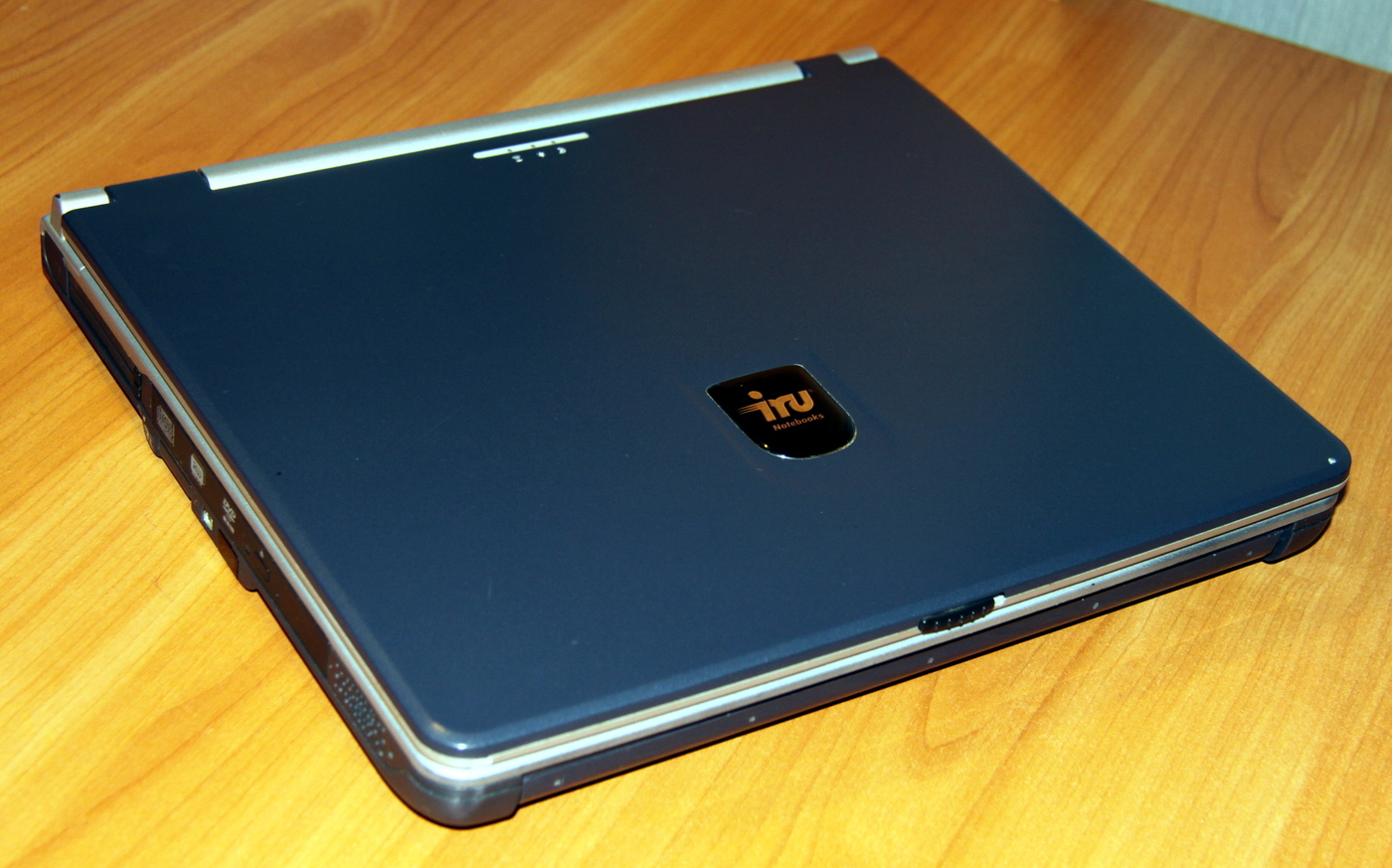
As unnecessary, this laptop was given to his wife's parents a few years ago. Yes, despite the venerable age of 12 years, until recently it was used for its intended purpose. A couple of weeks ago, his parents asked him to bring him to his senses a little, since he began to load for a very long time, loudly making noise with coolers and in every possible way demanding affection and care.
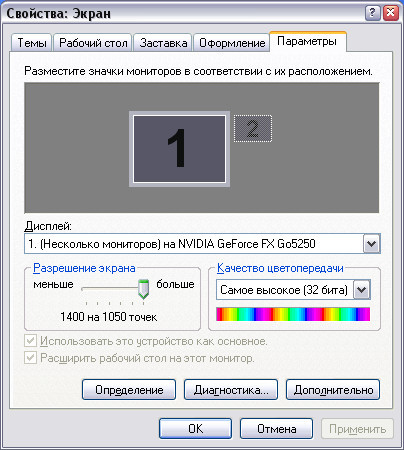
When created in 2004, the laptop had the following characteristics: Pentium 4 processor 2800 MHz, 512 MB DDR RAM, 60 GB hard drive, NVidia GeForce FX 5250 Go (NV34) video card, 15 ”SXGA + 1400x1050 pixels display. Once again, the screen resolution of this twelve-year-old laptop is 1400x1050, and my work laptop, on which I am writing these lines now, has a resolution of “only” 1366x768 pixels!
Installed OS: Windows XP Home. In the kit was a briefcase for carrying a laptop with a bunch of protective soft linings.
iRU Brava-4215COMBO has a Realtek AC97 sound system, Agere Systems 56400 Kbps modem, Realtek 10/100 Mbps Ethernet network card, MultiMedia Card reader, Secure Digital, Memory Stick, 4 USB 2.0 ports, IrDA 1.1 infrared, optical DVD + CDRW drive.
The manufacturer of the laptop is the domestic company iRU, which still exists on the market. The proud inscription “Made in Russia” flaunts on the case; how many percent is true, I can’t judge.
A few years ago, I already upgraded the old man a little, put two gigabytes of RAM, changed an additional fan and changed the optical drive. Trying to restore long-dead batteries is a pointless exercise, as the parents don’t carry the laptop anywhere and quietly feeds from the outlet.
The Brava-4215COMBO had 4 built-in USB ports (yes, 4, I have 3 now) but they burned out, since the laptop and the device connected to it via USB were powered from different phases of the mains. I’ll write about the solution to the problem below, but now it's time to finally see the iRU Brava-4215COMBO in all its glory.
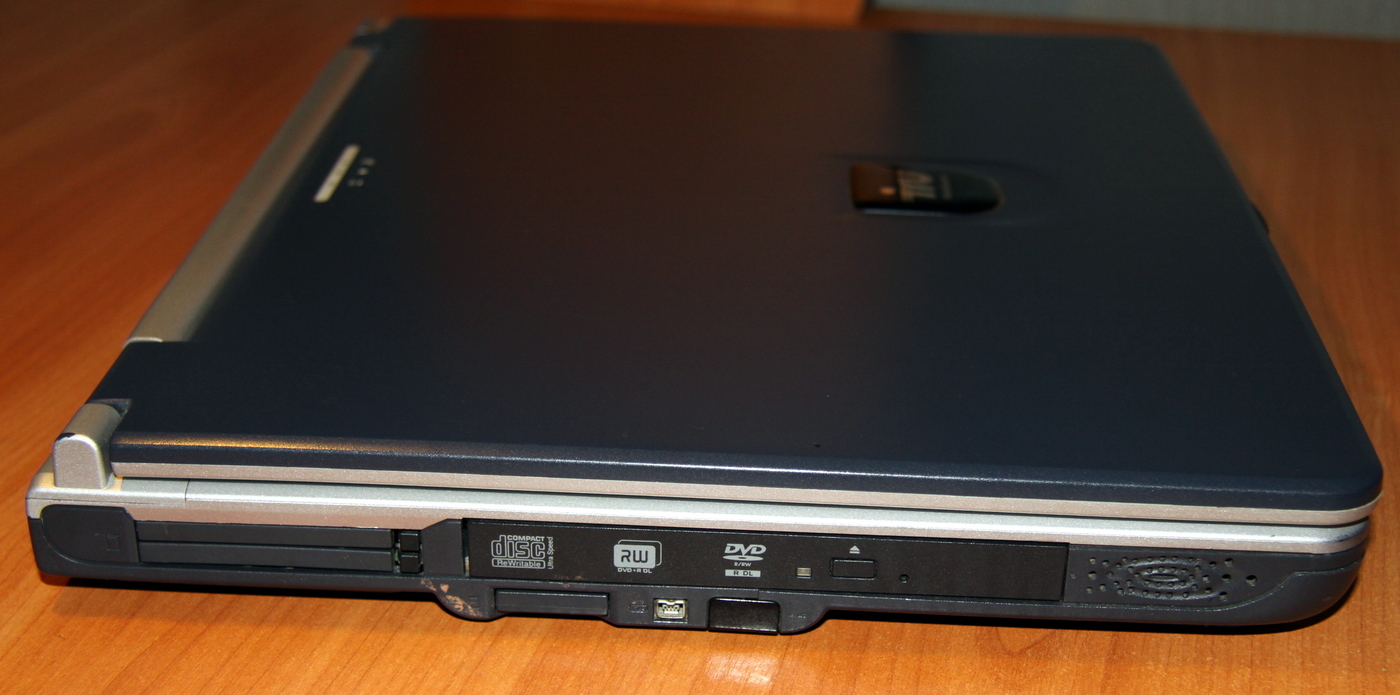
On the left side of the laptop are two PC Card slots (2xPCMCIA type I / II (5V / 3.3V) or 1 x PCMCIA type III), optical drive, MultiMedia Card reader, Secure Digital, Memory Stick, iLink (IEEE-1394), Infrared IrDA 1.1 port, left speaker. On the right side of the laptop there is nothing interesting, cooling holes and the right speaker: The
back of the laptop is very interesting, you can see the work of engineers, not defective managers: the laptop has a modern and relatively standard 19-volt power connector (my laptop has exactly the same one), parallel port (LPT), S-Video TV output, external monitor connector, 4 dead USB ports, RJ45 LAN connector, telephone line jack (dial-up modem) RJ11, connectors 3.5 "line out, combined with SPDIF, line input combined with microphone:
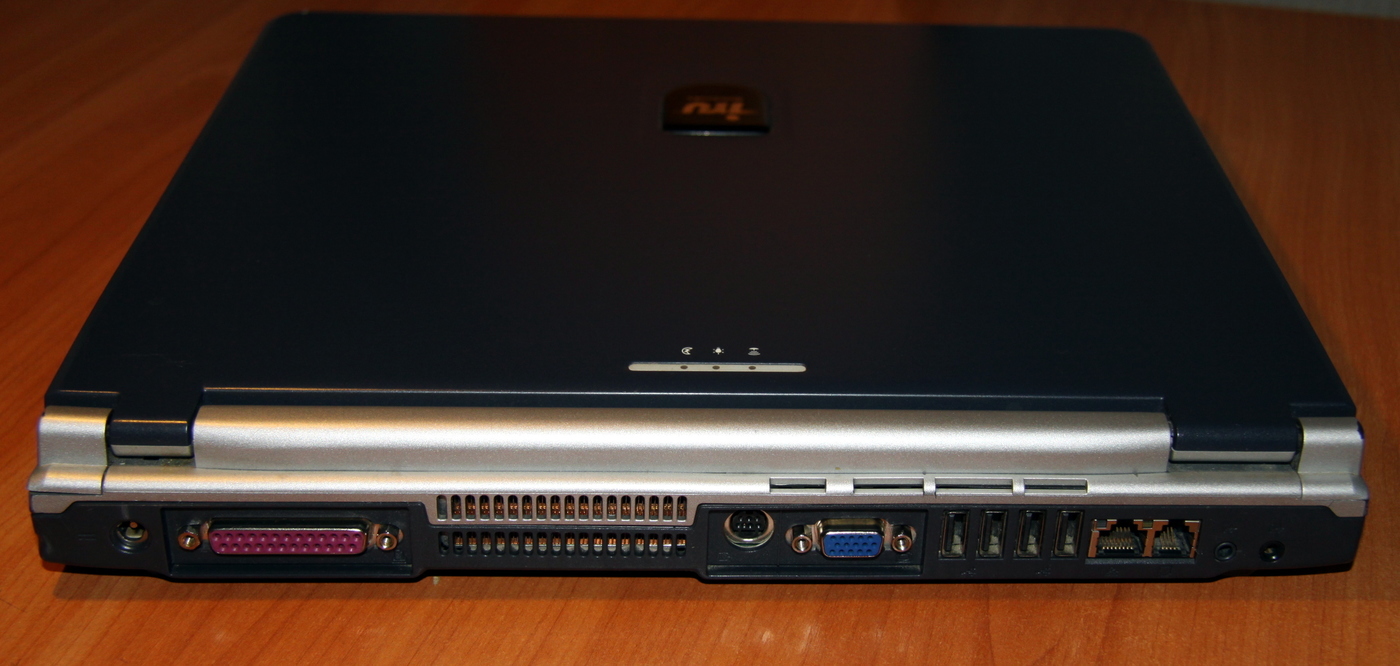
The idea of putting the battery in front of the laptop and putting the entire communication back is simply great. No wires for you, nothing gets in the way. In my Asus laptop, defective developers made a power connector on the left, approximately in the area of the shift and control, and my wire is always stuck, damn it, how does it freeze me, constantly being in sight! And closer to the front edge on my laptop there are also network, monitor, HDMI, USB connectors, that is, if you connect something there, it will look awful and interfere, since my hand constantly hangs from the lower left edge of the laptop.
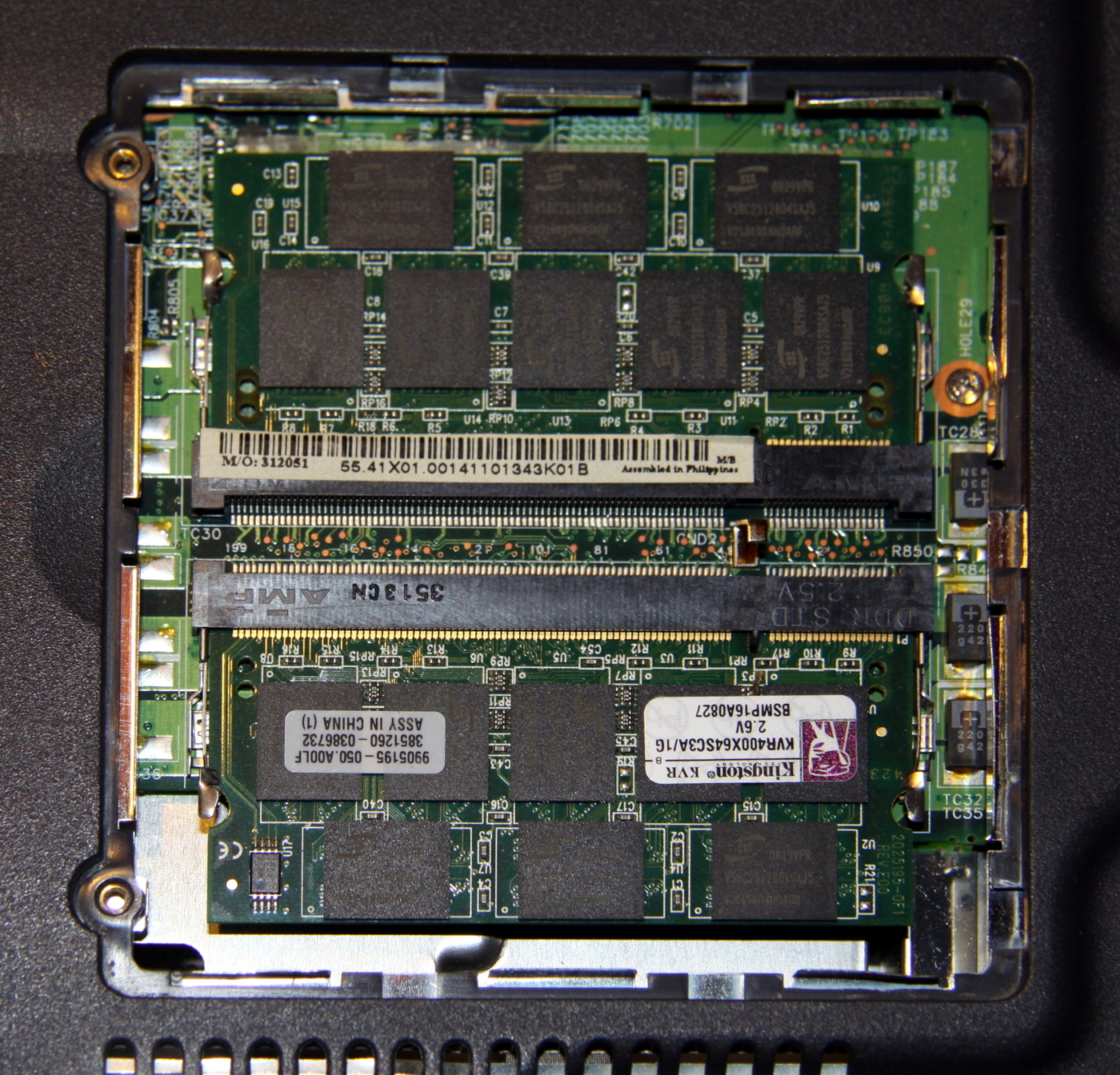
But it’s time to return to a more interesting instance of engineering, from the bottom of the iRU laptop provides quick and easy access to RAM and modem:
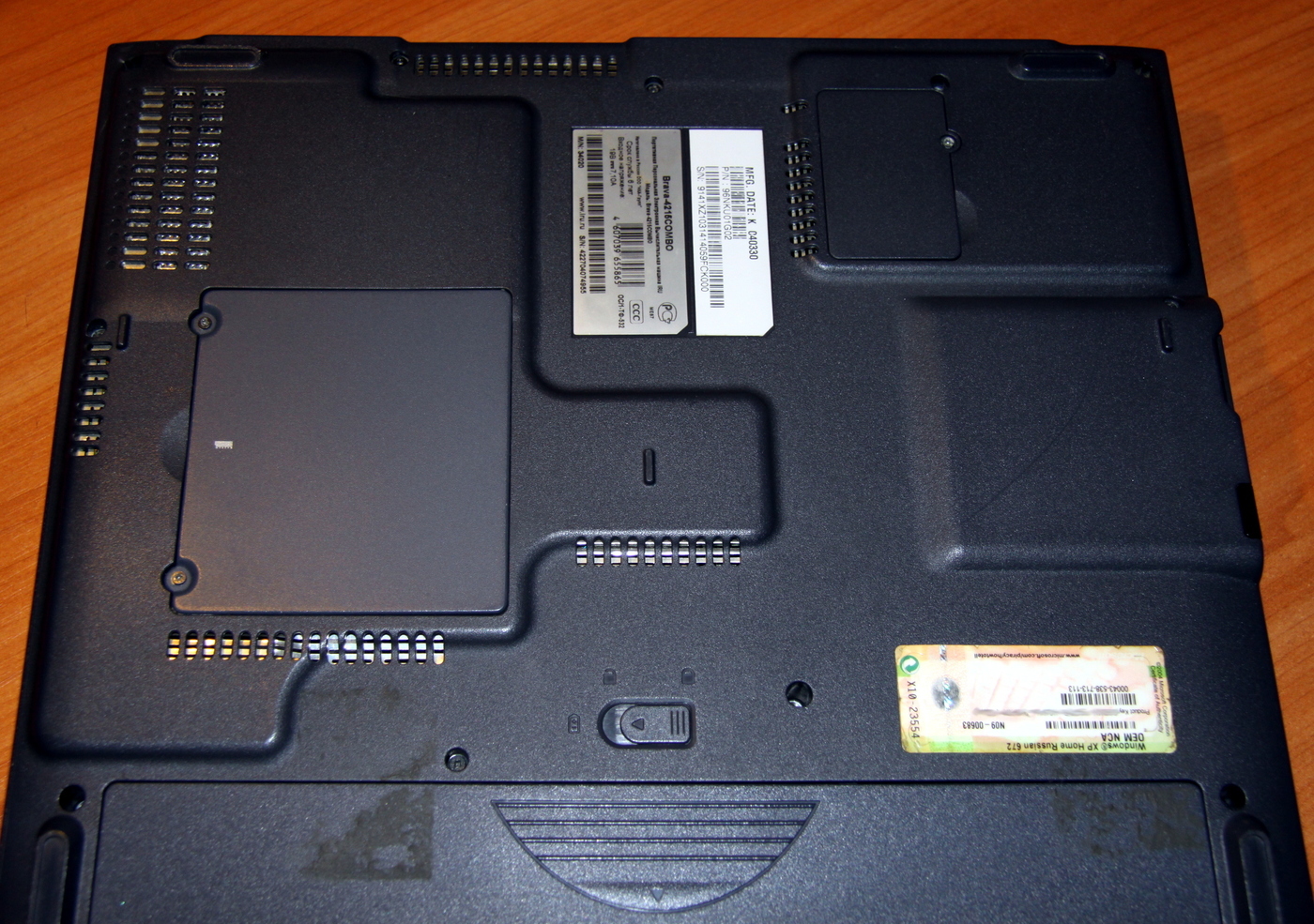
Next to the modem we see information about the laptop, release date, pay attention to the life of 6 years, for a laptop I think it is very decent, especially since the service life is already 2 times longer:
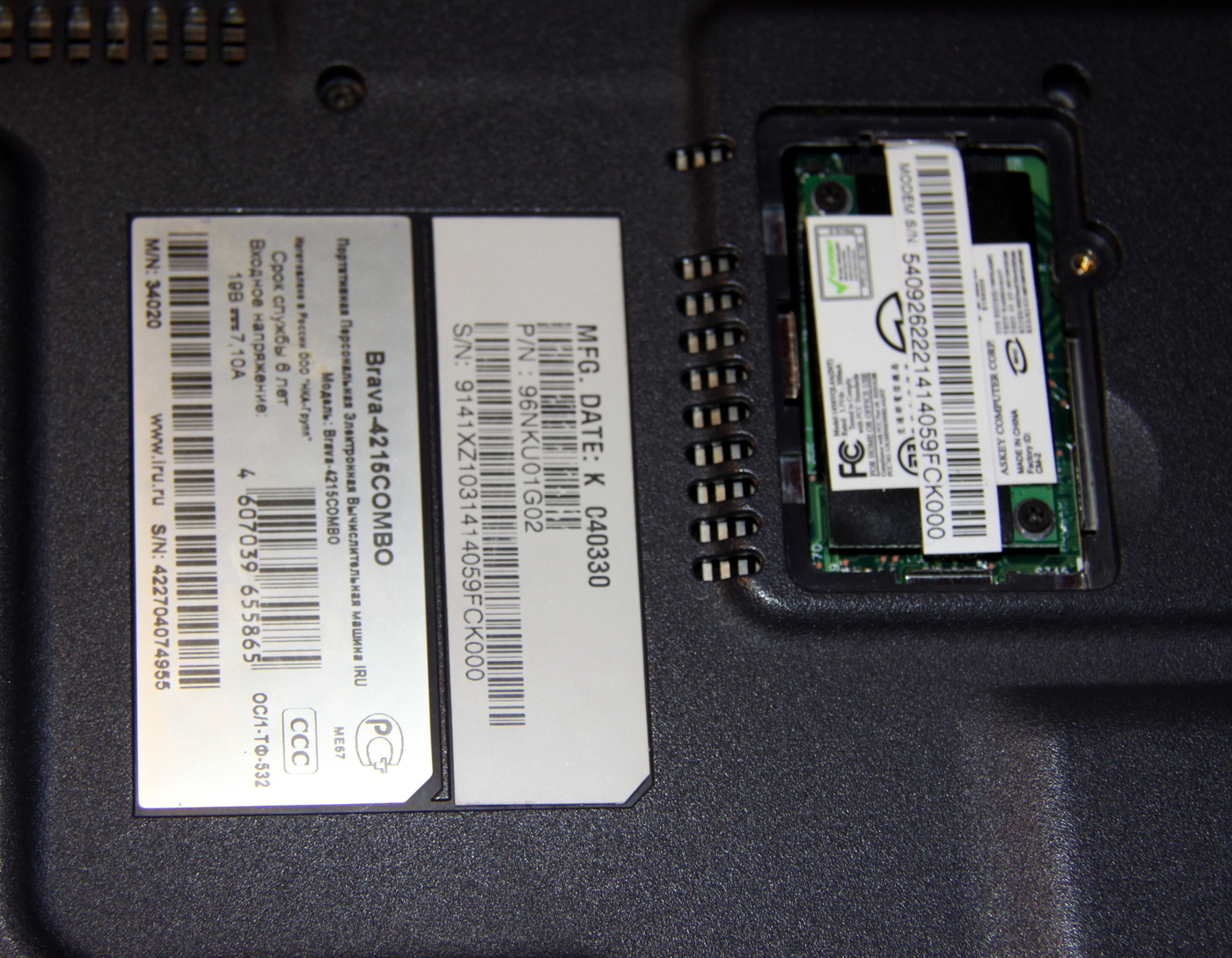
RAM slots are standard, two are stuck in them gigabyte DDR strips:
Having removed the battery, we get access to the hard drive, in order to remove it it is not necessary to unscrew a single screw, just pull the hard drive onto itself with a standard tongue. As far as this is right, I can’t say, on the one hand, quickly removing a hard drive to overtake data is convenient, on the other hand it is not very safe when you can remove a hard drive from a laptop in 5 seconds:
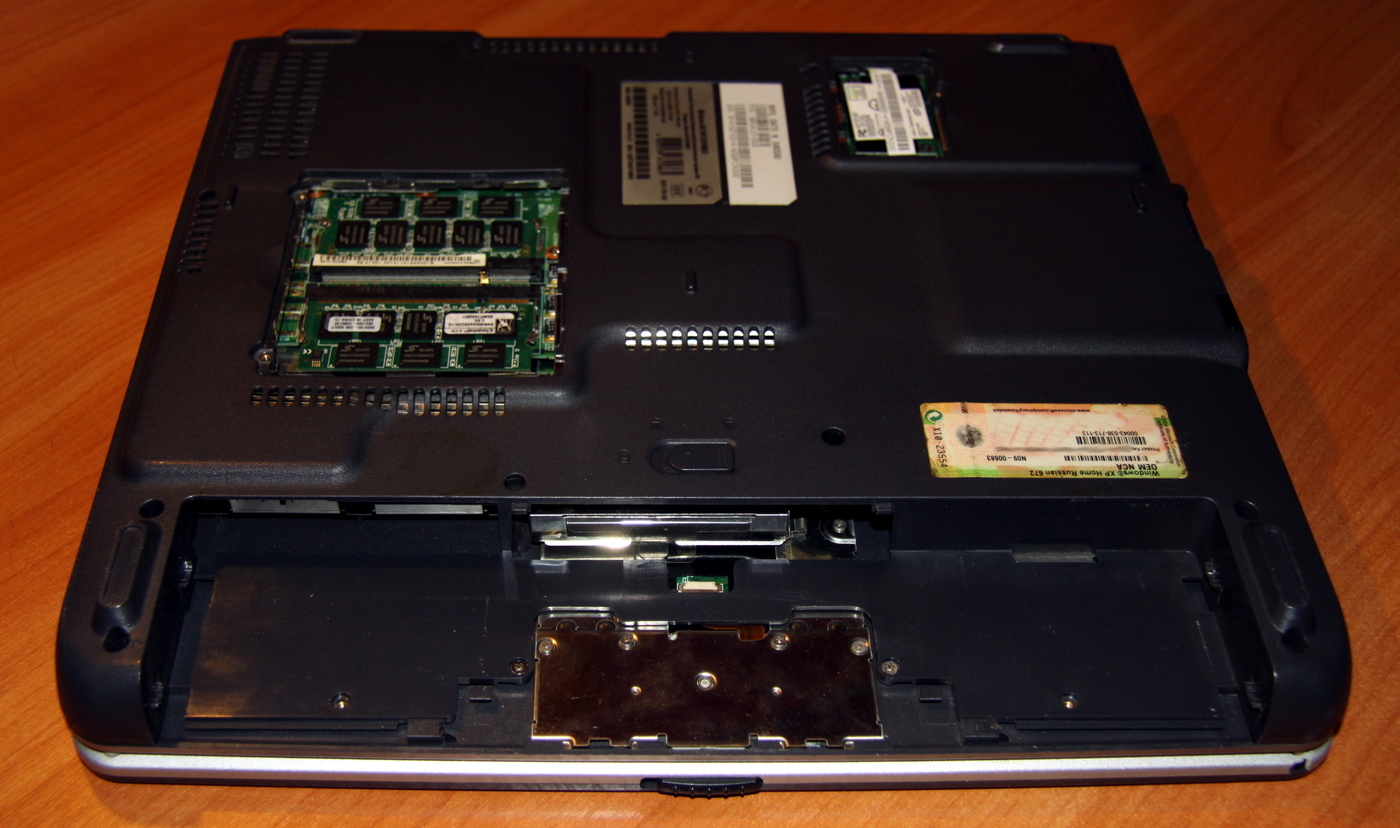
Finding the battery in the front of the laptop gives you another plus: the front of the laptop becomes quite heavy, and you can safely open the lid of the laptop with one hand. Now there are a lot of modern and light laptops in which the hinges are stronger than the weight of the bottom of the laptop and such laptops can be opened only with two hands, holding the bottom with one hand.
Now is the time to open the lid of the laptop: The
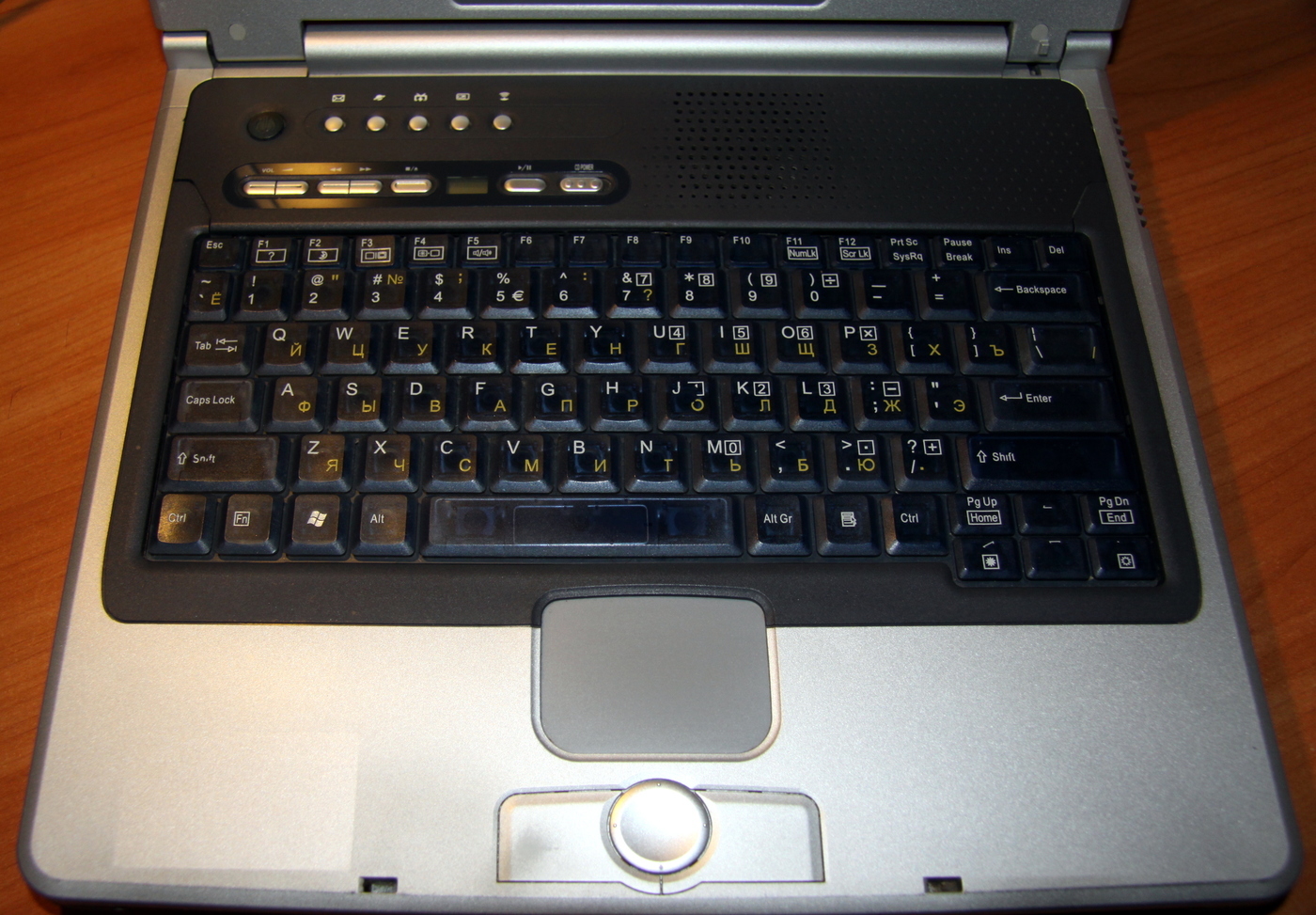
hinges are already slightly loose and the screen is fixed in positions approximately every 5 degrees, in other positions it staggers.
The laptop has a very comfortable keyboard, with such a nice click, a cross between modern rubber keyboards and old spring ones, it is a pleasure to use. The inscriptions on the translucent buttons are almost not erased.
The touchpad seemed a little small to me, but it works clearly, smoothly, without jerking. The touchpad buttons, on the contrary, are hypertrophied, but I don’t remember duplicating the cursor buttons on the touchpad on any other laptop.
I already realized that you were interested in the unusual buttons on the top, now I’ll show you closer:
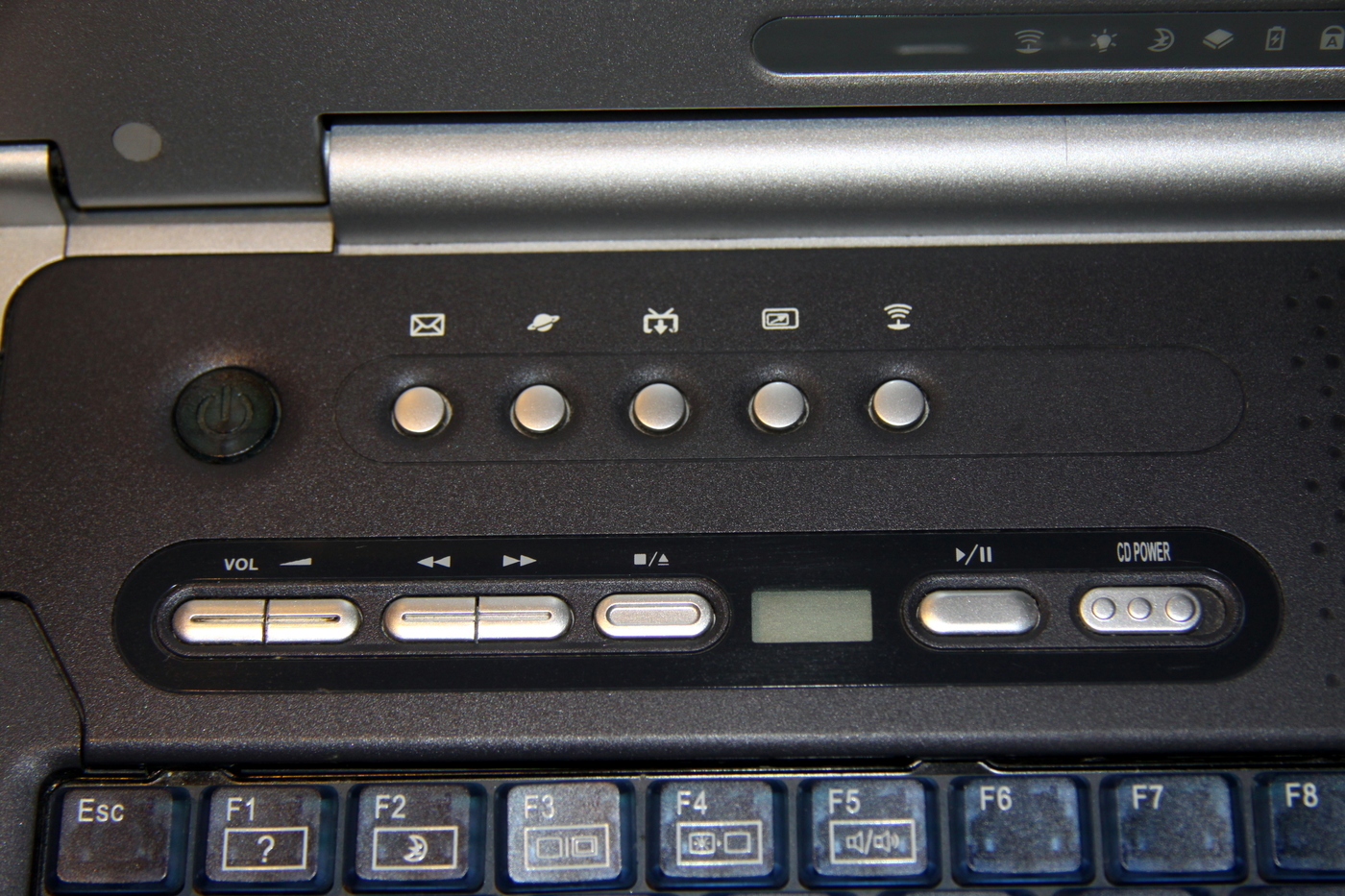
At the top there is nothing interesting, the power button, mail, browser, TV access, screen switch, infrared button.
The most unusual and interesting is located just below, is the control of the music CD player. On the old optical drive, you could listen to audio discs without turning on the laptop, just yank the right button, put the audio CD and go. There is volume control, fast forward / rewind tracks, stop, track indicator, play / pause, power. I have never seen such a thing anywhere.
The screen itself is large, matte, non-glare, aspect ratio 5: 4. If I photographed a glossy screen in the same way with a flash “on the forehead”, the entire glossy screen would be lit. The lack of a camera is no longer quite familiar. The silver frame is not pokotsat anywhere, painting uniform, without scuffs. Gum seals in place. Again, on my current laptop, the frame is for some reason made glossy and looks as if I process it with an emery cloth from time to time, and the gum drops out.

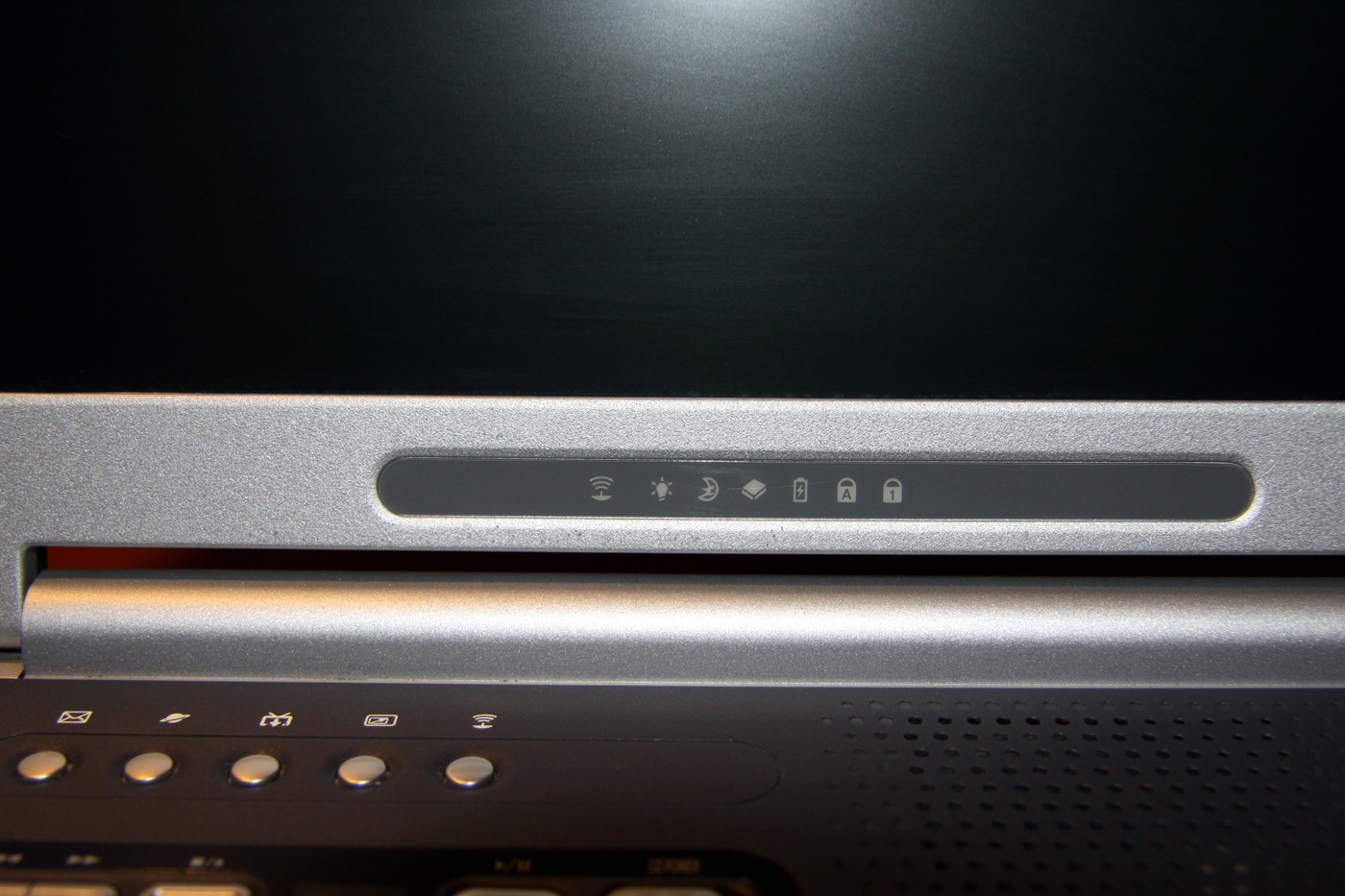
The indicators are displayed on the monitor and always before your eyes. Think LEDs? And here it is, real tube lamps!
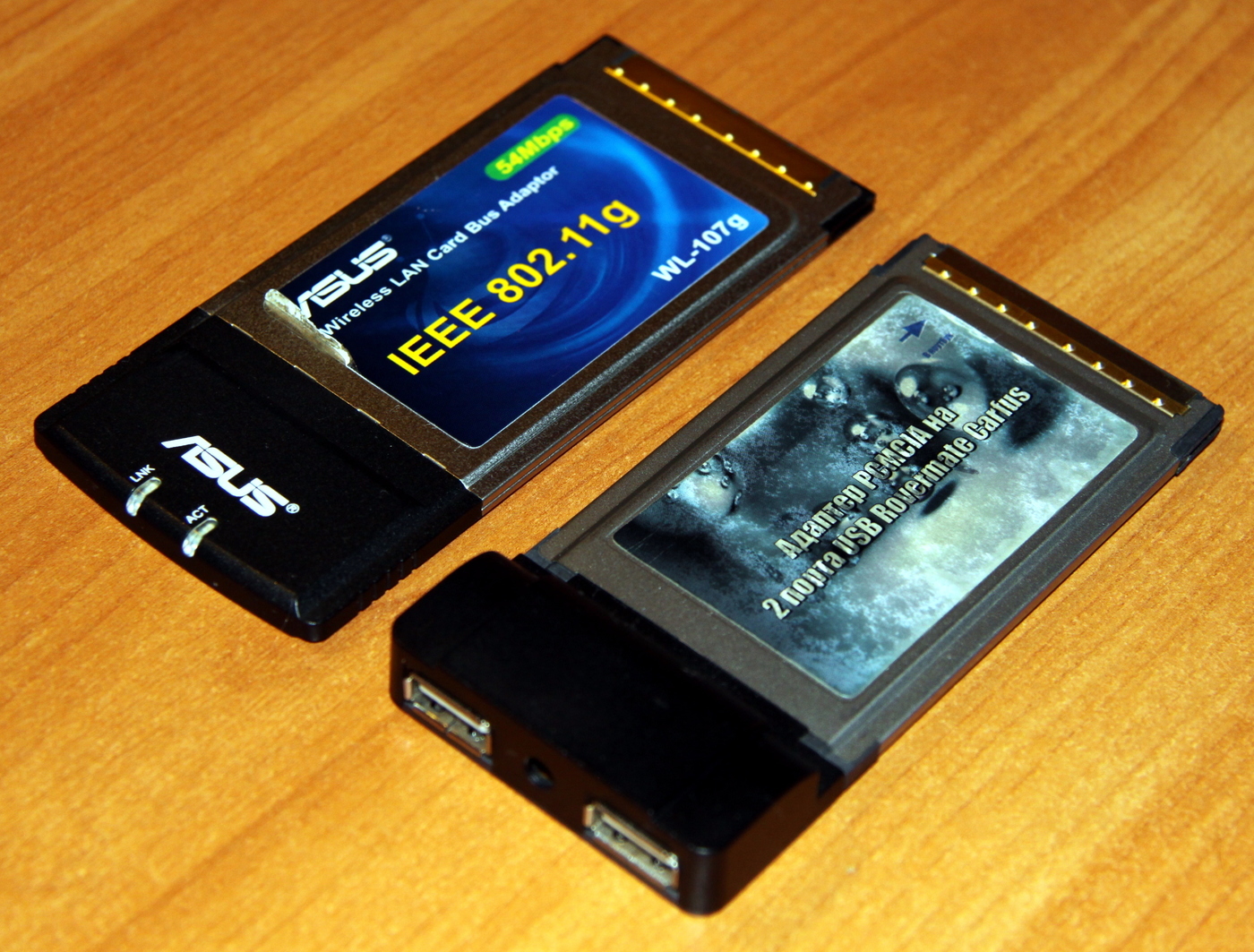
And here is the promised solution to the problem of dead USB ports, besides this, I got a card for connecting the laptop to Wi-Fi! A network is inserted into the lower PCMCIA slot, USB is inserted into the upper slot, both cards fit and do not interfere with each other, the Wi-Fi card is slightly longer, the light indication of operation is just visible: The
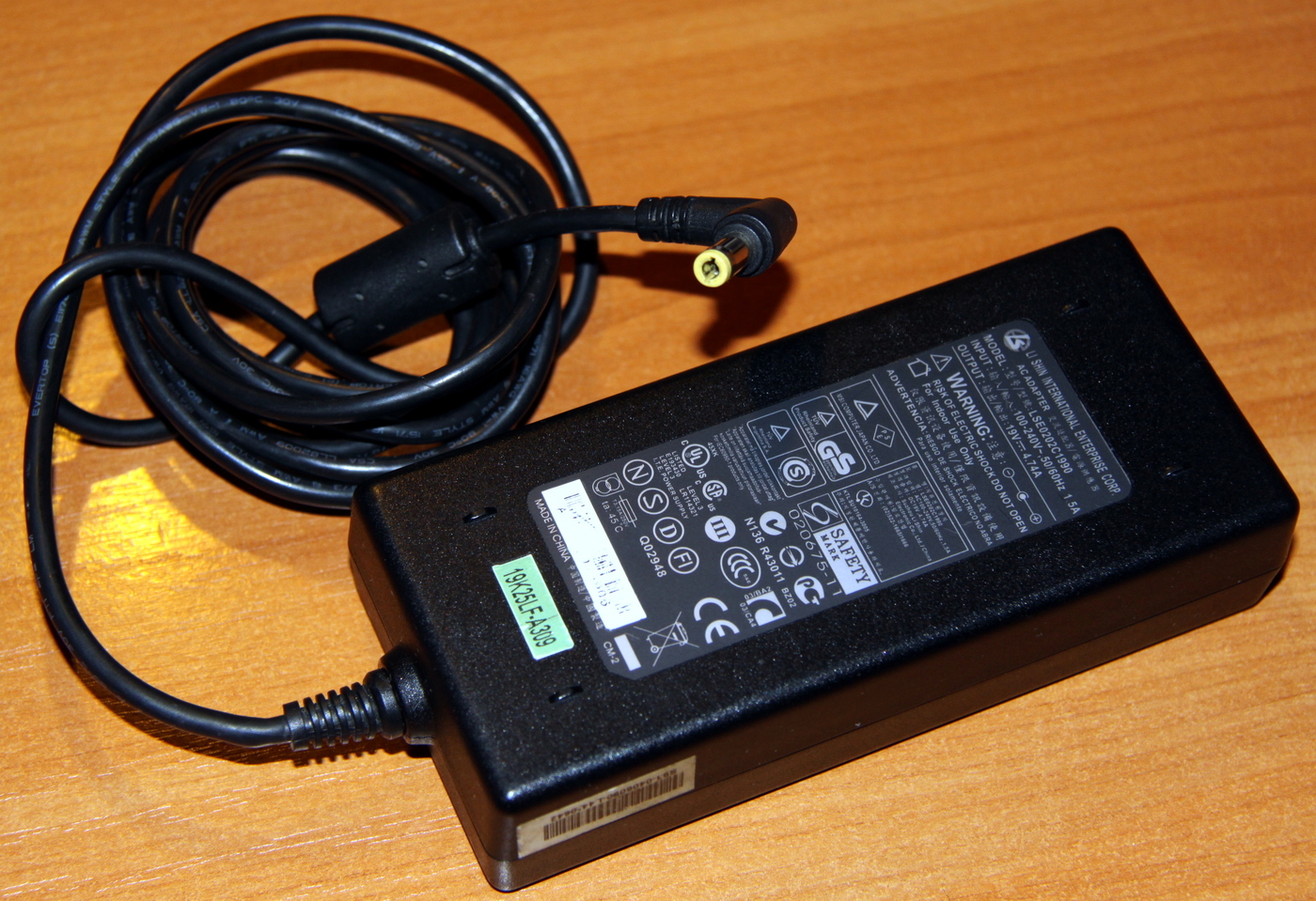
laptop is powered by a standard power supply unit that is widespread in our time and has a corresponding connector , suitable for my other three laptops:
Brava-4215COMBO takes a very long time to start, if you disconnect it from the power supply, it loses all BIOS settings. It's time to take apart the laptop a bit and put it in order. Yes, I can already hear your cry, "Did he really guess !?"
To get to the battery, processor and cooling system, you need to carefully remove the plugs from the hinges of the lid, unscrew only two screws and remove the upper decorative panel.
The problem with the battery is solved very simply:

Unscrewing the top cover of the cooling system, everything became clear:
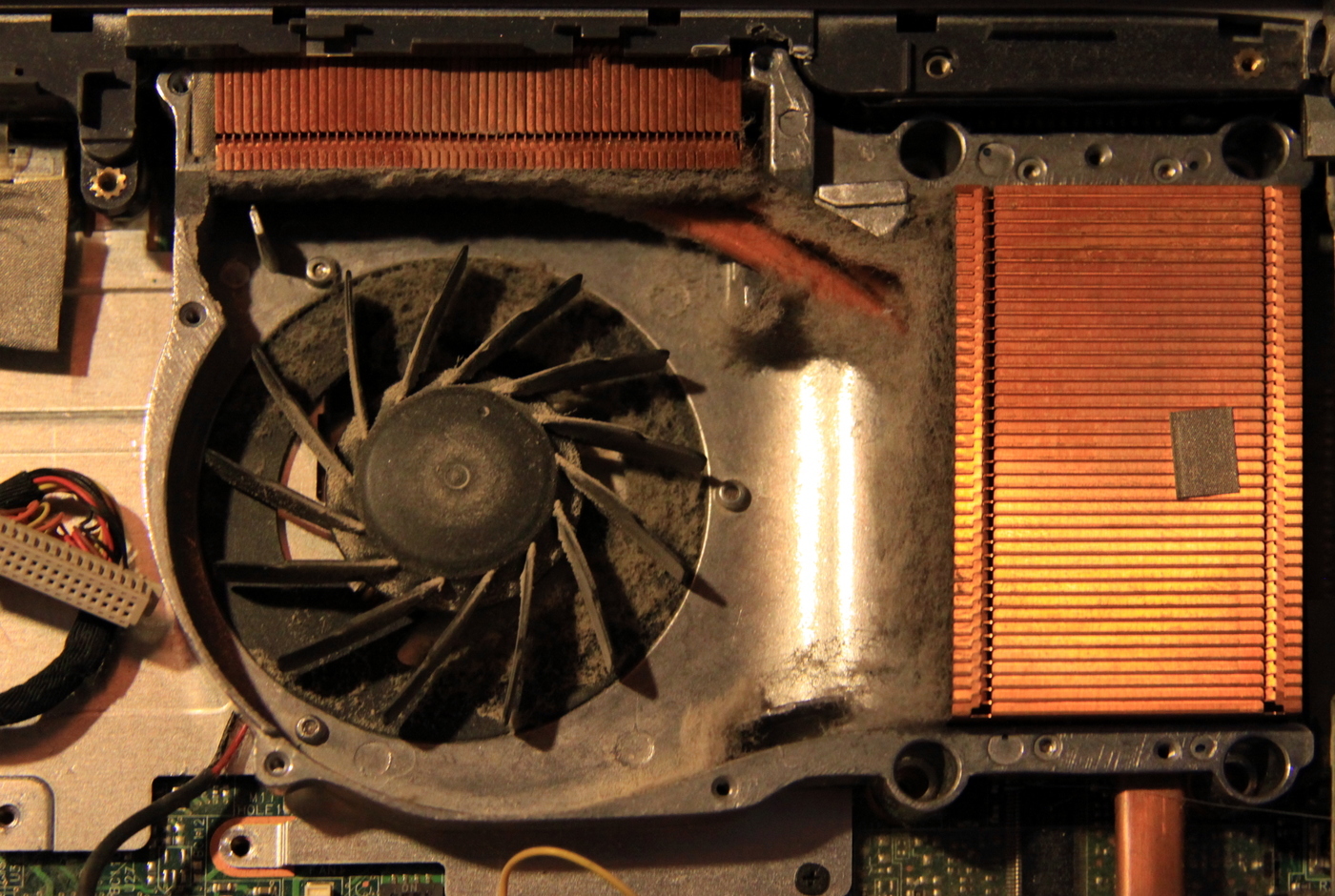
Having removed the radiator and a little cleaning the space, I saw such beauty:
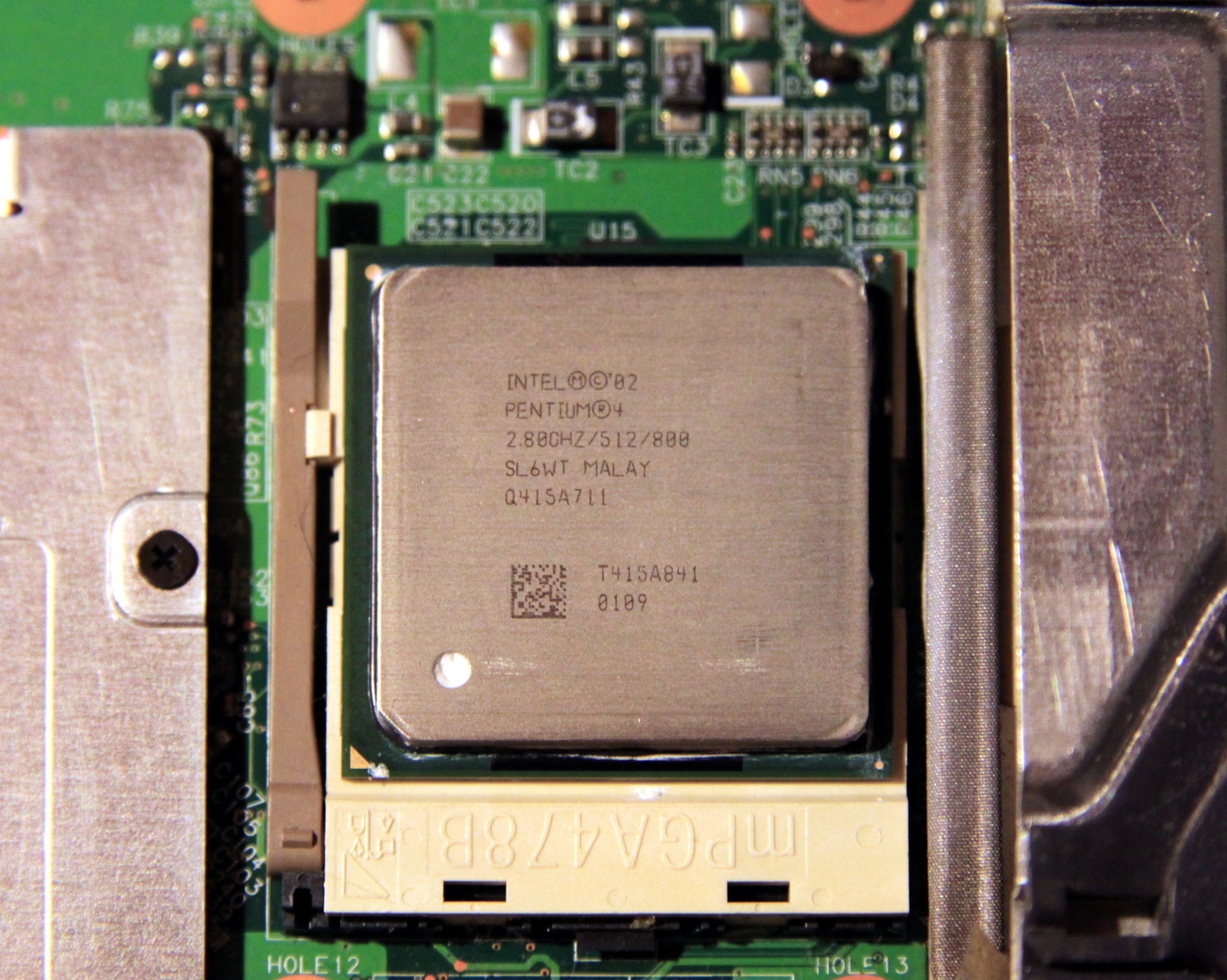
Admit it, when was the last time you saw and touched such a story !? Please note that the processor is removable, in a standard case, in principle, it would be possible to put something newer if it was something.
He began to tidy the cooling system, cleaned the radiator from the felt boots, decided to lubricate the main fan so that it was quieter, nothing was better at hand than the WD-40, but what, it’s still not lubricated like that! The additional fan died a long time ago, and last time, before giving the laptop to my parents, I glued a fan to the super glue, which put the hard drives to cool.
Naturally, the superglue dried up and everything fell off, I decided to use more modern technologies. Changing the thermal grease (by the way, the old one was still completely nothing to myself) and putting the cooling system in place, I saw a more pleasant picture:
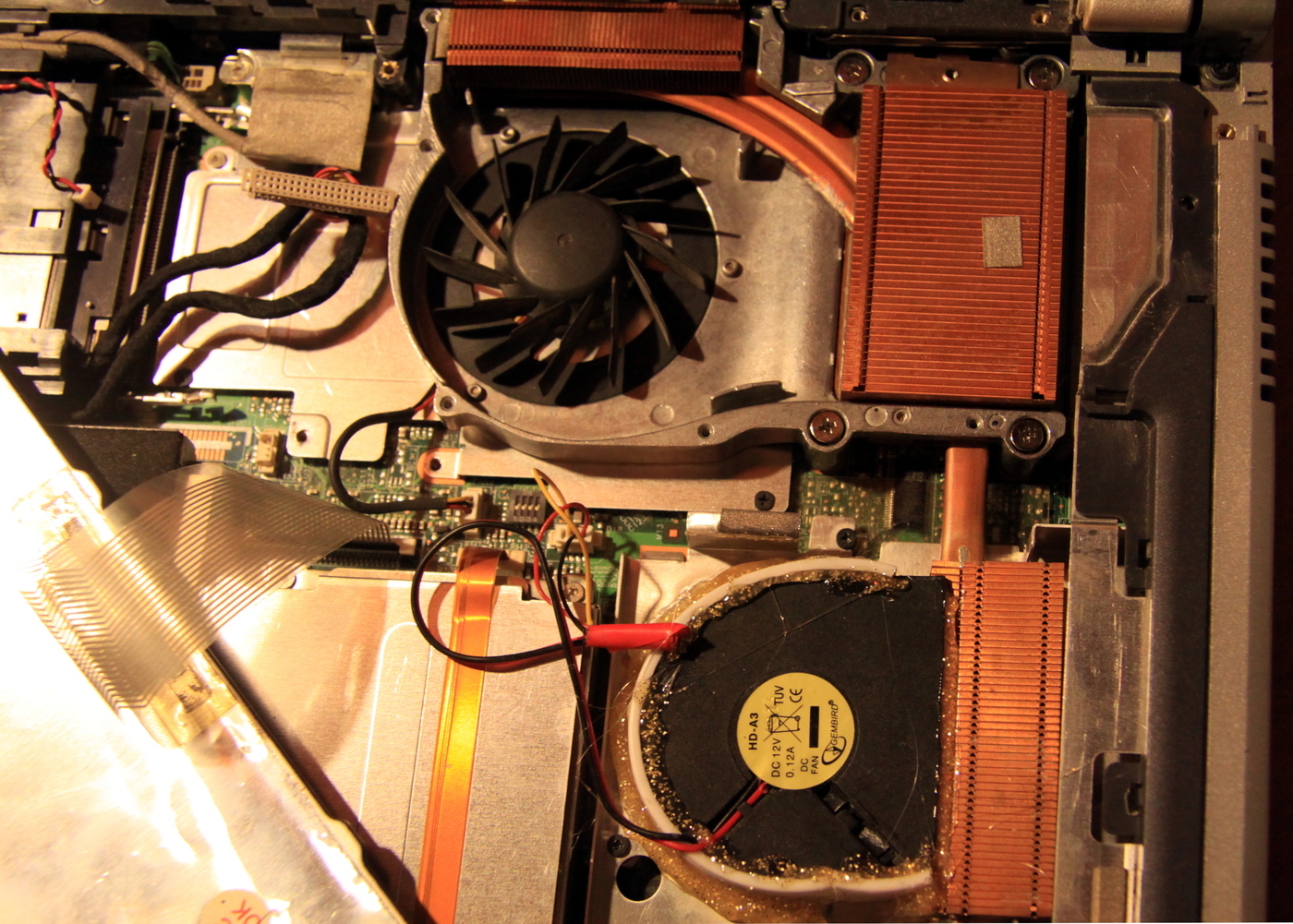
Once again making sure the genius of the engineers developing this laptop, close the cooling system cover and put the decorative cover over the keyboard in place.
Well, here I can’t pass by and not tell how thermal grease is changing on my work laptop. To change the thermal grease, I need to disassemble the laptop to the last screw (you do not need to disassemble only the screen), since the processor is located on the bottom of the motherboard and the entire cooling system hangs upside down, that is, the heat goes up through the motherboard and heats the top surface of the laptop, so like a cooler, naturally, cannot dissipate all the heat and take it away from below.
And to get to the cooling system, you need to unscrew the top cover of the laptop, remove the keyboard and everything else, then inside and outside, unscrew the bottom cover (since the motherboard is screwed to it), disconnect absolutely all the connectors from the motherboard, remove the board, turn it over and after that, see the cooling system.
I was distracted again, it’s time to press the power button already:
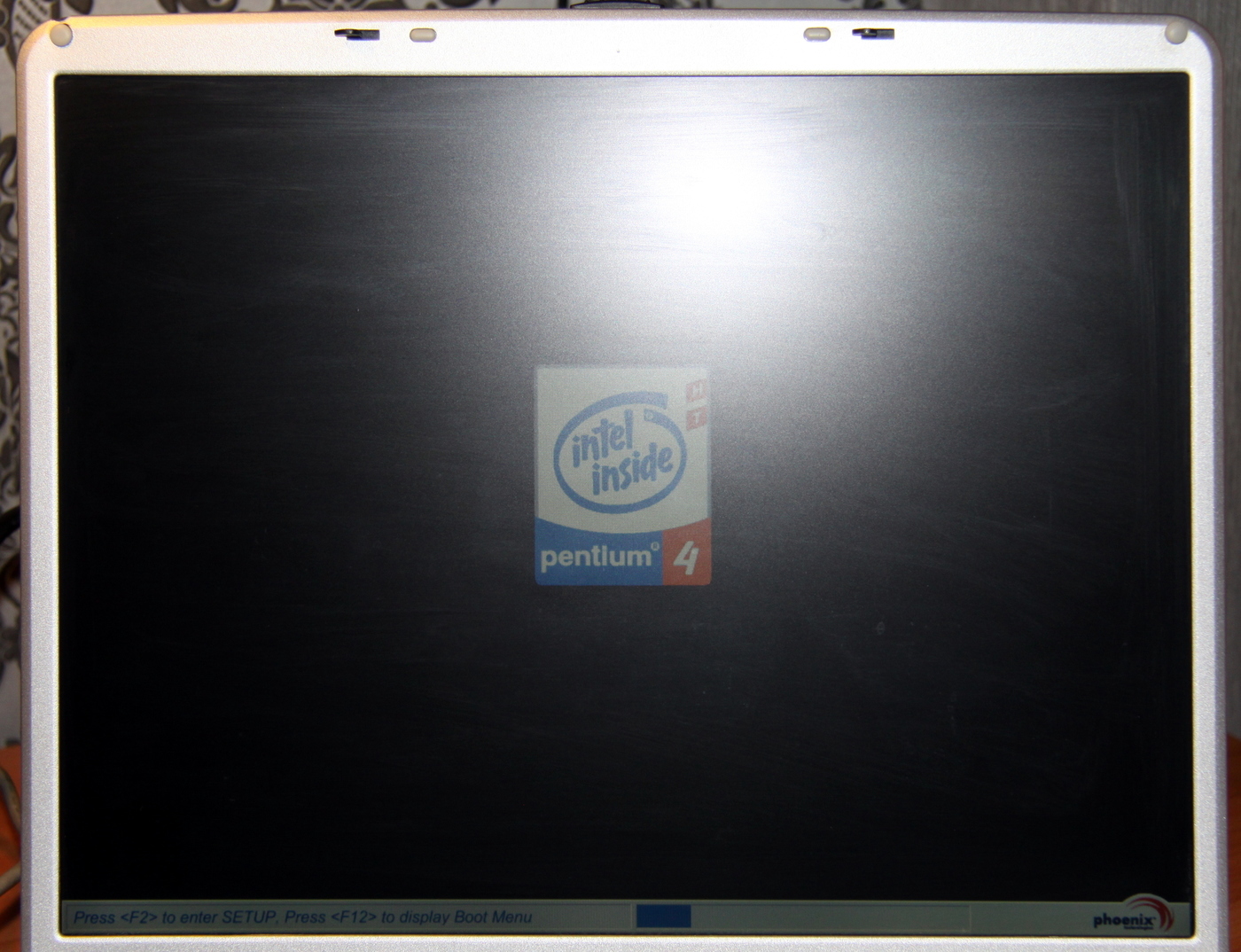
And to catch up:
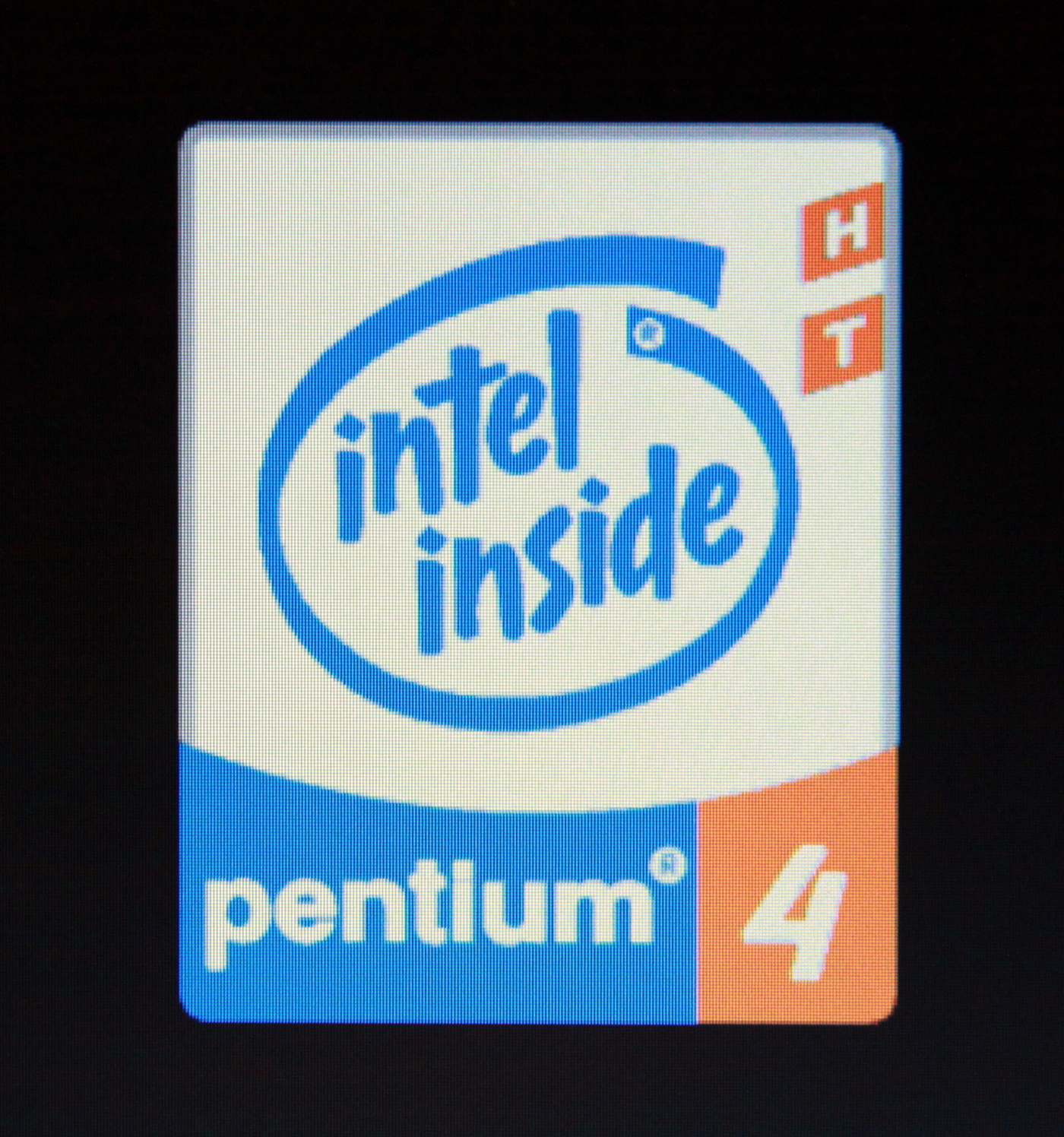
I’ll explain a little: the fact is that the laptop is already 12 years old, the matrix lamps should have sat down for a long time (if we were talking about modern matrices that live 5-8 years ), the lamps did not sit down, they did not even begin to turn yellow, and the white color looks really white.
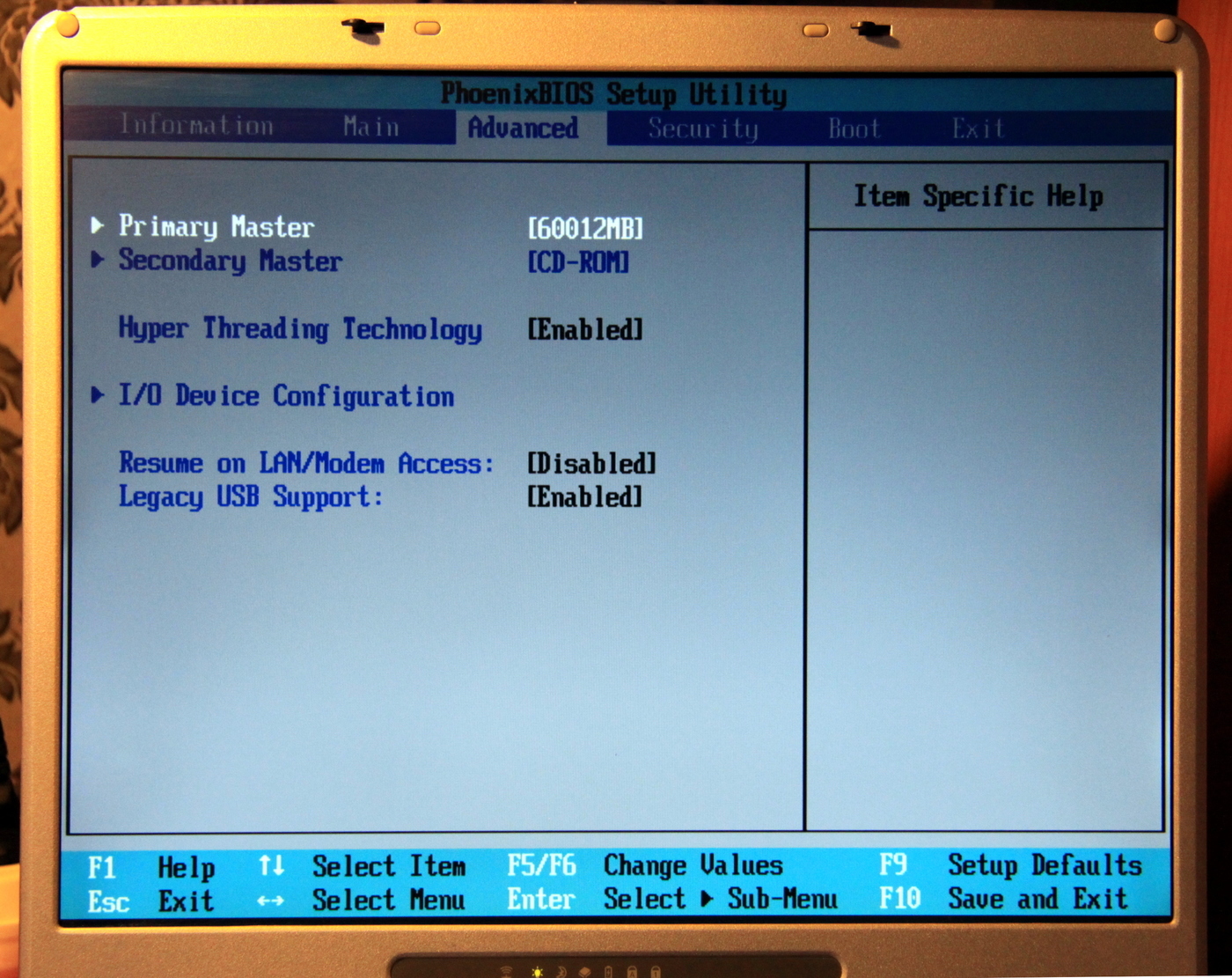
It's time to go into the BIOS and see what is interesting there:
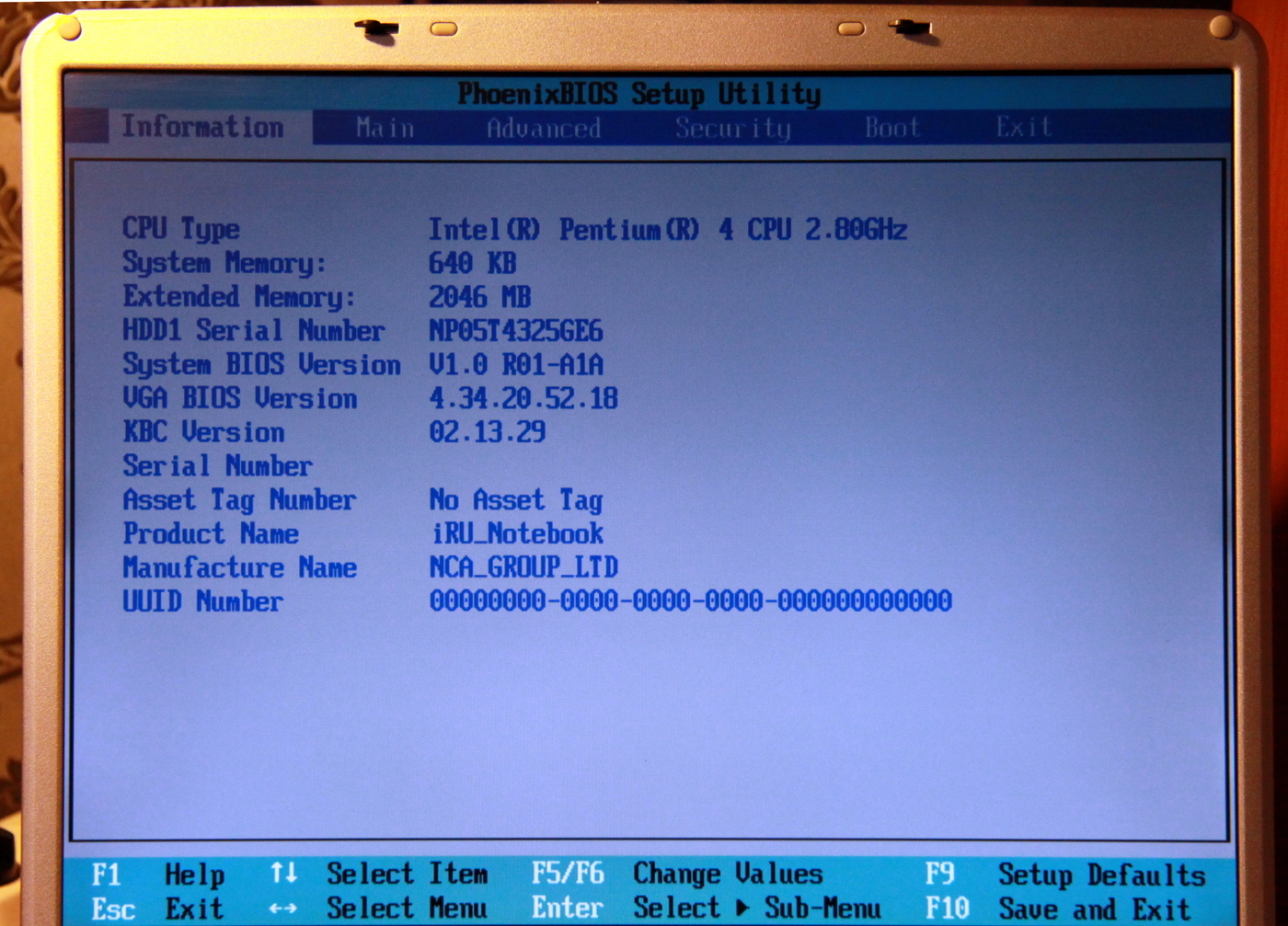
Normal PhoenixBIOS, not much different from modern BIOS.
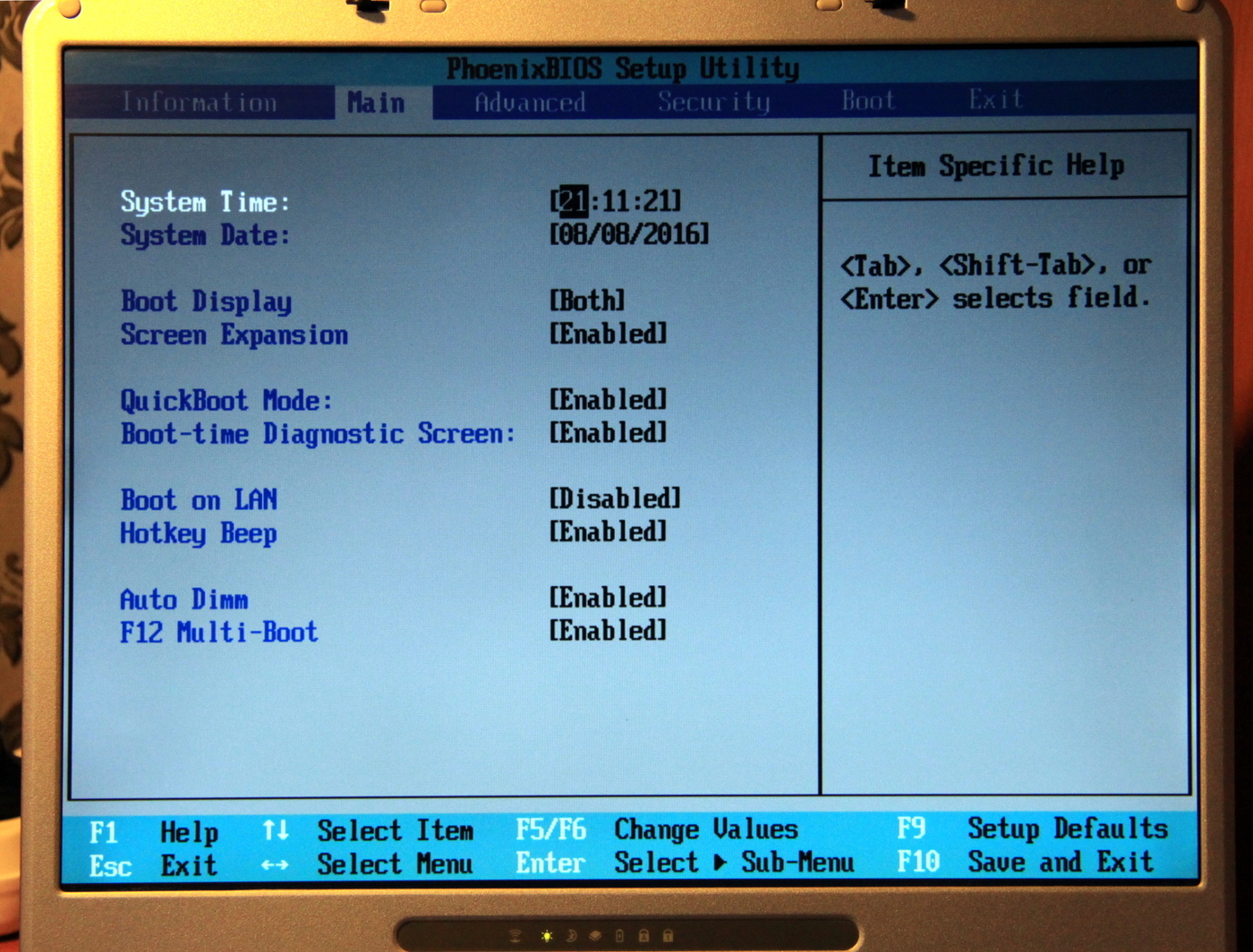
Please note that there is already native USB support:
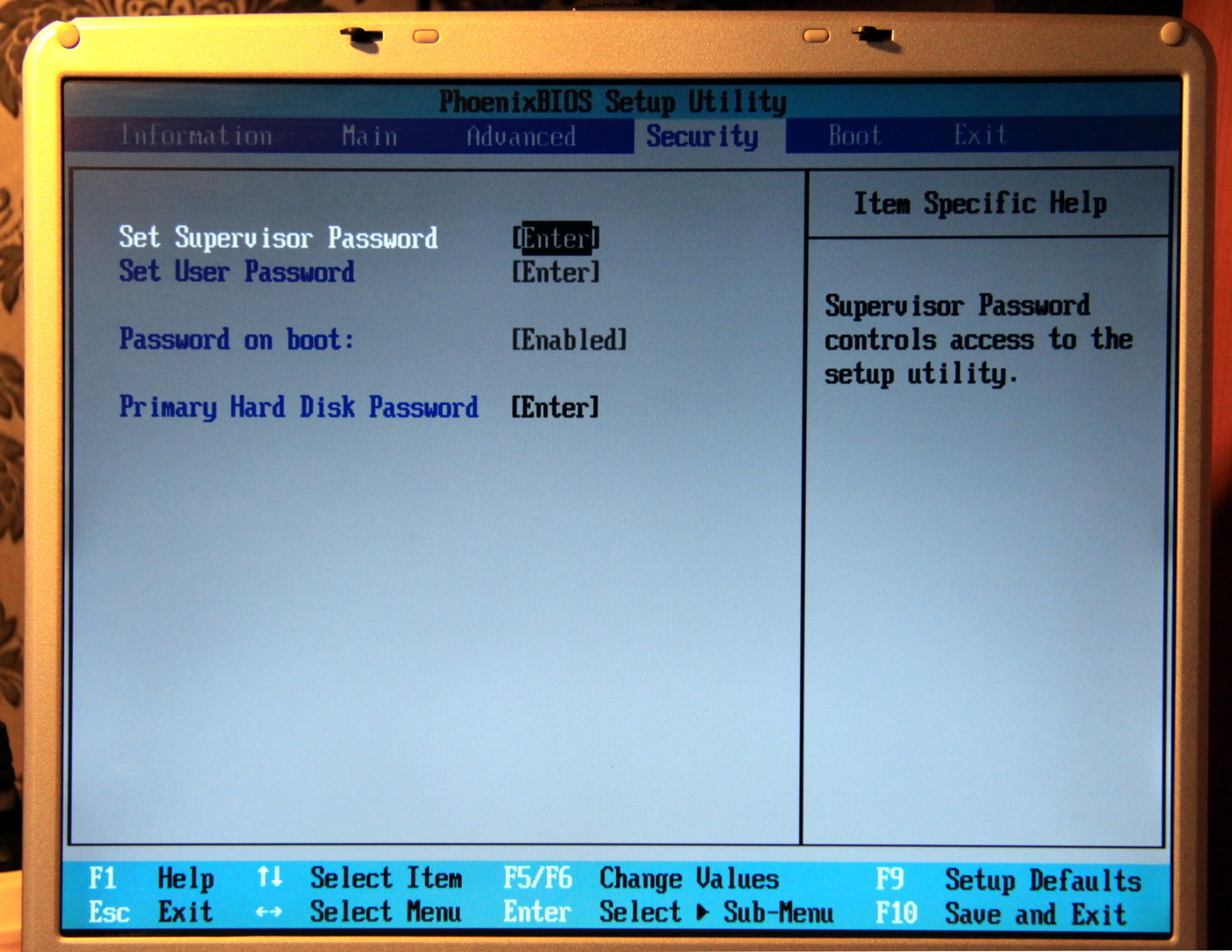
Standard security tab (subtle humor, given how easy it is to access the hard drive):
In choosing the boot order, you can select removable devices:
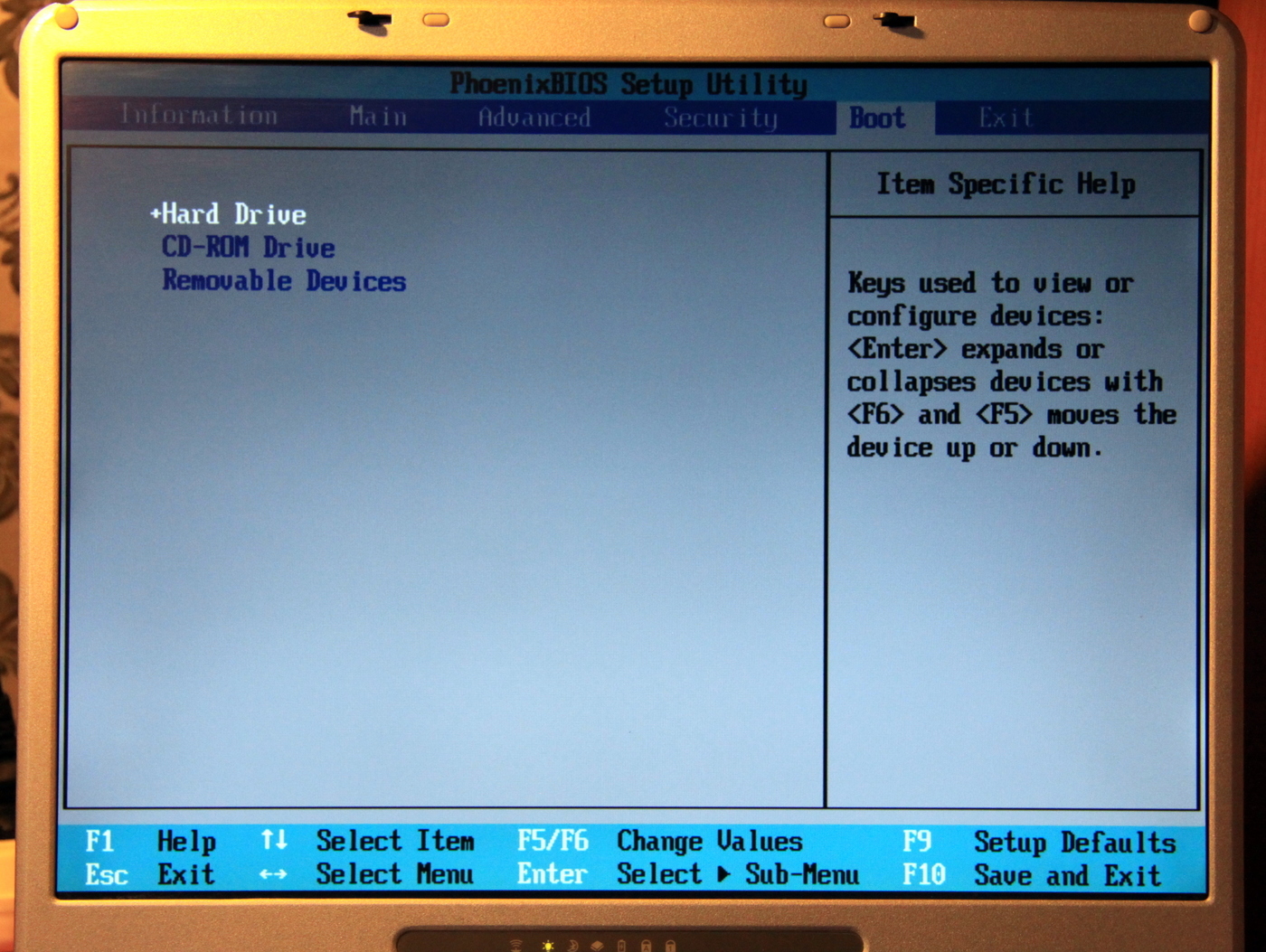
A naive attempt to boot from a USB flash drive was unsuccessful, although if I hadn’t been too lazy to plug in an external USB floppy drive, I’m more than sure that I could boot from a floppy disk.
The standard page for saving settings: We save the settings

and start:
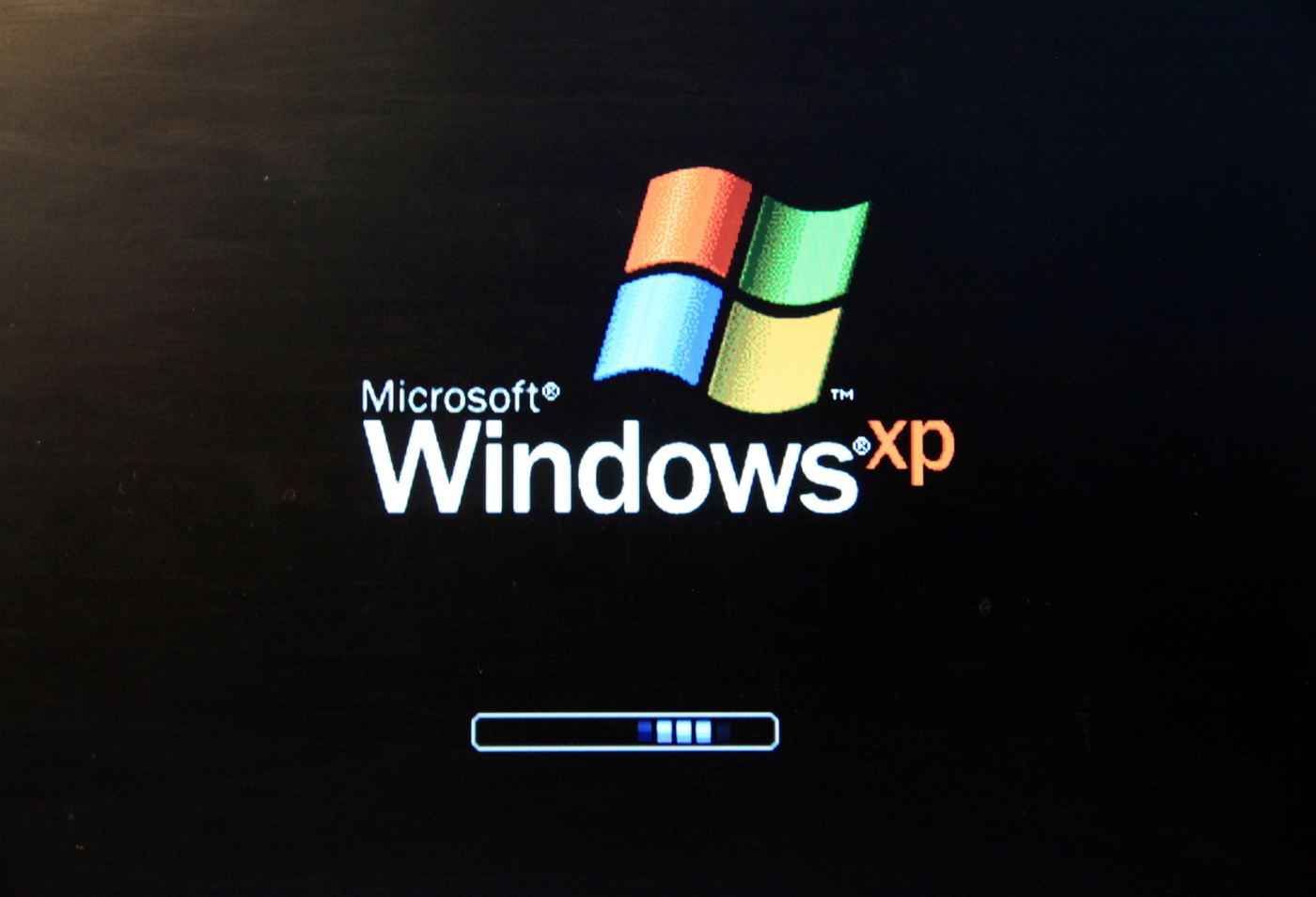
I don’t doubt that everything will work quickly, nevertheless, firstly, there is an OS recommended by the manufacturer, and secondly, we have more than suitable iron.
The iRU manufacturer website has a page dedicated to this laptop: iru.ru/product/34020. You know, visiting her, I was very upset, except for the main characteristics and information that the model is “in the archive” there is nothing. But damn it, guys, this is a story, this is a very awesome and interesting model, well, that’s what it’s worth at least putting a couple of photos, a brief description of the model and hell, drivers, you could not even update them, but they should be left at least so that you can fully use the product!
Despite the lack of drivers on the site, everything I needed was quickly found, the driver for the video card I downloaded from the Internet, the drivers got up to a sound from half a pint, I couldn’t start the modem, it doesn’t turn on from the button, I installed the driver on the USB XP card, Wi-Fi on a very common Ralink 2500 chip, I had drivers, the card reader also had firewood on the card reader. In general, all the devices got what they wanted.
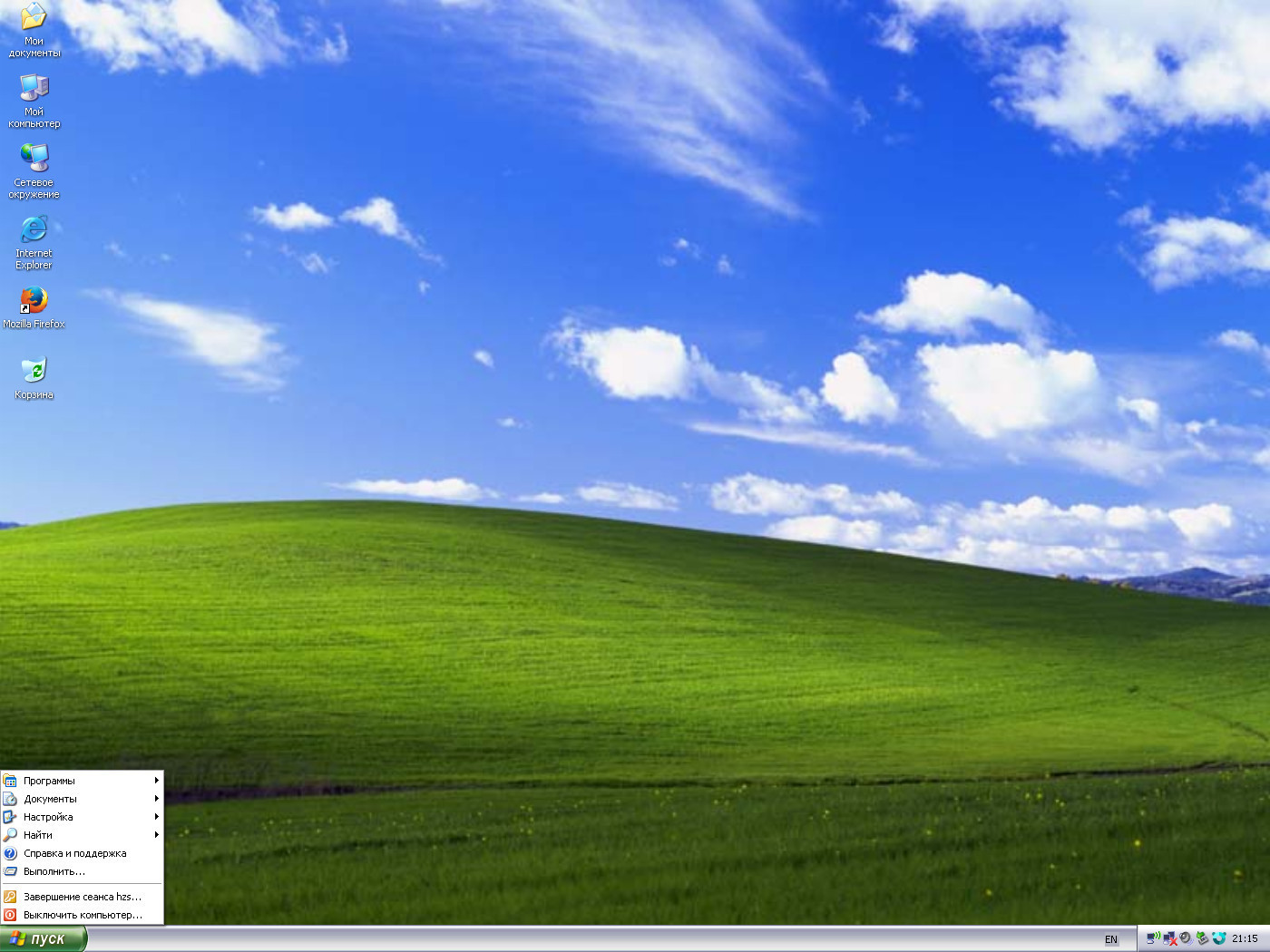
With such a huge screen resolution, the Start menu looks very small:
Screen settings:
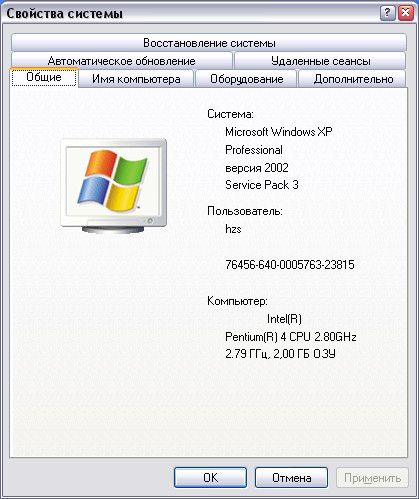
System properties:
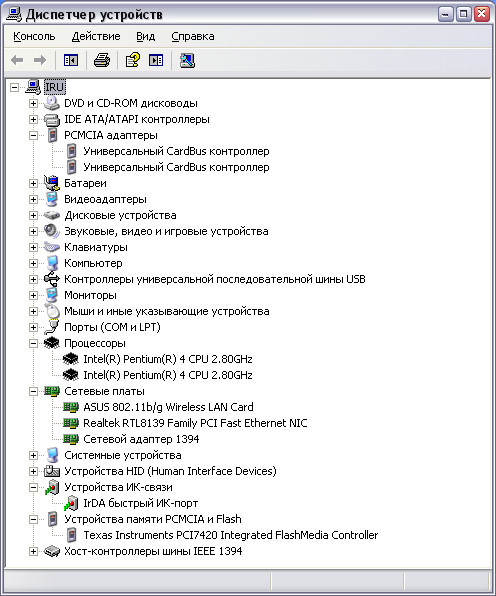
Devices:
Is it possible to fully live on such an old laptop? In principle, it is possible if you do not use this laptop often. The age of the cooler makes itself felt and it works, although it is much quieter than before, but not as quiet as we would like, after half an hour of work, the head wants to explode, although this may be due to the fact that now we have become too tender and sensitive.
Here it is, a possible life: The
modern version of Firefox installs and works for itself, of course the sites have become much harder over the past 10 years, but nevertheless they open on the hardware twelve years ago.
On this, I think, it’s time to finish the first part, in the second part I will move on to experiments on this laptop, nevertheless I wonder how much more modern operating systems can be launched on Pentium 4.
Thank you for your attention!