May 15, 2017 at 12:34
The release of the cross-platform XAML UI framework AvaloniaUI 0.5
Version 0.5 of the cross-platform XAML UI AvaloniaUI framework (formerly called Perspex) was released. The framework is made according to the same principles as WPF / UWP, i.e., it uses XAML, binders and template controls. At the moment, this is the only way to make UI on real XAML, which will work on Windows, OS X and Linux (there is also experimental support for iOS and Android).
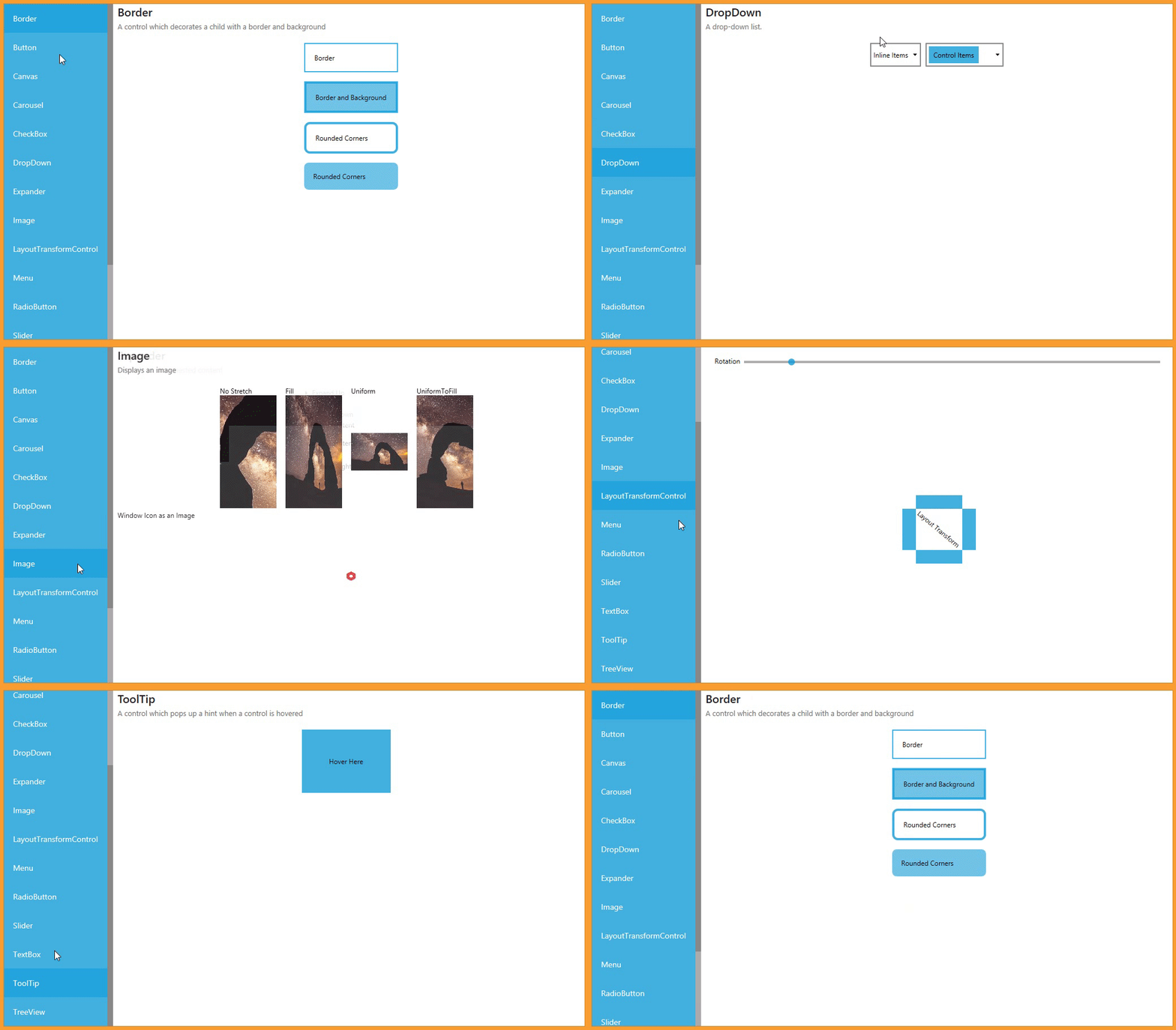
→ Catalog of built-in controls (gif 3MB)
You can start working with the framework by downloading the add-on for Visual Studio 2017 and creating a project from the template. It's also worth checking out the wiki documentation .
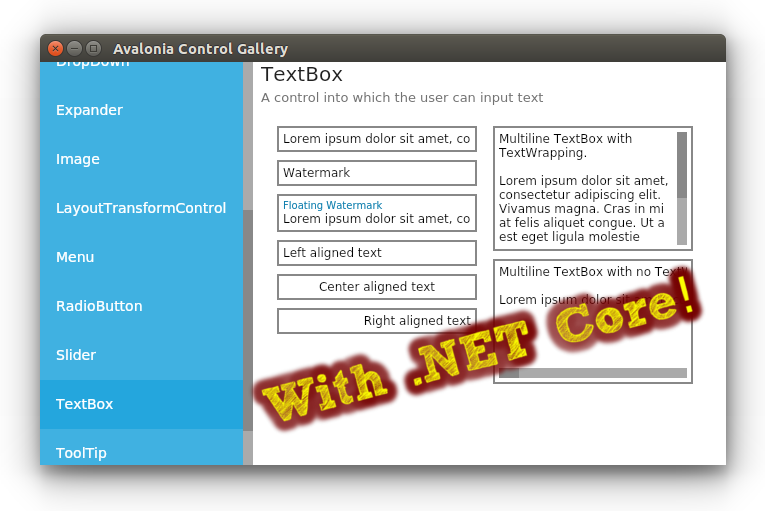
In this release: Support for .NET Core, the transition to GTK3 for * nix-systems, support for output via Linux fbdev, the extension system, many errors have been fixed.
.NET Core
.NET Core is supported as a build target (to support the preview in Visual Studio, net461 still needs to be added to TargetFrameworks) and works on all three desktop platforms. Also, the transition netstandard1.1to non-platform-specific libraries and netstandard1.3backends Win32, GTK3 and Skia was made. Templates for dotnet new take here .
GTK3 on * nix platforms
We no longer use GTK # binders, which require building native binaries for each platform and are tied to Mono. Instead, interaction with GTK occurs directly through P / Invoke, which made it possible to make the backend compatible with netstandard1.3. As a bonus on * nix systems, smooth scrolling has earned. If you need support for distributions without GTK3, you can still switch to the old GTK2 backend.
On OS X, you need to install GTK3 through brew install gtk+3. In the future, this dependency on OSX will be eliminated, because it was possible to get MonoMac on top of netstandard2.0
Mobile Support Enhancements
We are no longer trying to emulate the presence of desktop windows where they really are not. Therefore, the use of the Window class is no longer available on mobile platforms. Instead, classes native to each platform are delivered AvaloniaViewwith a property Contentin which XAML controls should be placed. For convenience, they are also provided AvaloniaActivityfor Android and AvaloniaWindow( UIWindowwith a built-in controller) for iOS. Thus, the initialization now looks something like this:
public override bool FinishedLaunching(UIApplication uiapp, NSDictionary options)
{
    AppBuilder.Configure()
        .UseiOS()
        .UseSkia().SetupWithoutStarting();
    Window = new AvaloniaWindow() {Content = new YOUR_CONTROL_HERE(){DataContext = ...}};
    Window.MakeKeyAndVisible();
    return true;
}
public class MainActivity : AvaloniaActivity
{
protected override void OnCreate(Bundle savedInstanceState)
{
if (Avalonia.Application.Current == null)
{
AppBuilder.Configure(new App())
.UseAndroid()
.SetupWithoutStarting();
}
Content = YOUR_CONTROL_HERE(){DataContext = ...};
base.OnCreate(savedInstanceState);
}
}Linux fbdev
Added initial support for output via fbdev and input via libevdev2. This will allow further use of the framework on embedded Linux devices without an X server.
Embedding in WPF / Winforms / GTK2
Controls native to these platforms are now available that can display AvaloniaUI controls. Arranged by analogy with mobile platforms.
Extensibility system
Improved auto-detection of platforms with a priority system. While it works only on full .NET. Also included are tools for auto-registration of various kinds of dependencies for third-party libraries. See pool request for a description .
^ Operator in binders
Previously, the system was trying to automatically subscribe to all IObservableand Taskwho saw in the chain properties. This caused problems when trying to bind to the properties of classes that implement IObservable. To avoid ambiguity, the operator ^ was introduced. You can use it like this:
The operator supports extensibility, you need to implement IStreamPlugin
3rd-party libraries
Since the previous release, they have been ported and to some extent work:
The libraries have not yet been updated to support the latest version, because the release was published on nuget only the day before yesterday.
Many bugs fixed
Closed 133 issue / PR on github. Not all of them were errors. The full list can be found here .
We are always glad to counter contributors. If you think that you can help or you just have a question, knock on our chat in gitter .