 August 1, 2016 at 16:57
Review and programming for stationary Internet radio
- Tutorial
A few years ago I already laid out an article on how to make a network sound card from a router. That option required an active sound source and speakers. The portable version would look too cumbersome, so it was decided to purchase the finished product. For reasons of availability and as the cheapest option (50 euros), I chose renkforce IR 1 .
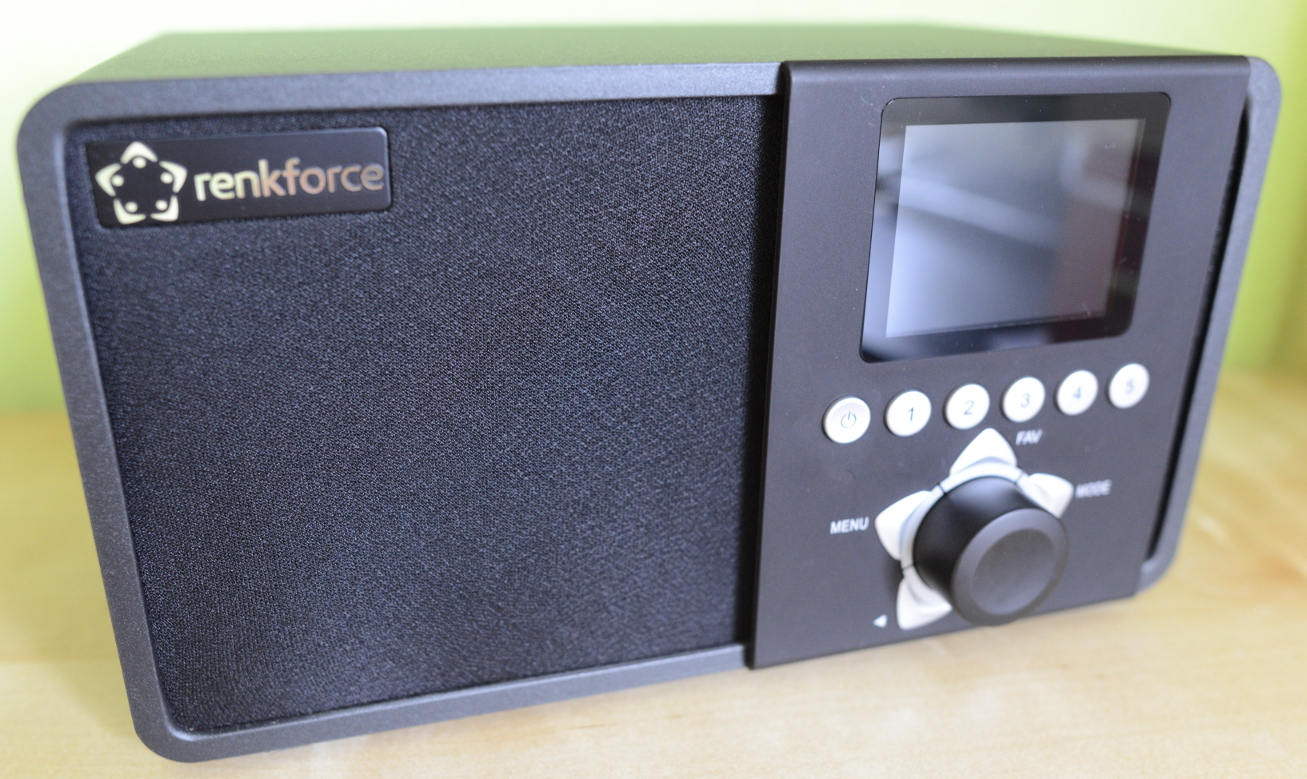
Of the key characteristics, the following were important to me:
- DLNA (direct playback via pulseaudio)
- WiFi (802.11bg)
- Aux
- Remote controller
- Good sound
- Screen
- Ability to create your own playlist
- USB

DLNA
The presence of DLNA allows you to directly redirect sound from Linux to Internet radio. You can do this in at least three ways:
- Passive. Record everything that is played by the sound card to a file and play this file on the radio through the minidlna server.
- Active. Use Rygel , which creates a virtual sound card and broadcasts all the sound from it through DLNA. Run by scripts, requires configuration files.
- Active, simple. Use the project https://github.com/masmu/pulseaudio-dlna . You can install manually, through the ppa repository in Ubuntu, or backport the package from Ubuntu 16.10 .
Read more about these methods here .
You can also play music directly from your Android phone. DLNA support was only found in Samsung's pre-installed music player. I tried to find DLNA-enabled music players on Google Play, but to no avail.
Wifi
The only minor drawback is the lack of support for 802.11n protocol.
Sound
The sound for this category of device is quite decent (one speaker at 10W). I'm not an audiophile, but the difference with the speakers built into a regular laptop is significant. Bass is present, jazz sounds great, rock and electronic music too. There is a variant with two columns ( renkforce IR 2 model ), but I did not consider it as unnecessary.
Screen
The screen is ordinary. The interface is quite friendly ...
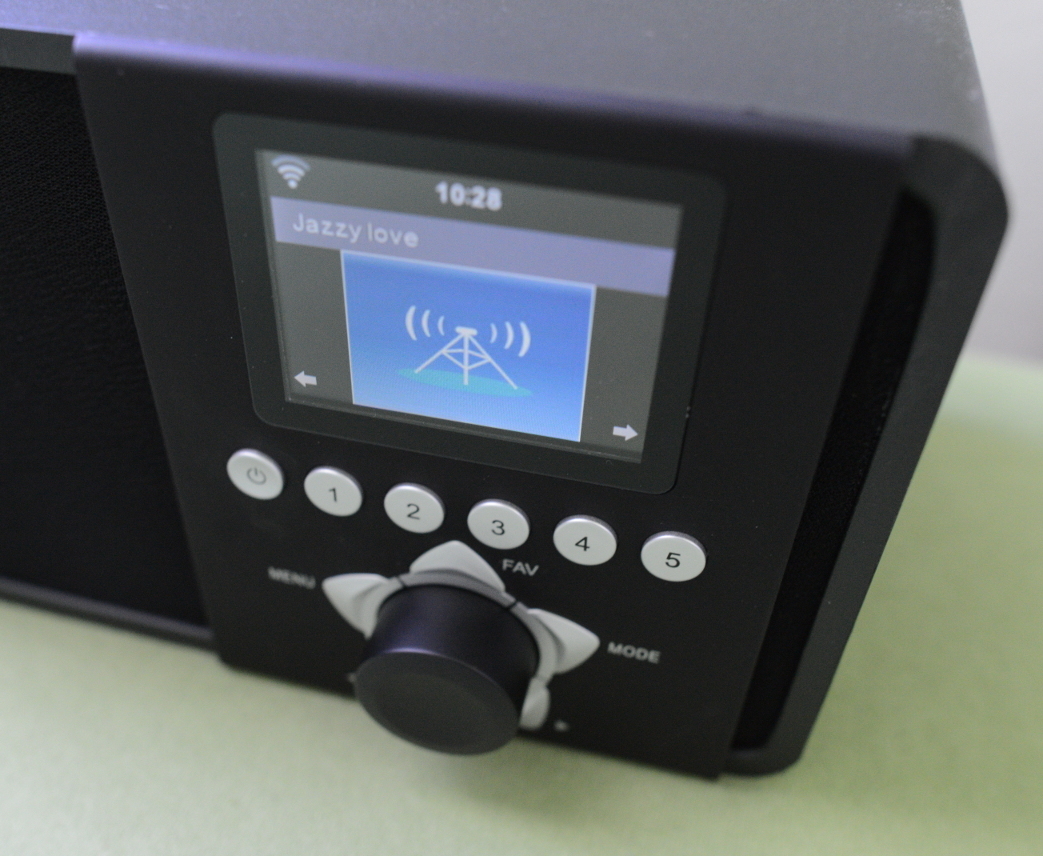
However, the procedure for adding your own radio stations leaves much to be desired.
Playlist
Because of the playlist, I decided to write this article. Manually driving the URL of a radio station using the remote control or the scroll wheel is another activity. The order of occurrence of characters when using the digital buttons on the remote control is very different from that which you are used to when typing SMS in a push-button telephone (for 2 this is the sequence "2 ABC ab c", etc.). If you use the scroll wheel, you have to scroll through each character of the alphabet. I decided to analyze whether it is possible to add a playlist through the web interface.
The web interface has been cut back. The open 80th port with the AirMusic header shows only the settings labels. HTML refers to non-existent CSS styles on port 8080. The 8080 port itself displays 404 Not Found by default .
Fortunately, the telnet port was available. Using the root username and password password I was able to access the built-in busybox. The study of the internal device gave the following information:
- All this stuff works on a processor with ARM architecture.
- The httpd server listens on port 8080 and hosts the statics located in / UIData . CSS styles were not there, as well as other useful information.
- UIProto is the heart of the radio. A statically compiled application that listens to port 80, launches mplayer , displays information on the screen, and much more. By the number of references to the name of this binary on the Internet, it seems that it was developed by an outsourcing company (mediayou.net) for most Chinese Internet radios.
UIProto saves the favorites playlist in binary format to the file /flash/myradio.cfg . It is possible to read it through the terminal output, but only as text. To get the file completely I had to sweat a little. Fortunately, busybox on the radio is compiled with support for the ftpput and ftpget commands . I used them to copy the file to the computer for further study, after setting up the FTP server.
I analyzed the binary file with the xxd (1) utility . Approximately the file structure looks like this:
Amount of entries: 2b
Every entry len: 366b
  0x00: 1b
  0x00|0x02|0x03: 1b
  0x20 (32): 1b
  0x00: 6b
  0x07|0x05: 1b
  len(0xTITLE+1): 1b
  0x80: 1b
  0xTITLE: 40b
  0x00: 59b
  0xURL: 250b
  0x00: 5b
0x00: 2b
I do not exclude the possibility that some elements in the structure are ordinary garbage from unallocated allocated memory. The use of zeros in these elements does not affect the final result.
The initial version of the utility in C kept a hard-coded playlist. I used singly linked lists to store the structure in the utility memory. The result of the first launch was given by a test binary playlist, which I downloaded to the device. Even if there were zeros in the structural elements unknown to me, the new playlist was successfully read. The final version of the utility reads the playlist from the CSV file and writes it to the binary format. A nice bonus was the use of headers for radio stations instead of their URLs (previously radio stations in the list were displayed as http://1.2.3.4:8080/radio.mp3 ).
In conclusion, for the sake of experiment, I tried to compile a static native binary that could run directly on the radio itself. There is no practical benefit from this, but you can try writing an httpd daemon that allows you to edit radio stations directly through the web interface. A more global and unrealizable idea is to write a fully opensource firmware for Internet radio.
How to make UIProto re- read the playlist after the update, I still do not understand. I use the hardcore method - sync and reboot.
For the convenience of downloading a playlist to the radio, I wrote scripts using expect (1) .
USB
The board has an unsoldered USB. Judging by dmesg (1) , it is quite efficient. I have not yet had time to check its performance in practice.

References
- The source code of the utility, helper scripts and other radio information on github: https://github.com/kayrus/iradio
- Information about a similar model of Internet radio: https://sites.google.com/site/tweakradje/devices/abeo-internet-radio









