March 25, 2016 at 18:12
Questions to developers of Paragon NTFS for Mac
I remember the school years when the Paragon Partition Manager was an integral part of every “resuscitator”. We had only dreamed about virtual machines, and in order to deliver several OSes, schoolchildren had to “cut” one and a half gigabyte disk.
Now, when schoolchildren have acquired beards, stomachs, children and DSLRs (not diseases, but cameras), the problem arises, like on a dearly beloved Windows terabyte, on which a bunch of pictures from the graduation and savebooks from Fallout 2, upload a lot of new video from Mac , on which stands the super-caring El Capitan ( "For your safety, we will deprive you of some rights. Let's start with root privileges." ).
When I was a first year student at the university, we heard rumors that physical technicians Russified Palm and wrote software for it, so the other day I had a chance to chat with people who may have been involved in this. On Giktims, in a commentary on an article about NTFS for Mac, kukkk “asked” Paragon developers two questions:
I decided to push a little and look for first-hand answers.
Ask clarifying questions in the comments or in PM, I will pass them on to the developers.
Here's what I managed to dig up about NTFS for Mac.
(Paragon NTFS for Mac is an OS X El Capitan-enabled driver that allows you to format, check, and fix NTFS partition errors.)
The product consists of several components:
Filesystem bundle (.fs) , a file system bundle, which, in turn, consists of:
Prepanel (settings panel) . This is the main product GUI. Prepanel provides:
Product Update Center (Paragon Updater) . A special component that checks for updates and provides a product upgrade in a couple of clicks.
The first version of the product was released when the current OS X was 10.4 Tiger. At that time, OS X did not even have NTFS read support (starting from 10.5 OS X can mount NTFS partitions in read-only mode). At that time, our product consisted of only a driver, and users were asked to mount partitions manually through a call to the mount utility.
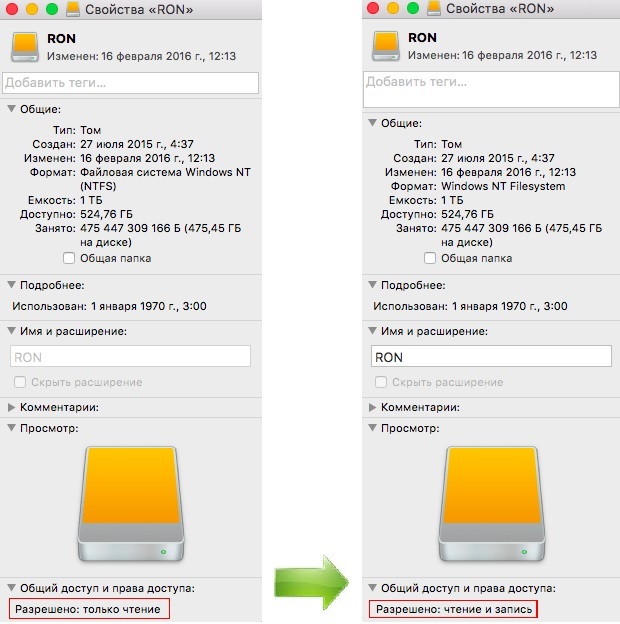
Subsequently, the product introduced a complete set of utilities for compatibility with diskarbitrationd (a service that provides automatic mounting and service operations with partitions). Starting from this moment, partitions were mounted automatically in RW, and users now have the opportunity to use Disk Utility to check / repair or create new NTFS partitions.
The next step was the appearance of the settings panel. Our settings are not framed by a separate application, but by the settings panel to emphasize the full integration of the product with OS X. The point is that we tried to integrate into OS X as correctly as possible. That is so that OS X is managed with NTFS partitions “like with native ones” through all user-accessible interfaces.
Next was a serious uplifting of the driver itself:
The next key step was support for 64-bit versions of OS X. The driver has undergone major changes due to the new architecture (OS X 10.6 - 10.7).
Then Apple added a special signature requirement for kernel extension. A trifle, but at this stage we had to keep several driver versions in the package, because older OS X did not support signed versions.
The last "difficult" integration was the integration with the current OS X 10.11 El Capitan.
A brand new feature has appeared in this version of OS X: System Integrity Protection. Among other things, this feature has limited third-party developers write access to most system directories. Those. The "base" of the operating system now remains closed from modification, which guarantees the user stability of its work.
However, as often happens, for third-party developers at the time of implementation of this feature, alternative locations were not ready. During the beta testing phase of OS X 10.11, the requirements changed from version to version, and full compatibility of OS X with third-party file systems has not appeared to this day.
First of all, the ability to integrate third-party file systems into Disk Utility was lost. In order to provide users with the ability to perform basic operations with their NTFS partitions, we added this functionality to our prepanel.
At the moment, we are working on a highly updated version of the driver itself (kernel extension). OS X versions come out with enviable regularity, and with them the SDKs and supported features are updated. We are developing a driver that will be written based on the requirements of current OS X without regard to compatibility with older versions of OS X. This will allow us to get an additional increase in productivity (and saving user resources). Although, it is worth saying, at this stage our driver provides excellent performance approximately equal to the performance of the native HFS + driver.
It is also worth noting that all of our file system drivers, including Paragon NTFS for Mac 14, are based on Paragon UFSD (Universal File System Driver) , a single cross-platform technology., which supports all major current file systems.
Many "do not want to carry money paragon at for a software which is used once a month" and experiment with source codes
For the previous versions of OS X (10.10 and 10.9) on Habr there were instructions "We connect NTFS for record in Mac OS X Yosemite 10.10" and we Mount disks NTFS for recording on MacOS X 10.9 Mavericks .
" Boomburum : I have been using this thing for a long time, among the first I put it when reinstalling the makoshi - convenient. Maybe highlight the keys, distribute to good users?)"
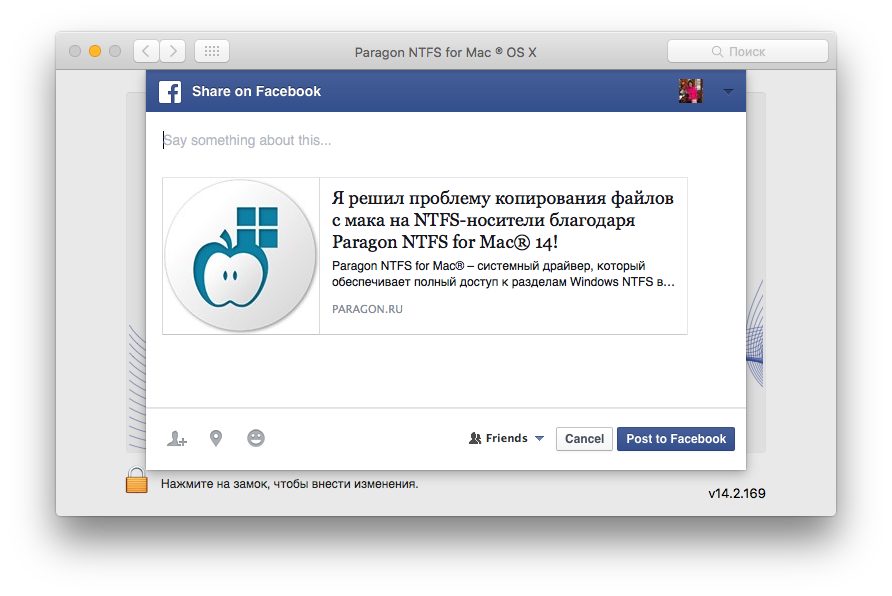
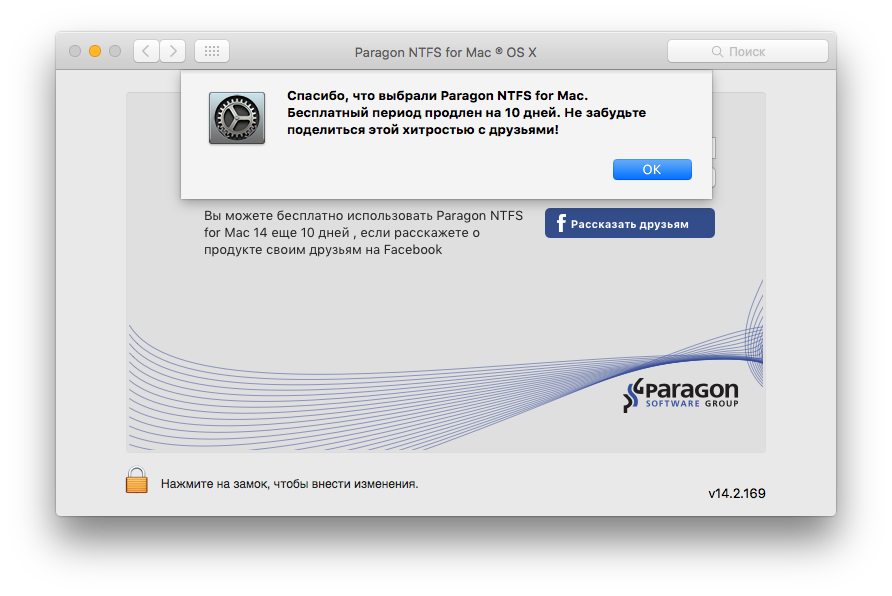
I talked with friends, they said that the product is good, praises itself, but marketers are indefatigable, boost the viral effect.
All marketing movement going on at Gicktime
While there is an opportunity, ask informative questions to developers so that there are more useful articles on Habré.
Articles from Paragon specialists:
“There is an external hard drive and 2 cars (one on Win, the second on OS X). Access to the drive is needed from both machines. ”
Now, when schoolchildren have acquired beards, stomachs, children and DSLRs (not diseases, but cameras), the problem arises, like on a dearly beloved Windows terabyte, on which a bunch of pictures from the graduation and savebooks from Fallout 2, upload a lot of new video from Mac , on which stands the super-caring El Capitan ( "For your safety, we will deprive you of some rights. Let's start with root privileges." ).
When I was a first year student at the university, we heard rumors that physical technicians Russified Palm and wrote software for it, so the other day I had a chance to chat with people who may have been involved in this. On Giktims, in a commentary on an article about NTFS for Mac, kukkk “asked” Paragon developers two questions:
- How did you develop this product?
- How this product works
I decided to push a little and look for first-hand answers.
Ask clarifying questions in the comments or in PM, I will pass them on to the developers.
Here's what I managed to dig up about NTFS for Mac.
(Paragon NTFS for Mac is an OS X El Capitan-enabled driver that allows you to format, check, and fix NTFS partition errors.)
How the product works
The product consists of several components:
Filesystem bundle (.fs) , a file system bundle, which, in turn, consists of:
- kernel extension (file system driver)
- Utilities (mount, newfs, fsck, util). Utilities provide the ability to identify, mount, format, verify and repair the NTFS file system
Prepanel (settings panel) . This is the main product GUI. Prepanel provides:
- basic product settings (notifications, activation, driver on / off)
- basic operations with partitions (format, mount, verify / repair, set as startup)
- the ability to completely remove the product
Product Update Center (Paragon Updater) . A special component that checks for updates and provides a product upgrade in a couple of clicks.
A small historical background
The first version of the product was released when the current OS X was 10.4 Tiger. At that time, OS X did not even have NTFS read support (starting from 10.5 OS X can mount NTFS partitions in read-only mode). At that time, our product consisted of only a driver, and users were asked to mount partitions manually through a call to the mount utility.
Subsequently, the product introduced a complete set of utilities for compatibility with diskarbitrationd (a service that provides automatic mounting and service operations with partitions). Starting from this moment, partitions were mounted automatically in RW, and users now have the opportunity to use Disk Utility to check / repair or create new NTFS partitions.
The next step was the appearance of the settings panel. Our settings are not framed by a separate application, but by the settings panel to emphasize the full integration of the product with OS X. The point is that we tried to integrate into OS X as correctly as possible. That is so that OS X is managed with NTFS partitions “like with native ones” through all user-accessible interfaces.
Next was a serious uplifting of the driver itself:
- Extended attributes (EA) support was added to avoid a large number of ._ files appearing on the NTFS partition. If the file system driver does not support EA, then OS X emulates support for these attributes by creating a ._ file containing these attributes for each file.
- Support for non roman characters. The encoding subsystem has been redesigned to provide the correct format for storing files with names in non roma encodings.
- Improved services on NTFS partitions (indexing content, sharing folders on NTFS volumes, etc.)
The next key step was support for 64-bit versions of OS X. The driver has undergone major changes due to the new architecture (OS X 10.6 - 10.7).
Then Apple added a special signature requirement for kernel extension. A trifle, but at this stage we had to keep several driver versions in the package, because older OS X did not support signed versions.
The last "difficult" integration was the integration with the current OS X 10.11 El Capitan.
A brand new feature has appeared in this version of OS X: System Integrity Protection. Among other things, this feature has limited third-party developers write access to most system directories. Those. The "base" of the operating system now remains closed from modification, which guarantees the user stability of its work.
However, as often happens, for third-party developers at the time of implementation of this feature, alternative locations were not ready. During the beta testing phase of OS X 10.11, the requirements changed from version to version, and full compatibility of OS X with third-party file systems has not appeared to this day.
First of all, the ability to integrate third-party file systems into Disk Utility was lost. In order to provide users with the ability to perform basic operations with their NTFS partitions, we added this functionality to our prepanel.
At the moment, we are working on a highly updated version of the driver itself (kernel extension). OS X versions come out with enviable regularity, and with them the SDKs and supported features are updated. We are developing a driver that will be written based on the requirements of current OS X without regard to compatibility with older versions of OS X. This will allow us to get an additional increase in productivity (and saving user resources). Although, it is worth saying, at this stage our driver provides excellent performance approximately equal to the performance of the native HFS + driver.
It is also worth noting that all of our file system drivers, including Paragon NTFS for Mac 14, are based on Paragon UFSD (Universal File System Driver) , a single cross-platform technology., which supports all major current file systems.
Marketers Anneal
Many "do not want to carry money paragon at for a software which is used once a month" and experiment with source codes
For the previous versions of OS X (10.10 and 10.9) on Habr there were instructions "We connect NTFS for record in Mac OS X Yosemite 10.10" and we Mount disks NTFS for recording on MacOS X 10.9 Mavericks .
" Boomburum : I have been using this thing for a long time, among the first I put it when reinstalling the makoshi - convenient. Maybe highlight the keys, distribute to good users?)"
proof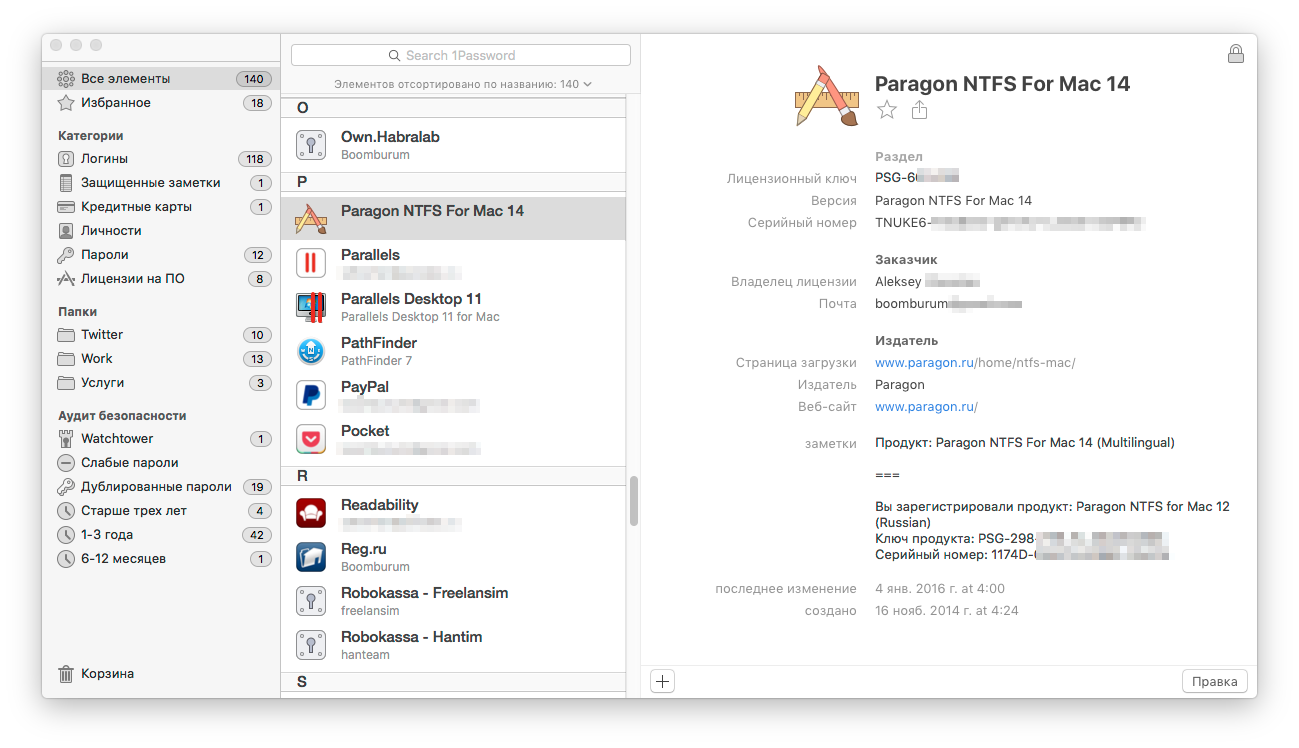
I talked with friends, they said that the product is good, praises itself, but marketers are indefatigable, boost the viral effect.
All marketing movement going on at Gicktime
contrive as they can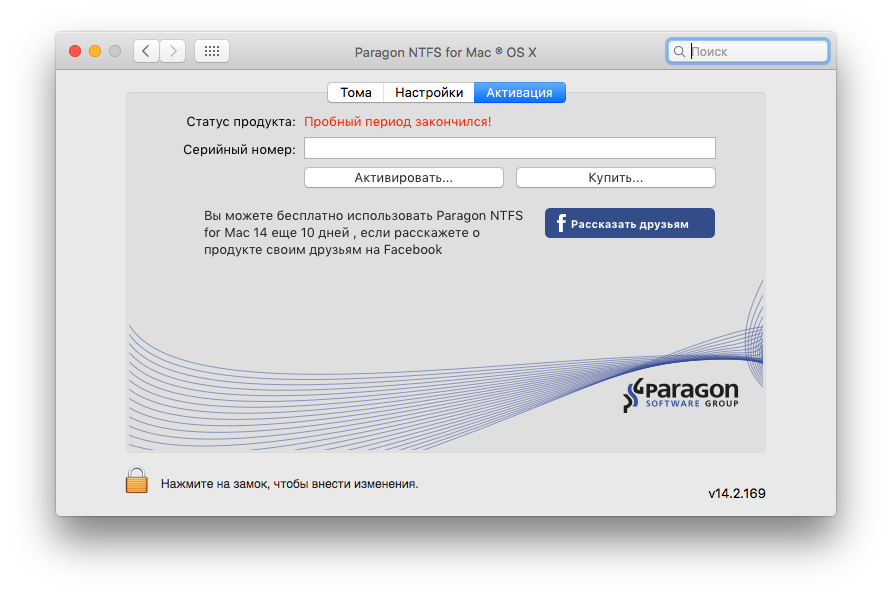
PS
While there is an opportunity, ask informative questions to developers so that there are more useful articles on Habré.
Articles from Paragon specialists: