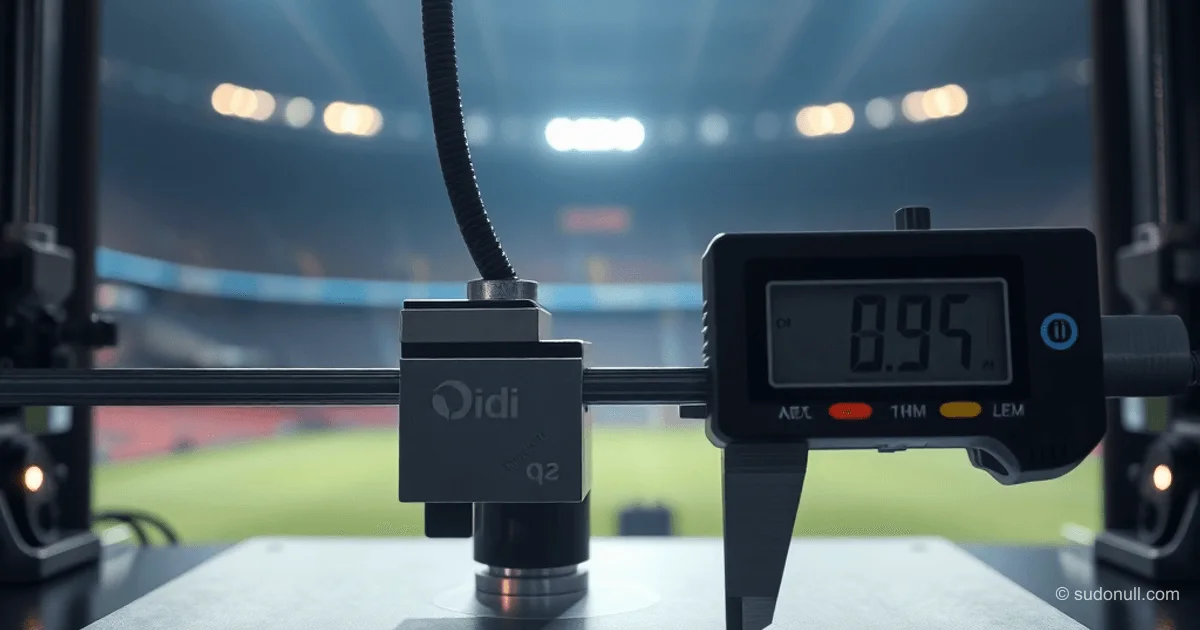
# Automatic Nozzle Cleanliness Check in Qidi Q2: Solving the "Snotty Nose" Problem
Owners of Qidi Q2 3D printers often run into the "snotty nose" issue—a blob of plastic on the nozzle that causes the load cell to trigger prematurely. This results in bed calibration failure and the first print failing. Here's a solution: a Klipper macro that automatically checks nozzle cleanliness and repeats the wipe if needed.
Why the Standard Qidi Q2 Nozzle Wipe Falls Short
The Qidi Q2 printer features a load cell to detect bed contact. During print prep, it purges the nozzle, cools it to 140°C, and brushes it clean. However, at that low temperature, a solid plastic blob might linger on the nozzle. When bed leveling (G29) follows, the sensor triggers too early, shifting the entire bed mesh upward. The first layer then prints in mid-air with zero adhesion.
The standard PRINT_START macro ignores this problem. It wipes the nozzle, then adjusts Z tilt and runs G29, but a dirty nozzle corrupts the calibration data. This hits hardest with remote printing, where you can't eyeball the nozzle.
How the Macro Detects a "Snotty Nose"
The fix analyzes bed mesh data. After G29, it calculates the average Z value across all mesh points. If the average tops a set threshold (say, 0.07 mm), there's likely a plastic blob on the nozzle. A clean nozzle gives an average Z near zero, since calibration zeros the nozzle to bed level.
How it works:
- Loads the mesh profile (default 'kamp').
- Computes the arithmetic mean of all Z coordinates.
- If average > threshold, it re-wipes and recalibrates.
- On repeat failure—stops the print.
Set the threshold above sensor noise and thermal expansion but below first-layer height. Recommended: 0.07–0.1 mm.
Step-by-Step Integration into Klipper
Add the _CHECK_NOZZLE_DIRTY macro to your gcode_macro.cfg file:
[gcode_macro _CHECK_NOZZLE_DIRTY]
description: Detects dirty nozzle and auto-retries wipe
variable_retry_count: 0
gcode:
    {% set profile = params.PROFILE|default('kamp') %}
    {% set hotendtemp = params.HOTEND|default(250)|int %}

    {% if profile in printer.bed_mesh.profiles %}
        {% set mesh = printer.bed_mesh.profiles[profile].points %}
        {% set total_z = namespace(val=0) %}
        {% set count = namespace(val=0) %}

        {% for row in mesh %}
            {% for z in row %}
                {% set total_z.val = total_z.val + z %}
                {% set count.val = count.val + 1 %}
            {% endfor %}
        {% endfor %}

        {% if count.val > 0 %}
            {% set avg_z = total_z.val / count.val %}
        {% endif %}

        {% if avg_z > 0.07 %}
            {% if retry_count < 1 %}
                { action_respond_info("WARNING: Nozzle dirty (Z-avg: %.3f). Attempting wipe..." % avg_z) }
                SET_GCODE_VARIABLE MACRO=_CHECK_NOZZLE_DIRTY VARIABLE=retry_count VALUE=1

                CLEAR_NOZZLE HOTEND={hotendtemp}
                G28 Z
                G29
            {% else %}
                SET_GCODE_VARIABLE MACRO=_CHECK_NOZZLE_DIRTY VARIABLE=retry_count VALUE=0
                { action_raise_error("ERROR: Retry wipe failed (Z-avg: %.3f). Aborting." % avg_z) }
            {% endif %}
        {% else %}
            { action_respond_info("CHECK: Nozzle clean (Z-avg: %.3f). Printing OK." % avg_z) }
            SET_GCODE_VARIABLE MACRO=_CHECK_NOZZLE_DIRTY VARIABLE=retry_count VALUE=0
        {% endif %}
    {% else %}
        { action_respond_info("CHECK: Mesh profile %s not found." % profile) }
    {% endif %}
Then add the macro call to PRINT_START right after G29:
G29 ; Bed mesh calibration
_CHECK_NOZZLE_DIRTY PROFILE=kamp HOTEND={hotendtemp}
Klipper logs will show nozzle status. Example:
Mesh Bed Leveling Complete
...
WARNING: Nozzle dirty (Z-avg: 0.136). Attempting wipe...
Key Setup Notes
- Threshold value: Start at 0.07 mm. Tweak for your printer, sensor tolerance, and filament.
- Bed calibration: Macro needs bed calibration first. Skip it, and average Z will be off.
- Retry limit: One retry wipe allowed. Second failure halts printing.
- Testing: Slip a 0.1 mm feeler gauge under the nozzle during calibration to test.
This macro saves time—especially for remote operation—and boosts print success rates.
— Editorial Team








No comments yet.