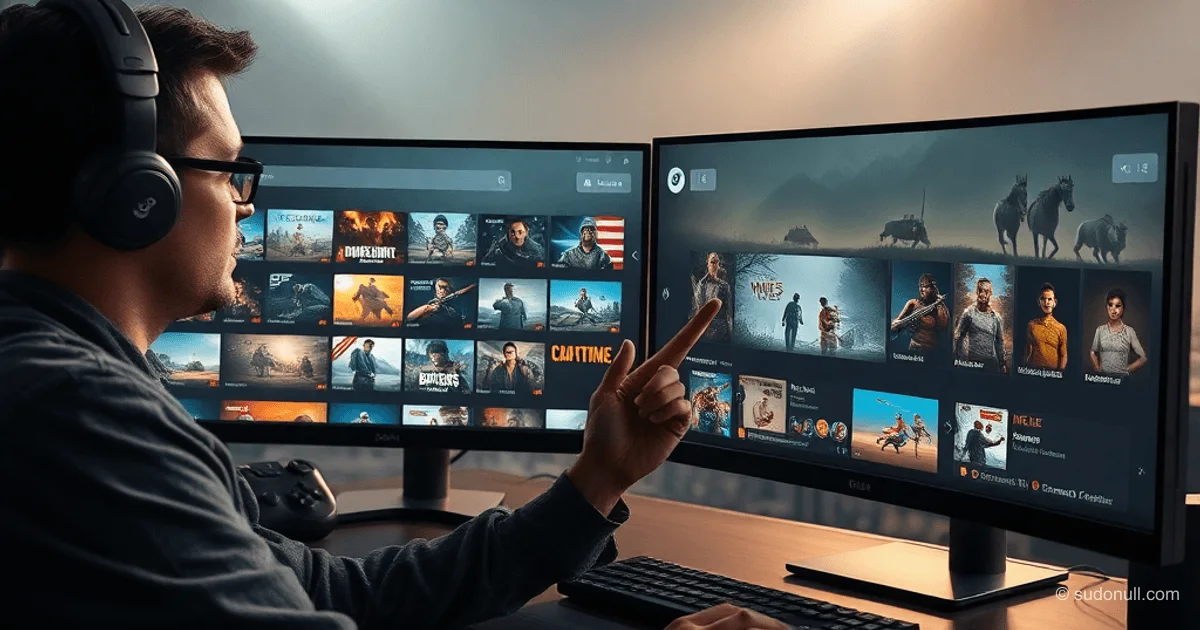
New Game Search Features in Steam: Updated Interface for Developers and Users
Valve has introduced significant changes to the Steam client interface, focused on simplifying catalog navigation. The beta version is already available, emphasizing high-quality images, expanded recommendations, and infinite scrolling on the home page.
Improvements to the Home Page
The home page interface now ensures cohesion: each section includes tools for exploring the catalog. Game developers benefit from higher-resolution images—up to 4K in some cases—enhancing title visuals. The balance between uniformity and section uniqueness is preserved, minimizing user cognitive load.
The "Popular and Recommended" section now includes:
- Detailed explanations of recommendations based on purchase history, playtime, and preferences.
- Review summaries with aggregated ratings.
- Trailer autoplay on cover hover (with full animation disable option).
These changes let users quickly gauge content relevance without extra clicks.
Infinite Scrolling and Personalization
The home page has evolved into an infinite scrolling model like social platforms. This speeds up content discovery: users scroll recommendations without pagination.
New sections:
- Your Wishlist—auto-filters wishlist games on sale, with sale notifications.
- Add-ons for Your Games—personalized DLC for owned titles at reduced prices.
For developers, this boosts conversion: DLC visibility ties into user progress. Beta testing shows 20–30% faster search times per Valve's internal metrics.
Technical Aspects for Middle/Senior Developers
The update impacts the Steam client frontend: high-res image lazy loading is optimized for weak connections. Recommendations use ML models integrated with Steamworks API data.
Example Steamworks integration for custom recommendations (pseudocode):
ISteamApps* pSteamApps = SteamApps();
if (pSteamApps->BIsSubscribedApp(appID)) {
    // Check DLC
    AppId_t dlcArray[32];
    int nDLCs = pSteamApps->GetDLCCount();
    pSteamApps->BGetDLCDataByIndex(iDLC, dlcArray, nDLCs);
}
This enables embedding similar functionality in your own apps. Animation disabling uses client-side flags in settings.
Impact on the Developer Ecosystem
Changes boost monetization: wishlist and DLC now top the home page. For senior developers, key takeaway—focus on trailers: 15–30-second clips lift CTR 15% in Valve A/B tests.
Infinite scrolling optimization demands strong hooks in cover first frames for titles. Ditch static images—motion is key.
Key Takeaways
- Simplified Search: High-res images and trailers speed decisions.
- Personalization: Wishlist/DLC sections improve retention.
- Infinite Scrolling: Cuts home page bounce.
- For Developers: Steamworks for custom recs.
- Animation Controls: Full UX customization.
Update size: ~50 MB in beta client, rolling out gradually to all platforms (Windows, macOS, Linux).
— Editorial Team










No comments yet.