Optimizing IT Support Workload with ITSM Tools
IT leaders often grapple with task chaos: resources get burned on urgent tickets while systemic issues linger unresolved. This leads to specialist burnout, unhappy customers, and wasted budgets. The fix? An ITSM system that handles core management stages—planning, coordination, and control. It delivers flexible policies, full lifecycle support, adaptable processes, and clear oversight via objective metrics.
Team motivation gets a boost from transparent KPIs, clear workflows, and user-friendly interfaces. The system wipes out demotivators, freeing managers to focus on strategy.
Planning: Prioritizing by Business Impact
Without a solid prioritization system, support teams react to the loudest squeaky wheels instead of business needs. The result? Missed targets, burnout, and clashes with other departments.
The approach hinges on two factors:
- Service impact on the business.
- Available resources for resolution.
Key ITSM planning tools:
- Service Catalog: Ranks services by priority, pulling in policy parameters for automated handling.
- SLA: Customized per service, it sets priorities based on value and urgency—flexible yet controlled.
- Calendar: Visualizes team and individual workloads, factoring in vacations and task overlaps.
These tools turn policies into practice, cutting down on micromanagement.
Coordination: Automated Task Routing
Tickets get lost or bounced around without clear rules. Dispatchers waste time on manual assignments, and real-time status tracking is nonexistent.
A strong ITSM system handles coordination automatically: routing tasks by skills, workload, and ownership, while setting priorities and deadlines.
Core tools:
- Auto-Assignment: Based on rules, service categories, and responsibility zones; applies priority and SLA automatically.
- Data Capture: Master intake forms, editable templates for precise routing.
- Communication: In-ticket chat with full history, plus email and messenger integrations.
This shifts managers away from daily ops, balancing workloads across the team.
Control: Real-Time Analytics and Tracking
Manual reports are outdated, biased, and distrusted by stakeholders. There's no clear view of current loads, so decisions rely on gut feel.
Effective control compares plans (SLAs, tasks) against reality (time spent, statuses) to spot and fix deviations fast.
Implementation tools:
- Time Tracking: Monitors actual effort vs. benchmarks.
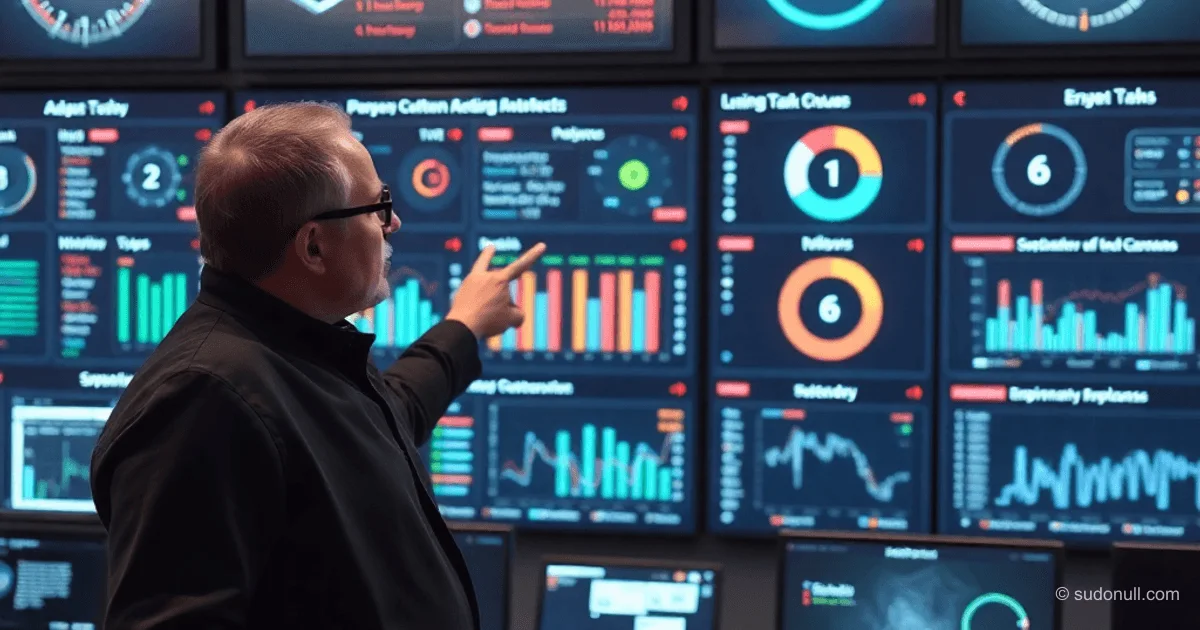
- Analytics Dashboards: Custom report builders for team and individual loads; pre-built dashboards with personalization.
Essential metrics for performance:
- Average response and resolution times.
- SLA compliance rates.
- Specialist utilization.
- Incident volume by category.
- User satisfaction scores.
Automated report distribution eliminates manual delays.
Automation: The Foundation of Efficiency
Managing IT support workloads demands tools built for heavy data flows. ITSM systems organize processes, structure data, and automate grunt work—boosting predictability and quality.
The full cycle—from planning to control—runs with minimal intervention, vital for mid- and senior-level pros handling dynamic queues.
Key Takeaways
- ITSM revolves around three pillars: planning, coordination, and control—skip them, and any methodology fails.
- Automation kills chaos, balances loads, and clarifies KPIs.
- Flexible SLAs and service catalogs tailor the system to your org.
- Real-time analytics provides business-ready data for smart decisions.
- User-friendly clarity indirectly motivates teams and curbs burnout.
— Editorial Team










No comments yet.