AI Agent for KOMPAS-3D: Full-Cycle Modeling and Drafting
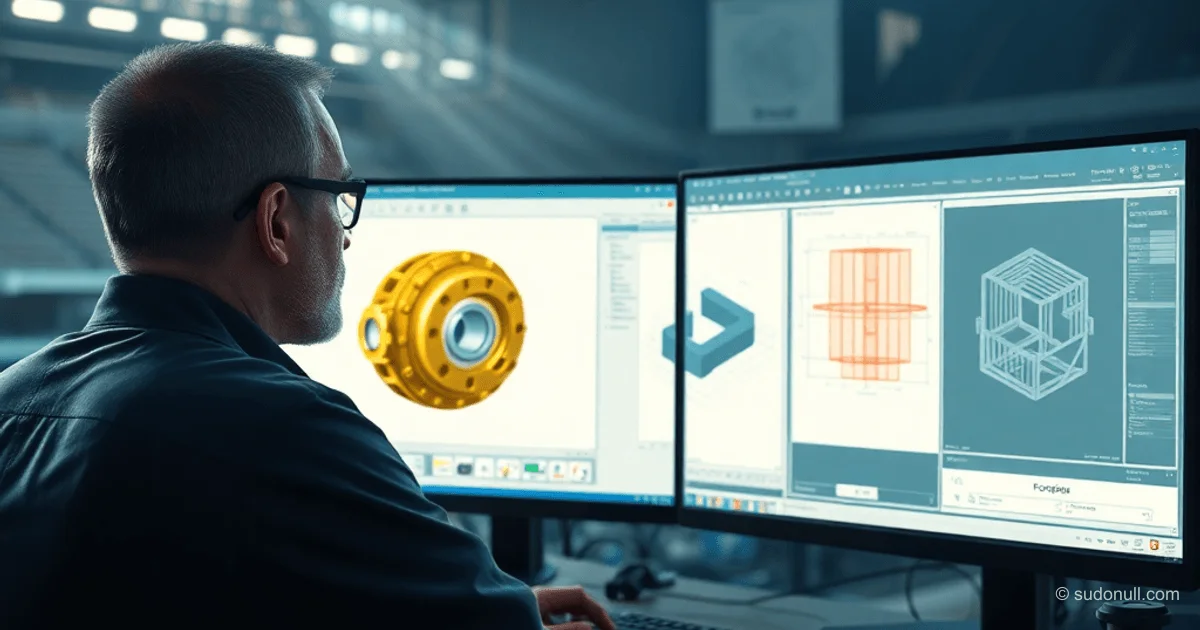
The AI agent in KOMPAS-3D now independently builds 3D parts, adds holes, checks the construction history, generates drawings with filled title blocks, and exports to DXF. The agent tracks the model's state at every stage: the current document, construction phase, face properties, and changes after operations.
This allows routine tasks to be delegated without manual intervention. The agent uses tools for analyzing context, selecting parameters, and validating geometry.
Tracking Model State
The agent requests the current state via get_3d_context: it learns the number of elements in the construction tree and the presence of a base body. It doesn't build the model from scratch but continues from the current stage.
The resolve_selection_3d tool finds faces based on descriptions—for example, "top flat face"—and returns a system ID for precise positioning of sketches and cuts.
list_feature_tree_3d provides a complete list of operations: base sketch, extrusion, cut, hole, chamfer. The developer can open the tree and verify the steps.
Geometry Validation and Optimization
After operations, measure_model_properties returns the part's volume and number of faces for mathematical verification. solve_model_goal iteratively adjusts parameters—for example, a radius of 5.0—to meet target properties.
This enables action chains: construction → verification → correction. The agent confirms command success, avoiding errors.
- get_3d_context: document and tree state.
- resolve_selection_3d: selection by description.
- list_feature_tree_3d: operation history.
- measure_model_properties: geometry metrics.
- solve_model_goal: optimization for goals.
Scripting Modes for Customization
Two modes have been added:
execute_python_script— access to the CAD API in Python for complex logic.execute_geometry_script— a DSL for construction chains, e.g.,draw.line(pt(230, 30), pt(240, 30)). The agent expands this into KOMPAS-API calls, returning a reference ID.
Python mode is suitable for automation beyond basic operations, while DSL is for quick sequences without redundant code.
Full cycle: the agent builds a part, checks the tree, moves to the drawing, fills the title block, exports DXF, saves the file, and returns a screenshot.
Practical Application Scenarios
Automation of standard parts based on templates, filling title blocks, and launching repeatable operations. Human involvement is only required for final verification.
The KOMPAS-3D environment on Windows with a COM interface retains its specifics, but the MCP server as a bridge simplifies integration with AI clients: Codex terminal, Claude Code, Cursor IDE.
Setup takes 10–15 minutes. The repository includes tools and a package.
Key Points:
- The agent maintains the model state, continuing from the current stage.
- Tools for selection, validation, and parameter optimization.
- Python and DSL scripts for custom chains.
- Full cycle: 3D → drawing → DXF without manual input.
- Integration via MCP with any AI client.
— Editorial Team










No comments yet.