# Cursor 3.1: Parallel Agents and Improved Voice Input for Developers
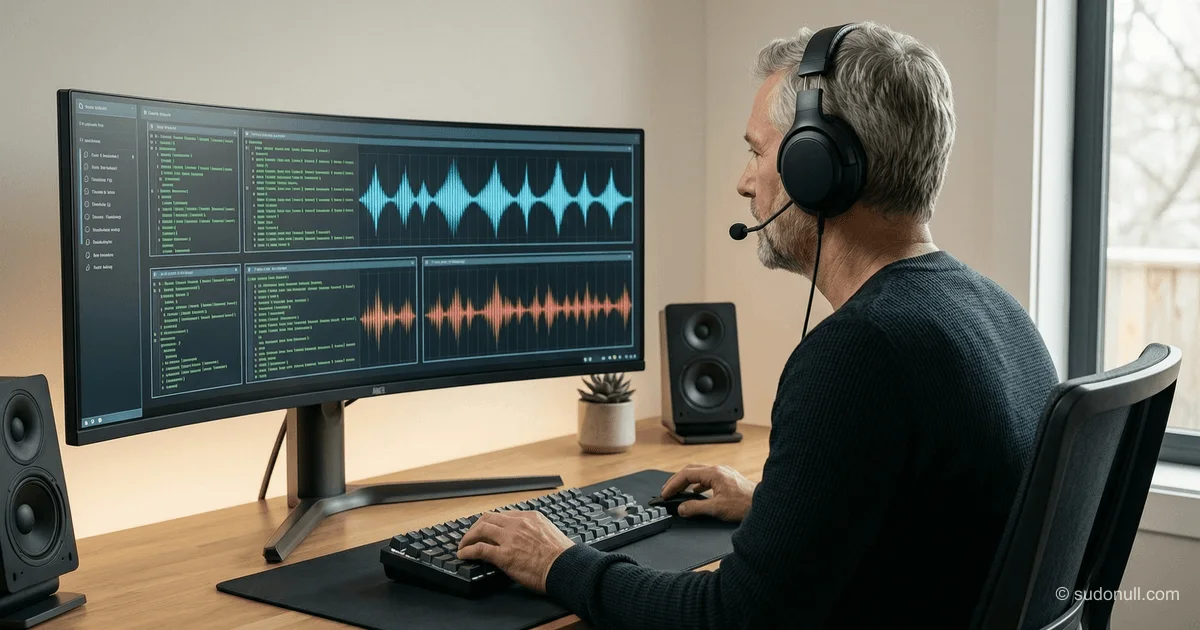
The Cursor 3.1 update brings significant changes to the interface and functionality of agents—the key tool of the AI assistant for developers. The main new feature is support for running multiple agents simultaneously in a single window, with the ability to compare their outputs in real time. This is especially useful for testing different approaches to solving the same task or analyzing agent behavior with different configurations.
Parallel Agent Work in Tiled Layout
The new Agents Window now supports tiled layout. Users can divide the workspace into multiple panels, each running an independent AI query. All agents work in parallel, speeding up iterative development and enabling quick result comparisons. Panel positions and sizes are preserved across sessions, ensuring a consistent work context.
This approach is especially effective for:
- Comparing code generation strategies (e.g., using different prompts or system roles);
- Testing hypotheses without switching tabs;
- Collaborative work on microservices, where each agent focuses on a separate component.
Overhauled Voice Input
The voice interface has been completely rewritten. Instead of streaming transcription, speech is now recorded in full and then sent for processing via STT (Speech-to-Text) as a single batch. This reduces recognition errors, especially with technical terms or long phrases.
Voice input is activated with Ctrl+M:
- Press and hold Ctrl+M;
- Speak your command or task description;
- Release the key—the text will automatically appear in the chat.
This minimizes delays and improves speech recognition accuracy, which is crucial for professional use during active development.
Improvements to Cloud Agents and Diff Navigation
Two additional but important enhancements improve working with cloud agents and viewing changes:
- When launching a cloud agent, you can now explicitly select a Git branch instead of automatically using the current one. This simplifies work with feature branches and prevents accidental changes from being applied to the wrong branch.
- Diff view mode now allows jumping to a specific line in the file directly from the comparison interface. This saves time when analyzing large patches.
Performance Optimizations
The Cursor team also focused on technical optimizations:
- AI response streaming is now ~87% smoother thanks to fewer dropped frames;
- The one-second delay when sending follow-up messages in long chats has been eliminated.
These changes enhance overall interface responsiveness, especially when working with large projects or multi-turn agent conversations.
Key Takeaways
- Parallel agents let you run and compare multiple AI processes simultaneously in one window.
- Voice input now uses batch processing for better recognition accuracy.
- Branch selection at cloud agent startup provides more control over execution context.
- Jumping to lines from diff speeds up code change navigation.
- Interface performance has been significantly improved through streaming and follow-up request optimizations.
The update is available to all Cursor users starting April 14, 2026. For developers actively using AI agents in their workflow, these changes substantially boost productivity and interaction precision with the tool.
— Editorial Team










No comments yet.