iOS 26.4.1 Issues: Users Report Crashes and Inability to Downgrade
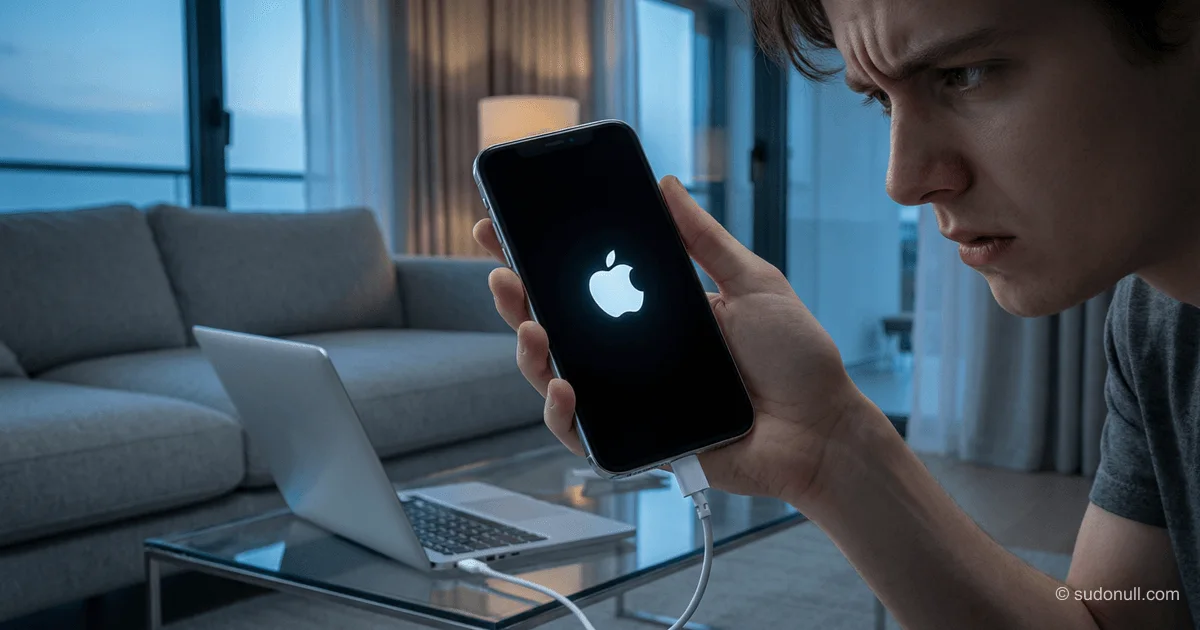
In mid-April 2026, Apple released iOS 26.4.1, which the company claimed would fix several bugs, including iCloud sync issues. However, after installation, some iPhone owners encountered serious problems: devices entering recovery mode or failing to boot. The situation is compounded by Apple ceasing to sign the previous iOS 26.4 version, making a downgrade impossible without data loss.
Causes and Scope of the Problem
As of now, there is no official confirmation of a widespread outage from Apple. Individual complaints are appearing on social media and forums, but their number has not yet reached the level typical of global incidents. Nevertheless, even isolated cases are concerning, as the consequences can be severe.
The main symptoms reported by users include:
- The device freezes on the Apple logo after installing the update.
- The iPhone enters Recovery Mode for no apparent reason.
- Decreased performance and unstable app behavior.
- Issues with Wi-Fi and cellular connectivity.
Why Is a Downgrade Impossible?
Apple traditionally stops signing previous iOS versions some time after a new update is released. This is done to ensure security and encourage users to install the latest versions. In this case, iOS 26.4 is no longer signed, so an official downgrade via iTunes or Finder is impossible. Unofficial methods, such as using third-party tools, may lead to data loss or void the warranty.
What Should Affected Users Do?
If your iPhone stopped working after installing iOS 26.4.1, the following steps are recommended:
- Try a force restart: the button combinations vary by iPhone model. This usually helps exit Recovery Mode.
- Restore via Finder or iTunes: if a restart doesn't help, connect the device to a computer and attempt to restore it. However, keep in mind that this will erase all data.
- Contact Apple Support: if your data is critical, it's best not to take independent action and instead consult professionals.
Important
- Apple has not confirmed a widespread issue with iOS 26.4.1.
- A downgrade to iOS 26.4 is officially impossible.
- Restoring the device may result in complete data loss.
- Users are advised to back up their data before installing updates.
- Stay tuned for official statements from Apple and news about potential fixes.
Context and Potential Consequences
Such incidents are not uncommon for Apple. For example, in 2023, the iOS 17.0.3 update caused device overheating, and in 2024, iOS 18.2 led to camera malfunctions. The company usually releases fixes promptly, but in this case, the inability to downgrade creates additional risks.
For users who have already installed the update, the main recommendation is not to panic and wait for an official response from Apple. If the problem is indeed widespread, the company will likely release a new iOS version with fixes soon.
In the long term, this case raises questions about Apple's policy on signing versions. Perhaps the approach should be reconsidered to give users more flexibility in the event of critical errors.
— Editorial Team










No comments yet.