 November 15, 2013 at 07:13
KitKat Android 4.4 Unboxing (and even a brief overview)
In this article, I do anboxing. Do not expect specific parameters or detailed charts.
Not so long ago, Google released a new version of its operating system for mobile devices - Android 4.4 KitKat. Many of you know that each version of this operating system had a name in addition to its serial number - and these were sweets. Google started with Apple Pie, and each subsequent major update called some other yummy, following the banal alphabet for the first letter. And so, in the end, they got to the letter K. Most of the dedicated people were sure that the next version of the system would be called Key Lime Pie, but Google recently decided differently. Now the latest version of the system, with serial number 4.4, is called KitKat, as well as the eponymous chocolate bar from the notorious Nestle company.
And now, you see, simultaneously with the launch of Android 4.4 KitKat, Google Nexus 5 was launched, a new smartphone that many have read and almost everyone knows. However, many do not know that another product was launched jointly by Google and Nestle - and this is KitKat chocolate with a certain cover design. Just the other day, I went to the grocery store and saw this product on a shelf. I asked the cashier, “How long has it been brought in?”, And she answered me “Yesterday.” Today I am doing her anboxing to the delight of those to whom this product has not yet been brought.
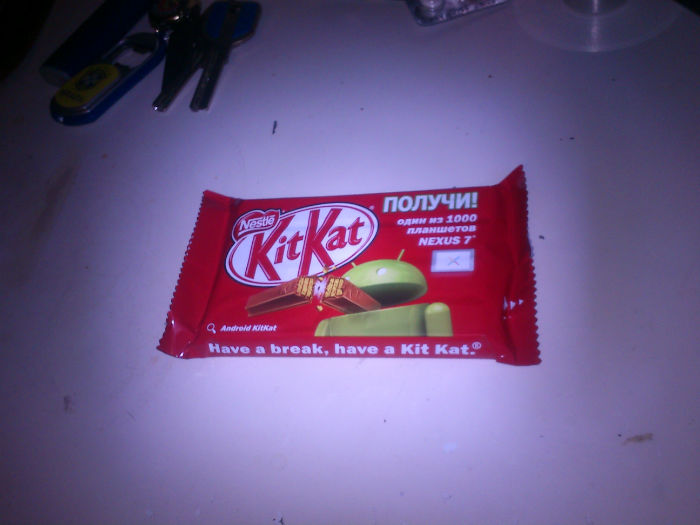
I do not pretend to be a full review, although I plan to cover the main characteristics.
Who is interested - I ask for a cat.
So, you got an unusual package of KitKat chocolate with the Android logo and the inscription “Nexus 7 as a gift, all things”. What do we do first of all when we buy a chocolate bar or any other tasty treat? Of course, first we try to open the package. Immediately recommend, in order to avoid damage, open from the back, and not from the end, as the teeth on the package hint to us. That is, open it like any Mars or Twix.
Picture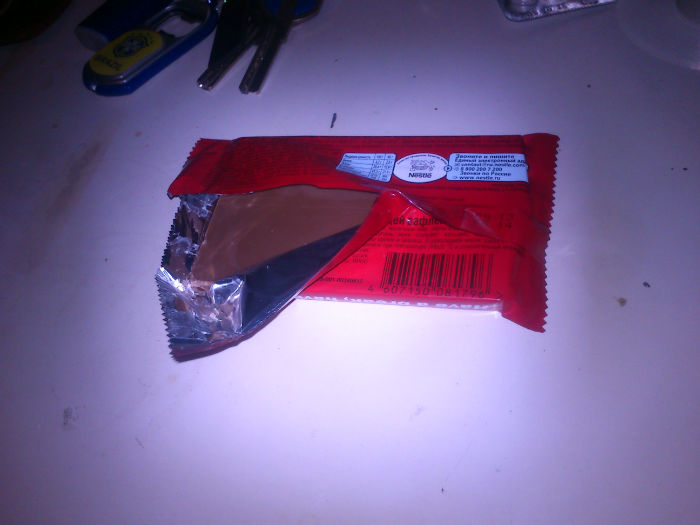
Opening is easy and stress free. This leaves a positive impression.
Picture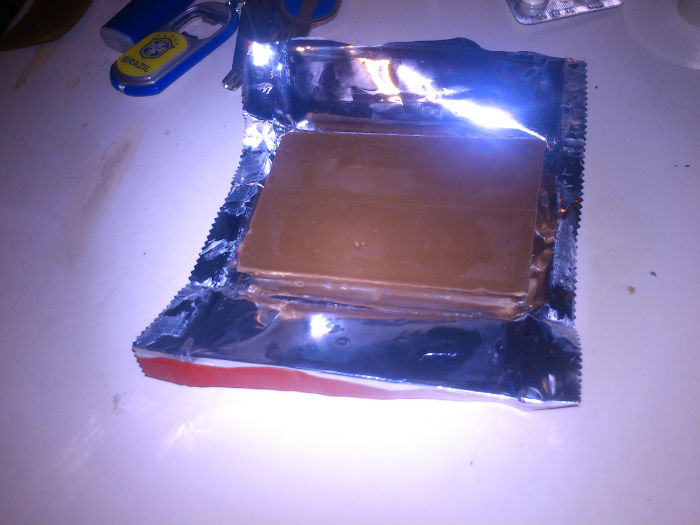
Turning directly the contents, we see the name of the new operating system, written on each of the four elements of the chocolate bar.
Picture
A chocolate breaks after a short freeze in an ordinary Biryusa refrigerator very easily and naturally.
Picture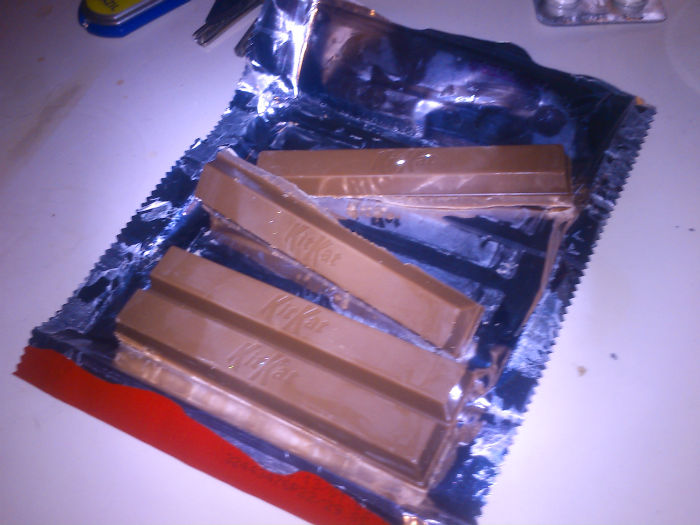
Now let's look at each item individually. The texture of the product makes you take it in your hand and carefully examine it. Accurate forms add status, and uneven scrap points indicate the proximity of the product to the imperfection of our world.
Picture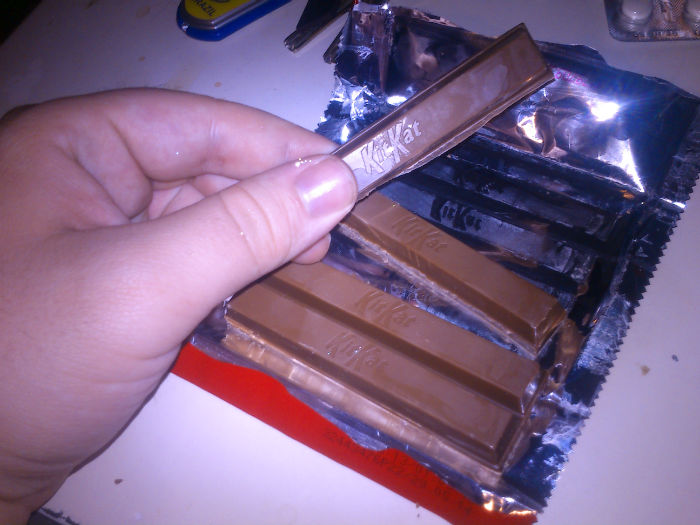
After trying the product, we can definitely say that the crunch is slightly different from the standard one, and the filling makes you think about the imperfection of everything that exists compared to the perfect filling of the contents of the product itself. If it’s easier, it crunches as it should, and it’s very tasty.
Picture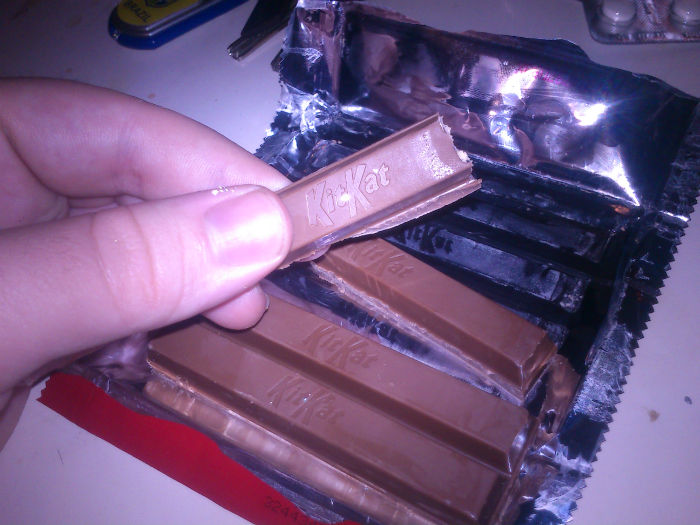
There are also disadvantages right away - despite the fact that the product has been in the Biryusa refrigerator for a rather long time, after some time it leaves marks on the fingers. Of course, this is a completely subjective assessment, nothing more, but the sediment still remains.
Picture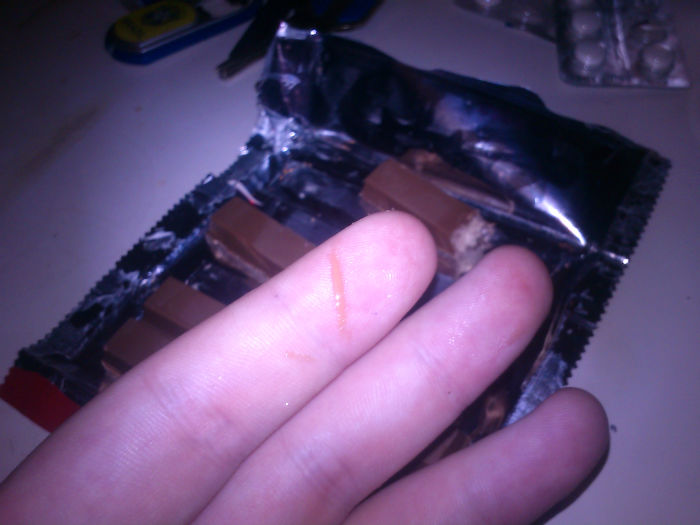
As you can see, the packaging itself preserves the texture of the product and can always recall what it was from. This is quite a big plus in ergonomics, both for those who keep labels and inserts from Turbo to this day, and for those who get rid of unnecessary right away.
Picture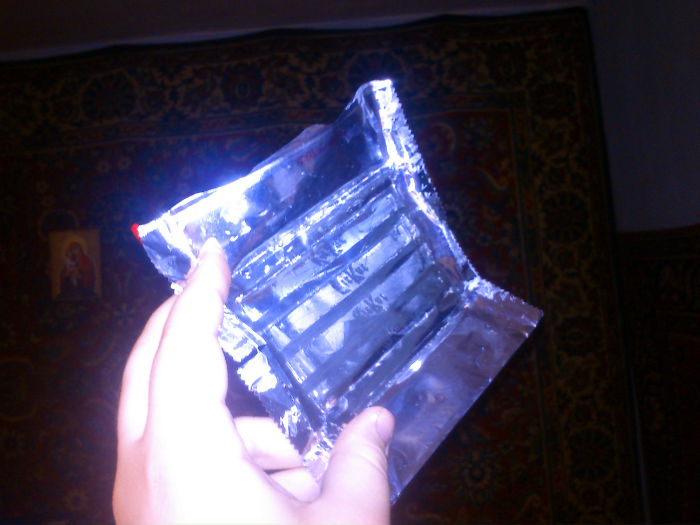
As a result, I can say that one of the four elements of the product seemed to me very high-quality, and there is no reason to believe that the other three will be worse, if only because they were originally combined into one.
Picture
Thank you for watching the boxing and the first trial of KitKat Android 4.4. I hope you enjoyed it.
PS The author is in no way affiliated with Google and Nestle. All text and graphic information above is presented for informational purposes only.
PPS
If you live in Yekaterinburg
I will be happy to share with you the last three elements of this product and packaging, if you are in Yekaterinburg, on Elmash, closer to Prospekt Kosmonavtov station - tonight









