MacBook Pro 15 ”late 2011 discrete graphics upgrade: re-soldering video memory from 512MB to 1GB
Continuing a series of posts on upgrading Apple computers. This time we will talk about the MacBook Pro 15 ”(A1286) 2011 release. A very worthy device, in my opinion: a quad-core Intel Core i7 processor, Ati 6-series graphics, support for 16GB of 1333MHz RAM. Its performance, to date, is quite enough for most tasks.
Apple has released four configurations of this model, which differ in processor and graphics. See the table for detailed specifications. The experiment was carried out on a complete set MD 318 (i7 2.2GHz, Ati 6750M (512MB)). Native video memory (vram) with a capacity of 512MB, soldered to more capacious chips and got 1GB vram.
Table. 2011 A1286 Specifications
| Model | MacBook Pro 15 "A1286 | |||
| Year | beginning of 2011 | end of 2011 | ||
| Equipment | Mc721 | Mc723 | MD318 | MD322 |
| Identifier | MacBookPro 8.2 | |||
| Graphics (vram) | 1. Intel HD 3000 | |||
| 2. Ati Radeon HD 6 series | ||||
| Ati 6490M (256MB) | Ati 6750M (1GB) | Ati 6750M (512MB) | Ati 6770M (1GB) | |
| Chipset | Intel BD82HM65 | |||
| Video chip | 216-0809000 | 216-0810005 | 216-0810005 | 216-0810084 |
| EFI Version | MBP81.0047.B27 | |||
| SMC Version | 1,69f3 | 1.69f4 | ||
| Pay | 820-2915-A | 820-2915-B | ||
| Processor (cache) | Quad-core Intel Core i7 | |||
| i7 2.0GHz (6MB) | i7 2.2GHz (6MB) | i7 2.2GHz (6MB) | i7 2.4GHz (6MB) | |
| Memory | 1333MHz DDR3 (PC3-10600), max 16GB | |||
I’ll tell you more about the key points, I won’t describe the BGA soldering process, anyone who wants can independently “google” how this is done.
We disassemble and get the board.
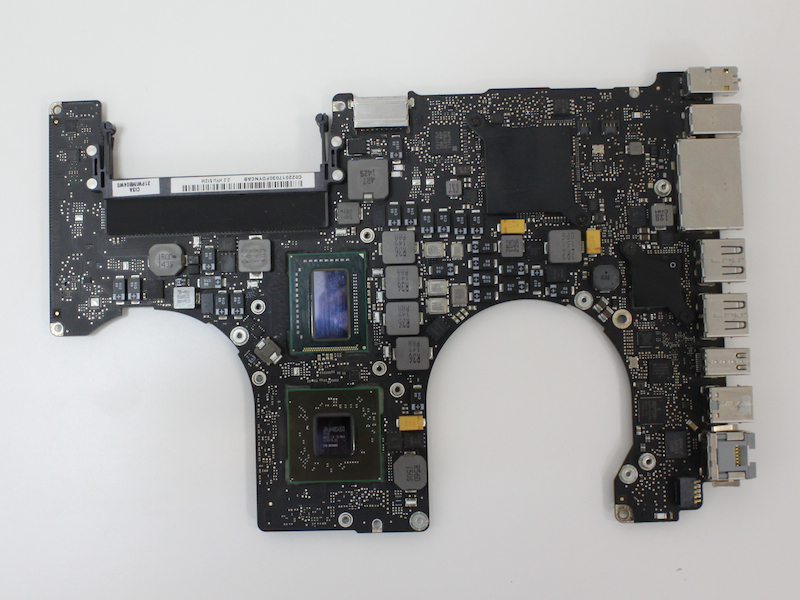
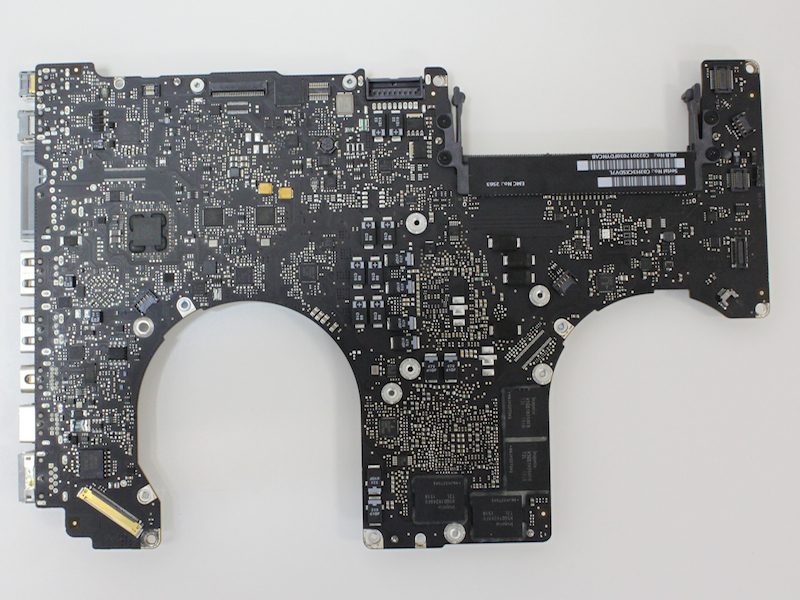
The board has 4 Hynix H5GQ1H24AFR T2L video memory chips. This is a 1Gbit GDDR5 SGRAM (128MB single chip) and 5Gbps transfer rate.
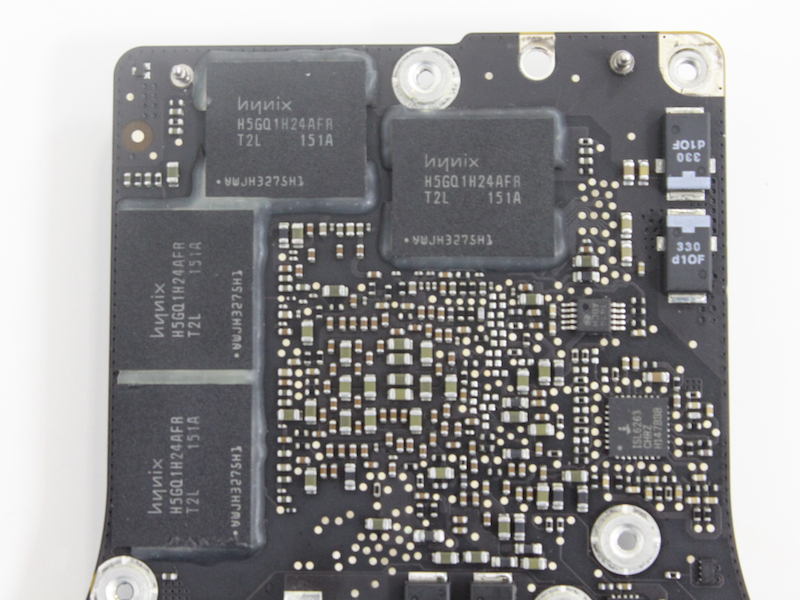
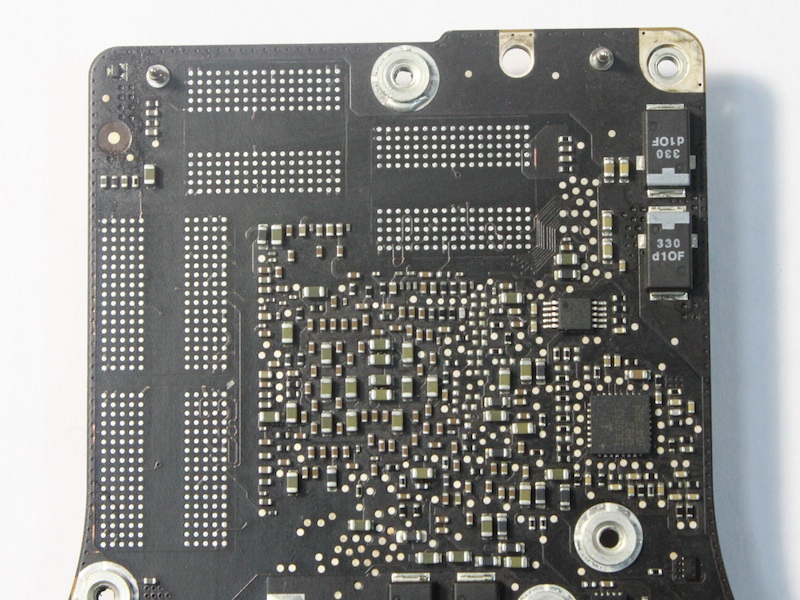
Solder the chips.
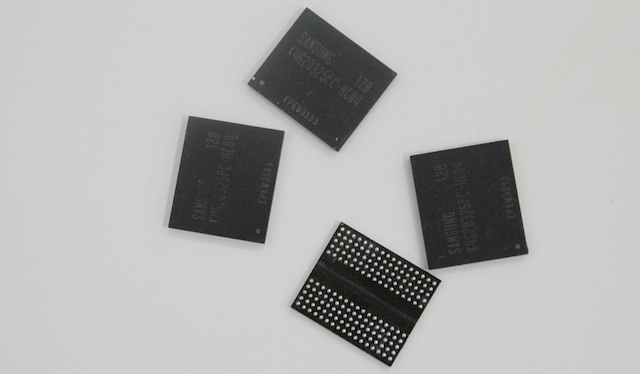
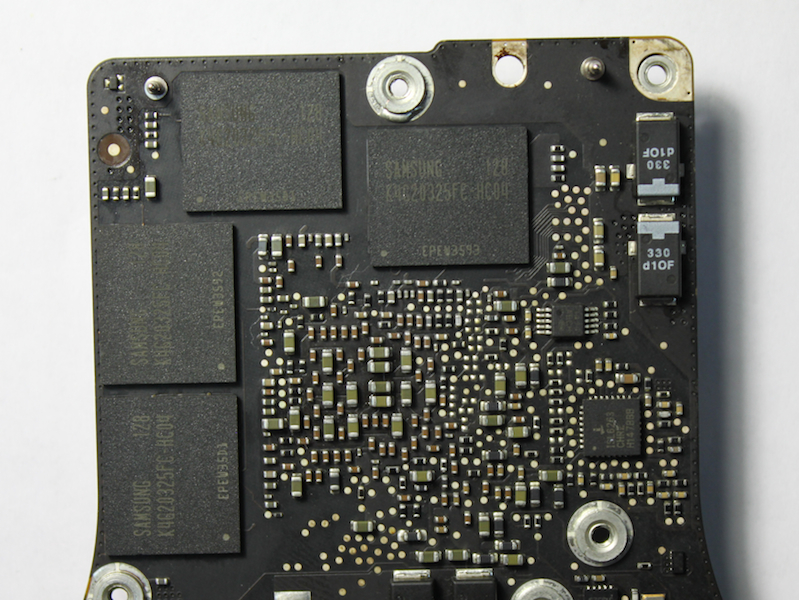
In exchange we hang Samsung K4G20325FC-HC04. This is also a GDDR5 SGRAM with the same transfer rate of 5Gb / s, but with a capacity of 2Gbit (256MB one chip). It is such a memory that is installed in custom configurations, where graphics with 1GB of video memory.
New chips.
In conclusion, solder “strap” resistors. We install them according to the resulting configuration.
Strap Resistors.
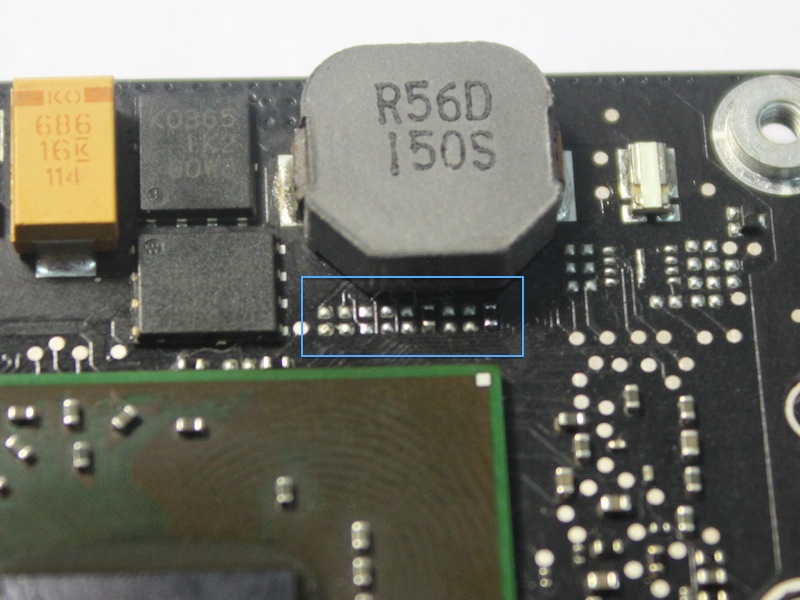
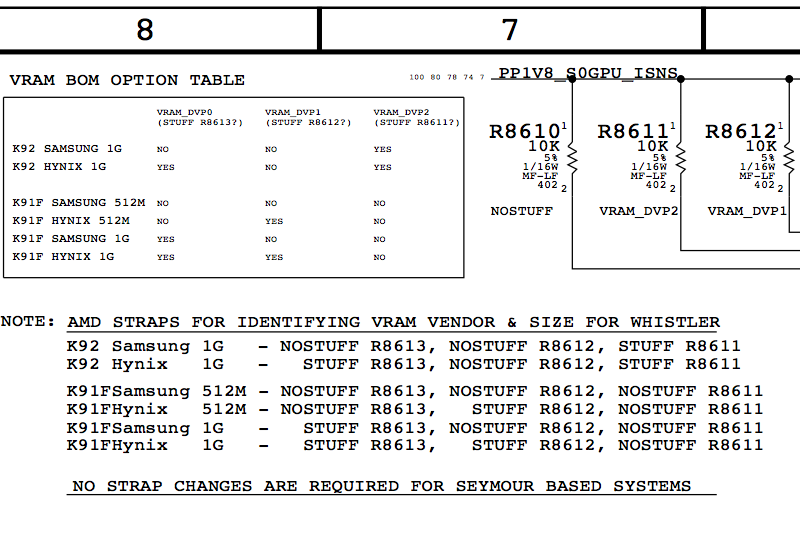
The meanings of the “straps” are indicated in the circuit diagram for the motherboard. A different combination of straps corresponds to different graphics configurations (video chip model, memory manufacturer, memory size).
Part of the circuit with straps.
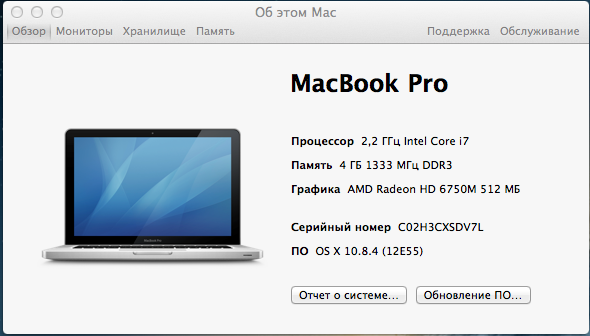
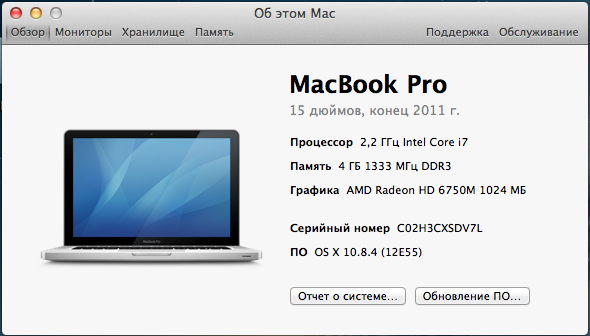
Now everything is ready. We collect poppy and enjoy the result.
Screenshot before and after.
Cinebench test result.
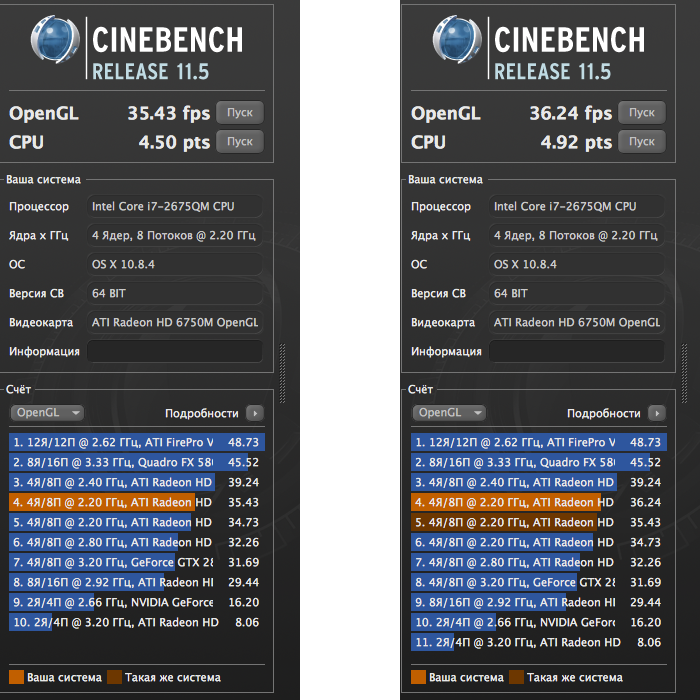
It turned out that from the stock picking MD318, we made a custom MC723. It would be possible to re-solder the video chip on the Ati 6770, but unfortunately this was not available. Moreover, the video chip is still changing. This poppy was brought in for repair with a malfunction of the video chip. We invited the owner to conduct an experiment and solder the video memory.