June 13, 2011 at 17:43
Disassemble the pci-e (psu) or molex connector
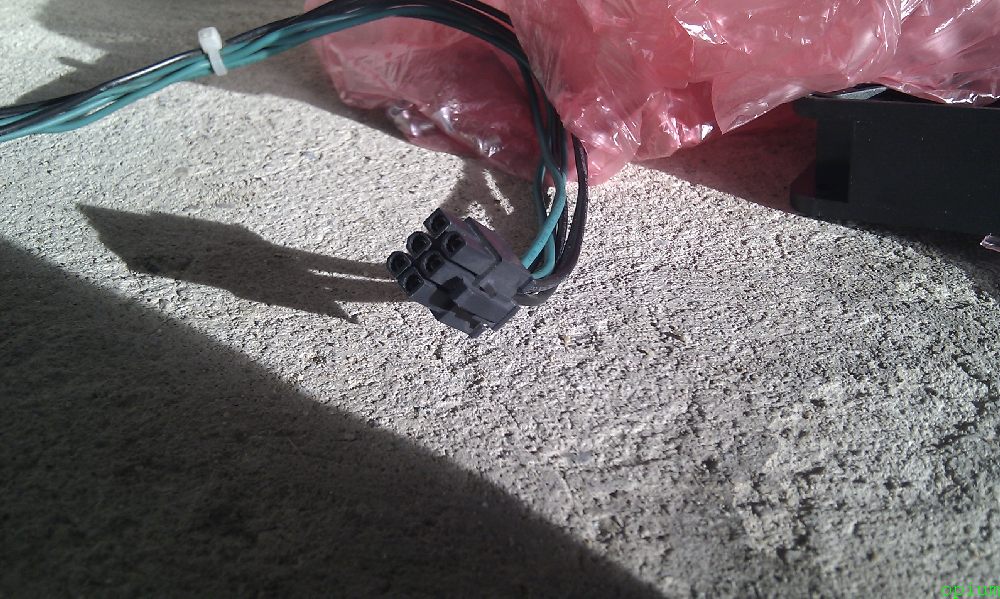
I faced the task of disassembling the pci-e power connector for vidyuhi (this is how it is signed on the power supply), but in general the method is also suitable for molex connectors and many others. At first I tried to disassemble it with a needle, then a small tweezers, but it didn’t lead to a completely disheveled connector. In the article I’ll tell you about tools for parsing connectors, where to buy them and how to use them.
And I ordered the Molex Cable Connector Metal Pin Remover Extractor PSU Tool Kit on ebay.com. The tool arrived and I knew happiness, look at the pictures how easily and easily the connector is disassembled.
Tool kit:
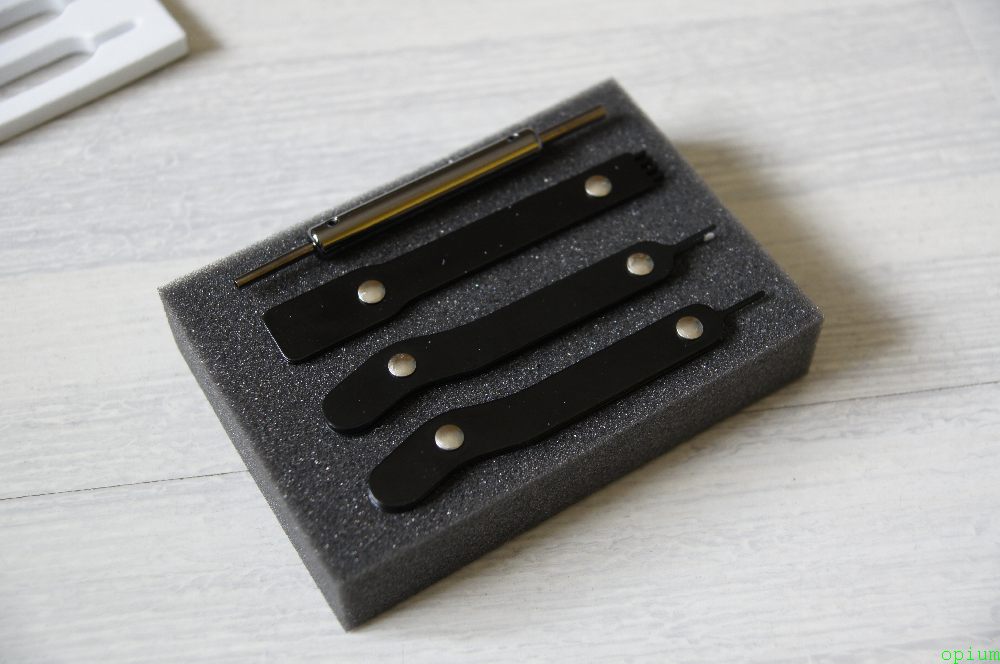
We are interested in a tool for parsing the connector:

We stick one pipka on one side of the pin:
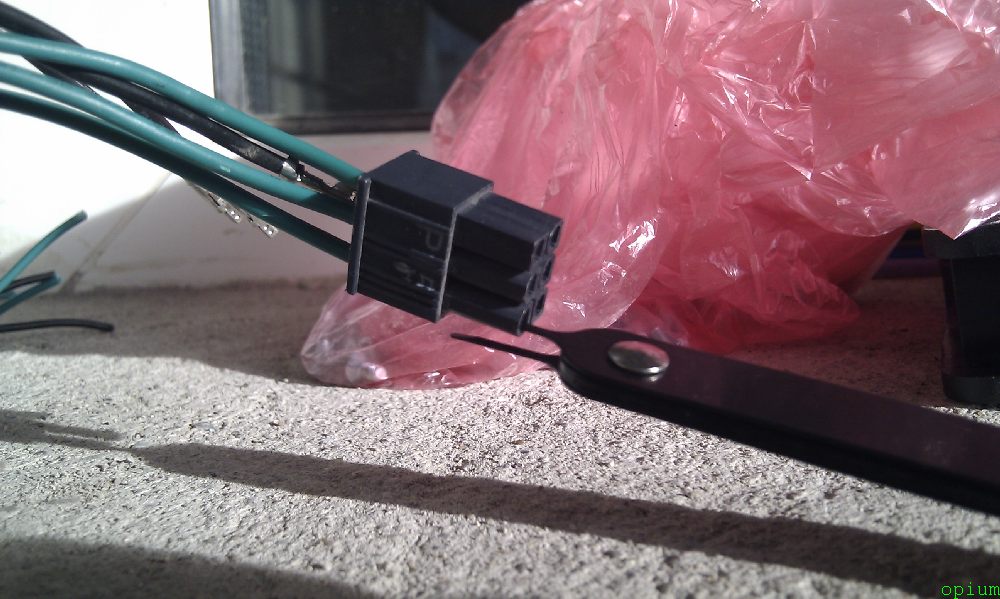
We stick the same pinch on the other side of the pin:
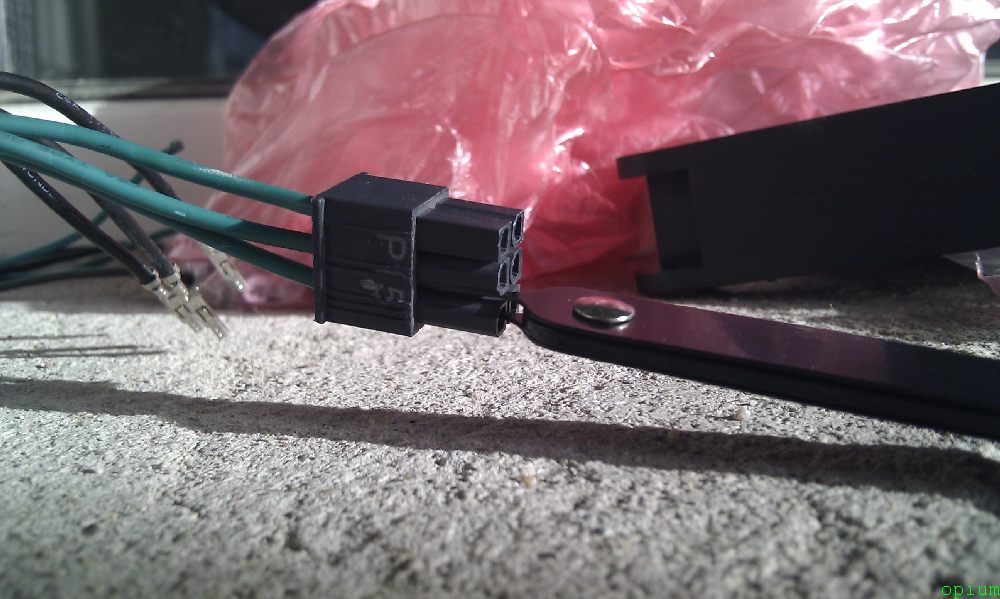
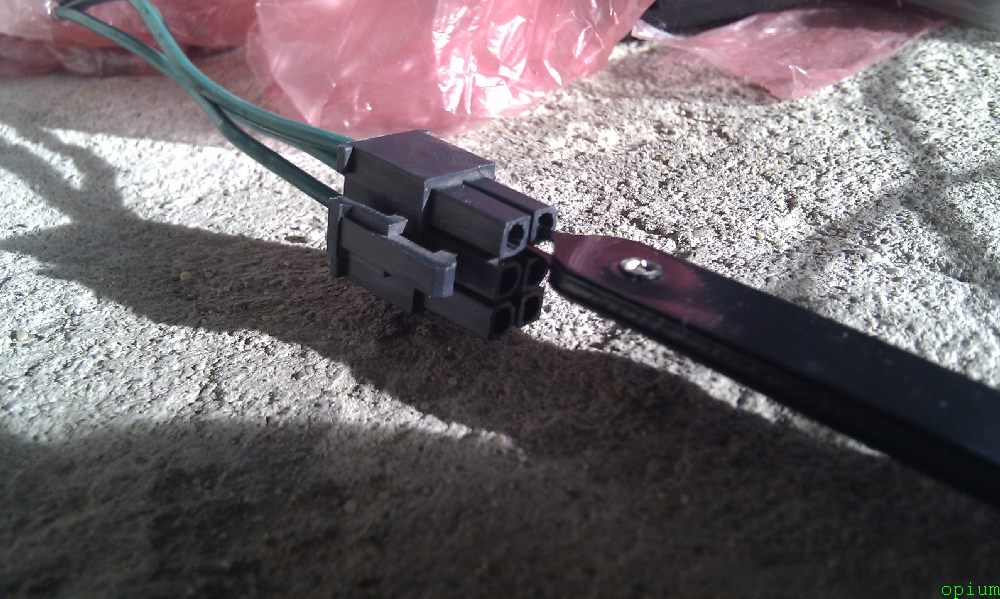
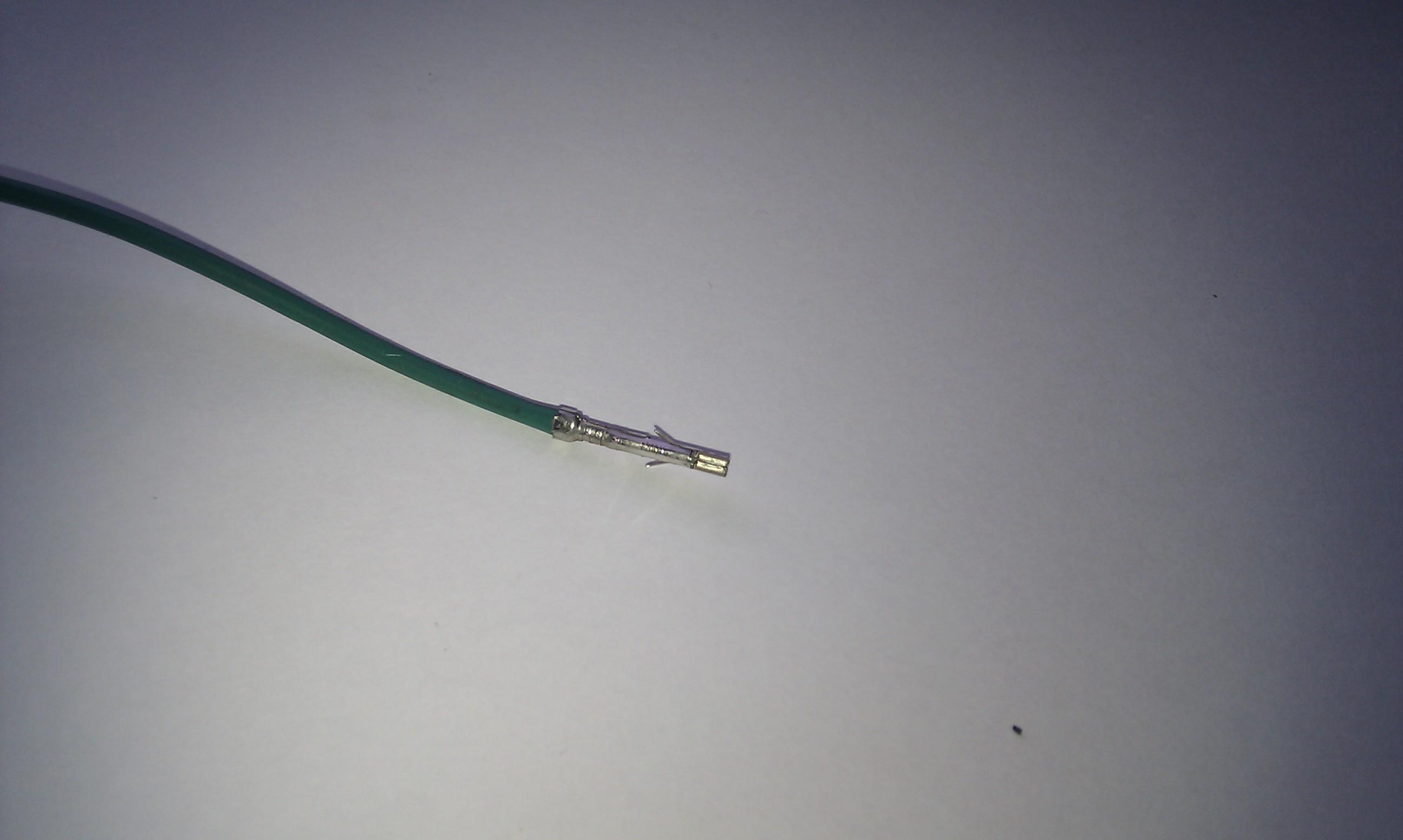
Voila, the green wire with the pin is pulled out with a flick of the wrist:
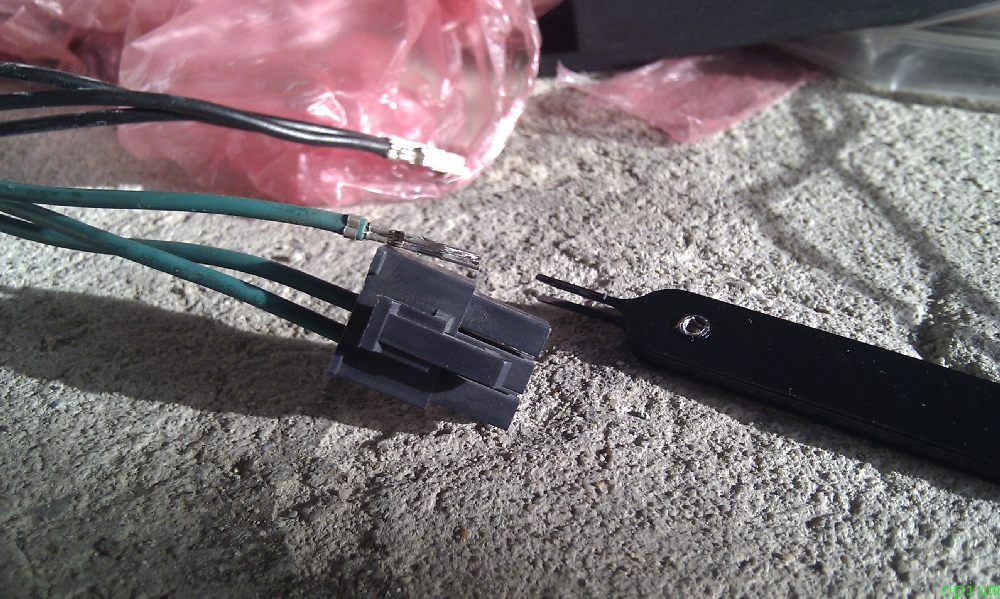
The pin has two antennae that prevent it from coming out of the connector and with our simple actions we bent it to pull it out, if the antennae can be bent back we can safely insert the pin into the connector and it will be like new: