August 16, 2016 at 11:33
Using Q_GADGET in C ++ & QtQuick
I look at the Runet forums, people start writing in C ++ & Qt Quick and use the QObject descendants for the so-called Value Type. Martin Fowler calls them Value Object . Although there is a Q_GADGET macro that allows you to use QMetaObject with some restrictions, but without inheriting from QObject. All that will be described below is the result of experiments with Qt Quick. I will be glad to learn something new from the comments.
An example of such types are QPoint, QGeoCoordinate, etc. Inheriting from QObject and using the Q_OBJECT macro is inconvenient for these types:
- QObject is copy protected;
- it is necessary to return value according to the pointer. You have to think about CppOwnership / JavaScriptOwnership from the QQmlEngine :: ObjectOwnership enumeration .
Q_GADGET allows us to use:
- Q_ENUM ;
- Q_PROPERTY ;
- Q_INVOKABLE .
Limitation:
- Lack of support for signals and slots.
If our application simply displays what came from the server, then we can create the structure:
struct PlayItem
{
private:
    Q_GADGET
    Q_PROPERTY(int episode MEMBER episode)
    Q_PROPERTY(QString mp4Url MEMBER mp4Url)
    Q_PROPERTY(QString name MEMBER name)
public:
    int episode;
    QString mp4Url;
    QString name;
    static PlayItem fromJson(const QJsonObject& jobj);
};
Q_DECLARE_METATYPE(PlayItem)
Q_DECLARE_METATYPE is used here to register the type in QVariant . Why is he needed here, more on that later.
Such types can be used in the properties of other objects:
class Size
{
    Q_GADGET
public:
    Q_INVOKABLE quint16 rows() const noexcept;
    Q_INVOKABLE quint16 column() const noexcept;
    Q_INVOKABLE bool isNull() const noexcept;
//..
};
class Crossword: public QObject
{
    Q_OBJECT
    Q_PROPERTY(Size size READ size)
public:
    Crossword(QObject* parent = nullptr);
    Size size() const noexcept;
}
And we work quietly in js:
var csize = crossword.size;
//...
rows = csize.rows();
column = csize.column();
Q_GADGET and Q_INVOKABLE
For some reason, we cannot use ValueType in methods labeled Q_INVOKABLE . For that, you can return QVariant with ValueType! And also use it in js! This is very convenient in models, instead of many roles and switch:
QVariant BucketModel::data(const QModelIndex &index, int role) const
{
    switch (role)
    {
        case Bucket:
            return QVariant::fromValue(m_buckets[index.row()]);
        default:
            return QVariant();
    }
}
QHash BucketModel::roleNames() const
{
    static const QHash roles = {
        {Bucket, "bucket" }
    };
    return roles;
};
In the delegate as usual:
delegate: ItemDelegate {
    width: parent.width
    text: bucket.name
    Image{
        visible: bucket.id === b2App.settings.bucketId
        anchors{
            right:parent.right
            verticalCenter: parent.verticalCenter
            margins: 8
        }
        source: "qrc:/icons/tick/tick.png"
    }
Item and property
Such types can be used as properties and bind to them. This is done through a generic type:
Item {
    property var film
    //...
    Label {
        text: film.year
        //...
    }
    Label {
        text: film.countries
        //...
    }
  //...
}
Since before the instantiation type is unknown, the runtime complains (not falling) TypeError: Cannot read property 'year' of undefined.
You can remove this abuse by initializing the property with some instance:
QQmlApplicationEngine engine;
Film film;
engine.rootContext()->setContextProperty("emptyFilm", QVariant::fromValue(film));
Item {
property var film: emptyFilm
//...
Label {
text: film.year
//...
}
Label {
text: film.countries
//...
}
//...
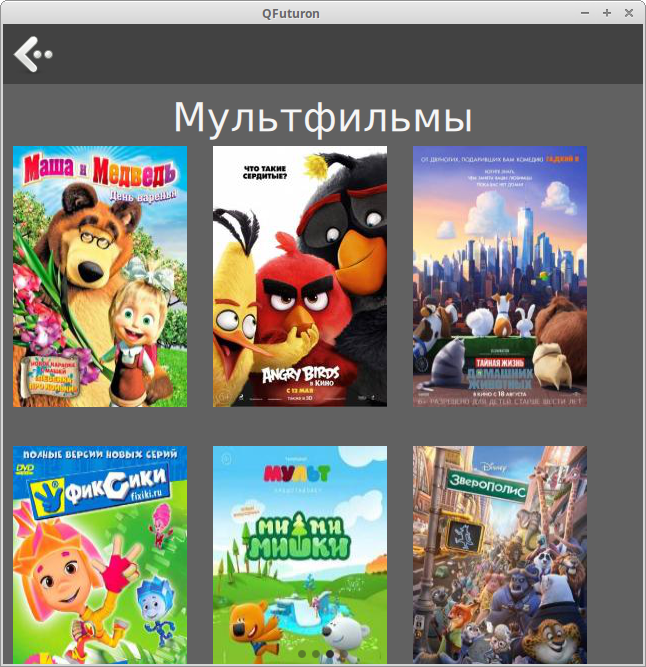
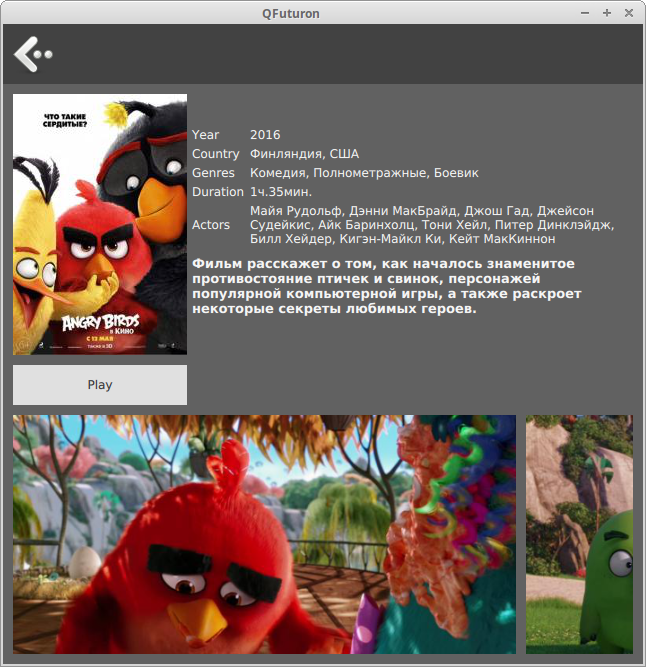
}It turns out to be very convenient when using StackView , on one screen you display a model with a minimum of information, and on the next screen in more detail:
In my personal opinion, such a value type is very convenient.