How to stop freezing in the data center?
How to stop freezing in the data center? Everything is very simple - you need to start configuring devices remotely.
He was in training in America and a colleague showed me his toy - AirConsole . I fired up and ordered myself the same.
Now I often use it to configure various equipment. What is the convenience?
- Now I don’t have to sit inside the cold data center during setup: I picked up the box to the console port and left.
- The radio channel is powerful enough, so you can safely sit in a comfortable chair and configure everything from your iPad or phone. I am using an iPad.
The AirConsole device repeats the commands that you enter from your mobile device to the console port of your device. To do this, it becomes the exact WiFi access and you connect to it with the special program Get Console and safely enter all the commands into the device remotely.
Here's an example of how to set up a small device at home:
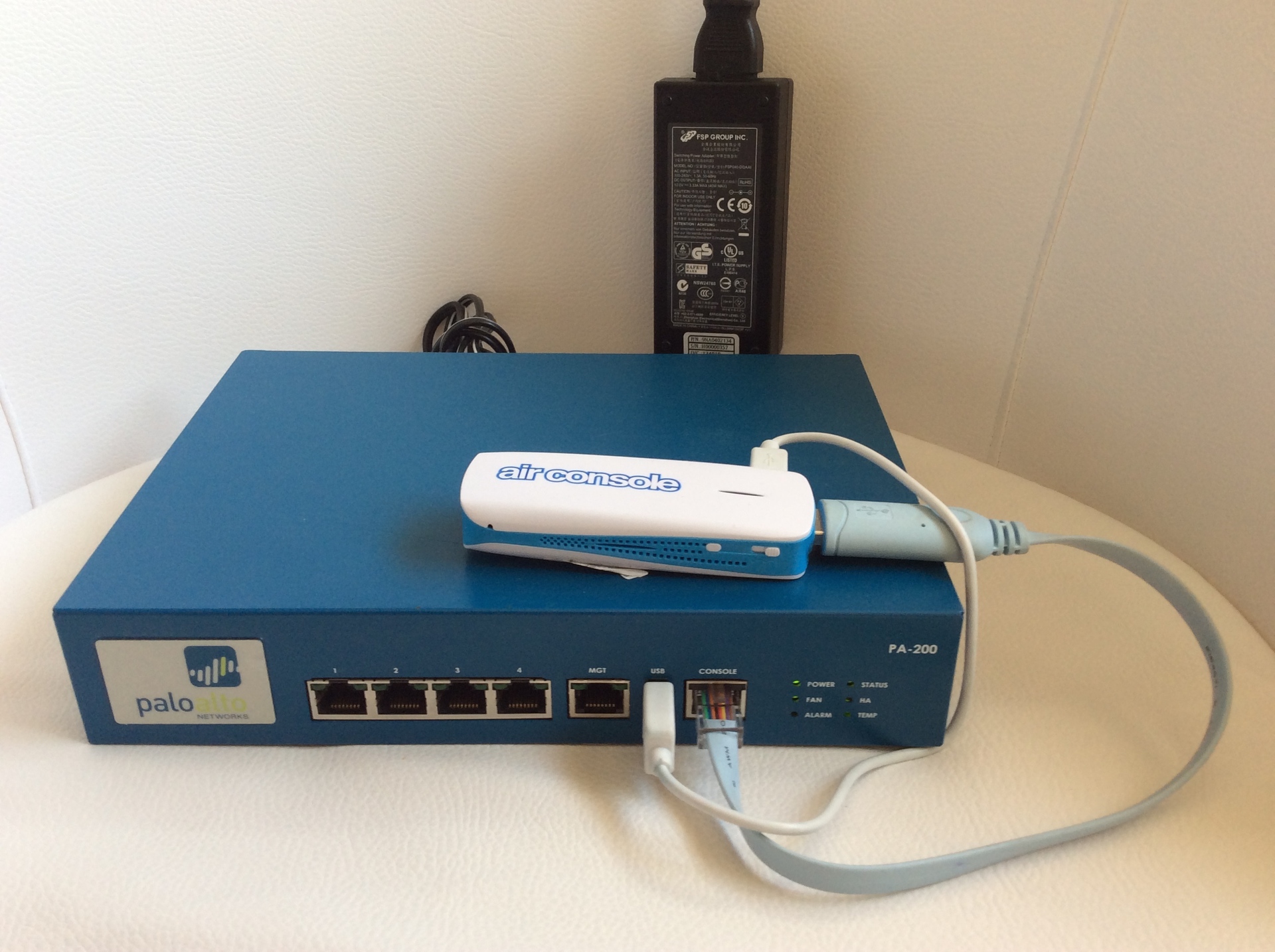
1. Turn on the device (in the picture is my NGFW PA-200) and turn on AirConsole, connect the AirConsole console cable to the network device.
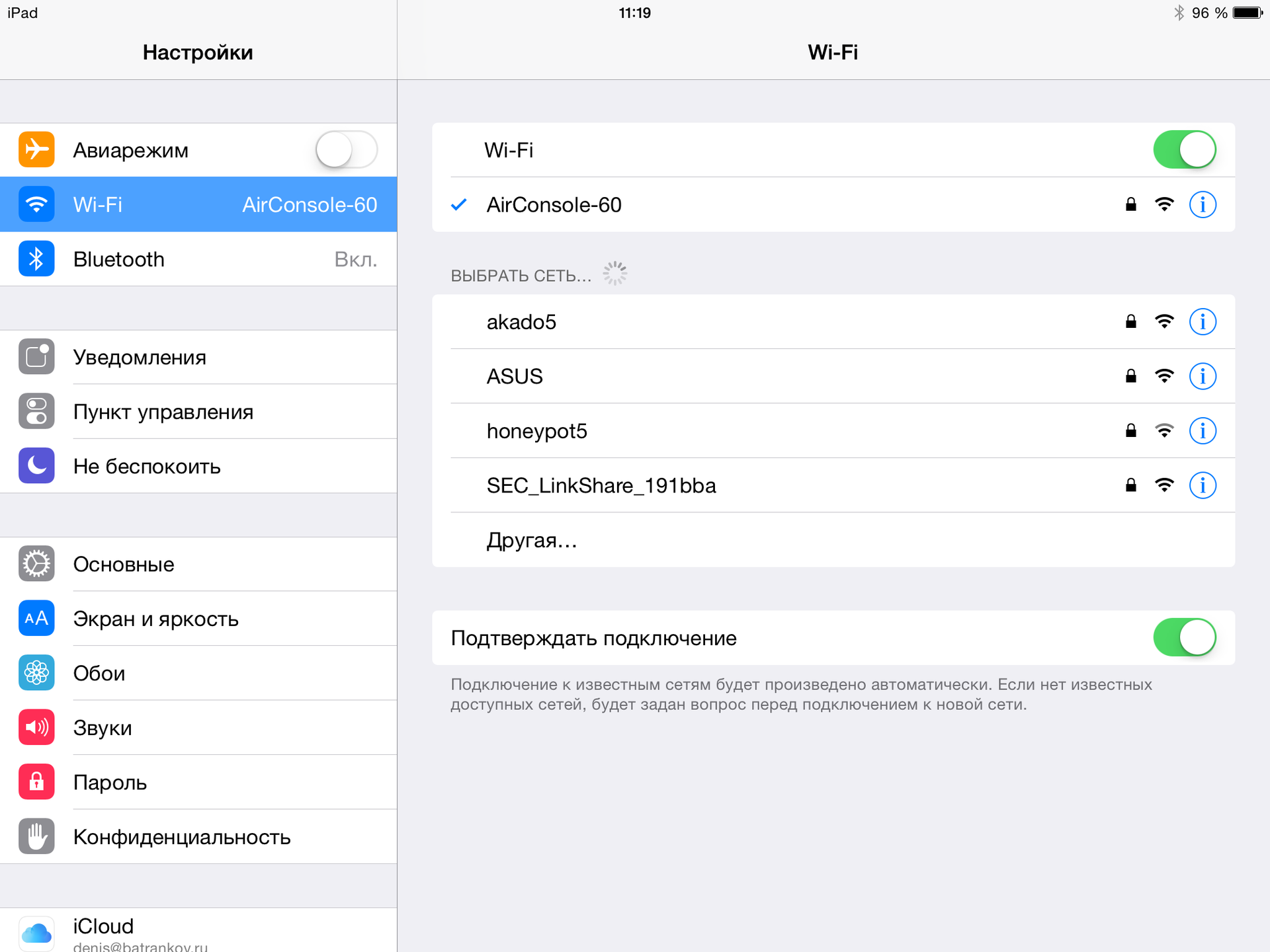
2. We take the iPad and connect it to the AirConsole WiFi network.
3. Set the speed and port, if necessary. I set the speed to 9600:

4. We fill the command for configuration and write it to the running config.

5. Done!
There is another possibility: you can remove the console cable and plug it into the USB of the laptop - I use it sometimes: the driver is installed automatically on MacOS, the command to use:
It is made far in Australia, but in my case it reached Denver in 3 days. For comparison: my colleague ordered it from Moscow already - it arrived in a month. I highly recommend it.
He was in training in America and a colleague showed me his toy - AirConsole . I fired up and ordered myself the same.
Now I often use it to configure various equipment. What is the convenience?
- Now I don’t have to sit inside the cold data center during setup: I picked up the box to the console port and left.
- The radio channel is powerful enough, so you can safely sit in a comfortable chair and configure everything from your iPad or phone. I am using an iPad.
How it works?
The AirConsole device repeats the commands that you enter from your mobile device to the console port of your device. To do this, it becomes the exact WiFi access and you connect to it with the special program Get Console and safely enter all the commands into the device remotely.
Here's an example of how to set up a small device at home:
1. Turn on the device (in the picture is my NGFW PA-200) and turn on AirConsole, connect the AirConsole console cable to the network device.
2. We take the iPad and connect it to the AirConsole WiFi network.
3. Set the speed and port, if necessary. I set the speed to 9600:
4. We fill the command for configuration and write it to the running config.
5. Done!
There is another possibility: you can remove the console cable and plug it into the USB of the laptop - I use it sometimes: the driver is installed automatically on MacOS, the command to use:
screen /dev/tty.device_name 9600
It is made far in Australia, but in my case it reached Denver in 3 days. For comparison: my colleague ordered it from Moscow already - it arrived in a month. I highly recommend it.