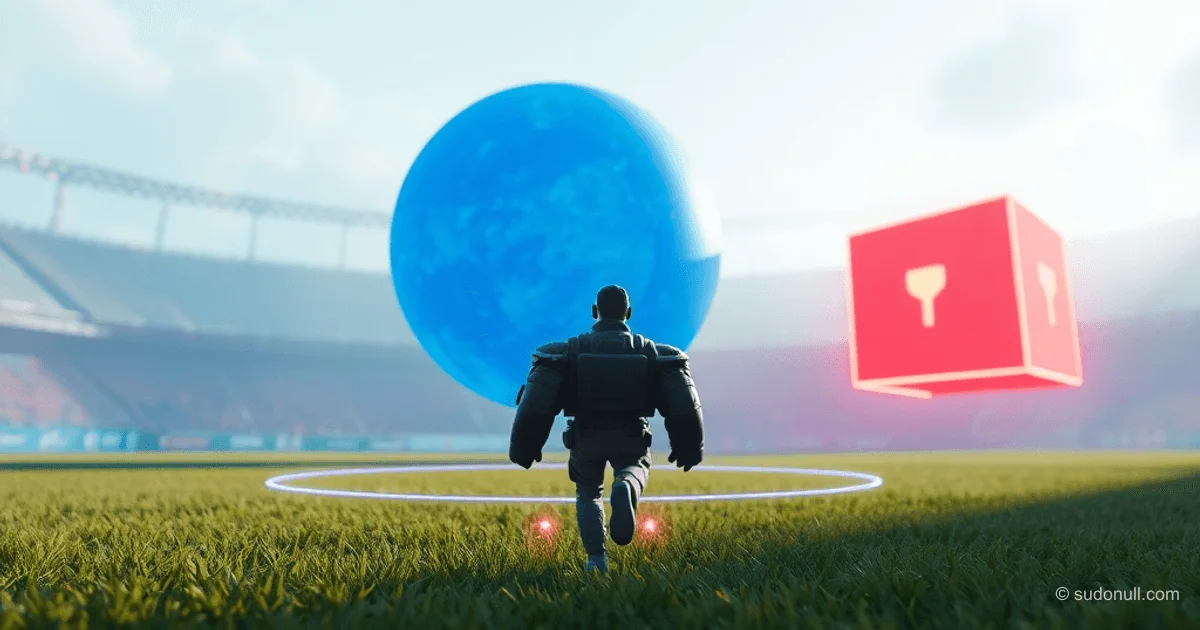
Distance and Collision Detection in Ursina for 3D Games
In Ursina, the distance(), distance_2d(), and distance_xz() functions enable precise calculation of distances between objects in 3D space. The intersects() method detects collisions using colliders. These tools are essential for mechanics like detection, item collection, and AI behavior.
Distance Calculation Functions
The distance() function computes Euclidean distance in 3D across all X, Y, and Z axes between the centers of two Entity objects:
from ursina import *
from ursina.prefabs.first_person_controller import FirstPersonController
app = Ursina()
ground = Entity(model='plane', texture='grass', scale=20, collider='box')
player = FirstPersonController(position=(0, 2, 0))
sphere = Entity(position=(3, 4, 0), model='sphere', color=color.blue)
Sky()

def update():
    dist = distance(player, sphere)
    print(f"Distance from hero to sphere: {dist:.2f}")

app.run()
Formula: √((x₂-x₁)² + (y₂-y₁)² + (z₂-z₁)²). Ideal for full spatial analysis.
distance_2d() ignores the Z-axis and operates in the X-Y plane:
from ursina import *
from ursina.prefabs.first_person_controller import FirstPersonController
app = Ursina()
ground = Entity(
    model='plane',
    texture='grass',
    scale=20,
    collider='box'
)
player = FirstPersonController(position=(0, 2, 0))
sphere = Entity(position=(3, 4, 0), model='sphere', color=color.blue)
Sky()

def update():
    dist = distance_2d(player, sphere)
    print(f"2D distance from hero to sphere: {dist:.2f}")

app.run()
Useful for UI elements or objects at the same height level.
distance_xz() focuses on the horizontal X-Z plane, ignoring the Y-axis:
from ursina import *
from ursina.prefabs.first_person_controller import FirstPersonController
app = Ursina()
ground = Entity(
    model='plane',
    texture='grass',
    scale=20,
    collider='box'
)
player = FirstPersonController(position=(0, 2, 0))
sphere = Entity(position=(3, 4, 0), model='sphere', color=color.blue)
Sky()

def update():
    dist = distance_xz(player, sphere)
    print(f"Horizontal distance from hero to sphere: {dist:.2f}")

app.run()
Perfect for ground-based AI where vertical position isn’t critical.
The intersects() Collision System
The intersects() method checks for collisions between colliders (box, sphere, mesh) via Panda3D’s CollisionTraverser. Both objects must have a collider and collision=True set.
Returns a HitInfo object with these fields:
- hit: True/False
- entity: the collided object
- point: impact coordinates
- distance: distance to the impact point
Example 1: Wall Detection
from ursina import *
app = Ursina()
player = Entity(model='cube', color=color.orange, collider='box')
wall = Entity(model='cube', position=(5,0,0), scale=(1,5,5), collider='box', color=color.red)

def update():
    player.x += 0.1 * time.dt
    hit_info = player.intersects()
    if hit_info.hit:
        print("Collision!")
        print(f"With: {hit_info.entity}")
        print(f"Impact point: {hit_info.point}")
        print(f"Distance to impact: {hit_info.distance:.2f}")

app.run()
Example 2: Item Pickup
from ursina import *
from ursina.prefabs.first_person_controller import FirstPersonController
app = Ursina()
ground = Entity(model='plane', texture='grass', scale=10, collider='box')
player = FirstPersonController(model='cube', origin_y=-.5)
pickup = Entity(model='sphere', position=(1,.5,3), collider='box')

def update():
    hit_info = player.intersects()
    if hit_info.hit and hit_info.entity == pickup:
        print('Item picked up!')
        destroy(pickup)

app.run()
More accurate than distance() for complex shapes.
Example 3: Bullet System
import random
from ursina import *
app = Ursina()

class Bullet(Entity):
    def __init__(self, position, direction):
        super().__init__(
            model='sphere',
            scale=.1,
            speed=15,
            collider='sphere',
            position=position,
            color=color.yellow,
            name='bullet'
        )
        self.direction = direction.normalized()

    def update(self):
        self.position += self.direction * time.dt * self.speed
        hit_info = self.intersects(ignore=(self,))
        if hit_info.hit:
            print(f"Bullet hit {hit_info.entity.name}!")
            destroy(self)

class Enemy(Entity):
    def __init__(self):
        super().__init__(
            model='cube',
            color=color.red,
            scale=1,
            collider='box',
            name='enemy'
        )
        self.x = random.choice([-4, 4])
        self.z = random.choice([-4, 4])

for i in range(5):
    Enemy()
player = Entity(model='cube', color=color.blue, position=(0, 0, 0))
shoot_timer = 0

def update():
    global shoot_timer
    shoot_timer += time.dt
    if shoot_timer >= 1:
        shoot_timer = 0
        random_direction = Vec3(
            random.uniform(-1, 1),
            random.uniform(-1, 1),
            random.uniform(-1, 1)
        ).normalized()
        bullet = Bullet(
            position=player.position,
            direction=random_direction
        )

app.run()
Recommended to use raycast() for precise hits instead of physical projectiles.
Practical Use Cases
Pickup by Distance:
from ursina import *
from ursina.prefabs.first_person_controller import FirstPersonController
app = Ursina()
ground = Entity(model='plane', texture='grass', scale=10, collider='box')
player = FirstPersonController(model='cube', origin_y=-.5, color=color.orange, has_pickup=False)
pickup = Entity(model='sphere', position=(1,.5,3))

def update():
    if not player.has_pickup and distance(player, pickup) < pickup.scale_x / 2:
        print('Item picked up!')
        player.has_pickup = True
        pickup.animate_scale(0, duration=.1)
        destroy(pickup, delay=.1)

app.run()
Enemy AI with Detection Zone:
from ursina import *
app = Ursina()
player = Entity(model='cube', position=(0, 0, 0), color=color.blue)
ground = Entity(model='plane', scale=20, color=color.dark_gray, y=-1)

class Enemy(Entity):
    def __init__(self, **kwargs):
        super().__init__(model='cube', scale_y=2, origin_y=-.5, color=color.light_gray, **kwargs)
        self.original_color = self.color
        self.detection_radius = 10

    def update(self):
        dist = distance_xz(player.position, self.position)
        if dist > self.detection_radius:
            self.color = self.original_color
            return
        self.color = color.red
        self.look_at_2d(player.position, 'y')
        if dist > 2:
            self.position += self.forward * time.dt * 3

enemies = [Enemy(x=x * 5, z=5) for x in range(-2, 3)]

def update():
    player.x += held_keys['d'] * time.dt * 5

app.run()
Key Takeaways
- Use
distance()for full 3D,distance_2d()for X-Y plane,distance_xz()for horizontal X-Z plane. intersects()requires colliders on both objects and returns detailedHitInfo.- For bullets, prefer
raycast()over physical projectiles. - Combine
distance()withintersects()for interaction zones and precise collision checks. - Always use
ignore=(self,)inintersects()to prevent self-collision.
— Editorial Team










No comments yet.