February 28, 2016 at 10:08
Restore LEGO EV3 Brick from the “white screen”
As a teacher of educational robotics for schoolchildren, for three years of practice I have dealt with several dozen “cubes” of EV3 and NXT control modules. In the fall of 2015, when deploying equipment in a new place, a strange thing was discovered: 2 out of 12 “computers” refused to turn on, without any reaction to the buttons, replacing the battery and connecting to the computer. No solution was found that fall; the modules were put in a drawer. Periodically, I attempted to revive them, but to no avail. And the solution is found. Welcome to kat for those faced with a similar problem.
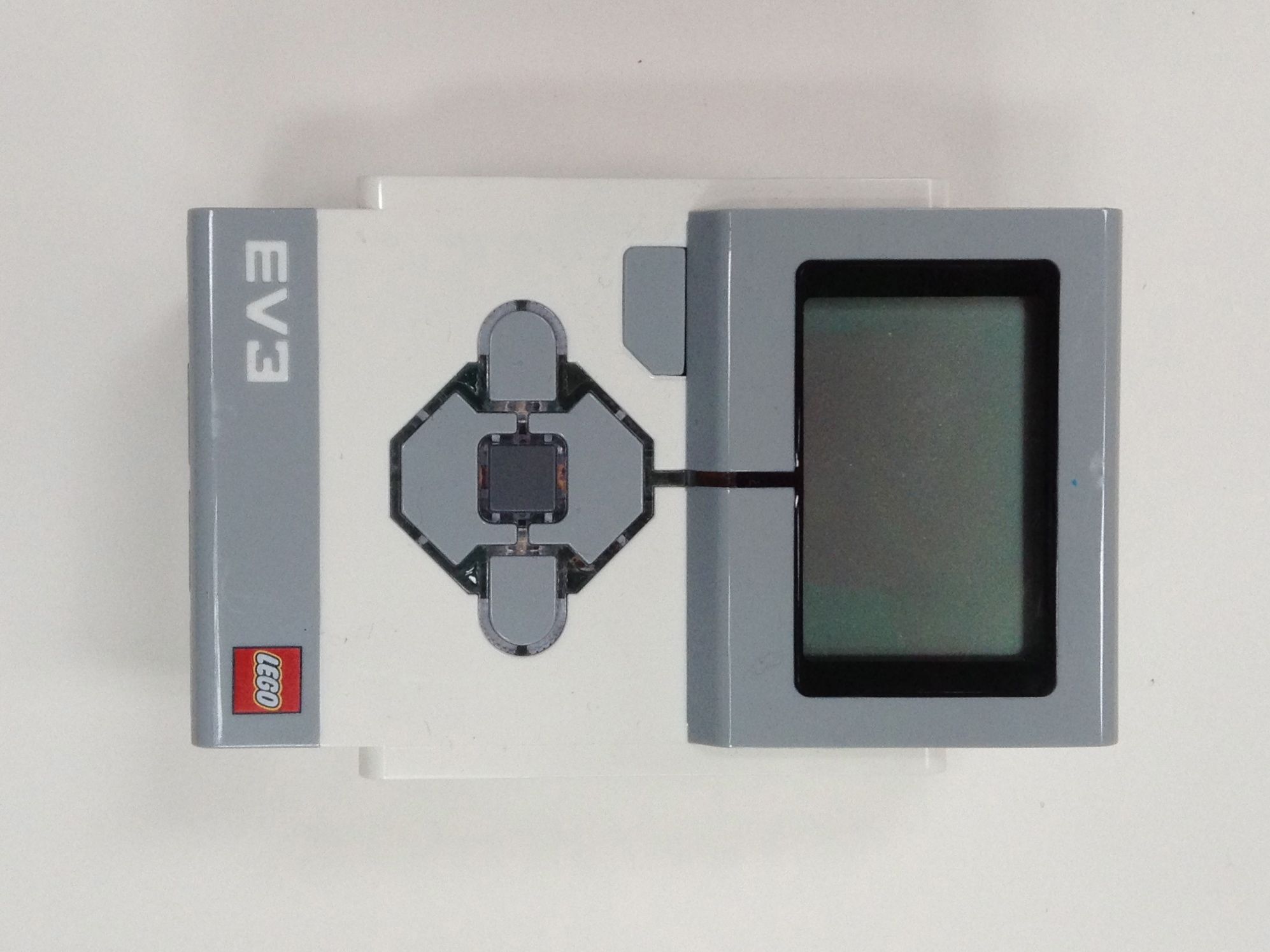
Today, once again, one of the modules was removed from the cabinet. As usual, no reaction to the buttons, replacing the battery, computer, resetting the button under the battery. But the following was noticed: when you try to turn it on, if you do not remove your finger from the central button, the module starts, and after 3-5 minutes it loads successfully. One has only to release the button, and the module is immediately turned off, as if the supply to the module depends on pressing the button. It was established experimentally that the module also successfully turns on when you click on any button along with the central one. After loading, the central button can be released, and then it becomes possible to select items in the menu. An attempt was made to flashing, which ended in failure, and the module stopped loading to the menu. When booting with the central button pressed, "
As soon as we release the central button, the module is immediately turned off. It's all about the buttons! Rather, in their design. Having disassembled the module, I carefully looked at the design of the buttons. Pretty nontrivial for the modern electronics I have dealt with. Structurally, the “buttons” that we observe outside, under the top cover, are a board with contacts concentrically applied to it under the key locations. The plus circle is bordered by an insulator, around which there is a minus contact. Similarly, by shorting the contacts, the action of the keys of many keyboards is implemented. With the difference that in the keyboards the contacts are shorted with a metallized layer inside the silicone pad, pressed to the contacts with the key. Shorting the contacts of the EV3 Brick is implemented differently: A flexible dome made of thin stainless steel is placed above the contact pad. At rest, the top of the dome is raised above the central contact of the button, and the edges are tightly pressed to the edge contact. When we press the plastic key of the module, the dome is pressed inward and the contacts are closed. The metal domes for all 6 buttons are not soldered to the board, but fastened by gluing to a thin film, which is applied on top of the board and keeps each part in its place.
In my case, one of the domes gave constant contact to the button. Apparently, the firmware of the module incorrectly processed this click, turning the EV3 Brick into a real "brick". First, with the domes removed along with the film, I achieved a stable launch of the module without constantly affecting the buttons. Then the module was reflashed in the standard way, the ports were checked, everything works. I recommend everyone faced with the sudden death of the module, "white screen", check the buttons under the top cover.
PS: By the way, the design of the buttons of the NXT module does not have such features. It uses a completely standard silicone with metallization.
PPS: Also, from the notes on the design of the EV3 Brick from the inside, you can note the good quality of the screen cable, which suffered a lot from all the repair attempts described above. However, he remained intact, the screen works fine. Among the noticeable electronic components there are capacitors 1000mkf and 6.3V, I wonder how many years they will last.
1. History
Today, once again, one of the modules was removed from the cabinet. As usual, no reaction to the buttons, replacing the battery, computer, resetting the button under the battery. But the following was noticed: when you try to turn it on, if you do not remove your finger from the central button, the module starts, and after 3-5 minutes it loads successfully. One has only to release the button, and the module is immediately turned off, as if the supply to the module depends on pressing the button. It was established experimentally that the module also successfully turns on when you click on any button along with the central one. After loading, the central button can be released, and then it becomes possible to select items in the menu. An attempt was made to flashing, which ended in failure, and the module stopped loading to the menu. When booting with the central button pressed, "
2. The diagnosis
As soon as we release the central button, the module is immediately turned off. It's all about the buttons! Rather, in their design. Having disassembled the module, I carefully looked at the design of the buttons. Pretty nontrivial for the modern electronics I have dealt with. Structurally, the “buttons” that we observe outside, under the top cover, are a board with contacts concentrically applied to it under the key locations. The plus circle is bordered by an insulator, around which there is a minus contact. Similarly, by shorting the contacts, the action of the keys of many keyboards is implemented. With the difference that in the keyboards the contacts are shorted with a metallized layer inside the silicone pad, pressed to the contacts with the key. Shorting the contacts of the EV3 Brick is implemented differently: A flexible dome made of thin stainless steel is placed above the contact pad. At rest, the top of the dome is raised above the central contact of the button, and the edges are tightly pressed to the edge contact. When we press the plastic key of the module, the dome is pressed inward and the contacts are closed. The metal domes for all 6 buttons are not soldered to the board, but fastened by gluing to a thin film, which is applied on top of the board and keeps each part in its place.
3. Treatment
In my case, one of the domes gave constant contact to the button. Apparently, the firmware of the module incorrectly processed this click, turning the EV3 Brick into a real "brick". First, with the domes removed along with the film, I achieved a stable launch of the module without constantly affecting the buttons. Then the module was reflashed in the standard way, the ports were checked, everything works. I recommend everyone faced with the sudden death of the module, "white screen", check the buttons under the top cover.
Done!
PS: By the way, the design of the buttons of the NXT module does not have such features. It uses a completely standard silicone with metallization.
PPS: Also, from the notes on the design of the EV3 Brick from the inside, you can note the good quality of the screen cable, which suffered a lot from all the repair attempts described above. However, he remained intact, the screen works fine. Among the noticeable electronic components there are capacitors 1000mkf and 6.3V, I wonder how many years they will last.