How to send push notifications from a smart home controller
- Tutorial
In the hit parade of the most useful functions of automation systems, notifications of various events are consistently included in the top three. And if several years ago, SMS and email were the most convenient way for this, then recently they have been supplemented by Push notifications.
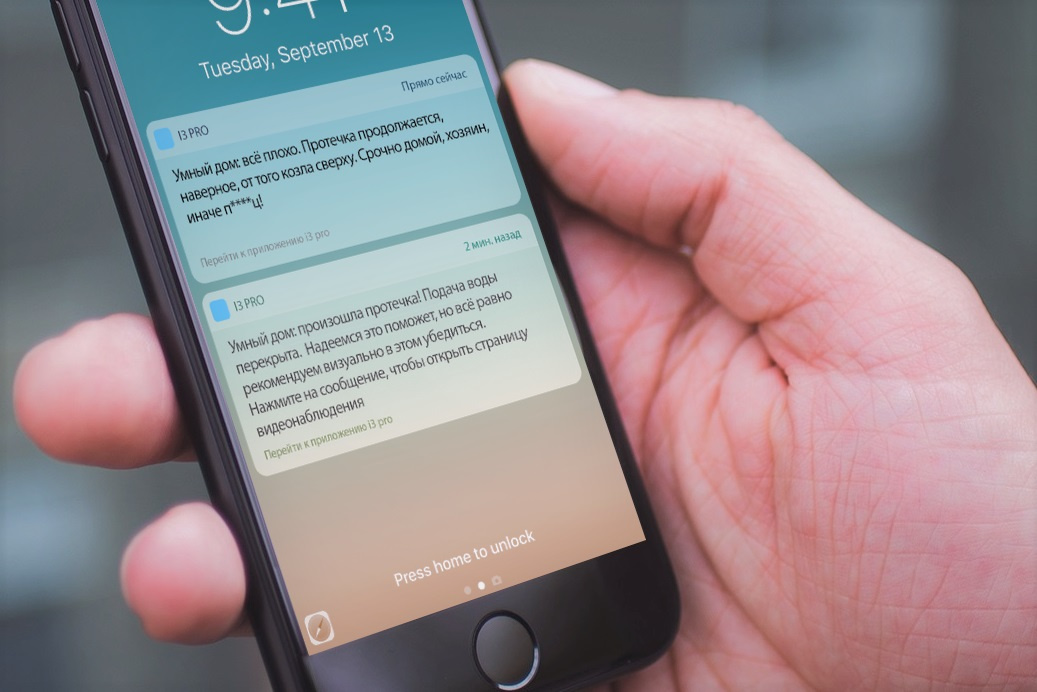
They work through the Internet, so you need to take care of this on the object and devices of the client. Below is how to set up notifications on iRidium server controllers and a small video tutorial.
Push notifications work differently for iOS and Android, but for us it is not very important. You only need the software or the iRidium server controller and the i3 pro application installed on the client device.
The algorithm is as follows:
1. Create a notification script and bind it to an event
2. We configure recipients in the office on the site (in the same place as the users of the project are configured)
3. Do not forget to allow notifications in the OS settings
The simplest script looks like this:
You can bind a control system driver event through Schemes or the same scripts. The simplest option is to use a script modifier:

Recipients in your account are configured from the list of user accounts of the iRidium project:

If you want to develop functionality, you can configure the processing of hidden data in the notification, for example, to open the desired page of the i3 pro application when you click on the notification.
There are many options and additions - documentation with examples lies here .
And in order to finally make sure that everyone who wants to use this business understands everything, I made a short video with an example setup:
They work through the Internet, so you need to take care of this on the object and devices of the client. Below is how to set up notifications on iRidium server controllers and a small video tutorial.
Push notifications work differently for iOS and Android, but for us it is not very important. You only need the software or the iRidium server controller and the i3 pro application installed on the client device.
The algorithm is as follows:
1. Create a notification script and bind it to an event
2. We configure recipients in the office on the site (in the same place as the users of the project are configured)
3. Do not forget to allow notifications in the OS settings
The simplest script looks like this:
function push_from_i3(type, name, value)
{
   IR.SendPush(value, "info", 1); // отправить сообщение (скрытые данные, текст сообщения, номер группы получателей)
}
You can bind a control system driver event through Schemes or the same scripts. The simplest option is to use a script modifier:
Recipients in your account are configured from the list of user accounts of the iRidium project:
If you want to develop functionality, you can configure the processing of hidden data in the notification, for example, to open the desired page of the i3 pro application when you click on the notification.
There are many options and additions - documentation with examples lies here .
And in order to finally make sure that everyone who wants to use this business understands everything, I made a short video with an example setup:









