Win32 API: Creating Custom-Shaped Windows Without Frameworks and Bloatware
Modern Windows desktop apps suffer from bloat: Electron and Tauri churn out slow wrappers that gobble up memory. Meanwhile, core Win32 API tools let you create ultra-lightweight windows in arbitrary shapes without any third-party dependencies. Let's break down the technical implementation details and practical examples.
Why Standard Windows Aren't the Limit
Windows windows are traditionally tied to rectangular frames, but the Win32 API offers the HRGN mechanism for defining arbitrary shapes. The key tool is the SetWindowRgn function, which swaps out the standard rectangular region for a custom one. This isn't just a visual gimmick: the system only processes the specified region as the active window, ignoring everything else.
Here's a minimal implementation for an elliptical window:
region = CreateEllipticRgn(0, 0, rc.right, rc.bottom);
SetWindowRgn(hwnd, region, TRUE);
One key side effect to watch for: stripping the title bar removes built-in dragging. The fix is handling WM_LBUTTONDOWN and mimicking system behavior with SendMessage(hwnd, WM_NCLBUTTONDOWN, HTCAPTION, 0).
Shaping Windows with Raster Images
A more flexible approach is generating the region from a BMP file. The algorithm involves:
- Loading the image with
LoadImage - Reading pixels via
GetDIBits - Identifying opaque intervals in each row
- Building a compound region using
CombineRgn
The critical parameter is the transparency color. The example uses magenta RGB(255, 0, 255):
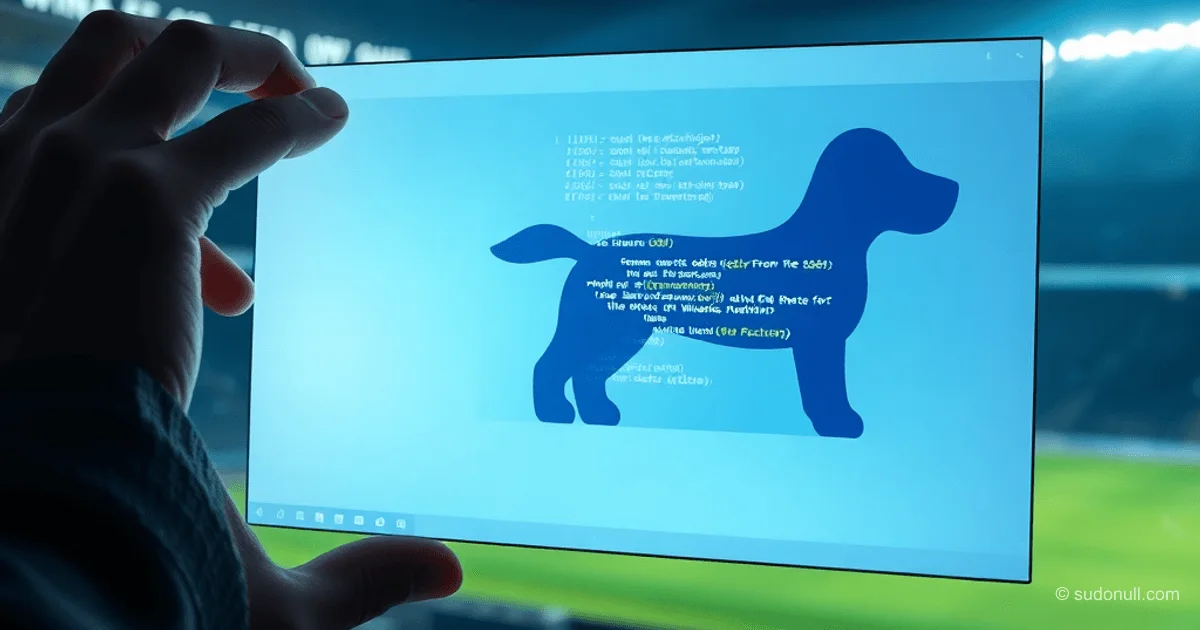
#define TRANSPARENT_COLOR RGB(255, 0, 255)This technique enables windows in complex shapes (like animal silhouettes or objects), but it's limited to sharp edges without semi-transparency. For smooth blends, switch to layered windows.
Animated Windows with Alpha Channels
For dynamic UIs, use layered windows (WS_EX_LAYERED). The tech relies on UpdateLayeredWindow to load 32-bit images with alpha channels directly. Benefits:
- Pixel-perfect transparency
- Smooth edges without aliasing
- Animation support through frame swaps
Typical processing loop:
// Zagruzka sprayt-lista
HBITMAP hSprite = LoadBitmap(...);

// Animatsiya by taymeru
SetTimer(hwnd, 1, 100, NULL);

// In obrabotchike WM_TIMER:
frameIndex = (frameIndex + 1) % frameCount;
UpdateLayeredWindow(...);
Important: Use GDI+ to render into an off-screen bitmap before feeding it to UpdateLayeredWindow. This lightens the load on the main thread.
Pitfalls of Customization
Building custom-shaped windows means manually implementing features baked into standard controls. Main challenges:
- Dragging: Emulate
HTCAPTIONacross all interactive areas - Resizing: Handle
WM_NCHITTESTand manual resizing - DPI Scaling: Region geometry must adapt
- Input Handling: Clickable zones won't match the visual shape
Edge cases are especially tricky: window overlaps or multi-monitor setups, for instance. Testing these often uncovers subtle bugs.
Lessons from History: Balancing Creativity and Practicality
Despite the technical feasibility, non-standard windows haven't gone mainstream. Reasons:
- Users expect familiar behavior
- Extra dev and testing overhead
- Ties to adware (from past misuse in shady apps)
That said, for niche uses (like media players or system utilities), customization makes sense. Win32 API delivers the tools without modern frameworks' baggage.
Key Takeaways
- Memory vs Functionality: A pure Win32 window uses 1.8 MB versus 50 MB for Electron equivalents
- Limits of What's Possible: Raster regions handle complex shapes, but layered windows are essential for animation and alpha channels
- Hidden Costs: Every custom feature demands manual coding and testing
- Compatibility: Factor in DPI, multi-monitor setups, and accessibility services
- User Experience: Unusual shapes only pay off if they boost UX, not just for show
Win32's technical edges are clear, but unlocking them demands deep knowledge of Windows' windowing model. For most tasks, standard solutions win out—but low-level mastery is a valuable skill.
— Editorial Team









No comments yet.