
 June 6, 2014 at 12:39
Feeling iOS 8 beta
What does a student do after graduating? Life suddenly becomes boring, measured and not so interesting. To add a thrill, I decided to put the beta version of Agios 8 announced on my iPad a few days ago.
Before installing a new version of the operating system, it is recommended that you first back up the old one using iTunes. Then, in which case, it will be possible to deploy this copy on a tablet. It's just impossible to roll back from the eighth version to the seventh. To install Agios 8, you need to download its image from the developers portal , where in the tab “iOS 8 beta” there is a huge number of them:

After downloading the image, you need to open it using iTunes (Cmd + Click or Ctrl + Click on Windows on the “Update” button), and the update will start by itself. The process itself takes about 15-20 minutes - after which your tablet is ready to work.
Caution: under the cut a lot of pictures.
After that, your iPad asks you to enter a password (if one has been set), and then joyfully informs you that it is ready:
Then my tablet tried to activate, but it failed to do this (while it was connected to Wi-Fi and iTunes on the computer).
Repeating the attempt yielded nothing, and I decided to leave the activation alone. It seems that everything worked without her:
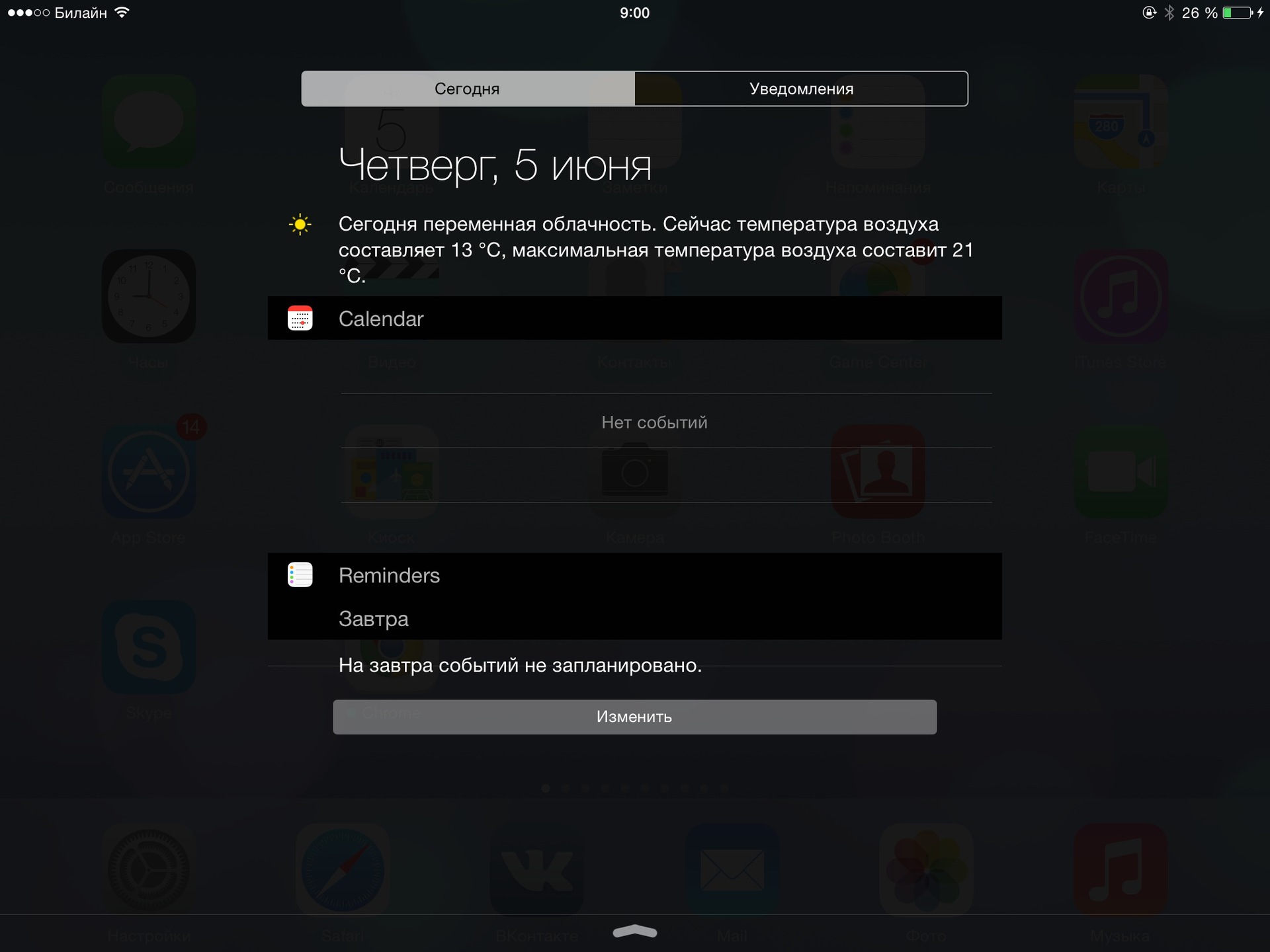
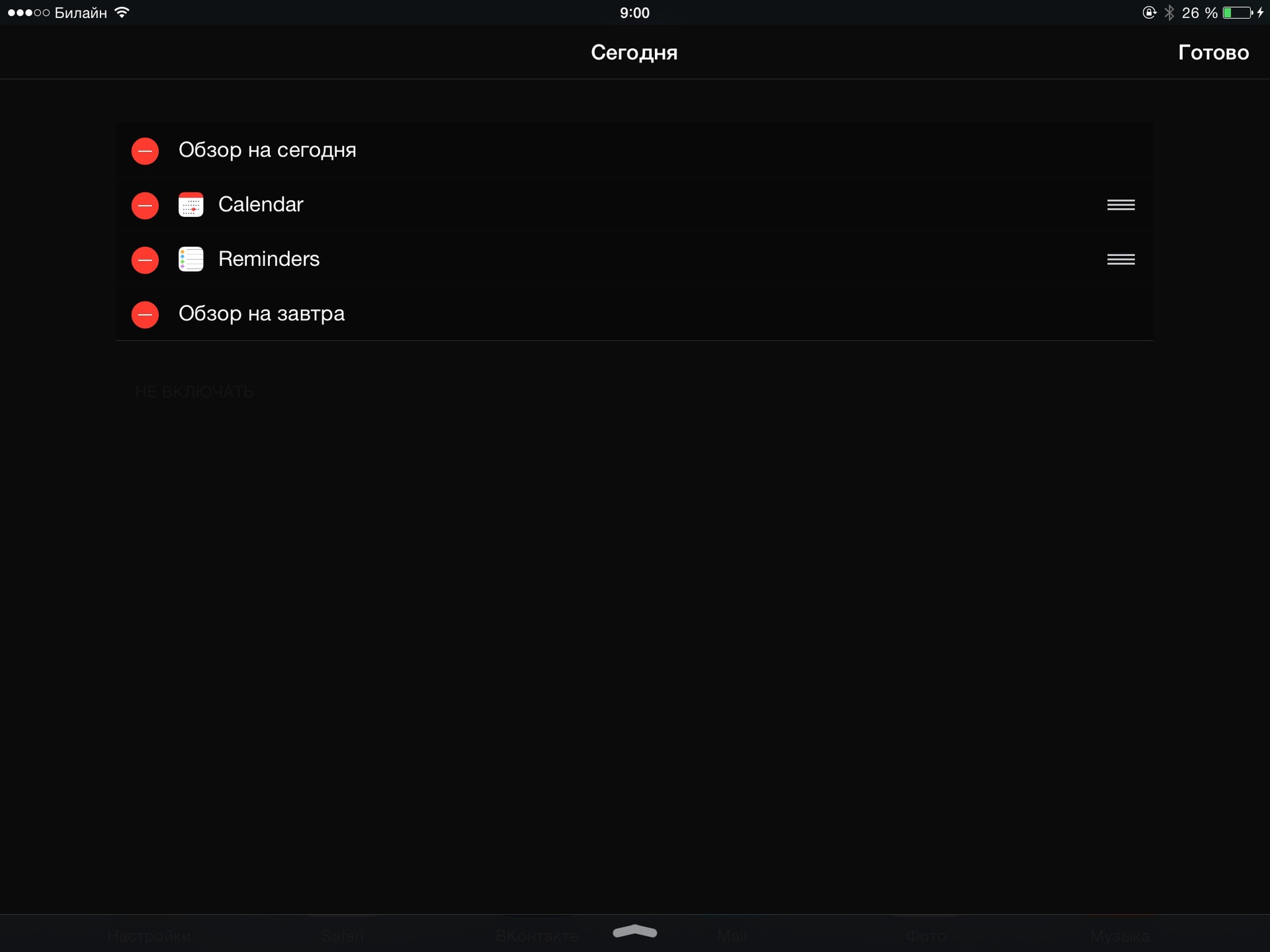
Now you can do an active study of the presented novelties. The appearance of the main screen with applications has not changed. But the notification area and the Today window have been modified quite strongly (by the way, the new OS X got the same window): When you click on the Change button, a settings window appears where you can specify which components the Today screen should contain. At WWDC on June 2, we were told that now third-party developers will be able to add their widgets to this screen. Widgets from the screen can be removed (and then, if desired, returned), as well as swapped. Only the “Review for today” and “Overview for tomorrow” are fixed.
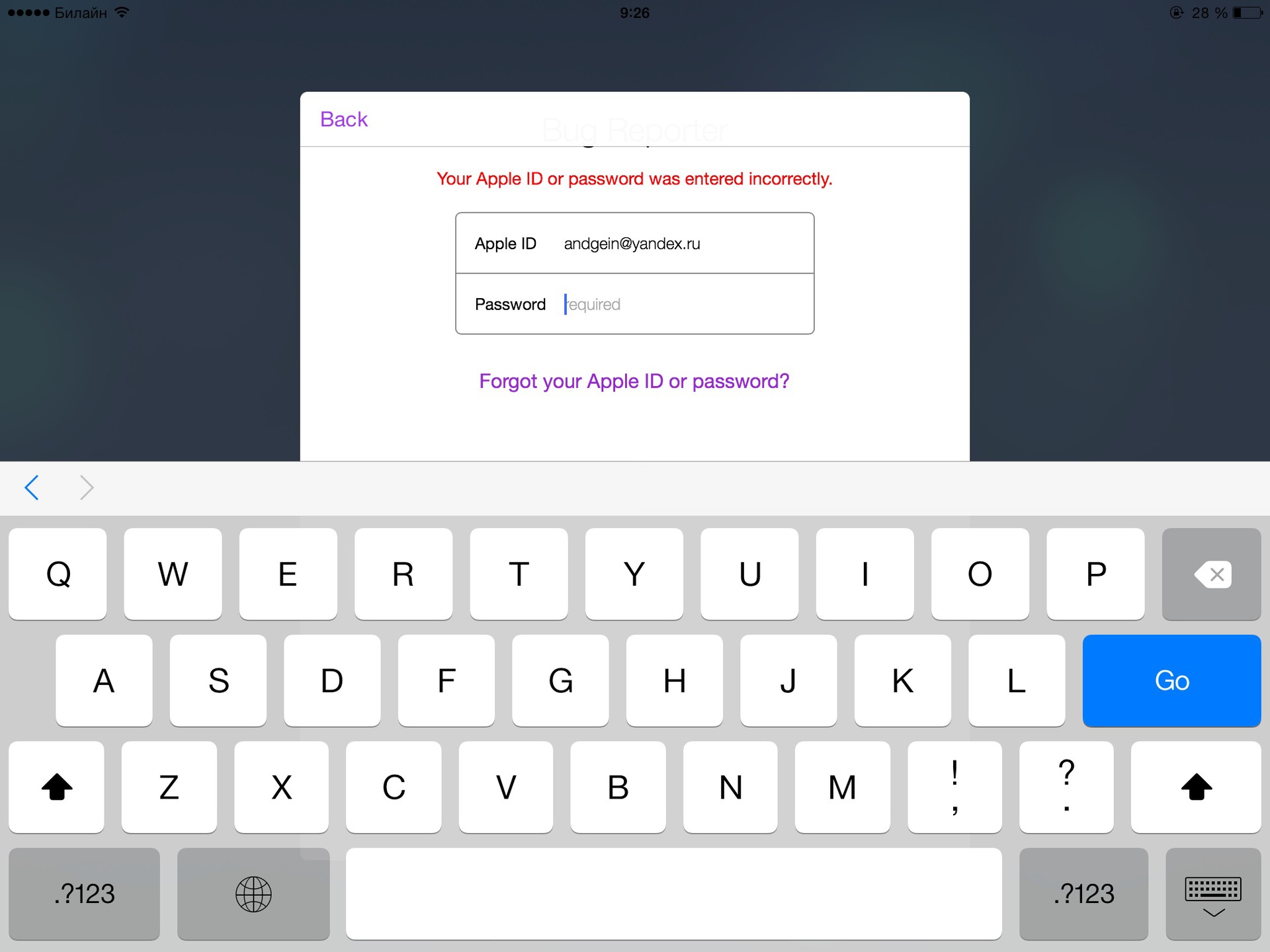
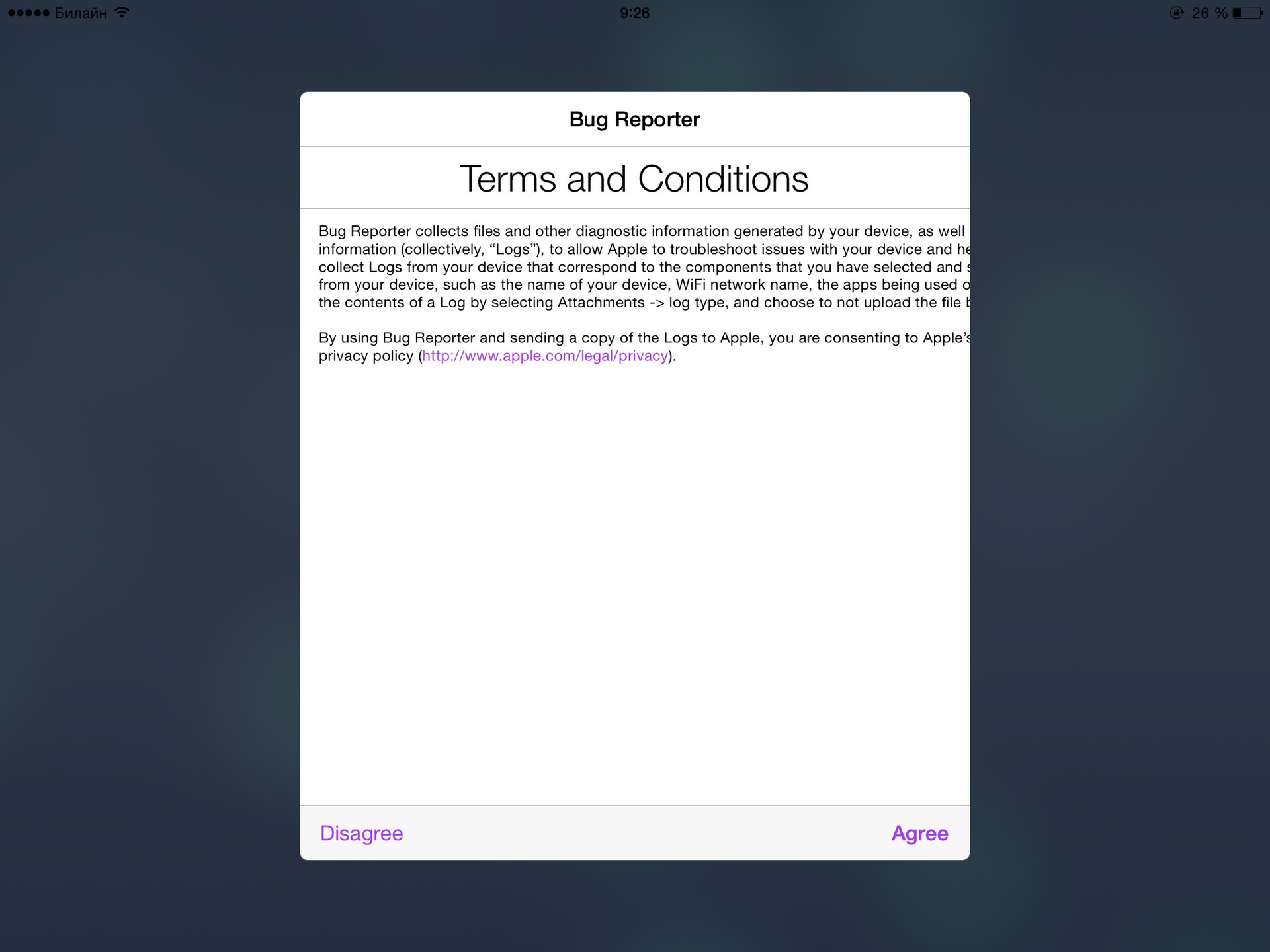
If you used the seventh version of Agios, you know that there were three screens: Today, Notifications, and Missed. To be honest, I did not fully understand why the last two were shared, and, it seems, Apple now also realized this. From now on, there is only one integrated “Notifications” screen, in the beta version it additionally contains a button for sending bug reports: To send a bug report, you need to log in using your Apple ID, agree to the conditions and fill in several standard fields (which component refers to bug, how often it is reproduced and what, in fact, is not so): True, I was not able to send any of the bugs. The first time I could not attach a screenshot - somehow the orientation went cunningly, and the second bug I could not go on the network, although everything was fine with the connection.

The next update is a new Spotlight search. Now he can search almost all the contents of the tablet. To the previous search for applications, notes and mail, a search was added in the AppStore, in Google and Wikipedia, in music and on the map. Unfortunately, one of the bugs of the new Agios appeared here, and the keyboard did not appear in Spotlight :-(. More precisely, it appeared, you can see it in the lowest pixels of the screen. A similar bug appears when Agios asks you for your Apple ID password. In the vertical orientation, even these few pixels of the keyboard are not visible, right then, by the way, the orientation problem again appeared - the pop-up window clearly counted on the vertical one.


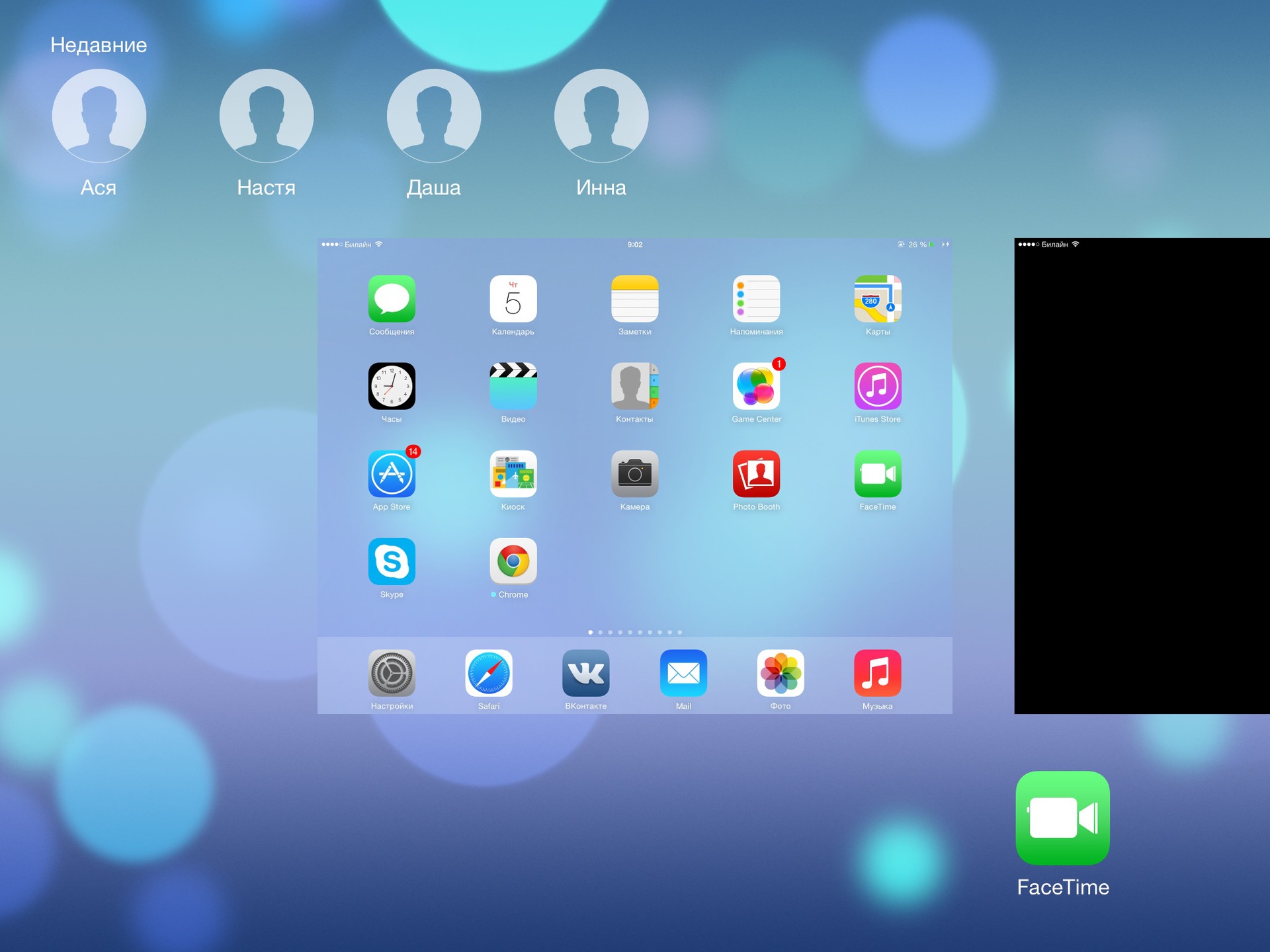
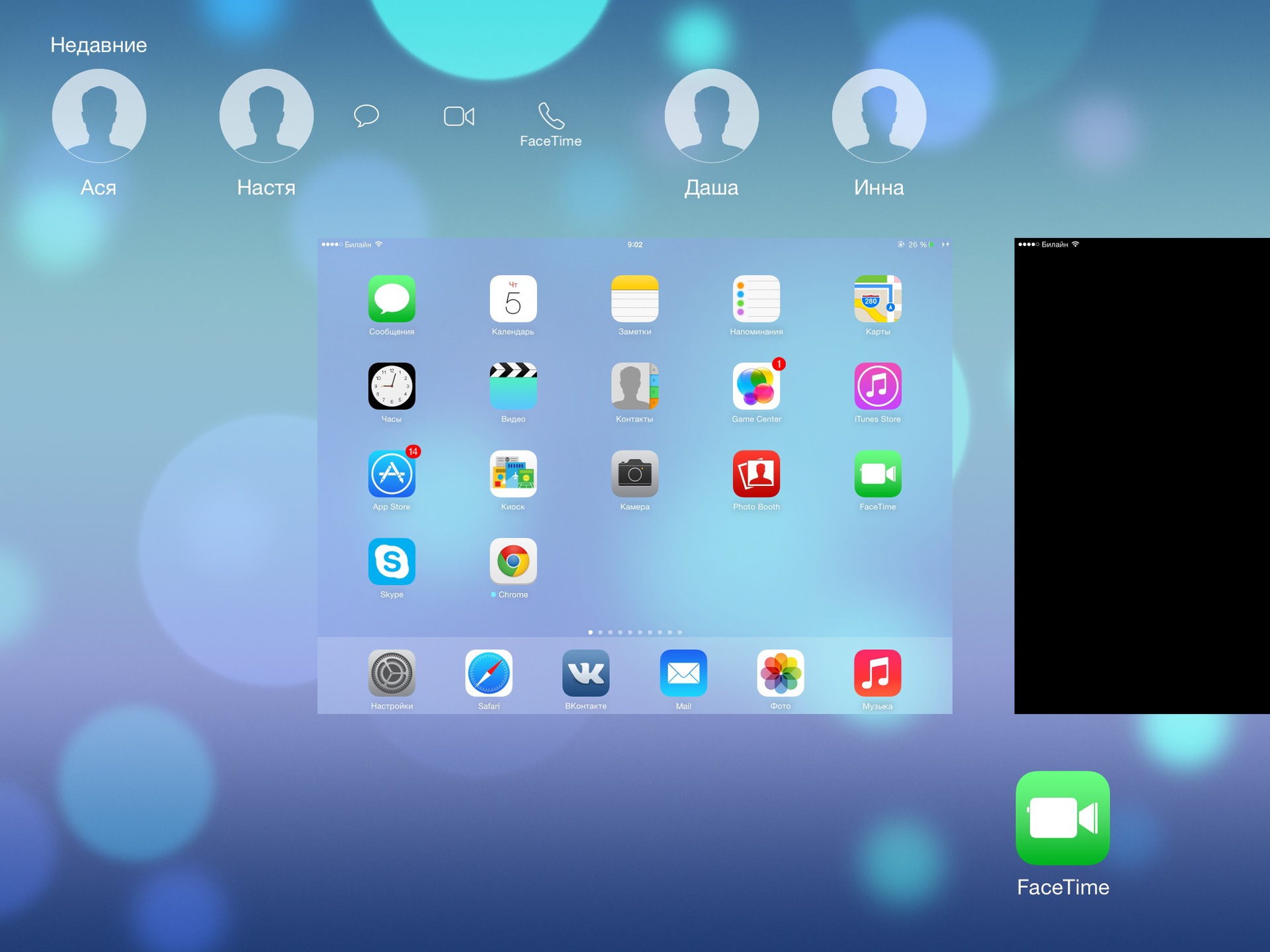
The screen for switching between applications has also changed. Icons of recently used contacts appeared on top of it. When you click on the button, options appear: write a message to him, call FaceTime in voice or via video.
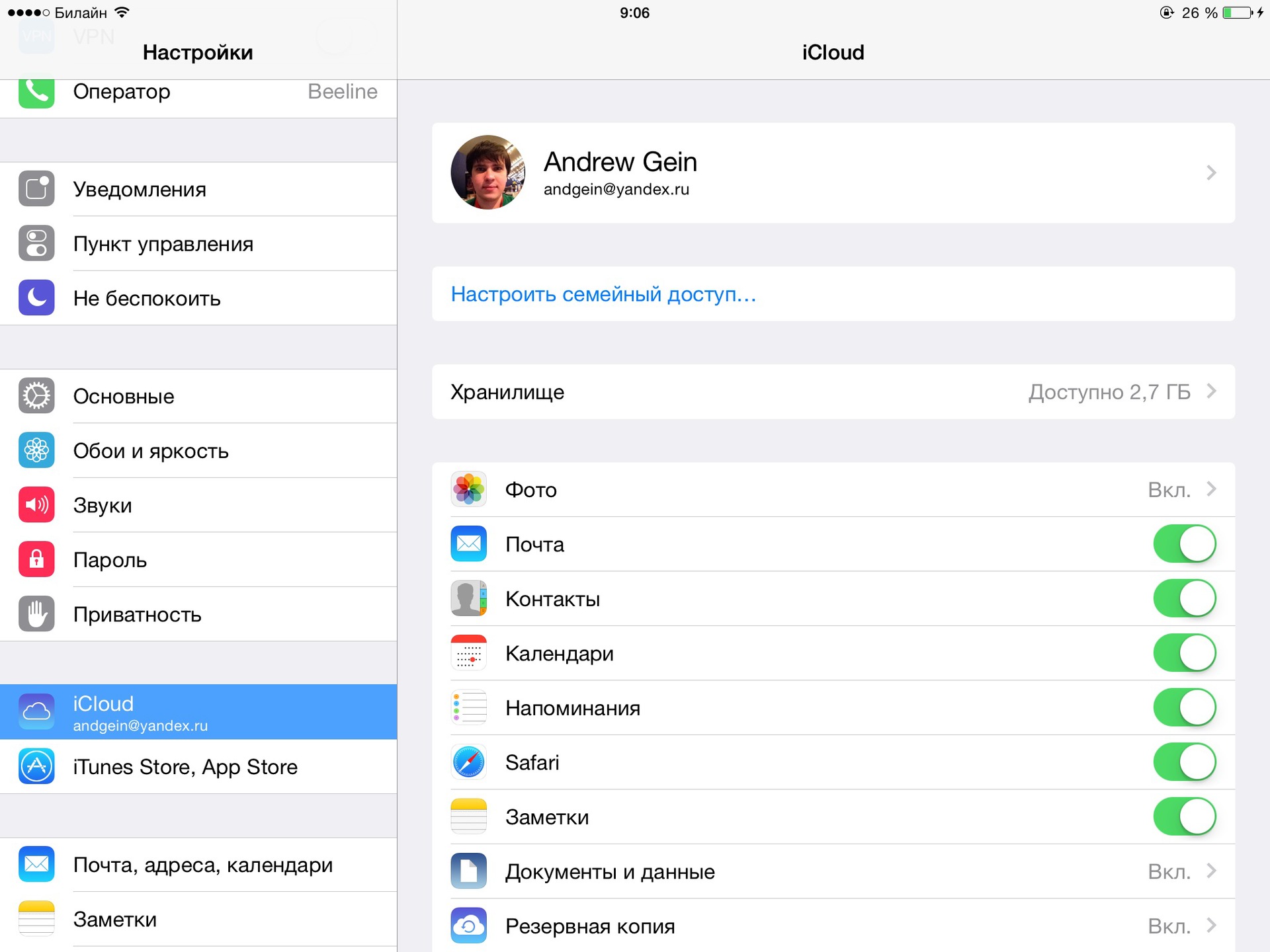
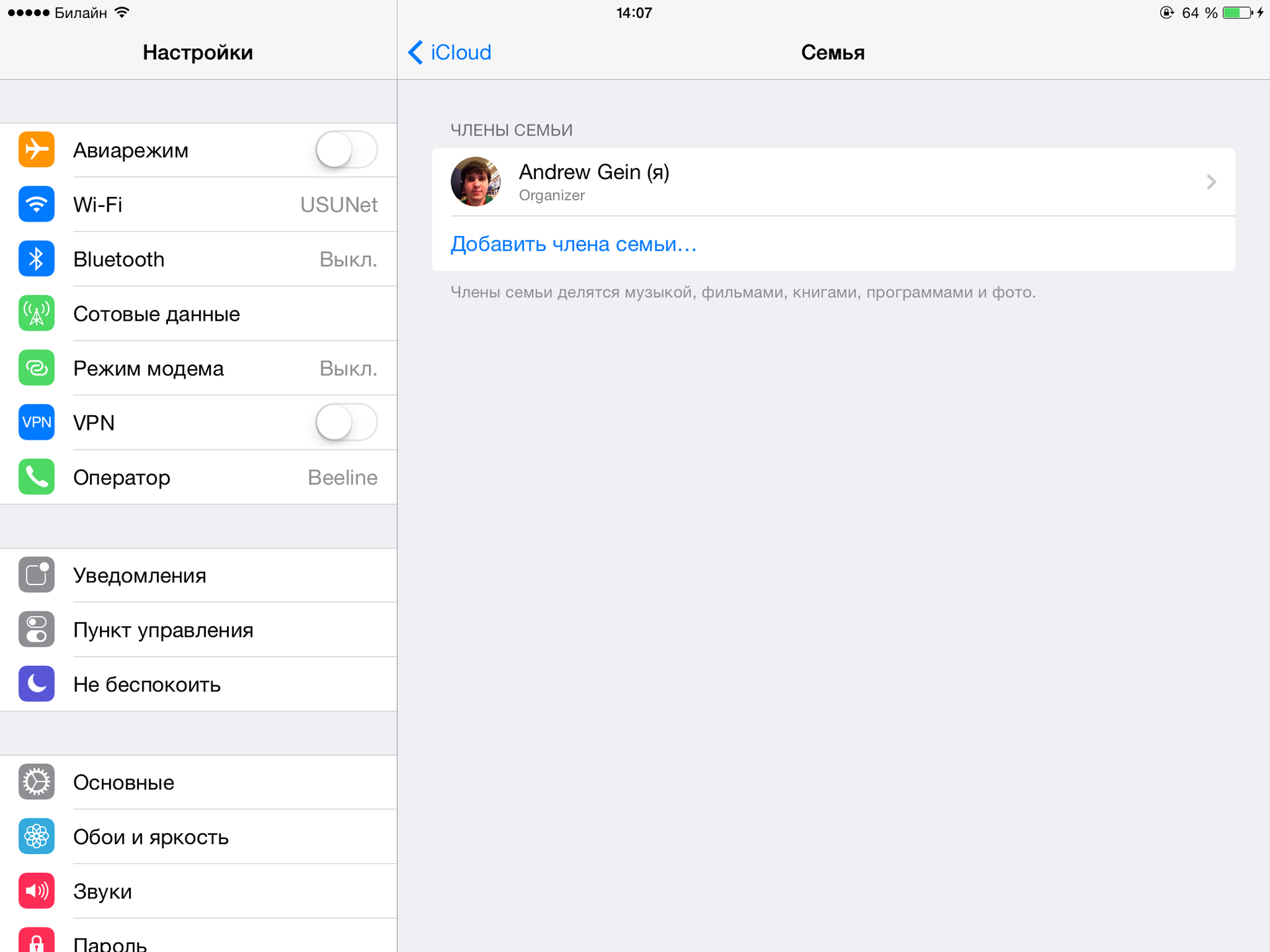
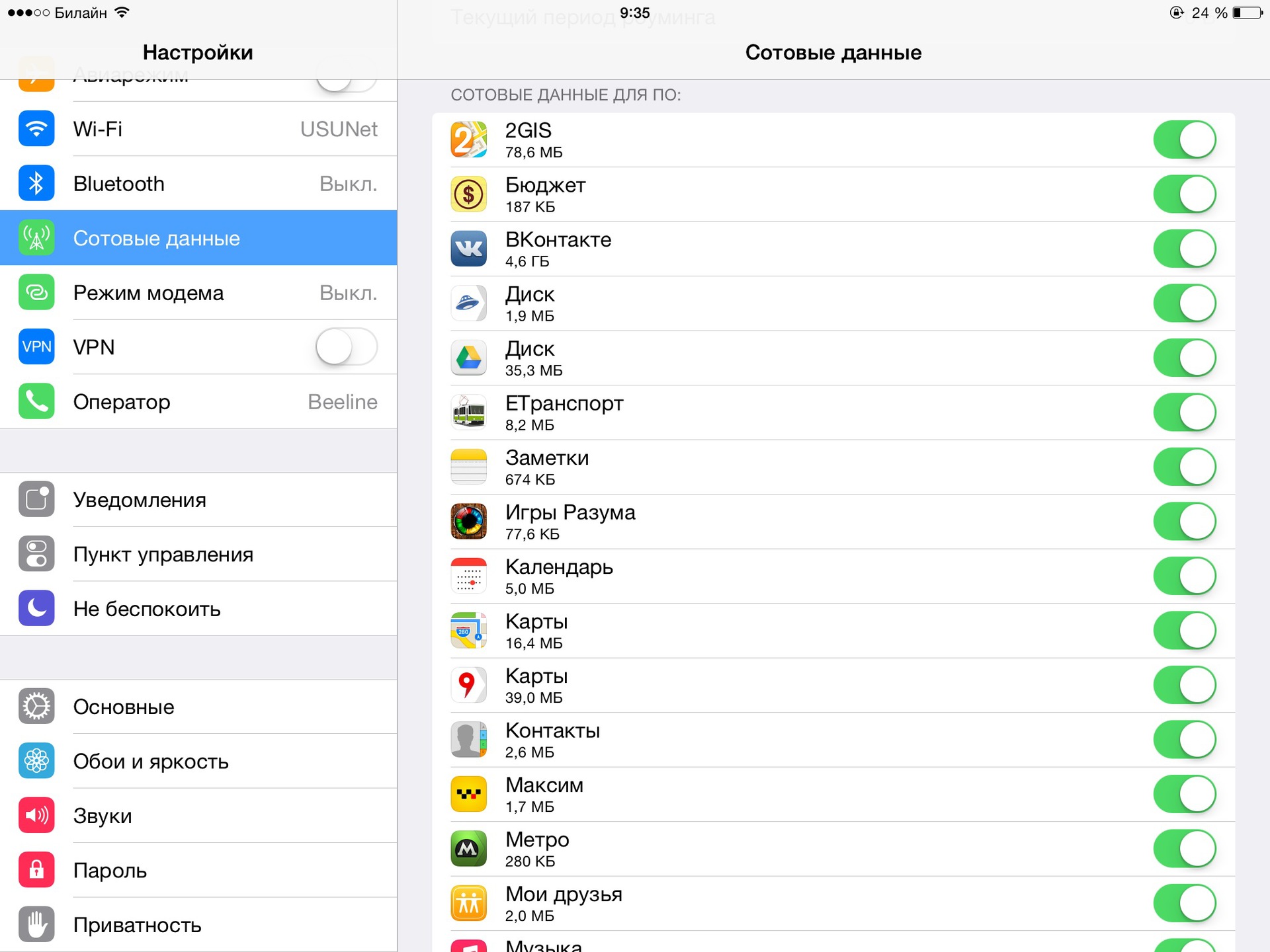
The settings have changed a bit: Now in them, including you can set up Family Sharing and add up to six devices of your family there. This will allow you to share purchased music, films, books and applications, share photos from your photo stream, show all members of the family where you are right now, have a common family calendar, and also find missing devices from someone in your family. Children under the age of 18 can use their parents' credit cards to pay for their purchases on the AppStore only with the permission of their parents, that is, each purchase will need to be approved from the device of one of the parents.Also in the settings you can now see the consumption of mobile traffic by each of the applications, and even prohibit some applications from using the mobile Internet.
UPD : in the comments they suggested that it was in the seventh version.
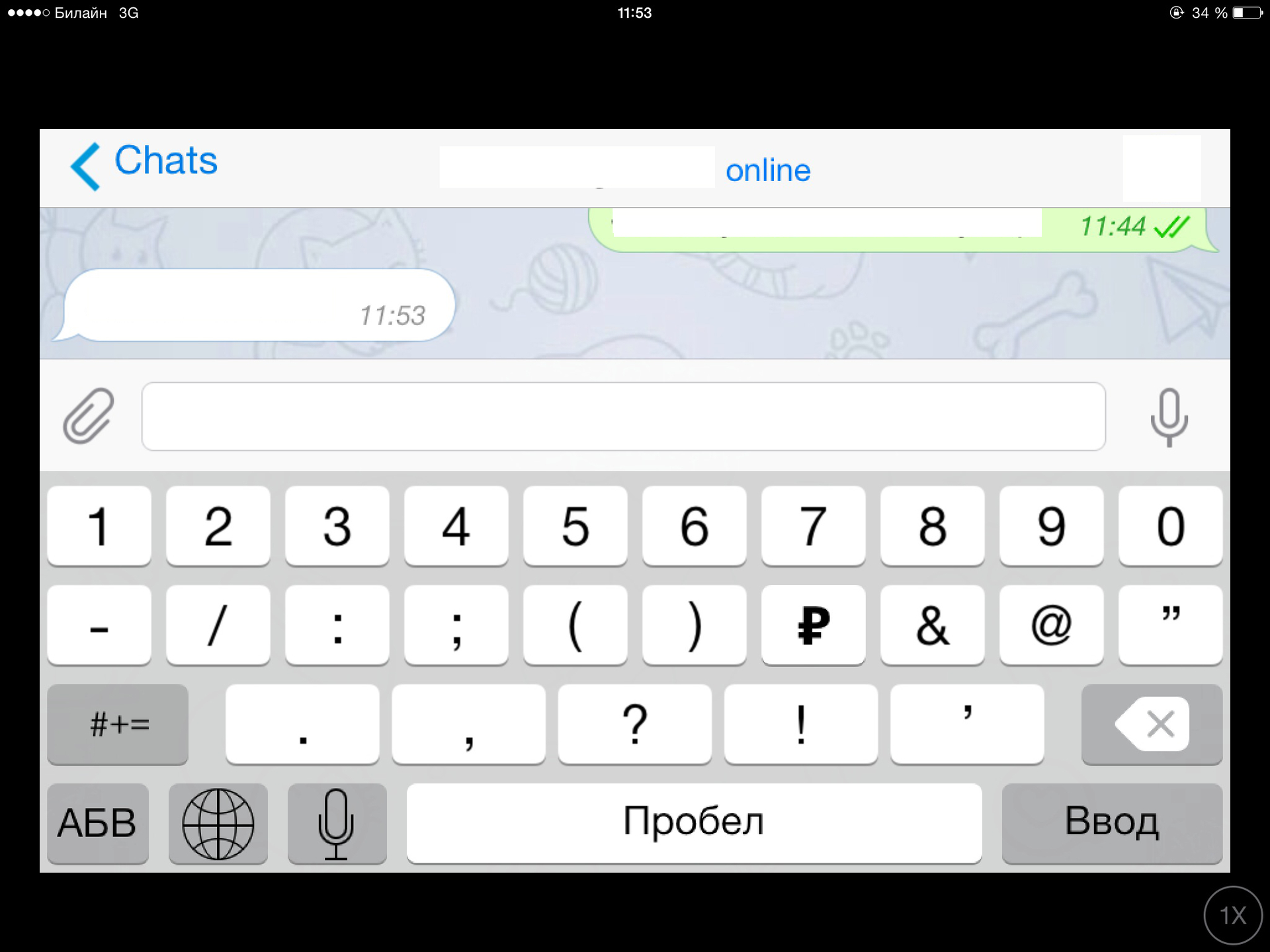
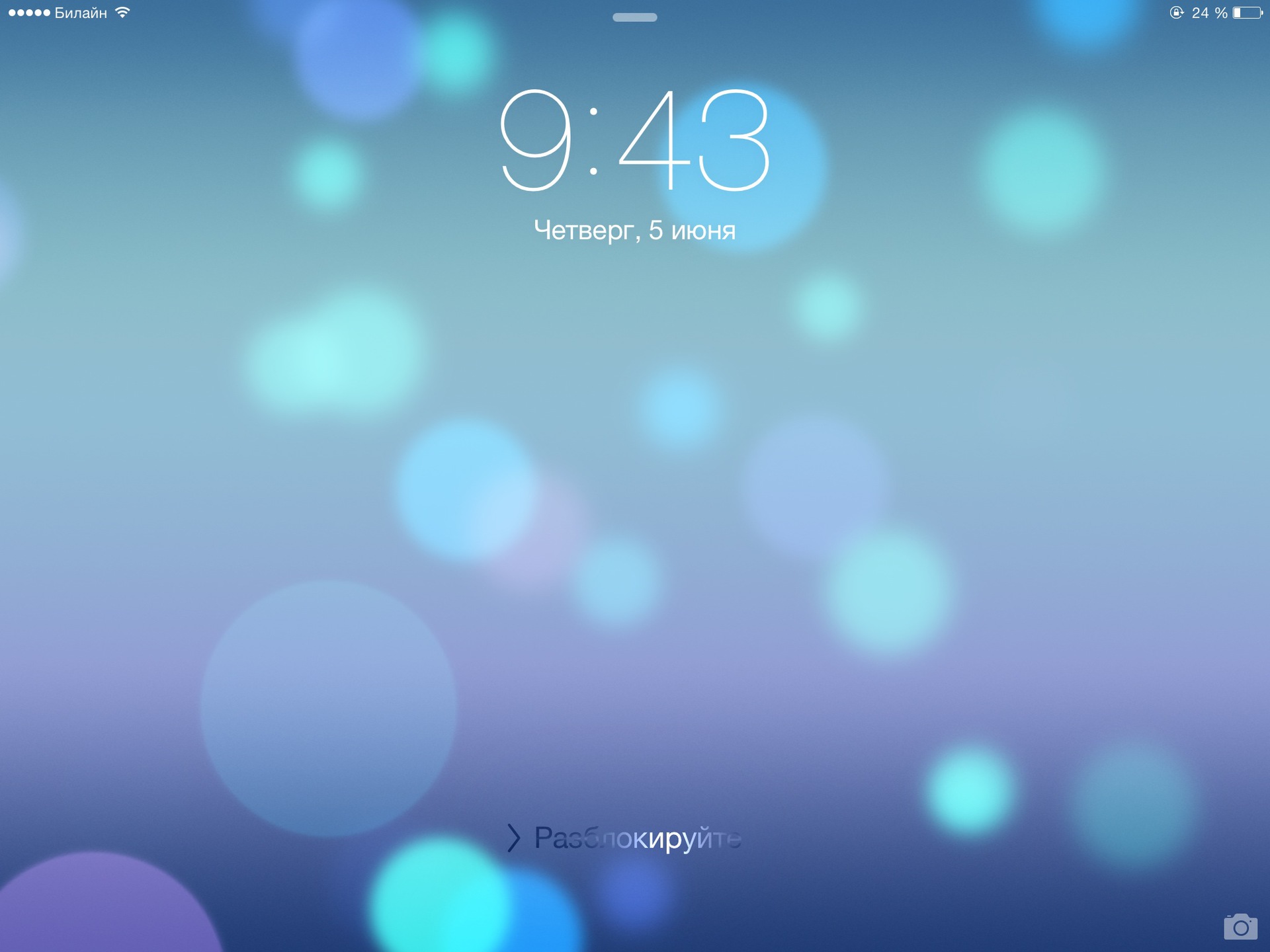
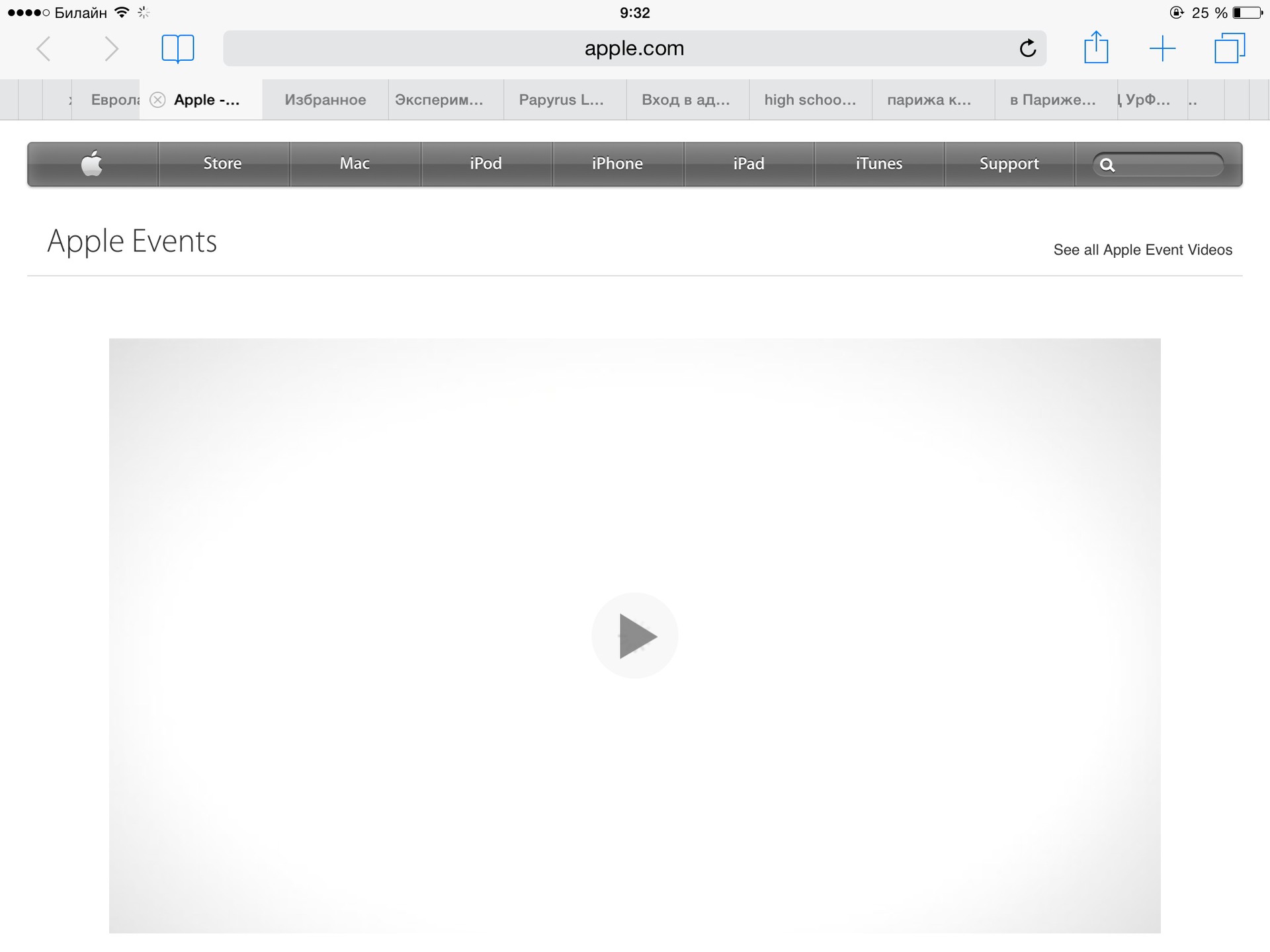
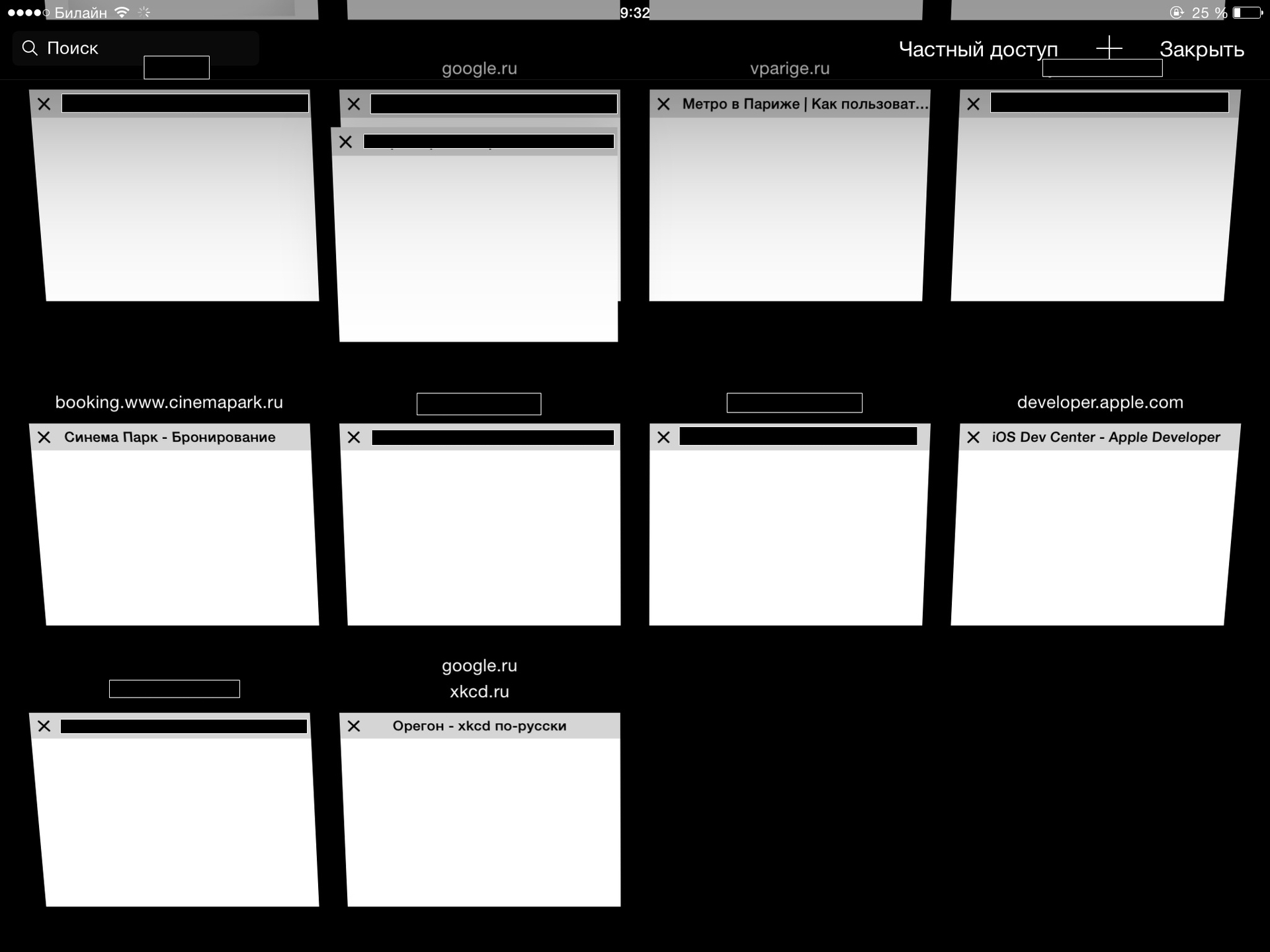
For the different symbols and signs, a ruble sign has been added to the Russian keyboard: Of the small changes in the keyboard, a color scheme can be noted. For example, they changed the color of the pressed cipher (moreover, it remained the same in the Russian keyboard, but has already changed in the English one). The main screen of the locked iPad is now equipped with a new “Unlock” button. Although, perhaps, it appeared not in the eighth version, but in 7.1, here I can’t be sure for sure. Strongly (as on the new OS X), Safari has also been updated. If you often have many tabs open, now you can see tabs “stacked” on each other at the edges: A special screen will help you find the tab you need, which has grouped all of them into sites:
The top panel when scrolling down now disappears from the screen, and appears only when scrolling up: From the trivial details: in the pop-up menu, elements are now possible next to each other, and not one above the other: The camera learned to make time-lapse video (not to be confused) with Slo mo mode). In this mode, she takes about one frame in three seconds, and then glues them all together in the video. An example of such a video:
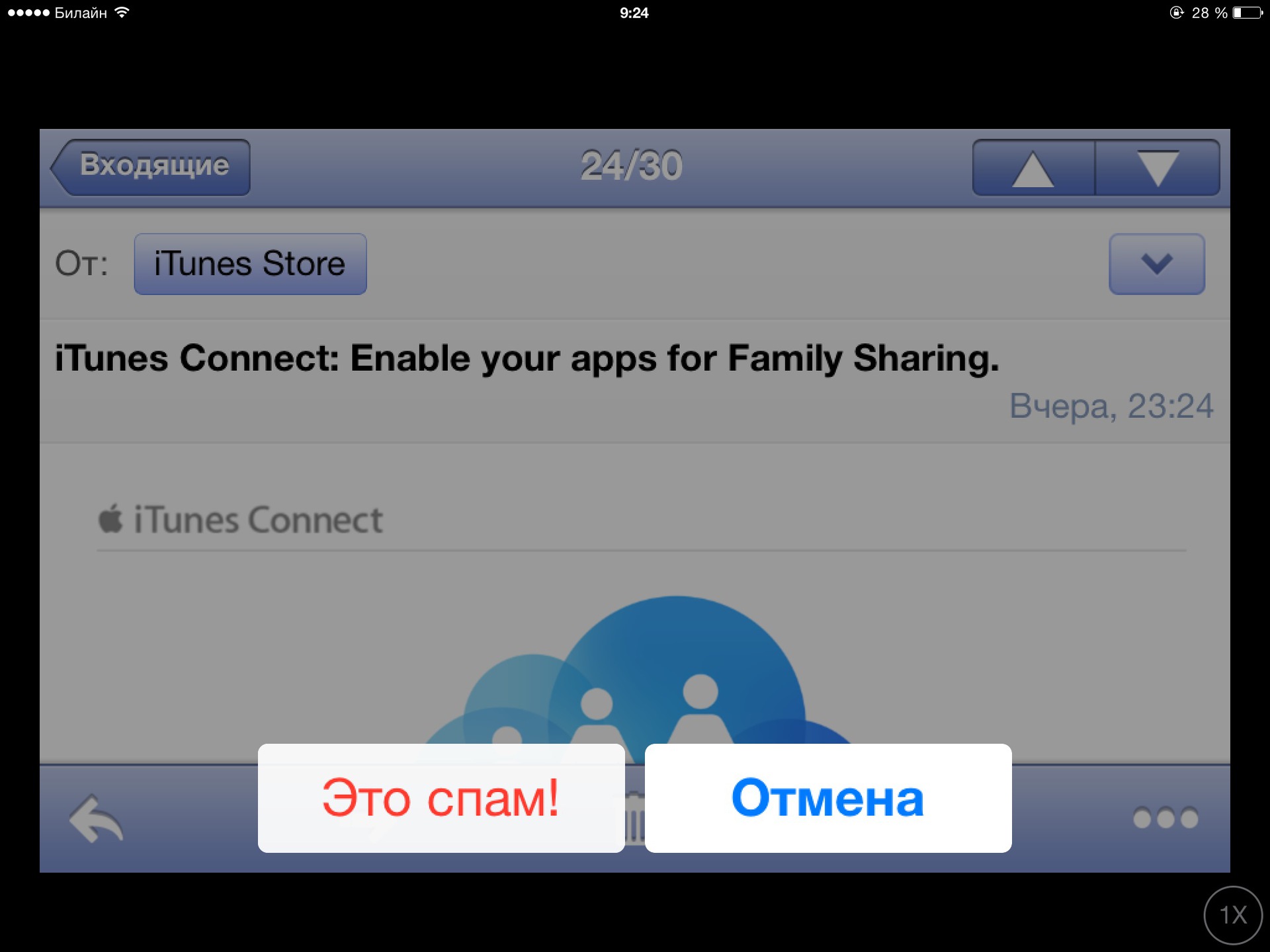
Thanks for the info on the new mode heroino .
UPD from the heroino user :
Added the ability to insert photos from the photo stream in notes. Here's how it works:
It has not yet been possible to feel all the changes in the new version of Agios. For some of them, a new OS X is required (for example, transferring calls and incomplete letters between devices), for the part - the activity of third-party developers (for example, new keyboards, their own widgets on the Today screen, something with HealthKit), for the part - several devices with the new Agios (for example, for Family Sharing).
So far, only slightly updated interface features have been evaluated. Everywhere it is noticeable that this is a beta version. Controls go everywhere, applications regularly crash, some animations are gone. If your tablet or phone is important for you to work, do not upgrade to the eighth version yet.
It is also noticeable that the new version of Agios is developed primarily by looking at phones, and only then redo solutions on tablets. Probably, this is generally correct (why immediately spray on all types of devices), but from this the appearance of the new version on Aypad looks even more unfinished.
If you still have any questions - write in the comments, I can do something else with my tablet and post new screenshots.
Before installing a new version of the operating system, it is recommended that you first back up the old one using iTunes. Then, in which case, it will be possible to deploy this copy on a tablet. It's just impossible to roll back from the eighth version to the seventh. To install Agios 8, you need to download its image from the developers portal , where in the tab “iOS 8 beta” there is a huge number of them:
After downloading the image, you need to open it using iTunes (Cmd + Click or Ctrl + Click on Windows on the “Update” button), and the update will start by itself. The process itself takes about 15-20 minutes - after which your tablet is ready to work.
Caution: under the cut a lot of pictures.
After that, your iPad asks you to enter a password (if one has been set), and then joyfully informs you that it is ready:
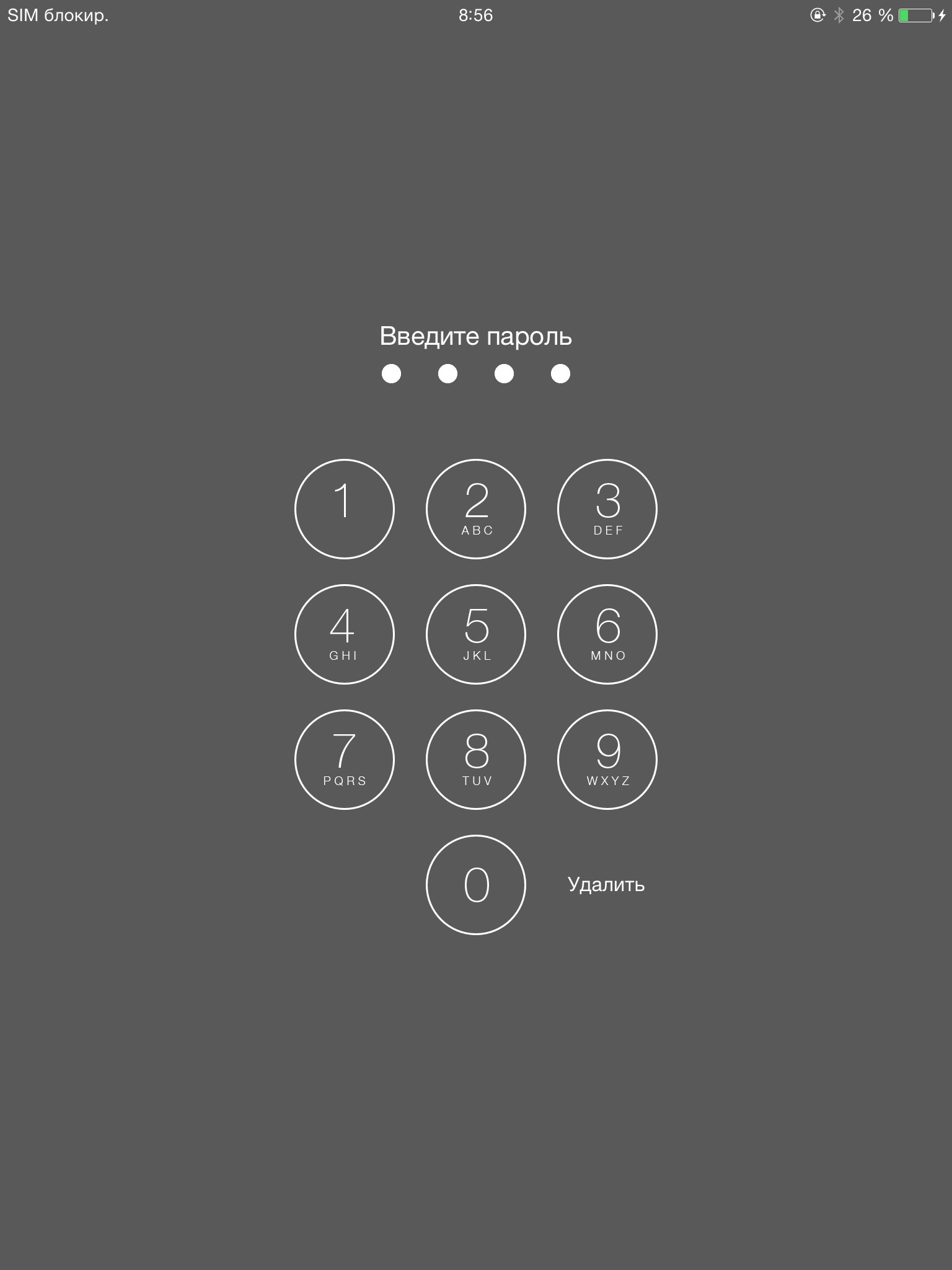 |  |
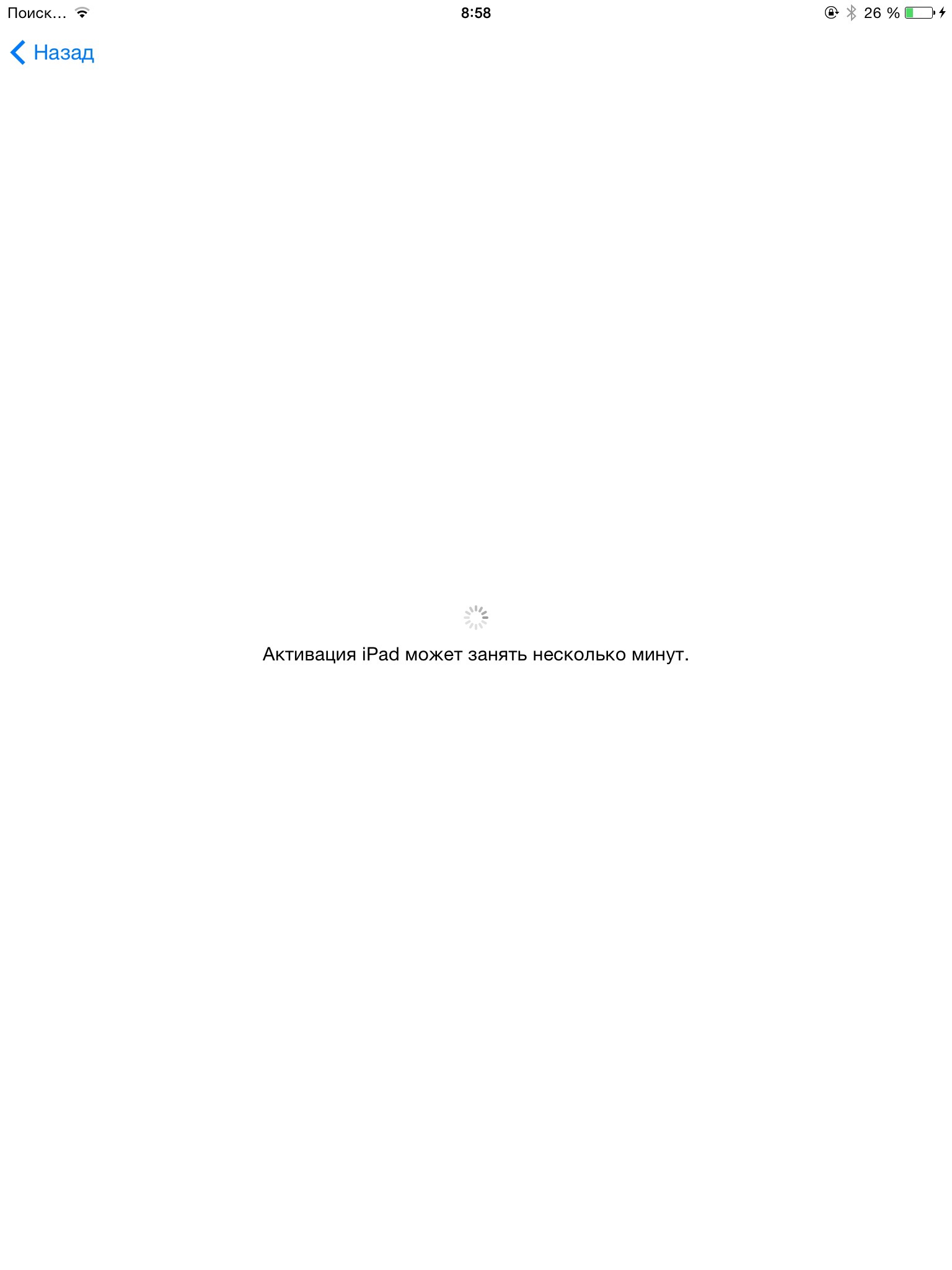
Then my tablet tried to activate, but it failed to do this (while it was connected to Wi-Fi and iTunes on the computer).
 | 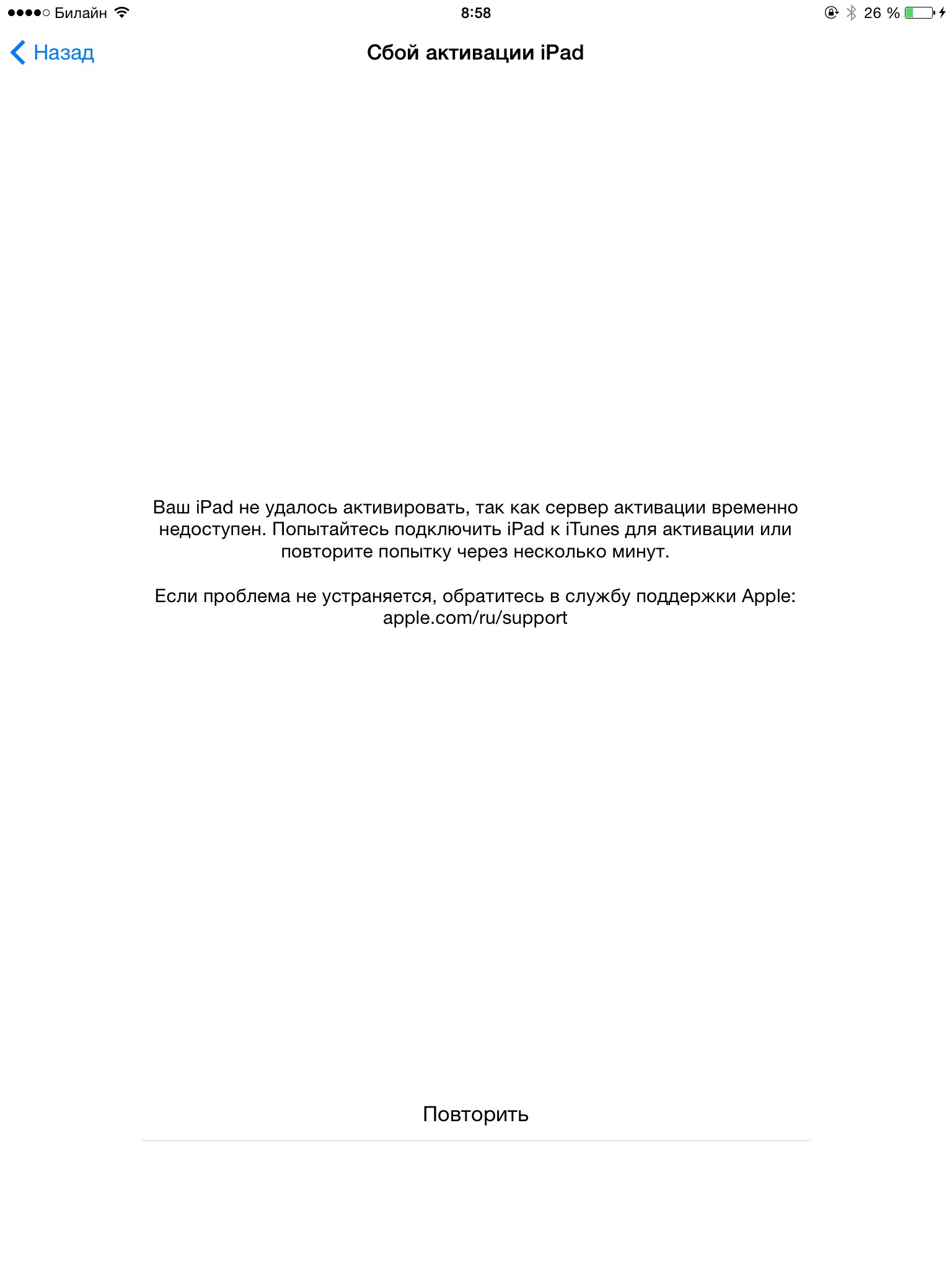 |
Repeating the attempt yielded nothing, and I decided to leave the activation alone. It seems that everything worked without her:
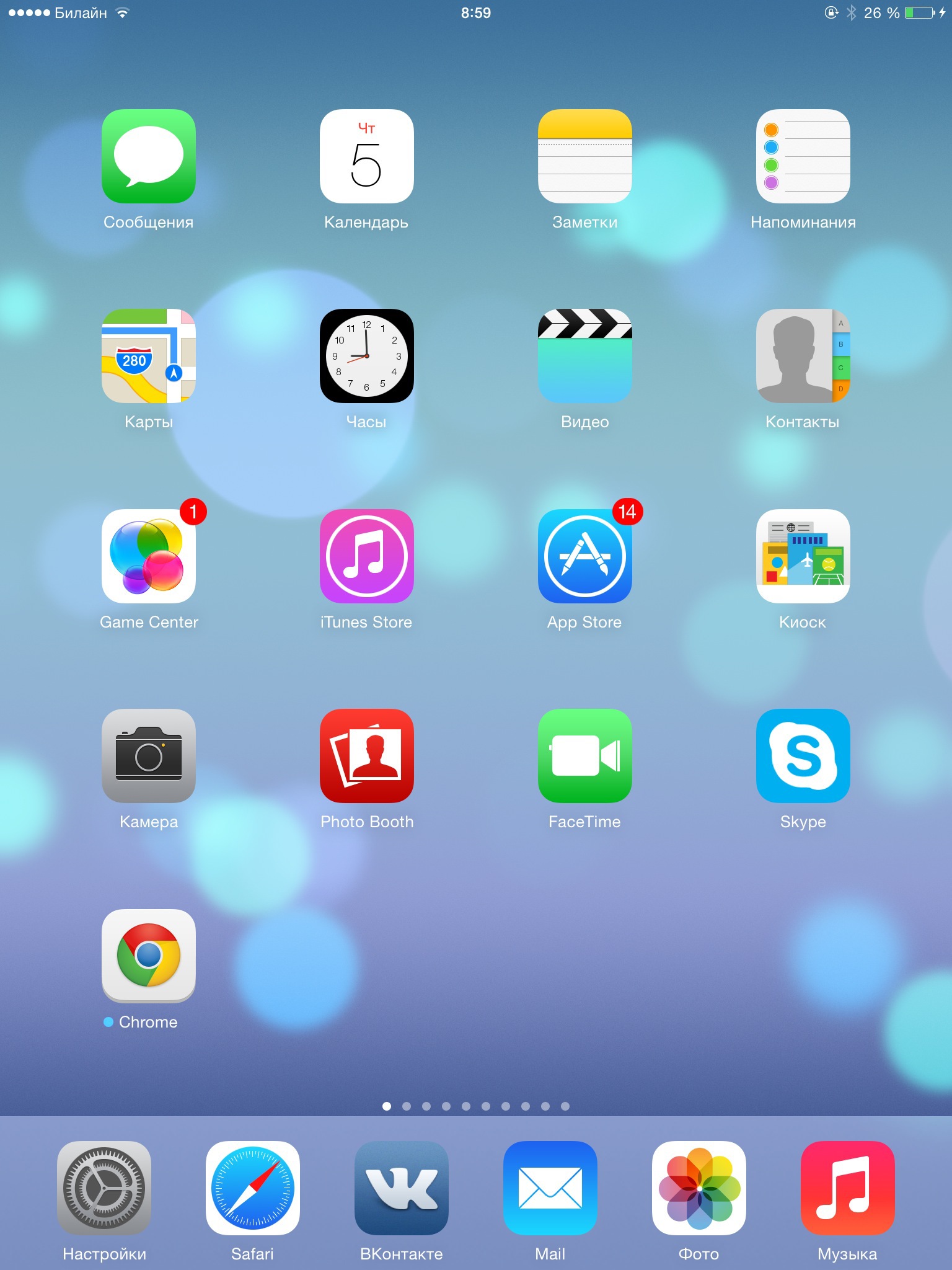 | 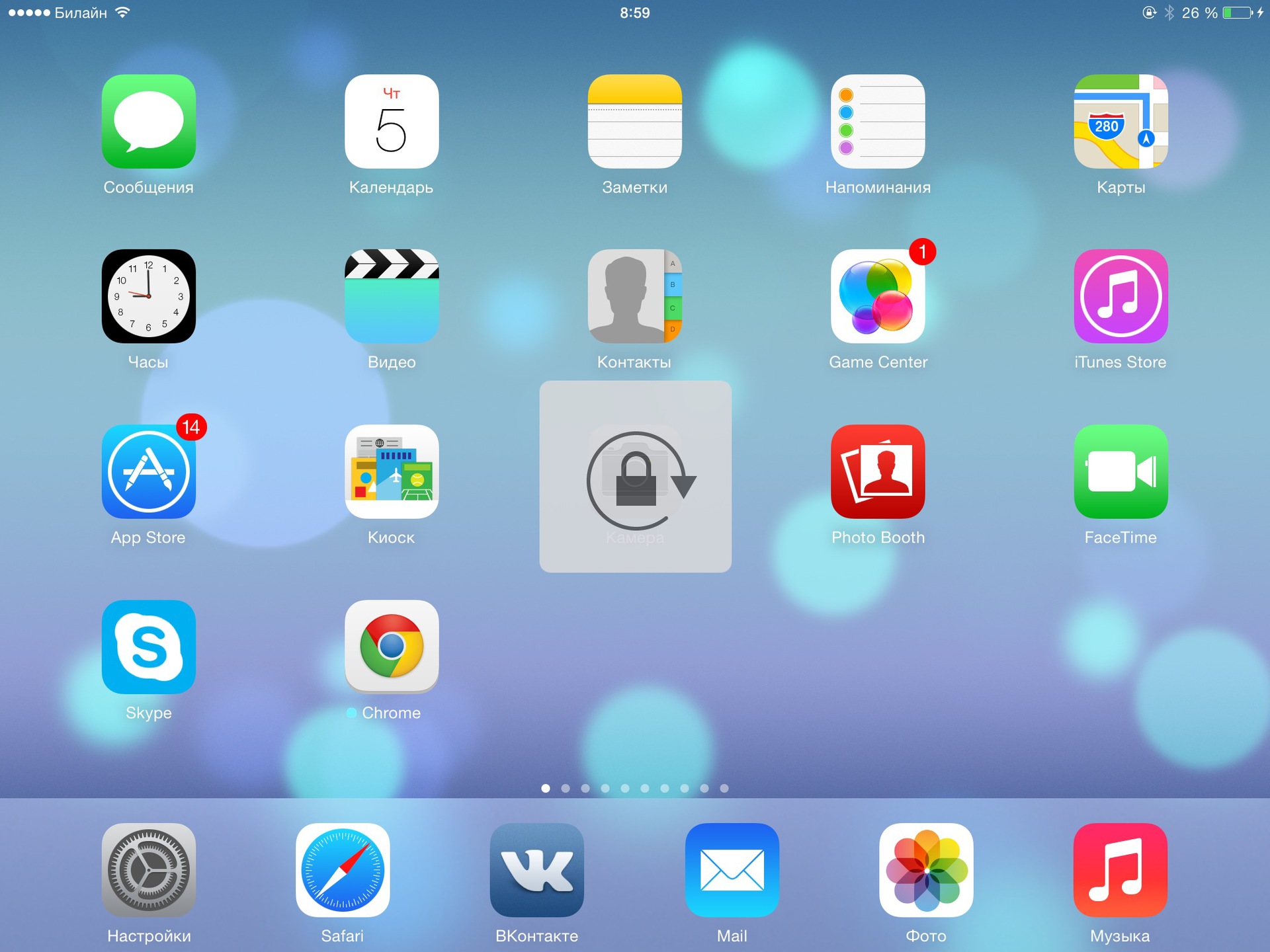 |
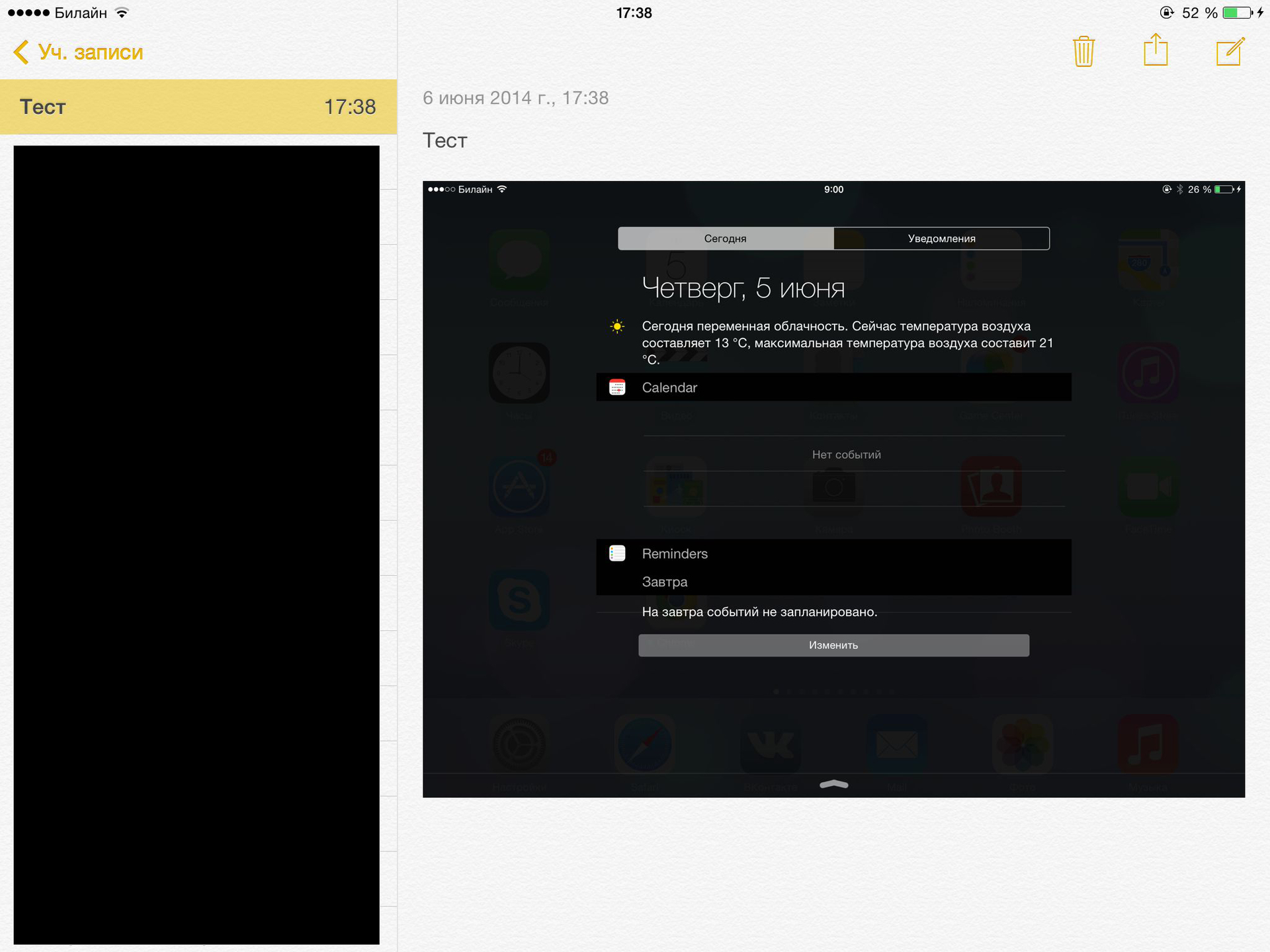
Now you can do an active study of the presented novelties. The appearance of the main screen with applications has not changed. But the notification area and the Today window have been modified quite strongly (by the way, the new OS X got the same window): When you click on the Change button, a settings window appears where you can specify which components the Today screen should contain. At WWDC on June 2, we were told that now third-party developers will be able to add their widgets to this screen. Widgets from the screen can be removed (and then, if desired, returned), as well as swapped. Only the “Review for today” and “Overview for tomorrow” are fixed.
If you used the seventh version of Agios, you know that there were three screens: Today, Notifications, and Missed. To be honest, I did not fully understand why the last two were shared, and, it seems, Apple now also realized this. From now on, there is only one integrated “Notifications” screen, in the beta version it additionally contains a button for sending bug reports: To send a bug report, you need to log in using your Apple ID, agree to the conditions and fill in several standard fields (which component refers to bug, how often it is reproduced and what, in fact, is not so): True, I was not able to send any of the bugs. The first time I could not attach a screenshot - somehow the orientation went cunningly, and the second bug I could not go on the network, although everything was fine with the connection.
Hidden text
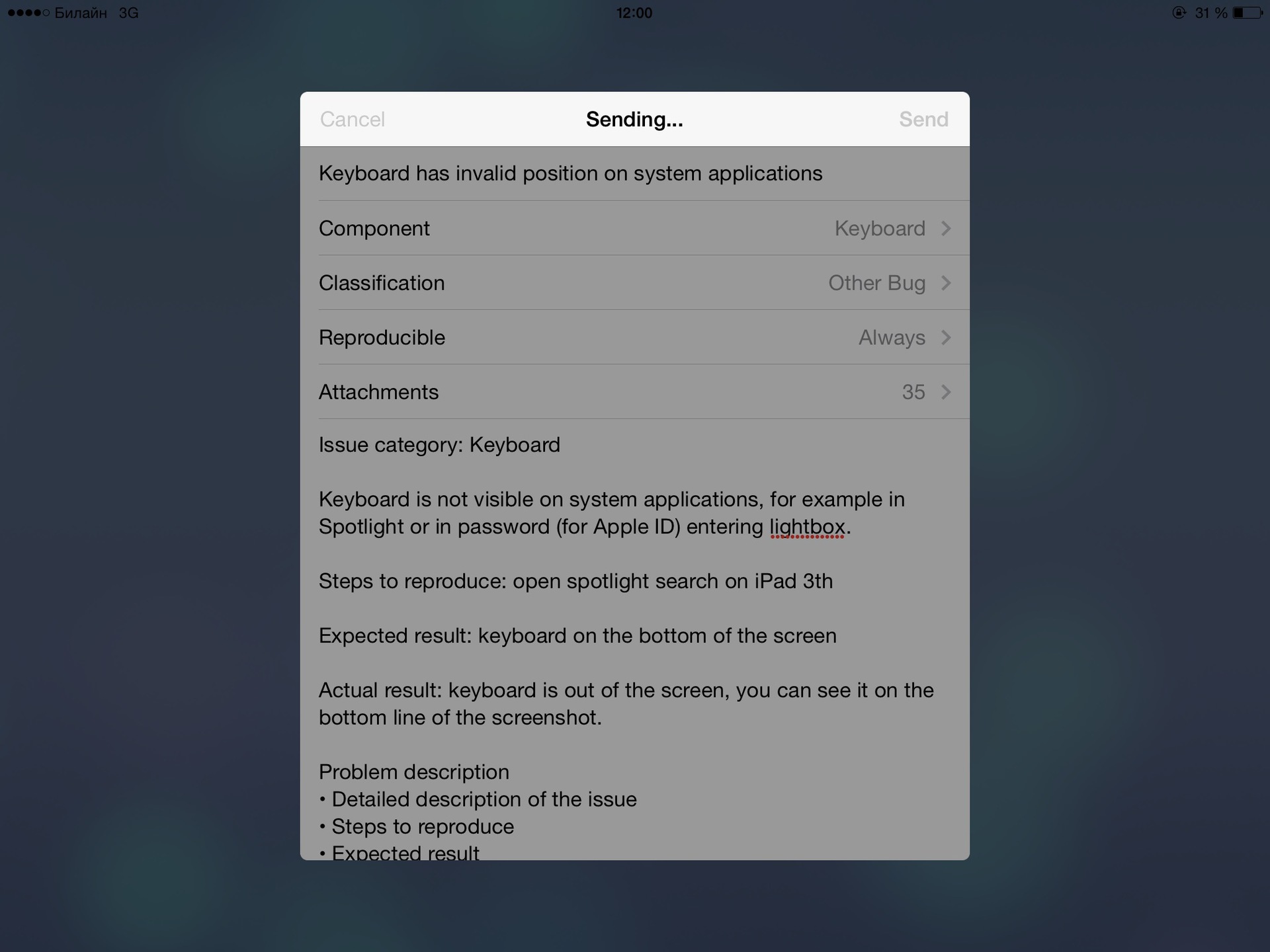
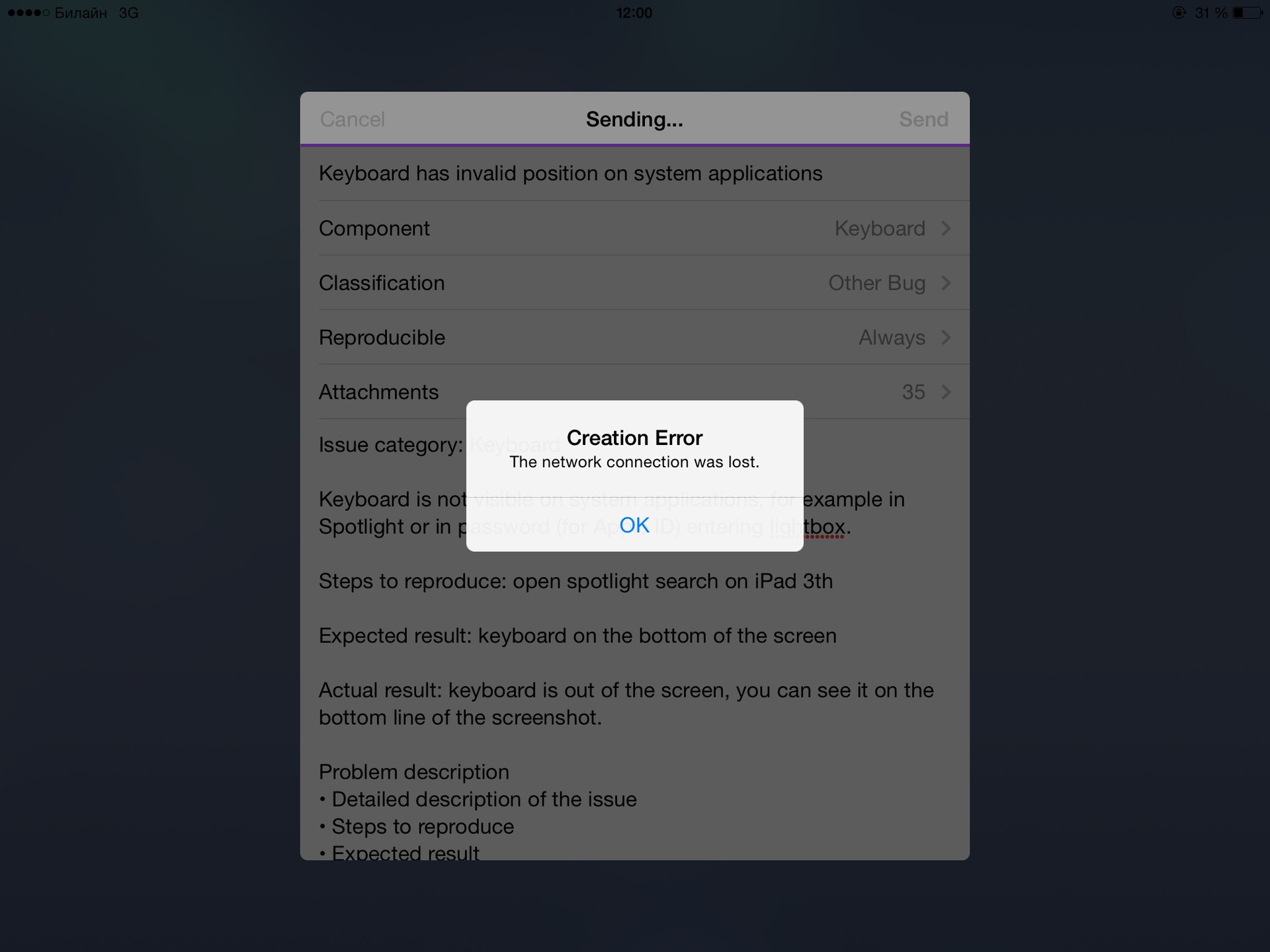
The next update is a new Spotlight search. Now he can search almost all the contents of the tablet. To the previous search for applications, notes and mail, a search was added in the AppStore, in Google and Wikipedia, in music and on the map. Unfortunately, one of the bugs of the new Agios appeared here, and the keyboard did not appear in Spotlight :-(. More precisely, it appeared, you can see it in the lowest pixels of the screen. A similar bug appears when Agios asks you for your Apple ID password. In the vertical orientation, even these few pixels of the keyboard are not visible, right then, by the way, the orientation problem again appeared - the pop-up window clearly counted on the vertical one.
The screen for switching between applications has also changed. Icons of recently used contacts appeared on top of it. When you click on the button, options appear: write a message to him, call FaceTime in voice or via video.
 |  |
The settings have changed a bit: Now in them, including you can set up Family Sharing and add up to six devices of your family there. This will allow you to share purchased music, films, books and applications, share photos from your photo stream, show all members of the family where you are right now, have a common family calendar, and also find missing devices from someone in your family. Children under the age of 18 can use their parents' credit cards to pay for their purchases on the AppStore only with the permission of their parents, that is, each purchase will need to be approved from the device of one of the parents.
UPD : in the comments they suggested that it was in the seventh version.
For the different symbols and signs, a ruble sign has been added to the Russian keyboard: Of the small changes in the keyboard, a color scheme can be noted. For example, they changed the color of the pressed cipher (moreover, it remained the same in the Russian keyboard, but has already changed in the English one). The main screen of the locked iPad is now equipped with a new “Unlock” button. Although, perhaps, it appeared not in the eighth version, but in 7.1, here I can’t be sure for sure. Strongly (as on the new OS X), Safari has also been updated. If you often have many tabs open, now you can see tabs “stacked” on each other at the edges: A special screen will help you find the tab you need, which has grouped all of them into sites:
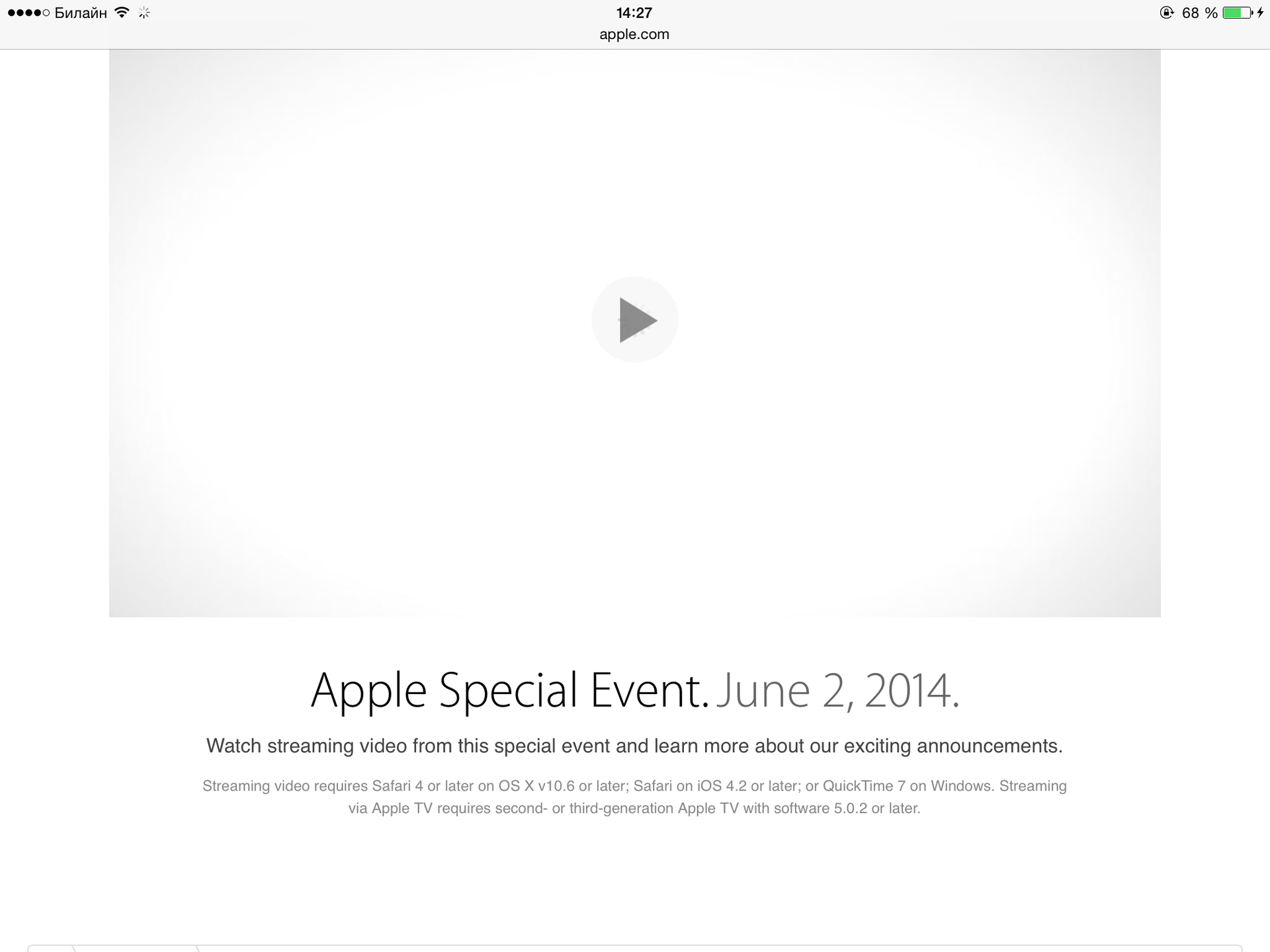
The top panel when scrolling down now disappears from the screen, and appears only when scrolling up: From the trivial details: in the pop-up menu, elements are now possible next to each other, and not one above the other: The camera learned to make time-lapse video (not to be confused) with Slo mo mode). In this mode, she takes about one frame in three seconds, and then glues them all together in the video. An example of such a video:
Thanks for the info on the new mode heroino .
UPD from the heroino user :
Added the ability to insert photos from the photo stream in notes. Here's how it works:
 |  |
Brief Summary
It has not yet been possible to feel all the changes in the new version of Agios. For some of them, a new OS X is required (for example, transferring calls and incomplete letters between devices), for the part - the activity of third-party developers (for example, new keyboards, their own widgets on the Today screen, something with HealthKit), for the part - several devices with the new Agios (for example, for Family Sharing).
So far, only slightly updated interface features have been evaluated. Everywhere it is noticeable that this is a beta version. Controls go everywhere, applications regularly crash, some animations are gone. If your tablet or phone is important for you to work, do not upgrade to the eighth version yet.
It is also noticeable that the new version of Agios is developed primarily by looking at phones, and only then redo solutions on tablets. Probably, this is generally correct (why immediately spray on all types of devices), but from this the appearance of the new version on Aypad looks even more unfinished.
If you still have any questions - write in the comments, I can do something else with my tablet and post new screenshots.