Developing games for an arduino-based console using Unity
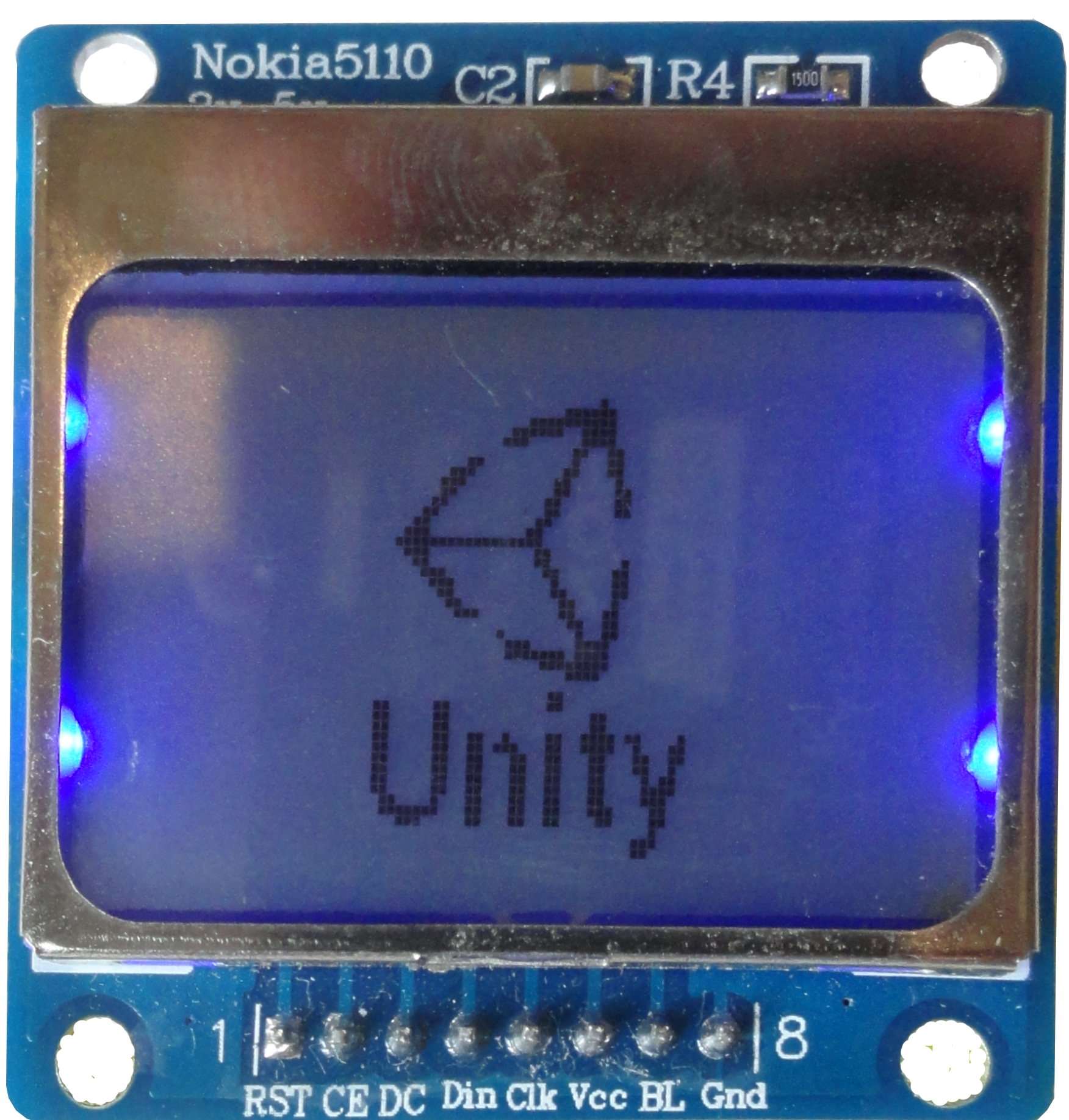
Hello Geek Times!
Today I will tell you one not very interesting story about how I created a simple game console based on arduino and made a simple game for it in my favorite game engine - Unity.
Games
For almost four years now, I have been developing games on the popular Unity game engine (formerly Unity3D). During this time, I managed to create several small games for mobile devices, as well as an extensive multi-user project.
This area is very interesting for me and gives great pleasure to work in it.
Devices
But sometimes there is a desire to try something new, and one of these days I decided to try arduino.
It became very interesting to me how to create my own devices and how to program them. Why arduino? On the Internet and even on the same hub and geek times, there are a lot of posts about why it is worth taking arduino. But I note that for me the decisive factor in choosing arduino is ease of use.
And how to combine this?
Once on the Internet, I came across a record about how one of the users assembled his simple arduino-based game console, equipped it with a small 84x48 pixel LCD display and wrote a couple of simple games on it: pong and arkanoid.
This development was very interesting to me, and I decided to create my own version of the game console based on the atmega328 microcontroller.
Console itself
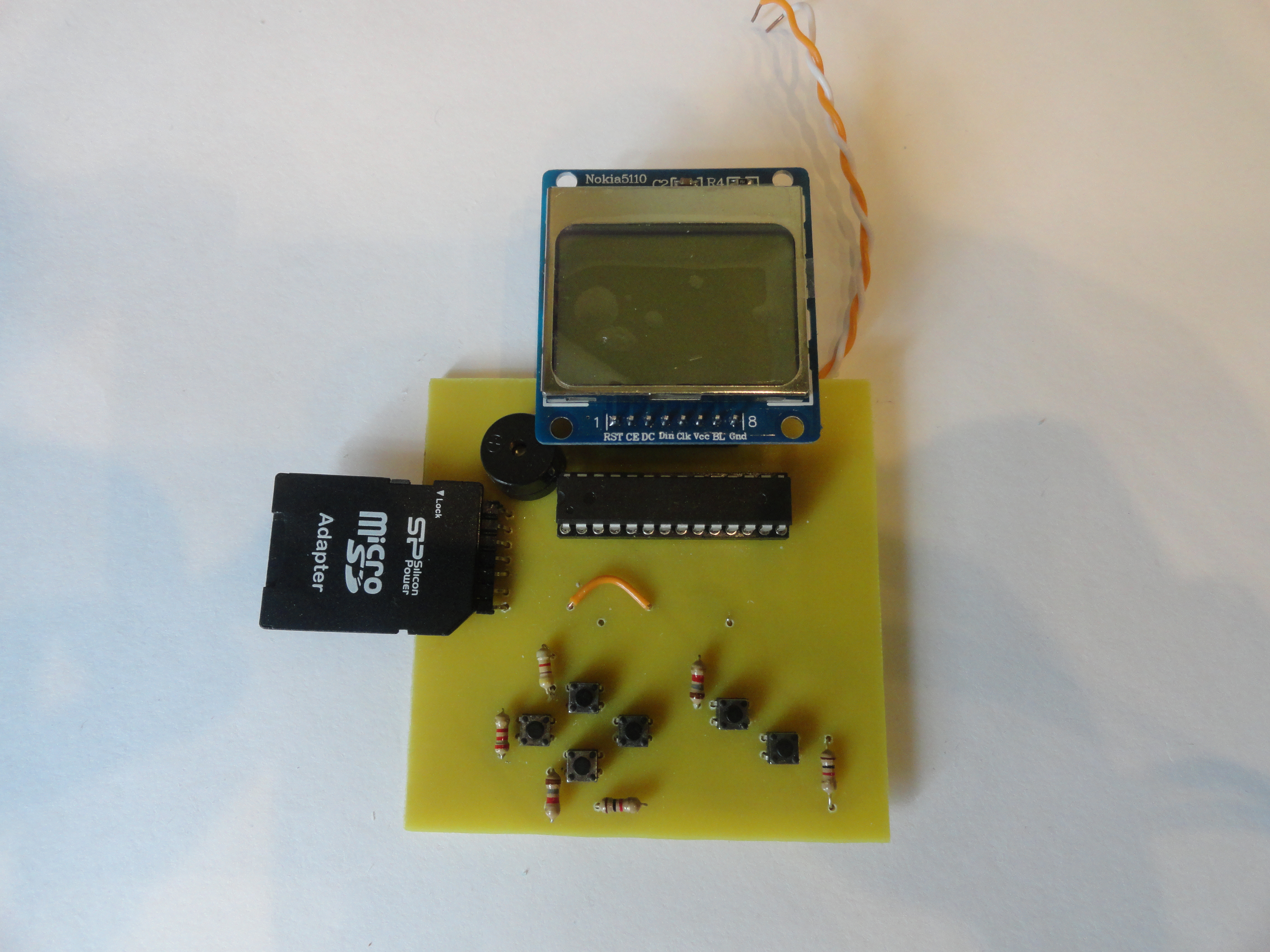
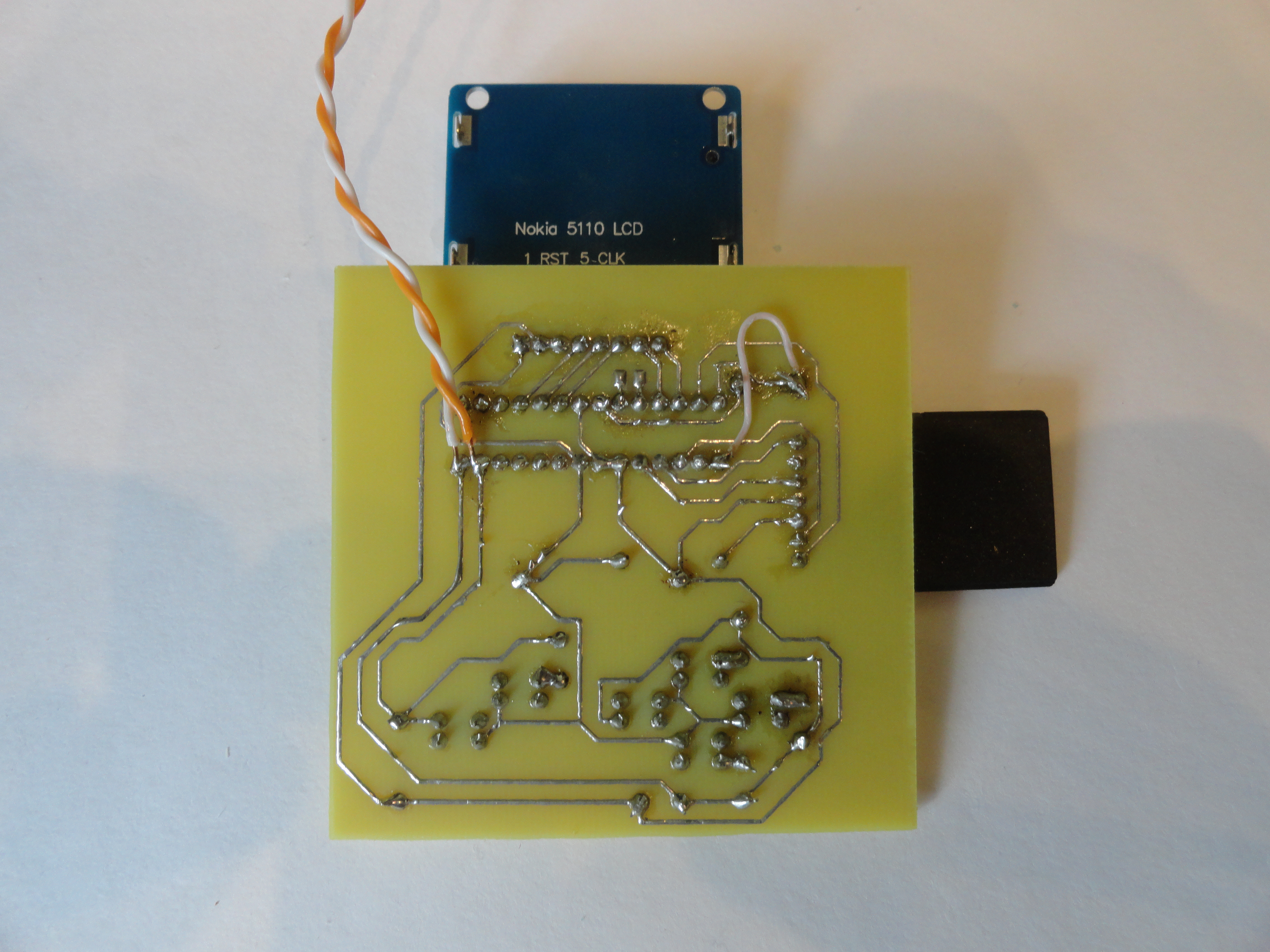
First of all, I designed and made a LUT-ohm printed circuit board for a portable console. This was a mistake - at first it was necessary to test the program on a debug board, for example arduino uno, since I did not foresee the ability to quickly and conveniently upload programs to the controller. And I also made a mistake in the circuit itself, it could be fixed with wires, but still it’s insulting.
After I realized that I was wrong, I connected the buttons through the board to arduino uno, and I connected the screen directly.
Here's what happened:
And now for the games
To create games, I decided to use the Unity game engine. I did not write a compiler from Mono C # to a program for arduino, but I decided to write a set of scripts with which you can easily build games.
I divided all scripts into 3 groups - actions, conditions and combiners.
I think that there is no need to explain the purpose of the actions and conditions, but for what I need a combiner I will explain. The combiner checks the condition is met, and then performs the action.
From scripts, or rather their presence and combinations, the algorithm creates a program for arduino.

And what kind of game?
I decided to start with something simple. And what kind of simple game do you know? That's right - pong. But I decided to do not quite pong, but pong for one - there is one racket, ball and wall, instead of the second racket.
I assembled it from a written constructor, compiled it and uploaded it to the controller. Works!
Now let's put everything in order
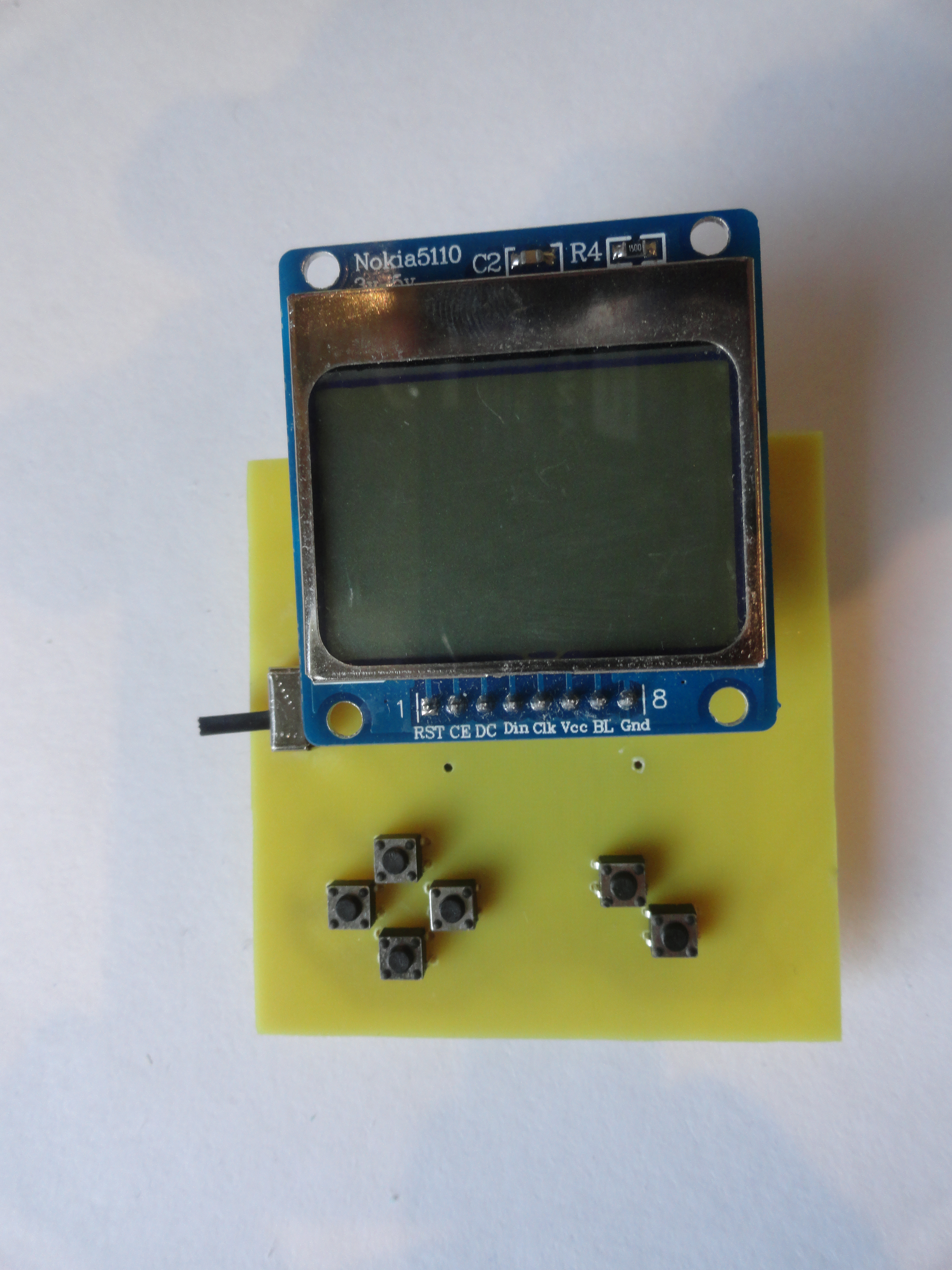
When the game started, and I played enough of it, I decided that it was worth remaking the board, giving it a beautiful look, using smd components and removing all unnecessary. I redid the circuit and made a board.
That's what happened

Source code
The source code is very simple.
What Unity does - in the editor, the user collects the game from ui objects, hangs action scripts, conditions and combiners on them.
What the compiler does (the parser.cs script) - it runs through all the objects, looks at their scripts and adds pieces of code into the text of the build.ino file that are responsible for executing the analogs of these scripts in the microcontroller.
Link to the sources - drive.google.com/open?id=0B5INc3_98cSJMEMxZmlWUTh1Ukk
Compilation is performed at the start of the game. and it is saved in the Assets / build / text / builded.ino folder.
This sketch should also be uploaded to the controller.
In custody
I want to say that it was very interesting.
I got the opportunity to combine 2 of any of my activities - game development and device creation.
I hope you are interested in this too, and now you will also make your own cool device =)









