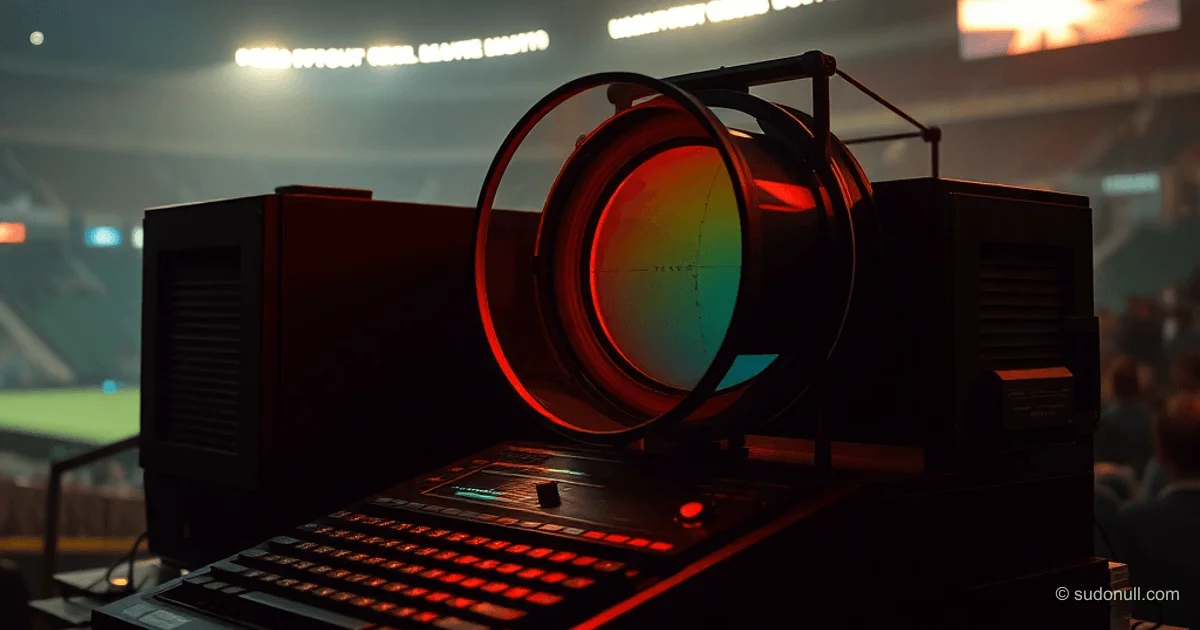
ZX Spectrum as a Color Photo Printing Controller: Technical Breakdown of a DIY Project
In the late 1990s, when professional photo enlargers with color mixing heads cost as much as a small car, an enthusiast tackled affordable color printing in an unconventional way—by turning a ZX Spectrum into a control computer for the additive method. We break down the system architecture, software implementation, and project limitations.
Why Additive Printing?
Color photo printing in the analog era relied on two methods: subtractive and additive. The subtractive method required expensive equipment—an enlarger with a tray for color correction filters (yellow, cyan, magenta) or a color mixing head. Filter density set the color balance (for example, 30-10-00 meant 30% yellow and 10% cyan filters). However, this produced less vibrant colors due to incomplete filter density and needed a calibrated light source.
The additive method is simpler equipment-wise (just a standard enlarger and incandescent lamp) but trickier in execution: triple exposure through red, blue, and green filters with varying times. Color correction came from adjusting exposure times per filter. The catch? Manually recalculating times to tenths of seconds was impractical, and swapping filters in the dark risked shifting the paper.
System Architecture: From Video Signal to Lamp Control
The author used the ZX Spectrum as the system's brain. The computer's video output supplied three color signals (5V), harnessed like this:
- Red signal controlled the photo enlarger lamp via galvanic isolation and a thyristor. A logic high (red raster on screen) fired the lamp for exposure.
- Blue signal drove the filter carousel rotation. A motor from a kids' toy, jury-rigged with scrap materials, handled it. Rotation angle was set by signal duration.
- Green signal killed the darkroom safelight at cycle start to prevent fogging the paper.
The system kicked off with a spacebar press. The computer then:
- Exposed through the first filter (for a set time)
- Rotated the carousel
- Exposed through the second filter
- And so on
Post-exposure, it guided development with audio beeps for tray transfers (four stages, including rinses).
Software Implementation: Timings and Color Correction
The Sinclair BASIC program handled two core challenges: precise exposure timing and color correction with imperfect gear.
The initial version went like this:
10 BORDER 0: PAPER 0: INK 7
20 PRINT "START? (Y/N)";
30 IF INKEY$="Y" THEN GOTO 50
40 GOTO 30
50 REM Exposure cherez red filter
60 REM Turn on lamp (red signal)
70 REM Delay on time T1
80 REM Carousel rotation (blue signal)
90 REM Exposure cherez green filter (T2)
100 REM ... and t.d.
The big hurdle was timing precision. With no high-res hardware timer, it relied on delay loops. For darkroom tweaks, the author added keyboard controls: one key bumped exposure time up a step, another dropped it. Real-time balance fixes, no restarts needed.
Results and Limitations
Early tests on expired Fototsvet-4 photo paper yielded dark but recognizable images. Fine-tuned color correction bumped quality to decent—though nowhere near pro standards.
Key limitations:
- Rough carousel rotation accuracy (DIY mechanics)
- Reliance on paper and chemistry freshness
- No auto-calibration for varying materials
The project wrapped in 2001 amid Russia's passport exchange—the author pivoted to black-and-white photography, which saw more demand.
What’s Important
- Additive printing demands multiple timed exposures, impossible without automation.
- ZX Spectrum made a cheap controller via its video signals and coding ease.
- Real-time color correction via keyboard fixed analog gear's quirks.
- DIY works for tinkering, not production.
— Editorial Team









No comments yet.