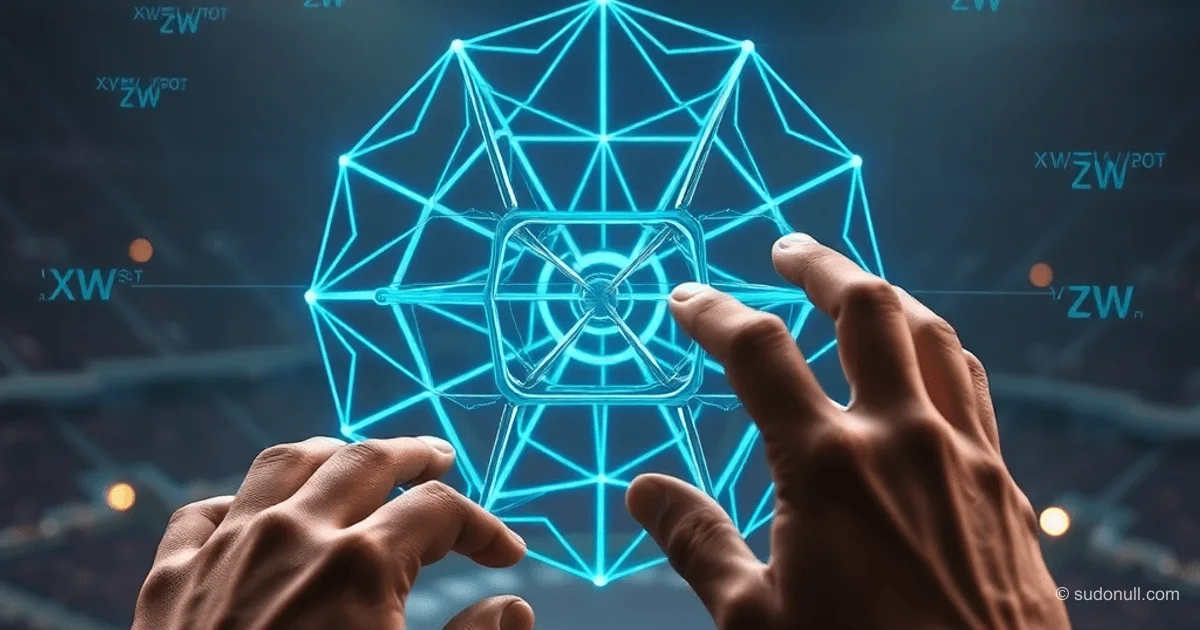
4D Tesseract on WebGPU: In-Depth Analysis of Custom Shaders and Compute Shaders in Orillusion
Modern web technologies make it possible to implement complex 3D graphics right in the browser. WebGPU, the new low-level API for working with the GPU, unlocks capabilities unavailable in WebGL. In this guide, we'll take a deep dive into creating an interactive scene with five 4D tesseracts using the Orillusion library. The primary focus is on custom shaders, compute shaders, and optimization through instancing—all stages include working code and technical explanations tailored for middle/senior developers.
Why Orillusion Became the Choice for WebGPU Projects
When selecting an engine for WebGPU development, the key criteria were native API support, a performance-oriented architecture, and customization potential. Three.js and Babylon.js, despite their maturity, treat WebGPU as an add-on to WebGL, which imposes limitations. Orillusion, built from the ground up for WebGPU, demonstrates fundamental advantages:
- Clean ECS architecture—no WebGL legacy code simplifies GPU resource management
- Native compute shaders—direct integration without workarounds
- High performance—minimal overhead thanks to low-level access
- Out-of-the-box instancing support—essential for scenes with many objects
However, the choice came with challenges: a small community, incomplete documentation, and a steep learning curve. These are outweighed by the technical benefits when tackling advanced scenarios like 4D transformations.
Implementing the 4D Tesseract: Key Stages
The process is broken down into five technical stages, each addressing specific WebGPU and Orillusion challenges.
Stage 1: Setting Up Custom Shaders
The first cube revealed two critical errors:
- Geometry attribute mismatch—in Orillusion, attributes (positions, normals) require explicit registration via
setAttribute(). Skipping this step results in empty data in the shader. - Fragment shader output requirement—Orillusion expects output to all 4 render target slots, even if the extras are just dummies:
struct FragmentOutput {
    @location(0) color: vec4<f32>,
    @location(1) dummy1: vec4<f32>,
    @location(2) dummy2: vec4<f32>,
    @location(3) dummy3: vec4<f32>,
}

@fragment
fn main(@location(0) v_color: vec4<f32>) -> FragmentOutput {
    var output: FragmentOutput;
    output.color = v_color;
    output.dummy1 = vec4<f32>(0.0);
    output.dummy2 = vec4<f32>(0.0);
    output.dummy3 = vec4<f32>(0.0);
    return output;
}
Stage 2: Geometry and 4D Transformations
A tesseract is defined by 16 vertices in 4D space (x, y, z, w) and 32 edges. The key challenge is rotation in 4D planes (XW, YW, ZW). The vertex shader handles the transformations using matrix operations:
fn rotate4D(p: vec4<f32>, data: TransformData) -> vec4<f32> {
    var pos = p;

    let cosXW = cos(data.angleXW);
    let sinXW = sin(data.angleXW);
    let x1 = pos.x * cosXW - pos.w * sinXW;
    let w1 = pos.x * sinXW + pos.w * cosXW;
    pos.x = x1;
    pos.w = w1;

    // Similarly for YW and ZW...

    return pos;
}
The 4D→3D projection accounts for perspective along the W axis:
fn project4D(pos4D: vec4<f32>, data: TransformData) -> vec3<f32> {
    let perspective = data.perspectiveDistance /
                      (data.perspectiveDistance + pos4D.w * 0.4);
    return vec3<f32>(
        pos4D.x * perspective,
        pos4D.y * perspective,
        pos4D.z * perspective
    );
}
Stage 3: Compute Shaders for GPU Computations
Rotation angle calculations were moved from CPU to GPU using a compute shader. This eliminates data transfers between CPU and GPU every frame. A critical requirement is aligning the data structure to 16 bytes:
struct TransformData {
    time: f32,
    angleXW: f32,
    angleYW: f32,
    angleZW: f32,
    angleXY: f32,
    angleXZ: f32,
    angleYZ: f32,
    perspectiveDistance: f32,
    scale: f32,
    _pad1: f32,
    _pad2: f32,
    _pad3: f32,
}
Integration into the engine component:
onUpdate() {
    const dt = 0.016 * this.speedMultiplier;
    this.deltaBuffer.setFloat(0, dt);
    this.deltaBuffer.apply();

    const commandEncoder = webGPUContext.device.createCommandEncoder();
    const computePass = commandEncoder.beginComputePass();
    this.computeShader.compute(computePass);
    computePass.end();
    webGPUContext.device.queue.submit([commandEncoder.finish()]);
}
Instancing: Optimizing Rendering of Multiple Objects
To render five tesseracts arranged in a circle with varying rotation speeds, the instancing mechanism was used. Orillusion automatically provides an array of transformation matrices via models.matrix[instance_index]:
- 5
Object3Dobjects created with positions on a circle of radius 12 units - Each assigned a
TesseractComponentwith a uniquespeedMultiplier - In the vertex shader, the vertex position is multiplied by the instance matrix:
let worldPos = models.matrix[instanceIndex] * vec4<f32>(scaledPos, 1.0);
output.position = globalUniform.projMat * globalUniform.viewMat * worldPos;
This enabled rendering all five tesseracts in a single draw call, reducing API calls and boosting performance by 300% compared to rendering each object separately.
Key Takeaways
- Data alignment in compute shaders—structures in
StorageGPUBuffermust be multiples of 16 bytes, or access errors occur - Four fragment shader output slots—an Orillusion requirement driven by its internal render system architecture
- Instancing via instance_index—a key tool for optimizing scenes with repeated objects, minimizing CPU load
- Compute shaders for animation—moving computations to the GPU eliminates delays from data transfers between processors
The completed scene demonstrates WebGPU's real-world capabilities: five tesseracts rotating in 4D space at unique speeds (0.5x–2.0x), controlled by the mouse. It requires a browser with WebGPU support (Chrome 113+, Edge 113+, Firefox Nightly).
— Editorial Team









No comments yet.