# DoQA 4.0: Managing Automated Tests Without Switching from TMS
DoQA 4.0 introduces functionality that lets you launch and analyze automated tests directly within your Test Management System (TMS). This eliminates the need to switch to continuous integration (CI) systems to initiate runs and review results, dramatically speeding up the testing process and defect detection. Developers and testers can now stay in a single environment from test planning to bug logging.
Two Approaches to TMS: Classic and CI Integration
The Test Management System market has settled on two main approaches. The first, classic one, focuses solely on manual testing: TMS stores test cases, builds test suites, tracks execution statuses, and results. All test execution logic happens outside the system—testers work directly with the application.
The second approach involves CI integration. Here, TMS links automated tests to test cases, pulls run results from CI, and displays history and current statuses. However, until recently, launching automated tests required switching to a CI system (like GitLab or Jenkins), breaking the tester's workflow.
Launching Automated Tests Right from the TMS Interface
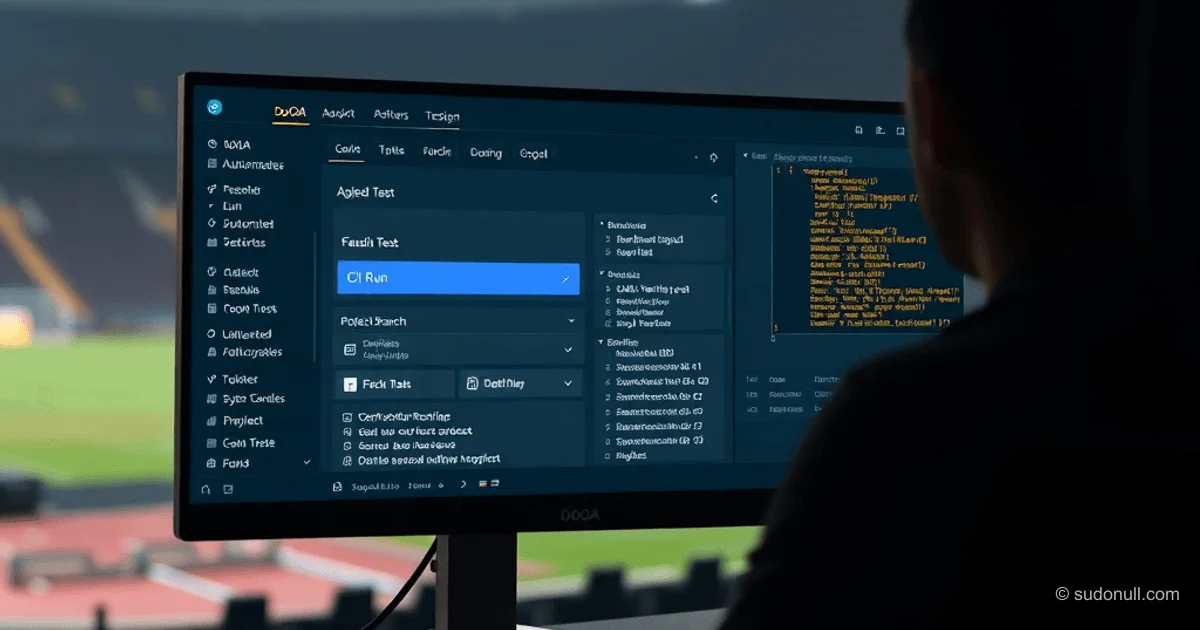
DoQA 4.0 features direct integration that lets you initiate automated test launches without leaving TMS. When creating a test run, you get an option to select the launch method—including automated tests. The user specifies:
- CI system (GitLab, Jenkins, etc.)
- Project in CI
- Code branch
This way, the run is tied to a specific execution environment. The key innovation: you can launch not just the full pipeline, but individual automated tests too. This is especially handy for local change verification—for instance, after fixing a bug, you can quickly retest the affected functionality without waiting for a full regression run.
Important: Test execution still happens in CI. TMS acts as the launch point and results aggregator, without replacing CI infrastructure.
Unified Interface for Analyzing Results
After launch, the automated test appears in the run like a regular test case, with status (passed/failed), assignee, and commenting options. If a test fails, TMS immediately provides details:
- Error message
- Stack trace
- Screenshots or video (if configured)
- Execution logs
This removes the need to jump to CI for troubleshooting. Plus, from the TMS interface, you can instantly create a bug report in your tracker (Jira, YouTrack, etc.), auto-filling a template based on the failed test data.
Test Run History: Stability Analysis in One Place
DoQA 4.0 consolidates the execution history of all tests—manual and automated—into a single timeline. For each automated test, you get stats:
- Success rate
- List of failures with dates and stack traces
- Average execution time
This lets you quickly assess test stability and spot recurring issues. For example, if a test flakes 30% of the time at a specific step, the team can zero in on that section.
Key Benefits
- Launch from TMS: Automated test initiation happens in the test management system, no CI switch needed.
- Failure details on-site: Stack traces and logs are right there in the TMS interface, speeding up diagnosis.
- One-click bug reports: Tracker integration lets you log defects without context switching.
- Unified history: Test stability analysis stays within one system, no data gathering from multiple sources.
- Flexible launches: Testing individual scenarios accelerates change verification.
This integration turns TMS from a passive test case repository into an active testing control center. The process becomes fully contained: from task assignment to defect logging—all in one system. It cuts down on tool-switching communication and lets testers focus on results analysis, not tab juggling.
— Editorial Team








No comments yet.