 April 1, 2014 at 17:57
Befriend Git with Putty
- Tutorial
Disclaimer
I did a preliminary search on the hub with the hope of a similar post, I could only find this post, in which all the work is done through TortoiseGit.
But this is not our method. For the reason that in this case all our IDEs will not be able to push themselves to the server. Yes, and through Git Bash, nothing can be done on the server.
But this is not our method. For the reason that in this case all our IDEs will not be able to push themselves to the server. Yes, and through Git Bash, nothing can be done on the server.
Why do I need to use Git in conjunction with Putty?
It just so happened that I actively use Putty with configured keys to access the servers. I have more than one key. Git repositories are not alone either.
Of course, you can generate OpenSSH keys for Git and resolve them through ~ / .ssh / config, but this does a double job - key support in Putty and separate support for Git.
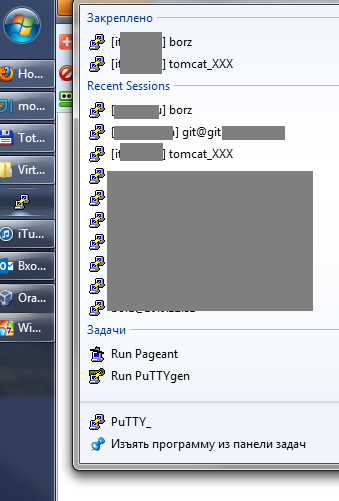
Of course, you can generate OpenSSH keys for Git and resolve them through ~ / .ssh / config, but this does a double job - key support in Putty and separate support for Git.
So, let's imagine that we have a pristine clean system in which there is neither Putty nor msysgit. Let's set up our work environment.
Putty Installation
Downloading , install, and generates customizable key c Pagent ( instruction , ? ).
Add the key to the git server
Copy the public OpenSSH key from the Putty key
We start Putty key Generator
We open (button "Load") our PPK-key
Copy all the text from the block "Key"
We open (button "Load") our PPK-key
Copy all the text from the block "Key"
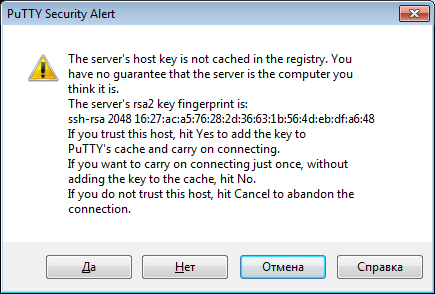
We open the page with SSH keys and add our key from the buffer
In pictures (on the example of GitHub)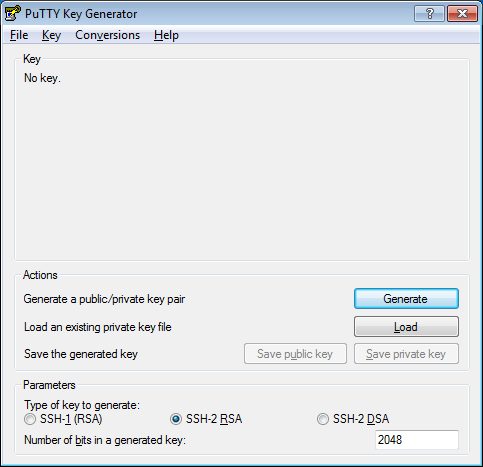
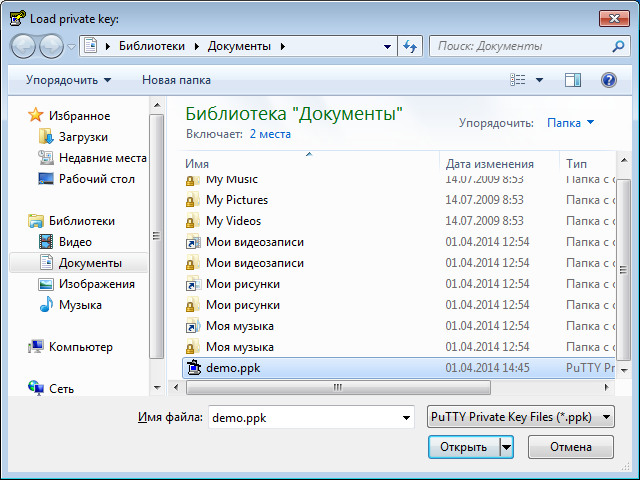
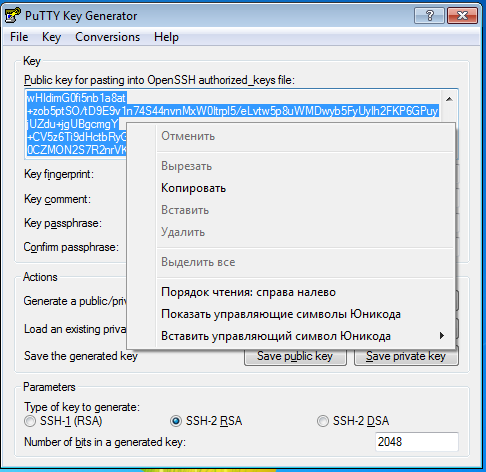
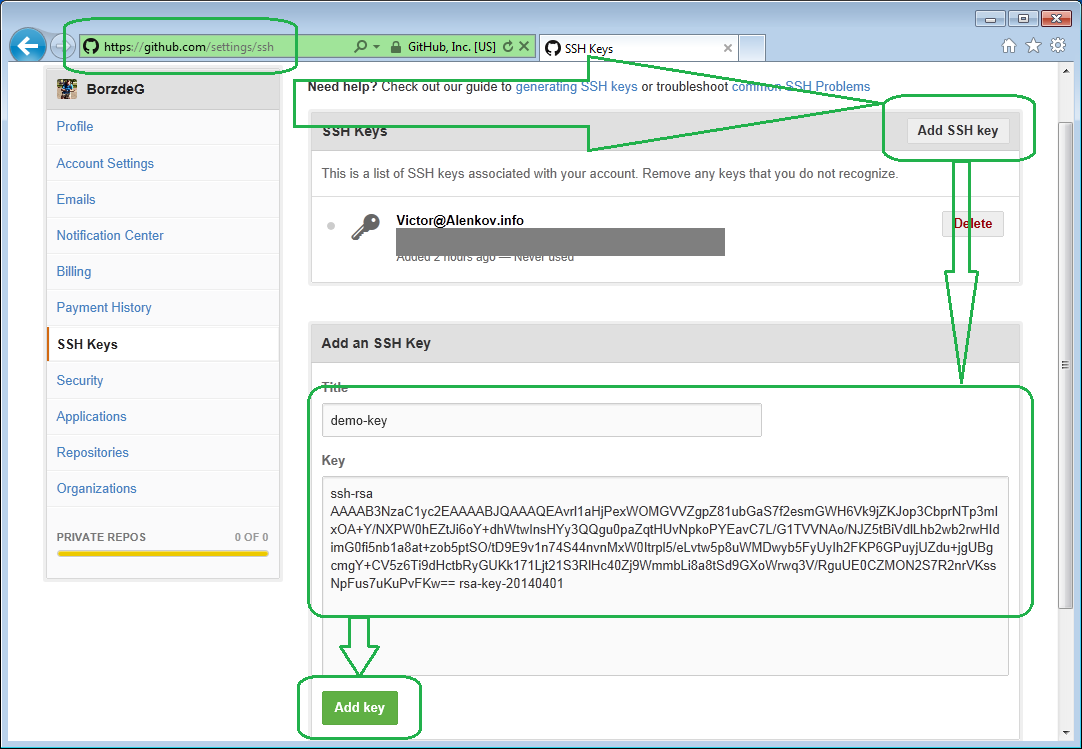
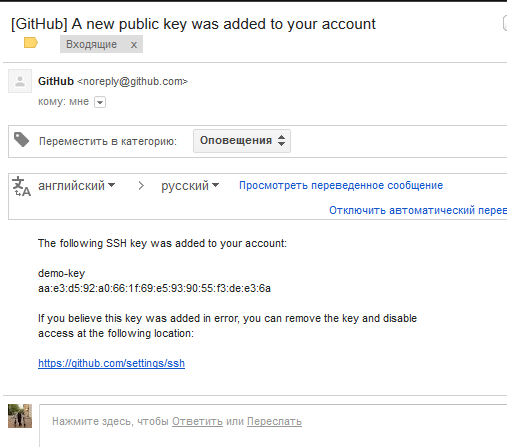
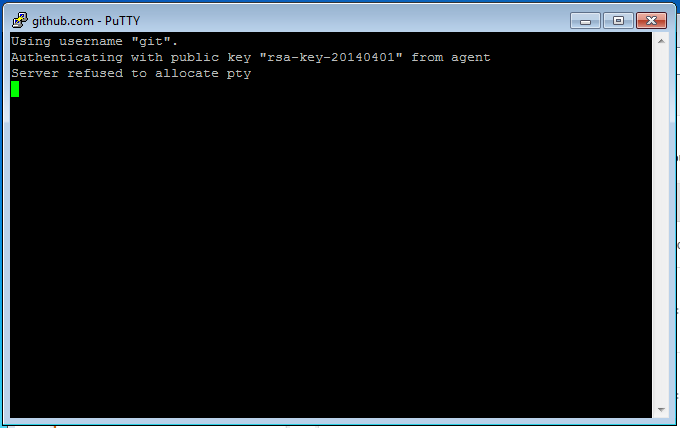
We create and save the profile “[email protected]” in Putty and verify that we can enter by the key - the console should open and immediately close.
In pictures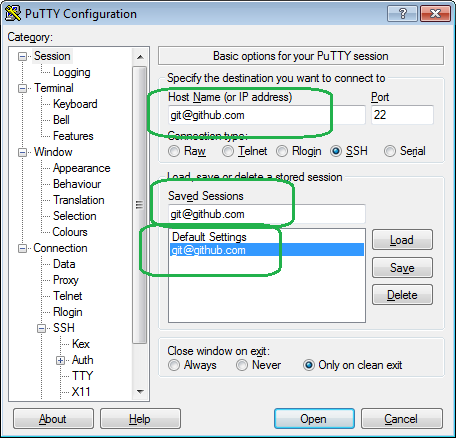
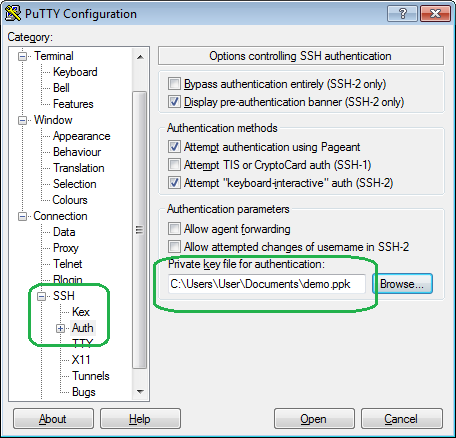
Install and configure msysgit
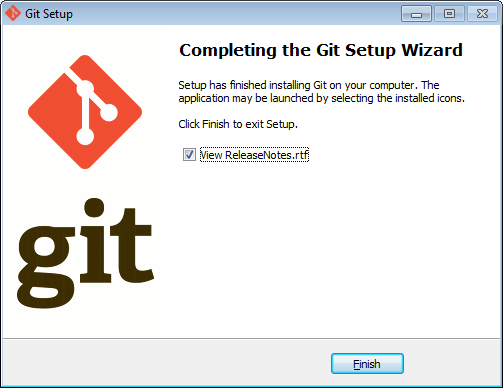
Download and install in the "next, next, next" mode with a slight departure from the dialogs:
1) Add commands to the context menu of Windows Explorer
2) Specify that we will use Putty instead of OpenSSH
In pictures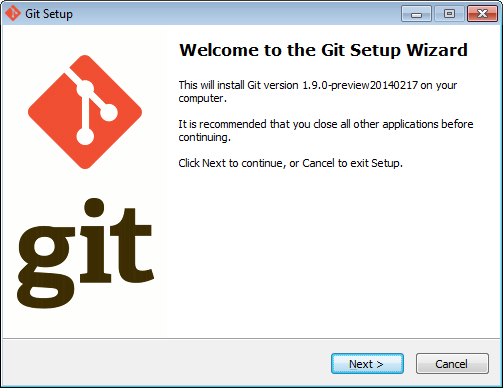


And I already have msysgit installed - how do I reconfigure it?
Option times: reduction - remove and reinstall.
joke on the topic:
Option two: add the GIT_SSH variable to the environment, in which specify the path to plink.exe

joke on the topic:
The physicist is indignant:
- Look how these mathematicians solve problems!
Task 1:
“Given: an empty kettle, a faucet with water, a stove.
Requires: boil water.
Solution: we take the kettle, open the tap, draw water, put on the stove, wait for boiling. The problem is solved. ”
Task 2:
“Given: a kettle with water, a tap with water, a stove.
Requires: boil water.
Solution: take a kettle, pour out the water. The task comes down to the previous one. ”
Option two: add the GIT_SSH variable to the environment, in which specify the path to plink.exe
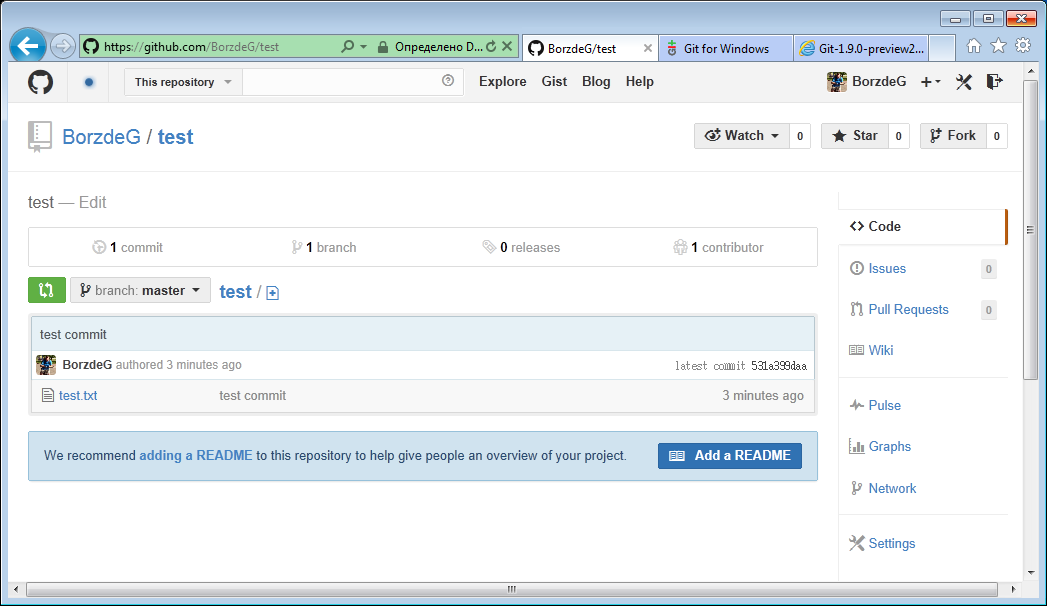
And the final step will be to verify that the Git console also uses the Putty key.
Launch Git Bash and push to the remote repository.
In pictures

Plus: to use this in IntelliJ IDEA, just switch from "Built-in" to "Native"









