Extending the built-in documentation in the Caché DBMS

Caché DBMS has the ability to embed its materials in standard documentation using the methods of the DocBook.Utils class .
Thus, you can create your own corporate documentation with easy navigation and advanced search on it.
Since the built-in documentation is based on the DocBook v4.0 standard, it is possible to convert it to other formats: HTML, PDF, RTF, etc.
In Russian, you can read about DocBook, for example, here:
Why DocBook?
DocBook Short.
udev.zip is a file with an example article repeating the " Developer Corner ".
Steps to install and open the sample article:
- launch the Caché terminal and go to the “DOCBOOK” area:
zn "DOCBOOK" - run the command:
do ##class(DocBook.Utils).Load("C:\Articles\UDEV.xml")Note: Your file path may be different;
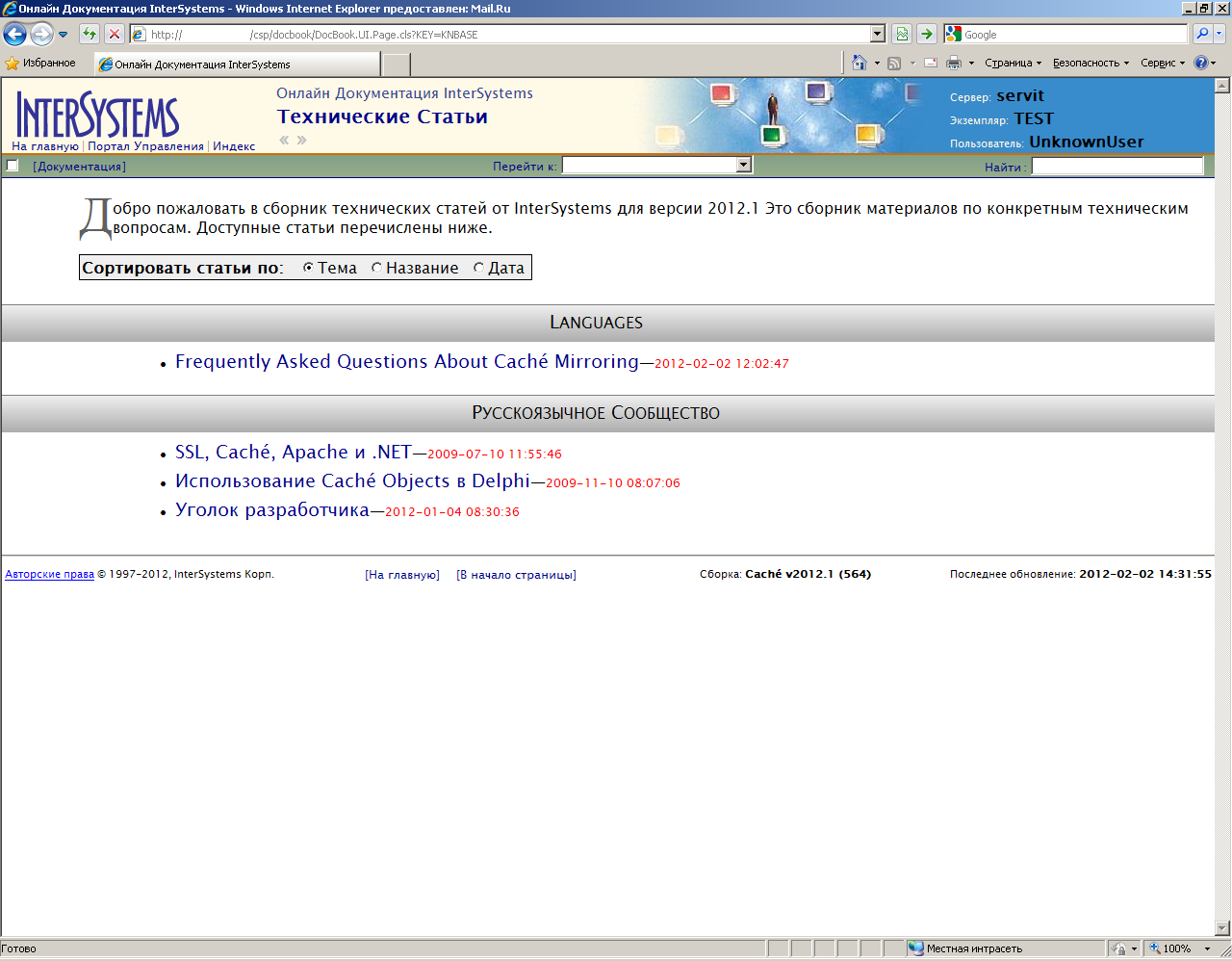
- open your local online documentation in your browser and find the downloaded article in the " Technical Articles " section .
Screenshots of the article in the documentation portal:
enlarge

enlarge
Fans of embedded documentation in their native language
If there is enthusiasm and time, then you can do it yourself with your own forces.
This will require:
- in the terminal go to the "DOCBOOK" area:
zn "DOCBOOK" - export all existing books and articles to the specified directory:
do ##class(DocBook.Utils).XMLExportAll("C:\XMLDOC",1)Note: Your catalog may be different;
- actually translate the contents of the generated files;
- import everything from the given directory back:
do ##class(DocBook.Utils).LoadDir("C:\XMLDOC")
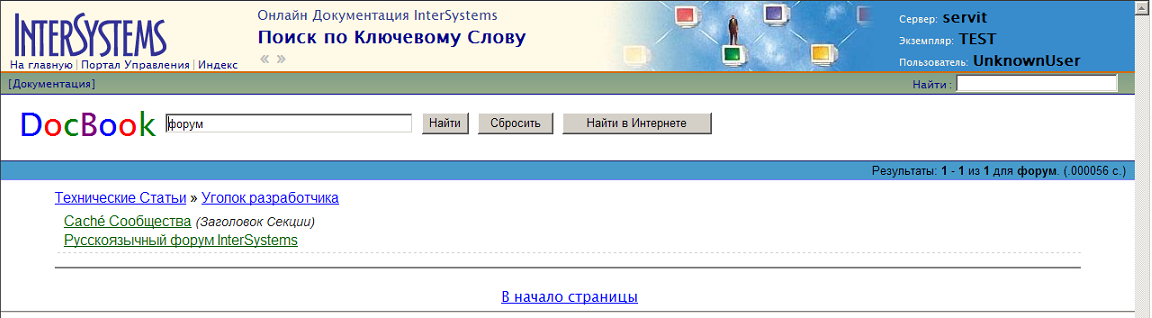
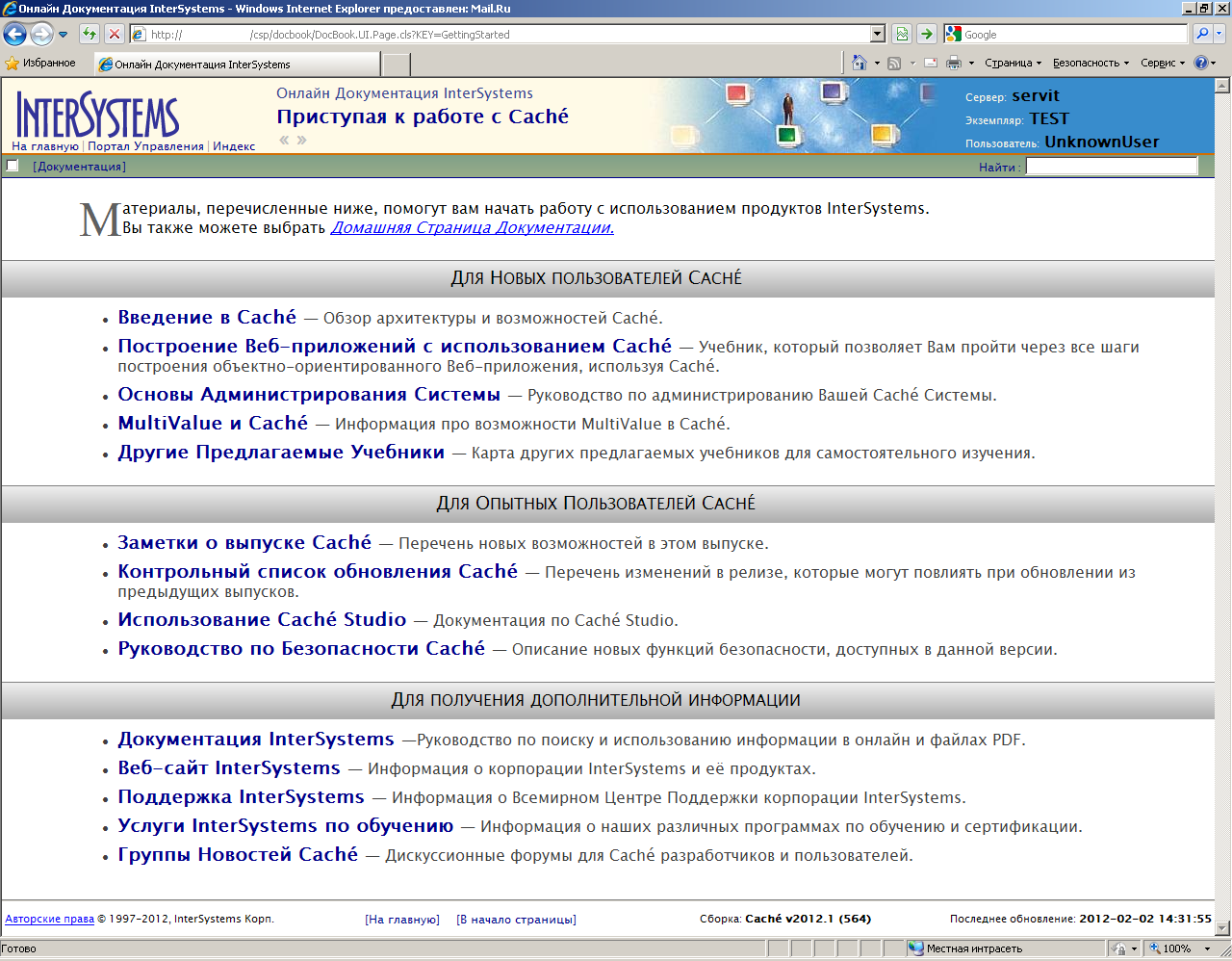
Screenshots of the Russified documentation:
increase

increase
increase
PS: for convenient development and publication of documentation, you may need the Arbortext product, which is used in InterSystems itself:
www.ptc.com/products/arbortext (English)
www.pro-technologies.ru/product/ Arbortext (Russian)









