 March 16, 2010 at 15:07
Video Tutorial - Java + Intellij IDEA 9 + GWT 2.0 + Apache Tomcat
I recorded a video tutorial, I think for many beginners, it will benefit and answer many questions.
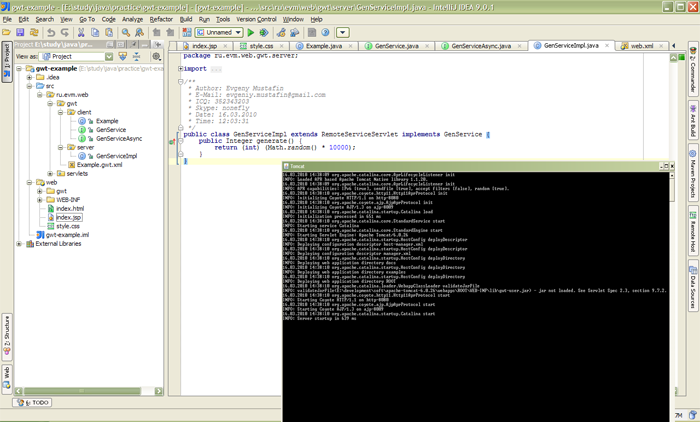
Download in resolution 1280x800 here Size 32 megabytes.
You will learn how to create a GWT application in Intellij IDEA 9. We will write a simple asynchronous request, generate a number on the server, send a response to the client and display the result on the screen.
Next, let's install everything on the Apache Tomcat server and show a working example.
Of course, many nuances are omitted. Still, a lesson for beginner gvt-shnik!
Good luck in programming!
PS. One point was buggy when compressing the video, when it was necessary to copy the gwt-servlet.jar library from the GWT 2.0 folder to the WEB-INF / lib folder.
Download in resolution 1280x800 here Size 32 megabytes.
You will learn how to create a GWT application in Intellij IDEA 9. We will write a simple asynchronous request, generate a number on the server, send a response to the client and display the result on the screen.
Next, let's install everything on the Apache Tomcat server and show a working example.
Of course, many nuances are omitted. Still, a lesson for beginner gvt-shnik!
Good luck in programming!
PS. One point was buggy when compressing the video, when it was necessary to copy the gwt-servlet.jar library from the GWT 2.0 folder to the WEB-INF / lib folder.









