How I dealt with 286m
I first came across a very old iron about a year ago, when I had to pull data from an old Siemens PG685 programmer, working under the CP / M-86 2.1 operating system with MFM HDD and 5.25 FDD 720kb. The data was then able to be transferred and counted on a modern computer using OmniFlop, but the desire to work with MFM drives and, if possible, to remove a sector copy of the HDD with Siemens remained. And so, quite by chance, a campaign mate had already found a destructed 286th ejected (set in the doorway) with a 16-bit MFM controller and an 8-bit CGA video card.
And so, we have on board:
The first problem for me was to find the monitor of the required standard (or ISA VGA video card), I had a VGA card from the 386th, but it was at my parents' house, which is more than 350 km. As a result, I rescued the work again, finding the display module from the CNC stand Sinumerik 810, digging debris, after minor repairs (eliminating the breakdown of high dust-oil-mud deposits and its consequences) it was brought home and ready for pairing with a PC.
The video card was a multistandard mode of operation set by jumpers, but it was not possible to determine even the model of the video card, not that the description of the jumpers, there was no documentation for the monitor either, because of the monochrome green color of the glow, I decided that the monitor is MDA.
Soldering the cable from the monitor and armed with an oscilloscope with a frequency meter, I began to loop through the jumpers, set the MDA mode to 18.432 kHz line scan, sync pulses of normal polarity, 50 Hz frame rate, sync pulses of reverse polarity, video signal at the 7 output, but it was not there: the image appeared, but with a breakdown of synchronization vertically and a shift of the beginning of the line to the right horizontally.

Empirically, the CGA mode was set at 15.7 kHz horizontal scanning, 50 Hz framing, sync pulses of normal polarity, the video signal was removed from 4 pins.
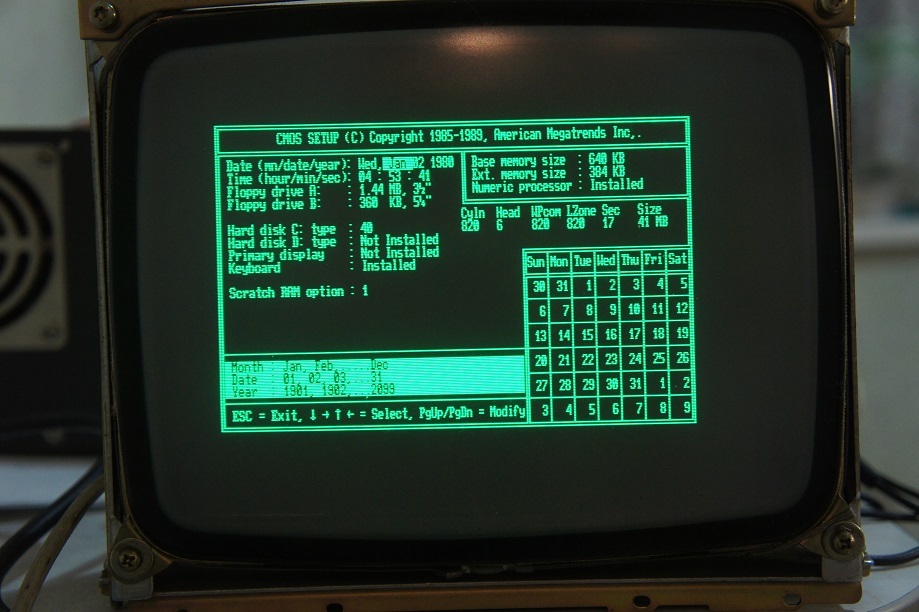
I connected the keyboard, went into the BIOS: there are no settings (by the way, there is no built-in BIOS interface on the Siemens PG685, configuration is performed by booting from a diskette), but there is an advanced section with diagnostic utilities.
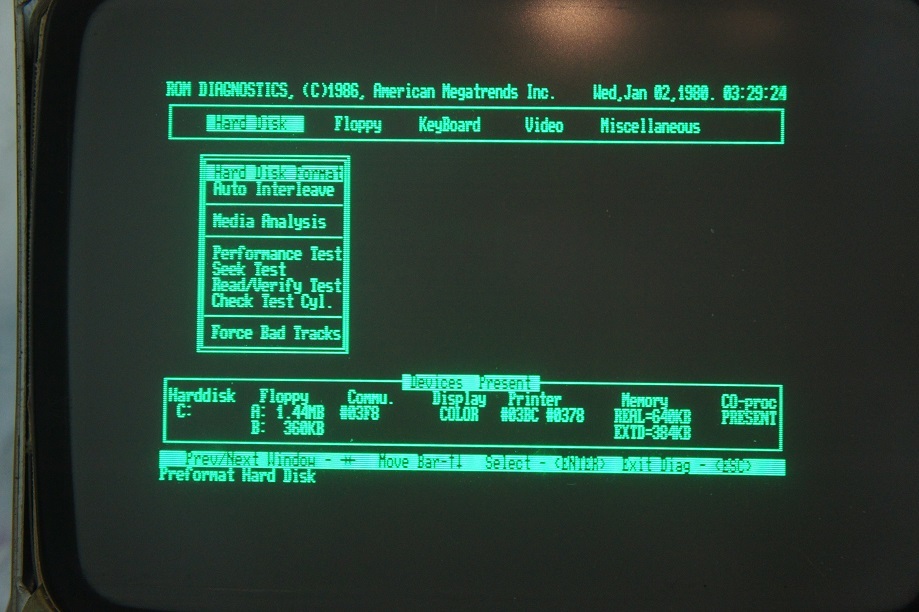
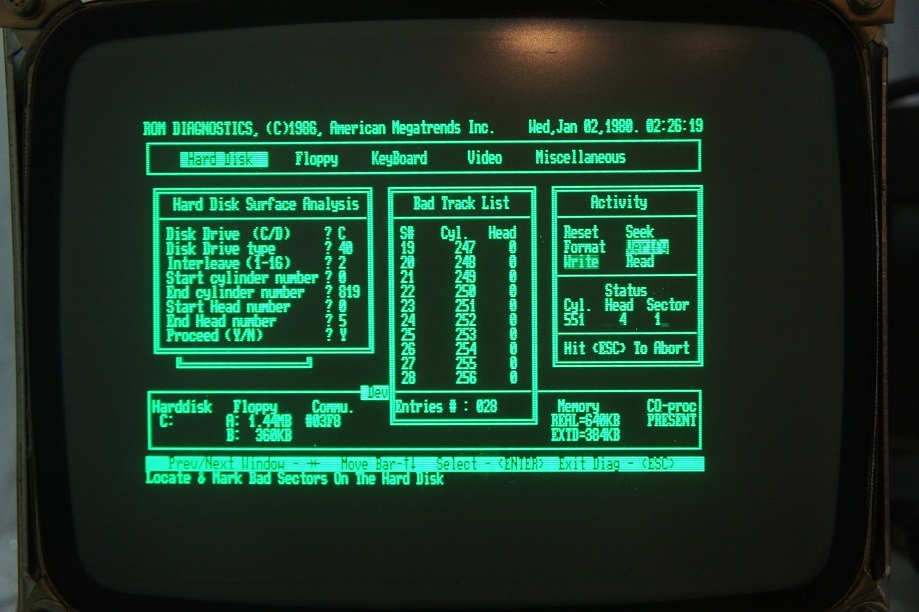
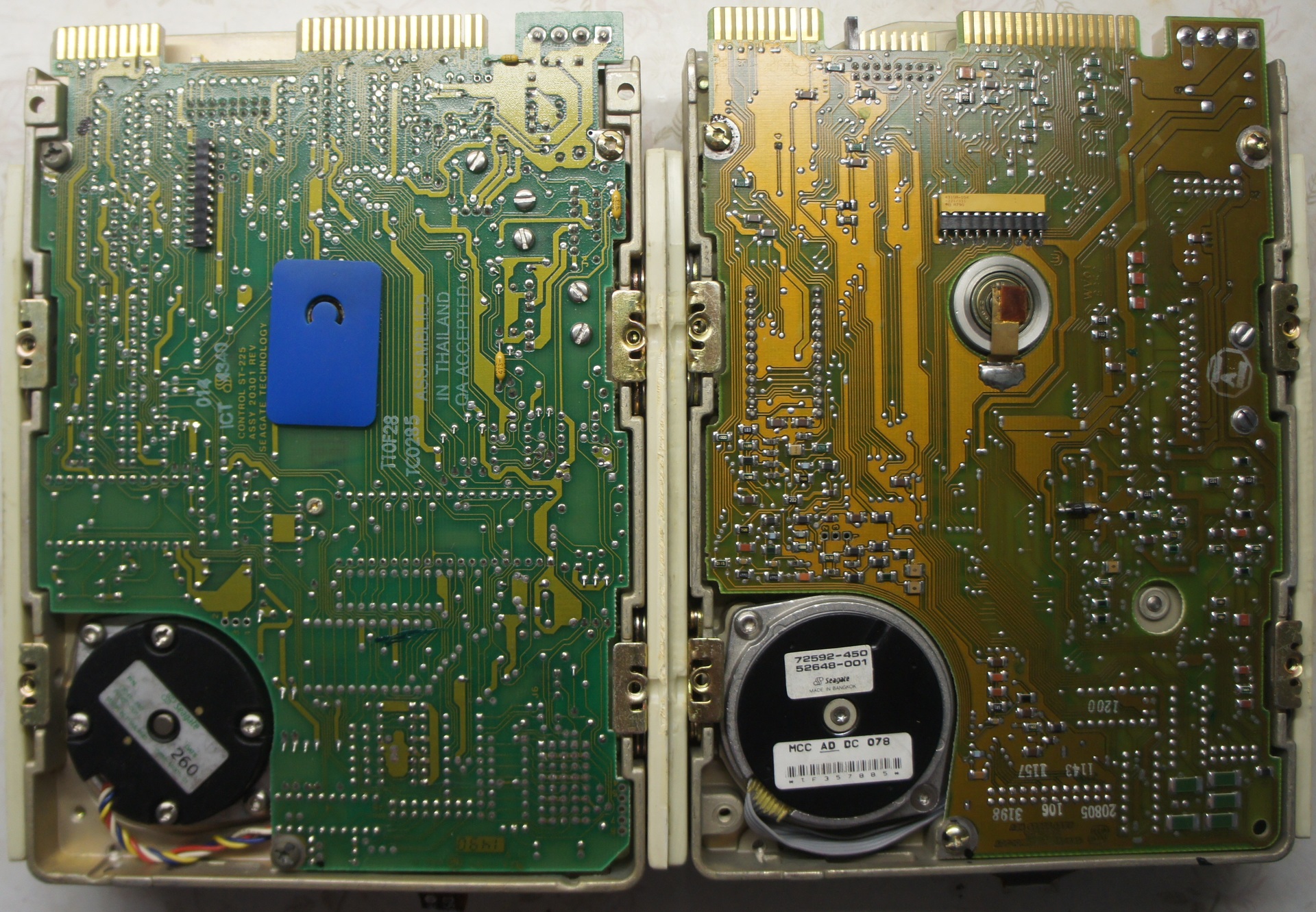
Now it's time to configure the hard drives. In my system unit, there were two hard drives: SEAGATE ST-251 and ST-225, as Google suggested, these are the most common MFM drives, the first with auto-parking of heads at 42.8 (51.3) mb, the second with manual parking at 21.4 (25.6) mb, Information on the parameters of both drives is on the Seagate website. Due to the fact that by the time the experiments began, there was no floppy disk with software for head parking, all experiments were carried out on the ST-251 disk. Unfortunately, after entering the disk parameters in BIOS, he refused to pass tests, therefore, due to the explicit assembly of the PC from several and (according to information from the Internet) the fact that MFM disks are read most often only on the controller on which they were formatted, It was decided to reformat the disk with built-in utilities. Formatting was successful
In the fight against MFM, information from the Iron Ghosts of the Past site turned out to be useful.
Further installation of MS-DOS and software did not raise any questions.
Unfortunately, creating a sector-specific disk image with Siemens PG685 (3.5 "NEC D3142) did not work with this 286gr, and, as I understood from the forums devoted to MFM disks, it is hardly possible on anything other than PG685 itself or special tools work with PC-2000 type HDDs.
More photos:



Thank you for your attention!
Update 11/28/2017 Kamrad reiji, from the iron ghosts of the past, reversed the Shampo SM-0901 CRT display scheme, for which he is most respectful

And so, we have on board:
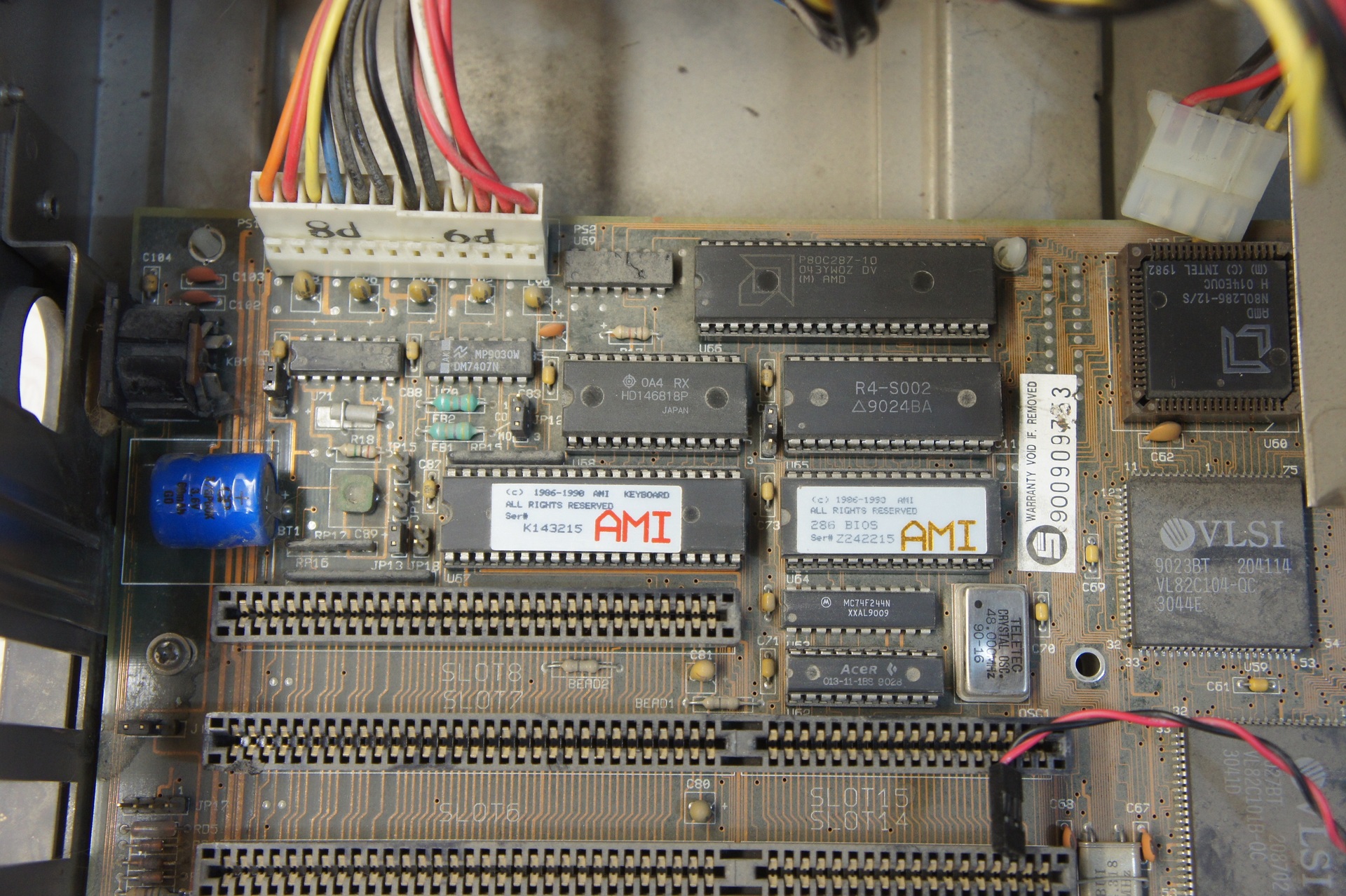
- AMD N80L286-12 / S Processor
- AMD P80C287-10 coprocessor
- MB - MBVLSI-168 B (???)
- RAM in bulk 1mb
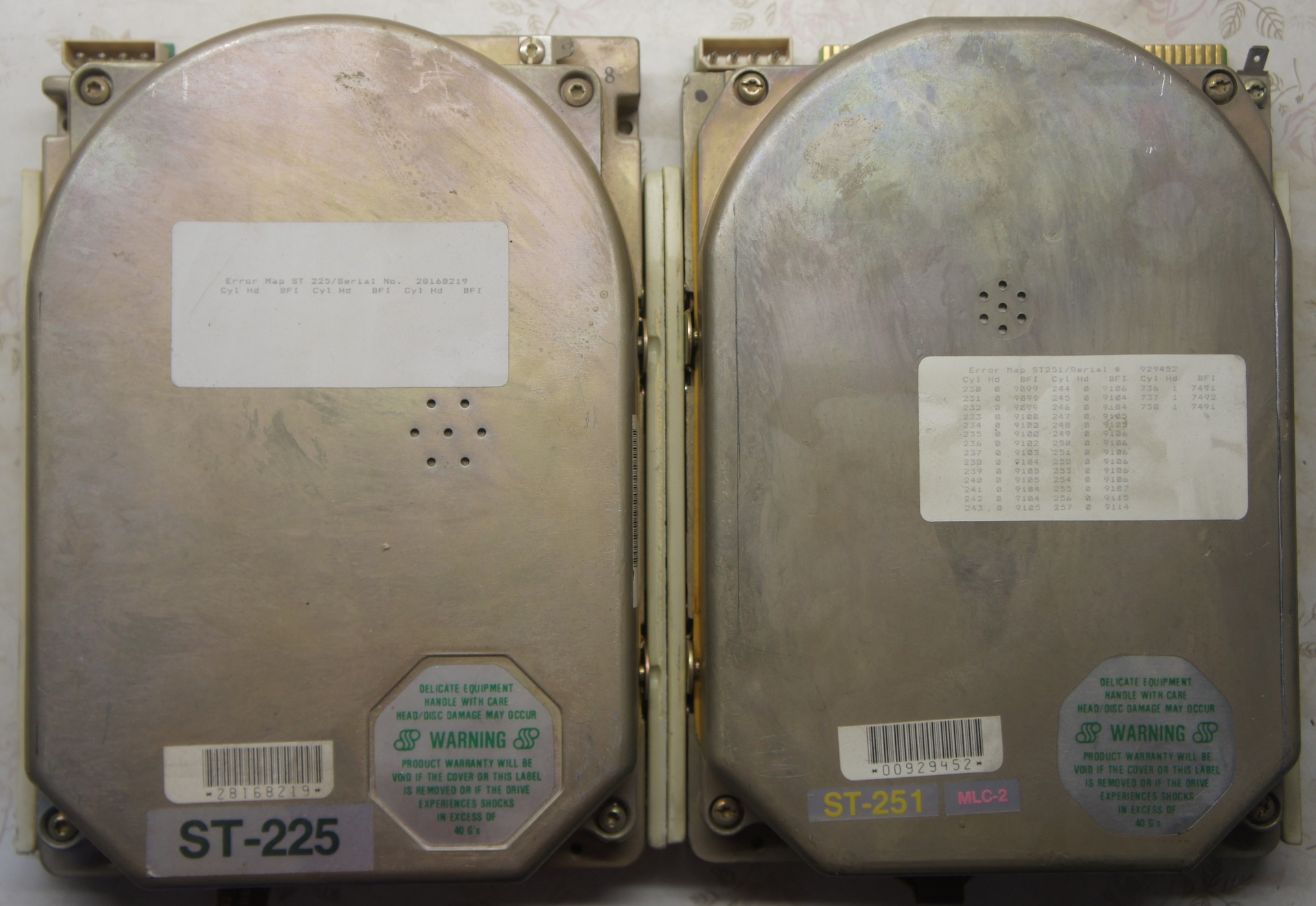
- HDD 5.25 "MFM Seagate ST-251, head parking, 42.8 (51.3) mb
- HDD 5.25 "MFM Seagate ST-225, manual parking of heads, 21.4 (25.6) mb
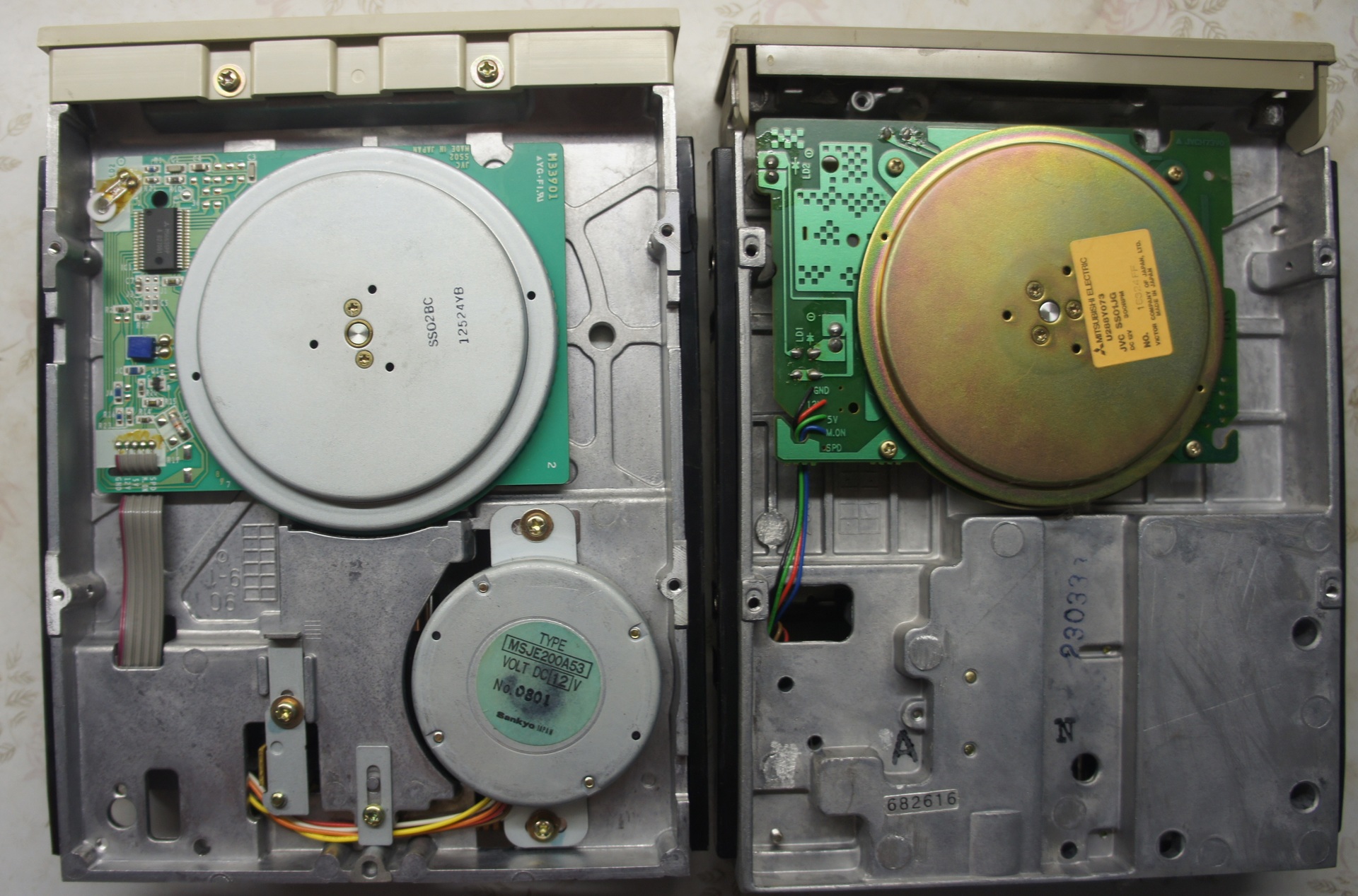
- Floppy 5.25 "CHINON FZ-506 rev.F, 1,2mb
- Floppy 5.25 "Mitsubishi MF501C-318MG
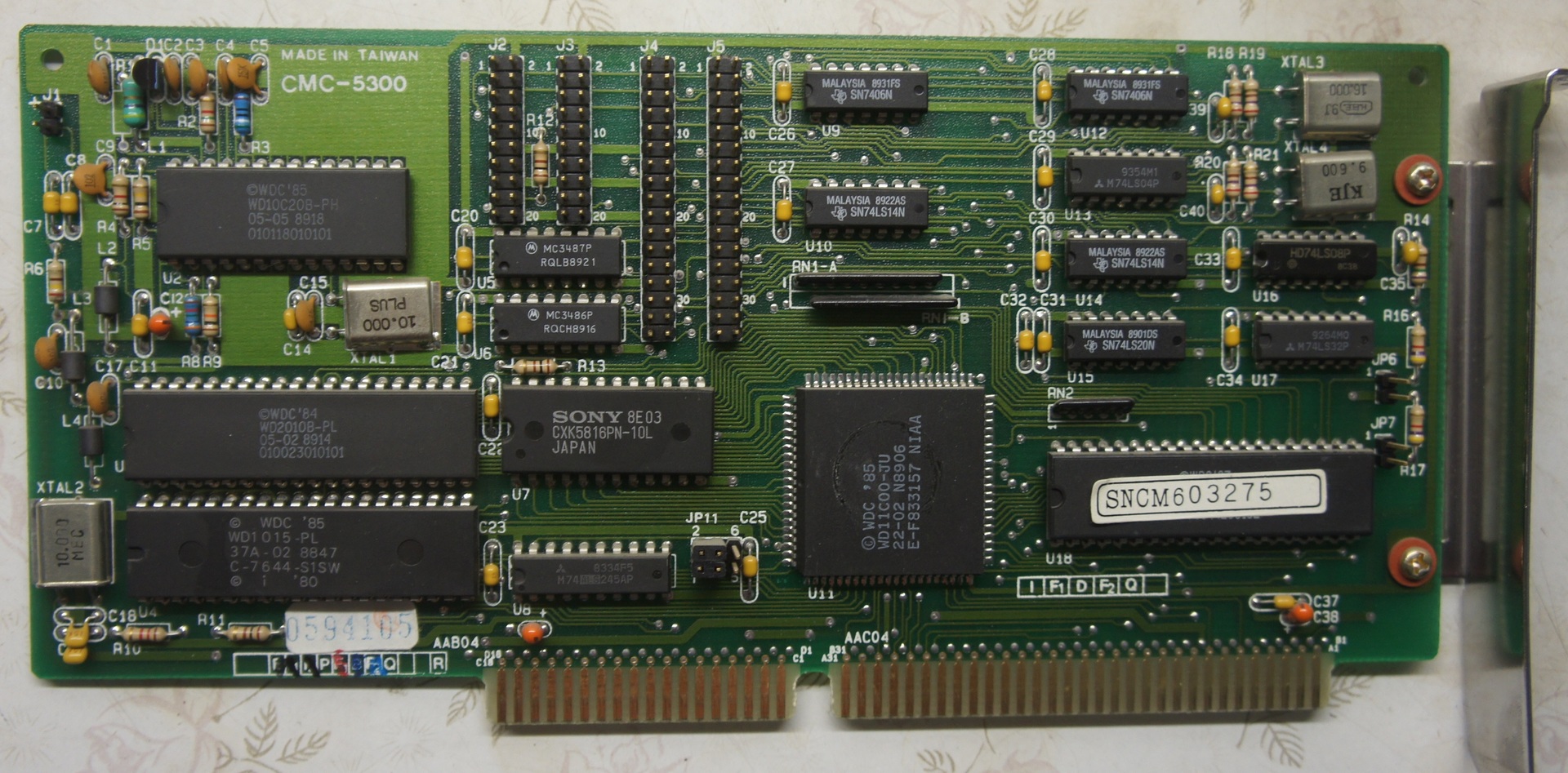
- ISA 16bit MFM / Floppy controller CMC-5300 (???)
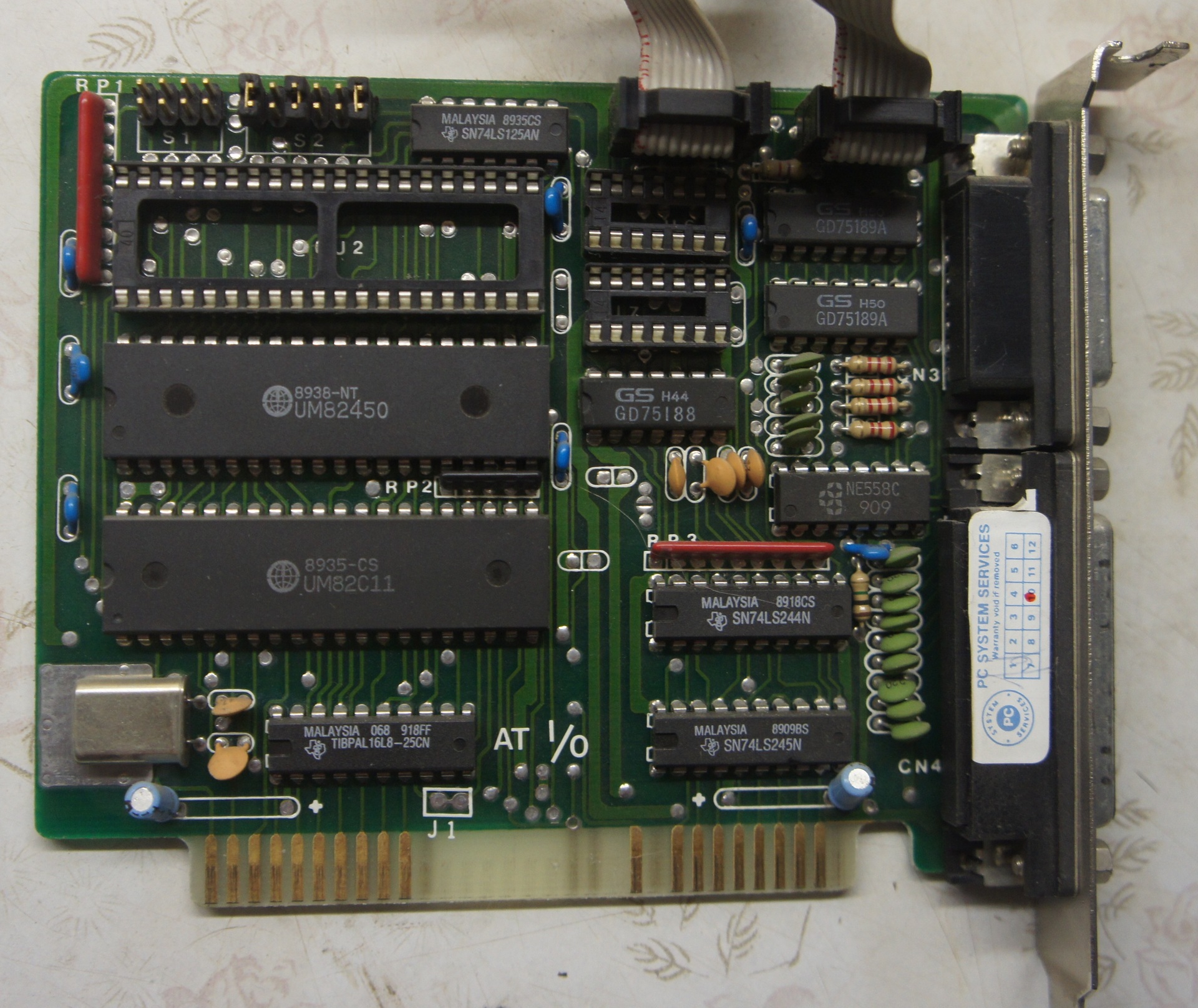
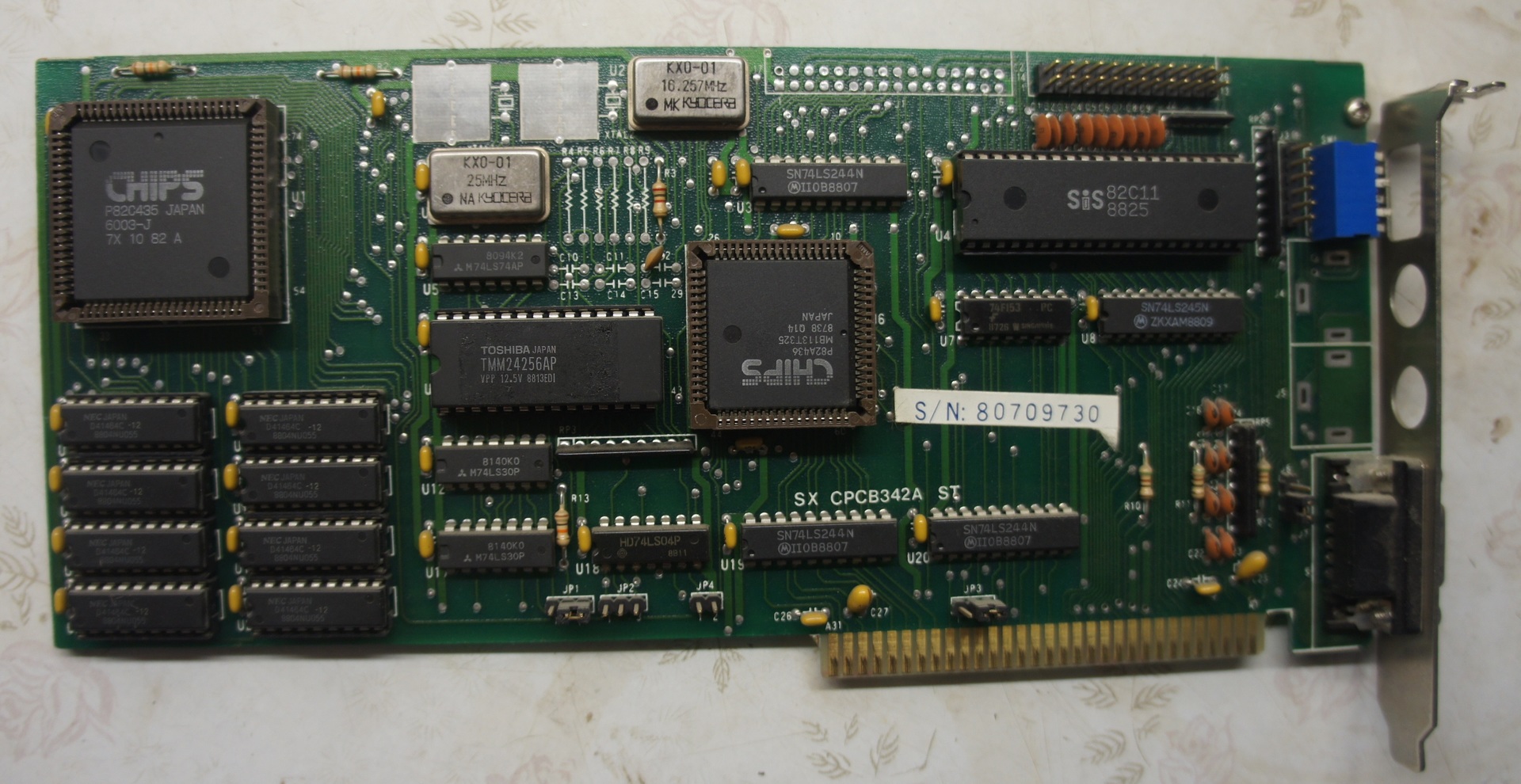
- ISA 8bit multicard um82c11, um82450. COM1 / 2, LPT, GAME (???)
- ISA 8bit videocard CHIPS p82c435, p82a436 256kb СGA \ MDA (???)
The first problem for me was to find the monitor of the required standard (or ISA VGA video card), I had a VGA card from the 386th, but it was at my parents' house, which is more than 350 km. As a result, I rescued the work again, finding the display module from the CNC stand Sinumerik 810, digging debris, after minor repairs (eliminating the breakdown of high dust-oil-mud deposits and its consequences) it was brought home and ready for pairing with a PC.
The video card was a multistandard mode of operation set by jumpers, but it was not possible to determine even the model of the video card, not that the description of the jumpers, there was no documentation for the monitor either, because of the monochrome green color of the glow, I decided that the monitor is MDA.
Soldering the cable from the monitor and armed with an oscilloscope with a frequency meter, I began to loop through the jumpers, set the MDA mode to 18.432 kHz line scan, sync pulses of normal polarity, 50 Hz frame rate, sync pulses of reverse polarity, video signal at the 7 output, but it was not there: the image appeared, but with a breakdown of synchronization vertically and a shift of the beginning of the line to the right horizontally.
Empirically, the CGA mode was set at 15.7 kHz horizontal scanning, 50 Hz framing, sync pulses of normal polarity, the video signal was removed from 4 pins.
I connected the keyboard, went into the BIOS: there are no settings (by the way, there is no built-in BIOS interface on the Siemens PG685, configuration is performed by booting from a diskette), but there is an advanced section with diagnostic utilities.
Now it's time to configure the hard drives. In my system unit, there were two hard drives: SEAGATE ST-251 and ST-225, as Google suggested, these are the most common MFM drives, the first with auto-parking of heads at 42.8 (51.3) mb, the second with manual parking at 21.4 (25.6) mb, Information on the parameters of both drives is on the Seagate website. Due to the fact that by the time the experiments began, there was no floppy disk with software for head parking, all experiments were carried out on the ST-251 disk. Unfortunately, after entering the disk parameters in BIOS, he refused to pass tests, therefore, due to the explicit assembly of the PC from several and (according to information from the Internet) the fact that MFM disks are read most often only on the controller on which they were formatted, It was decided to reformat the disk with built-in utilities. Formatting was successful
In the fight against MFM, information from the Iron Ghosts of the Past site turned out to be useful.
Further installation of MS-DOS and software did not raise any questions.
Unfortunately, creating a sector-specific disk image with Siemens PG685 (3.5 "NEC D3142) did not work with this 286gr, and, as I understood from the forums devoted to MFM disks, it is hardly possible on anything other than PG685 itself or special tools work with PC-2000 type HDDs.
More photos:
Thank you for your attention!
Update 11/28/2017 Kamrad reiji, from the iron ghosts of the past, reversed the Shampo SM-0901 CRT display scheme, for which he is most respectful









