 November 28, 2017 at 13:06
27 free services for creating visual content without a designer
- Transfer
Lera Matviishina, the marketing manager of the hosting company HOSTiQ , specially for the Netology blog adapted the Andrew Tate article from the AdEspresso resource and selected from the selection of 27 free tools that will help create visual content without the help of a designer.
By 2018, 84% of marketing materials will be visual . Thanks to the visual content, any company will be able to interestingly communicate with users and rebuild from competitors.
The right visual content helps:
You do not need a designer to create visual content - you can use free tools from our selection.
What it does: creates a video.

The free extension for the Google Chrome browser helps you create, edit, and share videos.
Soapbox has many options for personalizing videos. You can:
What it does: edits pictures.
Price: The basic plan is free, the Pro plan costs $ 9 per month.
With a free plan, you can take up to 10 pictures a month and choose from a limited number of templates and icons. With the Pro plan, you will have a choice of 1,110,000 images for the background, 610+ templates, 100,000 quotes, 21,000 Google web fonts, 300,000 icons.
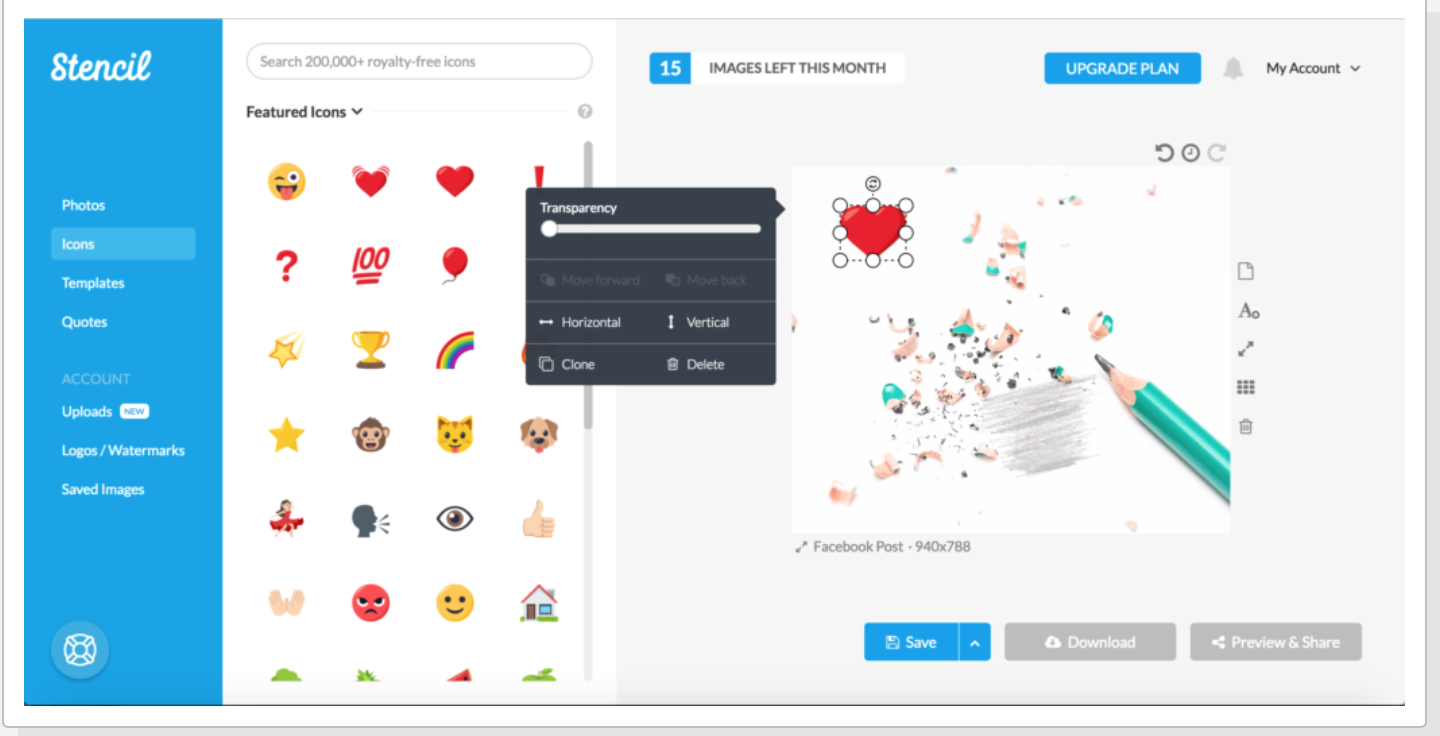
What it does: creates a design for pictures.
Price: The basic plan is free, the Canva for work plan costs $ 12.95 per month.
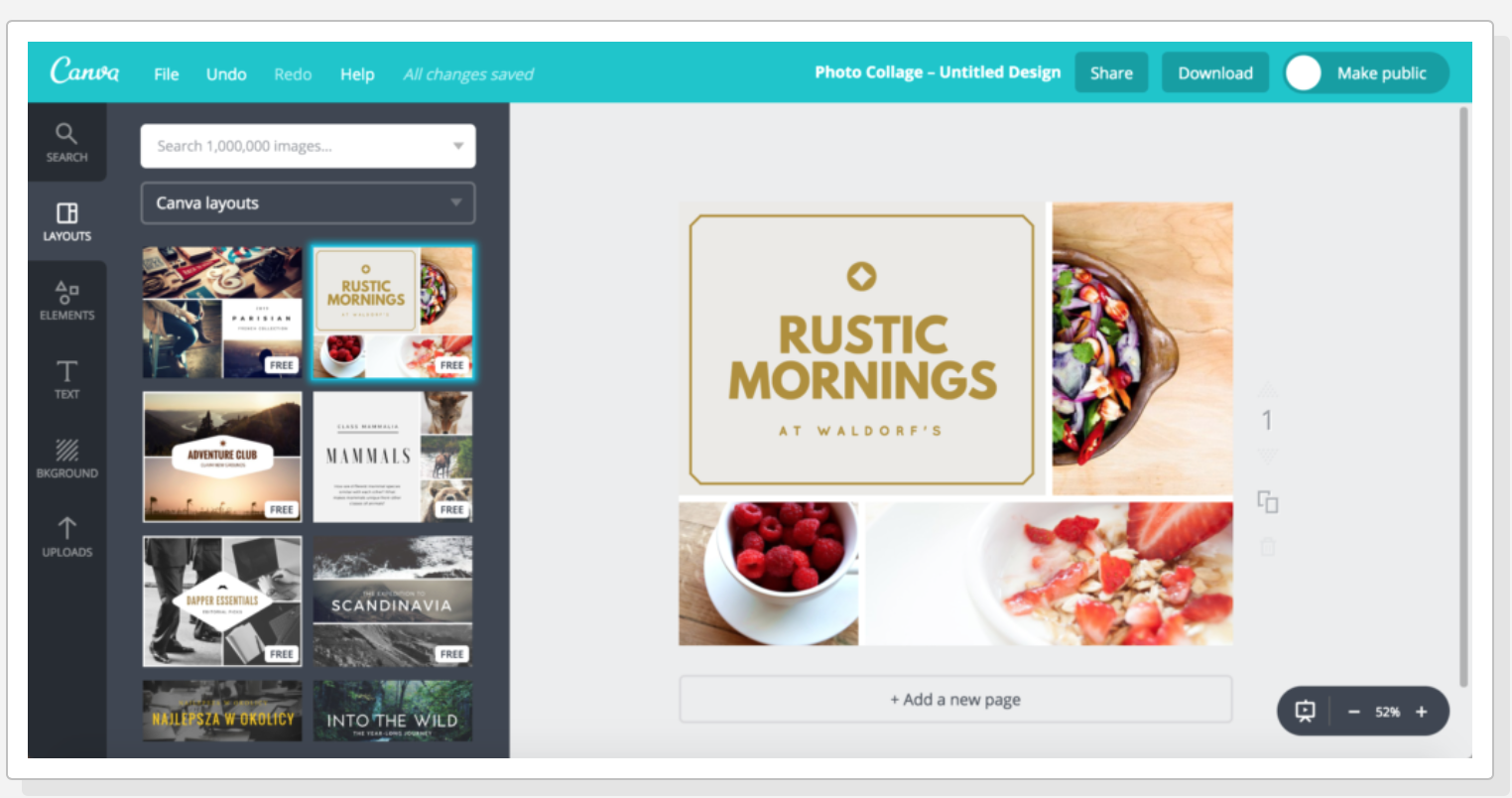
Canva is a photo editor that works on the principle of Drag & Drop. With it, you can create everything from pictures for social networks to beautiful company documents and presentations. This feature makes Canva one of the best free design tools in SMM.
What it does: creates gifs.

The Giphy database contains millions of 2-second videos that will revitalize the company's image and help humanize the brand. Making a gif on a resource is very simple:
What it does: personalized emojis.
On the Bitmoji platform, you will create a unique signature with the company avatar in the mail, which colleagues and clients will see when they receive messages from you. With the Bitmoji extension in Google Chrome, your avatar will express your thoughts and feelings wherever you chat online.
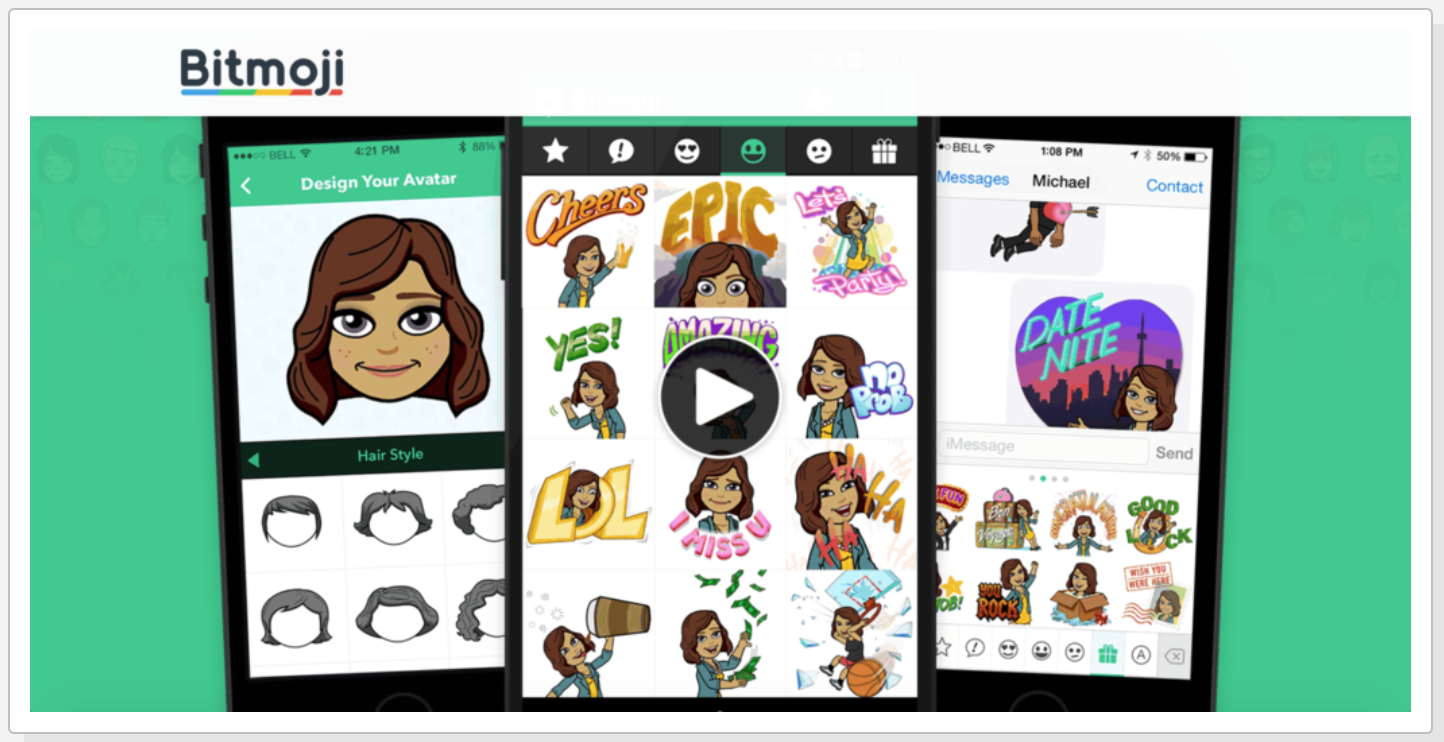
Thus, you can personalize online communication with company customers, colleagues and friends.
What it does: creates graphs, charts, and infographics.
Price: The basic plan is free, $ 19 / month for the Pro plan, $ 67 / month for the Business plan.

Infogram service offers:
What it does: creates infographics.
Price: The basic plan is free, $ 15 / month for the Lite plan, $ 29 / month for the Pro plan.
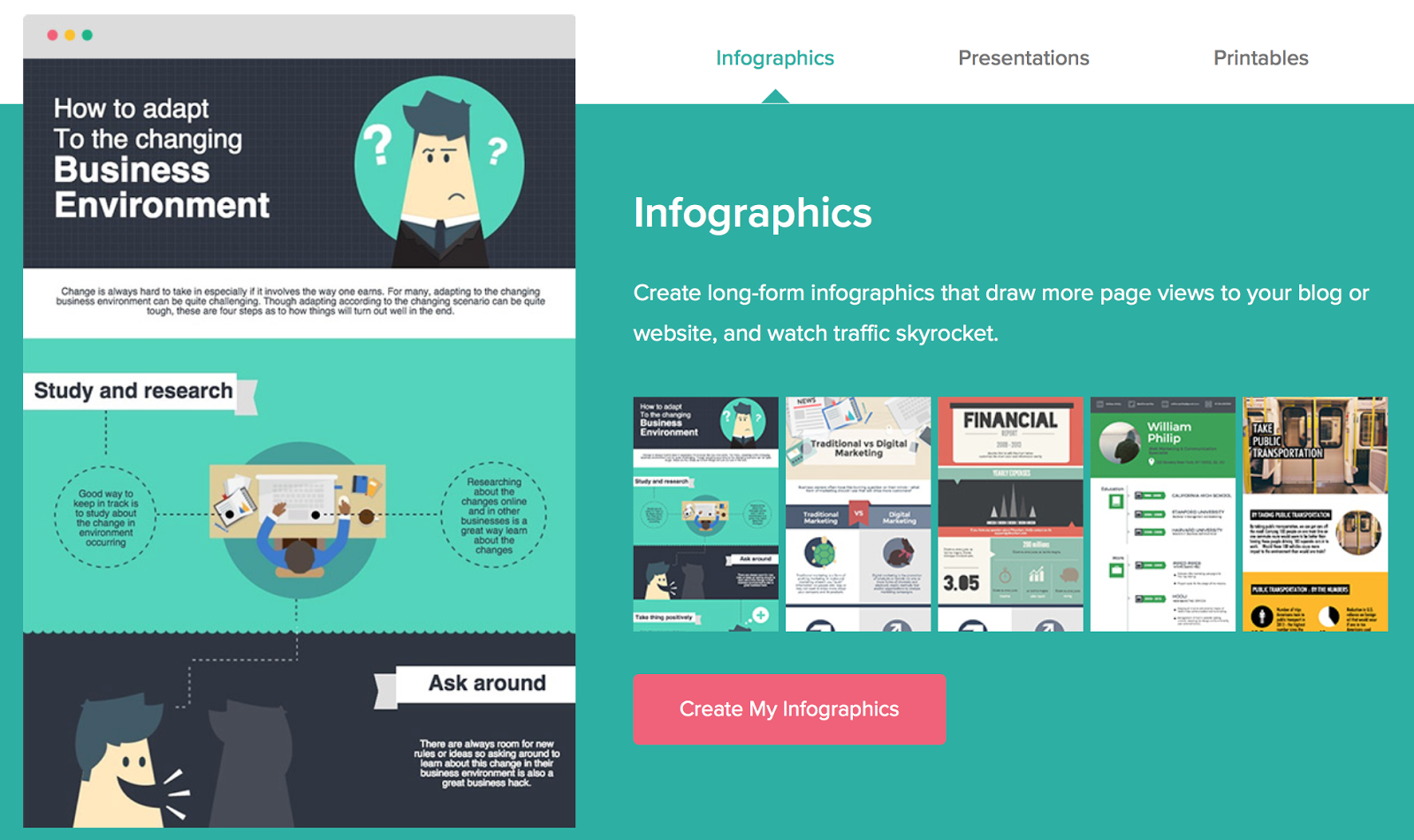
To make infographics in Piktochart:
What it does: creates infographics.
Price: The basic plan is free, $ 36 per plan Pro.
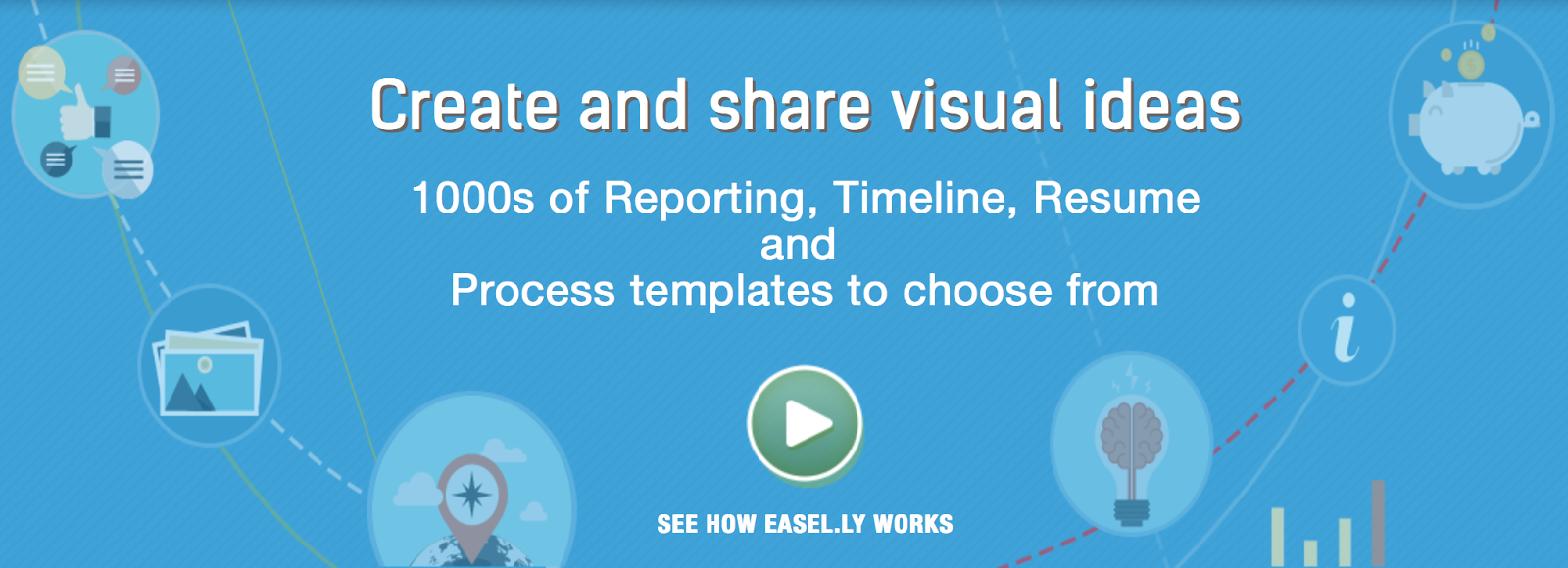
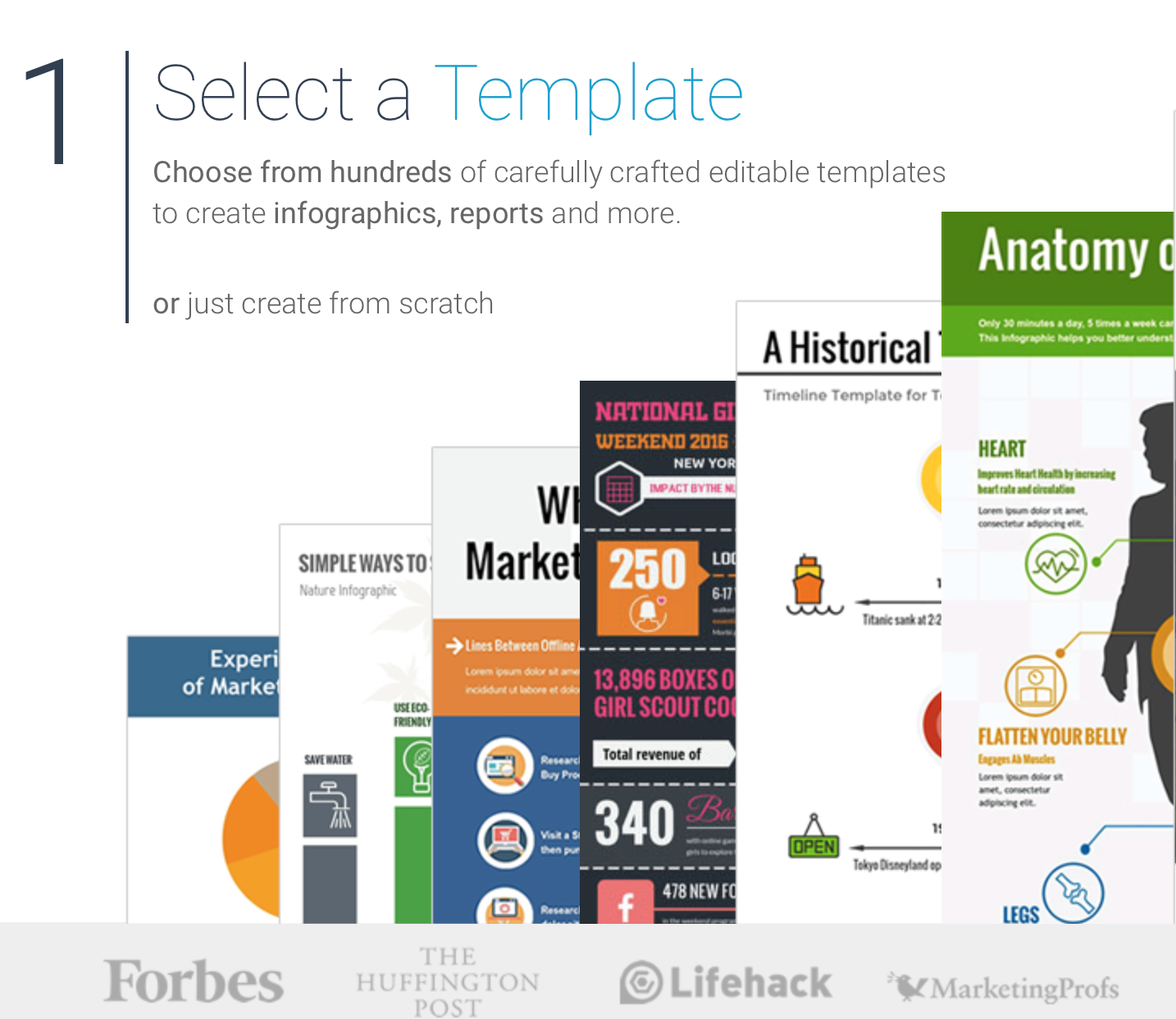
Ease.ly offers a number of key features to help you create great infographics:
To date, Ease.ly users have already created more than 4 million infographics.
What he does: edits photos and creates collages, business cards, invitations.
Price: The basic plan is free, $ 2.91 / per month for the Pro plan.

If, in addition to business cards and collages, you need to edit a video or photo, you can use BeFunky for these purposes.
BeFunky makes editing photos very easy:
What it does: creates infographics.
Price: Free Basic Plan, $ 10 / month for Standart Plan.
With Vizme you will receive:
What it does: creates quotes.
Enter a quote and sign it:

Click on “Go” and get a picture:

C Quozio quotes turn into pictures that can be shared on social networks.
You can also install a browser extension with which you can create a quote from any text from any web page in seconds.
What it does: creates quotes.
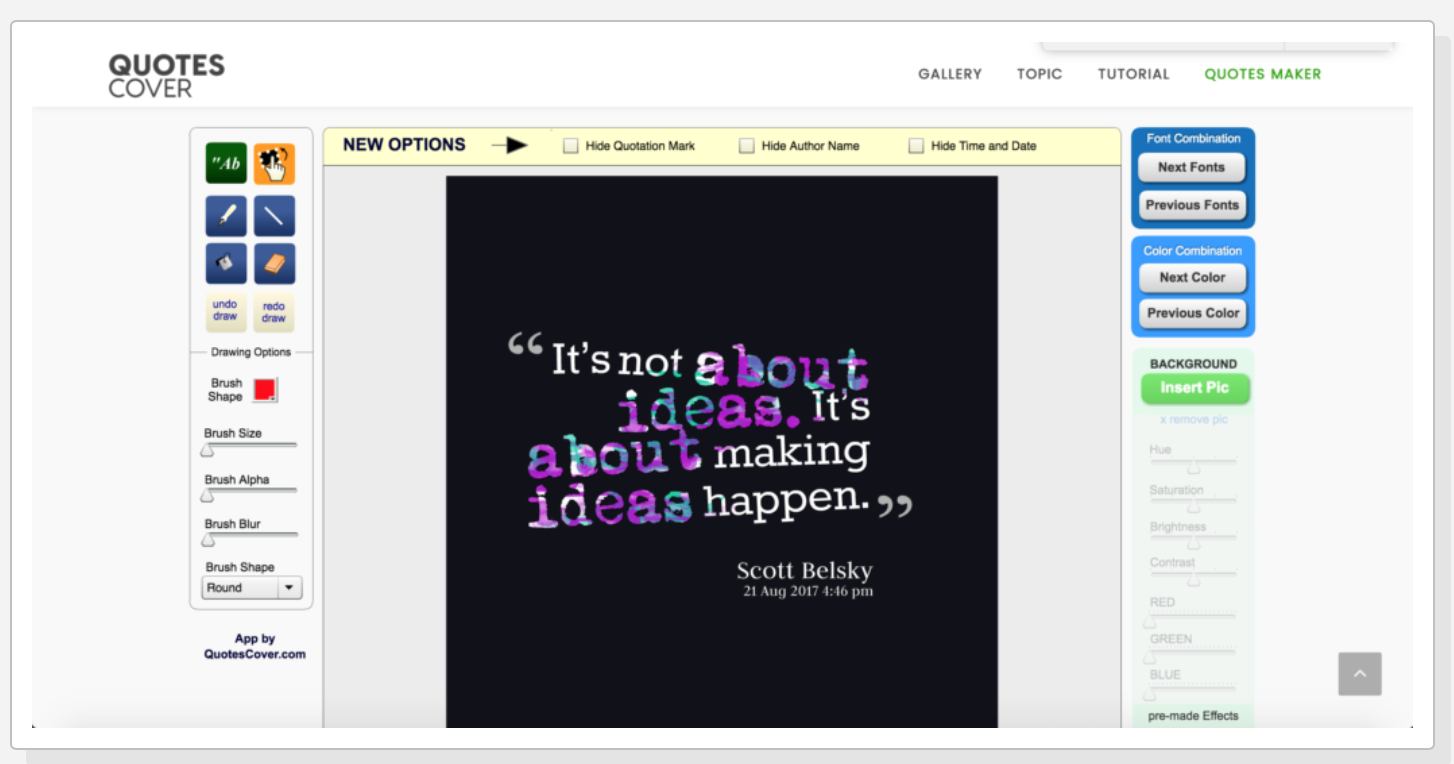
With Quote Cover you will make a bright card with your own quote or with a quote from the program database.
What it does: creates and edits collages.
Price: Free, $ 3.99 / per month for Pro Plan.
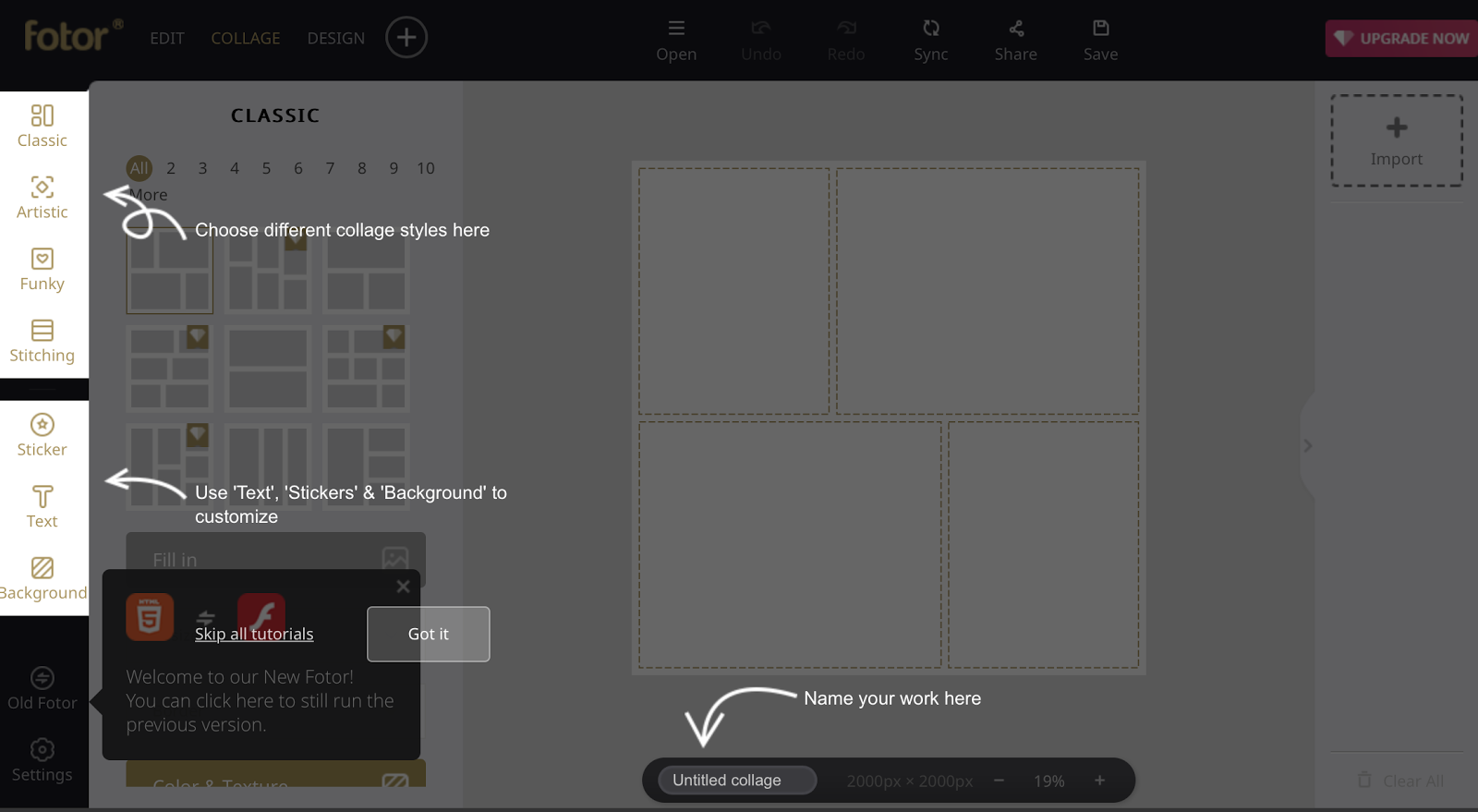
Fotor runs in the cloud and uses HTML5, the fastest image editing program. You can save pictures in the formats .jpg, .png, .hd, .pdf, as well as print pictures in high resolution.
What he does: creates postcards, business cards and collages.
For collages and cards, you can use your pictures or choose from 100 categories of Photovisi templates.

What it does: edits photos, creates collages and animations.
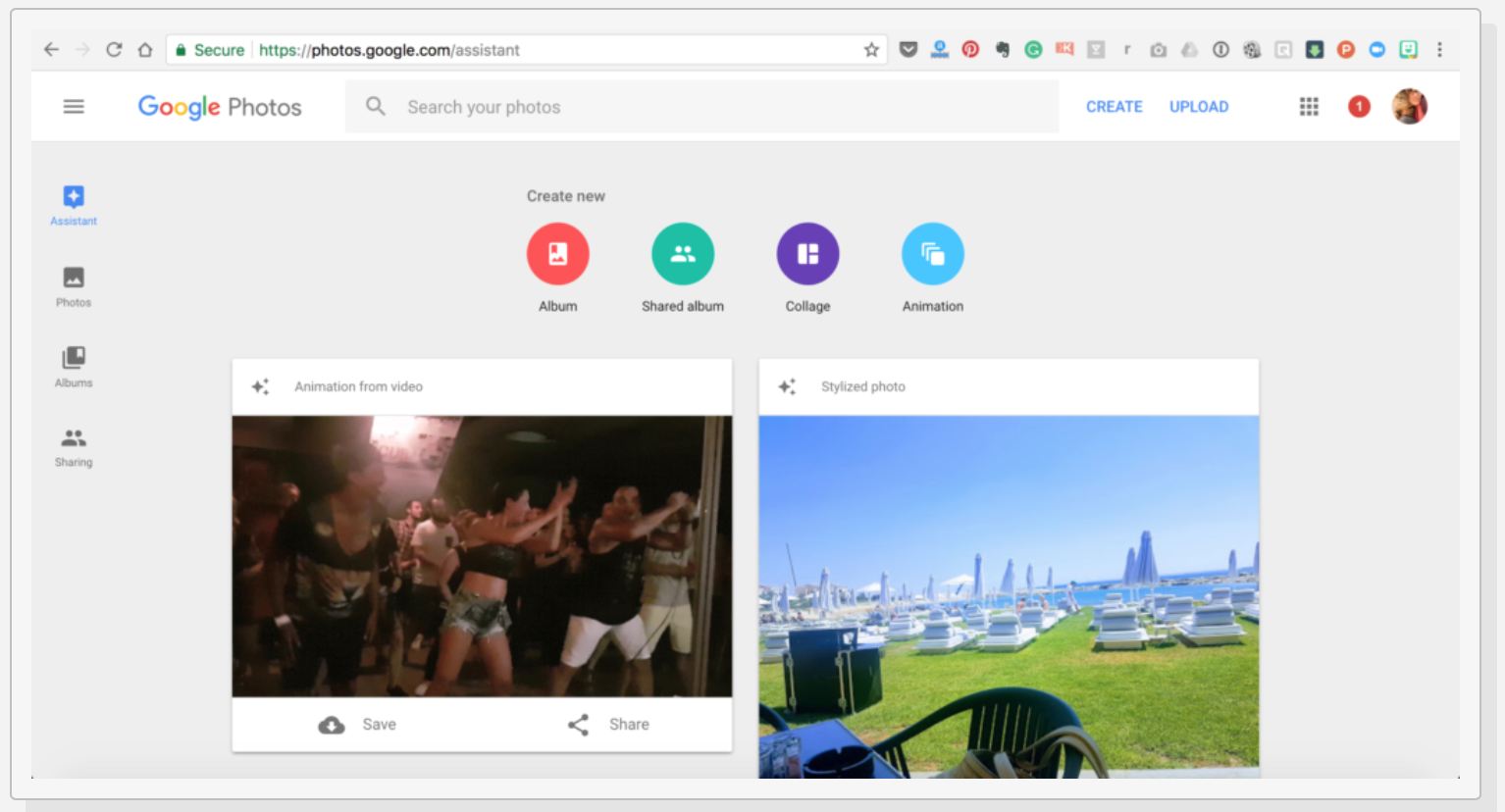
Google Photos is a great resource to keep all your photos in one place.
From these photos, Google Photos helps you create collages and animations.
What it does: creates pictures and gifs for social networks.

The application will help to create pictures and gifs for social networks. Using templates, you will create photos optimized for each channel. Working in the editor is very simple - you will meet in five or fewer steps.
What it does: creates screenshots and videos.

With the Jing video editor, you can record your computer screen and camera images offline. You can also pack these recordings into videos that you can share when the Internet appears.
You will make a video in 3 easy steps:
What it does: screenshots and edits photos.
Price: Noobie plan is free, Pro plan costs $ 99 / month.
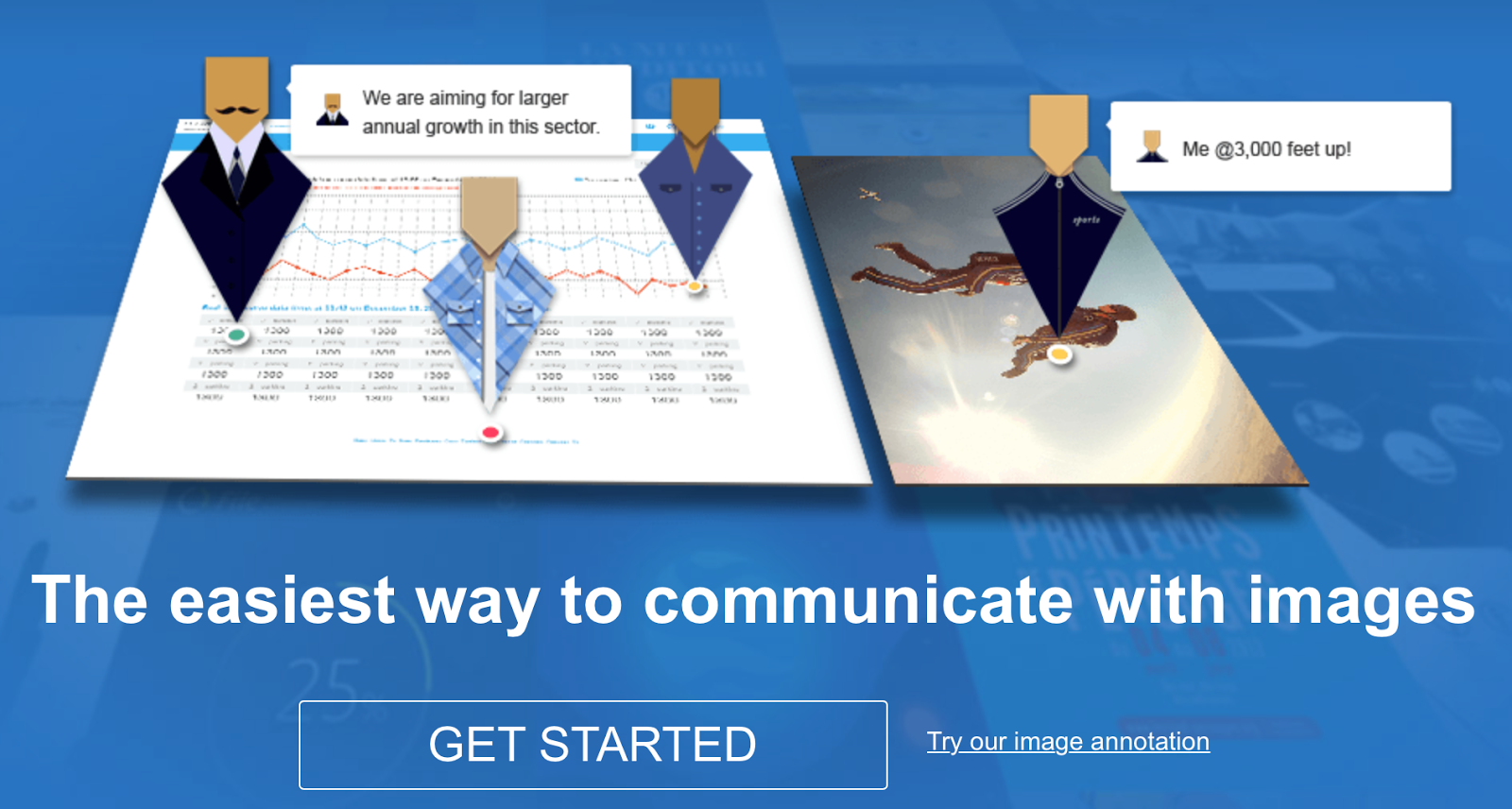
With Awesome Screenshots you can:
What it does: edits photos.

Landscape will help to adjust the size of the images to the standards of different social networks. For this:
What it does: edits photos.

You can upload pictures and select the desired size, indicating only 3 things:
What it does: edits photos.
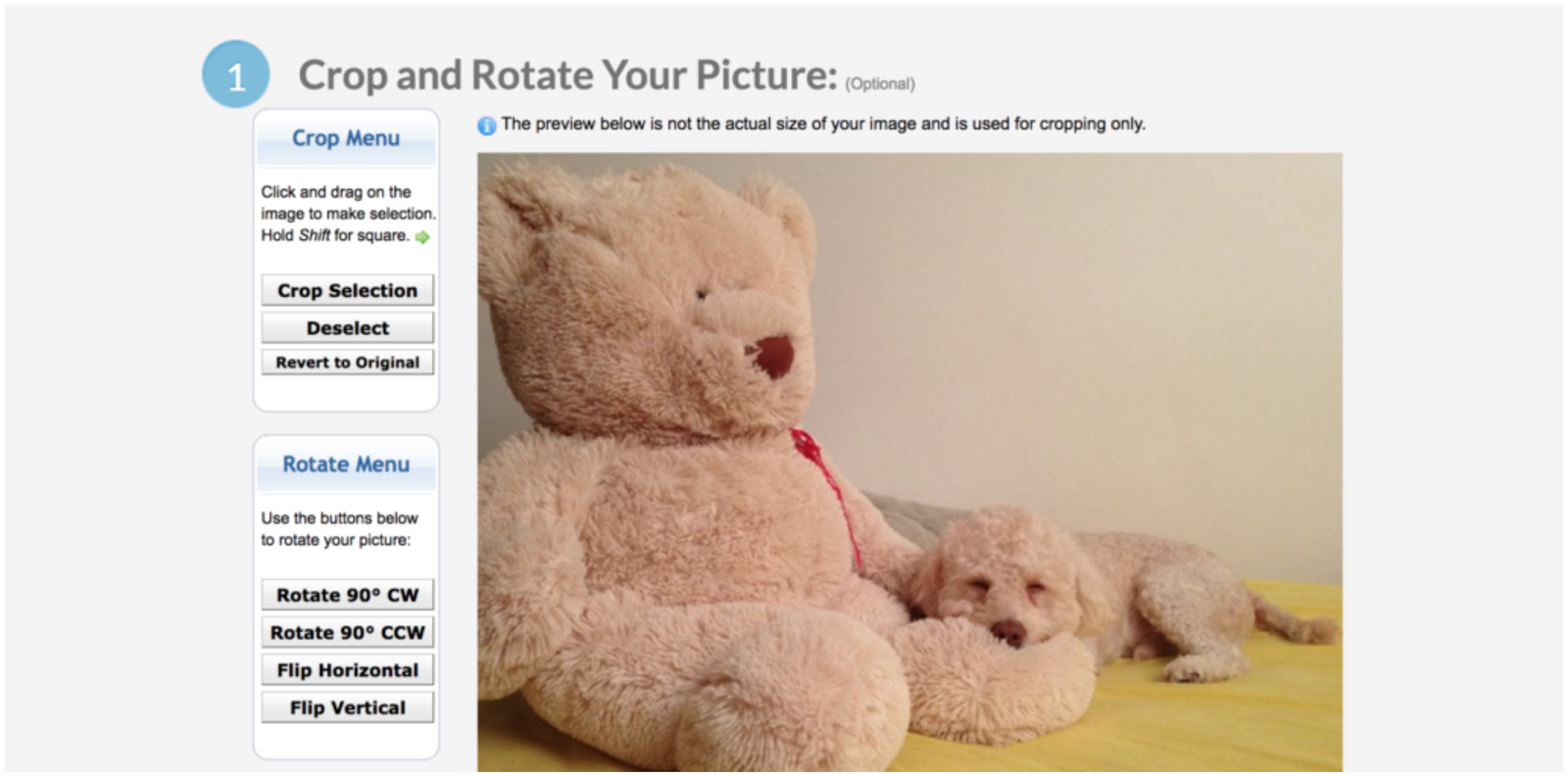
To resize a picture:
What it does: creates gifs, slide shows and video animations.
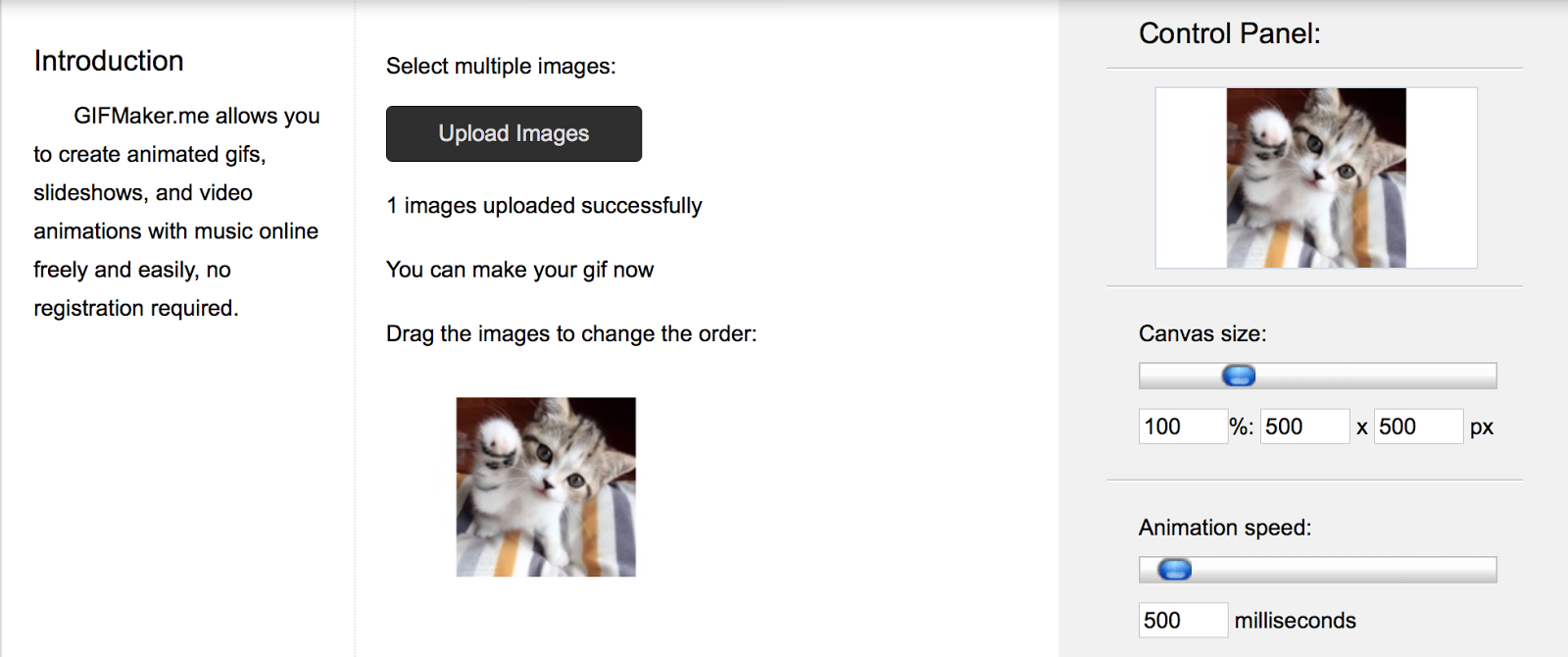
Whatever type of graphics you choose, it will be easy to create. You need to upload several photos and adjust the final result using the control panel of the program.
What it does: creates gifs, memes and graphics.
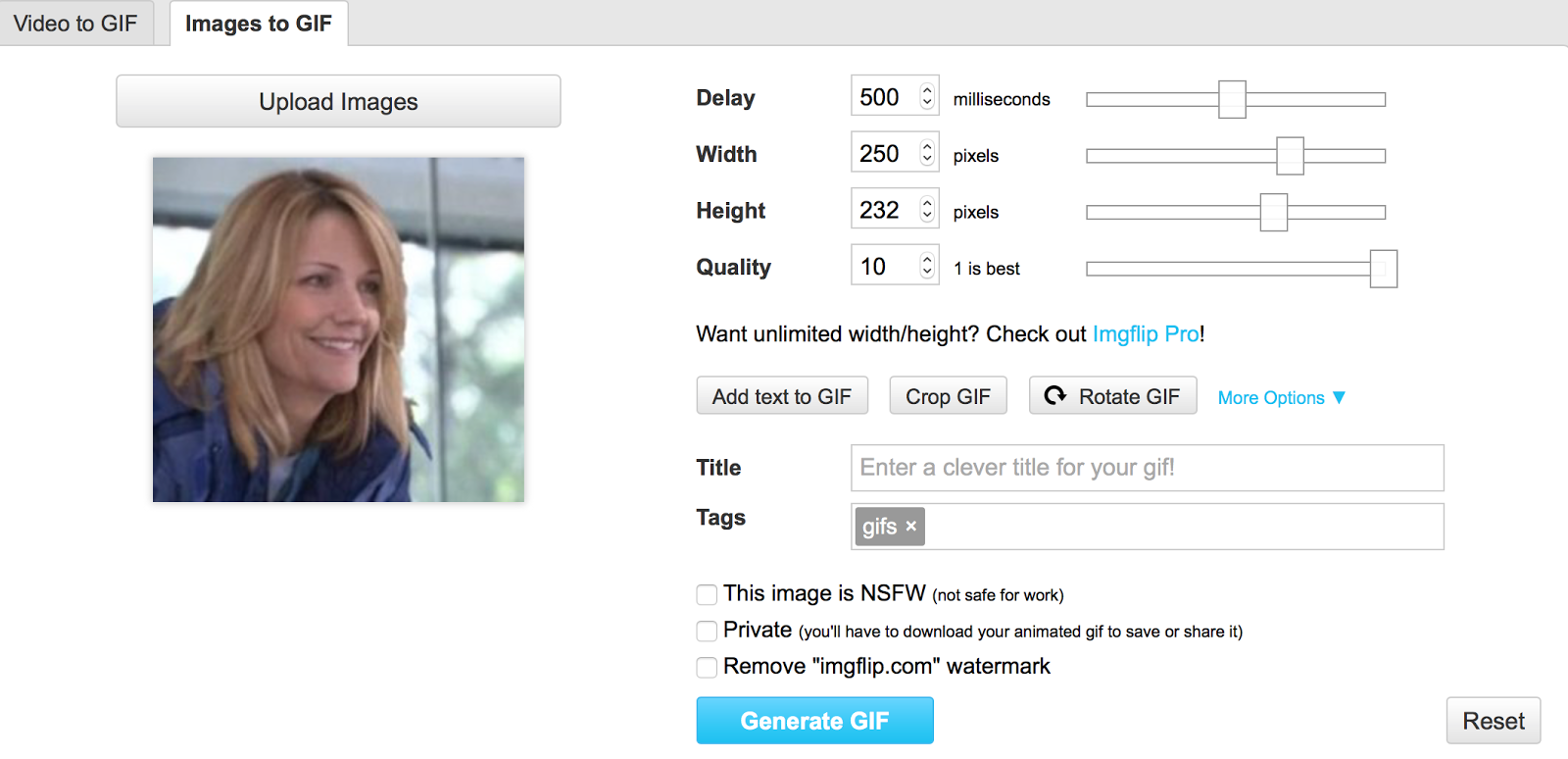
The site will help to compress any video into a gif or picture in a few simple steps:
What it does: creates gifs.
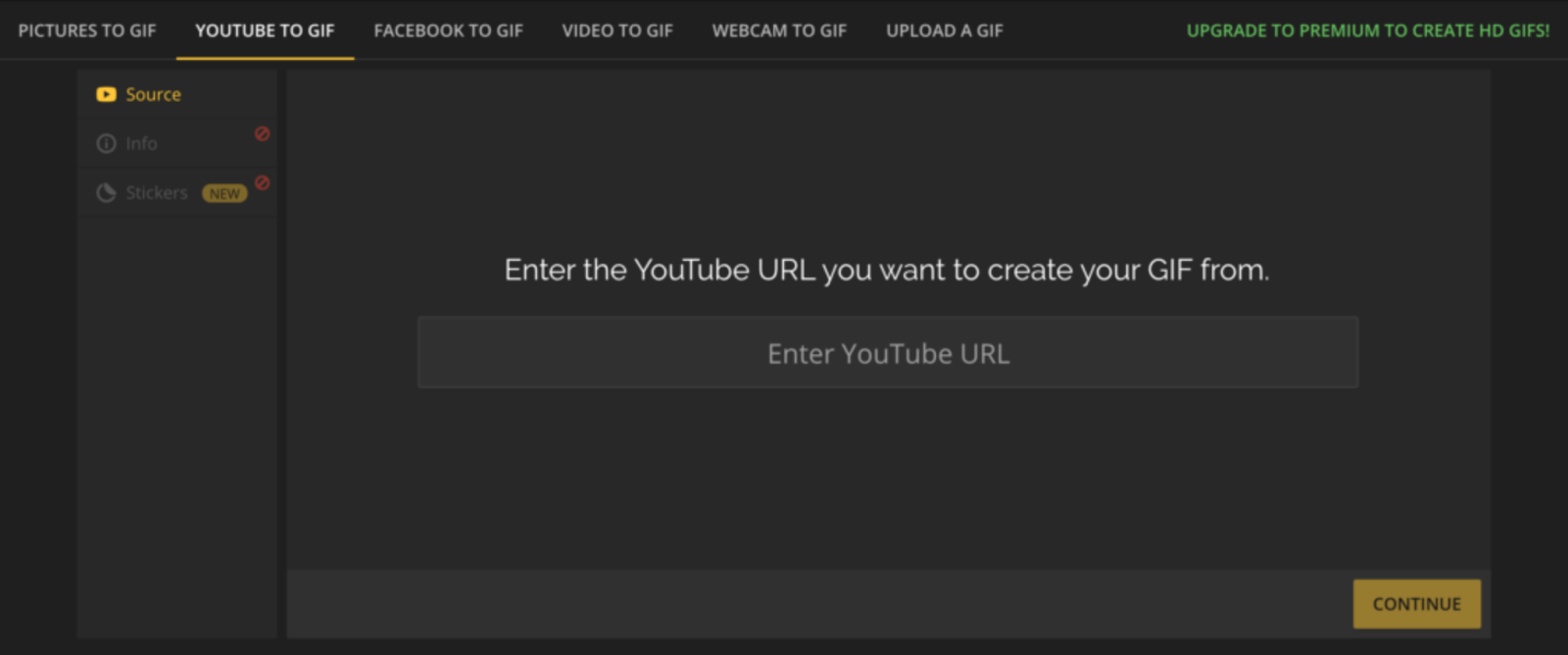
Makeagif will create a GIF from anything: YouTube, Facebook, from a picture or recording from a webcam.
What it does: creates gifs and memes.
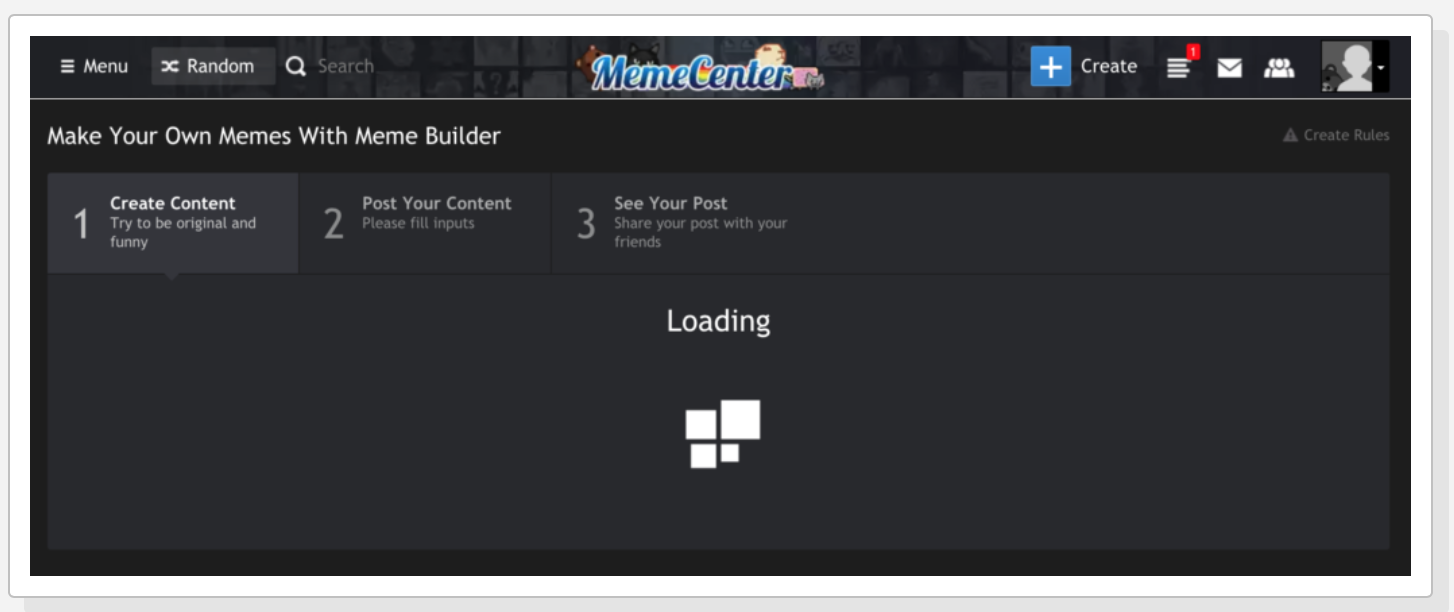
With MemeCenter you can make a gif or meme online in three steps:
What it does: records video from the screen.
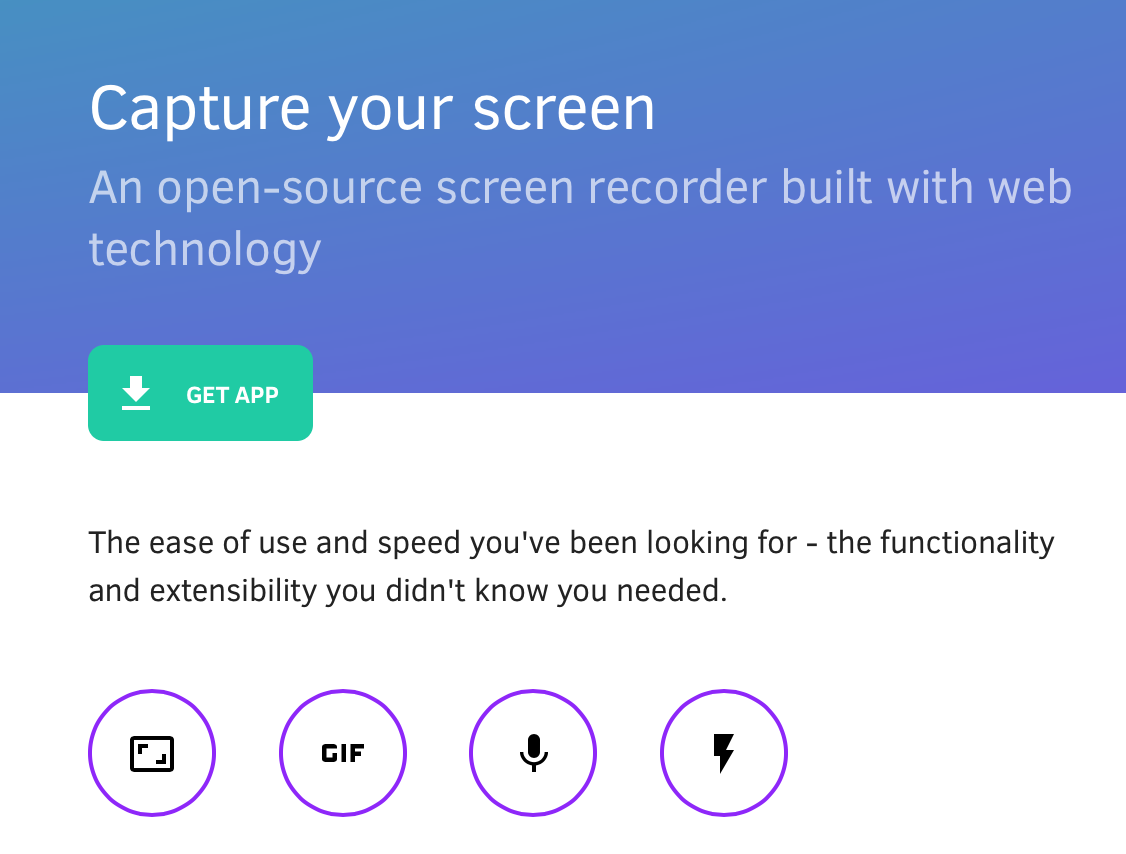
Kap will record everything you do on your computer, save the recording and turn it into a gif. How to record a screen with Kap:
What it does: creates logos.

With this program, more than 2 million companies have created logos.
The application was made by designers, so everything on the site: from the structure to the library, looks attractive.
But what about without advertising? Here are the courses on the topic.
Free software:
Paid online programs:
Offline Course:
By 2018, 84% of marketing materials will be visual . Thanks to the visual content, any company will be able to interestingly communicate with users and rebuild from competitors.
The right visual content helps:
- Easy to explain complex concepts. The human brain processes visual information 60,000 times faster than words. This means that with the help of illustrations you will convey your message to customers much more effectively.
- Establish an emotional connection with users. Customers want to see the face of the company in order to know that it cares about them. Dropbox created the face of its product by investing $ 50,000 in orientation videos. Soon, the company's conversion increased by 10%, bringing 5 million new users and $ 24 million in revenue.
- Build up from competitors. Well-known companies have created strong visual images: Coca-Cola, Starbucks. To differ from your competitors, you also need to create a unique brand symbol.
You do not need a designer to create visual content - you can use free tools from our selection.
1. Soapbox
What it does: creates a video.
The free extension for the Google Chrome browser helps you create, edit, and share videos.
Soapbox has many options for personalizing videos. You can:
- set the color of the player;
- Add a link at the end of the video
- make a screensaver for the video;
- crop video;
- edit the video after you share it.
2. Stencil
What it does: edits pictures.
Price: The basic plan is free, the Pro plan costs $ 9 per month.
With a free plan, you can take up to 10 pictures a month and choose from a limited number of templates and icons. With the Pro plan, you will have a choice of 1,110,000 images for the background, 610+ templates, 100,000 quotes, 21,000 Google web fonts, 300,000 icons.
3. Canva
What it does: creates a design for pictures.
Price: The basic plan is free, the Canva for work plan costs $ 12.95 per month.
Canva is a photo editor that works on the principle of Drag & Drop. With it, you can create everything from pictures for social networks to beautiful company documents and presentations. This feature makes Canva one of the best free design tools in SMM.
4. Giphy
What it does: creates gifs.
The Giphy database contains millions of 2-second videos that will revitalize the company's image and help humanize the brand. Making a gif on a resource is very simple:
- Post a YouTube link or upload a video to the Giphy website.
- Choose a start time and duration for the gif.
- Make a description of the gif. Done!
5. Bitmoji
What it does: personalized emojis.
On the Bitmoji platform, you will create a unique signature with the company avatar in the mail, which colleagues and clients will see when they receive messages from you. With the Bitmoji extension in Google Chrome, your avatar will express your thoughts and feelings wherever you chat online.
Thus, you can personalize online communication with company customers, colleagues and friends.
6. Infogram
What it does: creates graphs, charts, and infographics.
Price: The basic plan is free, $ 19 / month for the Pro plan, $ 67 / month for the Business plan.
Infogram service offers:
- Over 35 interactive map prototypes
- 500 prototypes of cards;
- 1 million pictures and icons;
- editor for individual graphic design;
- export of maps, charts and diagrams in .png, .gif and .pdf formats and the ability to share them.
7. Piktochart
What it does: creates infographics.
Price: The basic plan is free, $ 15 / month for the Lite plan, $ 29 / month for the Pro plan.
To make infographics in Piktochart:
- Choose one of the templates.
- Customize the template by adding your own touches, including charts and graphs, icons, photos and videos.
- When the infographic is ready, you can share it on the Internet or print it.
8. Ease.ly
What it does: creates infographics.
Price: The basic plan is free, $ 36 per plan Pro.
Ease.ly offers a number of key features to help you create great infographics:
- user-friendly design tools;
- access to 100,000 images and infographic templates;
- access to on-duty service designers;
- access to hundreds of articles and webinars.
To date, Ease.ly users have already created more than 4 million infographics.
9. BeFunky
What he does: edits photos and creates collages, business cards, invitations.
Price: The basic plan is free, $ 2.91 / per month for the Pro plan.
If, in addition to business cards and collages, you need to edit a video or photo, you can use BeFunky for these purposes.
BeFunky makes editing photos very easy:
- Upload a photo.
- Edit color, saturation and size.
- Save the photo and share it.
10. Vizme
What it does: creates infographics.
Price: Free Basic Plan, $ 10 / month for Standart Plan.
With Vizme you will receive:
- more than 500 templates of various formats;
- full control and personalization;
- 6,000 icons;
- millions of pictures;
- the ability to make links from charts to the desired sites.
11. Quozio
What it does: creates quotes.
Enter a quote and sign it:
Click on “Go” and get a picture:
C Quozio quotes turn into pictures that can be shared on social networks.
You can also install a browser extension with which you can create a quote from any text from any web page in seconds.
12. Quotes Cover
What it does: creates quotes.
With Quote Cover you will make a bright card with your own quote or with a quote from the program database.
13. Fotor
What it does: creates and edits collages.
Price: Free, $ 3.99 / per month for Pro Plan.
Fotor runs in the cloud and uses HTML5, the fastest image editing program. You can save pictures in the formats .jpg, .png, .hd, .pdf, as well as print pictures in high resolution.
14. Photovisi
What he does: creates postcards, business cards and collages.
For collages and cards, you can use your pictures or choose from 100 categories of Photovisi templates.
15. Google Photos
What it does: edits photos, creates collages and animations.
Google Photos is a great resource to keep all your photos in one place.
From these photos, Google Photos helps you create collages and animations.
16. Adobe Spark
What it does: creates pictures and gifs for social networks.
The application will help to create pictures and gifs for social networks. Using templates, you will create photos optimized for each channel. Working in the editor is very simple - you will meet in five or fewer steps.
17. Jing
What it does: creates screenshots and videos.
With the Jing video editor, you can record your computer screen and camera images offline. You can also pack these recordings into videos that you can share when the Internet appears.
You will make a video in 3 easy steps:
- Record your computer screen or camera pictures online or offline.
- Upload the recordings to the Jing website and make videos from these recordings.
- Share the link to the video.
18. Awesome Screenshots
What it does: screenshots and edits photos.
Price: Noobie plan is free, Pro plan costs $ 99 / month.
With Awesome Screenshots you can:
- take screenshots;
- keep them orderly;
- Share screenshots with others.
19. Landscape by Sprout Social
What it does: edits photos.
Landscape will help to adjust the size of the images to the standards of different social networks. For this:
- Upload a picture to Landscape.
- Choose a social network where you want to share it.
- Crop the image to the desired size.
- Share it.
20. Simple Image Resizer
What it does: edits photos.
You can upload pictures and select the desired size, indicating only 3 things:
- The percentage of the image you want to crop or add;
- sizes
- format (.png, .gif, .bmp, .jpg, or .tiff).
21. Picresize
What it does: edits photos.
To resize a picture:
- Indicate how much you want to reduce it.
- Select a special effect: background, frame.
- Specify the format in which you want to save the photo.
22. Gifmaker.me
What it does: creates gifs, slide shows and video animations.
Whatever type of graphics you choose, it will be easy to create. You need to upload several photos and adjust the final result using the control panel of the program.
23. Imgflip
What it does: creates gifs, memes and graphics.
The site will help to compress any video into a gif or picture in a few simple steps:
- Download the video or insert a link to it.
- Crop the video in the right place.
- Add text to the GIF or picture, specify the duration and other settings.
- Share the picture.
24. Makeagif
What it does: creates gifs.
Makeagif will create a GIF from anything: YouTube, Facebook, from a picture or recording from a webcam.
25. MemeCenter
What it does: creates gifs and memes.
With MemeCenter you can make a gif or meme online in three steps:
- Create content with a simple editor.
- Post content: post a meme or GIF on the MemeCenter homepage.
- Share the picture on any social network.
26. Kap
What it does: records video from the screen.
Kap will record everything you do on your computer, save the recording and turn it into a gif. How to record a screen with Kap:
- First download the program to your computer.
- Decide what you want to record, and click the red “Play” button in the center of the control panel.
- You will see a rectangle on the screen. Anything that falls within the radius of the rectangle is written. Therefore, position it correctly in order to write down what you need.
- When done, click on the Stop button and share the gif.
27. Logo Garden
What it does: creates logos.
With this program, more than 2 million companies have created logos.
The application was made by designers, so everything on the site: from the structure to the library, looks attractive.
From the editors
But what about without advertising? Here are the courses on the topic.
Free software:
- “ Graphic Design: Composition, Color, Typography ” - broaden your horizons and find out by what principles beautiful pictures are made, if drawing at school has passed by and generally you have never been involved in design; and if you did, then just listen to the program teacher, Grigory Kochenov, and fall in love with graphic design again.
- " Adobe Photoshop: the basics for a web designer " - in fact, it will be useful not only for beginner web designers, but also for everyone who works with images in one way or another, even on a tangent.
- “ Adobe XD: The Basics for an Interface Designer ” - Beginner UI and UX designers, typesetters and product engineers, you are welcome.
Paid online programs:
- “ Sketching: vivid images and spectacular presentation ” - learn to make quick sketches so that designers no longer have tasks on their fingers, but speak the same language with them. Professional designers, by the way, need sketching skills by default.
- The profession of Fullstack Designer is to pump from the entry level to the level of the universal design soldier.
Offline Course:
- " Content producer " - to understand the formats of content, learn how to manage content projects, do native, special projects, viral content and other cool stuff. Not for beginners.









